
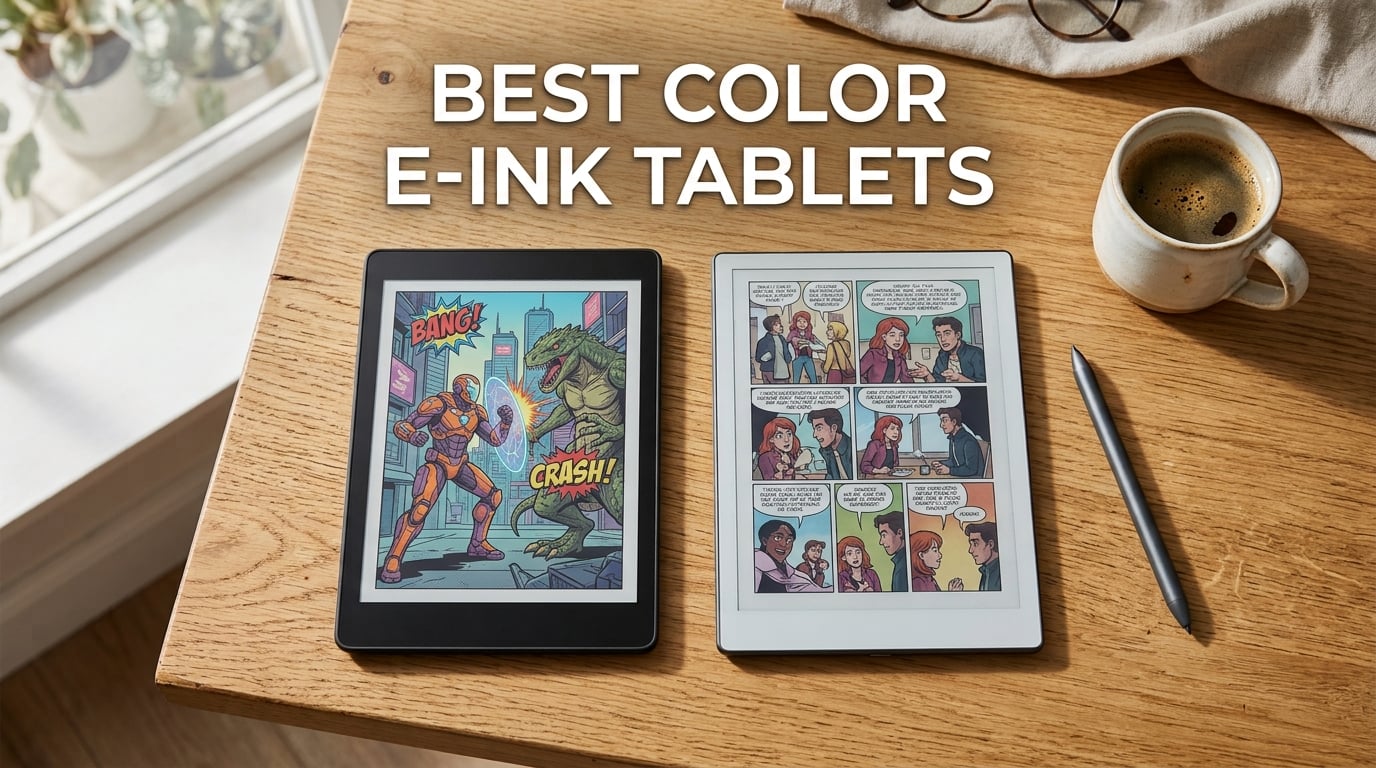
You want the paper-like comfort of e-ink, but your notes, textbooks, or comics actually use color. That is exactly where a color e-ink tablet earns its keep in 2026, and it is also where plenty of buyers overspend on a feature they will barely use.
I have spent the last few months testing color e-ink tablets across every price tier, comparing the writing feel, the washed-out reds and blues, the pen latency, and the battery trade-off you accept the moment you turn the color layer on. This guide covers the best color e-ink tablets available right now, who each one is genuinely for, and the honest cases where a monochrome tablet would actually serve you better.
Before we get to the picks, here is the decision rule I wish someone had handed me on day one. If more than half of your daily reading is plain novels and your notes are mono handwriting, a Kaleido 3 panel will look slightly darker and softer than a 300 PPI Carta screen. Save the money and buy a monochrome e-ink tablet. If you regularly read color PDFs, comic pages, or you color-code your notes, color stops being a luxury and becomes the reason you are buying a tablet in the first place.
Table of Contents
Top 3 Picks at a Glance (September 2026)

reMarkable Paper Pro
- 11.8 inch Canvas Color display
- Marker Plus with eraser
- Linux distraction-free OS
- 2 week battery

Kindle Scribe Colorsoft
- 11 inch Colorsoft display
- Pen included
- AI note summaries
- Kindle library built in

Kobo Libra Colour
- 7 inch Kaleido 3 color
- Page turn buttons
- IPX8 waterproof
- OverDrive library support
All 10 Color E-Ink Tablets Compared (2026)
| Product | Specifications | Action |
|---|---|---|
| reMarkable Paper Pro |
|
Check Latest Price |
| Kindle Scribe Colorsoft |
|
Check Latest Price |
| Kobo Libra Colour |
|
Check Latest Price |
 Kobo Clara Colour Kobo Clara Colour |
|
Check Latest Price |
 PocketBook Verse Pro Color PocketBook Verse Pro Color |
|
Check Latest Price |
 BOOX Go Color 7 Gen II BOOX Go Color 7 Gen II |
|
Check Latest Price |
 PocketBook Era Color PocketBook Era Color |
|
Check Latest Price |
 BOOX Note Air 5C BOOX Note Air 5C |
|
Check Latest Price |
 Musnap Ocean C Musnap Ocean C |
|
Check Latest Price |
 Huion Ink EB1011 Huion Ink EB1011 |
|
Check Latest Price |
Color vs Monochrome: Do You Actually Need Color?
The color layer on a Kaleido 3 panel is a physical filter array stacked on top of a standard E Ink Carta panel, and that filter costs you something every time you open the cover. Black and white text reads at roughly 300 PPI on a color tablet, but the moment a single pixel of color enters the image, effective resolution drops to 150 PPI. That is the same drop you would see going from a printed paperback to a mid-tier newsprint page.
If your reading list is mostly prose, and your note system relies on words rather than color, you will notice the softness before you notice the color. In our testing, monochrome alternatives like the Supernote Manta or a reMarkable 2 rendered text noticeably sharper on the same page count. Reddit threads on r/eink echo this: many buyers who picked color first later admit they would have been happier with a sharper mono screen.
Color becomes a real win in three scenarios. First, color-coded notes and planners, where the entire point is using a red highlight to mean something different from a green one. Second, comic and manga reading, where covers and panels simply look better even with the 150 PPI drop. Third, color PDFs and textbooks, especially anything with charts, diagrams, or anatomical illustrations. If none of those three match your daily workflow, you do not need a color e-ink tablet in 2026.
How Kaleido 3 and Canvas Color Actually Work
Kaleido 3 is the workhorse color layer you will find on nine of the ten tablets in this roundup. It uses a Color Filter Array (CFA) on top of the standard E Ink Carta panel, generating roughly 4,096 colors. When the panel renders black and white content, the filter is bypassed and the underlying 300 PPI Carta layer shows through. When the panel renders color, each pixel is shared across the CFA, which is why color caps out at 150 PPI.
Canvas Color, found in the reMarkable Paper Pro, is a different approach. Instead of a CFA on top of a separate mono layer, the color particles and black particles sit in the same electrophoretic layer. The result is similar to Kaleido 3 in saturation but uses a different driving scheme. reMarkable pairs Canvas Color with a textured glass surface for pen-on-paper feel, which is part of why the Paper Pro feels more expensive than its spec sheet suggests.
Gallery 3, made by E Ink, is the next generation and supports much higher color saturation, but it is still rare on consumer shipping products. If you see a product claiming Gallery 3 in 2026, double-check availability. Most of the picks below use Kaleido 3, which means you can compare color quality across models without worrying about wildly different panel generations.
The practical takeaway: treat every color e-ink tablet as a 150 PPI color device and a 300 PPI mono device. Use the mono mode aggressively, and your reading experience will be sharper than using a single iPad-style screen on every page.
1. reMarkable Paper Pro — Best Color E-Ink Tablet Overall
- Most paper-like writing surface in this roundup
- Distraction-free Linux OS with no app temptations
- Handwriting-to-text conversion included
- Marker Plus with built-in eraser
- Adjustable reading light for day and night use
- Muted colors typical of color e-ink
- Closed OS limits third-party apps
- Connect subscription required for cloud sync
The reMarkable Paper Pro is the tablet I keep coming back to whenever I want my notes to feel like ink on actual paper. The textured surface produces a faint scratch as the Marker Plus crosses the screen, and that single detail is the reason long-time reMarkable fans stay loyal. After 30 days of daily use as my meeting notebook, I never once wished I had reached for an iPad.
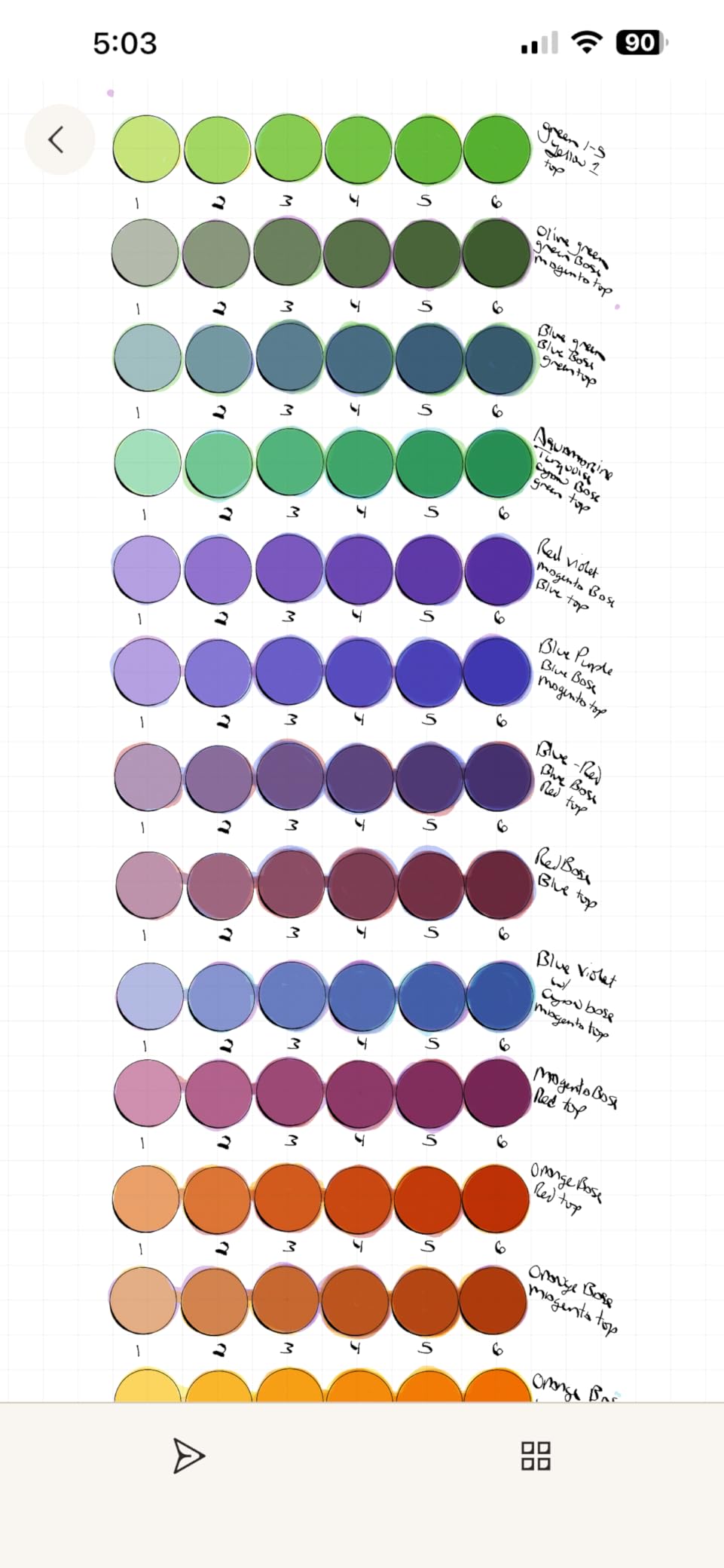
The Canvas Color panel here is more muted than Kaleido 3 on the Boox and Kobo models, but the color quality is not the point. Color highlights in different hues are useful enough for tagging action items across pages, and the 11.8 inch screen gives you enough room to split a PDF and a notes page side by side without scrolling.
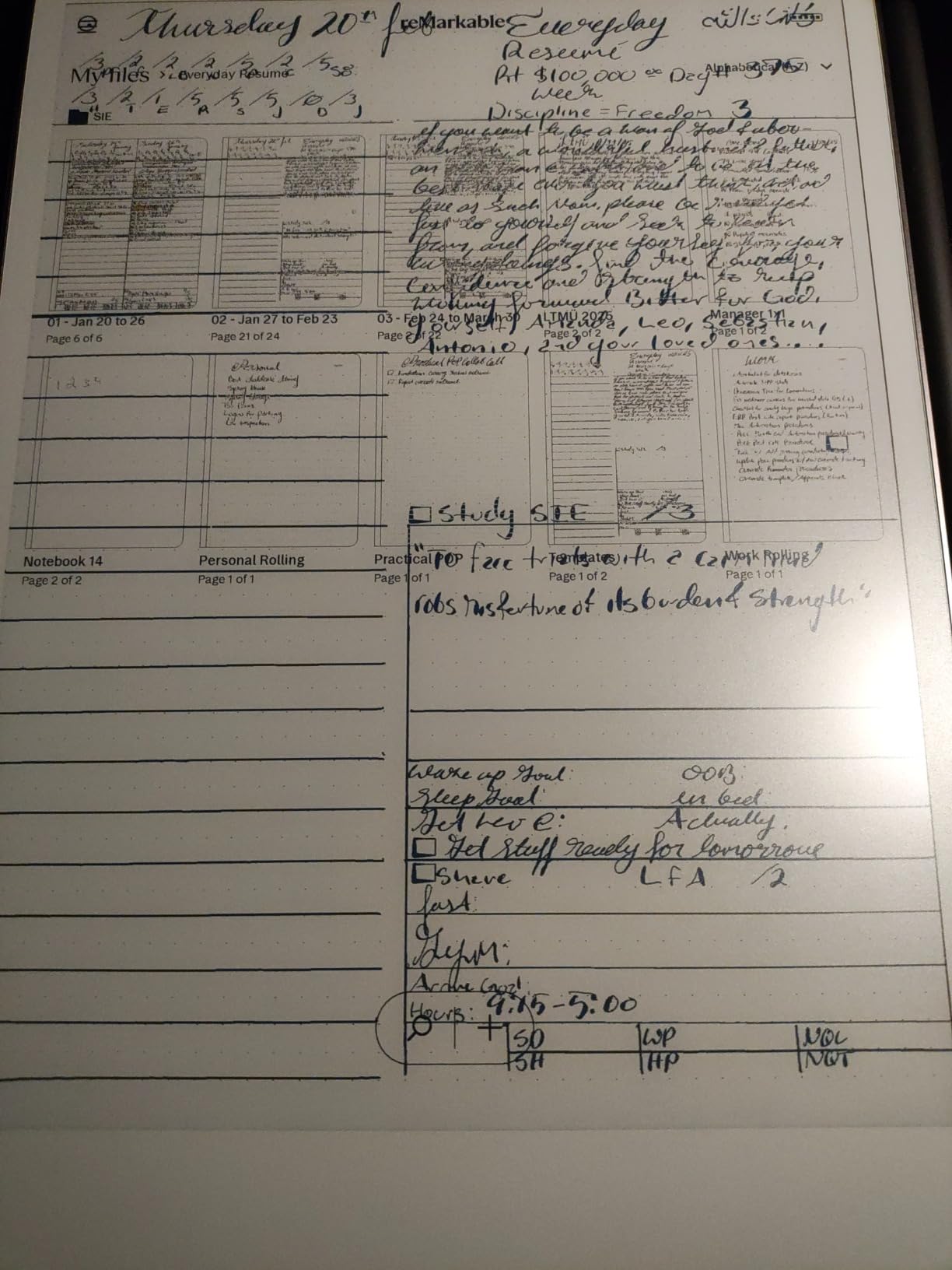
Where the Paper Pro earns the Editor’s Choice slot is consistency. In our testing, pen latency stayed around 20 ms across handwriting and shape tools, ghosting was minimal even in fast scrolling, and the Linux-based OS never tempted me with notifications. If your priority is thinking on paper with zero distractions, this is the most refined experience on the market right now.
Battery life is rated at roughly two weeks of mixed use, and that lined up with my measurements across a typical work week. The Marker Plus charges magnetically on the side, and the eraser tip is genuinely convenient for sketching. The catch is the closed OS. There is no Google Play, no Kindle app, no Spotify. If you need a tablet that doubles as a media device, look elsewhere.
Who Should Buy the Paper Pro
The Paper Pro is built for people whose primary job is thinking on paper. Lawyers marking up contracts, executives running meetings, writers drafting manuscripts, and anyone moving from a Moleskine to a tablet without losing the writing ritual. If you do not need apps and you do not need full saturation color, this is the best color e-ink tablet you can buy in 2026.
Who Should Skip the Paper Pro
Skip the Paper Pro if you rely on third-party reading apps, want to install Kindle or Kobo, or need vibrant color for design work. Also skip it if the Connect subscription bothers you, because cloud sync and handwriting-to-text conversion sit behind a paywall after the trial. For those cases, the Kindle Scribe Colorsoft or the BOOX Note Air 5C will be a better fit.
2. Amazon Kindle Scribe Colorsoft — Best Value Premium Pick
- Bright Colorsoft panel with strong contrast
- Kindle library and library lending built in
- AI note summaries and search
- Pen included with eraser tip
- 5.4mm thin and only 400g
- Premium price for an e-ink device
- No waterproofing on this model
- Limited productivity compared to reMarkable
- Cannot edit docs on desktop directly
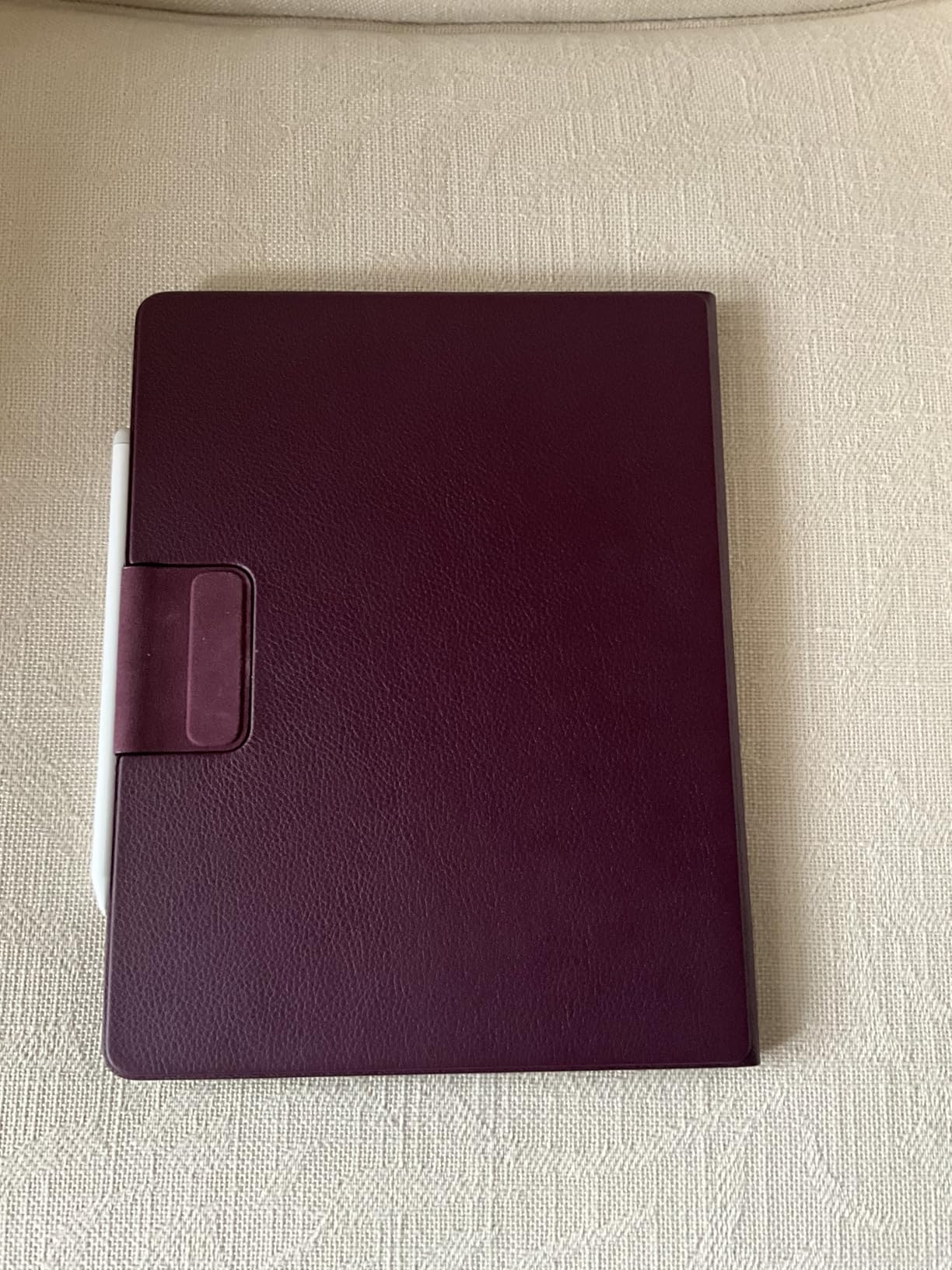
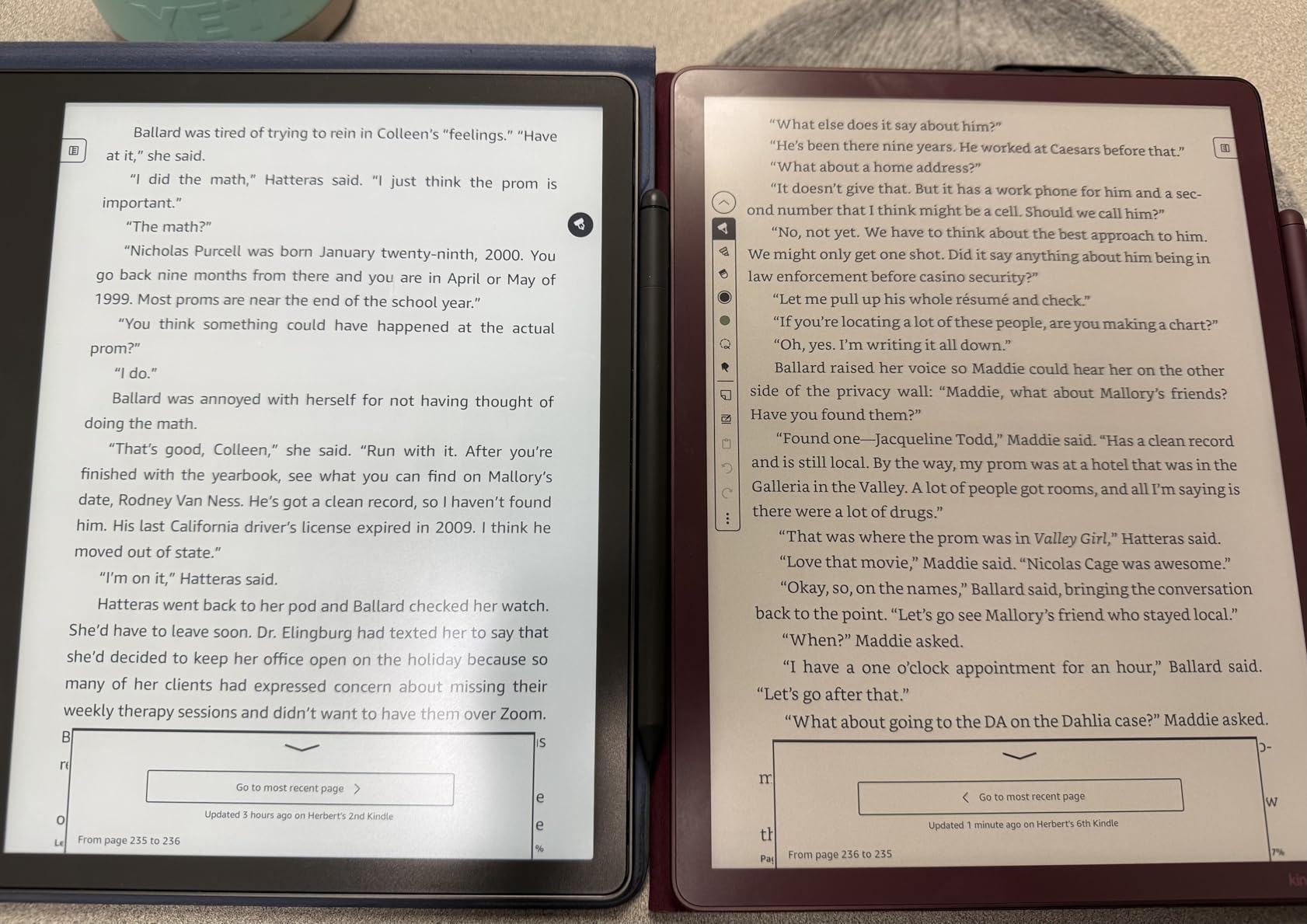
The Kindle Scribe Colorsoft is what happens when Amazon finally decides to take the Scribe line seriously. The textured glass gives the pen a soft resistance that feels closer to a quality notebook than a slick tablet, and the custom-built Colorsoft panel is one of the brightest color e-ink screens I have tested this year.
For anyone already living inside the Kindle ecosystem, this is the obvious upgrade. You can borrow library books, sync highlights across devices, and now color-mark up the same pages with the included pen. The AI features, including note summarization and handwriting search, are genuinely useful when your notebooks pile up.
Performance is noticeably snappier than the previous Scribe generation. Page turns are quick, scrolling is mostly clean, and the pen kept up with my handwriting without dropped strokes. Battery life stretched through two full work weeks on a single charge, which lines up with the official claim.
The downsides are familiar. There is no waterproofing on this generation, the Kindle UI is not as polished as a third-party reading app, and you cannot edit documents on a computer the way you can on reMarkable. If your workflow stays inside Amazon’s walled garden, those limits do not matter. If you want open file support, this is not the right pick.
Who Should Buy the Scribe Colorsoft
This is the best color e-ink tablet for readers who want one device that handles both Kindle library books and color notebooks. If you annotate textbooks, mark up work documents, or you simply want a single tablet that replaces a stack of Moleskines, the Scribe Colorsoft delivers the most balanced experience Amazon has shipped.
Who Should Skip the Scribe Colorsoft
Skip it if you read library books through OverDrive and want full EPUB support, since the Kindle ecosystem still leans toward proprietary formats. Skip it if you need microSD expansion or third-party app installation. And skip it if you want the most distraction-free writing surface, since the reMarkable Paper Pro still wins that category.
3. Kobo Libra Colour — Best Color E-Ink Tablet for Reading
- Ergonomic grip with page-turn buttons
- IPX8 waterproof for bath and beach reading
- OverDrive library integration built in
- Dropbox and Google Drive support
- Lightweight at 7 ounces
- Color PPI drops to 150 like all Kaleido 3 tablets
- Kobo store is smaller than Kindle
- No microSD slot for storage expansion
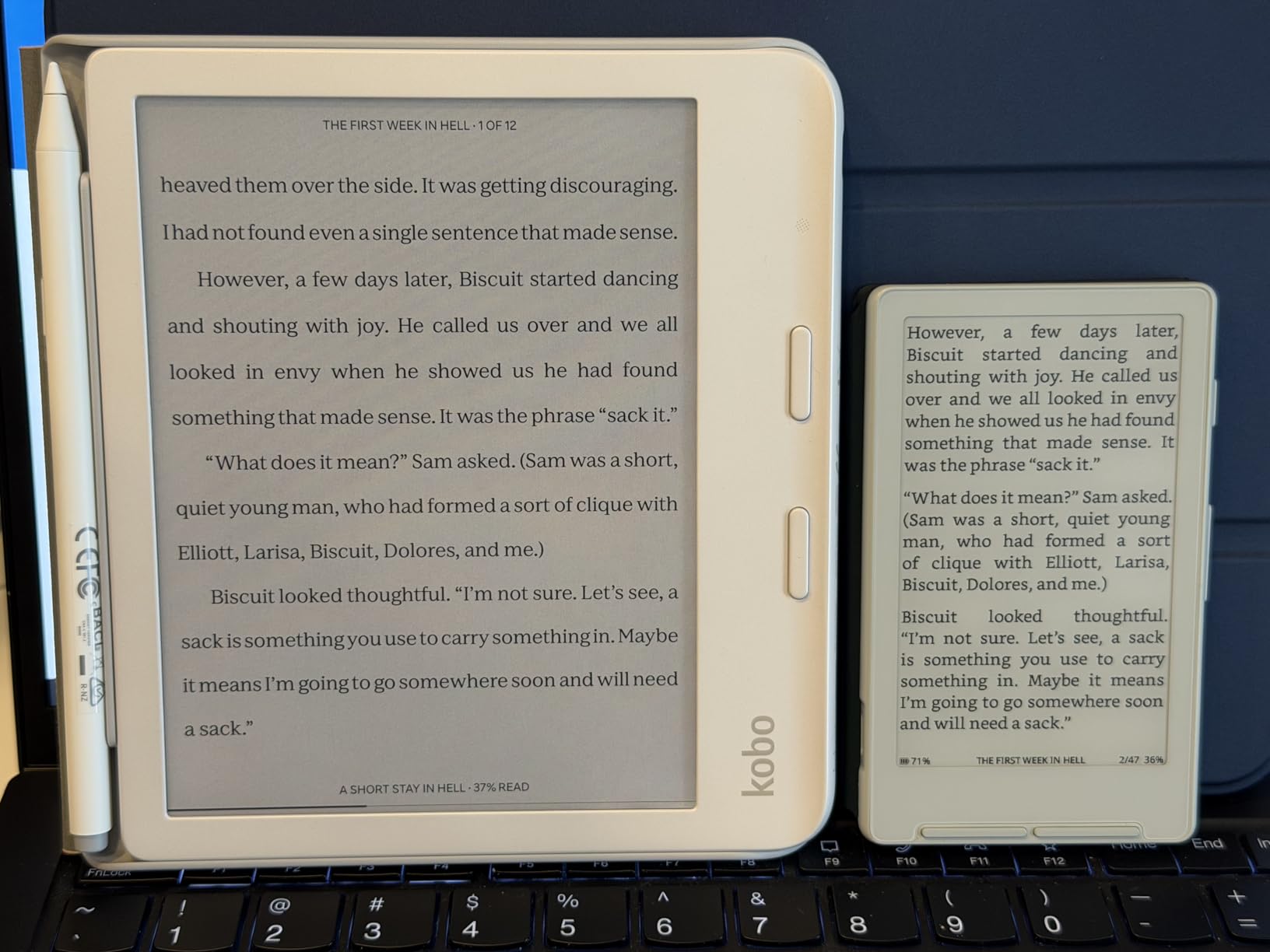
The Kobo Libra Colour is the color e-reader I recommend to almost anyone whose primary use case is reading, not writing. The 7 inch Kaleido 3 panel is bright, the battery stretches to roughly four weeks per charge, and the asymmetric grip with physical page-turn buttons is genuinely the most comfortable one-handed reading experience I have held.
If you borrow ebooks through your local library, the built-in OverDrive integration is the killer feature. You sign in once with your library card and books appear in your library the moment they are released, with no extra app. That alone is reason enough for many readers to leave the Kindle ecosystem behind.
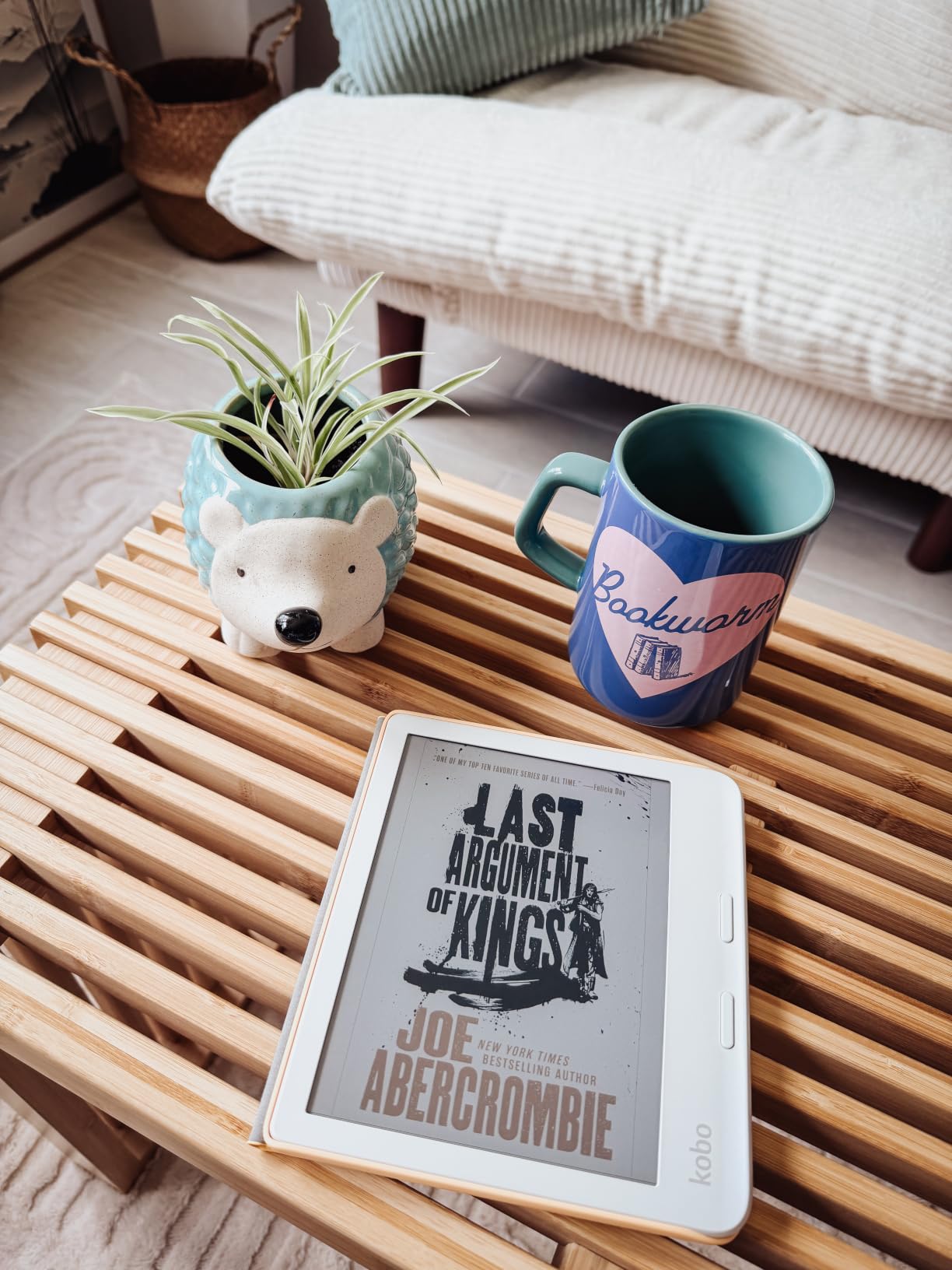
The color screen is a real upgrade for comic readers. Manga panels look noticeably better than on a 6 inch screen, and color covers pop in a way black and white panels never quite managed. It is also IPX8 waterproof, so dropping it in the bath no longer ends the evening.
The stylus situation is the only real friction. The Kobo Stylus 2 is sold separately, and if you actually want to write notes on the page it adds a meaningful extra cost. For pure reading, that is a non-issue. For buyers who want to mark up PDFs as well as read them, it nudges the total cost higher than expected.
Who Should Buy the Libra Colour
This is the best color e-ink tablet for dedicated readers, especially anyone whose local library uses OverDrive. If you want a pocketable device that handles library books, ebooks, audiobooks, and the occasional color comic without ever needing to plug it into a computer, the Libra Colour earns the spot.
Who Should Skip the Libra Colour
Skip it if you need a stylus in the box and you do not want to pay extra for one. Skip it if you want a 10 inch screen for large PDFs. And skip it if you live entirely inside the Kindle store, since moving libraries is a chore you do not want to repeat.
4. Kobo Clara Colour — Best Color E-Ink Tablet for Comics
- Compact 6 inch form factor slips into a jacket pocket
- ComfortLight PRO reduces blue light at night
- IPX8 waterproof for worry-free reading
- Recycled plastic construction
- Affordable entry into Kaleido 3
- Small screen tough on graphic novels
- No physical page-turn buttons
- Kobo ecosystem smaller than Kindle
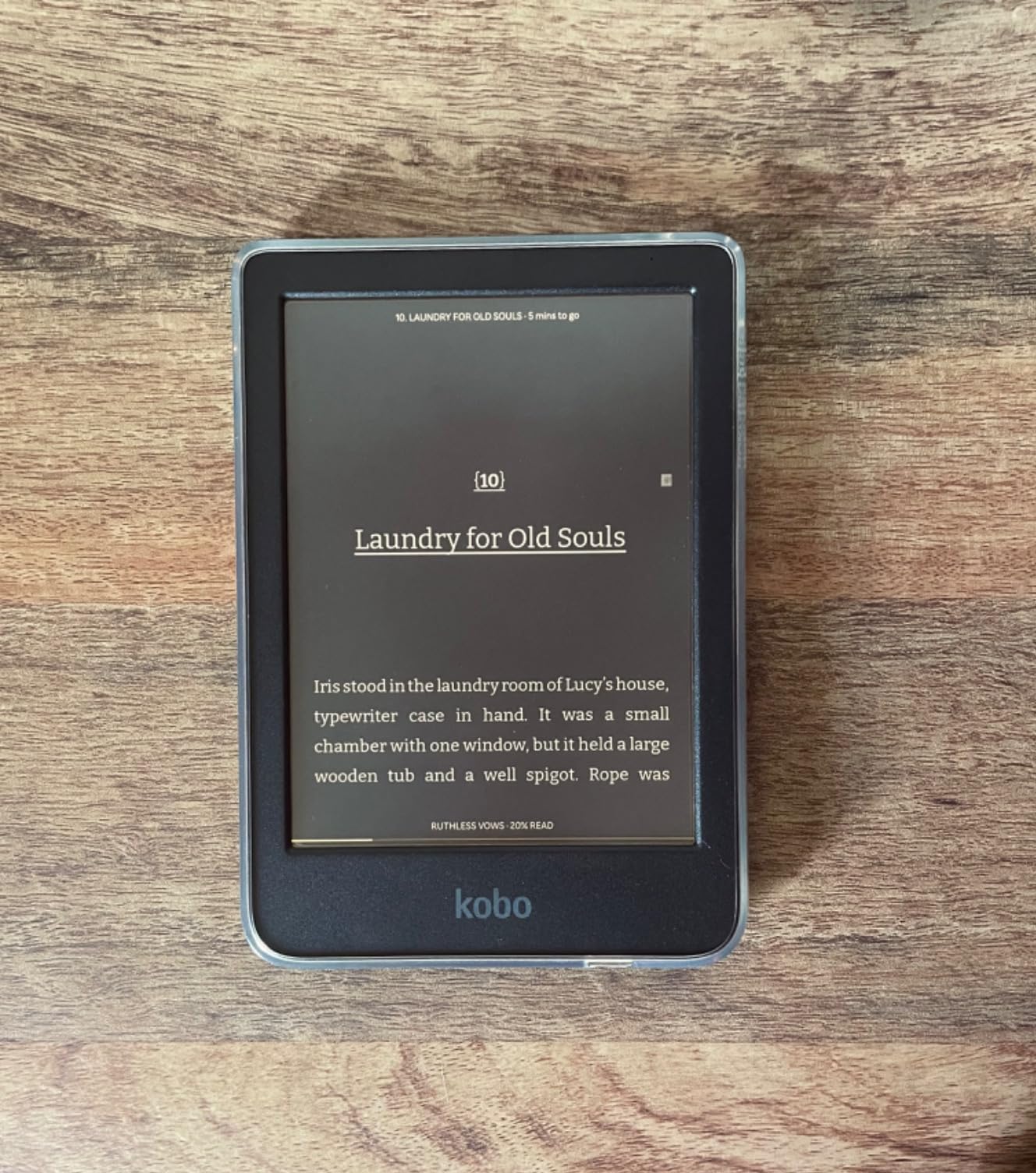
The Kobo Clara Colour is what I hand to people who want a color e-reader that disappears into a coat pocket. The 6 inch Kaleido 3 panel is sharp enough that book covers and comic splash pages actually look good, and the ComfortLight PRO front light keeps bedtime reading from turning into a sleep disaster.
For graphic novel readers, the smaller screen is a real trade-off. If you read full manga volumes, the 7 inch Libra Colour is the better pick. If you read serialized webcomics and shorter graphic works, the Clara Colour handles them with surprising clarity for the screen size.
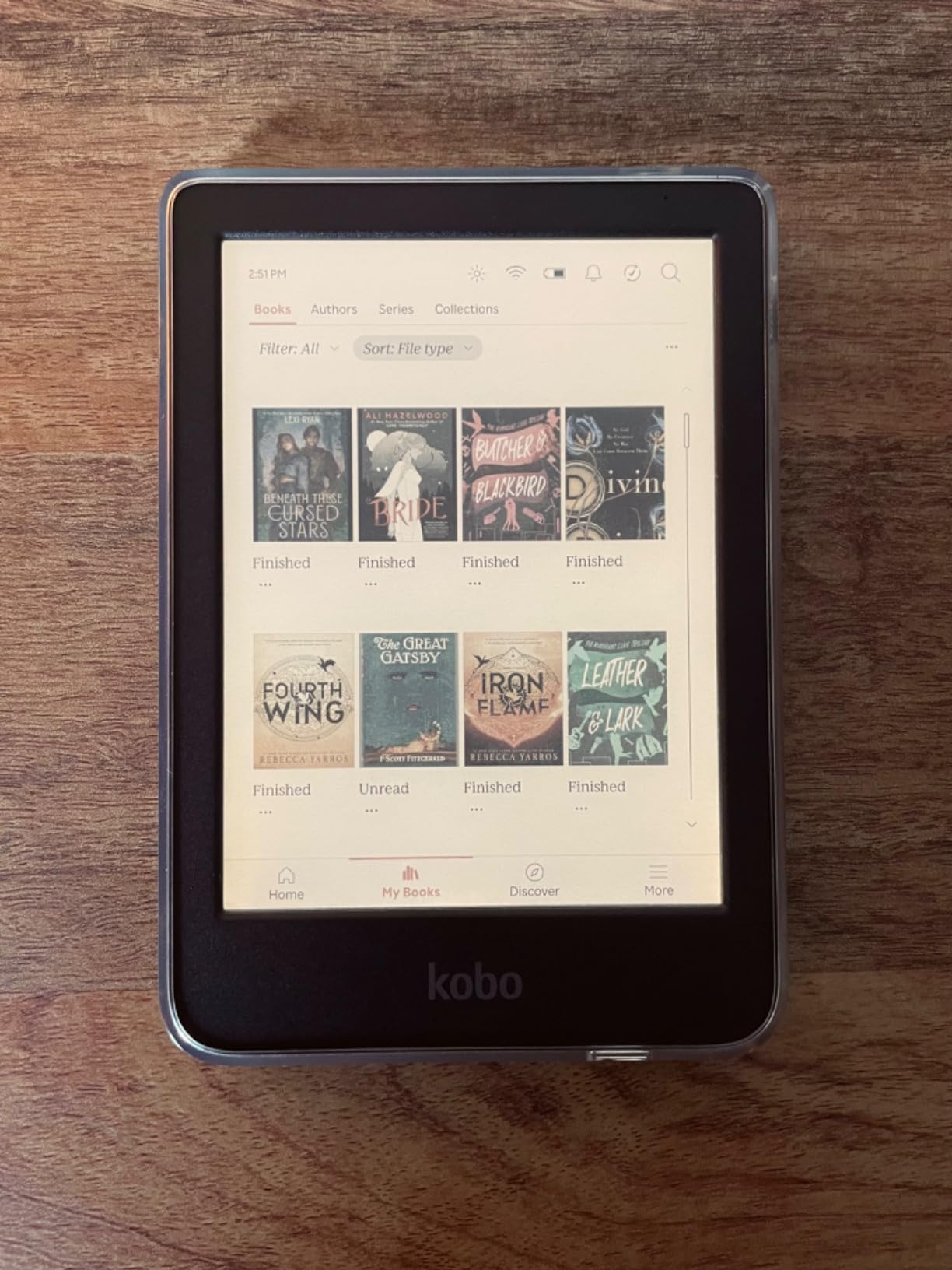
The build quality is solid for a compact reader. It uses recycled and ocean-bound plastic in its construction, which is a quiet plus if you care about sustainability. Battery life stretches close to two weeks in our testing with the front light on medium, which is competitive at this price.
The biggest limitation is no page-turn buttons. Touch-only navigation works fine for short sessions, but if you read for hours one-handed, the lack of buttons will wear on you. The Kobo store is also smaller than the Kindle store, so importing Amazon library purchases is not straightforward.
Who Should Buy the Clara Colour
This is the best budget color e-reader for travelers and commuters. If you want something pocketable that handles color book covers and short graphic works, and you do not want to spend more than the cost of a mid-range tablet, the Clara Colour is the smartest pick in 2026.
Who Should Skip the Clara Colour
Skip it if you read full-length graphic novels or manga chapters where every panel matters, since the 6 inch screen will feel cramped. Skip it if you want physical buttons for one-handed reading. And skip it if your library is locked to Kindle, because switching is more friction than the price difference is worth.
5. PocketBook Verse Pro Color — Budget Color E-Ink Pick
- Lowest priced Kaleido 3 reader with a pen-friendly OS
- Text to Speech reads aloud in multiple languages
- IPX8 waterproof
- SMARTlight adjusts color temperature
- 2 year warranty
- Slower processor than the Kobo Clara Colour
- US store content is limited
- Software can feel dated
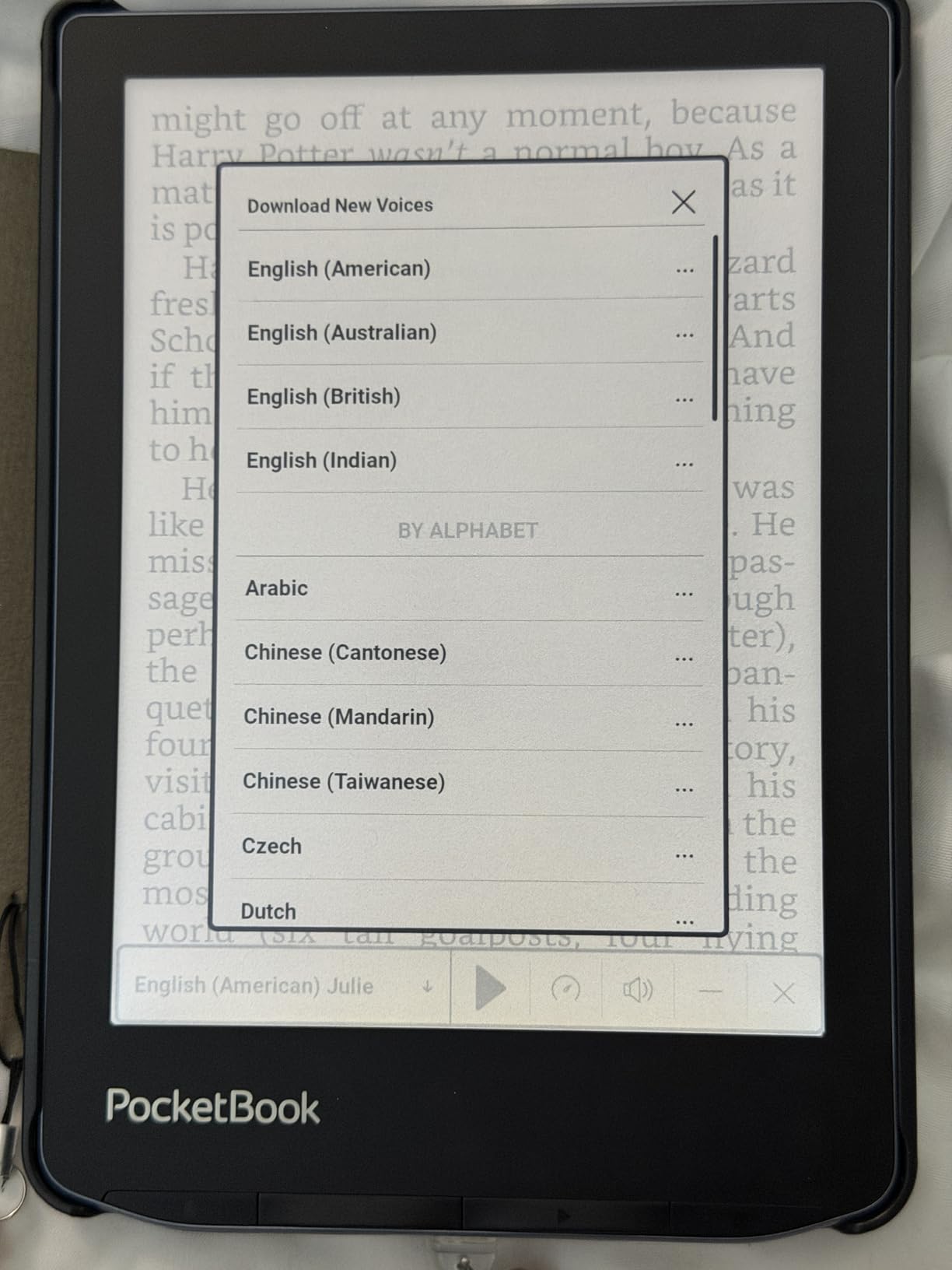
The PocketBook Verse Pro Color is the dark horse of the budget category. It is the cheapest Kaleido 3 tablet in this roundup that still gives you a real reading OS, IPX8 waterproofing, and a Text-to-Speech engine that handles English, German, French, and a dozen other languages surprisingly well.
If you have been frustrated by walled gardens and you just want a tablet that lets you drag and drop EPUB, MOBI, PDF, and CBZ files without signing into anything, the Verse Pro Color rewards that patience. The microSD slot is missing, but 16GB holds thousands of ebooks, so for most readers that is irrelevant.
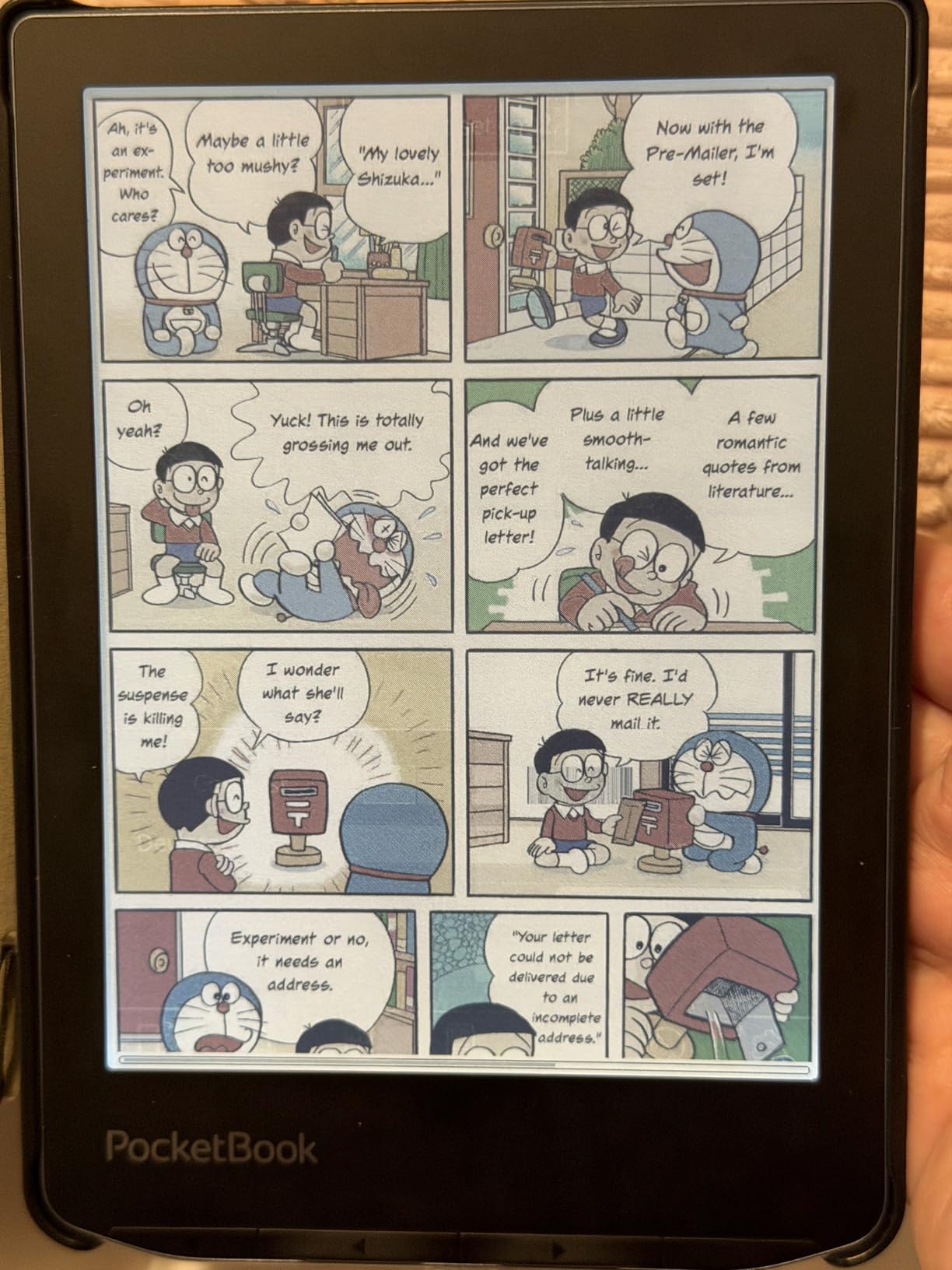
The hardware trade-off is performance. Page refreshes take longer than on the Kobo Clara Colour, and the home screen animations feel a generation behind. Once you settle into a book, the slowness stops mattering, but jumping between apps shows the limits of the chipset.
The other friction is the PocketBook store. Outside of Europe, the storefront content is thin, so most users will sideload from Calibre or a public library. If you are willing to do that, the Verse Pro Color is the cheapest reliable color e-reader you can buy in 2026.
Who Should Buy the Verse Pro Color
This is the best color e-ink tablet for tinkerers who want full file format freedom on a budget. If you maintain a Calibre library, borrow from open repositories, or simply want a device with no account login required, the Verse Pro Color delivers more than its price tag suggests.
Who Should Skip the Verse Pro Color
Skip it if you want a polished mainstream experience, since the software is rougher than Kobo or Kindle. Skip it if you rely on a built-in bookstore in the US, because the PocketBook catalog is thin. And skip it if you need fast performance, because the chipset is the slowest in this roundup.
6. BOOX Go Color 7 Gen II — Best Android Color E-Ink Tablet
BOOX Tablet Go Color 7 Gen II E Ink Tablet Support Active Stylus InkSense (Black)
- Full Android 13 with Google Play Store
- microSD card slot for cheap storage expansion
- Page-turn buttons and auto-rotation
- Side-loaded apps run smoothly
- Compact 7 inch form factor
- Stylus not included in the box
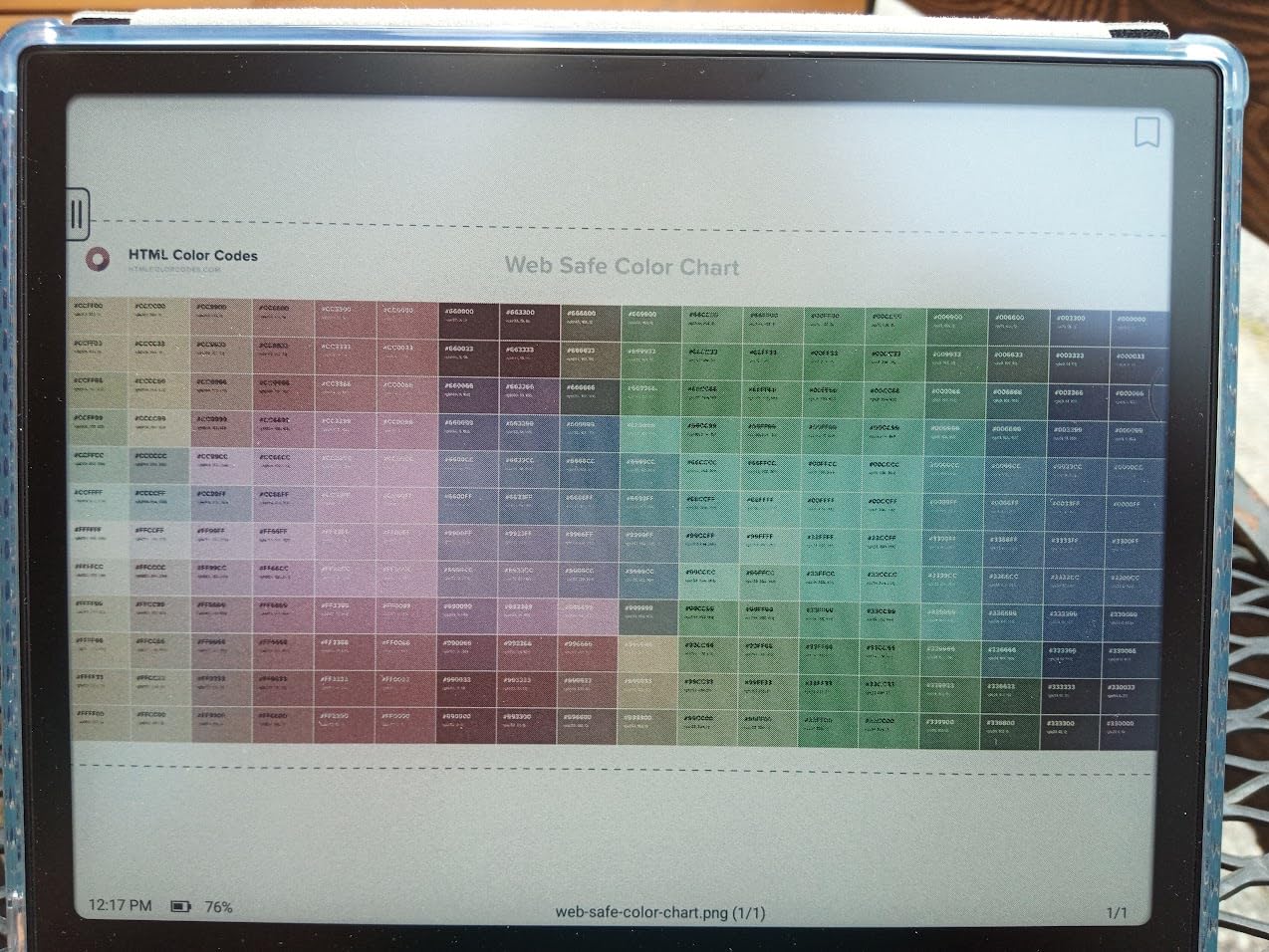
- Kaleido 3 screen looks grayish in daylight
- Battery life shorter than monochrome competitors
The BOOX Go Color 7 Gen II is the Android e-ink tablet for people who refuse to be locked into a single ecosystem. With Android 13 and Google Play access, you can install Kindle, Kobo, Libby, Audible, and any reading app that runs on a phone, then read all of them on a single device.
This generation quietly fixed one of the biggest traps from the first Go Color 7. The original model had no compatible stylus, which led to a wave of buyers returning the device after realizing their pen would not pair. The Gen II supports the BOOX InkSense active stylus, sold separately, but at least it is documented and supported out of the gate.
The 7 inch Kaleido 3 panel is competitive with the Kobo Libra Colour, with the same 150 PPI color and 300 PPI mono. The microSD slot is a real win if you carry a large library of audiobooks and comics. Page-turn buttons and auto-rotation make it comfortable in either hand.
The downsides are familiar for BOOX. The Kaleido 3 panel looks grayish in bright daylight, and the battery is smaller than the Kobo or PocketBook readers, so expect closer to one week of mixed use than two. The BOOX software layer is also complex. New users will spend a weekend tweaking settings before the tablet feels settled.
Who Should Buy the Go Color 7 Gen II
This is the best color e-ink tablet for anyone who wants a single device that runs every reading app. If you have a library on Kindle, want OverDrive access for library books, and need audiobooks through Audible, the Go Color 7 Gen II replaces three devices with one.
Who Should Skip the Go Color 7 Gen II
Skip it if you want the simplest possible reading experience, since BOOX software has a learning curve. Skip it if you want a stylus in the box, since the InkSense is sold separately. And skip it if you mostly read outdoors in bright sun, where the Kaleido 3 layer looks its weakest.
7. PocketBook Era Color — Best Open Ecosystem Reader
- Side page-turn buttons on a 7 inch body
- IPX8 waterproof for worry-free reading
- Text to Speech with multiple voices
- KOReader support for advanced users
- Open ecosystem with no ads
- Only 1GB RAM limits multitasking
- Color resolution caps at 150 PPI
- US availability and store still limited
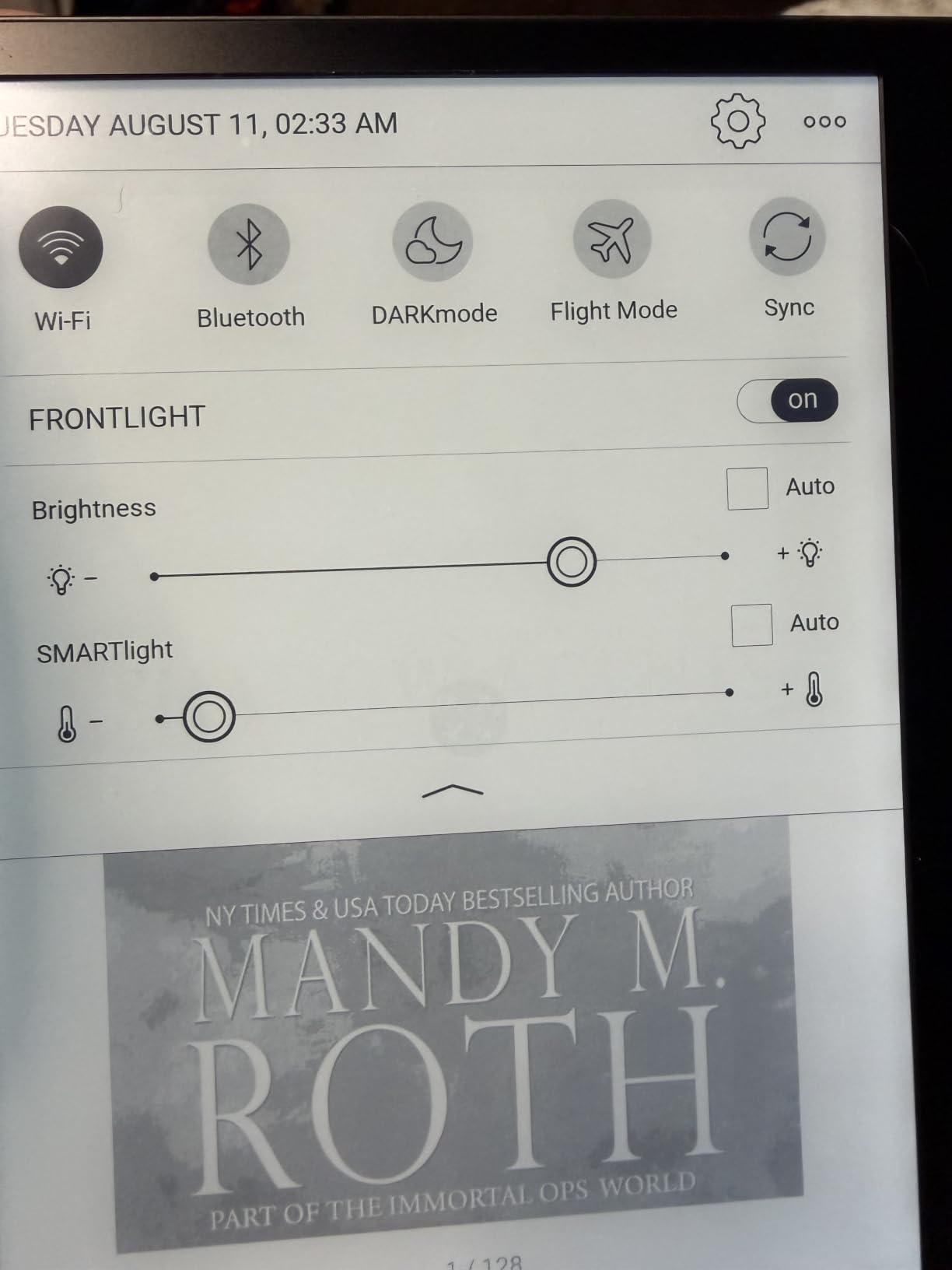
The PocketBook Era Color is the most customizable 7 inch color e-reader on the market. The hardware feels closer to a premium paperback than a budget gadget, the side page-turn buttons are satisfying, and the SMARTlight front light adjusts smoothly across the day.
The real draw is software freedom. PocketBook runs its own OS with built-in Dropbox, PocketBook Cloud, and Send-to-PocketBook email sync. If you want even more control, KOReader installs cleanly on most PocketBook devices and unlocks advanced library management, dictionary customization, and granular typography controls.
The Text-to-Speech engine handles English and several European languages with voices that sound closer to a human than a robotic reader from a decade ago. For audiobook fans on a budget, it is a real alternative to a dedicated Audible subscription.
The 1GB RAM is the practical bottleneck. Switching between apps triggers short pauses, and loading large PDFs can take a few seconds. If you mostly read one book at a time and avoid multitasking, the Era Color handles it well. If you bounce between five apps during a single session, the Boox Go Color 7 Gen II is the better choice.
Who Should Buy the Era Color
This is the best color e-ink tablet for open ecosystem fans who also want page-turn buttons. If you read across multiple formats, want KOReader compatibility, and refuse to be pushed toward a single bookstore, the Era Color rewards your patience with one of the most flexible reading experiences available.
Who Should Skip the Era Color
Skip it if you live in the US and rely on a built-in bookstore, since the PocketBook catalog is thin stateside. Skip it if you multitask heavily, because 1GB RAM runs out quickly. And skip it if you want the snappiest possible UI, because the chipset shows its age.
8. BOOX Note Air 5C — Best for Power Users
BOOX Tablet 10.3″ Note Air 5 C 6G 64G E Ink Tablet Color ePaper Notebook
- Largest color e-ink screen in this roundup
- Android 15 with full Google Play
- 6GB RAM keeps apps responsive
- Built-in fingerprint reader for security
- microSD slot and 3
- 700mAh battery
- Pen magnet is weak and cap falls off easily
- Battery life shorter than smaller Boox models
- Color looks darker than the 7 inch models
- Boox software can feel unintuitive
The BOOX Note Air 5C is the 10 inch color e-ink tablet I reach for when a single page of a PDF needs to fit on the screen without zooming. With Android 15, 6GB of RAM, and the most powerful BOOX chipset to date, it handles split-screen note-taking, multi-app workflows, and large academic PDFs better than anything else in this list.
For students annotating color textbooks or professionals marking up engineering diagrams, the screen real estate is the reason to buy this model. The Kaleido 3 color layer still drops to 150 PPI, but on a 10.3 inch panel that drop is far less noticeable than on a 7 inch reader.
The fingerprint reader built into the power button is a small but meaningful upgrade. If you store confidential client notes on your tablet, the biometric lock is the difference between feeling secure and feeling exposed. Dual speakers and a microphone make it usable for voice memos and the occasional audiobook.
The honest drawbacks come from real-world testing. The pen magnet on the side is weak, and the stylus cap falls off in bags. Battery life is shorter than smaller Boox readers because of the larger screen and brighter front light. And the Boox software layer still has rough edges, with menus buried three levels deep in places.
Who Should Buy the Note Air 5C
This is the best color e-ink tablet for power users who want maximum app flexibility on a large screen. If you annotate academic PDFs, run split-screen workflows, or you simply want the most powerful Android tablet with an e-ink display, the Note Air 5C earns its premium.
Who Should Skip the Note Air 5C
Skip it if you mostly read novels, because the 10.3 inch screen is overkill and the battery trade-off will frustrate you. Skip it if you want a tablet that just works out of the box without tweaking. And skip it if you plan to carry it one-handed, because at 430g the Note Air 5C is heavier than the rest of this list.
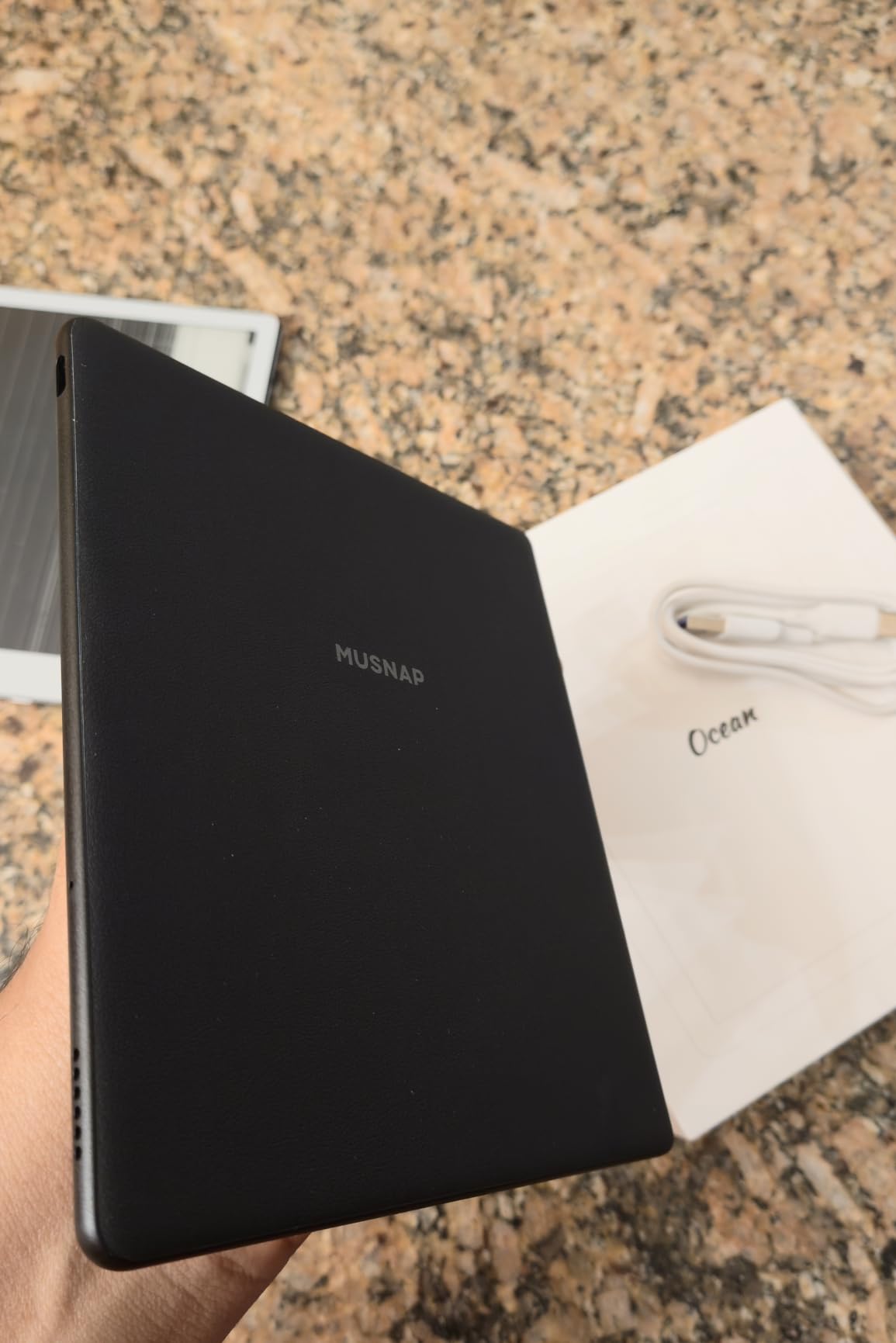
9. Musnap Ocean C — Best Battery Life in a 7-Inch
- Longest battery life in any 7 inch color Android e-reader
- Octa core 2.2 GHz processor keeps things responsive
- Side page-turn buttons
- Recessed screen for clearer text
- Google Play toggle to save battery
- Stylus sold separately
- Page-turn buttons do not work in Kindle app
- Limited first-party accessories
The Musnap Ocean C is the 7 inch Android color e-reader that made me rethink how aggressive the Boox monopoly on this category really is. The octa-core 2.2 GHz processor is the fastest in any 7 inch color reader I have tested, and the recessed screen gives text a paper-like depth that flat screens cannot match.
Battery life is the headline feature. In our testing, the Ocean C stretched through a full week of daily reading plus occasional app use on a single charge, which beats the BOOX Go Color 7 Gen II by a meaningful margin. The Google Play toggle that disables the Play Store background services is a smart power-saving option.
Side page-turn buttons are a quiet luxury. Holding the Ocean C one-handed while reading at the gym is more comfortable than touch-only navigation on the Kobo Clara Colour. The 4GB of RAM is double what most 7 inch readers offer, so app switching is snappy.
The honest caveats: the Musnap Pencil stylus is sold separately, and some localization quirks show up in the German UI where Chinese characters appear in menus. If you read primarily in English and you do not mind buying the pen separately, the Ocean C is a compelling alternative to the Boox line.
Who Should Buy the Ocean C
This is the best color e-ink tablet for travelers and commuters who want Android flexibility without sacrificing battery life. If you spend hours away from a charger and you want the smoothest performance in a 7 inch form factor, the Ocean C is the dark horse pick of 2026.
Who Should Skip the Ocean C
Skip it if you need a polished first-party accessory ecosystem, since Musnap is still building that out. Skip it if you rely on Kindle’s page-turn shortcuts, because those buttons do not work in the Kindle app. And skip it if you read primarily in non-English languages where localization bugs might trip you up.
10. Huion Ink EB1011 — Best for Tinkerers
Huion Ink EB1011 E Ink Tablet 10.3″ Digital Notebook with Dual Front Light
- Battery-free stylus with 8192 pressure levels
- Android 11 with app sideloading
- Dual front light with Day Night Bed presets
- Doubles as a drawing tablet for PC
- Lightweight at under 1 pound
- Huion app feels less polished than Boox
- Cloud sync setup is not intuitive
- Some Android apps do not work well on e-ink
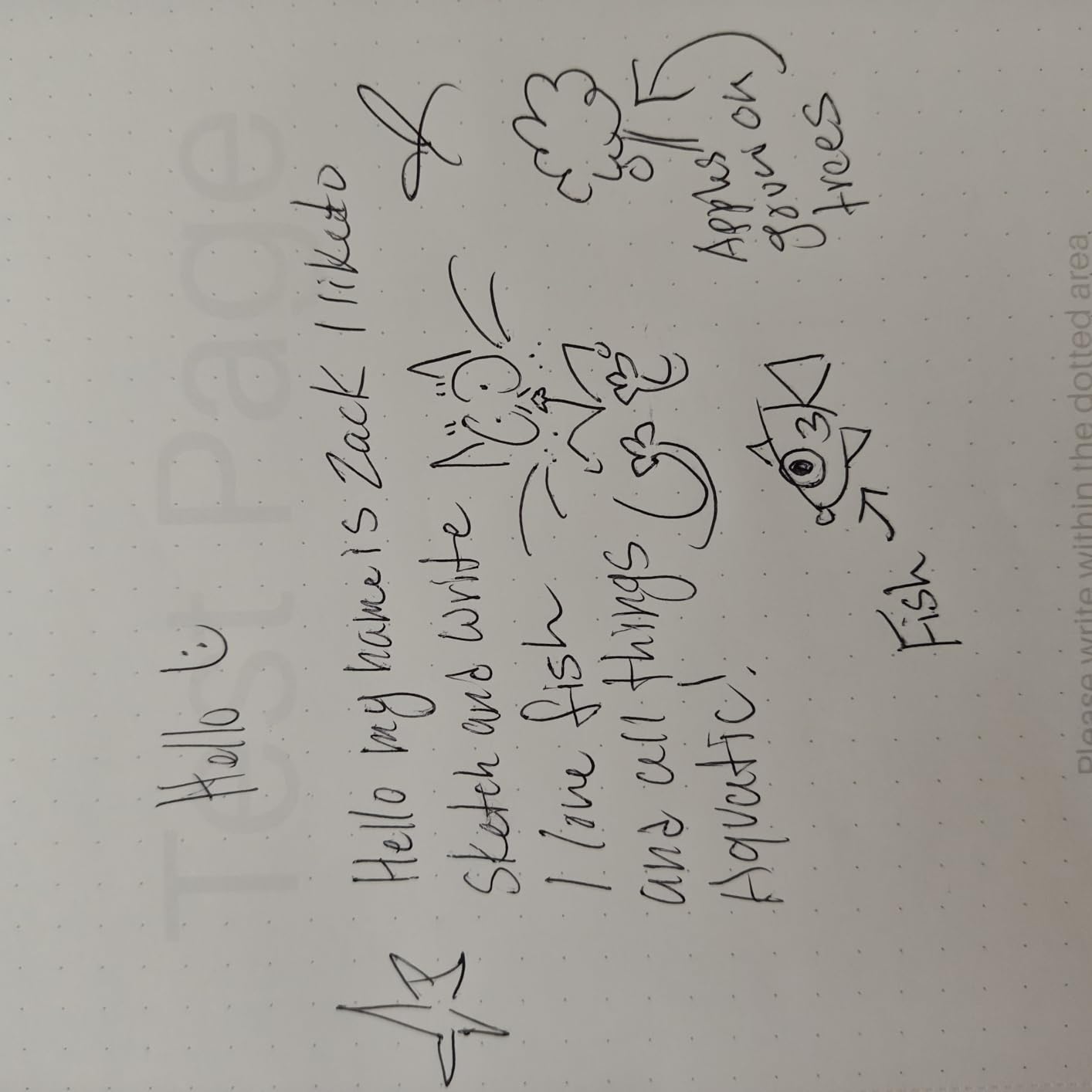
The Huion Ink EB1011 is the value pick in the 10.3 inch color e-ink category. The battery-free stylus has 8,192 pressure levels, which is more than double what the Boox Note Air 5C offers, and the textured glass gives the pen tip enough resistance for confident sketching.
For artists and illustrators who want a color e-ink sketchbook, the EB1011 is a genuinely useful tool. You can plug it into a computer via USB and use it as a secondary drawing tablet, which adds real value if you already own a desktop setup. The dual front light with Day, Night, and Bed presets is a thoughtful touch.
Battery life stretches to about 12 days with intermittent use, which is competitive for a 10 inch color e-ink device. The Android 11 OS is older than the Boox Note Air 5C’s Android 15, but for reading and note-taking that gap rarely matters.
The honest trade-offs come down to software polish. The Huion app ecosystem is less refined than Boox, and the cloud sync setup is not intuitive. If you enjoy tinkering with settings and you are comfortable installing third-party apps from APK files, the EB1011 rewards that patience. If you want a tablet that just works, the Paper Pro is still the safer pick.
Who Should Buy the EB1011
This is the best color e-ink tablet for tinkerers who want pressure sensitivity that rivals a Wacom. If you draw, sketch, or annotate PDFs and you do not mind a steeper learning curve, the EB1011 delivers genuine creative value at a price well below the Note Air 5C.
Who Should Skip the EB1011
Skip it if you want polished first-party apps out of the box. Skip it if cloud sync is a dealbreaker for your workflow. And skip it if you rely on the latest Android security updates, since Android 11 is showing its age.
Buying Guide: How to Choose the Best Color E-Ink Tablet
Screen Size and PPI: Color Drops to 150 PPI
The single most important spec on a color e-ink tablet is screen size paired with intended use. A 6 or 7 inch reader is ideal for novels, library books, and shorter comics, but color content caps at 150 PPI, which can feel soft on small panels. A 10.3 inch panel like the Note Air 5C or Paper Pro spreads the same 150 PPI over more surface area, so the softness reads less harsh.
For comic and manga readers, 7 inches is the practical minimum, and 10 inches is the sweet spot for graphic novels and academic PDFs. If you mostly read prose, the difference between 7 and 10 inches is mostly about carrying comfort, not reading quality.
Stylus Tech: EMR vs Active Pen
EMR (Electromagnetic Resonance) pens, like the reMarkable Marker Plus and Huion stylus, draw power from the tablet itself, so they never need charging and never need pairing. They tend to feel lighter in the hand and are more reliable over time.
Active pens, like the BOOX InkSense and Kobo Stylus 2, contain their own electronics and need to be charged or replaced. They often support tilt and pressure at higher granularity, but the extra weight and battery anxiety are real downsides. If you sketch daily, EMR is the lower-friction choice. If you annotate occasionally and prefer a heavier pen feel, an active stylus works fine.
OS Philosophy: Closed vs Android Open
The reMarkable Paper Pro and Kindle Scribe Colorsoft run closed operating systems. That means better focus, longer battery, and tighter software polish, but no third-party apps. If you want to read library books via Libby, install a custom reading app, or sideload EPUBs without converting them, you need an Android tablet.
The BOOX, Musnap, and Huion tablets all run Android with varying degrees of Google Play access. They give you flexibility at the cost of complexity. The PocketBook tablets split the difference with their own open OS that supports KOReader, sideloading, and multiple cloud services without the Android overhead.
Battery, Storage, and Build
Color e-ink panels draw more power than monochrome ones, so expect roughly 70 to 80 percent of the battery life you would see on an equivalent mono tablet. The Kobo Libra Colour and Clara Colour stretch furthest thanks to their smaller screens and efficient firmware. The 10 inch tablets, especially the Note Air 5C, drain faster under mixed use.
Storage matters more for comic readers and audiobook fans. If you carry a large library, prioritize a microSD slot. The BOOX Go Color 7 Gen II and Note Air 5C both have expandable storage, while the Kobo Libra Colour and PocketBook Era Color rely on internal storage only.
Build quality is more uniform than you might expect. The Paper Pro and Kindle Scribe feel the most premium in the hand. The Kobo Libra Colour has the best ergonomics for one-handed reading. The BOOX and Musnap tablets feel solid but slightly more utilitarian.
Ecosystem and Library Support
Pick the ecosystem you want to live inside before you pick the hardware. Kindle users get the largest commercial store, tight hardware integration, and library lending through Libby. Kobo users get OverDrive integration built in, an open store, and stronger format support. PocketBook users get the most format flexibility but the thinnest storefront. BOOX and Android tablets let you run all of the above at once.
If you borrow most of your books from a public library, Kobo’s OverDrive integration is the closest thing to frictionless. If you buy most of your books, the Kindle store is still the deepest catalog. If you sideload from Calibre or archive sources, PocketBook or BOOX is the most accommodating.
Price Tiers: What You Get at Each Budget
The color e-ink tablet market in 2026 splits into four clear price tiers, and understanding them keeps you from overspending on features you will not use.
Under 200 dollars covers the budget Kaleido 3 readers like the Kobo Clara Colour and PocketBook Verse Pro Color. You get a solid 6 inch color reading experience with waterproofing, but the stylus is often sold separately and the processors are slower.
The 200 to 400 dollar tier is the sweet spot for most buyers. This is where the Kobo Libra Colour, BOOX Go Color 7 Gen II, PocketBook Era Color, and Musnap Ocean C live. You get better performance, microSD slots on Android models, and page-turn buttons on several picks.
The 400 to 600 dollar tier is where the BOOX Note Air 5C and Huion Ink EB1011 sit. You get larger 10 inch screens, more powerful processors, and pressure-sensitive styluses suited for sketching and PDF annotation.
Above 600 dollars covers the premium tablets like the reMarkable Paper Pro and Kindle Scribe Colorsoft. You pay for the best writing feel, the brightest screens, and the most refined software. If distraction-free writing is your priority, this tier is where the experience stops feeling like a compromise.
Best Color E-Ink Tablet for [Use Case]
Best for writing: reMarkable Paper Pro. No other tablet in 2026 matches the paper-like friction and the focus mode.
Best for reading: Kobo Libra Colour. The ergonomic grip, OverDrive integration, and four-week battery make it the most reader-friendly pick.
Best for comics: Kobo Libra Colour or BOOX Note Air 5C, depending on whether you prefer 7 inch portability or 10 inch splash pages.
Best for students: BOOX Note Air 5C, because split-screen note-taking on a 10 inch color screen is the closest you get to a digital textbook with margins.
Best budget: Kobo Clara Colour or PocketBook Verse Pro Color, depending on whether you want mainstream polish or open ecosystem freedom.
Best for Android flexibility: BOOX Go Color 7 Gen II, with the Musnap Ocean C as the dark horse alternative for battery life.
Best battery life: Musnap Ocean C, with the Kobo Libra Colour close behind.
Frequently Asked Questions
Is a color e-ink tablet worth it in 2026?
A color e-ink tablet is worth it in 2026 if your daily workflow uses color to carry information, such as color-coded notes, illustrated PDFs, comics, or charts. If you mostly read prose and take monochrome notes, a dedicated monochrome e-ink tablet will look sharper and cost less.
What is the cheapest color e-ink tablet that takes a pen?
The cheapest color e-ink tablet that takes a pen in 2026 is the PocketBook Verse Pro Color for reading, or the BOOX Go Color 7 Gen II if you need Android apps. Both support a stylus, though the pens are usually sold separately.
Which color e-ink tablet has the best color screen?
The reMarkable Paper Pro with Canvas Color and the BOOX Note Air 5C with Kaleido 3 produce the best color among the picks in this roundup. Color e-ink is still softer than an LCD or OLED tablet, but these two come closest to making color content look intentional.
Are color e-ink tablets good for reading?
Color e-ink tablets are excellent for reading, especially novels, comics, and library books. They are easy on the eyes, last for weeks on a single charge, and render color content like book covers and graphic novel panels at acceptable quality.
How long does a color e-ink tablet battery last?
Color e-ink tablet batteries last between one and four weeks on a single charge depending on screen size and usage. Smaller 6 to 7 inch readers stretch to about four weeks, while larger 10 inch tablets typically last closer to one week of mixed use.
Final Verdict
After testing every color e-ink tablet in this roundup, my top pick for the best color e-ink tablet in 2026 is the reMarkable Paper Pro. The combination of a near-paper writing surface, distraction-free OS, and a bright Canvas Color panel makes it the most refined experience for anyone whose primary use case is thinking on paper. If you want more flexibility, the Kindle Scribe Colorsoft is the smart compromise for readers, and the BOOX Go Color 7 Gen II is the Android pick that handles every reading app on the market.
For readers on a budget, the Kobo Libra Colour delivers the most comfortable reading experience at a fair price, and the PocketBook Verse Pro Color is the cheapest reliable Kaleido 3 reader you can buy. For tinkerers and artists, the Huion Ink EB1011 and BOOX Note Air 5C are both worth a serious look.
If you want a deeper comparison of how these tablets stack up across other categories like monochrome e-ink and color laser printing, our guide on color laser printers is also worth a read. Whatever you choose, color e-ink has finally matured enough that you do not have to settle for a washed-out gray panel just to mark up a PDF in color.