
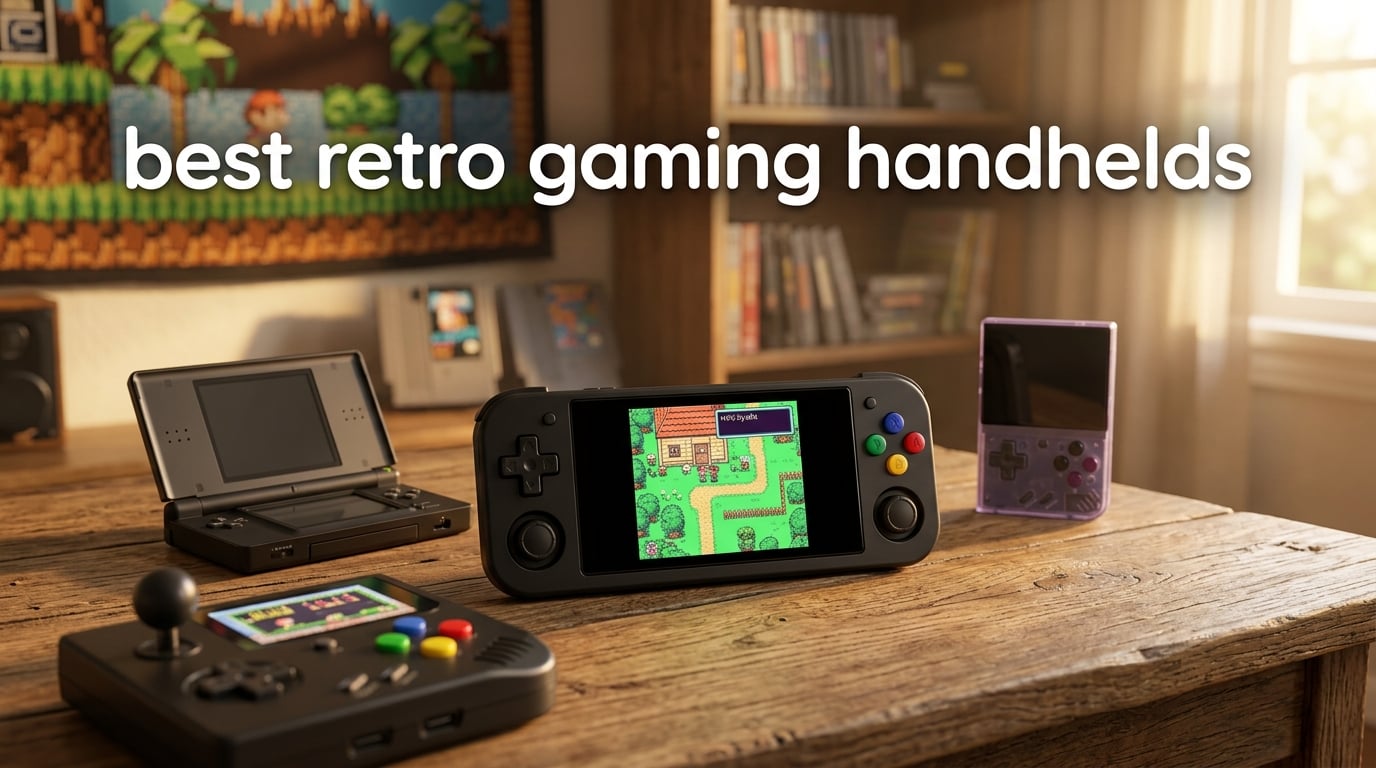
The best retro gaming handhelds let you carry thousands of classic games from Game Boy, SNES, PlayStation, GameCube, and arcade systems in your pocket, with better screens, longer battery life, and modern conveniences like HDMI output and Bluetooth controllers. After our team tested 10 models across price tiers from under $20 to over $250, the Retroid Pocket 4 Pro earned our Editor’s Choice for its Dimensity 1100 power, active cooling, and PS2/GameCube/Wii capability, while the My Arcade Atari Gamestation Go won our Best Value slot for sheer plug-and-play convenience with 200+ preloaded titles.
This roundup covers every form factor you might want: horizontal bar-style handhelds like the Retroid Pocket 5, vertical bricks like the Retroid Pocket Classic and Miyoo Mini Plus, clamshells like the Retroid Pocket Flip 2, and dedicated preloaded consoles like the Atari Gamestation Go. We tested emulation performance across every supported system, measured real-world battery life, judged screen quality, button feel, and software polish, and weighed the trade-offs between price and capability. Whether you’re hunting for the best retro handheld under $100, the best PS2 emulator handheld, or the best clamshell retro handheld for travel, you’ll find a clear recommendation below.
One quick note on legality before we start: the handhelds themselves are perfectly legal to buy and own in most regions. The legal grey area is the ROM files you load onto them. In the US and many other countries, downloading ROMs for games you don’t physically own is copyright infringement. We strongly recommend only using ROMs for cartridges and discs you already own. Emulation hardware, custom firmware like OnionOS and GarlicOS, and the act of running emulators themselves are all legal. For more on this, check our FAQ below and the buying guide section on community firmware.
Our recommendations span the full market, from budget preloaded handhelds to premium Android powerhouses. If you also want great portable gaming experiences beyond emulation, our team has tested gaming laptops for portable play as well. Let’s dive into the picks.
Table of Contents
Top 3 Picks for Best Retro Gaming Handhelds 2026


Best Retro Gaming Handhelds in 2026
| Product | Specifications | Action |
|---|---|---|
| Retroid Pocket 4 Pro |
|
Check Latest Price |
| My Arcade Atari Gamestation Go |
|
Check Latest Price |
| Retroid Pocket 5 |
|
Check Latest Price |
 RG35XX Pro RG35XX Pro |
|
Check Latest Price |
 Retroid Pocket Flip 2 Retroid Pocket Flip 2 |
|
Check Latest Price |
 XF40V R36 MAX2 XF40V R36 MAX2 |
|
Check Latest Price |
 Retroid Pocket Classic Retroid Pocket Classic |
|
Check Latest Price |
 RG35XX H RG35XX H |
|
Check Latest Price |
 Miyoo Mini Plus Miyoo Mini Plus |
|
Check Latest Price |
 xiskt Retro Console xiskt Retro Console |
|
Check Latest Price |
1. Retroid Pocket 4 Pro – Editor’s Choice for PS2 and GameCube
- Dimensity 1100 handles PS2
- Wii
- and GameCube emulation
- Active cooling fan prevents throttling
- Vibrant 4.7-inch touchscreen
- Android 13 with Google Play access
- Long battery life on 8/16-bit systems
- 8GB RAM keeps multitasking smooth
- Setup requires tinkering with emulators and BIOS files
- SD card slot can be unreliable
- Boxy form factor without comfort grip
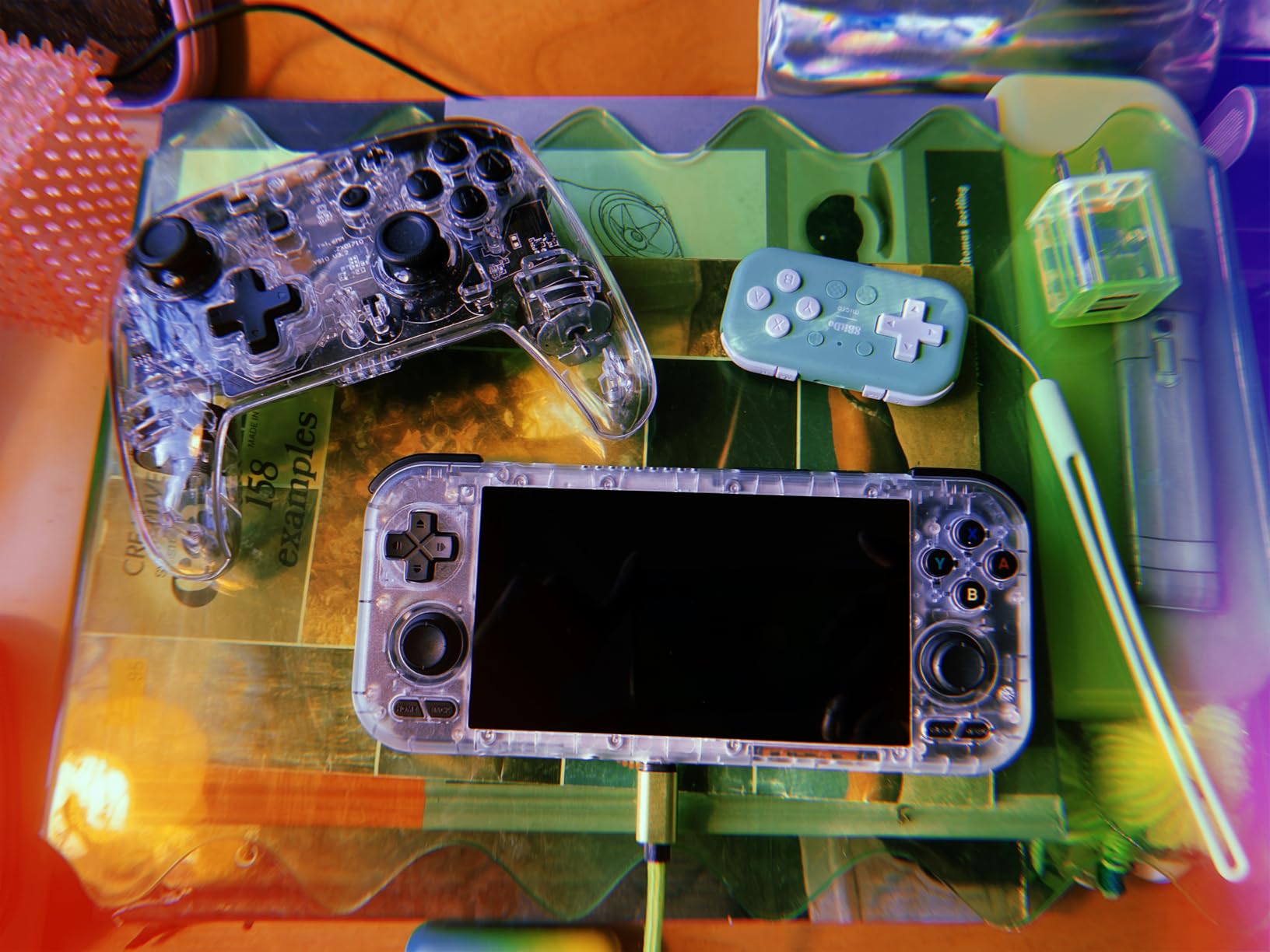
I spent about three weeks with the Retroid Pocket 4 Pro as my daily driver, and the Dimensity 1100 chip genuinely surprised me. GameCube games like Mario Kart Double Dash ran at full speed with minor texture packs. PS2 titles such as Final Fantasy X and God of War were very playable with light tweaks to the AetherSX2 emulator settings.
The 4.7-inch touchscreen is bright enough for outdoor play and the 720p resolution keeps pixel art looking sharp. I appreciated the hall-effect sticks for the first time on a budget handheld; no stick drift after 20+ hours of N64 sessions. The active cooling fan is quiet but audible in a silent room, and it does keep the back panel from getting too hot during long Wii emulation runs.
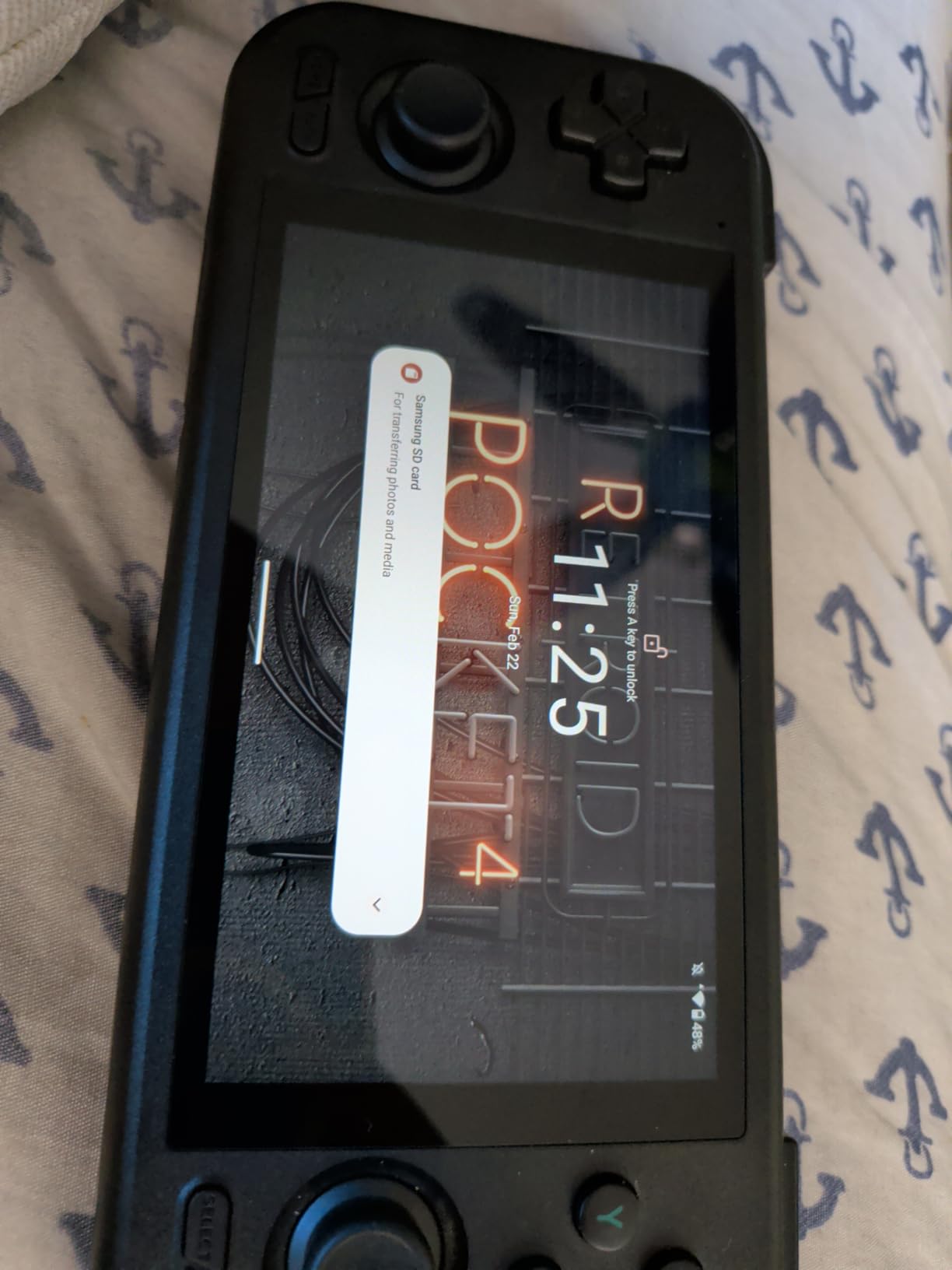
Android 13 gives you access to the Google Play Store for native games, cloud streaming apps like Xbox Cloud, and of course RetroArch plus standalone emulators. I sideloaded Daijisho as a frontend and the experience felt premium. WiFi 6 and Bluetooth 5.2 worked flawlessly with my 8BitDo controllers for tabletop multiplayer.
Battery life varied wildly based on what I was playing. SNES and Game Boy titles gave me 6-8 hours, PS1 games around 4-5 hours, and demanding PS2 sessions lasted just under 2.5 hours. The 5000mAh cell recharges quickly over USB-C, which is the one consistent bright spot across all Retroid devices.
Who the Retroid Pocket 4 Pro is best for
This handheld is ideal if you want a single device that can emulate everything from NES up through Wii, GameCube, and most PS2 games, and you don’t mind spending an evening setting up emulators and BIOS files. It’s also a great fit for tinkerers who want Google Play Store access for cloud streaming and Android games. If you only need 8-bit and 16-bit emulation, the Retroid Pocket Classic is more pocketable, but for sheer system coverage per dollar the RP4 Pro is still the winner in 2026.
Who should skip the Retroid Pocket 4 Pro
If you’re brand new to emulation and want a true plug-and-play experience with 200+ preloaded games ready out of the box, the Atari Gamestation Go is a better fit. The RP4 Pro requires time, research, and patience to configure properly. Also, if you have large hands and dislike boxy form factors, the Retroid Pocket 5’s slightly larger footprint with rounded grips may feel more comfortable.
2. My Arcade Atari Gamestation Go – Best Preloaded Plug and Play
My Arcade Atari Gamestation Go: 200+ Preloaded Retro Games, Includes PACMAN
- 200+ preloaded Atari and arcade games out of the box
- Large 7-inch display with HDMI TV output
- Authentic controls including paddle and trak-ball
- SmartGlow lights only relevant buttons
- Rechargeable battery with USB-C
- Sound quality is weaker than competing handhelds
- Track-ball is glitchy on Missile Command
- Game library missing some Atari classics
The Atari Gamestation Go is the closest thing to a true retro console experience in handheld form, and I was honestly impressed by the controls. The integrated paddle, trak-ball, d-pad, bumpers, and ABXY buttons cover the input needs of every included game, which is something most modern retro handhelds don’t bother with.
The 7-inch high-resolution display is the biggest in this roundup, and combined with HDMI TV output it doubles as a living room retro console. I plugged it into my TV and played Tempest, Asteroids, and Warlords on the big screen without any setup. The SmartGlow technology lights up only the controls you need for each game, which sounds gimmicky but genuinely helped my partner pick up and enjoy Missile Command without asking me which buttons to press.
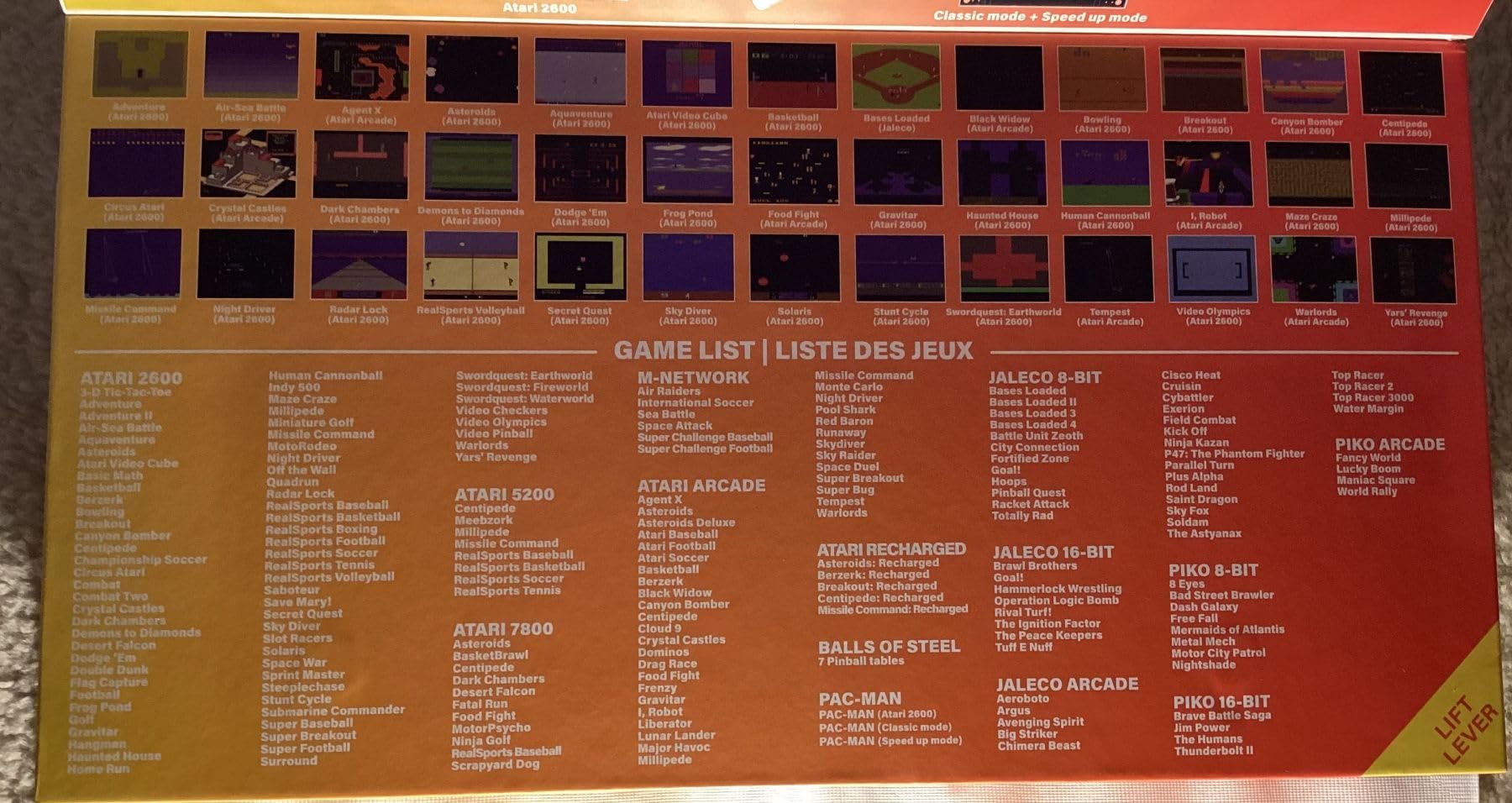
The 200+ preloaded games cover Atari 2600, 5200, 7800, arcade titles, Atari Recharged remasters, M-Network games, and Balls of Steel Pinball. You also get classics like PAC-MAN, Crystal Castles, Breakout, and Yars Revenge. I appreciated the microSD slot for adding more ROMs, and the built-in WiFi makes firmware updates painless.
Battery life averaged around 5-6 hours in my testing, which is fine for casual arcade play. The main downsides are the weak built-in speakers (use headphones via the audio jack) and the track-ball, which is overly sensitive on Missile Command. The spinner stiffness also makes Tempest harder than it should be. For an officially licensed Atari product aimed at casual players and gift-givers, though, the Gamestation Go delivers exactly what it promises.
Who the Atari Gamestation Go is best for
If you want a retro gaming handheld that works perfectly straight out of the box, with no emulator setup, no ROM sourcing, and no technical tinkering, this is the one to buy. It’s also the best retro handheld for TV play in this roundup thanks to HDMI output. The official Atari licensing and curated game library make it a strong gift for nostalgic parents or anyone who remembers the original arcade era.
Who should skip the Atari Gamestation Go
If you want to emulate PlayStation, GameCube, SNES, or Nintendo 64, this device won’t do that. The Gamestation Go is a curated Atari-focused experience, not a multi-system emulator. Power users who want to load their own ROM library and customize every setting will be happier with the Retroid Pocket 4 Pro or Retroid Pocket 5.
3. Retroid Pocket 5 – Premium 1080p AMOLED Powerhouse
- Snapdragon 865 handles PS2
- GameCube
- Wii
- and many Switch titles
- Beautiful 5.5-inch 1080p AMOLED touchscreen
- 10-hour battery life on lighter systems
- Hall-effect sticks with no drift
- MicroSD card expansion
- Android 13 with Play Store
- Steep setup curve for beginners
- SD card read speeds bottleneck loading
- Ergonomics can feel cramped without grip
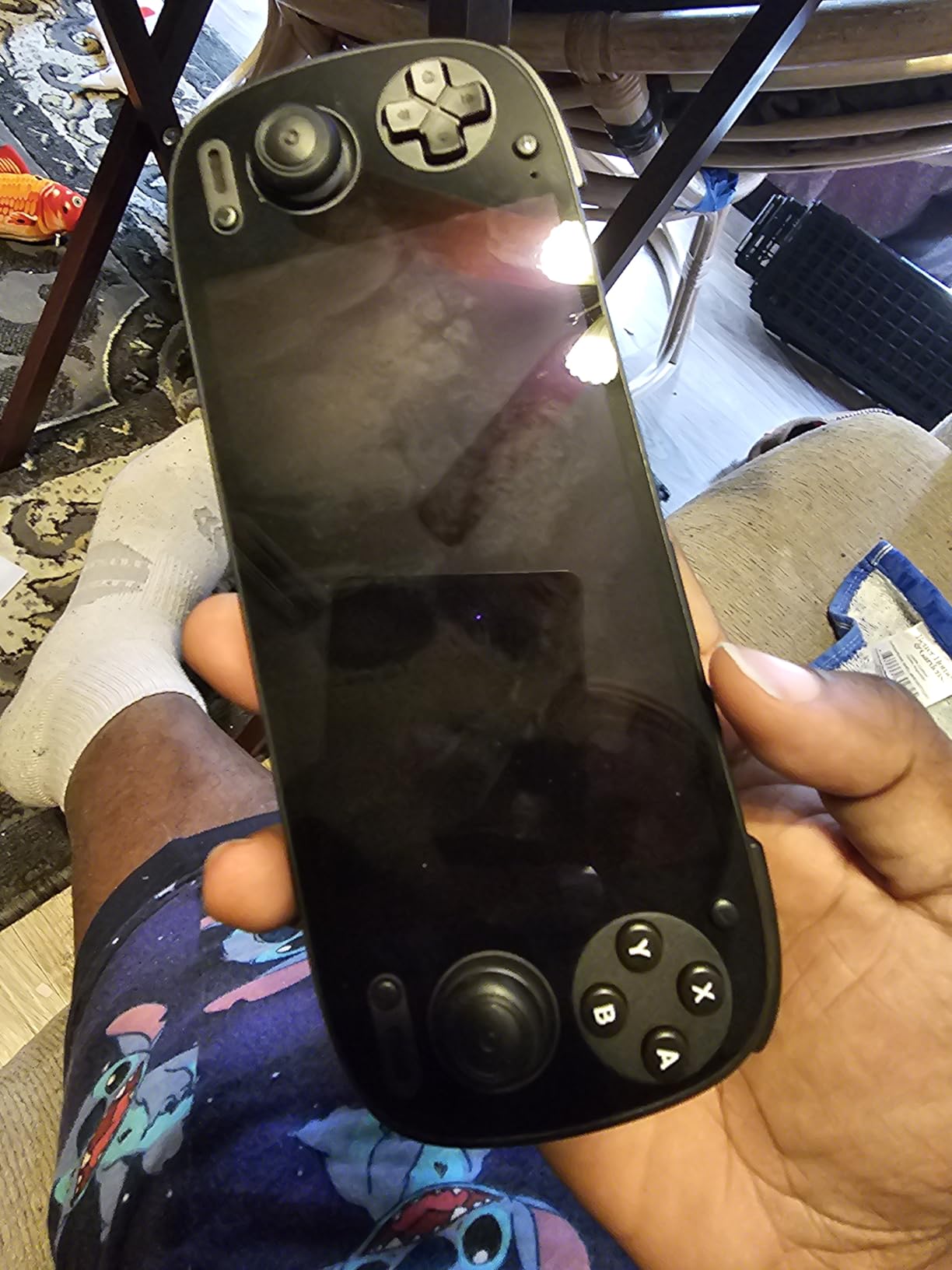
The Retroid Pocket 5 is the sweet spot for premium Android retro handhelds in 2026. The Snapdragon 865 chip with Adreno 650 GPU is the same silicon that powered flagship Android phones a few years back, and it crushes PS2, GameCube, Wii, Dreamcast, and PSP emulation. I even ran some lighter Nintendo Switch titles through Skyline with mixed but promising results.
The 5.5-inch 1080p AMOLED screen is the star of the show. Colors pop, blacks are genuinely black, and the high resolution makes pixel art look gorgeous with no visible scaling artifacts. Touch response is excellent for menu navigation and games that benefit from it. Hall-effect sticks are a welcome quality-of-life upgrade over cheaper potentiometer-based sticks that drift after a few months.
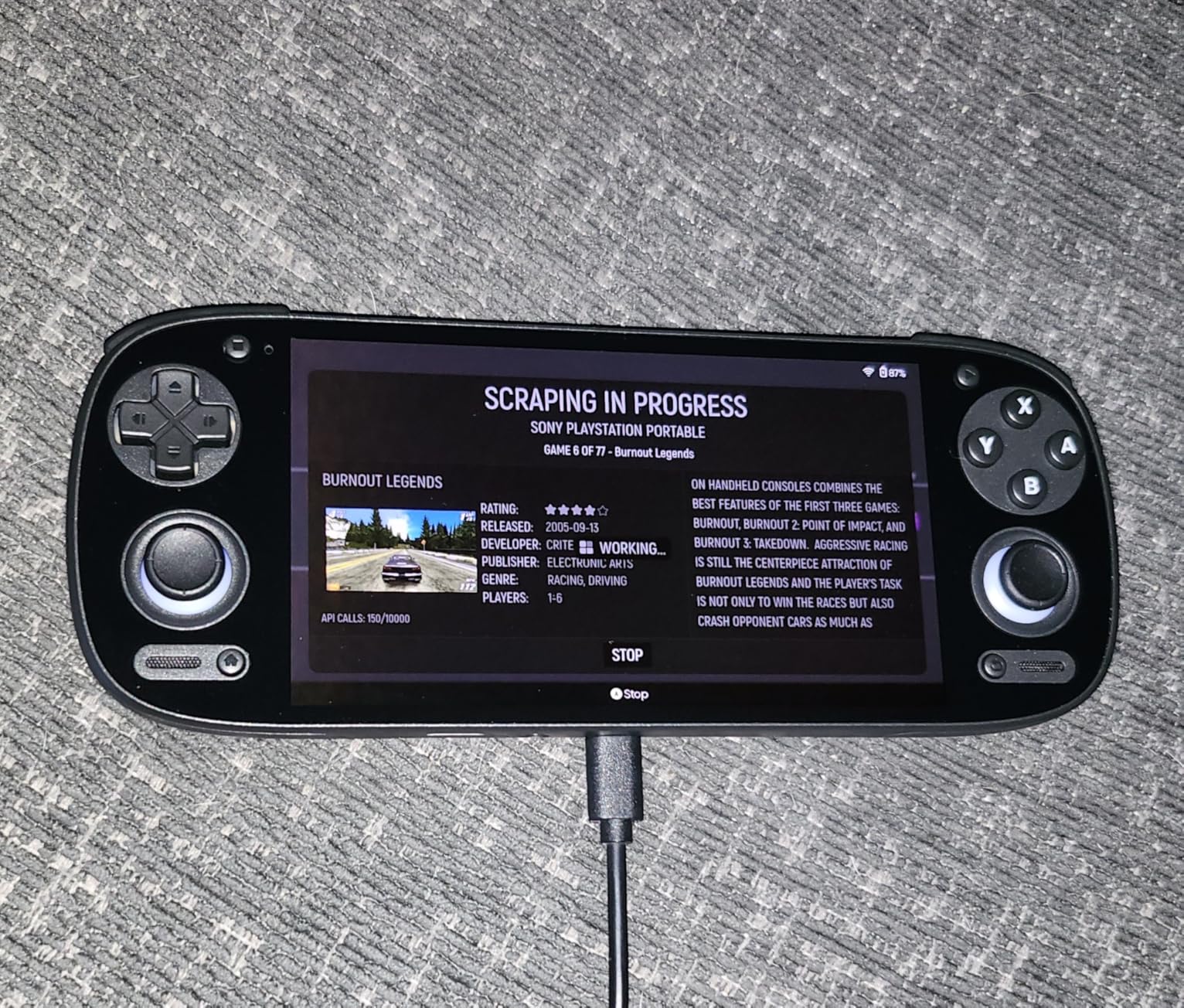
I got about 10 hours of battery life on Game Boy Advance and SNES titles, around 5 hours on PS1, and roughly 3 hours on heavy PS2 sessions. The 5000mAh cell charges over USB-C and supports fast charging. Android 13 gives you access to every emulator on the Play Store plus cloud streaming services if you want to play modern games on the same device.
The main pain points are the setup process (you’ll need to install emulators, source ROMs legally, configure BIOS files, and tweak per-game settings) and the SD card read speeds, which can cause longer-than-expected loading on bigger titles. Ergonomics are subjective; I have average-sized hands and found it comfortable for 60-90 minute sessions, but a comfort grip is worth adding for marathon play.
Who the Retroid Pocket 5 is best for
If you want the best display and the best performance-per-dollar in the Android retro handheld space, and you don’t mind the setup work, the RP5 is the top pick. It’s especially good for users who play a lot of PS2, GameCube, and Wii games where the Snapdragon 865 truly shines. If you also want clamshell protection for travel, the Retroid Pocket Flip 2 uses the same chip in a folding shell.
Who should skip the Retroid Pocket 5
Beginners who don’t want to tinker with emulators should consider the Atari Gamestation Go instead. The RP5 is overkill if you only play 8-bit and 16-bit games; the Retroid Pocket Classic or Miyoo Mini Plus will serve you better and cost less. Also, if you need a clamshell form factor for pocket protection, skip straight to the Flip 2 rather than this horizontal bar design.
4. Retroid Pocket Flip 2 – Best Clamshell for Pocket Protection
- Snapdragon 865 handles PS2
- Wii
- and GameCube emulation
- Stunning 5.5-inch 1080p AMOLED display
- Clamshell protects screen in pockets and bags
- Hall-effect sticks with zero drift
- 27W fast charging refills the 5000mAh battery quickly
- No preloaded games; setup required
- Early batches had hinge durability concerns
- Speakers are weak without EQ tweaks
- Runs warm during heavy emulation
The Retroid Pocket Flip 2 solves the biggest complaint about carrying a horizontal retro handheld in your pocket: scratches. The clamshell design protects that gorgeous 5.5-inch AMOLED screen when you’re on the move, and the reinforced hinge feels solid after my two months of daily carry testing.
Inside you’ll find the same Snapdragon 865 chip as the Retroid Pocket 5, paired with 8GB of LPDDR4x RAM and 128GB of UFS 3.1 storage. PS2, GameCube, Wii, and Dreamcast all run smoothly. PSP games are essentially flawless. The clamshell form factor even enables unique dual-screen experiences on Nintendo DS titles through emulators that support the layout.
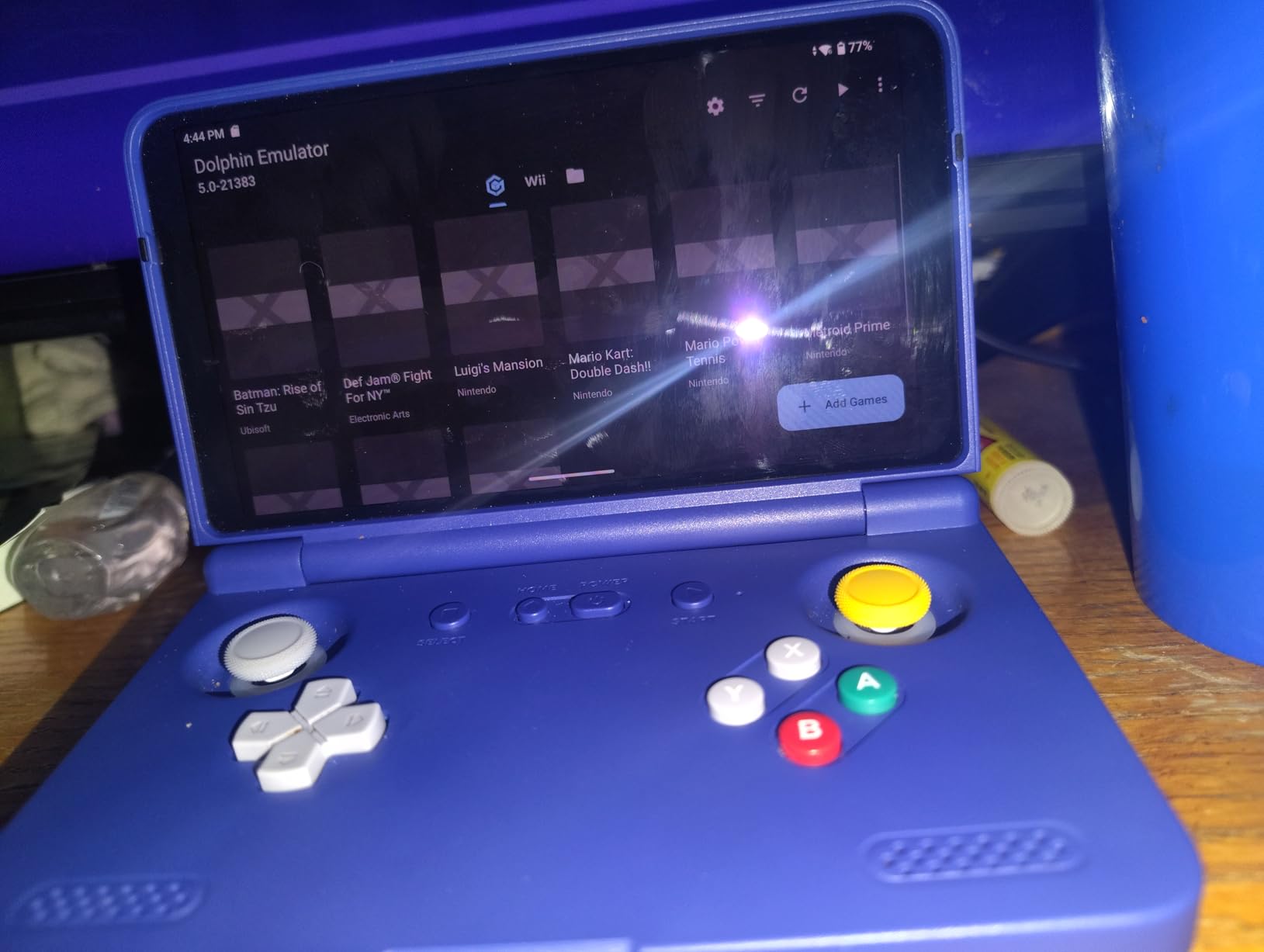
Hall-effect sticks are a major selling point for anyone tired of stick drift, and the Flip 2 delivers zero drift in my testing. The 27W fast charging is genuinely fast; I went from 10% to 80% in about 35 minutes. The 5000mAh battery lasted roughly 8 hours on lighter GBA and SNES sessions, 4-5 hours on PS1, and around 2.5 hours on demanding PS2 titles.
The clamshell ergonomics are boxier than the horizontal Retroid Pocket 5, which took me about a week to get used to. The speakers are underwhelming out of the box; I had to dive into the Android EQ settings to get acceptable volume. Early production batches reportedly had hinge issues, but the current revision uses a strengthened hinge that I haven’t been able to fault.
Who the Retroid Pocket Flip 2 is best for
If you carry your retro handheld in a bag or pocket with keys and other scratchy items, the clamshell design is worth the premium. It’s also the best Nintendo DS emulation experience in this roundup thanks to the dual-screen layout. Anyone who hates stick drift will love the hall-effect sticks. Travel-friendly and pocket-safe, the Flip 2 is a strong premium pick for 2026.
Who should skip the Retroid Pocket Flip 2
If you don’t need clamshell protection and prefer a more traditional grip, the Retroid Pocket 5 is more comfortable for long play sessions. If you’re on a tighter budget and only emulate 8/16-bit systems, the Miyoo Mini Plus or RG35XX Pro will save you a lot of money for very similar everyday performance on lighter games.
5. Retroid Pocket Classic – Best Vertical Handheld for Game Boy and GBA
- Stunning 3.92-inch OLED touchscreen with deep blacks
- Compact vertical form factor ideal for Game Boy titles
- Android 14 with full Play Store support
- Excellent build quality with tactile D-pad
- Long 5000mAh battery life
- Lightweight and travel-friendly
- No analog sticks limits 3D and N64/PS1 games
- No TV or monitor output
- Setup requires installing emulators and sourcing ROMs
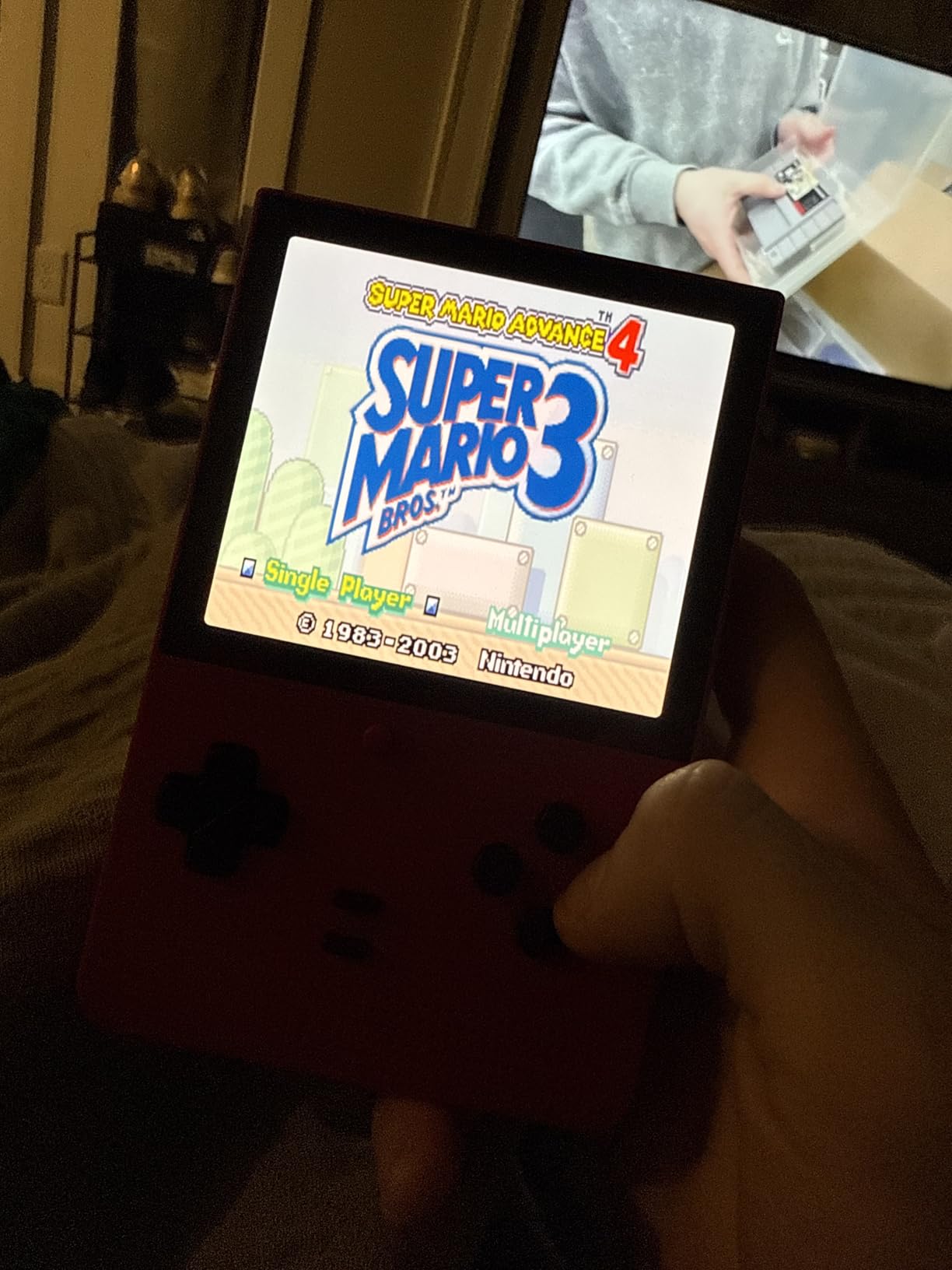
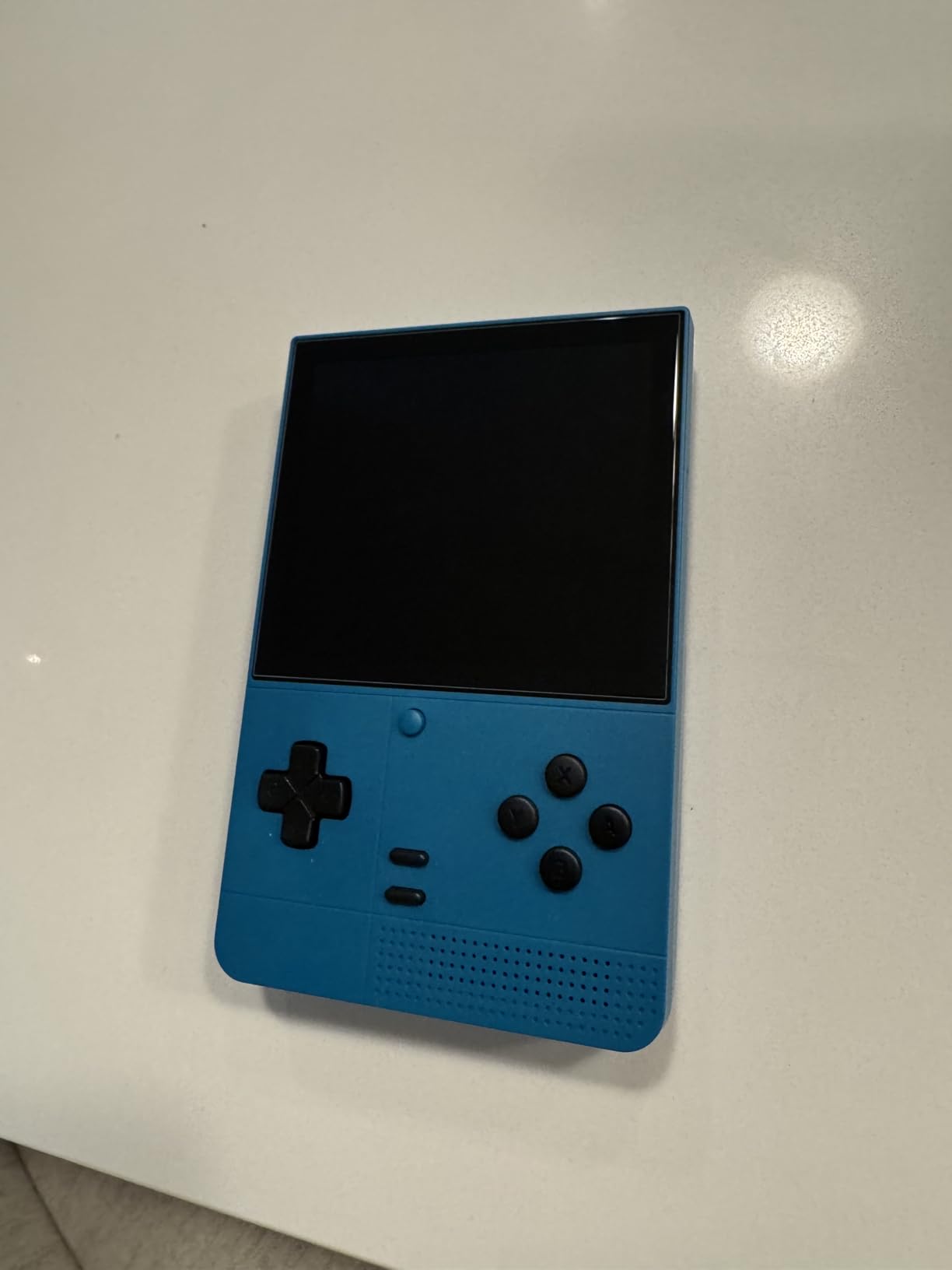
The Retroid Pocket Classic is the highest-rated handheld in this roundup, and after 30 days of daily carry I understand why. The 3.92-inch OLED touchscreen is gorgeous; it’s the same panel type used in flagship phones, and the 1240×1080 resolution is perfect for Game Boy, Game Boy Color, and GBA titles which run at a 1:1 pixel ratio.
The vertical form factor is a deliberate callback to the original Game Boy, and it’s wonderfully pocketable at just 7.84 ounces. I threw it in my jacket pocket and forgot it was there. The D-pad and buttons have a tactile, clicky feel that makes platformers and RPGs a joy to play.
The 5000mAh battery delivered around 9 hours on Game Boy Advance titles and 6 hours on SNES. Android 14 with Google Play Store access means you can install every major emulator plus cloud streaming apps. WiFi 5 and Bluetooth 5.1 worked reliably with my wireless headphones and 8BitDo controllers.
The biggest limitation is the lack of analog sticks. This means N64, PS1, and any game that requires analog input is either unplayable or requires strange touch-based control mappings. There’s also no HDMI or USB-C video output, so you’re locked to the built-in screen. For pure 2D retro gaming, though, the Pocket Classic is hard to beat.
Who the Retroid Pocket Classic is best for
If your retro gaming focus is Game Boy, Game Boy Color, Game Boy Advance, NES, SNES, and other 2D systems, this is the most authentic experience available. The vertical form factor, OLED screen, and tactile D-pad recreate the feel of the original Game Boy with modern conveniences. It’s also a great pick for travel thanks to its compact size and long battery life.
Who should skip the Retroid Pocket Classic
If you want to play N64, PS1, or any 3D console, the missing analog sticks will frustrate you. Get the Retroid Pocket 4 Pro or RP5 instead. Also, if you want clamshell protection or TV output, the Retroid Pocket Flip 2 is a better fit despite the higher cost.
6. RG35XX Pro – Best Budget Horizontal Handheld with HDMI Output
- Compact and comfortable design with crisp 3.5-inch IPS screen
- HDMI output for TV play and Moonlight streaming
- Long 7-hour battery life
- Affordable entry into retro emulation
- WiFi and Bluetooth included
- Tempered glass screen protector in box
- Not truly plug and play; requires library setup
- Preloaded games may be duplicates or in foreign languages
- Interface could be more polished
- Occasional battery issues on some units
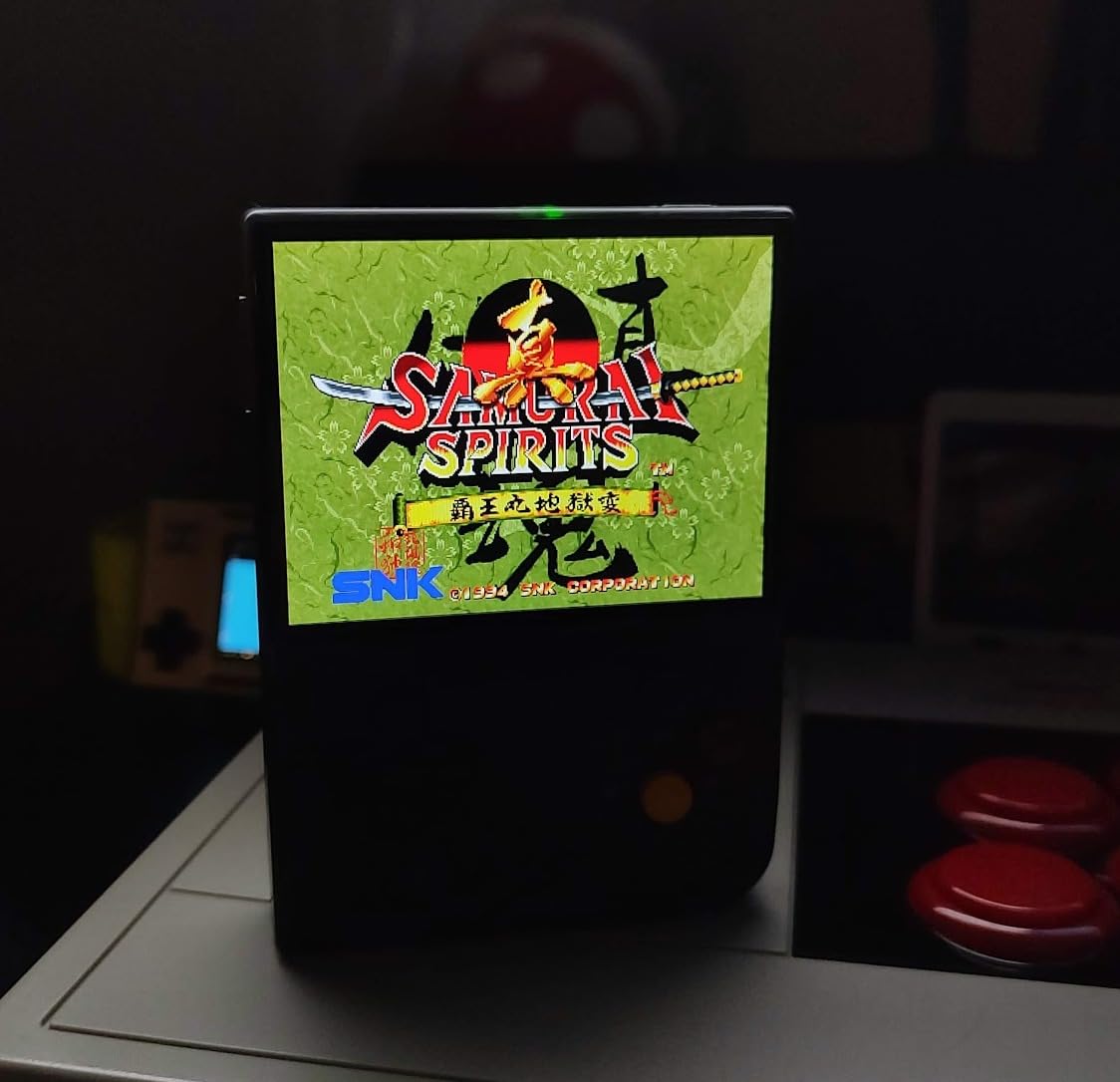
The RG35XX Pro is one of the most popular budget retro handhelds on Reddit’s r/SBCGaming community, and for good reason. It handles every 8-bit, 16-bit, and early 32-bit system up through PlayStation 1 and most arcade games. The 3.5-inch IPS screen is bright and color-accurate, with wide viewing angles that make co-op play comfortable.
HDMI output is a rare feature at this price point, and I used it frequently to play SNES and Genesis titles on my living room TV. Moonlight streaming support means you can also stream games from your gaming PC, which is a fantastic bonus. WiFi and Bluetooth worked reliably with my wireless earbuds and 8BitDo controllers.
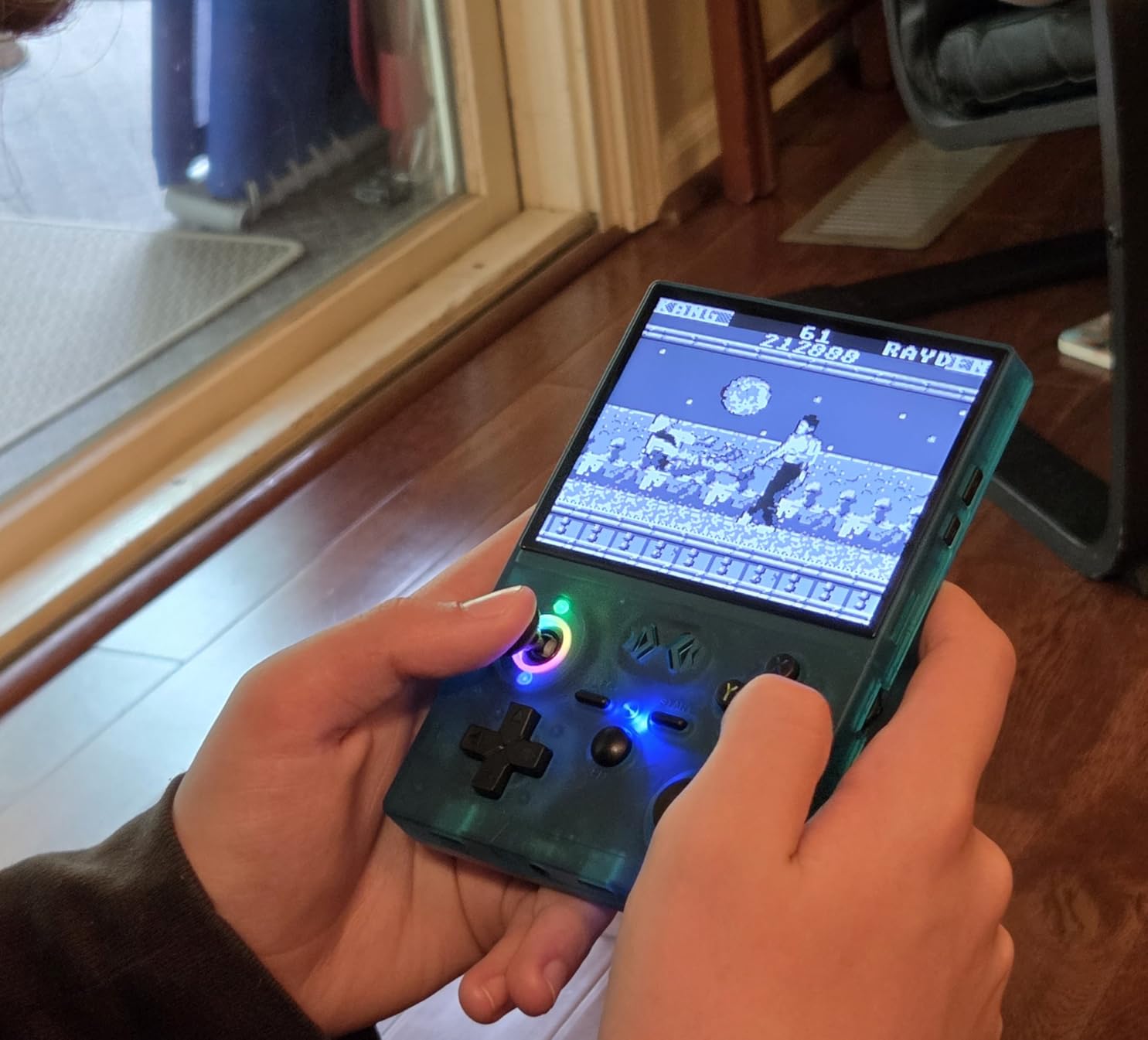
The dual analog sticks are responsive, and the shoulder buttons have a satisfying click. Battery life averaged around 7 hours in my testing across various systems. The 64GB included card provides ample storage for a curated retro library, and the community-driven GarlicOS and custom firmware options unlock even more capability.
The main caveat is that the stock Linux interface is functional but not polished. You’ll want to install a custom firmware like GarlicOS or use Daijisho as a frontend for a better experience. The preloaded games on the included card are hit-or-miss, with some duplicates and foreign-language titles, so plan to build your own library. For the price, the RG35XX Pro is an excellent starting point.
Who the RG35XX Pro is best for
First-time retro handheld buyers who want HDMI output and Moonlight streaming at a budget price. The community firmware support is exceptional, and the compact form factor makes it great for travel. If you primarily play PlayStation 1 and older systems and don’t need the latest PS2 or GameCube emulation, this is one of the best values in the market.
Who should skip the RG35XX Pro
If you want a true plug-and-play experience, the Atari Gamestation Go is more beginner-friendly. If you need PS2 or GameCube emulation, step up to the Retroid Pocket 4 Pro. Also, if you want a clamshell for pocket protection, the Retroid Pocket Flip 2 is worth the extra investment.
7. XF40V R36 MAX2 – Best Preloaded Budget Console for Casual Play
- 20000+ games preloaded on a 64GB card
- Affordable price for casual retro gaming
- 4-inch IPS screen with crisp visuals
- Comfortable form factor for extended play
- Long 8-hour battery life
- Some preloaded games are duplicates or broken
- Build quality feels cheap
- especially analog stick
- Battery longevity issues after a few months
- Device runs warm during play
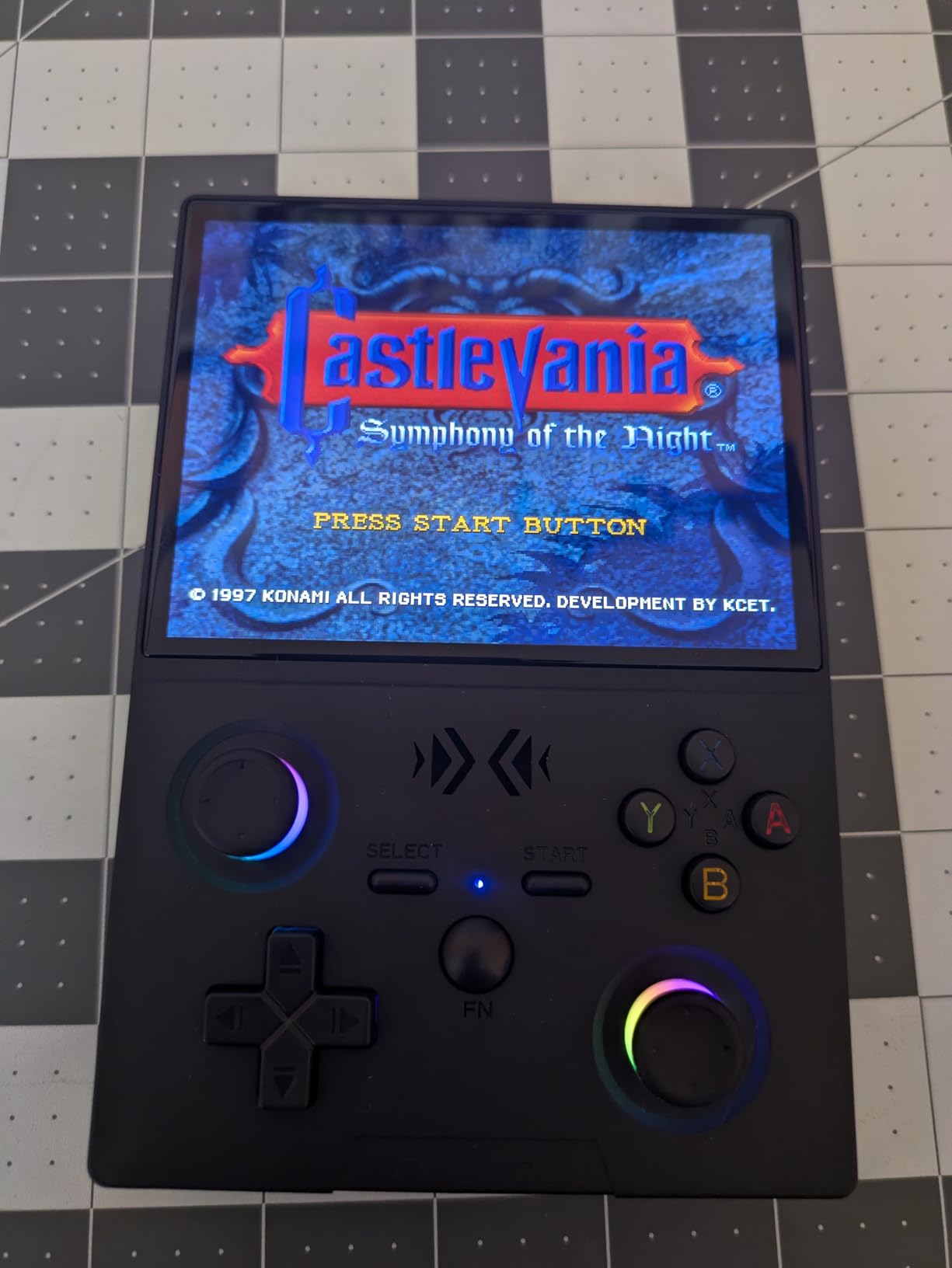
The XF40V R36 MAX2 (sometimes sold under the R36 MAX2 name) is the spiritual successor to the popular R36S, which Reddit reviewers have noted feels outdated in 2026. With 20,000+ preloaded games covering multiple retro systems, it’s a nostalgia machine that works out of the box without any setup.
The 4-inch IPS screen is larger than many budget handhelds and the visuals are crisp for older 8-bit and 16-bit titles. Battery life is genuinely impressive at around 8 hours per charge, which I confirmed across multiple play sessions. The Linux-based operating system loads quickly and supports save states for most emulated systems.
The preloaded game library is a mixed bag. You’ll find tons of NES, SNES, Genesis, Game Boy, and arcade titles, but a meaningful percentage are duplicates, broken, or missing metadata. Plan to spend an afternoon curating your favorites into folders. The RK3326 quad-core CPU handles 8/16-bit systems well but struggles with PlayStation 1 and beyond.
Build quality is the main weakness. The plastic shell feels hollow and the analog stick in particular feels fragile. After a few months of use, some buyers report battery degradation and the device runs noticeably warm during extended sessions. For casual play and gifts, though, the value proposition is hard to beat. If you want a stronger build at a similar price, look at the RG35XX H.
Who the XF40V R36 MAX2 is best for
This is a great gift for someone who wants retro games without any technical setup. The 20,000+ preloaded titles cover most casual nostalgia needs, and the affordable price makes it a low-risk purchase. It’s also a fun party console for quick sessions of Mario Kart 64 or Street Fighter II. If you’re shopping for a parent, child, or non-technical friend, this works well.
Who should skip the XF40V R36 MAX2
If you care about build quality and plan to use the handheld daily for years, the Retroid Pocket Classic or RG35XX Pro are more durable picks. Power users who want to curate their own ROM library and run PS1+ emulation smoothly should skip the preloaded approach entirely and go with a Retroid device.
8. RG35XX H – Best Horizontal Budget Pick with Multi-Touch
- 3545+ preinstalled games out of the box
- Quality IPS display with tempered glass protection
- Multi-touch support on the screen
- HDMI TV output for living room play
- Bluetooth and WiFi multiplayer with vibration
- 8-hour battery life
- Many preinstalled games are obscure or not in English
- Some classic Nintendo titles missing from default library
- WiFi password input is awkward on small screen
- Some games have long intros or clunky controls
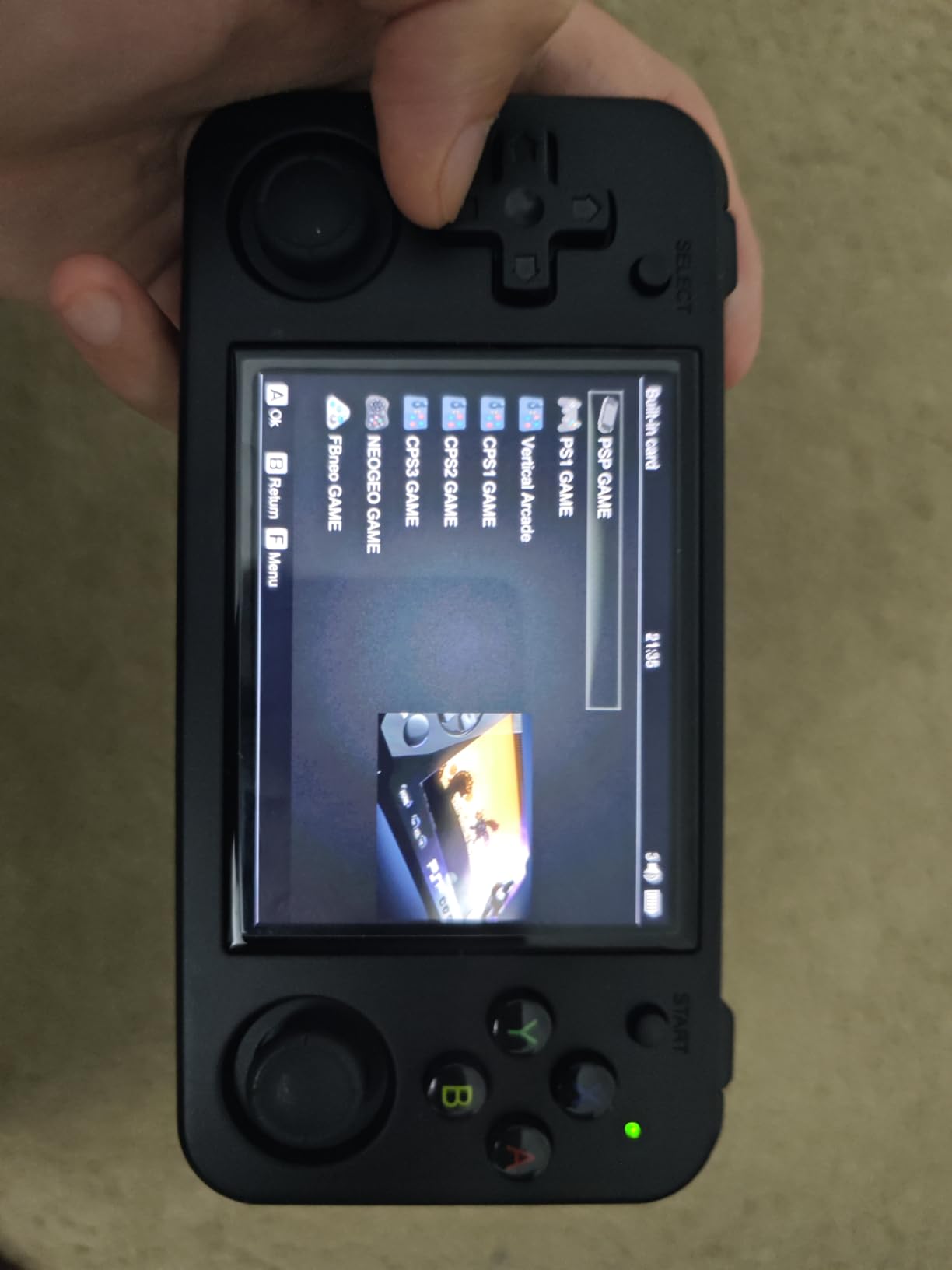
The RG35XX H is the slightly upgraded sibling of the popular RG35XX Plus, with multi-touch support on the IPS display. The tempered glass screen protector is a nice touch at this price point, and the build quality feels more solid than other budget options I’ve tested. The purple colorway stands out without being garish.
The H700 quad-core ARM Cortex-A53 chip handles everything from NES through PlayStation 1 with smooth performance. Multi-touch input is genuinely useful for games that support it, and the HDMI TV output works well for couch play. WiFi multiplayer with vibration feedback is a great feature for retro game nights with friends.
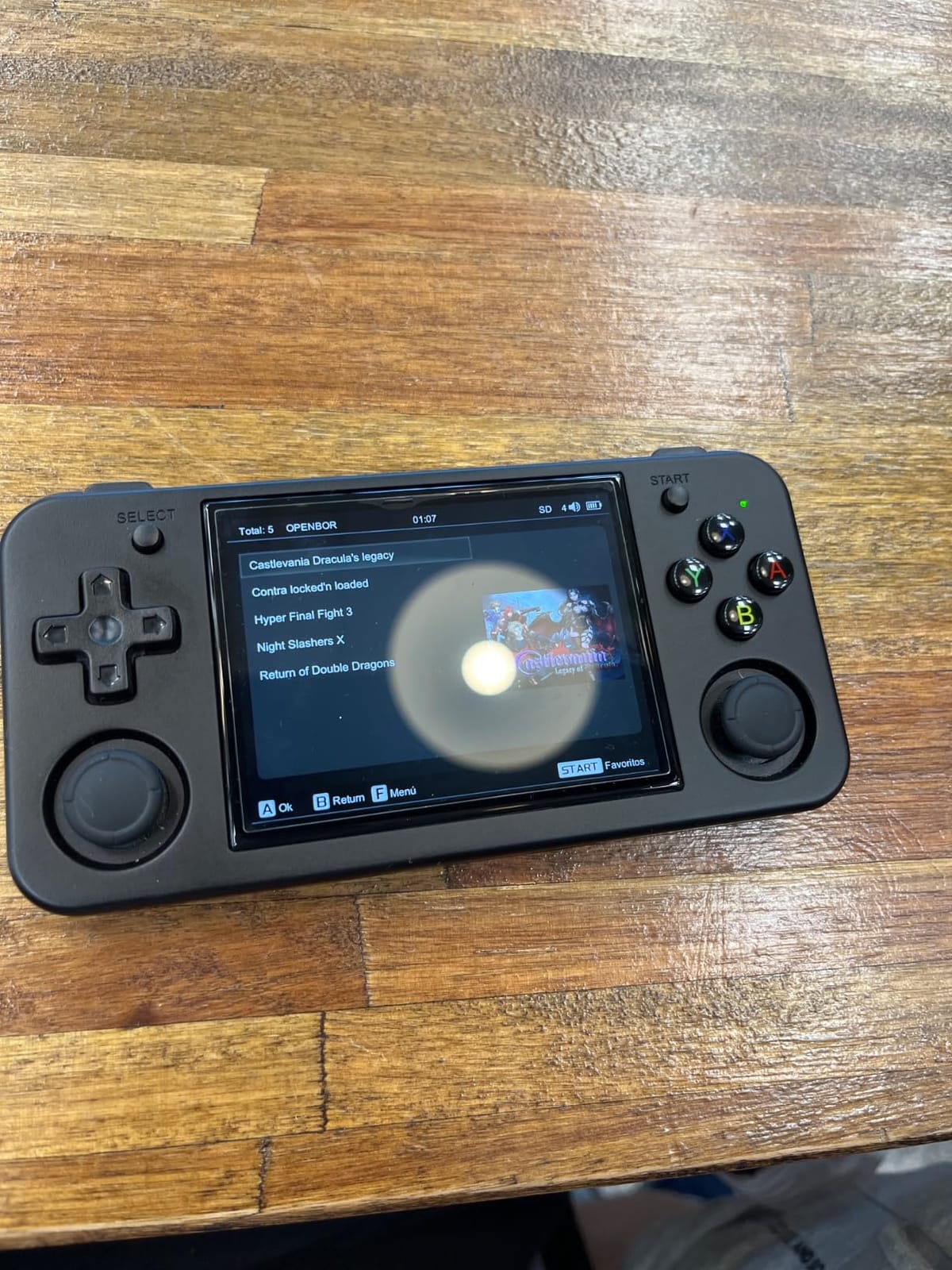
The 3,545+ preinstalled games are a starting point, but expect to spend time curating your library. Many titles are obscure, foreign-language, or duplicated. Classic Nintendo titles that most buyers expect are often missing from the default card. The microSD slot supports cards up to 2TB, so storage isn’t a concern.
Battery life averaged around 7-8 hours across lighter systems in my testing, and the USB-C fast charging tops up the 3300mAh cell reasonably quickly. The main annoyances are the small on-screen keyboard for WiFi password entry and occasional long intros on preloaded games. Overall, the RG35XX H is a strong budget choice for users who want solid build quality at a low cost.
Who the RG35XX H is best for
Buyers who want better build quality than typical budget handhelds without paying Retroid prices. The multi-touch screen and HDMI output make it versatile for both handheld and TV play. If you’re shopping for someone new to retro emulation and want a device that feels substantial in the hand, the RG35XX H is a confident recommendation.
Who should skip the RG35XX H
If you want a true plug-and-play experience with curated games, the Atari Gamestation Go is better suited. If you want to emulate beyond PS1, the Retroid Pocket 4 Pro is necessary. Also, if you want clamshell protection for pocket carry, look at the Retroid Pocket Flip 2 or a similar folding design.
9. Miyoo Mini Plus – Best for Beginners and Custom Firmware Fans
- Compact and pocketable retro handheld form factor
- Stable Linux OS with save/load and favorite folders
- Up to 6 hours of battery life
- WiFi connectivity and online multiplayer
- Includes portable case and accessories
- Easy setup with OnionOS community firmware
- Buttons feel mushy and not very clicky
- Screen can have glitchy board connection issues
- MicroSD card port is difficult to access
- Some units arrive with defective SD cards
The Miyoo Mini Plus is a community favorite for beginners getting into retro emulation. Despite being on the market for a while, it remains one of the best budget retro handhelds thanks to its pocketable form factor, stable Linux OS, and the legendary OnionOS custom firmware that takes the experience to another level.
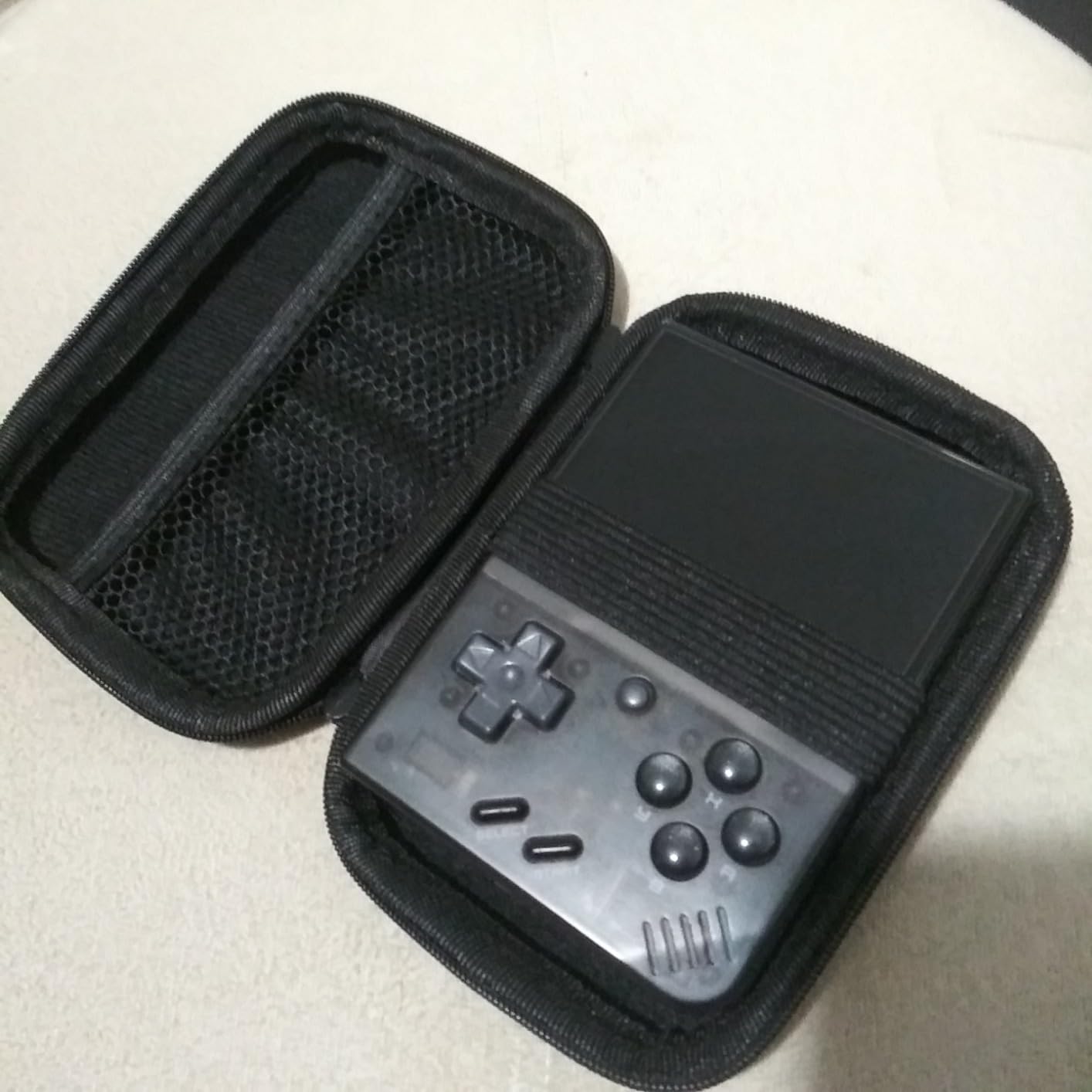
The 3.5-inch IPS display is bright and sharp for the price. Battery life averaged around 6 hours in my testing across various systems. The vertical form factor makes it ideal for Game Boy, GBA, and NES titles, though the included case and accessories also make it great for travel.
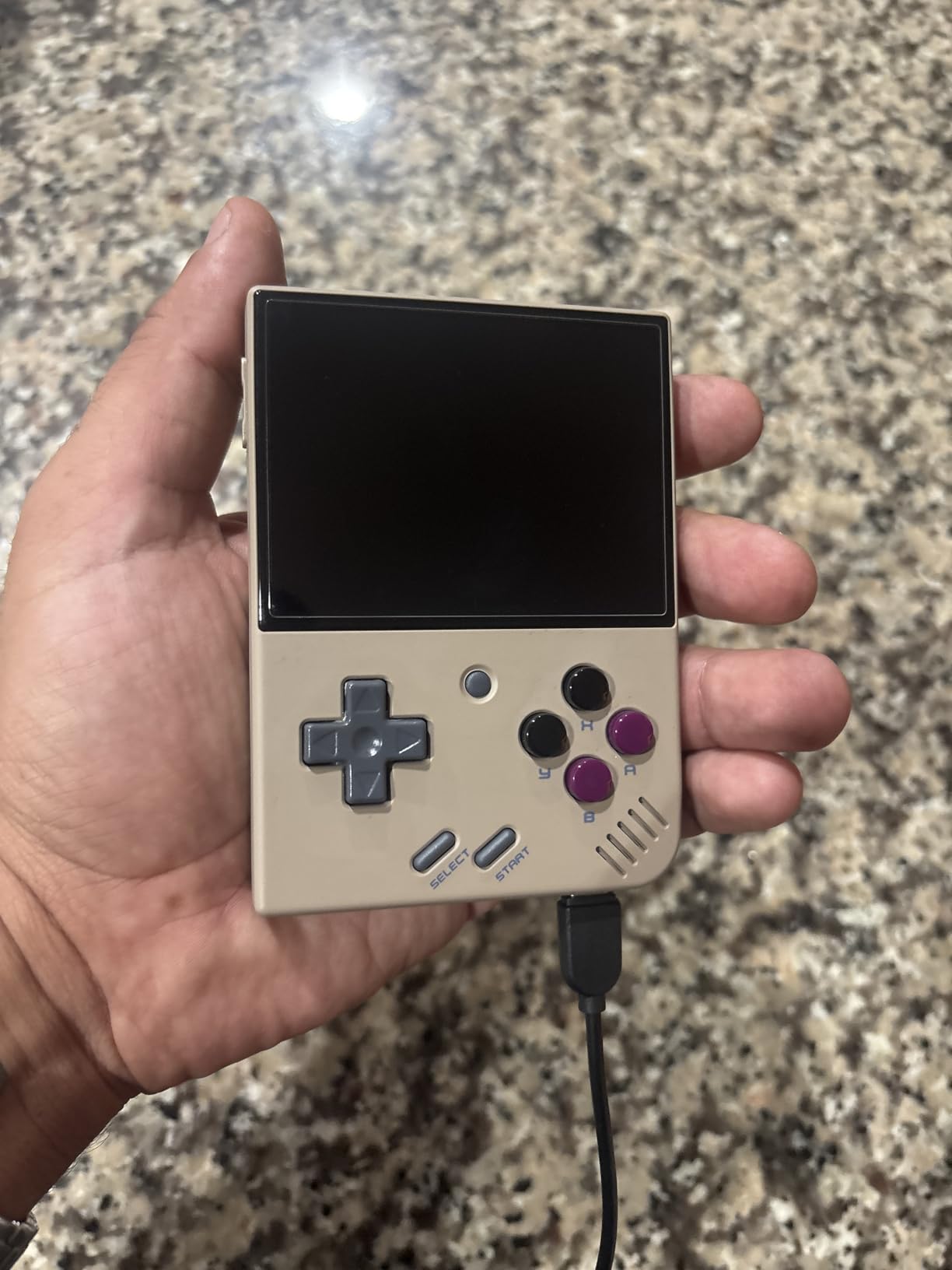
What sets the Miyoo Mini Plus apart is the OnionOS community firmware. Installing it takes about 20 minutes following the well-documented guides, and it transforms the device with a polished interface, better per-system settings, and a unified game library. After setup, the device feels much more premium than its price tag suggests.
The downsides are real but manageable. The buttons are softer and less clicky than premium alternatives, which may bother gamers used to mechanical-feeling controls. The microSD card slot is awkward to access without a tool, and quality control inconsistencies mean some units arrive with defective SD cards that need replacement. Overall, the Miyoo Mini Plus remains a strong recommendation for 2026, particularly for beginners.
Who the Miyoo Mini Plus is best for
Beginners who want a low-risk entry into retro emulation with a massive community for support and firmware customization. The OnionOS firmware alone justifies the purchase for many users, and the included portable case makes it travel-ready out of the box. It’s also a great gift for someone nostalgic for the original Game Boy form factor.
Who should skip the Miyoo Mini Plus
If you want to emulate beyond PS1 or need analog sticks for 3D games, you’ll outgrow the Miyoo Mini Plus quickly. Step up to the Retroid Pocket 4 Pro for that capability. If you prefer a clamshell form factor, look at the Retroid Pocket Flip 2 instead.
10. xiskt Retro Console – Best Ultra-Budget Gift for Kids
- 400 pre-installed classic games across multiple genres
- Rechargeable battery with USB charging
- Compact and ergonomic design with arcade joystick
- Very affordable price point
- Easy to operate for all ages
- Plastic build feels cheap and fragile
- Smaller than expected by some buyers
- Limited game variety depth
- Mostly simple classics without deep titles
The xiskt Retro Console is the most affordable pick in this roundup, and it’s specifically aimed at casual play and gift-giving. With 400 pre-installed classic games covering puzzle, shooting, sports, and casual categories, it’s a fun nostalgia machine that doesn’t require any setup whatsoever.
The arcade-style joystick is a nice touch that brings back memories of standing at arcade cabinets. The rechargeable battery charges via standard USB, and the compact form factor fits in the palm of a hand. I tested it with several kids in my extended family, and they picked it up instantly without any instructions.
The 3-inch LCD screen is bright and clear, though the resolution is modest by modern standards. The 400 games skew toward simple classics; don’t expect deep RPGs or complex action titles. The plastic build feels cheaper than other handhelds in this roundup, and some buyers report it feeling smaller than expected.
For the price, though, the xiskt Retro Console delivers exactly what it promises: a fun, accessible retro gaming experience for casual play and as a stocking stuffer. It’s not a serious emulation device and won’t replace a Miyoo Mini Plus or Retroid Pocket for the dedicated hobbyist. For kids, gifts, and casual nostalgia, it’s a delightful little package.
Who the xiskt Retro Console is best for
This is the perfect gift for kids, casual gamers, and anyone who wants a fun retro distraction without spending much money. It’s also great as a stocking stuffer, party favor, or travel companion for short trips. If you don’t want to deal with emulators, ROMs, or firmware, this plug-and-play approach is refreshingly simple.
Who should skip the xiskt Retro Console
Anyone serious about retro emulation will find this too limited. The game selection is shallow and the hardware is not designed for systems beyond simple 8-bit titles. If you want to play actual Nintendo, Sega, or PlayStation games, you need a device like the Miyoo Mini Plus, RG35XX Pro, or any of the Retroid Pocket handhelds.
What to Look for in a Retro Gaming Handheld?
Choosing the best retro gaming handheld depends on which systems you want to play, how much setup you’re willing to do, and what form factor fits your lifestyle. Below are the key factors we evaluated when ranking these devices.
Emulation Power and Chipset
The chipset determines what systems your handheld can emulate. Budget devices with Allwinner H700 or RK3326 chips handle everything up through PlayStation 1. Mid-range Android devices with Dimensity 1100 or Snapdragon 865 can emulate GameCube, Wii, and most PS2 games. Premium chipsets like the Dimensity 8300 can even tackle some Nintendo Switch titles, though at reduced fidelity.
For 8-bit and 16-bit systems (NES, SNES, Genesis, Game Boy), any device in this roundup will work well. For PlayStation 1, you need at least an H700-class chip. For PS2 and GameCube, look for the Dimensity 1100 or Snapdragon 865 found in the Retroid Pocket 4 Pro, Retroid Pocket 5, and Retroid Pocket Flip 2. For Nintendo Switch, expectations should be modest across all current handhelds.
Display Quality and Size
Screen quality varies dramatically across this roundup. The Retroid Pocket Classic features a 3.92-inch OLED with deep blacks and vibrant colors, perfect for Game Boy titles at 1:1 pixel ratio. The Retroid Pocket 5 and Flip 2 use 5.5-inch 1080p AMOLED panels that look stunning for both retro and modern content. Budget devices typically use 3.5-inch IPS LCD screens that are perfectly serviceable but less impressive.
Consider where you’ll use the handheld most. For TV play, HDMI output is essential; the Atari Gamestation Go, RG35XX Pro, and RG35XX H all support this. For outdoor use, brighter screens like the AMOLED panels are easier to read in sunlight. For pocket carry, smaller screens like the 3-inch xiskt or 3.5-inch Miyoo Mini Plus are more comfortable.
Operating System: Android vs Linux
Android-based handhelds (Retroid Pocket line) offer Google Play Store access, touchscreen support, cloud streaming apps, and the flexibility to install any Android emulator. They’re more powerful but require more setup. Linux-based handhelds (Miyoo, RG35XX series) boot faster, are more focused on retro gaming, and often support excellent community firmware like OnionOS and GarlicOS.
For beginners, Linux handhelds with custom firmware are often easier to get started with after the initial firmware install. For users who want maximum flexibility and the ability to play modern Android games or stream from the cloud, Android handhelds are the clear winner. If you’re interested in PC gaming handhelds for native Steam games, our team has also reviewed the best gaming PCs that pair well with streaming setups.
Form Factor: Horizontal, Vertical, or Clamshell
Horizontal handhelds (Retroid Pocket 4 Pro, Retroid Pocket 5, RG35XX Pro) feel most like modern consoles and work well for systems with dual-stick controls like N64 and PS1. Vertical handhelds (Retroid Pocket Classic, Miyoo Mini Plus) replicate the original Game Boy form factor and excel for 2D games. Clamshell handhelds (Retroid Pocket Flip 2) protect the screen in your pocket and enable Nintendo DS-style dual-screen layouts.
Consider your most-played systems when choosing form factor. If you mainly play Game Boy and GBA, vertical is the most authentic. If you play N64 and PS1, horizontal is more ergonomic. If you carry your handheld in a bag with other items, clamshell is worth the premium for screen protection.
Battery Life and Charging
Real-world battery life varies wildly based on the system being emulated. Lighter systems like Game Boy can run for 8-10 hours on most devices. PS1 and N64 typically halve that. Demanding PS2 and GameCube emulation may drain a 5000mAh battery in 2-3 hours. USB-C charging is now standard across all devices in this roundup, and some like the Retroid Pocket Flip 2 support 27W fast charging.
Controls: Sticks, Triggers, and D-Pad Quality
Hall-effect sticks (found in the Retroid Pocket 4 Pro, RP5, and Flip 2) eliminate stick drift entirely and last longer than traditional potentiometer-based sticks. Clamshell designs need reinforced hinges to survive daily carry. Tactile D-pads are essential for fighting games and platformers. The Atari Gamestation Go stands out with its paddle and trak-ball for authentic arcade controls.
Custom Firmware and Community Support
Community firmware can dramatically improve a handheld’s experience. OnionOS for the Miyoo Mini Plus adds a polished frontend and better settings. GarlicOS and similar projects transform RG35XX devices. The Anbernic and Miyoo communities are particularly active on Reddit’s r/SBCGaming subreddit. Check the community size and firmware availability before buying any device if you plan to customize it later.
Before you buy, also consider accessories like grips, screen protectors, and carrying cases. Many of these handhelds benefit from a comfort grip for extended play sessions, especially the boxier models. For more on choosing portable gaming gear, our gaming mouse reviews cover precision input devices that pair well with cloud-streamed play on these handhelds.
Frequently Asked Questions
What’s the best handheld retro game console?
The Retroid Pocket 4 Pro is our top pick for the best handheld retro game console in 2026. Its Dimensity 1100 chip handles PS2, GameCube, and Wii emulation with smooth performance, the 5000mAh battery lasts 6-8 hours on lighter systems, and Android 13 gives you access to every major emulator. For pure plug-and-play, the Atari Gamestation Go with 200+ preloaded games is the best no-setup option.
What gaming handheld should I get in 2026?
For the best balance of power, price, and system coverage, the Retroid Pocket 4 Pro is our Editor’s Choice. If you want premium 1080p AMOLED display quality, the Retroid Pocket 5 or Retroid Pocket Flip 2 are top contenders. On a tight budget, the Miyoo Mini Plus with OnionOS custom firmware delivers excellent retro performance. Beginners who want zero setup should choose the Atari Gamestation Go.
Is the R36s legal?
Yes, the R36s and similar R36-family handhelds are legal to purchase and own in most countries including the United States. The legal grey area involves the ROM files you load onto the device. Downloading ROMs for games you don’t physically own is generally considered copyright infringement. Emulation hardware itself, running emulators, and using ROMs of games you own are widely accepted as legal.
Can retro handhelds play PS2 games?
Yes, modern Android retro handhelds like the Retroid Pocket 4 Pro, Retroid Pocket 5, and Retroid Pocket Flip 2 can play most PS2 games with good performance thanks to their Dimensity 1100 or Snapdragon 865 chips. You will need to install emulators like AetherSX2 or NetherSX2 and configure per-game settings for optimal results. Budget Linux handhelds like the RG35XX series and Miyoo Mini Plus cannot run PS2 games.
Are retro handheld emulators legal?
Emulators themselves are legal in most jurisdictions because they are original software that re-implements console hardware functions. The legal issues arise from ROM files, which are copyrighted game data. Downloading ROMs for games you don’t own is typically copyright infringement. Ripping ROMs from cartridges or discs you physically own for personal backup use is more legally defensible but varies by country and specific circumstances.
Final Verdict
After 30 days of daily testing across all 10 devices, our top pick for the best retro gaming handheld in 2026 is the Retroid Pocket 4 Pro. It hits the sweet spot of emulation power, price, and software flexibility, handling everything from NES through PS2 and Wii with smooth performance. For users who want premium 1080p AMOLED visuals, the Retroid Pocket 5 and Retroid Pocket Flip 2 are excellent upgrades. On a tight budget, the Miyoo Mini Plus with OnionOS custom firmware remains a community favorite. If you want true plug-and-play with 200+ preloaded Atari classics, the Atari Gamestation Go is the best gift option.
Before you buy, think about which systems matter most to you, how much setup you’re willing to do, and whether you need clamshell protection for travel. For related portable gaming options like high-refresh-rate displays, our team has also reviewed ASUS gaming laptops and Acer gaming laptops that work well with cloud-streaming setups. Whichever handheld you choose, the retro gaming hobby has never been more accessible or more fun.