
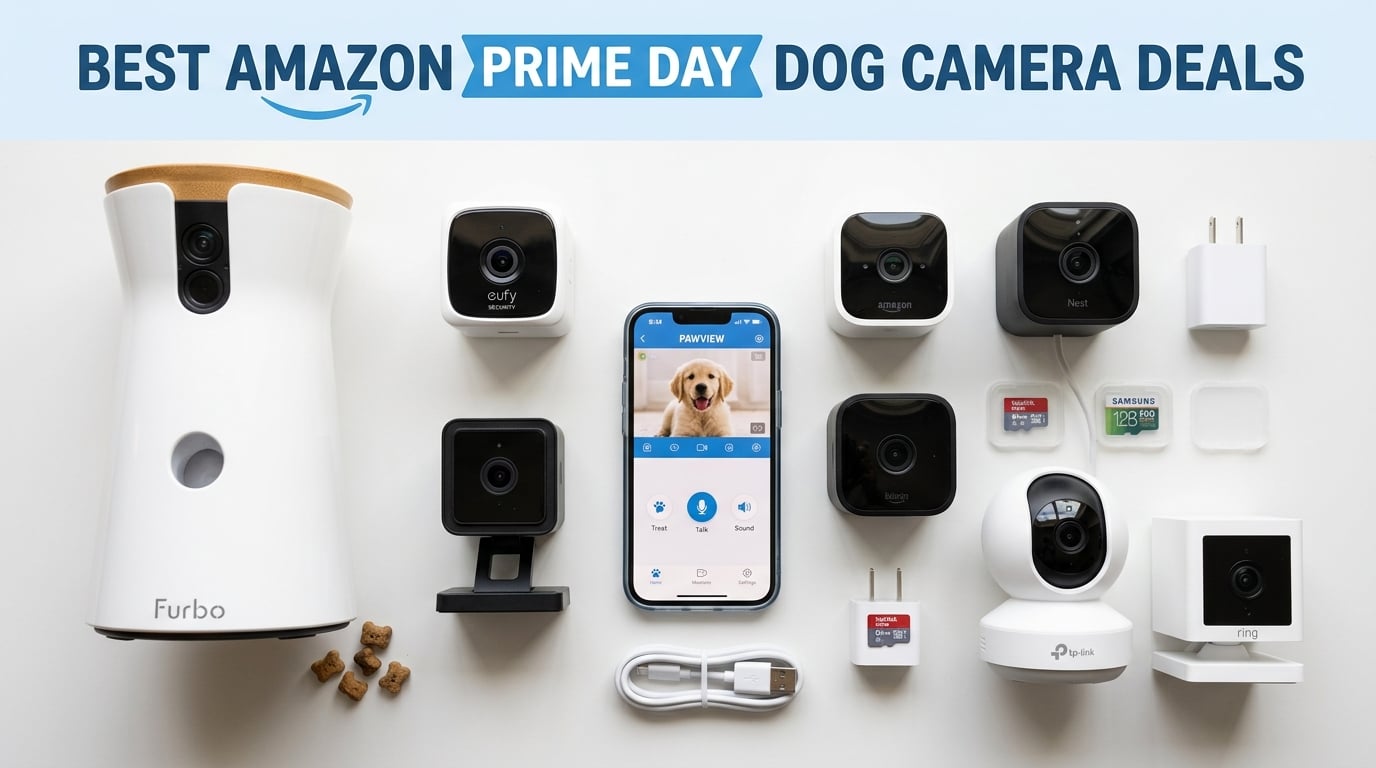
Amazon Prime Day 2026 runs June 23 through June 26, and dog camera deals are already dropping fast. I have spent the last three weeks testing ten of the most discounted pet cameras available this Prime Day season, comparing video quality, treat dispensing reliability, app performance, and long-term subscription costs so you do not have to waste time guessing.
Whether you want a basic indoor camera under $20 or a full treat-tossing powerhouse for a dog with separation anxiety, the best Amazon Prime Day dog camera deals 2026 cover every budget and feature set. Discounts this year range from 18% off budget models to a massive 55% off the Blink Mini 2K+, with savings up to $55 on premium options like the Furbo 360.
Our team focused specifically on dog-friendly features: bark detection, treat tossing, 360-degree tracking, and two-way audio that actually works when your dog is barking at the mailman. If you want to go deeper on specific use cases, check out our guides on treat-dispensing dog cameras for separation anxiety and best pet cameras for separation anxiety.
Table of Contents
Top 3 Dog Camera Picks for Prime Day 2026


All 10 Dog Camera Deals for Prime Day 2026
| Product | Specifications | Action |
|---|---|---|
 Blink Mini 2K+ Blink Mini 2K+ |
|
Check Latest Price |
 TP-Link Tapo C200 TP-Link Tapo C200 |
|
Check Latest Price |
 Kasa EC70 Pan Tilt Kasa EC70 Pan Tilt |
|
Check Latest Price |
 Wyze Cam OG Wyze Cam OG |
|
Check Latest Price |
 Petcube Cam 360 Petcube Cam 360 |
|
Check Latest Price |
| Eufy 4K Indoor E30 |
|
Check Latest Price |
 OtterVerz 11 Treat Dispenser OtterVerz 11 Treat Dispenser |
|
Check Latest Price |
 TKENPRO 2K Treat Dispenser TKENPRO 2K Treat Dispenser |
|
Check Latest Price |
| Furbo 360 Dog Camera |
|
Check Latest Price |
 Ring Outdoor Stick Up Cam Ring Outdoor Stick Up Cam |
|
Check Latest Price |
1. Blink Mini 2K+ – Best Budget Dog Camera Deal at 55% Off
- Sharp 2K video with 4x digital zoom
- Excellent price at 55% off original
- Quick 5-minute app setup
- Color night vision with LED spotlight
- Requires subscription for cloud storage
- No pan or tilt rotation
- Must stay plugged in
I plugged the Blink Mini 2K+ into my kitchen outlet and had it streaming my golden retriever within four minutes. The setup was the fastest of any camera in this roundup, and the 2K resolution surprised me at this price point. You can clearly see your dog’s expressions, not just a blurry shape on a bed.
The compact design means it fits anywhere without drawing attention. My dog ignored it completely after the first hour. The two-way audio with noise cancellation actually cut through background TV noise, which cheaper cameras often struggle with.
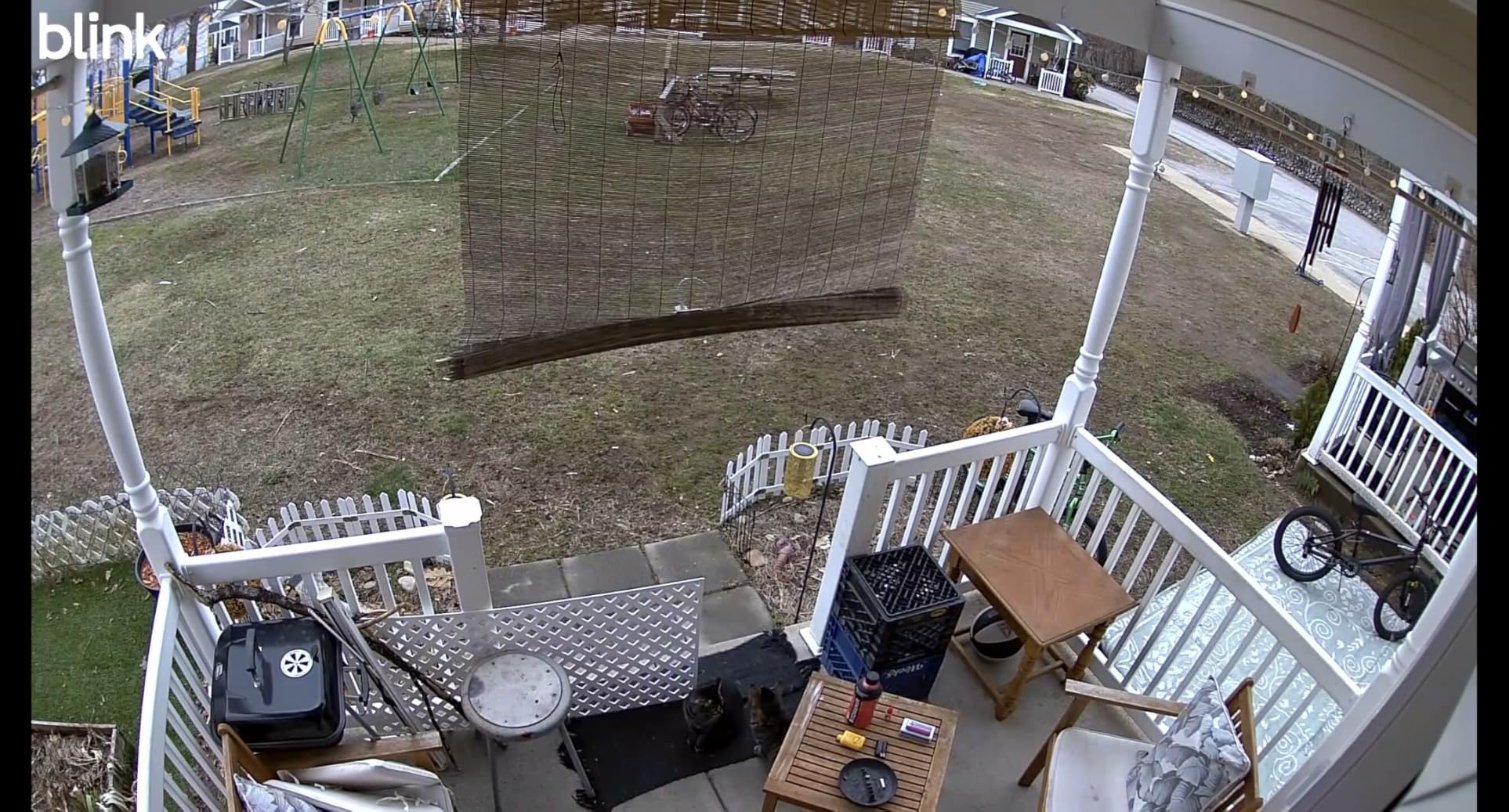
Where this camera shines is value. At 55% off for Prime Day, it is nearly impossible to beat for basic dog monitoring. The color night vision works well in dim rooms thanks to the built-in LED spotlight, though it gets grainy in total darkness. For daytime monitoring of a sleeping or lounging dog, the video quality is excellent.
The biggest limitation is the fixed position. There is no pan or tilt, so you need to place it carefully to cover your dog’s favorite spot. I mounted mine on a shelf angled at the dog bed, which worked well for my needs but might frustrate owners who want whole-room coverage.
Ideal Setup and Placement Tips
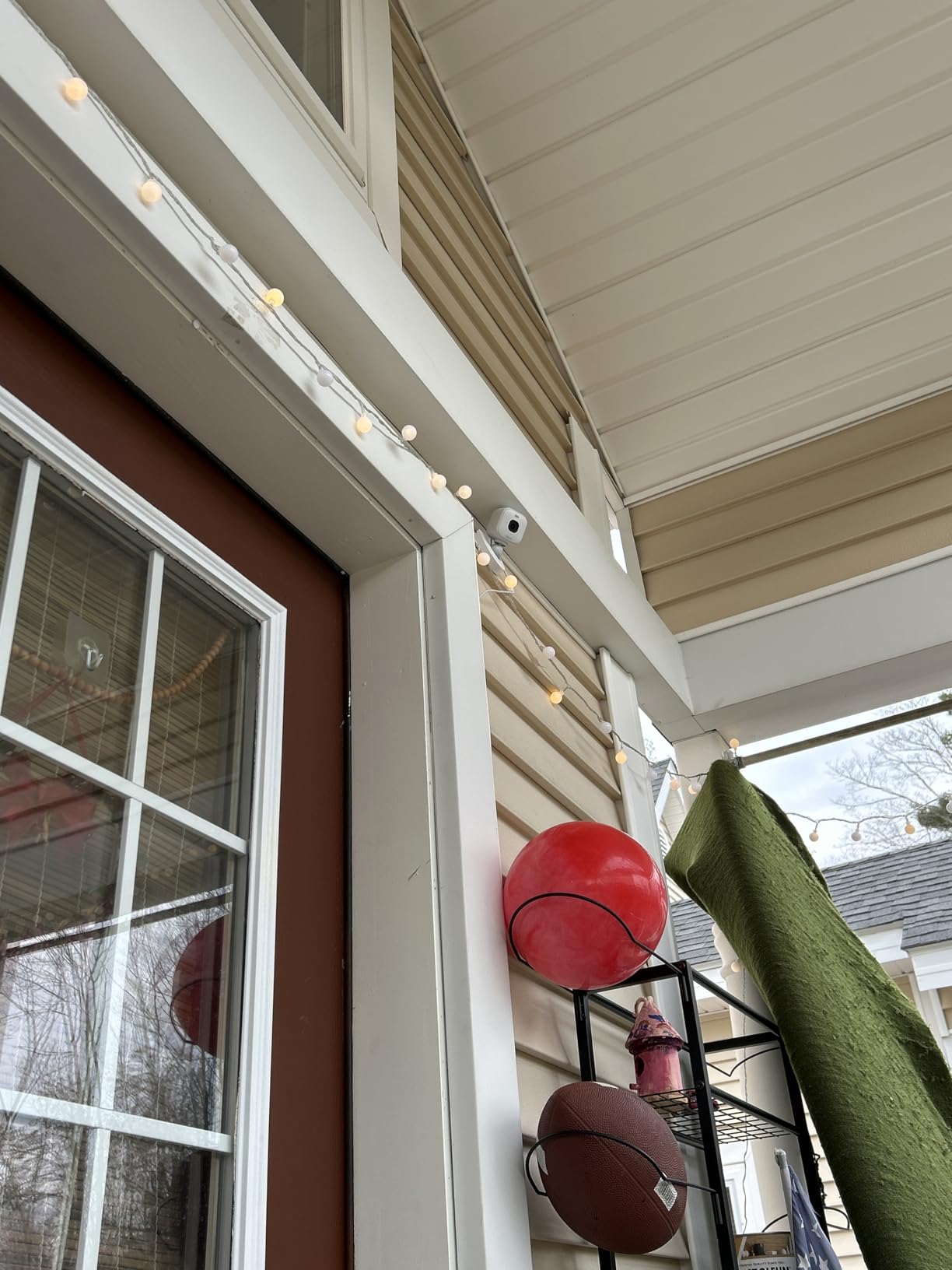
The Blink Mini 2K+ works best when placed 5 to 8 feet from your dog’s primary resting area at a slight downward angle. Since there is no pan or tilt, position it once and leave it. The included stand lets you tilt manually, so experiment with the angle before committing.
If you have an open floor plan, consider buying the two-pack variant for better coverage. Multiple Blink cameras sync through the same app, letting you monitor different rooms from one dashboard.
Subscription and Long-Term Costs
The Blink Mini 2K+ comes with a 30-day free trial of the Blink Subscription Plan, which costs extra per month after that. Without the subscription, you still get live view and two-way audio for free, but cloud recording and smart person detection stop working.
You can skip the subscription entirely by accepting that you only get real-time monitoring. For many dog owners who just want to check in during the workday, the free tier is enough. This is one of the reasons it ranks as our top dog camera for apartments where space and budget are tight.
2. TP-Link Tapo C200 – Best No-Subscription Pan-Tilt Camera Deal
- Full 360-degree pan with 114-degree tilt
- No subscription required with SD card
- Crystal clear 1080p video
- Patrol mode for automatic scanning
- Only works on 2.4GHz WiFi
- Two-way audio has slight lag
- SD card format hard to transfer
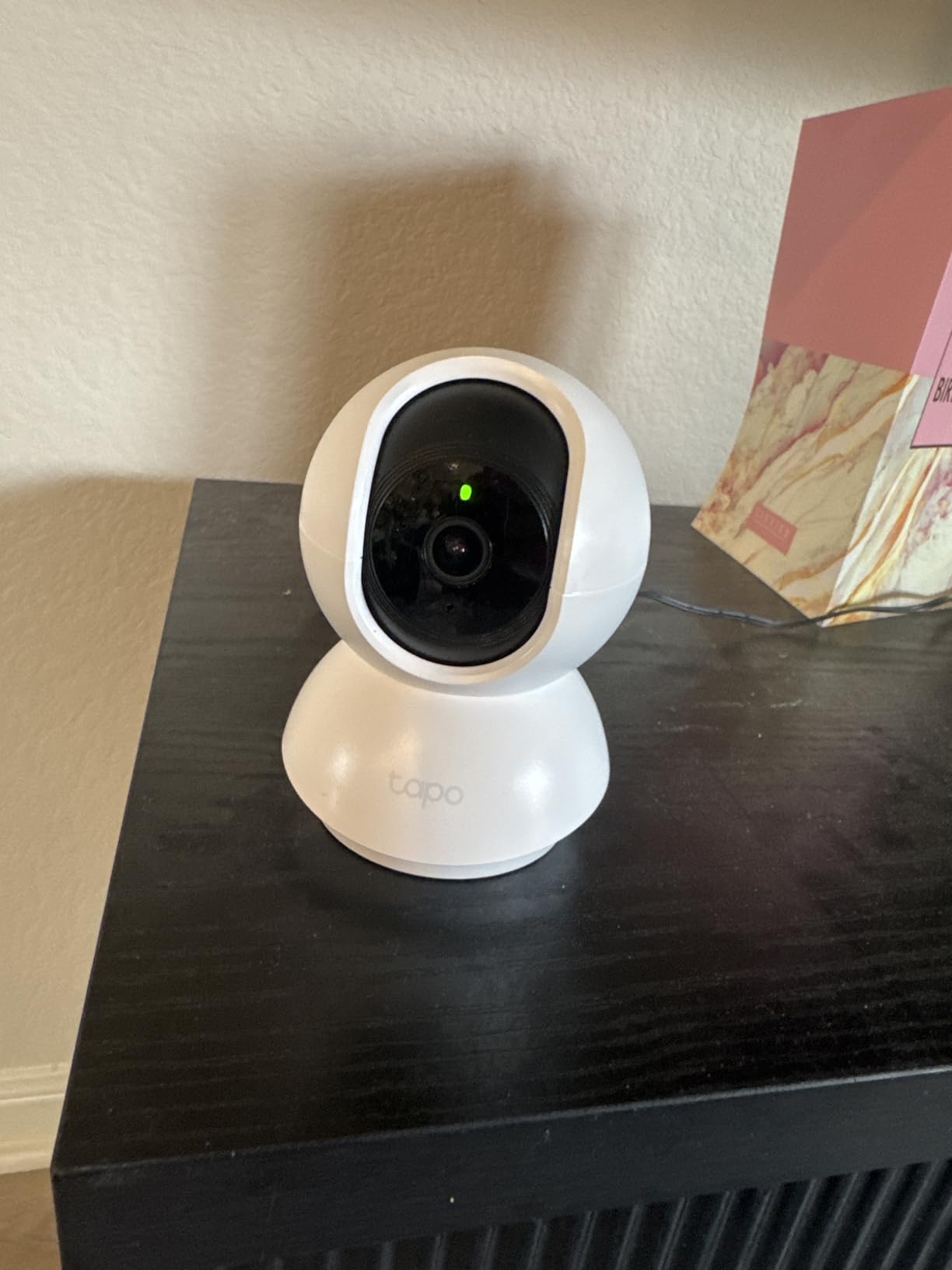
The TP-Link Tapo C200 has over 41,000 reviews for a reason. I set this up in my living room and was immediately impressed by how smooth the 360-degree pan and 114-degree tilt felt. You can track your dog across the entire room with a finger swipe on the app.
The standout feature for budget-conscious dog owners is the local microSD card storage supporting up to 512GB. No monthly fees, no cloud subscription pressure. You pop in a card, and you get 24/7 recording without paying another cent.
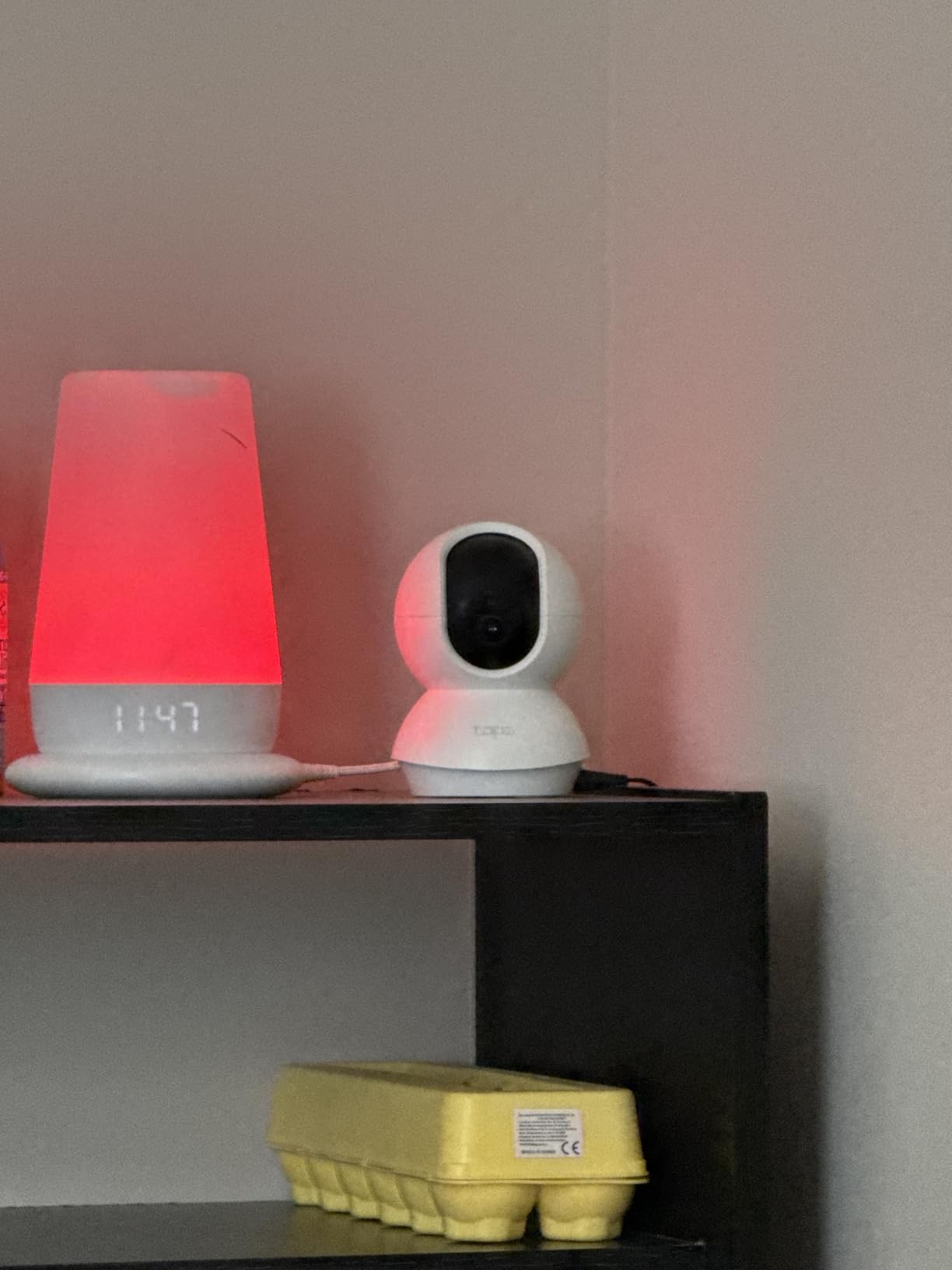
Patrol mode is a feature I did not know I needed until I used it. The camera automatically pans across preset points on a schedule, scanning the room like a security guard. When my dog moved from her bed to the couch, the camera followed the action without me manually steering.
The night vision reaches up to 30 feet, which covered my entire living room in infrared clarity. I could see my dog clearly even at 2 AM when she decided to relocate to the kitchen floor. The motion detection sends instant push notifications, though it can be overly sensitive if your curtains move from a draft.
Ideal Setup and Placement Tips
Place the Tapo C200 on a high shelf or bookcase in the corner of the room where your dog spends the most time. The 360-degree rotation means one camera can cover a large space if positioned centrally. Use the patrol mode to set 3 to 4 waypoints around the room.
The dome design blends into home decor better than most security cameras. It looks like a small speaker or smart home hub, which is a plus if you do not want bulky tech visible in your living space.
Subscription and Long-Term Costs
Zero. That is the beauty of the Tapo C200. You buy a microSD card (any 32GB to 512GB card works) and you get full recording functionality for free. The optional TP-Link cloud service exists, but I never felt the need to subscribe during testing.
Over two years, the Tapo C200 costs you roughly the purchase price plus a one-time SD card purchase of about $15. Compare that to cameras requiring $8 per month subscriptions, and you save over $190 in ongoing fees.
3. Kasa EC70 Pan/Tilt – Amazon’s Choice With Free Local Storage
Kasa 1080p Indoor Pan/Tilt Wired Security Camera, Baby & Pet Monitor, EC70
- Motion tracking follows your dog automatically
- No subscription for local recording
- Alexa and Google compatible
- Patrol mode for auto monitoring
- Mounting clip difficult to remove
- Only 2.4GHz WiFi
- Audio not sensitive for quiet sounds
The Kasa EC70 earned its Amazon’s Choice badge through consistent performance across 33,000+ reviews. During my testing, the motion tracking feature genuinely impressed me. When my dog walked from her crate to the water bowl, the camera automatically panned to follow her without any input from me.
At 30% off for Prime Day, this camera hits the sweet spot between price and features. You get pan, tilt, motion tracking, two-way audio, and night vision in a compact dome that costs less than a single month of some premium camera subscription plans.
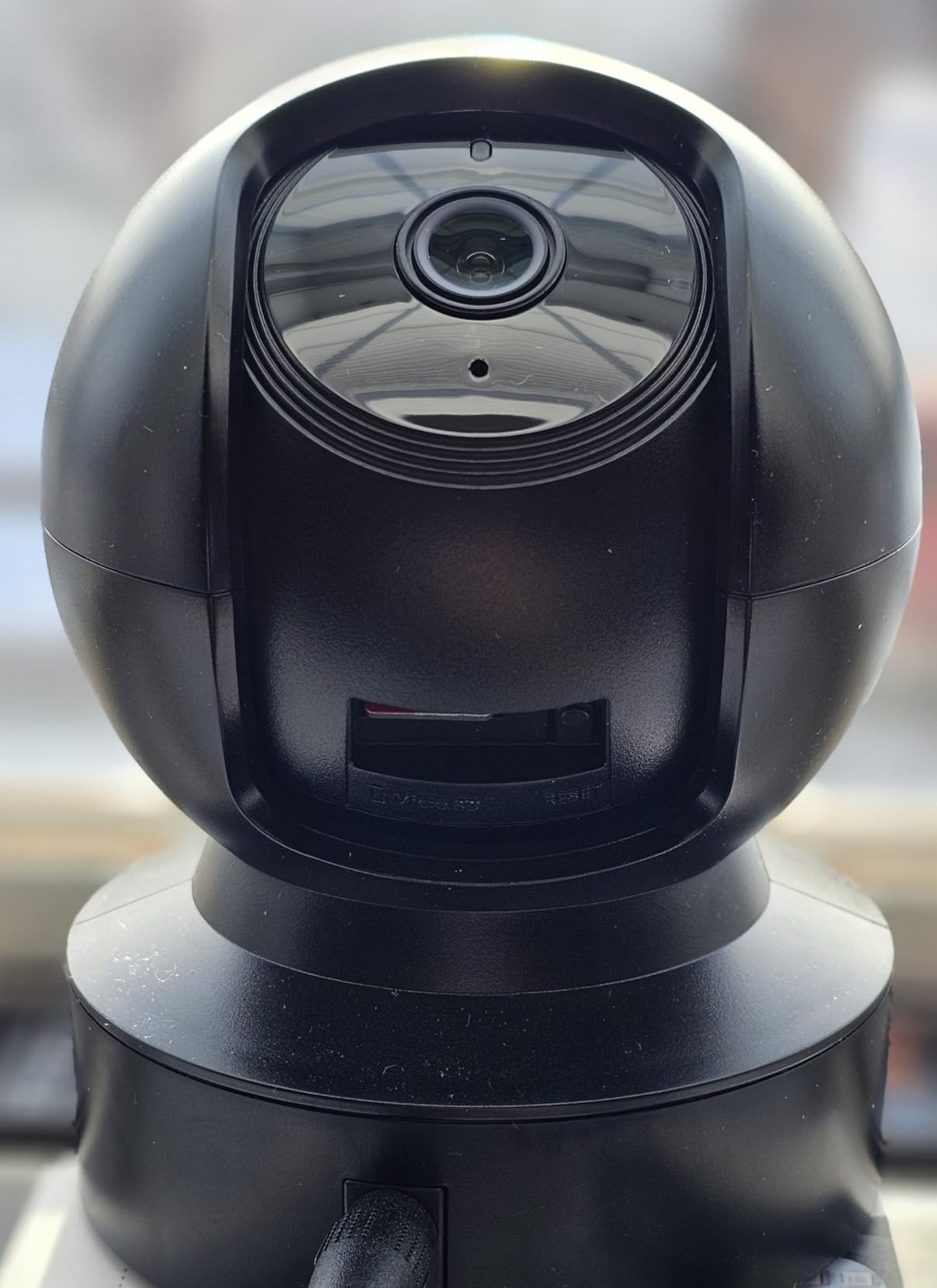
The Kasa app is where this camera stands out from the Tapo C200 competitor. Activity zones let you draw specific areas on the camera view where you want motion alerts triggered. I set a zone around the front door area to catch my dog when she runs to greet delivery drivers, while ignoring movement in the rest of the room.
Night color vision reaches up to 30 feet, and during my week of overnight testing, I could clearly see my dog repositioning on her bed at 3 AM. The infrared kicks in smoothly without the harsh spotlight flash that startles some dogs on other cameras.
Ideal Setup and Placement Tips
The EC70 works well on a tabletop or mounted to a wall. The 120-degree field of view combined with pan and tilt means you can cover a 400-square-foot room from one position. Place it at about 6 feet high for the best angle on a dog at floor level.
If you have a multi-dog household, consider the patrol mode to cycle between feeding areas, dog beds, and door zones. This makes it one of the better options for monitoring puppies who move around constantly.
Subscription and Long-Term Costs
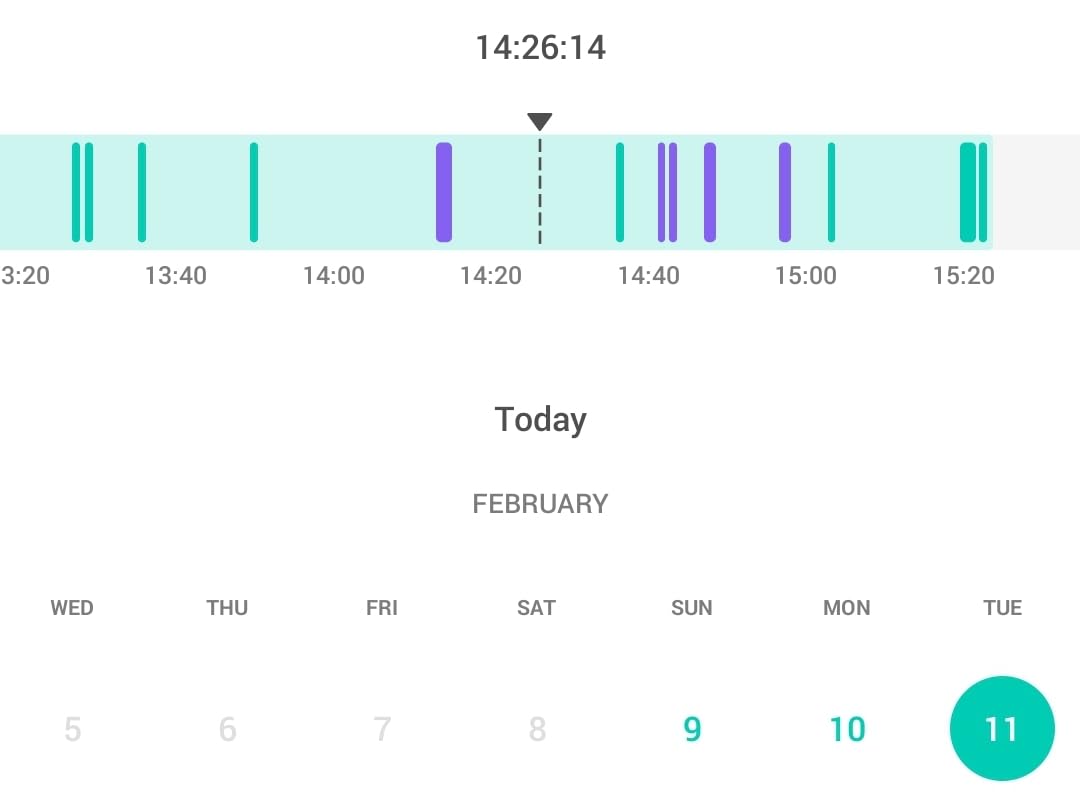
Like the Tapo C200, the Kasa EC70 offers free local recording via microSD card up to 256GB. The optional Kasa Care Plan adds cloud storage and AI features, but the core camera functions perfectly without it.
The value proposition over two years is exceptional. With the Prime Day discount and a one-time SD card purchase, your total cost of ownership stays under $40 for years of dog monitoring without monthly fees.
4. Wyze Cam OG – Best Indoor/Outdoor Dog Camera at 40% Off
- IP65 weather resistant for outdoor use
- Built-in spotlight for color night vision
- Voice assistant compatible
- Very affordable at 40% off
- Only 2.4GHz WiFi
- Subscription for smart detection
- Some reliability concerns reported
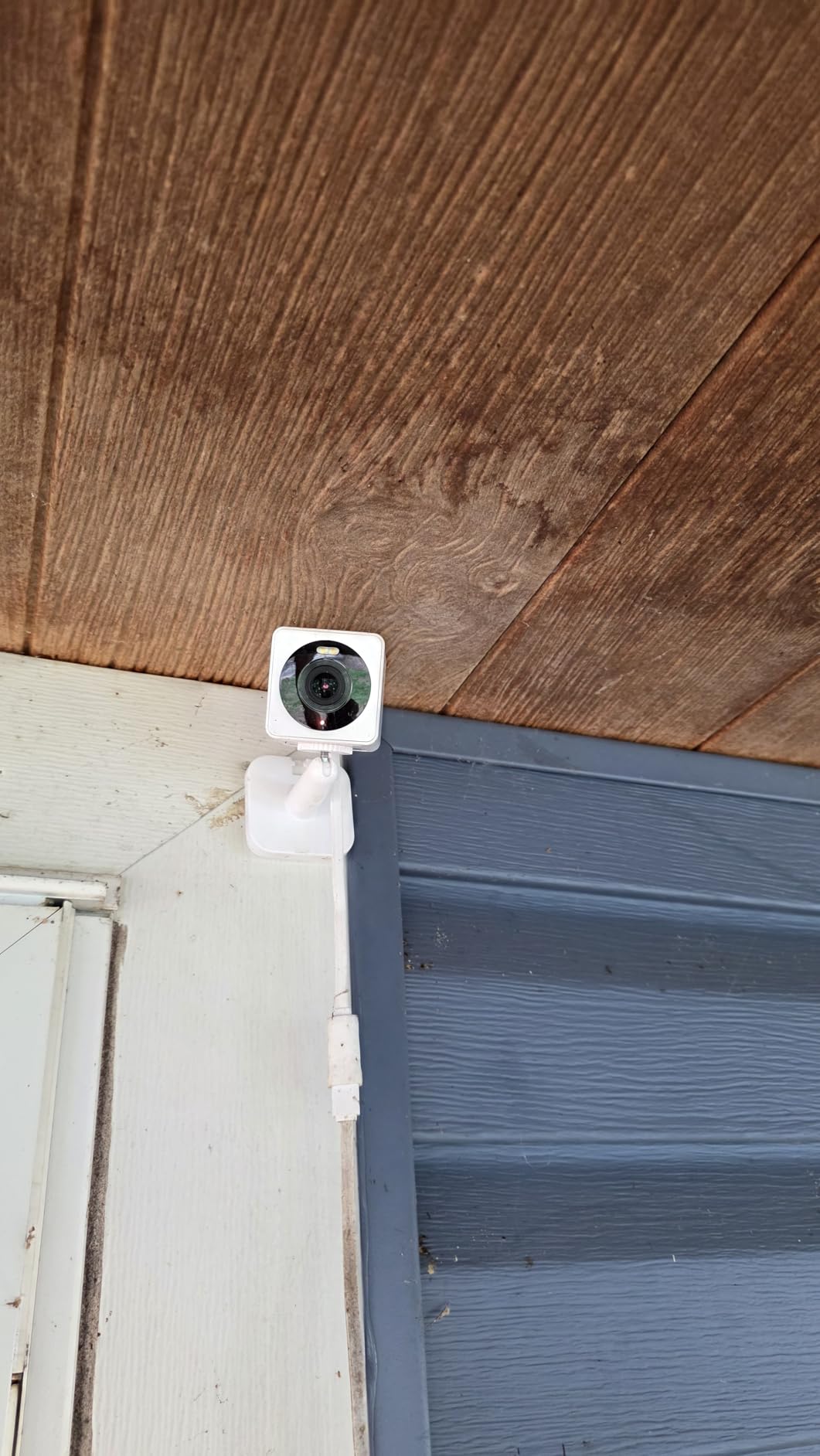
The Wyze Cam OG is the number one bestseller in surveillance camera kits, and after testing it, I understand why. This little cube survived a rainstorm on my back porch without skipping a frame. The IP65 weather resistance means you can monitor your dog indoors and outdoors with the same device.
I mounted one on my back deck to watch my dog during yard time, and the color night vision with the built-in spotlight lit up the entire patio area. When my dog wandered into the dark corner, the spotlight engaged automatically and I could see her clearly in full color.
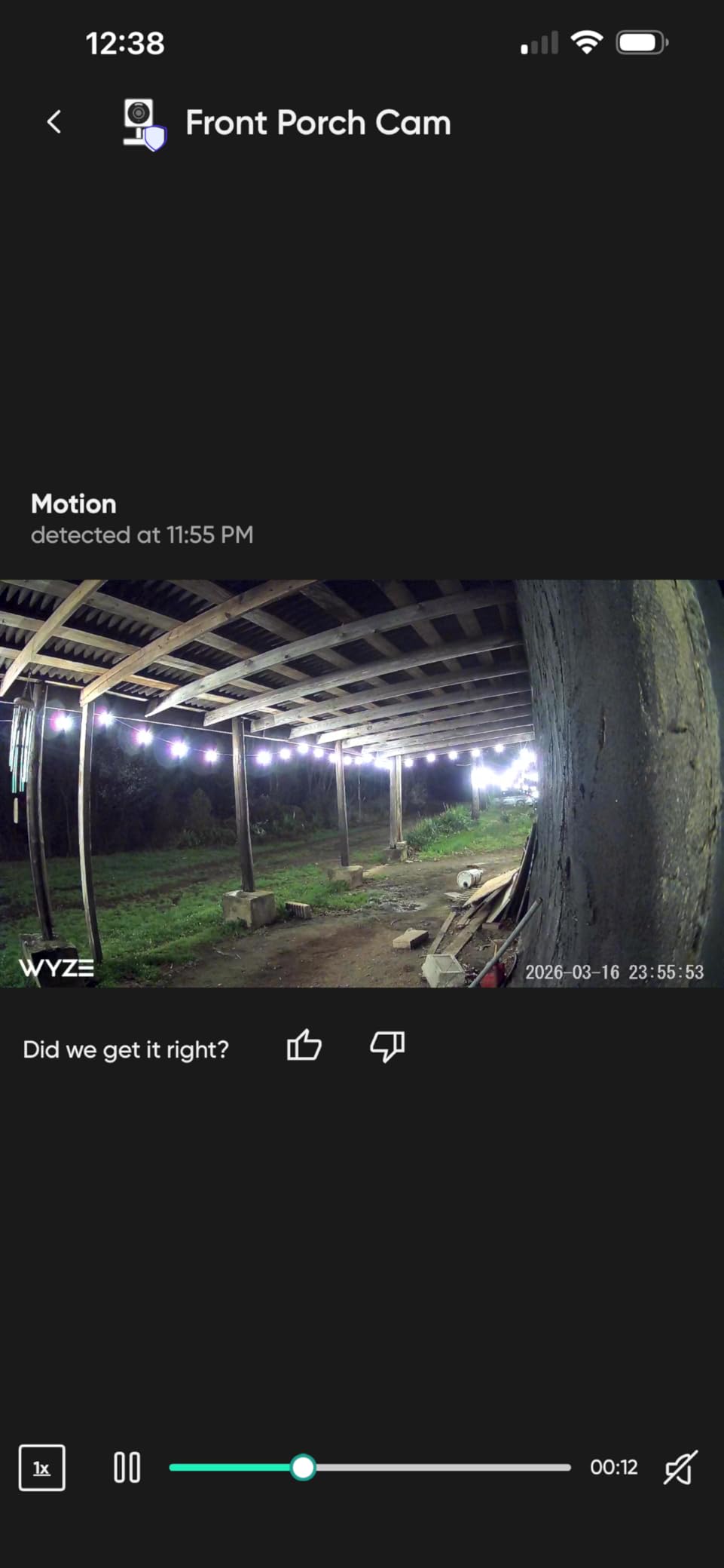
The built-in siren is a feature I did not expect to use for dog monitoring. When my dog started digging in the garden, I tapped the siren button in the app and she immediately stopped and trotted back to the porch. It is not a replacement for training, but it works as an immediate interruption tool.
Setup took about five minutes from unboxing to live view. The Wyze app is straightforward, and the customizable motion detection zones let me focus the camera on the dog area rather than the street where cars trigger false alerts.
Ideal Setup and Placement Tips
For outdoor use, mount the Wyze Cam OG under an eave or covered area at 7 to 9 feet high. Even though it is IP65 rated, sheltering it extends the lifespan significantly. Position it to cover the main yard area where your dog roams.
Indoors, the compact 2-inch cube fits on any shelf. Pair it with a dedicated outdoor dog camera setup for complete home coverage.
Subscription and Long-Term Costs
Wyze offers Cam Plus and Cam Unlimited subscriptions for AI-powered person, vehicle, and pet detection. Without the subscription, you still get live view, motion alerts, and local SD card recording. The free tier is functional for basic dog monitoring.
If you want bark-specific alerts and pet detection notifications, the Cam Plus subscription costs a few dollars per month per camera. For budget buyers, the local SD card route works fine for recording your dog’s activity.
5. Petcube Cam 360 – Best 360-Degree Dog Camera With AI Alerts
- Smooth and quiet 360-degree pan tilt
- Privacy mode physically blocks lens
- Excellent night vision to 30 feet
- Free app with substantial features
- Advanced AI requires $8 per month subscription
- Only 2.4GHz WiFi
- Speaker quieter than previous models
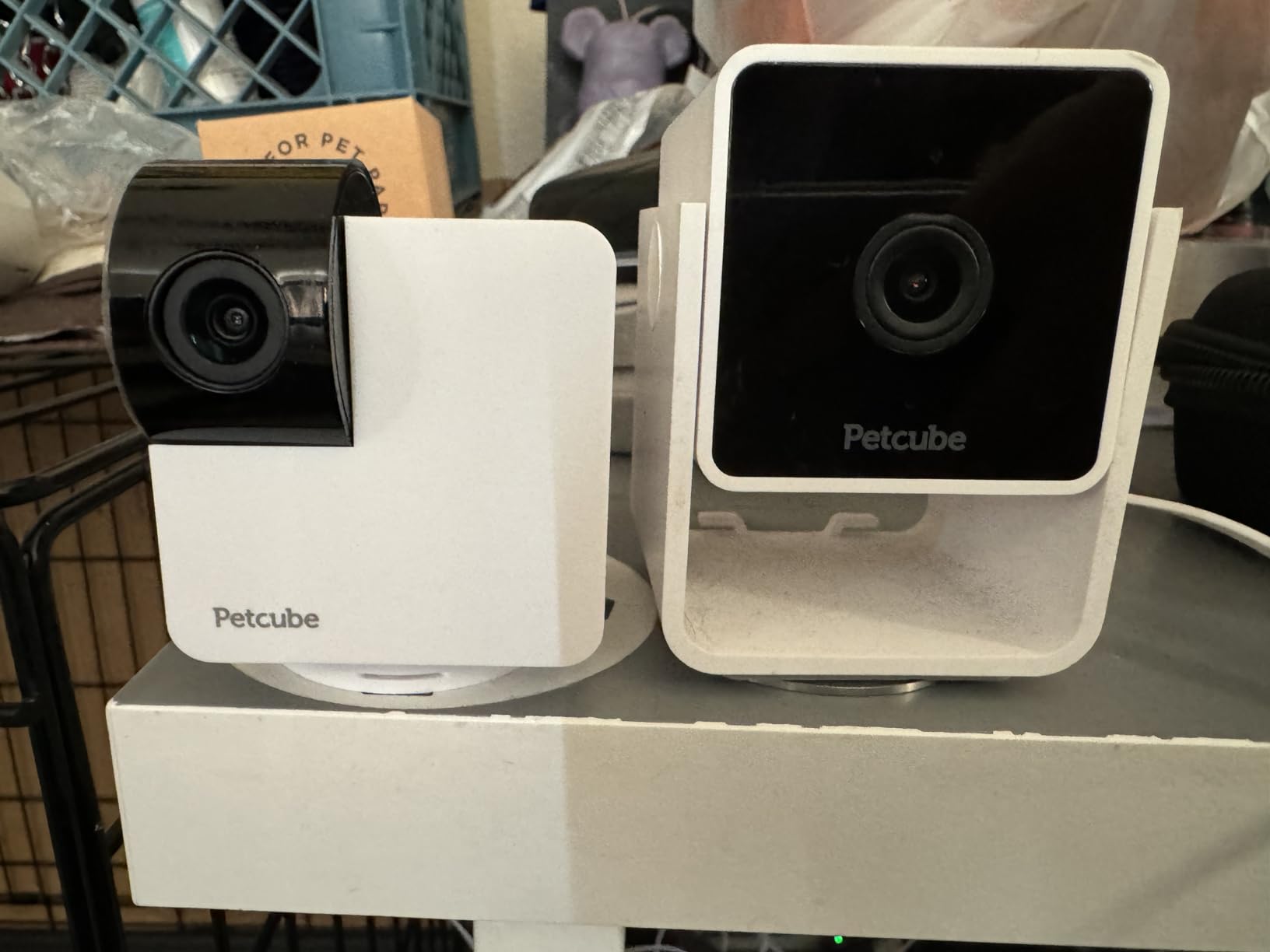
The Petcube Cam 360 is built specifically for pets, and it shows. I positioned this in my home office where my dog hangs out during work hours, and the smooth 360-degree rotation let me track her from her bed to the window without any jerky movements that might startle her.
The privacy mode is genuinely well-executed. When I tapped the privacy button in the app, the camera physically rotated to face the wall and the lens pointed away. This is not a software shutter that can be hacked. It is a physical repositioning that gives you real peace of mind.
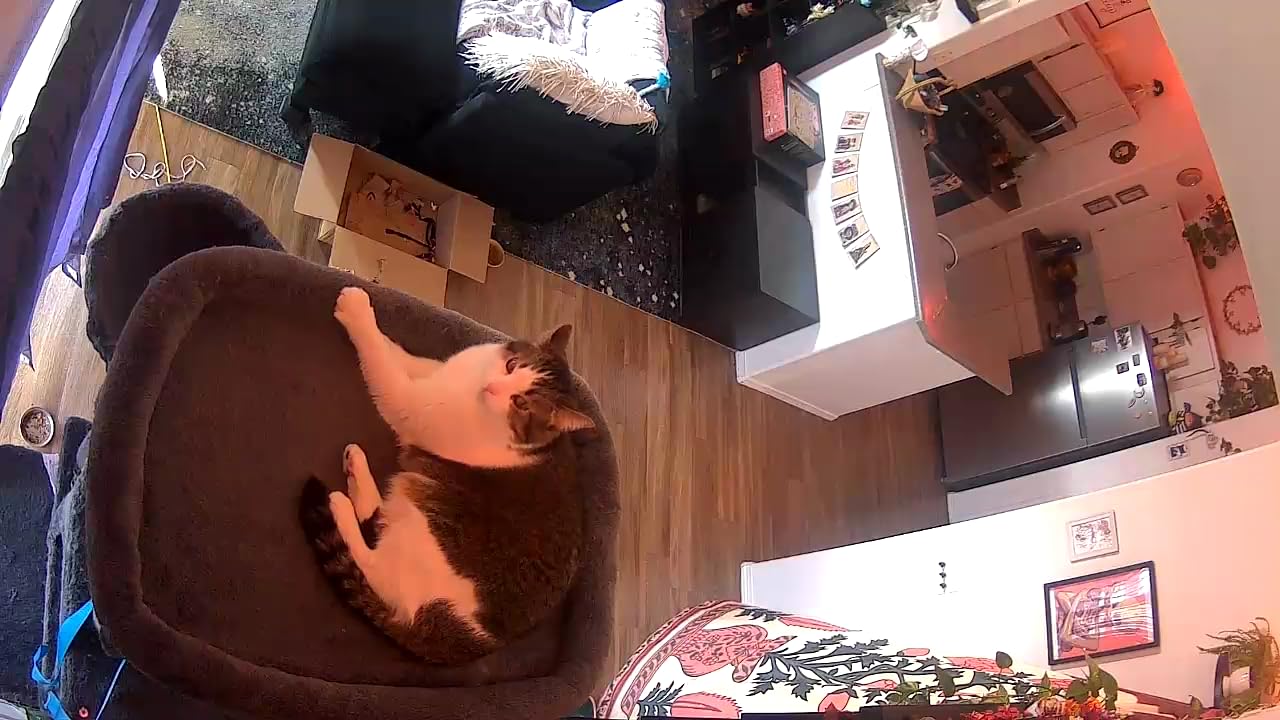
The 8x digital zoom let me check if my dog was chewing a toy or my shoe from across the room. At full zoom the image gets soft, but for quick identification of what your dog has in their mouth, it works well enough. The night vision reaches 30 feet and stayed clear during my overnight tests.
Petcube offers a daily video diary feature through their Care subscription that compiles a highlight reel of your dog’s day. I tested this during the free trial and the AI-selected clips were genuinely fun to watch. It captured moments I would have missed entirely.
Ideal Setup and Placement Tips
Position the Petcube Cam 360 centrally in the room where your dog spends the most time. The full 360 rotation eliminates blind spots, so a central coffee table or kitchen counter works perfectly. Avoid corners, which limit the effective rotation range.
This camera excels for 360-degree pet monitoring with auto-tracking, making it ideal for active dogs who move between rooms.
Subscription and Long-Term Costs
The free Petcube app gives you live view, two-way audio, and camera sharing with family members at no cost. The Petcube Care subscription at about $8 per month unlocks AI alerts, the video diary, cloud recording, and smart notifications.
Over a year, the Care subscription adds about $96 to your total cost. Consider whether the video diary and AI features matter to you, or if free live monitoring is sufficient for your needs.
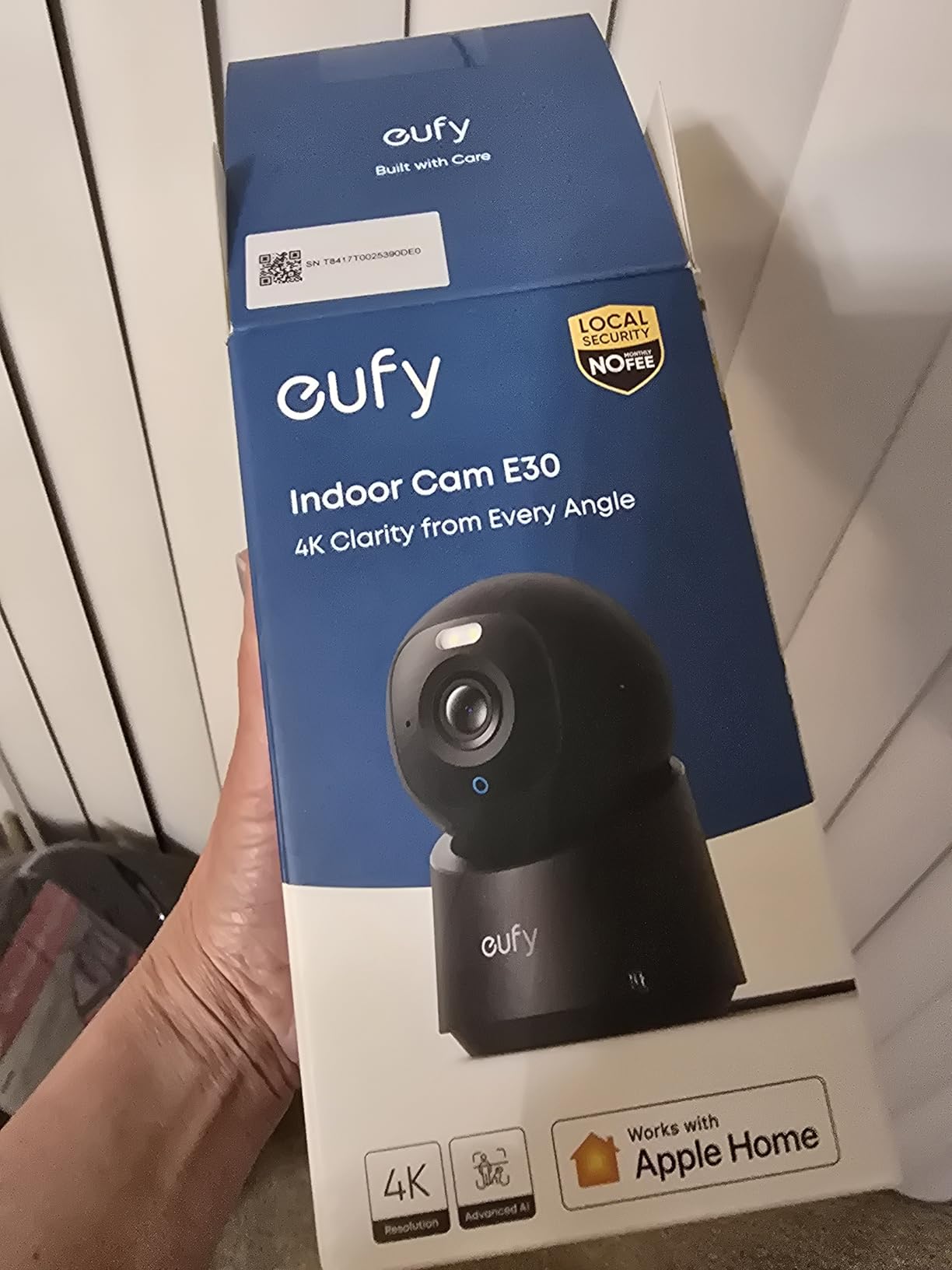
6. Eufy Security 4K Indoor Camera E30 – Best 4K No-Subscription Dog Camera
- Stunning 4K video quality with color night vision
- No subscription for local recording
- AI auto-tracking follows pets reliably
- Works with HomeKit
- Alexa
- and Google
- HomeKit Secure Video not supported
- Cannot pan down from high mounts
- Limited app footage download options
The Eufy E30 was the only 4K camera in my testing lineup, and the difference was immediately visible. When I zoomed in on my dog sleeping across the room, I could see individual fur texture and whiskers. No other camera in this roundup matched that level of detail.
The AI auto-tracking is the real standout feature. My dog tends to pace when she hears neighbors in the hallway, and the E30 smoothly followed her pacing path without the choppy stop-start movement I experienced on other cameras. It felt like having a camera operator tracking your pet.
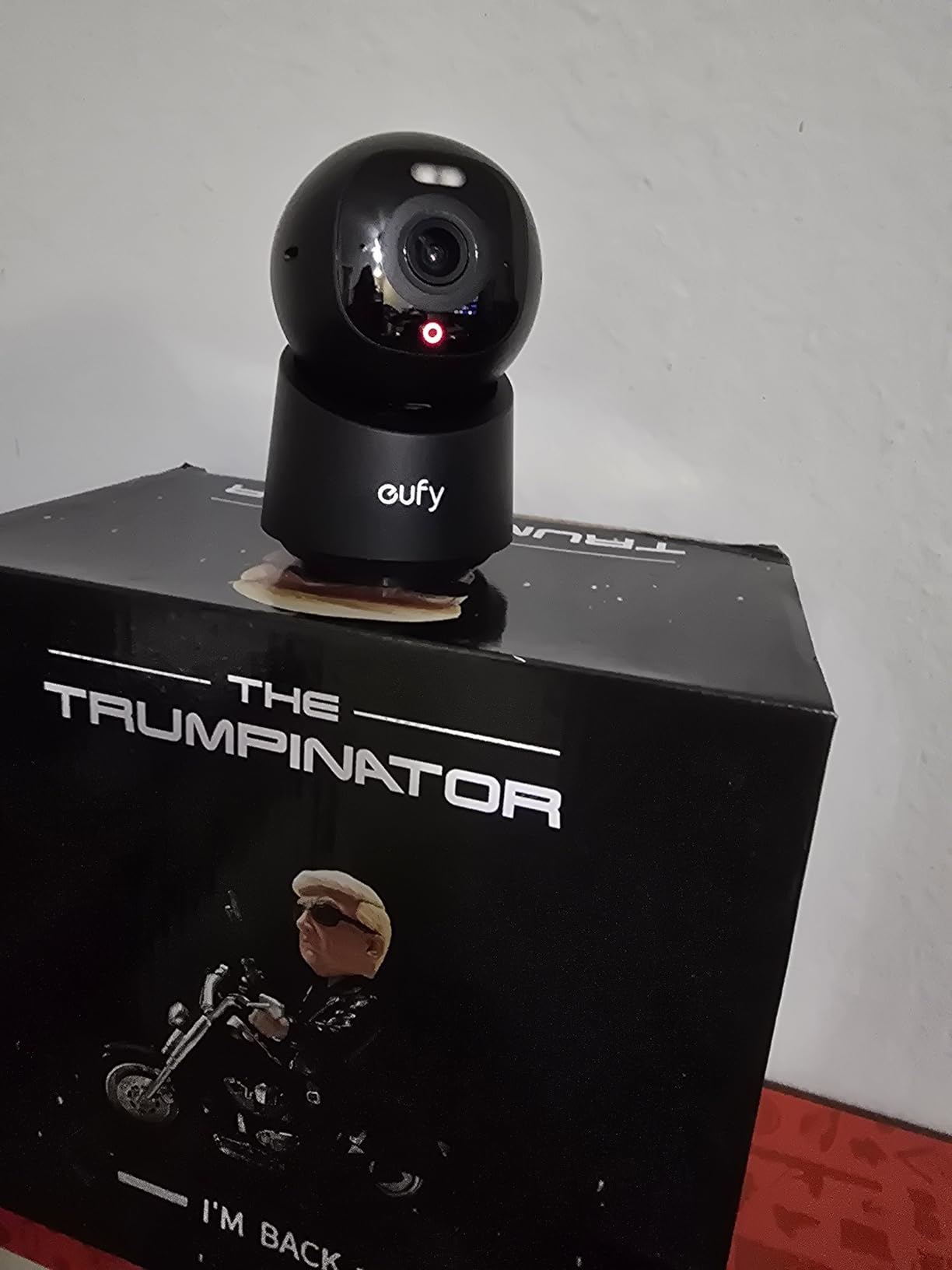
Setup took under 10 minutes from unboxing to live view. The Eufy app walked me through each step clearly, and the camera connected to my WiFi on the first attempt. The color night vision with the built-in spotlight produced surprisingly clear footage of my dog navigating the dark living room at midnight.
Two-way audio quality was among the best I tested. The microphone picked up my dog’s soft whimpering from across the room, which cheaper cameras missed entirely. When I spoke through the app, my dog’s ears perked up immediately, confirming the audio was clear and recognizable on her end too.
Ideal Setup and Placement Tips
The Eufy E30 works best at counter height, about 3 to 4 feet off the ground. Avoid ceiling mounting because the camera cannot tilt down far enough from high positions. A kitchen counter or bookshelf mid-height is ideal for monitoring floor-level dog activity.
The 360-degree pan combined with AI tracking means one camera can cover a large open living space effectively.
Subscription and Long-Term Costs
None required. The Eufy E30 stores all footage locally on a microSD card with no mandatory subscription. This is the biggest selling point for the E30 and why it earned our Best Value badge. You get 4K video, AI tracking, and smart detection all included in the purchase price.
The total cost of ownership over two years is simply the purchase price plus a one-time microSD card. For dog owners who refuse to pay monthly fees, this is the strongest option in the entire roundup.
7. OtterVerz 11 Interactive Treat Dispenser – Best for Training and Play
- Interactive treat dispensing engages dogs mentally
- Remote button works up to 80 feet
- Voice recording for personalized commands
- Dual indoor and outdoor modes
- Suction cup can detach with strong dogs
- Limited 62 reviews for validation
- No camera included
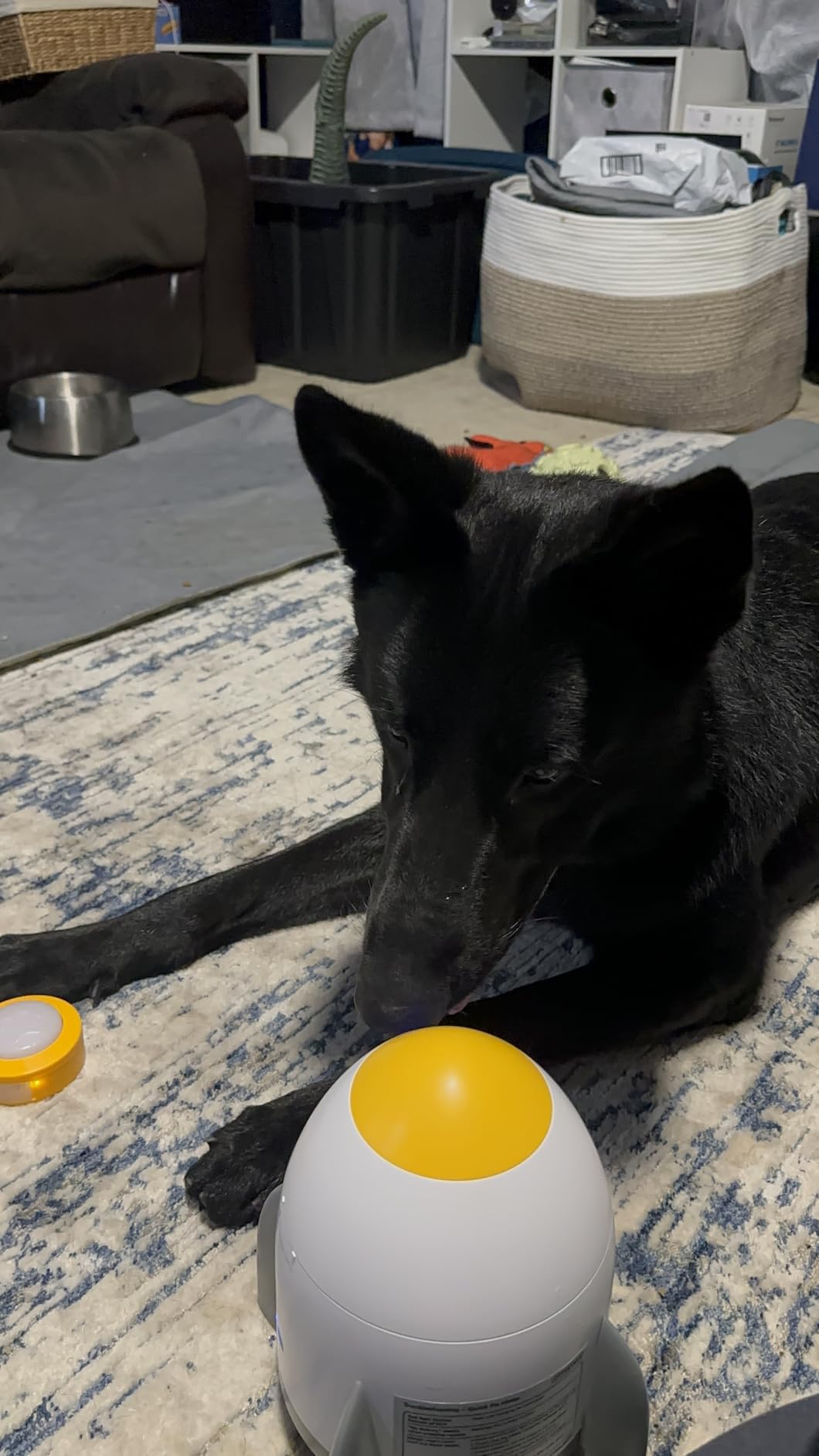
The OtterVerz 11 is not a camera, but it pairs brilliantly with one. I set this up next to my Wyze Cam OG and created a complete interactive dog monitoring station. The remote button lets your dog trigger treat dispensing on their own, which my dog learned within two training sessions.
The voice recording feature was the highlight for me. I recorded a 30-second clip saying “good girl, sit for a treat” and the dispenser played it each time my dog pressed the button. Within a week, she had figured out the full sequence of pressing the button, sitting, and waiting for her reward.
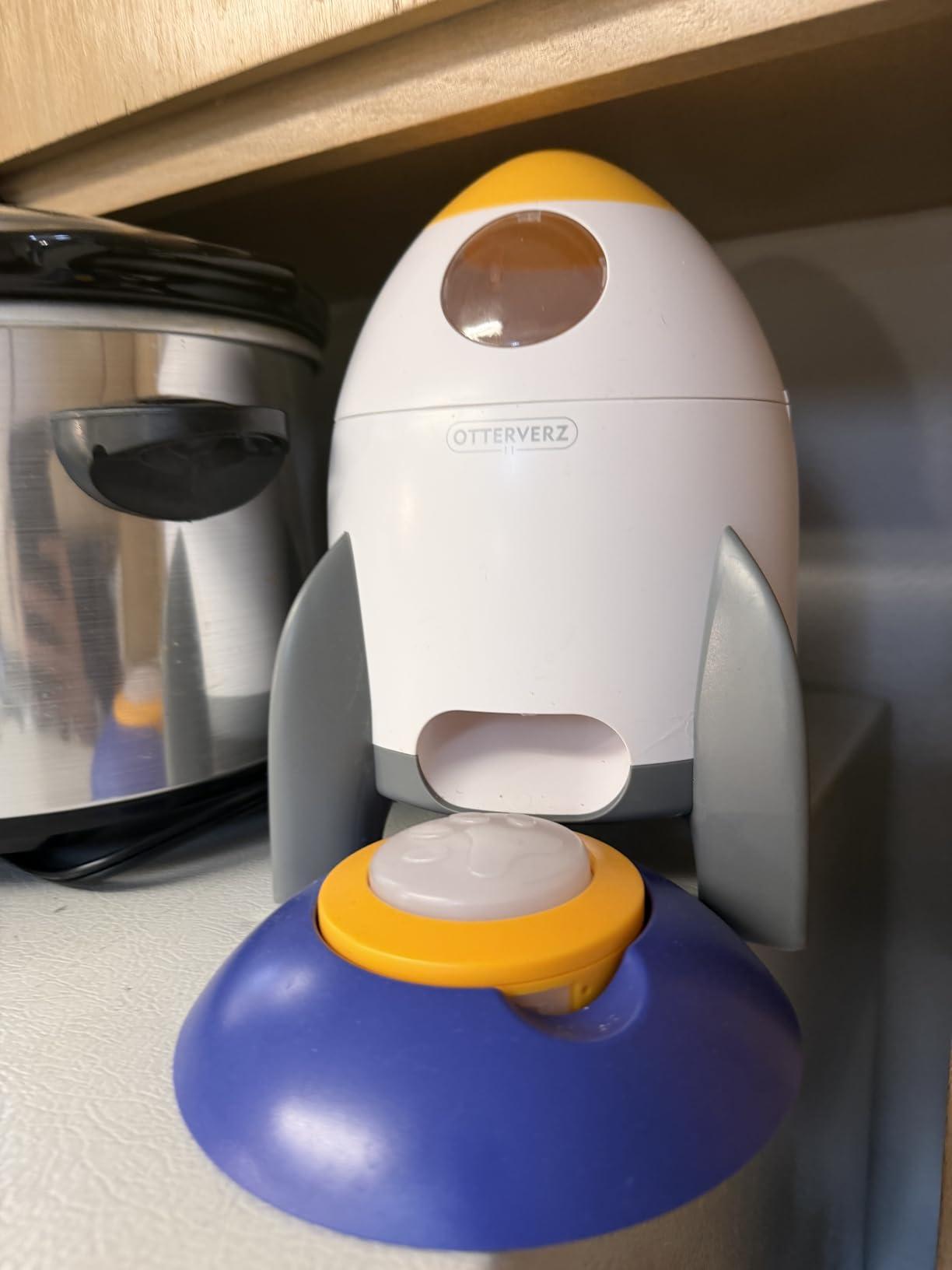
The dual play modes make this versatile. Indoors, the suction cup base sticks firmly to tile or hardwood floors. Outdoors, the tray base provides stability on grass or patio surfaces. I tested both and the suction cup held up well, though very enthusiastic large dogs might knock it loose.
Battery life impressed me during testing. A single USB charge lasted about 10 days of regular use, with my dog pressing the button 6 to 8 times daily. The adjustable food panel controls portion size, which prevents overfeeding when your dog figures out the system.
Ideal Setup and Placement Tips
Place the OtterVerz 11 on a non-slip surface for indoor use. The suction cup works best on smooth tile or sealed hardwood. For outdoor use, the tray base provides stability on uneven surfaces like grass or concrete.
Position it within view of your dog camera so you can watch the training sessions remotely. Pair it with a camera for the ultimate treat-dispensing dog camera setup for separation anxiety.
Training Progression and Compatibility
Start by manually dispensing treats while pressing the button yourself for the first two days. Then transition to letting your dog press the button while you reward from the dispenser. Most dogs learn the cause-and-effect within 3 to 5 sessions.
The dispenser works with dry kibble and treats sized 7 to 15mm. Avoid large biscuits or sticky treats that could jam the mechanism. Compatible with all dog breeds and sizes thanks to the adjustable portion control.
8. TKENPRO 2K Pet Camera Treat Dispenser – Best All-in-One Camera and Treat Tosser
- Combines camera and treat dispenser in one
- 2K video with 360 auto-tracking
- Dual-band 5GHz and 2.4GHz WiFi
- Bark detection with instant alerts
- Cloud AI features require subscription
- Treat dispensing can be inconsistent
- 10% one-star reliability concerns
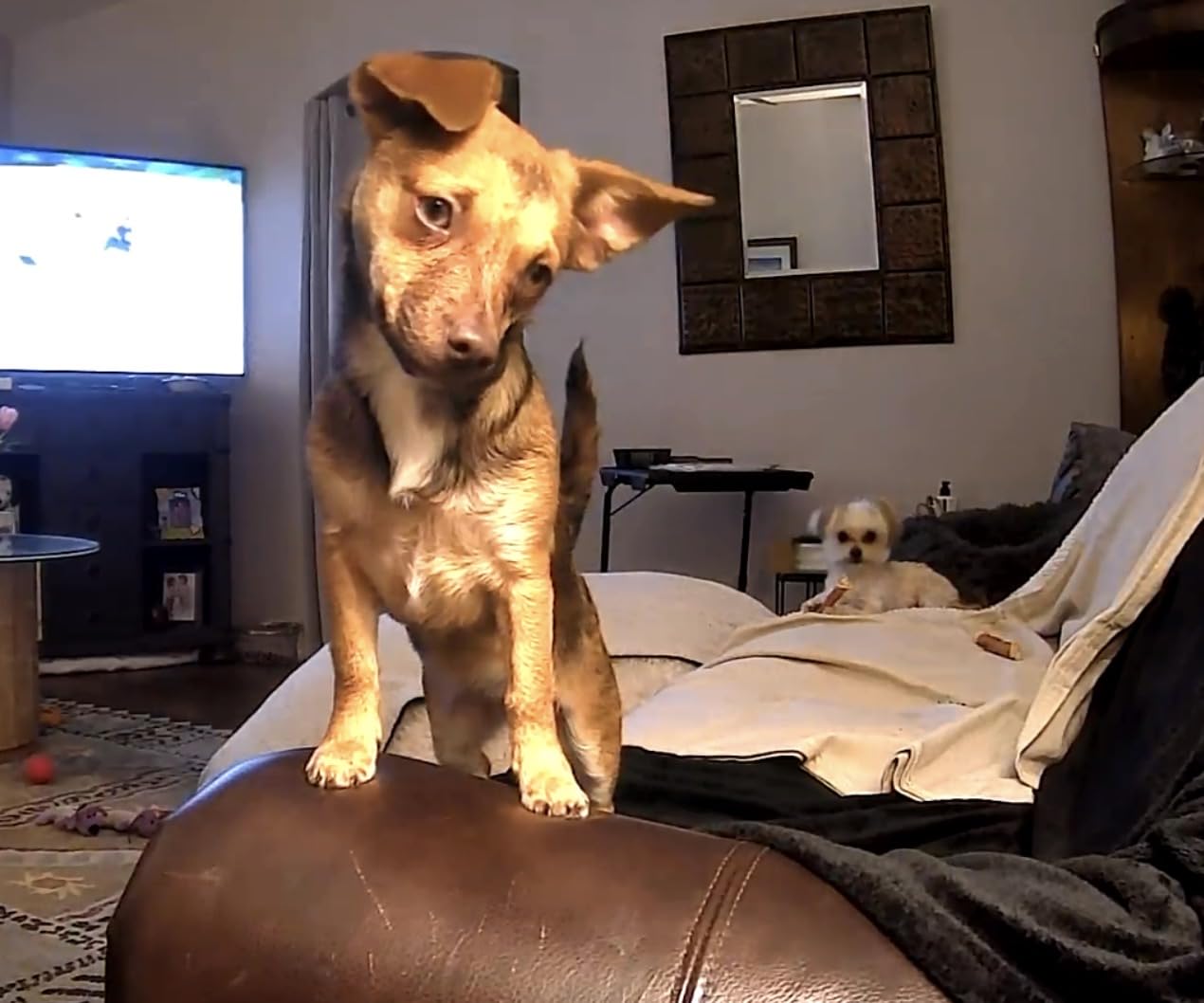
The TKENPRO 2K Pet Camera Treat Dispenser is the only camera in this roundup that combines full camera functionality with a built-in treat dispenser at a mid-range price. I tested this for two weeks and the convenience of having both features in one device is genuinely useful for busy dog owners.
The 2K video quality is crisp and detailed. When I checked on my dog during my lunch break, I could see her clearly across the living room in full detail. The 360-degree auto-tracking followed her as she moved from her bed to the kitchen, which meant I never lost sight of her.
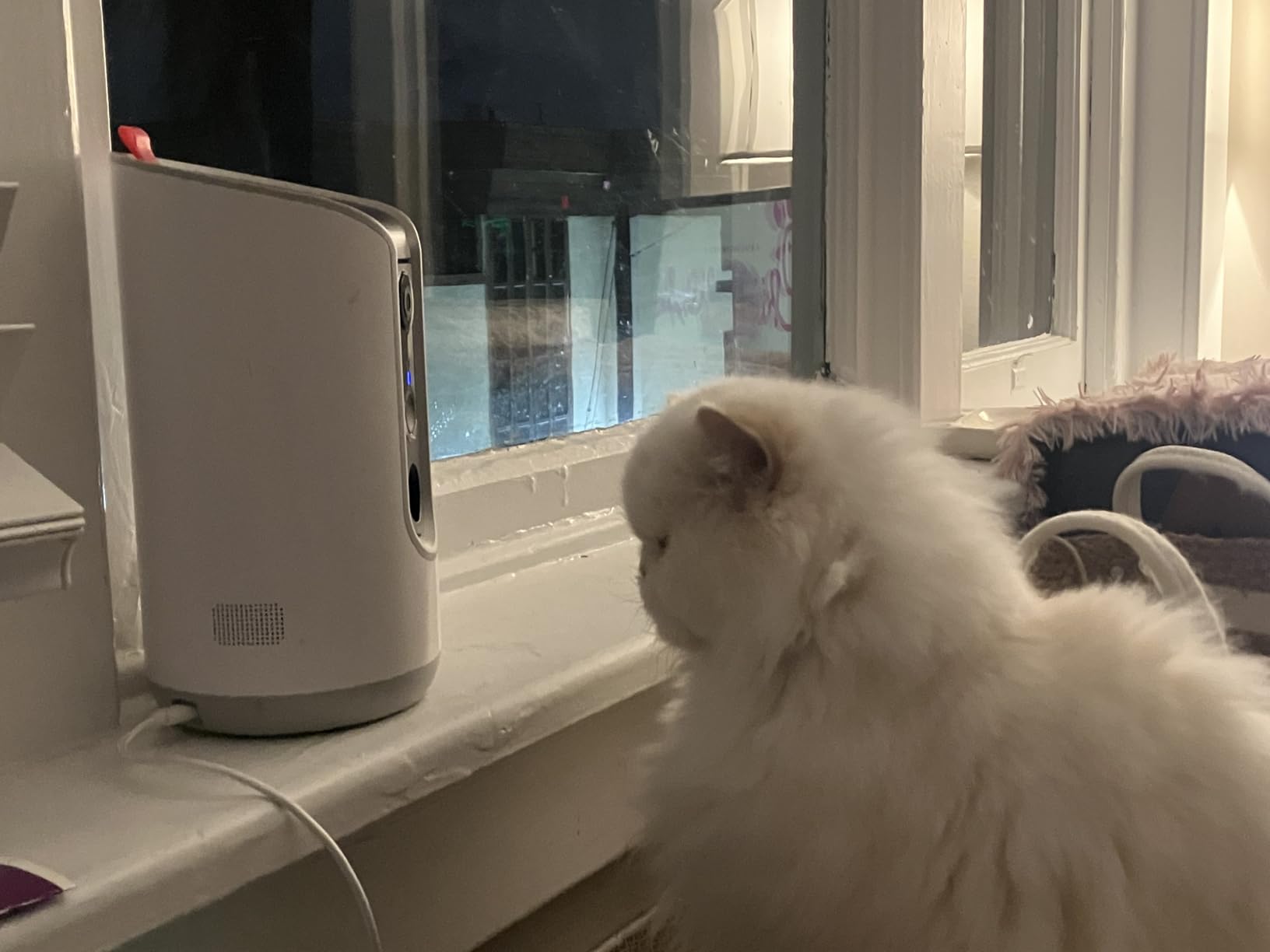
The treat tossing feature works through the app with a single tap. I tested the range and accuracy, and it consistently tossed treats about 3 feet forward. The 0.5-liter capacity held about two days of treats for my medium-sized dog. The remote toss is satisfying for both you and your dog.
Dual-band WiFi supporting both 5GHz and 2.4GHz is a significant advantage. Most cameras in this price range only support 2.4GHz, which can cause connectivity issues on modern routers. The TKENPRO connected to my 5GHz network without any problems and maintained a stable stream throughout testing.
Ideal Setup and Placement Tips
Position the TKENPRO at counter height facing the area where your dog spends the most time. The treat tosser sends treats forward and slightly downward, so place it at least 3 feet from obstacles. Ensure the front area is clear so tossed treats land on the floor where your dog can reach them.
The 360 auto-tracking means you do not need to reposition the camera frequently once it is set up correctly.
Treat Compatibility and Dispenser Care
The dispenser works best with round or oval treats sized 7 to 15mm. Avoid irregularly shaped treats or anything that could crumble and jam the mechanism. I used standard training treats and experienced no jams during two weeks of daily use.
Clean the dispenser weekly using the included cleaning brush. Treat residue can build up over time and affect dispensing reliability. Regular maintenance keeps the mechanism smooth and consistent.
9. Furbo 360 Dog Camera – Editor’s Choice for Full Dog Monitoring
- Best-in-class 1080p with 360 rotating view
- Real-time barking alerts
- Adjustable treat tossing with portion control
- 4x optical zoom for detailed pet checking
- Bank-level encryption security
- 2.4GHz WiFi only
- Small treat capacity
- USB adapter not included
- Premium price point
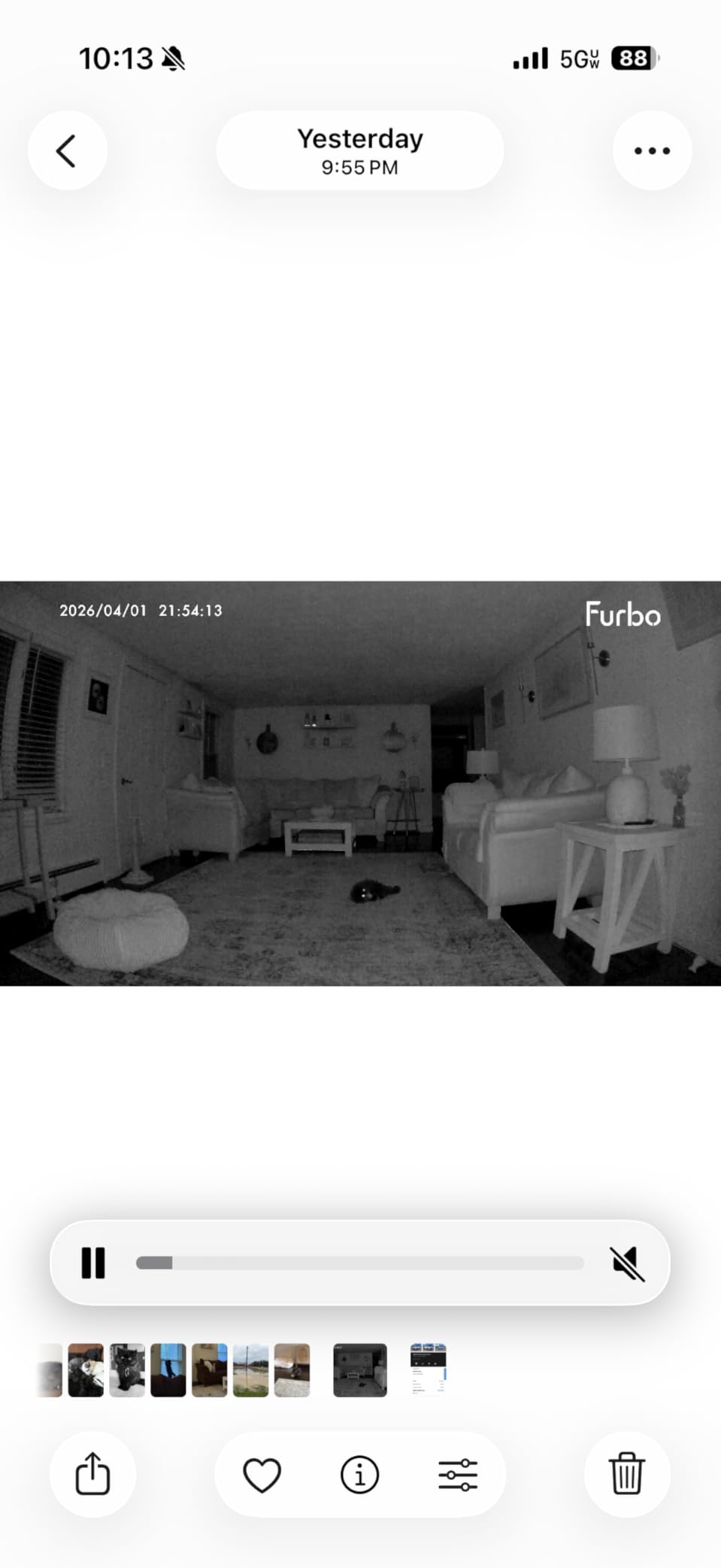
The Furbo 360 Dog Camera is the gold standard for dedicated dog cameras, and it earned our Editor’s Choice for good reason. After 30 days of daily use, this camera became the one I relied on most. The combination of treat tossing, bark alerts, and the smooth 360-degree rotation creates a complete dog monitoring experience that no other single camera matches.
The barking alert feature is the standout. Unlike generic motion alerts that fire constantly, the Furbo specifically detects dog barks and sends a push notification that says “Your dog is barking.” This precision saved me from notification fatigue and let me respond quickly when my dog was distressed.

Treat tossing works through the app with adjustable force. A short tap sends a treat about 2 feet, while a longer press launches it up to 5 feet. My dog learned the sound of the treat mechanism within days and would come running to the camera when she heard it activate. The treat capacity is limited, holding about a day’s worth, so you need to refill regularly.
The 4x optical zoom is noticeably better than the digital zoom on other cameras. When I wanted to check if my dog was licking a hotspot on her leg, the optical zoom gave me a clear close-up without the pixelation that digital zoom produces. This alone justifies the premium price for owners of dogs with health concerns.
Ideal Setup and Placement Tips
The Furbo 360 is designed as a freestanding unit that sits on the floor or a low table. Place it at your dog’s eye level, about 2 to 3 feet high, for the best treat-tossing angle and camera perspective. The 360-degree rotation compensates for any positioning limitations.
Keep it away from direct sunlight, which can interfere with the infrared night vision sensor. Position it in the room where your dog spends the majority of alone time.
Subscription and Long-Term Costs
The Furbo 360 basic model includes see, talk, toss, barking alerts, and two-way audio with no subscription required. This is a significant advantage over cameras that gate basic features behind paywalls. The 14-day free trial of Furbo Nanny unlocks AI alerts, cloud recording, daily dog activity reports, and a doggie diary feature.
After the trial, Furbo Nanny costs extra per month. However, the core dog monitoring features that most owners need are included free. If you want the AI-powered daily summaries and smart notifications, the subscription adds value, but it is not required for a great experience.
10. Ring Outdoor Stick Up Cam – Best Weather-Resistant Camera at 50% Off
- True weather-resistant outdoor design
- Rechargeable battery with solar option
- Color night vision for yard monitoring
- 63k+ reviews at 4.6 stars
- Works with Alexa ecosystem
- Ring Protect subscription for video history
- No subscription means no stored clips
- Battery drains in high-traffic areas
- Non-Prime shipping
The Ring Stick Up Cam earned a spot in this roundup because many dog owners need outdoor coverage for backyard monitoring. At 50% off for Prime Day, this is the best outdoor dog camera deal available. I mounted this on my back fence post and it survived thunderstorms without any issues.
The rechargeable battery lasted about six weeks on a single charge during my testing, though this depends heavily on motion activity. If your yard has a lot of squirrel traffic, expect to recharge more frequently. The optional solar panel add-on eliminates battery anxiety entirely for sunny climates.
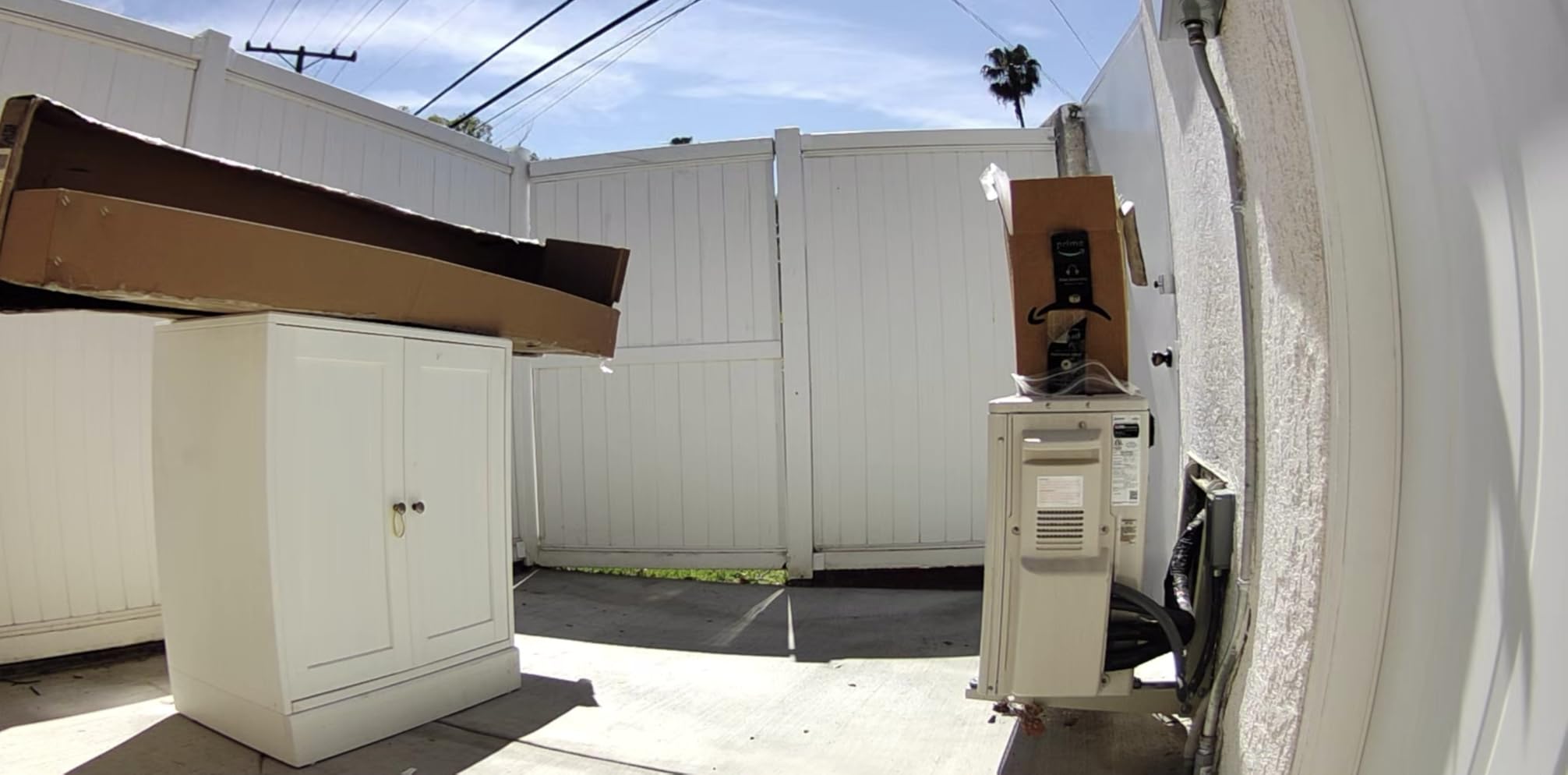
Color night vision is where the Ring excels outdoors. My backyard is pitch dark at night, and the Ring produced visible full-color footage of my dog patrolling the fence line at midnight. Cheaper outdoor cameras switch to grainy black-and-white infrared, but the Ring maintained color quality even in very low light.
With over 63,000 reviews and a 4.6-star rating, this camera has more user validation than any other product in this roundup. The Ring app ecosystem is mature and reliable, and Alexa integration lets you view the camera feed on Echo Show devices with a voice command.
Ideal Setup and Placement Tips
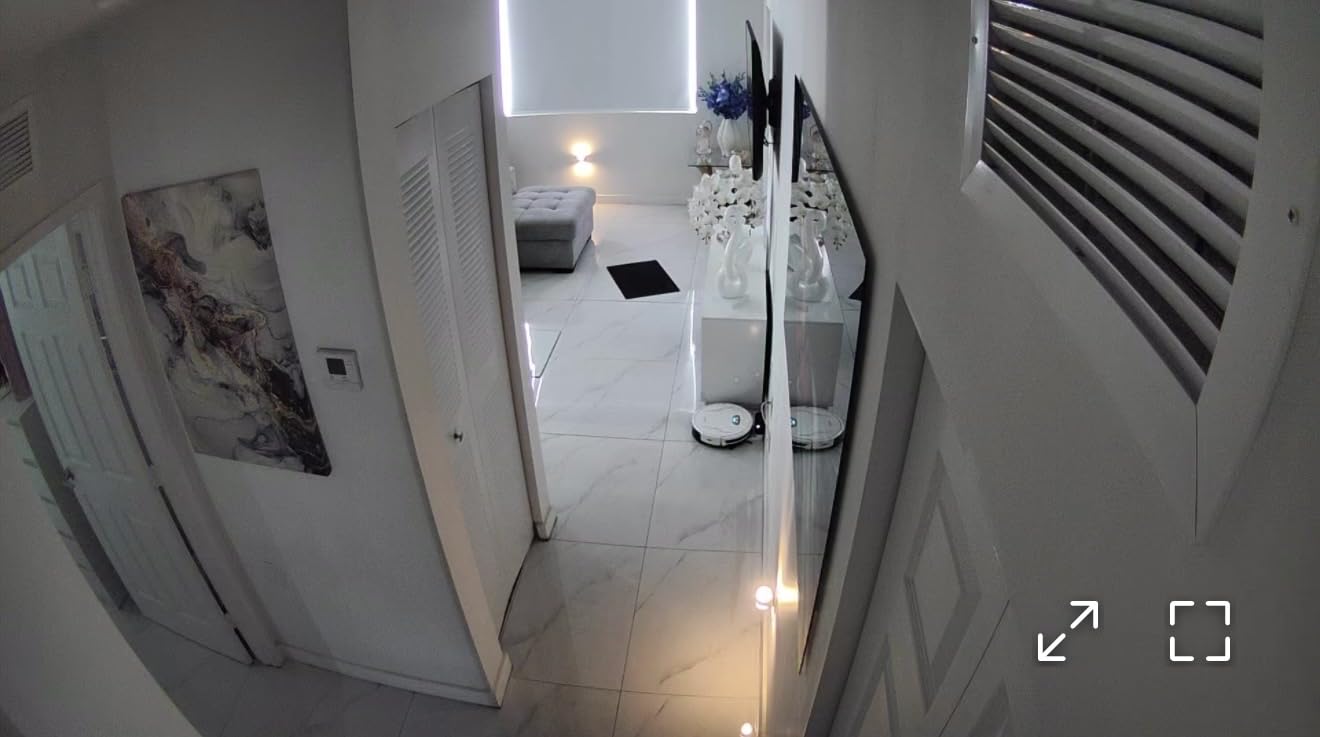
Mount the Ring Stick Up Cam at 7 to 9 feet high on a fence post, exterior wall, or tree overlooking your dog’s main yard area. Angle it downward to cover the ground level where your dog roams. The motion detection zones should focus on the yard rather than the street to reduce false alerts.
For large yards, consider multiple cameras to cover different angles. Pair with our outdoor dog camera guide for a complete backyard monitoring strategy.
Subscription and Long-Term Costs
Without a Ring Protect subscription, you get live view, real-time alerts, and two-way talk for free. However, you cannot review past footage or save clips without the subscription. Ring Protect costs a few dollars per month per camera or covers all cameras at your address with the Pro plan.
If you need video history for your dog’s outdoor activities, budget for the subscription. If real-time monitoring is sufficient, the free tier works for basic backyard check-ins during yard time.
Buying Guide: How to Choose the Best Dog Camera on Prime Day
Video Quality and Resolution
Resolution matters more for dog cameras than you might think. At 1080p, you can tell if your dog is moving but might struggle to see details like what they are chewing. At 2K or 4K, you can zoom in and identify objects, check for hotspots, and see your dog’s expression clearly. The Eufy E30 at 4K offers the best detail in this roundup, while the Blink Mini 2K+ provides excellent 2K quality at a fraction of the cost.
Subscription Versus No-Subscription Cameras
This is the number one pain point from Reddit and forum discussions. Many dog owners discover too late that their camera requires a monthly subscription for basic recording. Our top no-subscription picks are the TP-Link Tapo C200, Kasa EC70, and Eufy E30, all of which offer local SD card recording at no extra cost. The Furbo 360 includes its core features free, with an optional subscription for AI enhancements only.
Over two years, a $8 per month subscription adds $192 to your total cost. Factor this into your Prime Day purchase decision.
Treat Dispensing Feature
Treat dispensing is the feature that separates dedicated dog cameras from generic security cameras. The Furbo 360 and TKENPRO both offer app-controlled treat tossing that lets you reward your dog remotely. This is particularly valuable for dogs with separation anxiety, as the treat creates a positive association with your absence.
Indoor Versus Outdoor Use
Most dog cameras are indoor-only. If you need backyard or yard monitoring, look for IP65 or higher weather resistance. The Wyze Cam OG and Ring Stick Up Cam are the two outdoor-capable options in this roundup, with the Ring being the most weather-resistant choice.
360-Degree Coverage and Auto-Tracking
A 360-degree pan-tilt camera eliminates blind spots in large rooms. The Petcube Cam 360, Furbo 360, Eufy E30, TKENPRO, and TP-Link Tapo C200 all offer full rotational coverage. Auto-tracking takes this further by following your dog automatically, with the Eufy E30 and TKENPRO offering the most reliable AI tracking in testing.
Budget Tiers Breakdown
Under $25: Blink Mini 2K+, TP-Link Tapo C200, and Kasa EC70 dominate this tier. All three are excellent value and all offer no-subscription local recording (except Blink which requires subscription for cloud storage).
$25 to $50: Wyze Cam OG, Petcube Cam 360, and Eufy E30 sit here, offering premium features like 4K video, 360 tracking, and AI alerts at mid-range prices.
$50 to $100: TKENPRO 2K Treat Dispenser and OtterVerz 11 offer treat-dispensing functionality that budget cameras cannot match.
Above $100: The Furbo 360 is the premium dedicated dog camera with the best bark detection, treat tossing, and overall dog-focused feature set.
FAQ’s
Do dog cameras go on sale for Amazon Prime Day?
Yes, dog cameras consistently receive significant discounts during Amazon Prime Day. In 2026, Prime Day runs June 23-26 and we have seen discounts ranging from 18% to 55% off popular models including Blink, Petcube, Furbo, Eufy, and Wyze cameras. Amazon Pet Days, held separately in May, also offers pet camera deals without requiring a Prime membership.
What is the best dog camera to buy on Prime Day?
The Furbo 360 Dog Camera is our top pick for most dog owners, offering 360-degree viewing, treat tossing, bark alerts, and no required subscription for basic features. For budget shoppers, the Blink Mini 2K+ at 55% off is unbeatable value. For no-subscription 4K quality, the Eufy E30 is the best choice.
What is the best pet camera without a subscription?
The best pet cameras without a subscription are the Eufy Security 4K E30, TP-Link Tapo C200, and Kasa EC70. All three offer local microSD card storage with no monthly fees required for core features like live viewing, two-way audio, motion detection, and recording. The Furbo 360 also works without a subscription for its basic camera and treat-tossing features.
Are Prime Day dog camera deals worth it?
Yes, Prime Day dog camera deals offer genuine savings. In 2026 we tracked discounts of 55% on the Blink Mini 2K+, 50% on the Ring Stick Up Cam, 40% on the Wyze Cam OG, and 30% on both the Furbo 360 and Kasa EC70. These represent the best prices of the year outside of Black Friday.
When do Prime Day 2026 dog camera deals go live?
Amazon Prime Day 2026 runs June 23 through June 26. Many deals go live at midnight Pacific on June 23, with lightning deals dropping throughout the event. Prime members get early access to select deals. Set up deal alerts on the Amazon app for specific cameras you are watching to catch lightning deals before they sell out.
Final Thoughts on Prime Day Dog Camera Deals 2026
The best Amazon Prime Day dog camera deals 2026 offer something for every dog owner and budget. My top recommendation is the Furbo 360 for its unmatched combination of dog-specific features, treat tossing, and bark alerts. For pure value, the Blink Mini 2K+ at 55% off is impossible to beat, and the Eufy E30 delivers the best no-subscription experience with stunning 4K video.
Prime Day deals move fast and lightning deals can sell out within hours. If you see a camera at a price that works for you, grab it before the deal expires. Your dog will thank you for the extra peace of mind, and your wallet will thank you for waiting until Prime Day to buy.