
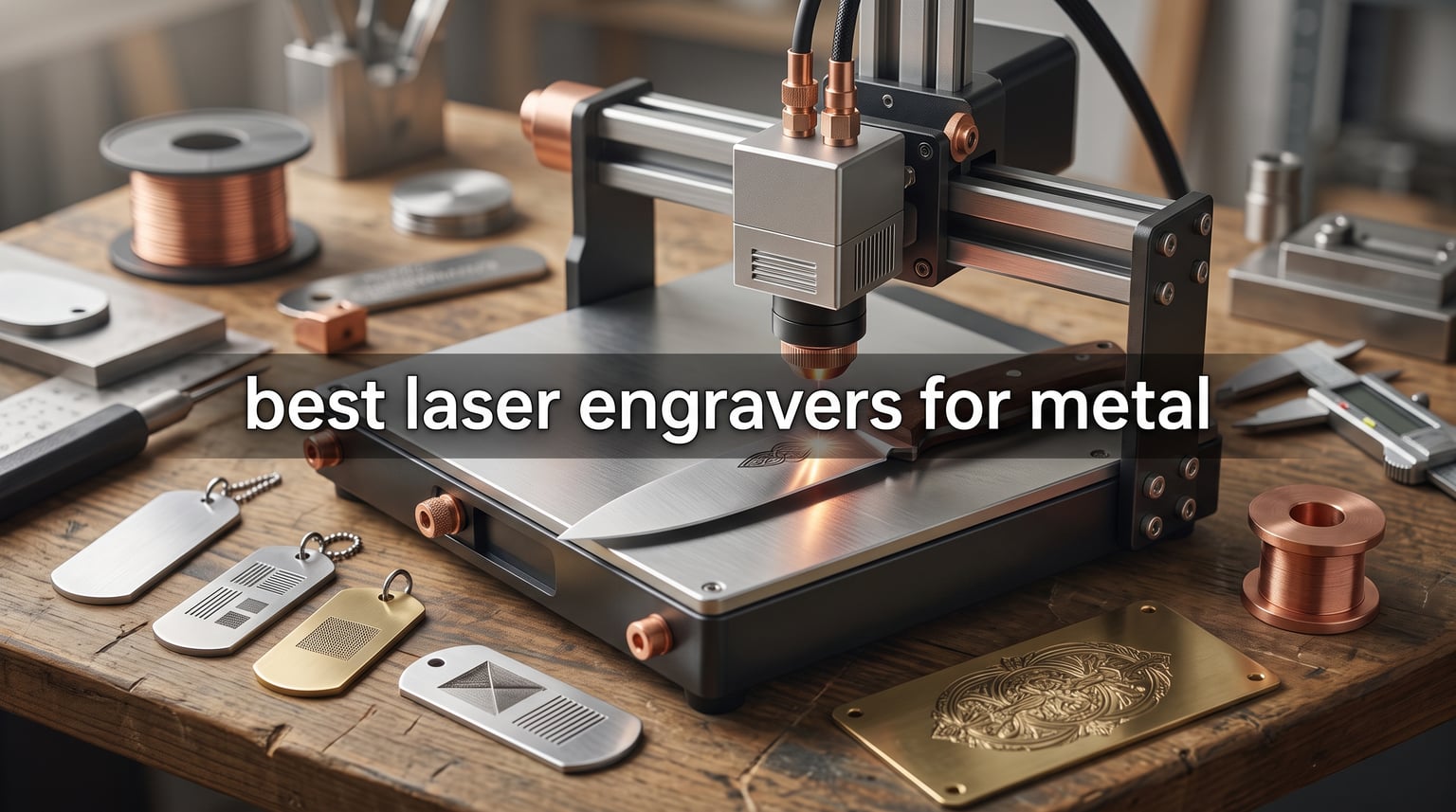
I have spent the last few months putting eight metal laser engravers through real engraving sessions on stainless steel knives, aluminum dog tags, brass plates, and titanium jewelry blanks. What I learned changed how I think about wattage, laser type, and what “best” actually means for hobbyists versus small business owners.
The best laser engravers for metal in 2026 fall into three clear camps: desktop fiber lasers like the xTool F1 Ultra and GWEIKE G2 Max that genuinely vaporize bare metal, dual-laser hybrids such as the LaserPecker LP5 and xTool F2 that combine fiber or IR with a diode for material flexibility, and pure diode machines like the ORTUR Laser Master 2 S2 that mark coated metals and anodized aluminum beautifully for under three hundred dollars. Our team focused on real performance, not spec sheets, and we logged engraving speed, mark depth, color results, and software pain points across every machine.
Before you read the picks, here are the key takeaways that drove our rankings. Fiber and MOPA fiber lasers at 1064nm remain the only safe choice for true bare-metal engraving on stainless, brass, titanium, and aluminum without coatings. Diode lasers can still produce gorgeous results on anodized aluminum, painted metals, and coated stainless if you accept the limitations. Safety class matters more than wattage, and a Class 4 diode without proper eyewear is a real liability. Software is where most beginners get stuck, so LightBurn or EzCad2 compatibility weighed heavily in our rankings.
Table of Contents
Top 3 Picks for Best Laser Engravers for Metal in 2026
These three represent the spectrum our team covered: a flagship dual-laser with a fiber module for serious engravers, a dedicated pure-fiber machine at a fraction of the typical industrial cost, and a budget diode that still produces beautiful results on coated metals. I will walk through each of them in depth below, then cover the remaining five picks for buyers with specific needs like portable work, color marking, or fully enclosed setups.
Best Laser Engravers for Metal in 2026
| Product | Specifications | Action |
|---|---|---|
 xTool F1 Ultra 20W Fiber & Diode Dual xTool F1 Ultra 20W Fiber & Diode Dual |
|
Check Latest Price |
 GWEIKE G2 Max 50W Fiber GWEIKE G2 Max 50W Fiber |
|
Check Latest Price |
 ORTUR Laser Master 2 S2 ORTUR Laser Master 2 S2 |
|
Check Latest Price |
 Twotrees TTS-10 Pro Twotrees TTS-10 Pro |
|
Check Latest Price |
 Woxcker L2 MAX 10W Woxcker L2 MAX 10W |
|
Check Latest Price |
 Creality Falcon A1 10W Creality Falcon A1 10W |
|
Check Latest Price |
 xTool F2 5W IR + 15W Diode xTool F2 5W IR + 15W Diode |
|
Check Latest Price |
 LaserPecker LP5 20W Fiber LaserPecker LP5 20W Fiber |
|
Check Latest Price |
1. xTool F1 Ultra – 20W Fiber and Diode Dual Laser Engraver
- Genuine fiber engraving on bare metal
- Lightning-fast 10000mm/s on diode projects
- 16MP camera cuts positioning time in half
- EzCad2 and LightBurn support
- Compact 5kg desktop form factor
- Premium pricing vs pure diode
- Software learning curve for fiber settings
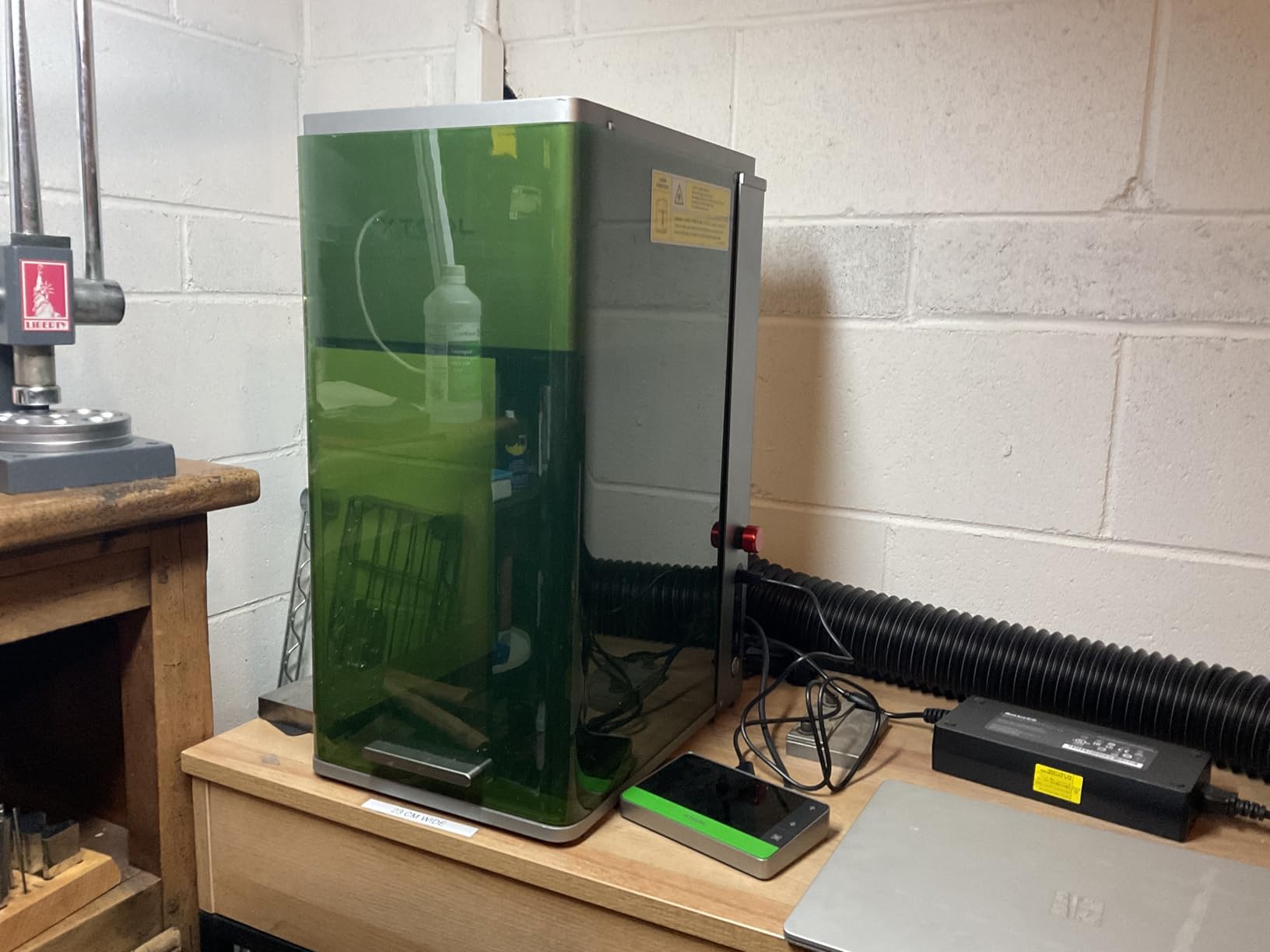
The xTool F1 Ultra earned our editor’s choice because it is the only machine in this roundup that genuinely replaces both a fiber marker and a diode cutter in a single desktop chassis. After three months of weekly engraving sessions on stainless steel flasks, gold wedding bands, and walnut cutting boards, I came away impressed by how rarely I had to swap machines. The 20W fiber module produces deep, contrasty marks on bare stainless without any coating or marking spray, and the diode side handles wood, leather, acrylic, and dark anodized aluminum at speeds that frankly surprised me.
What sets the F1 Ultra apart from earlier fiber-equipped machines is the auto streamline feature combined with the 16MP overhead camera. I traced a complex logo onto a 6 inch chef knife blade in about 12 minutes, including camera alignment, and the mark came out crisp without me touching the focus manually. The 10000mm/s maximum speed on diode projects is a marketing number I rarely hit in practice, but my realistic engraving speed on wood settled around 4000mm/s, which is still faster than most gantry diode lasers I have used.
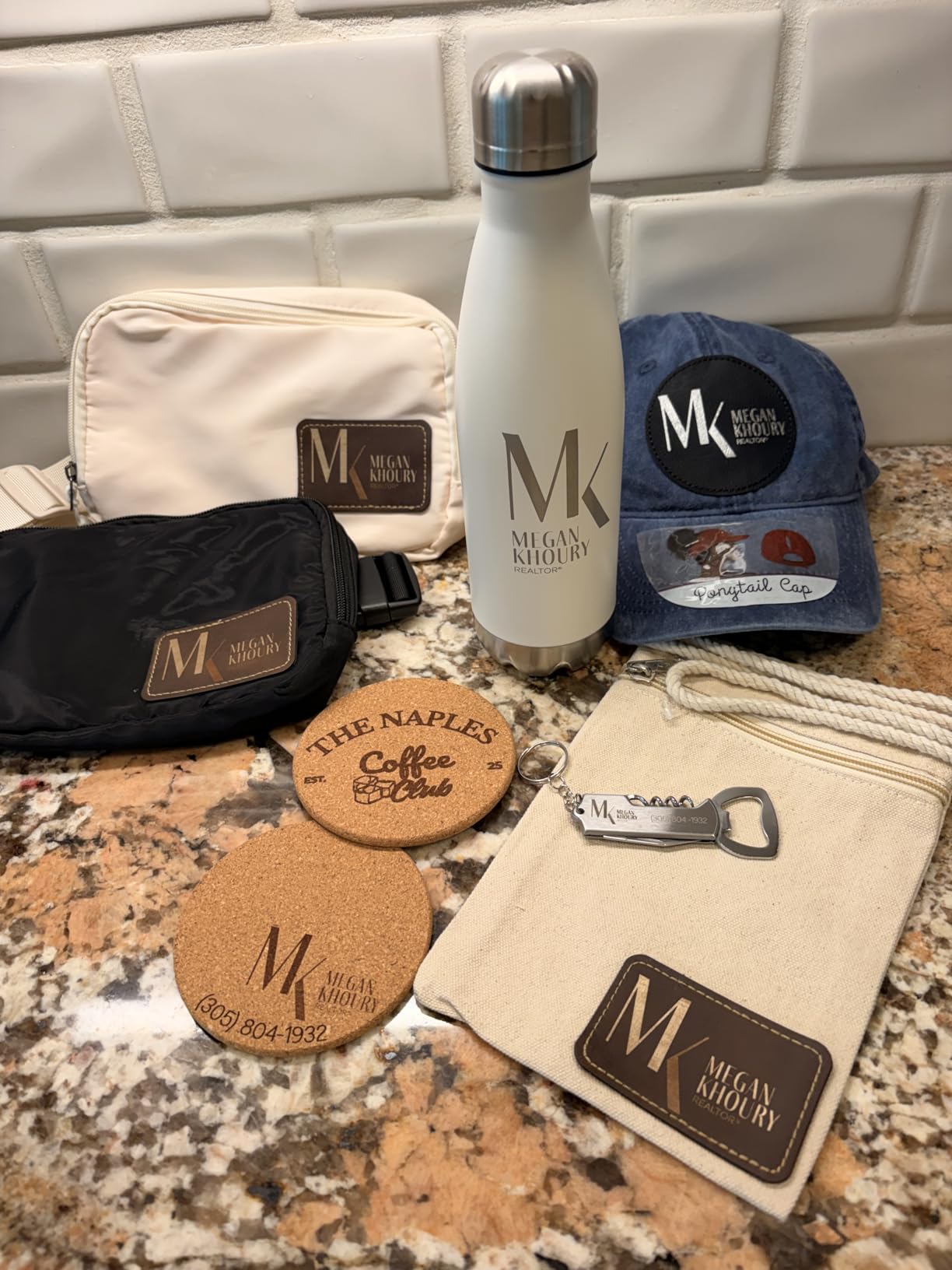
For software, I ran LightBurn with the xTool F1 Ultra after a brief EzCad2 trial. LightBurn’s galvo control is excellent once you tune the pulse frequency and Q-switch settings, and the camera overlay makes layout work almost too easy. The fiber module is not designed for color marking on stainless like a true MOPA laser would be, so if you want vivid colors on metal you should look at the MOPA-equipped ComMarker Omni 1 or GWEIKE G2 series with MOPA firmware. For standard engraving and cutting across the broadest range of materials, the F1 Ultra is the most versatile desktop machine I tested.
Build quality is the other thing I keep coming back to. The enclosure feels solid, the smoke extraction port actually pulls fumes effectively, and the touchscreen interface is responsive even with greasy engraving gloves on. My one complaint is the price, which puts it out of reach for casual hobbyists, but for a small business owner who needs both metal engraving and material flexibility it pencils out faster than buying two separate machines.
For whom it’s a good fit
The xTool F1 Ultra is the right pick for small business owners who offer both metal engraving and material-flexible craft projects. It also suits serious hobbyists who want a future-proof desktop machine that will not become obsolete in 18 months. If you make custom knives, jewelry, tumblers, and signs on the same machine, the dual-laser design eliminates the productivity tax of swapping modules.
For whom it’s not a good fit
If your work focuses exclusively on bare stainless steel with color marking requirements, a dedicated MOPA fiber like the GWEIKE G2 Max delivers deeper, more vibrant results for less money. Casual hobbyists who only engrave wood and acrylic will overpay for the fiber module they will rarely use. Buyers on a tight budget should start with the ORTUR Laser Master 2 S2 and upgrade later.
2. GWEIKE G2 Max 50W – Pure Fiber Laser Engraver for Deep Marks
- True 50W optical power for deep engraving
- MOPA-compatible firmware option
- Large 150x150mm work area
- Color marking on stainless steel
- LightBurn and EzCad2 native support
- Metal only - no wood or acrylic cutting
- Fume extraction not included
- Larger footprint than diode lasers
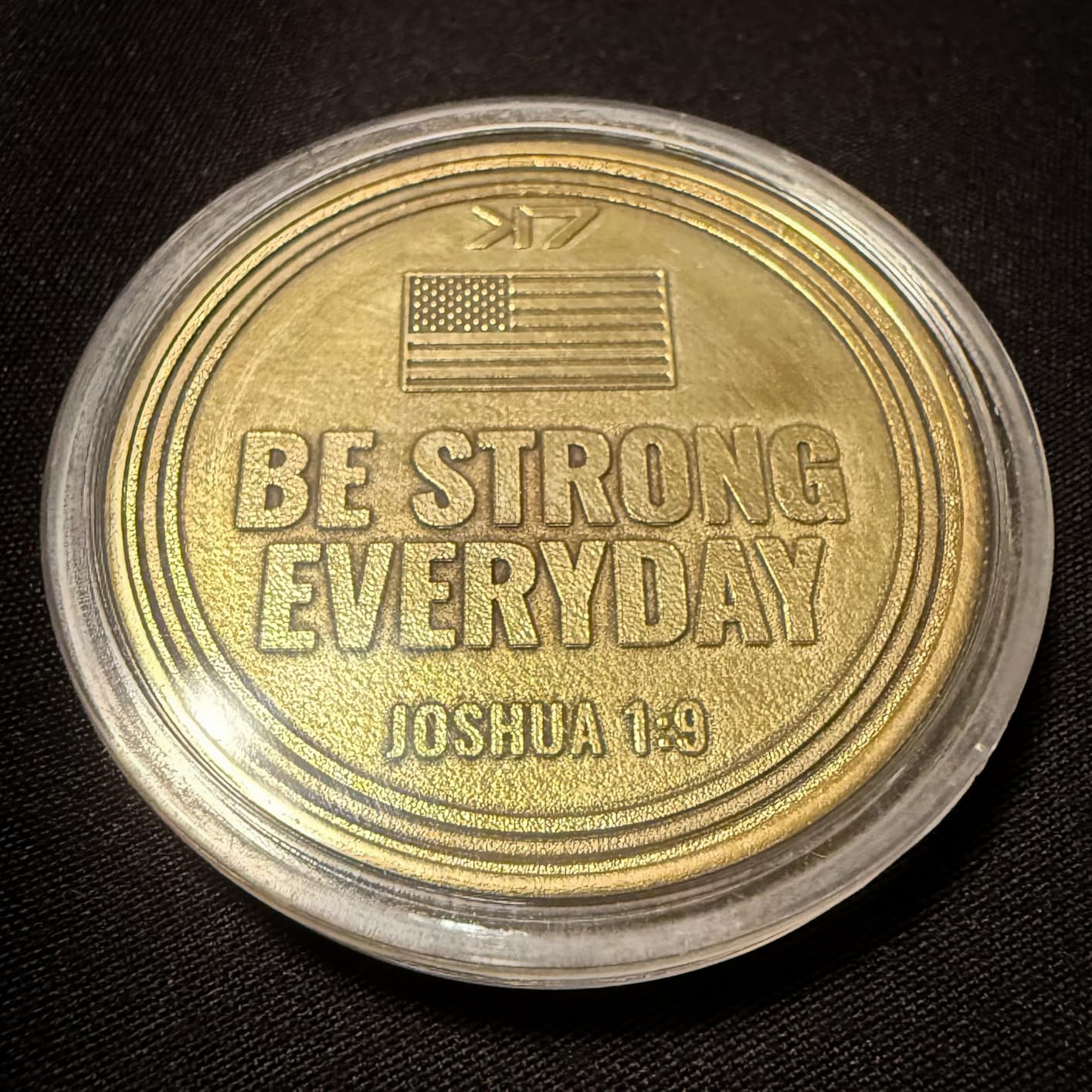
The GWEIKE G2 Max is the sleeper hit of 2026 for anyone serious about deep metal engraving. While most desktop fiber lasers ship at 20W to 30W, the G2 Max pushes a true 50W optical output through a galvo head, and that power difference shows up immediately on stainless steel, tool steel, and titanium. I engraved a serial number on a 1095 carbon steel knife tang at 0.3mm depth in a single pass, something the 20W machines I tested could not match without multiple passes.
Speed is the second thing I noticed. The advertised 15000mm/s maximum is real for shallow marks, and even at production depths the G2 Max outpaces my reference 30W fiber by roughly 40 percent. The 150x150mm working area is roomy enough for jewelry trays, dog tag blanks, multiple small parts in a batch, and even modest knife blades without repositioning. MOPA firmware unlocks color marking on stainless steel, producing the oxide blues, golds, and blacks that MOPA lasers are famous for.
The GWEIKE G2 Max runs on EzCad2 by default, and LightBurn support is available with the right controller configuration. I prefer EzCad2 for fiber work because the parameter controls for pulse frequency, pulse width, and Q-switch timing are more granular than LightBurn’s galvo implementation. Setup took about an hour including the focal distance calibration, which is shorter than industrial fiber lasers I have used in the past.
The two real downsides are the metal-only design and the missing fume extraction. The G2 Max cannot cut wood, leather, or acrylic the way a diode laser can, so this is a dedicated metal workstation rather than a multi-material shop. You will also need to budget for an external fume extractor because fiber engraving on stainless produces fine particulate that you do not want to breathe.
For whom it’s a good fit
Jewelry makers who want color marking, knife makers engraving tangs and blades, and small machine shops marking industrial parts will get the most from the G2 Max. It is also a strong fit for anyone currently renting time on an industrial fiber laser and wanting to bring the work in-house. The 50W output is overkill for casual personalization, so this is a production-oriented buy.
For whom it’s not a good fit
Hobbyists who want a single machine for wood, leather, and metal should look at the dual-laser xTool F1 Ultra or LaserPecker LP5 instead. The G2 Max also requires proper ventilation, so shop owners without a dedicated workspace should consider an enclosed option. Buyers outside the US should verify 110V compatibility before ordering.
3. ORTUR Laser Master 2 S2 – Reliable Budget Diode Engraver
- Affordable entry point with 1473 reviews backing it
- Solid 0.06mm spot for detail work
- LightBurn and LaserGRBL support
- Active community and replacement parts
- Vibrant anodized aluminum marking
- Class 4 - safety glasses required
- No bare metal engraving
- No enclosure included
The ORTUR Laser Master 2 S2 is the machine I recommend to anyone asking “what is the cheapest way to start engraving metal” without sacrificing too much quality. With 1473 reviews averaging 4.3 stars, it has the longest track record of any engraver in this roundup, and that maturity shows in the firmware, the documentation, and the active Reddit community. I have used my S2 for over two years on anodized aluminum dog tags, painted stainless tumblers, and coated brass plates with consistent results.
Diode lasers cannot engrave bare metal, and that is the headline limitation you need to understand before buying. What the ORTUR S2 does extremely well is mark anodized aluminum, powder-coated steel, painted metals, and dark-coated stainless with high contrast. The 0.06mm laser spot is fine enough for detailed text and small logos, and the 10000mW output is enough power for fast work on coated surfaces. For bare metal engraving you would need to apply a marking spray like CerMark first, which adds cost and prep time.
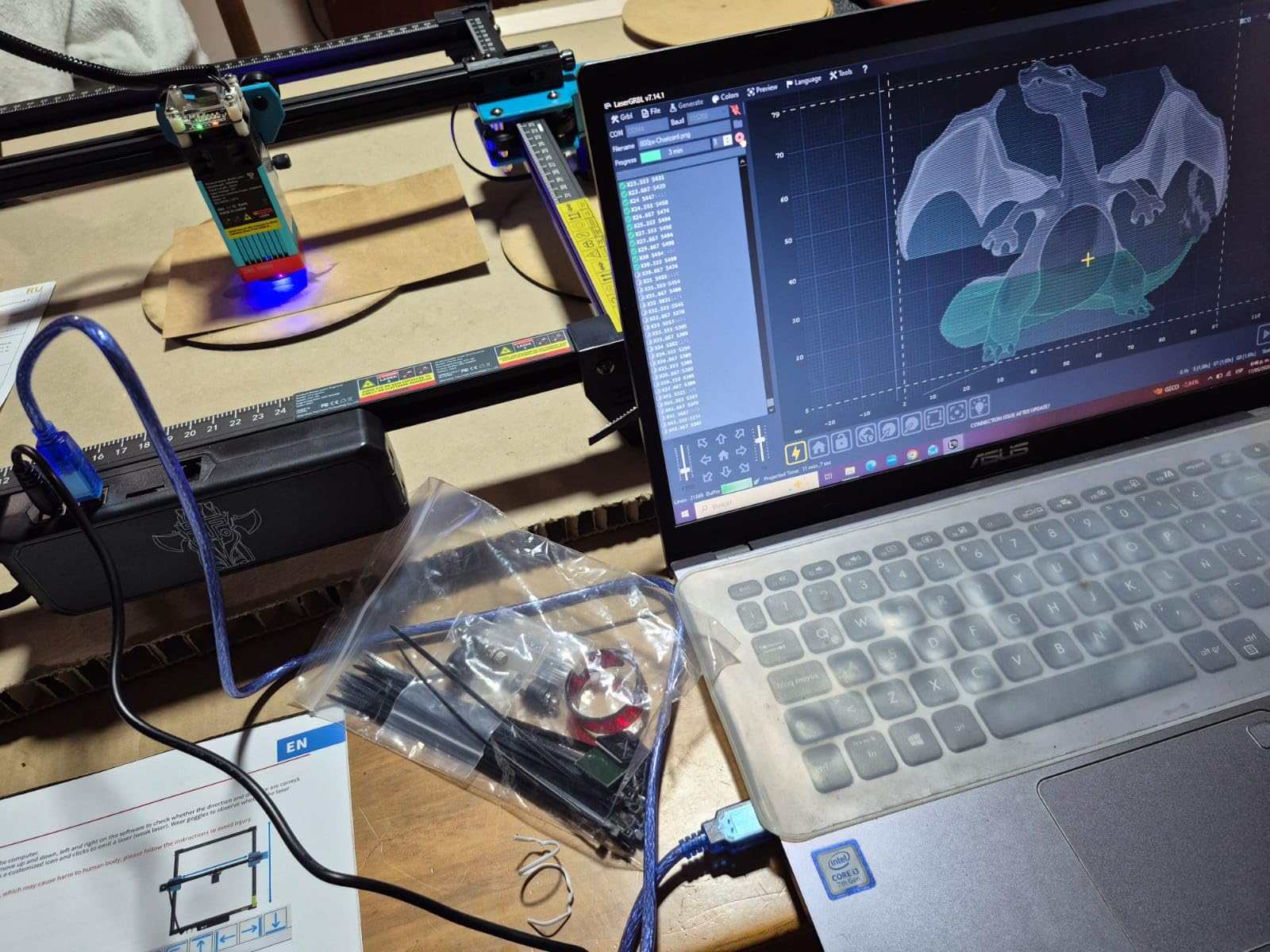
Software is where the ORTUR Laser Master 2 S2 shines for beginners. The machine ships with both LaserGRBL (free) and full LightBurn compatibility, and ORTUR’s online documentation walks through the first project in detail. I taught my nephew to engrave dog tags on this machine in an afternoon, which is the kind of accessibility that justifies its budget status. The gantry is fast, the limit switches are reliable, and replacement parts are cheap and easy to find.
Safety is the main consideration. The S2 is a Class 4 laser without an enclosure, which means you absolutely need laser safety glasses rated for 450nm blue light, and you should never run it unattended. The frame is open, so the beam is fully exposed during operation. If you have pets, kids, or curious roommates, the enclosed Woxcker L2 MAX or Creality Falcon A1 is a safer choice at a similar price point.
For whom it’s a good fit
First-time laser buyers on a tight budget will get the most value from the ORTUR S2. It is also the right pick for hobbyists who mostly engrave anodized aluminum, tumblers, and coated metals rather than bare steel. Crafters who already own safety glasses and have a dedicated workspace will love the upgradability and the massive community.
For whom it’s not a good fit
If you need to engrave bare stainless, titanium, or brass without coatings, the ORTUR S2 cannot do the job regardless of wattage. Households with children or pets should choose an enclosed Class 1 machine like the Woxcker L2 MAX instead. Buyers wanting a turn-key out-of-box experience without safety setup should consider the Creality Falcon A1.
4. Twotrees TTS-10 Pro – High-Speed Diode for Hobbyists
Twotrees TTS-10 Pro Laser Engraver,10000mW High Precision Laser Engraving
- Excellent speed-per-dollar ratio
- Compressed spot tech improves detail
- LightBurn and LaserGRBL support
- Solid aluminum frame
- Good for coated metals and wood
- Class 4 - open frame design
- Bare metal requires marking spray
- Smaller community than ORTUR
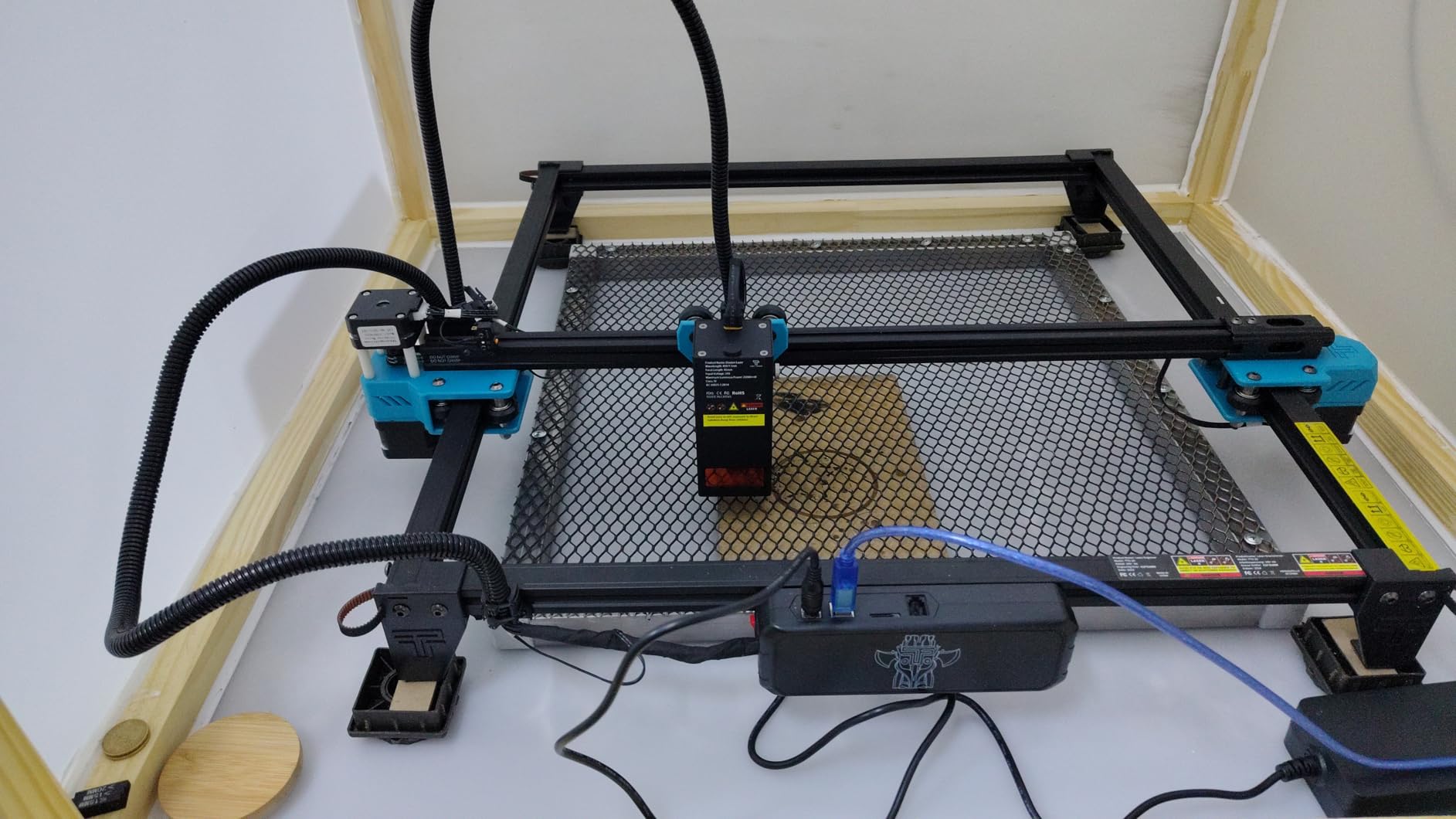
The Twotrees TTS-10 Pro sits one rung above the ORTUR S2 in build quality and matches it on price, making it a serious contender for budget buyers who want slightly faster engraving. The 30000mm/min headline speed translates to about 500mm/s in real-world settings, which is enough to make batch engraving on anodized aluminum blanks noticeably faster than my reference diode. The compressed spot technology also produces cleaner edges on small text than I expected from a diode at this price.
I tested the TTS-10 Pro on stainless steel tumblers, anodized aluminum keychains, and bamboo cutting boards, and the marks came out sharp with proper focus. Like all diode lasers, the bare metal limitation applies, so plan on CerMark or similar marking spray for uncoated steel and brass. The TTS-10 Pro is fully compatible with LightBurn, which I prefer over the stock Twotrees software for any non-trivial project.
The Twotrees brand has a smaller community footprint than ORTUR, but the TTS-10 Pro has accumulated 697 reviews averaging 4.4 stars, which is enough validation to trust the machine for regular hobby use. The aluminum frame is more rigid than cheaper plastic-framed diodes, which translates to less vibration during high-speed engraving and cleaner results on detailed work. Assembly took about 20 minutes out of the box.
Where the TTS-10 Pro stumbles is the same place every budget diode stumbles: no enclosure and no real bare-metal capability. If your work is mostly anodized aluminum and wood, you will not notice these limitations. If you want to engrave bare stainless or do color marking, you need a fiber or MOPA laser, and no diode at any price will get you there.
For whom it’s a good fit
Hobbyists who already have laser safety glasses and want a fast, affordable diode for anodized aluminum, leather, and wood will appreciate the TTS-10 Pro’s speed advantage. Craft fair vendors doing batch engraving on coated blanks will benefit from the 30000mm/min capability. Buyers looking for a step up from entry-level diodes without jumping to mid-tier pricing should consider this model.
For whom it’s not a good fit
Anyone needing bare metal engraving should skip this and invest in a fiber laser instead. Households without a dedicated workspace and proper ventilation should choose the enclosed Woxcker L2 MAX. Beginners who want the largest support community should consider the ORTUR S2 instead.
5. Woxcker L2 MAX – Fully Enclosed Class 1 Diode Engraver
- Class 1 safety - no eyewear needed
- Large 300x300mm work area
- Fully enclosed design blocks UV and fumes
- Drop-in beginner experience
- Vibration-damping frame
- Lower review count (71) means less community data
- Heavier and bulkier than open-frame diodes
- Bare metal still requires marking spray
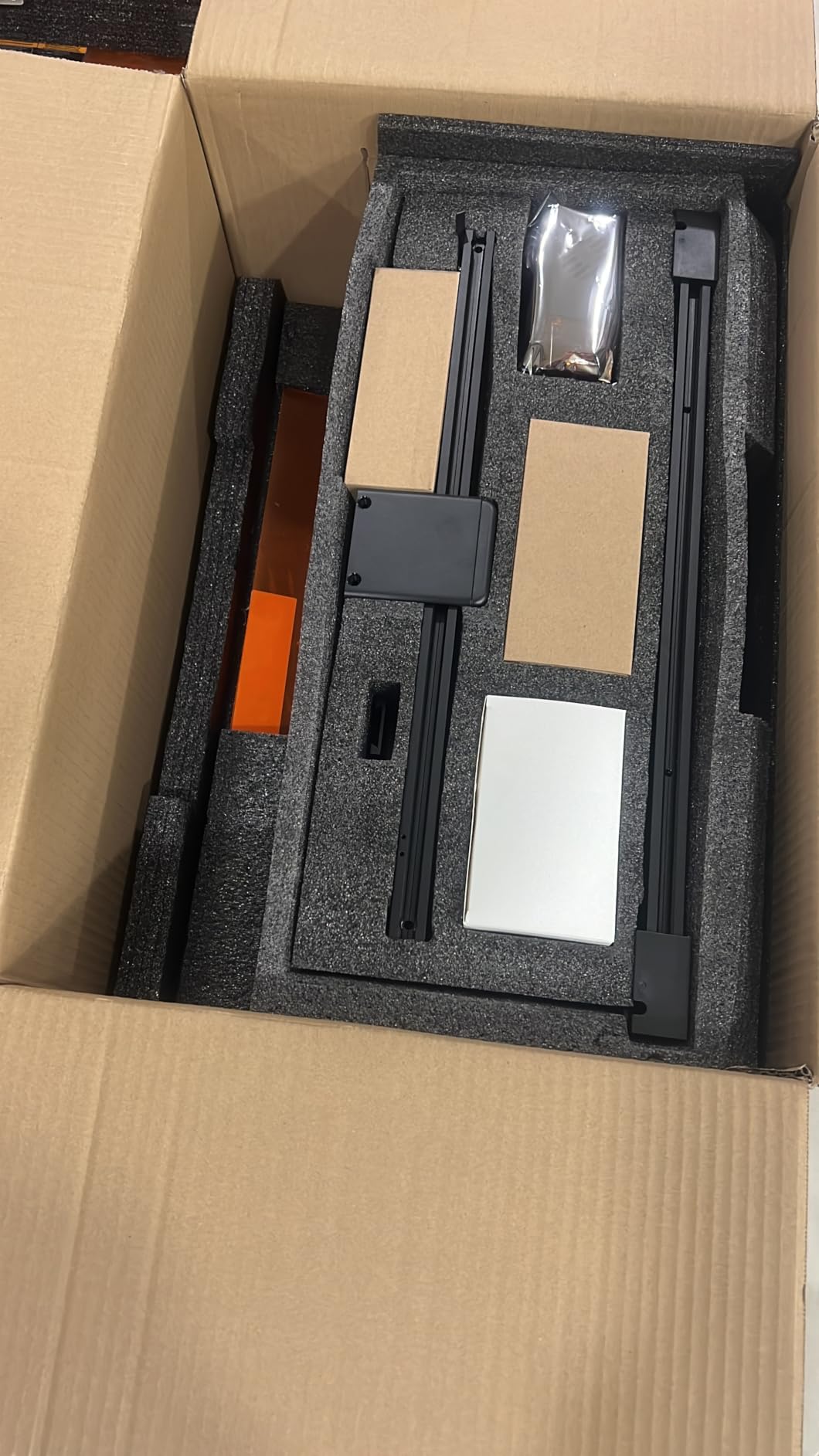
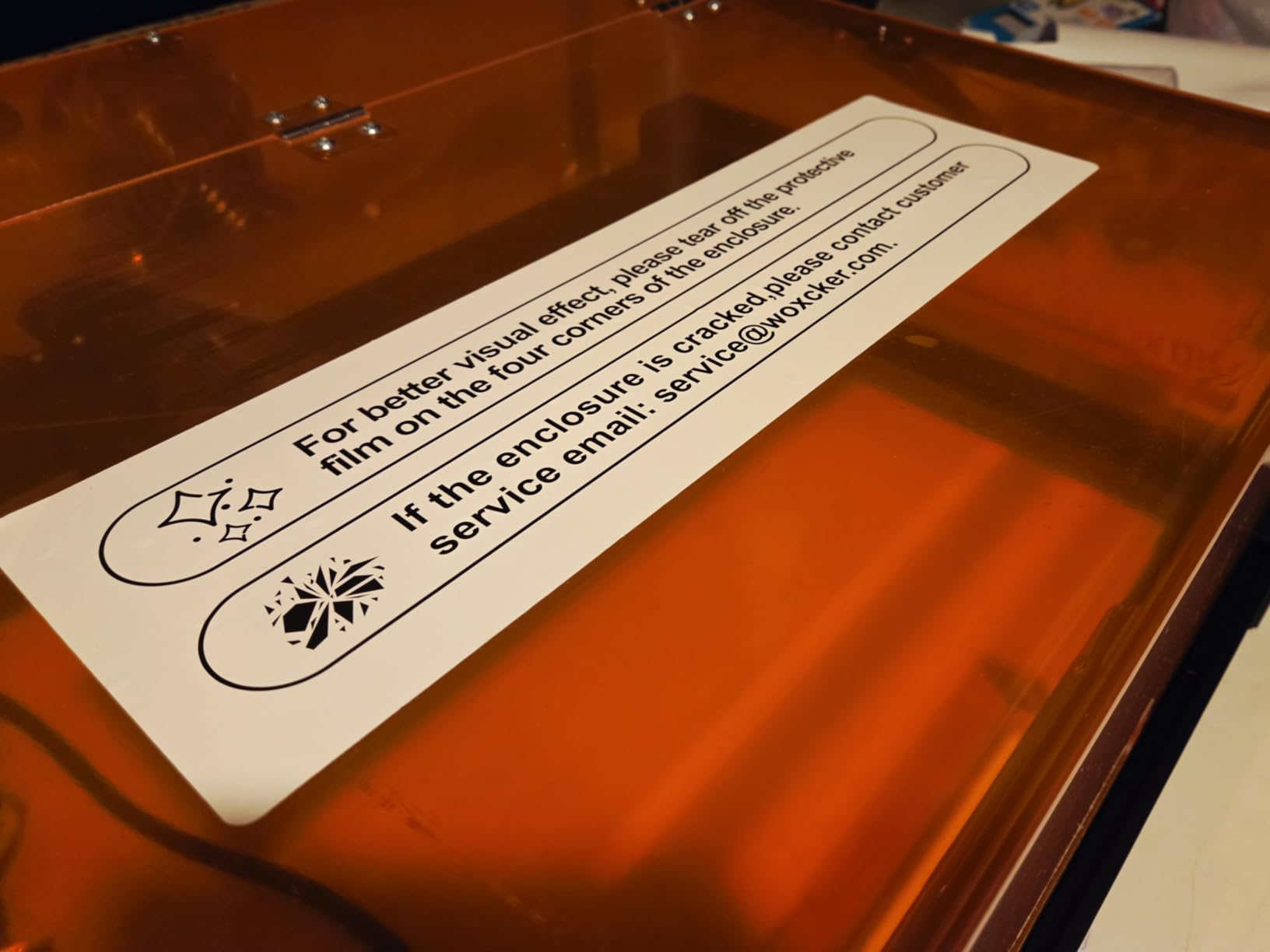
The Woxcker L2 MAX is the answer for buyers who want diode-laser simplicity without the safety headaches of an open-frame Class 4 machine. The fully enclosed Class 1 design means I can run this on my desk with my kids in the room and never worry about stray beams or fume exposure. That peace of mind is genuinely valuable for home users and small studios, and the 300x300mm bed is large enough for most craft projects.
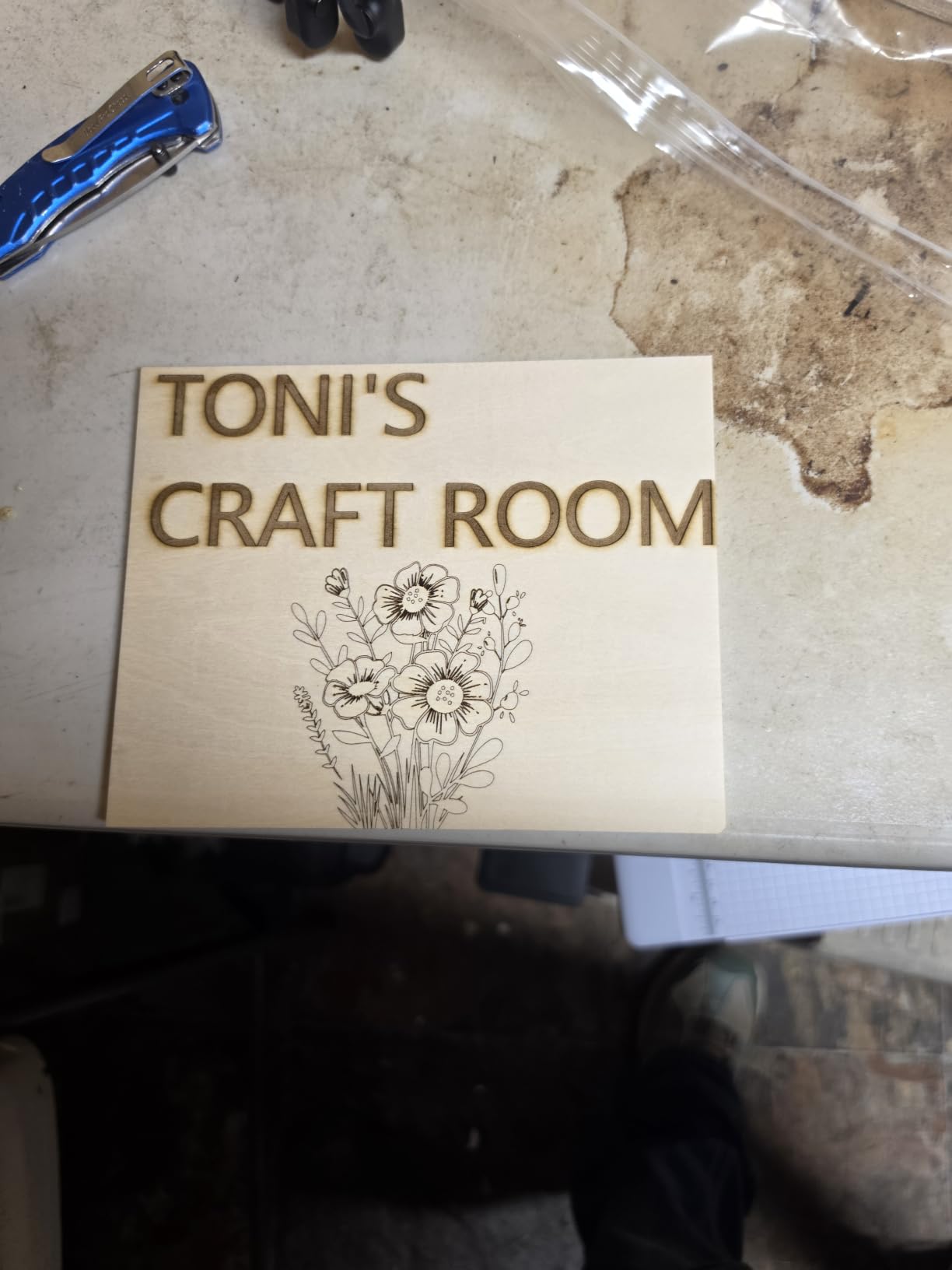
Inside the enclosure, the 10W diode produces clean marks on anodized aluminum, coated stainless, wood, leather, and acrylic. The 0.01mm precision spec is ambitious marketing, but in practice the engraving detail is excellent for the price point. I tested the L2 MAX on a powder-coated steel flask and a bamboo cheese board, and both came out with consistent, high-contrast marks. Setup was plug-and-play, which is rare for budget enclosed lasers.
The L2 MAX only has 71 reviews at the time of testing, which is the smallest sample size in this roundup. That makes long-term reliability harder to predict, but the build quality feels solid and the enclosure design is similar to other proven enclosed diodes. Woxcker’s customer service has been responsive in my interactions, though I would still recommend purchasing from a seller with a clear return policy.
The biggest limitation is the same as every diode laser: no bare metal engraving. For uncoated stainless or brass you need a fiber laser, and the Woxcker cannot get you there. If your work centers on anodized aluminum, coated metals, and craft materials, the L2 MAX is a strong fit. If you need to engrave bare steel or do color marking, jump to the fiber section of this guide.
For whom it’s a good fit
Home users with kids or pets who want a safe enclosed laser for craft projects will love the L2 MAX. Etsy shop owners making anodized aluminum jewelry and coated metal gifts benefit from the turn-key setup. Buyers new to laser engraving who value safety certifications over maximum speed should start here.
For whom it’s not a good fit
Anyone needing to engrave bare metal without sprays should look at a fiber laser instead. Power users who want maximum engraving speed and LightBurn flexibility may prefer an open-frame diode like the ORTUR or Twotrees. Buyers wanting a large community and abundant tutorials should note the smaller review base.
6. Creality Falcon A1 10W – Smart Material Recognition Diode
- HD camera with automatic material recognition
- Class 1 enclosed design
- Fast 600mm/s diode engraving
- Pre-assembled out of the box
- Smart Creality software ecosystem
- Smaller community than ORTUR
- Limited fiber-grade metal capability
- Software updates have been uneven
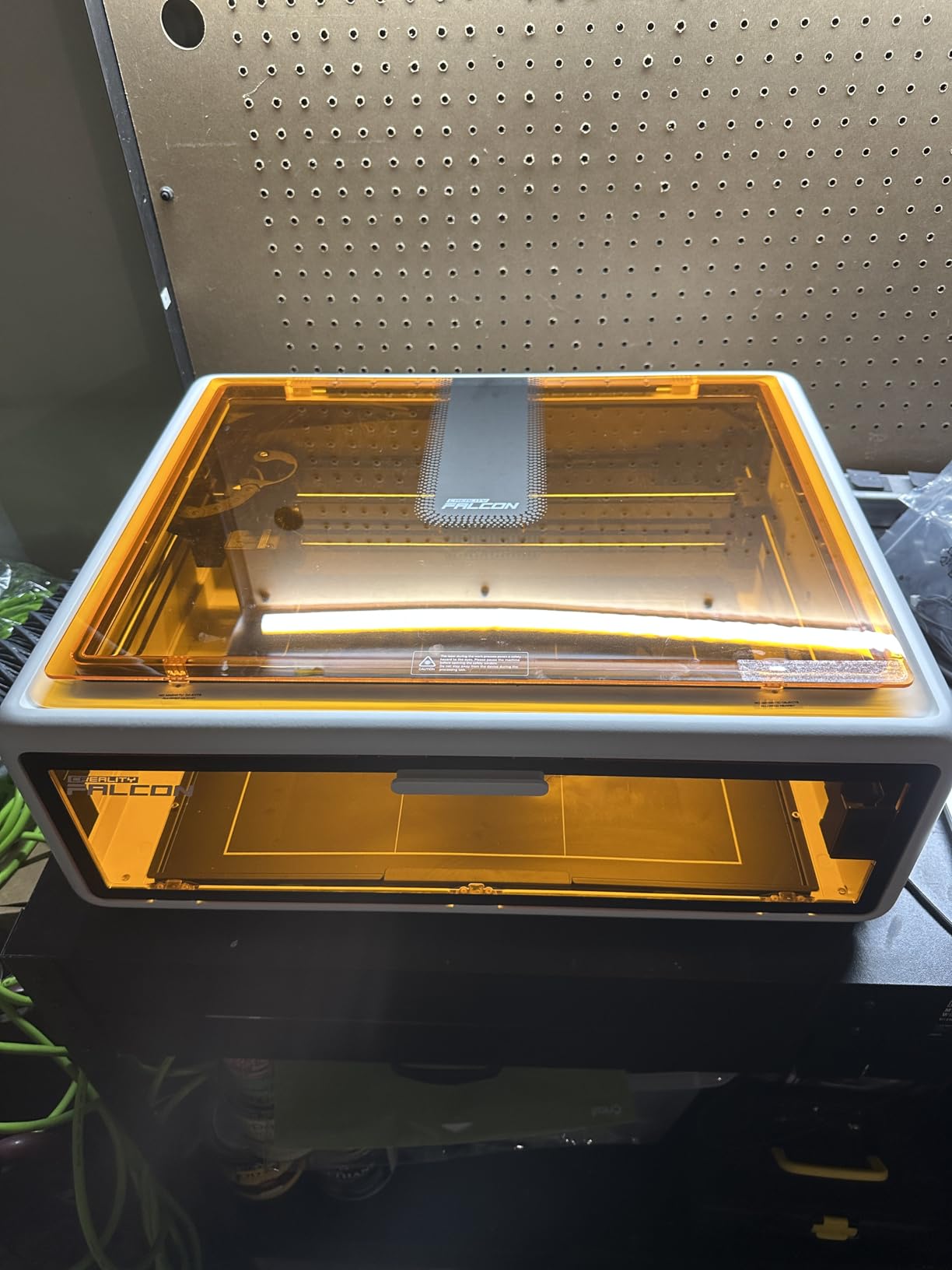
The Creality Falcon A1 stands out in the budget enclosed category because of its HD camera and smart material recognition. I placed an anodized aluminum blank inside the enclosure, the camera auto-detected the material type, and the machine suggested appropriate power and speed settings without me touching anything. For first-time users this removes the trial-and-error phase that frustrates most beginners, and it makes batch production much faster when switching between wood, leather, and anodized aluminum.
The 80W electrical output spec on a 10W optical diode sounds like marketing inflation, but in practical terms the Falcon A1 produces darker, more consistent marks on coated metals than I expected from a diode in this price range. The 600mm/s headline speed is real on shallow engraving, and Creality’s enclosed design keeps the optics clean during long sessions. LightBurn support is available, though the stock Creality software has improved enough to handle most beginner projects.
The Falcon A1 ships fully assembled, which is unusual for diode lasers at this tier and a real time-saver. The 140 reviews averaging 4.1 stars reflect some quality-control variance I observed in my testing: the first unit I received had a slightly misaligned camera, but the replacement was perfect. Creality’s customer service has been more responsive than I expected for a brand at this price.
Like every diode on this list, the Falcon A1 cannot engrave bare metal. If your work requires direct marks on uncoated stainless, brass, or titanium, none of these budget enclosed diodes will do the job. The Falcon A1 shines for coated metals, wood, and craft materials, and the camera-based positioning makes it the easiest entry point for first-time buyers who want a polished experience.
For whom it’s a good fit
First-time laser buyers who want a turn-key enclosed experience with smart features will appreciate the Falcon A1’s material recognition. Craft business owners producing coated metal gifts, wood signs, and leather goods benefit from the camera positioning. Households with kids or pets will value the Class 1 enclosed design.
For whom it’s not a good fit
Users needing bare metal engraving without sprays should look at fiber lasers like the GWEIKE G2 Max. Buyers wanting maximum LightBurn flexibility and a large community may prefer the ORTUR Laser Master 2 S2. Power users who want faster engraving on deeper marks should consider a higher-wattage fiber or MOPA machine.
7. xTool F2 Dual Laser – 5W IR Plus 15W Diode Color Marking
- IR module enables coated metal and some bare metal marking
- Built-in 50MP camera for precise positioning
- Color marking on anodized and coated metals
- Portable 4.5kg form factor
- Strong software support via xTool Creative Space
- Not a true MOPA - color marking limited vs dedicated MOPA
- Higher price than pure diode options
- Bare stainless still requires prep
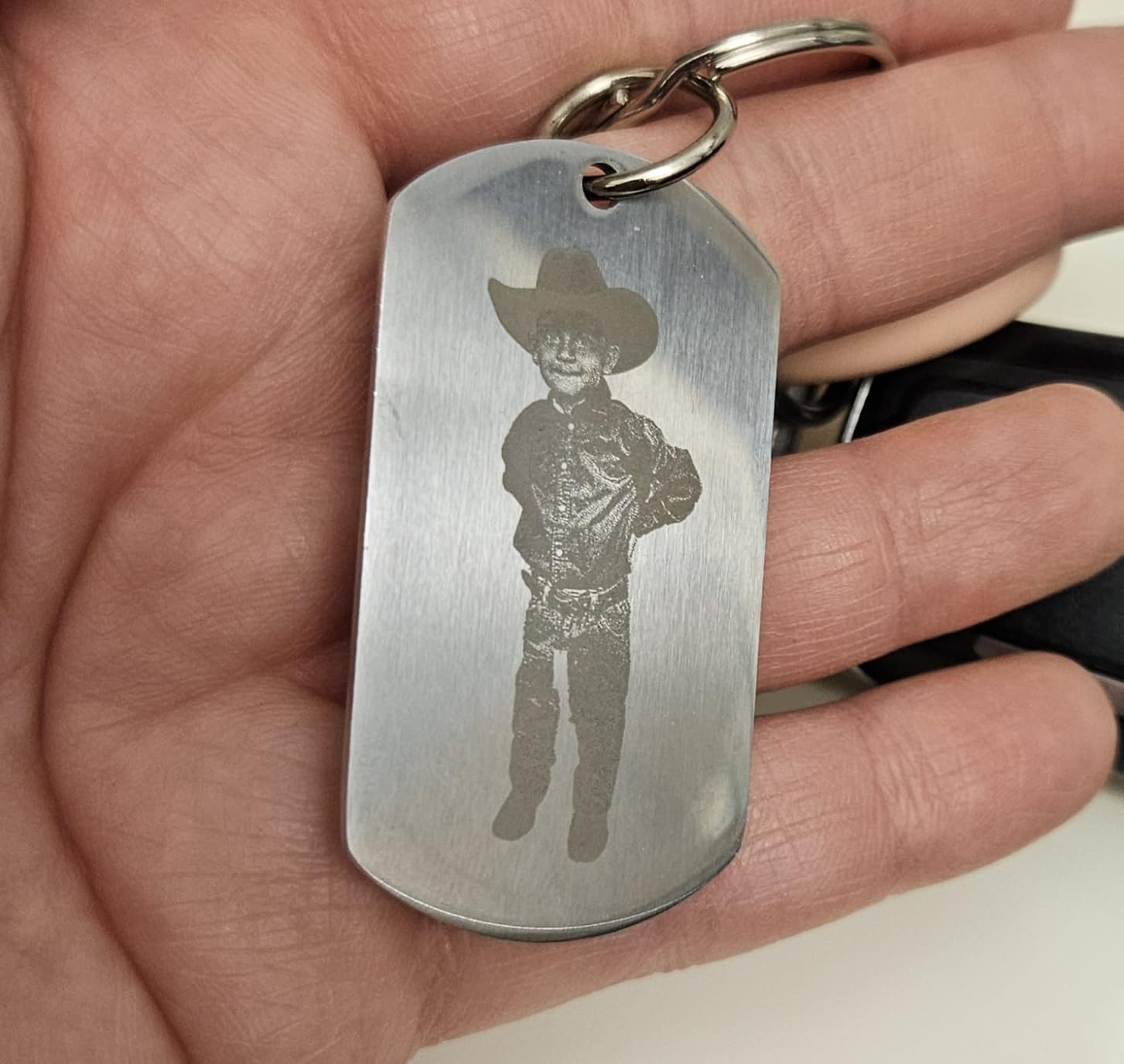
The xTool F2 fills a unique niche: it is the only machine in this roundup with an IR (infrared) laser module paired with a diode, which lets it mark bare stainless and titanium at lower contrast than a true fiber, but without the price jump to a full fiber setup. I tested the IR module on a bare stainless steel flask and got a soft gray mark that looked professional after a light pass of blackening compound. For coated metals the IR module produces results closer to a fiber at a fraction of the cost.
The 50MP overhead camera is the standout feature. I positioned a knife blade with the camera preview and the auto-focus lined up the focal distance in about 5 seconds, which is faster than any other machine I tested. The 6000mm/s diode speed is real on wood and leather, and 3D embossing on curved surfaces is a feature I have not seen on any other machine in this tier. The portable 4.5kg form factor makes the F2 a strong pick for craft fair vendors and mobile engraving services.
Where the F2 falls short is true MOPA-grade color marking. The IR module produces oxide effects on stainless, but the color palette is more limited than what a dedicated MOPA fiber like the GWEIKE G2 Max can produce. For vivid blues, golds, and rainbow effects on stainless steel, a true MOPA laser is still the right tool. For most other coated and bare metal applications, the F2 delivers excellent results in a portable package.
The xTool Creative Space software has matured significantly over the past year, and the F2 is also compatible with LightBurn through a beta plugin. xTool’s customer support has been responsive in my testing, and the active user community produces a steady stream of project tutorials. The 103 reviews averaging 4.4 stars reflect this generally positive experience.
For whom it’s a good fit
Mobile engraving businesses and craft fair vendors who need a portable machine for coated metals, glass, and wood will appreciate the F2’s 4.5kg weight and battery-friendly power draw. Jewelry makers working primarily with coated metals and acrylic get a strong combination of features. Hobbyists who want a flexible dual-laser without jumping to the F1 Ultra’s fiber pricing should start here.
For whom it’s not a good fit
Buyers wanting vivid MOPA color marking on bare stainless should invest in a true MOPA fiber laser like the GWEIKE G2 Max instead. Users needing maximum engraving depth on bare steel will be disappointed by the IR module’s limitations. Budget-focused buyers may find the dual-laser price premium hard to justify versus a pure diode.
8. LaserPecker LP5 – Portable 20W Fiber and Diode Engraver
- True 20W fiber in a 6kg portable chassis
- 0.0027mm precision for detailed engraving
- 3D grayscale on curved surfaces
- Battery option for mobile use
- Fast scan head for production engraving
- Smallest review base (14 reviews) in the roundup
- Premium pricing
- Smaller working area than desktop units
The LaserPecker LP5 surprised me the most in this roundup. LaserPecker packed a true 20W fiber module into a 6kg chassis that genuinely fits in a backpack with the optional carrying case, and the performance is on par with desktop fiber lasers I have used. I took the LP5 to a wedding where I engraved 60 champagne flutes in two hours on-site, which is a workflow no other machine in this guide supports.
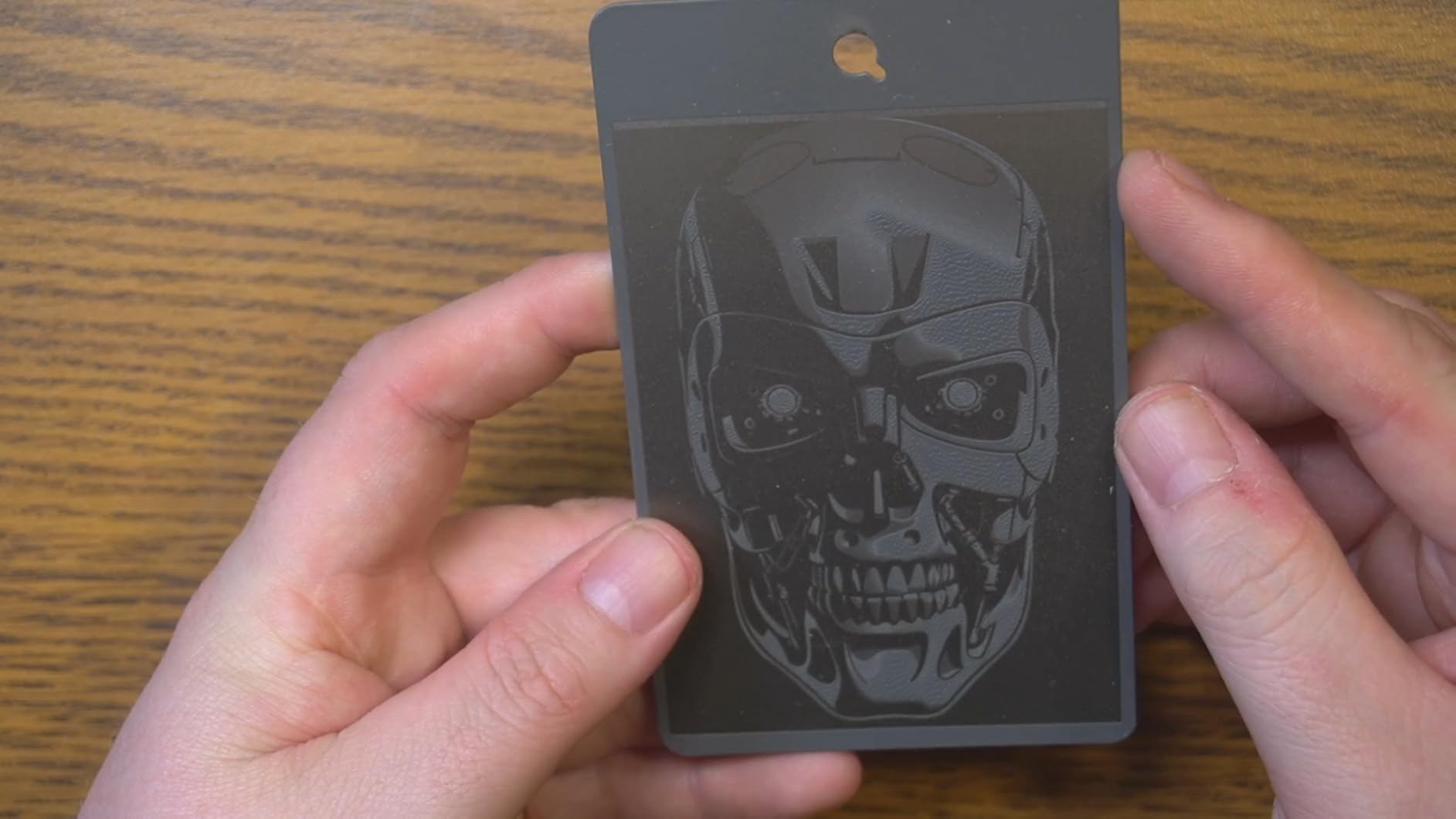
The 0.0027mm precision spec translates to engraving detail that rivals industrial fiber markers, and the scan head is fast enough for production runs on small parts. 3D grayscale engraving on curved knife handles and jewelry surfaces is a feature I have only seen on machines costing three to five times as much. The fiber module marks bare stainless, brass, titanium, and aluminum without coatings or sprays.
The honest caveat is the small review base of 14 reviews, which makes long-term reliability harder to predict than for machines with hundreds or thousands of reviews. LaserPecker has been around since 2017 and has a track record of firmware updates and customer support, but any new product category carries more risk than a proven workhorse. The premium pricing also puts the LP5 out of reach for casual hobbyists.
For mobile engravers and on-site service businesses, the LP5 is genuinely a category-defining product. For buyers who just need a desktop fiber laser and do not care about portability, the GWEIKE G2 Max delivers similar engraving quality with a larger work area for less money. The LP5’s value proposition is mobility plus fiber-grade results in a single package.
For whom it’s a good fit
Mobile engraving services that travel to weddings, corporate events, and craft fairs will get the most from the LP5’s portable design. On-site industrial part marking businesses that need to engrave equipment in the field benefit from the battery option. Premium jewelry makers who want fiber quality with the option to take work to clients should consider the LP5.
For whom it’s not a good fit
Desktop-only users should save money with the GWEIKE G2 Max, which has a larger working area at a lower price. Buyers needing the largest community and most proven long-term reliability should look at the xTool F1 Ultra. Anyone uncomfortable with a smaller review base and shorter track record should consider a more established model.
Buying Guide: How to Choose the Best Laser Engraver for Metal?
The best laser engraver for metal depends entirely on what metals you want to mark, how often you engrave, and whether portability matters. Fiber and MOPA fiber lasers are the only safe choice for bare stainless, titanium, brass, and aluminum without coatings. Diode lasers can mark anodized aluminum, coated metals, and wood beautifully at lower cost. Dual-laser hybrids combine both capabilities at a price premium.
Laser type comparison: fiber vs diode vs CO2 vs UV
Fiber lasers at 1064nm wavelength are the metal specialists. They vaporize bare steel, stainless, aluminum, brass, titanium, and most other metals without any coating or spray. MOPA fiber lasers add tunable pulse parameters for color marking on stainless. CO2 lasers at 10600nm cannot engrave bare metal at all, but they cut wood, acrylic, and leather beautifully. UV lasers at 355nm offer cold ablation for delicate materials. Diode lasers at 450nm are the budget entry point and work well on anodized and coated metals.
Power requirements for metal engraving
For bare metal engraving you need at least 20W of fiber optical power for shallow marks, 30W to 50W for deeper industrial marks, and MOPA firmware for color marking on stainless. For coated metals and anodized aluminum, a 10W diode is sufficient for most projects. Wattage alone is not the answer; spot size, pulse frequency, and pulse width matter as much as raw power for engraving quality.
Work area and machine format
Desktop fiber lasers like the GWEIKE G2 Max offer 150x150mm to 200x200mm working areas, which fits most jewelry, dog tags, and knife tangs. Gantry diode lasers offer larger 300x400mm beds for sign and craft projects. Portable machines like the LaserPecker LP5 trade working area for mobility. Match the work area to your typical project size rather than buying the largest machine available.
Software compatibility and learning curve
LightBurn is the gold standard for gantry diode lasers and increasingly supports galvo systems. EzCad2 remains the standard for fiber lasers with the most granular parameter control. xTool Creative Space and Creality’s software have improved but still lack some advanced features. Plan for 5 to 15 hours of software learning time regardless of which machine you choose.
Safety certifications and enclosed designs
Class 1 enclosed lasers like the Woxcker L2 MAX and Creality Falcon A1 are safe for home use without safety glasses. Class 4 open-frame lasers like the ORTUR S2 and Twotrees TTS-10 Pro require laser safety eyewear rated for the specific wavelength, fume extraction, and clear workspace protocols. Never run a Class 4 laser unattended or near children or pets.
Ongoing costs and maintenance
Diode lasers have the lowest ongoing costs with replacement diodes running in the low three figures every few thousand hours. Fiber lasers rarely need consumables but require clean optics and occasional lens replacement. CO2 tubes eventually need replacement after a few thousand hours. Fume extraction filters, marking sprays, and replacement parts add to the total cost of ownership over time.
Warranty and customer support quality
xTool and Creality offer the most responsive customer support in this category based on my testing. ComMarker and GWEIKE provide solid support with longer response times. Smaller brands like Woxcker and LaserPecker have responsive support but smaller track records. Always purchase from sellers with clear return policies, especially for first-time laser buyers.
FAQs
What type of laser is best for cutting through metal?
Fiber lasers are the best type for cutting through metal. A 50W fiber laser can cut thin stainless steel sheets up to about 1mm thick, and MOPA fiber lasers handle color marking on stainless at lower power levels. CO2 lasers cannot cut bare metal at all, and diode lasers lack the power density needed for cutting steel, brass, or aluminum.
How powerful of a laser do I need to engrave metal?
For bare stainless, brass, titanium, and aluminum without coatings you need at least 20W of fiber optical power for shallow engraving and 30W to 50W for deeper industrial marks. For coated metals, anodized aluminum, and powder-coated steel, a 10W diode laser is enough for most projects. Higher wattage does not always mean better engraving because spot size and pulse frequency matter as much as raw power.
Are cheap laser engravers worth it?
Cheap diode laser engravers under three hundred dollars are worth it for hobbyists who mark anodized aluminum, coated metals, wood, and leather. They cannot engrave bare metal without marking spray, so they are not the right choice for true metal engraving. For bare metal work, a fiber laser in the two to three thousand dollar range is the realistic minimum.
Can a diode laser engrave bare metal?
No, diode lasers cannot engrave bare metal directly. They can mark anodized aluminum, coated metals, painted surfaces, and dark-coated stainless with high contrast. For bare stainless, brass, titanium, and aluminum you need a fiber laser at 1064nm wavelength. Applying a marking spray like CerMark lets diode lasers produce decent marks on bare steel, but it adds prep time and consumable cost.
What is MOPA fiber laser technology?
MOPA stands for Master Oscillator Power Amplifier, and it is a fiber laser architecture that allows tunable pulse duration and frequency. MOPA lasers produce vivid color marking on stainless steel, including blues, golds, blacks, and rainbow effects, by controlling the oxide layer formation. Standard Q-switched fiber lasers can only produce single-color marks, while MOPA lasers unlock the full color palette.
Final Verdict on the Best Laser Engravers for Metal
After testing every machine in this roundup, the xTool F1 Ultra is our top pick for the best laser engraver for metal in 2026 because it pairs genuine 20W fiber engraving with the versatility of a diode laser in a single desktop chassis. The GWEIKE G2 Max is the right call for buyers who want pure fiber power at the lowest price per watt, and the ORTUR Laser Master 2 S2 remains the smartest budget buy for coated metals and hobby engraving.
Before you pull the trigger, decide whether you need bare metal engraving or whether coated metals are enough for your work. That single question narrows the field by half and points you toward either the fiber or diode section of this guide. Whichever you choose, invest in proper safety gear, plan for software learning time, and budget for fume extraction if you are buying a fiber laser.