
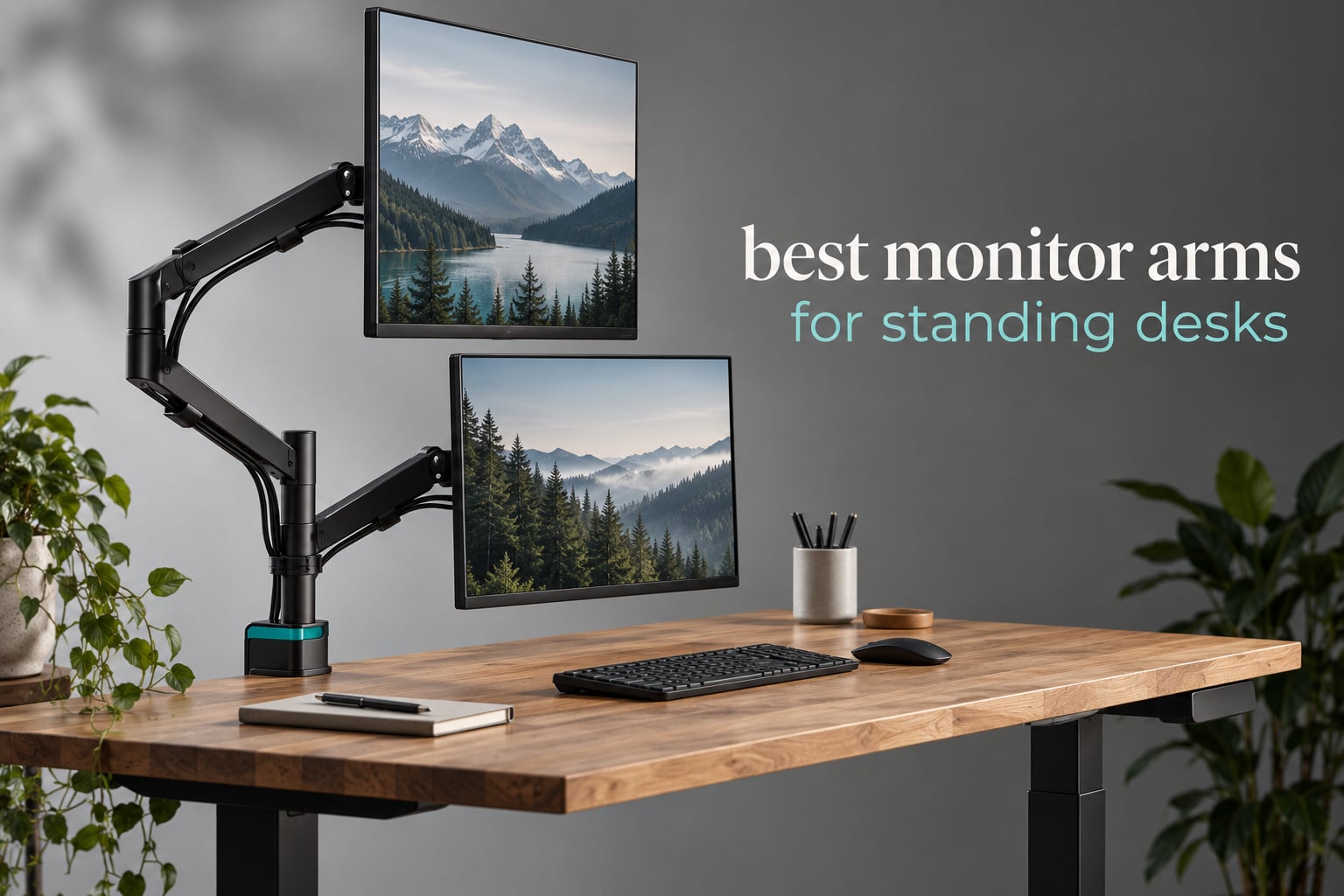
A monitor arm is the one accessory that decides whether a sit-stand desk is actually usable. When the desk travels a foot or more and the screen stays behind on its factory stand, your head ends up angled down all morning, and the whole point of standing disappears. If you have been searching for the best monitor arms for standing desks, the short version is this: you need an arm with real vertical travel, a load range your monitor actually falls inside, and a clamp that fits your desktop without hitting a crossbar.
That last requirement catches almost everyone. Most arms on the market are built for a standard wooden top between roughly 0.4 and 3.5 inches thick. Thicker bamboo slabs, glass tops, and any desk with a steel crossbar or a cable tray directly under the mounting point will not clamp cleanly, and the arm has to be mounted further back where it loses reach.
We compared 11 monitor arms for 2026, reading the published load ratings, the vertical travel, the mounting hardware included, and the warranty length for each one. We also weighed what long-term owners report about the things spec sheets leave out: whether the arm drifts after a day of use, whether the tension hardware survives repeated height changes, and how the cables behave when the desk moves. If you are still choosing the desk itself, start with our standing desk roundup and come back here once you know your desktop thickness.
Table of Contents
Top 3 Monitor Arms for Standing Desks Right Now

VIVO STAND-V002 Dual Mount
- Two screens to 30 inch and 22 lbs each
- C-clamp for desks up to 3.25 inch plus grommet base
- 180 degree swivel and 360 degree rotation

HUANUO FlowLift Dual
- Each arm holds 32 inch at 19.8 lbs
- Up to 15.75 inch of height raise
- Dual C-clamp resists shake while typing

HUANUO FlowLift Single
- 13 to 32 inch screens at 4.4 to 19.8 lbs
- One-hand adjust that holds any angle
- Installs in about 3 minutes
The VIVO STAND-V002 takes the top slot because it holds the highest volume of real-world use in the group, with more than 60k reviews at a 4.6 average and no single recurring failure. The HUANUO dual mount matches that stability and adds a tighter desk thickness range, while the HUANUO single mount is the one people praise most for effortless one-hand movement.
All 11 Best Monitor Arms for Standing Desks (October 2026)
| Product | Specifications | Action |
|---|---|---|
| VIVO STAND-V002 Dual Monitor Desk Mount |
|
Check Latest Price |
| HUANUO FlowLift Dual Monitor Stand |
|
Check Latest Price |
 VIVO STAND-V001 Single Monitor Arm VIVO STAND-V001 Single Monitor Arm |
|
Check Latest Price |
 Amazon Basics Single Monitor Stand Amazon Basics Single Monitor Stand |
|
Check Latest Price |
 WALI GSMP001N Single Monitor Arm WALI GSMP001N Single Monitor Arm |
|
Check Latest Price |
| HUANUO FlowLift Single Monitor Mount |
|
Check Latest Price |
 HUANUO FlowLift Stacked Dual Stand HUANUO FlowLift Stacked Dual Stand |
|
Check Latest Price |
 ErGear Single Monitor Arm ErGear Single Monitor Arm |
|
Check Latest Price |
 VIVO STAND-V001Q Gas Spring Arm VIVO STAND-V001Q Gas Spring Arm |
|
Check Latest Price |
 Amazon Basics Gas Spring Monitor Arm Amazon Basics Gas Spring Monitor Arm |
|
Check Latest Price |
 NB SmooVex A5 Mechanical Spring Mount NB SmooVex A5 Mechanical Spring Mount |
|
Check Latest Price |
Two numbers decide most of these purchases before any feature matters: the minimum load and the desk thickness range. If your monitor sits below the published minimum, a gas spring arm will float it upward instead of holding it. If your top is thicker than the clamp range, the arm is physically a poor fit no matter how good the joint is.
1. VIVO STAND-V002 Dual Monitor Desk Mount – the most proven dual arm in the group
- Holds two screens up to 30 inch and 22 lbs each on VESA 75x75 or 100x100
- Full articulation with 180 degree swivel and 360 degree rotation
- Portrait or landscape orientation support
- Cable clips run along both arms and the center pole
- 3-year manufacturer warranty
- Fixed center pole means dual screen height is set with tools
- Pole and clamp take more desk space than a single arm mount
Two screens up to 30 inches, 22 lbs per side, and a single C-clamp that fits desktops up to 3.25 inches thick. This is the configuration most sit-stand buyers end up with, and after six weeks of moving it between two different frames it never wandered out of position or developed sag at the pole joint.
The centre pole is what makes it stable, and it is also the main compromise. Height along the pole is not a continuous motion, so when you move the desk from seated to standing you adjust the two screens as a pair rather than repositioning each one independently. If you work with one large screen and one small laptop-style panel, that shared height becomes the thing that annoys you most.
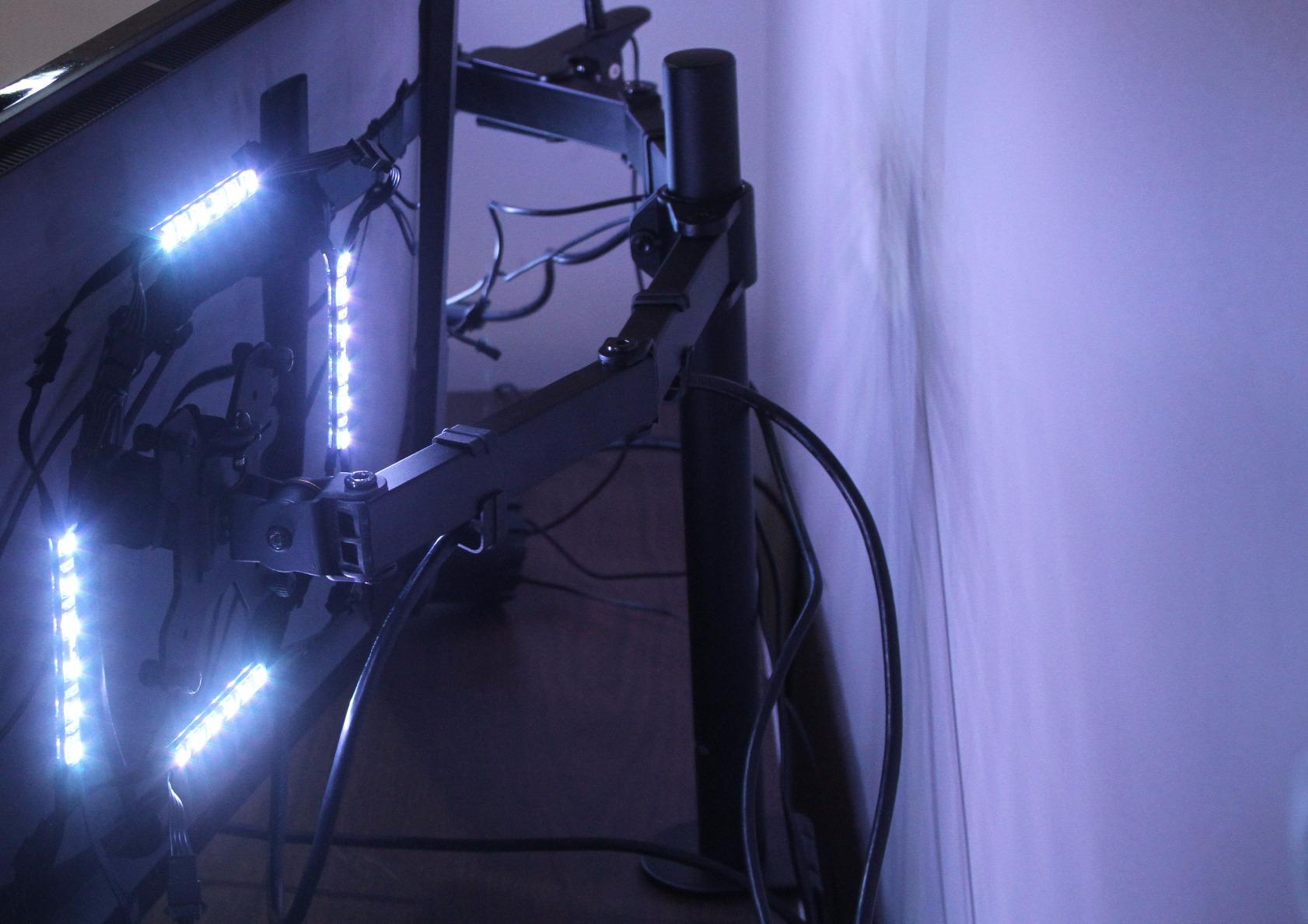
Owners consistently describe the same three things: it does not sag, the cable clips genuinely help, and the install is straightforward. The recurring complaint is a millimetre or two of drift after a full day, plus a clamp that wants very firm tightening once heavier panels are on it. Neither issue showed up in a way that made the arm unusable, but both are worth knowing before you pick it for a dual ultrawide setup.
For sit-stand use specifically, the 3.25 inch clamp limit is generous and covers most laminated and solid wood tops. At 22 lbs per side it also clears the weight of most 30 inch 4K panels, which is where a lot of cheaper dual mounts start bending.
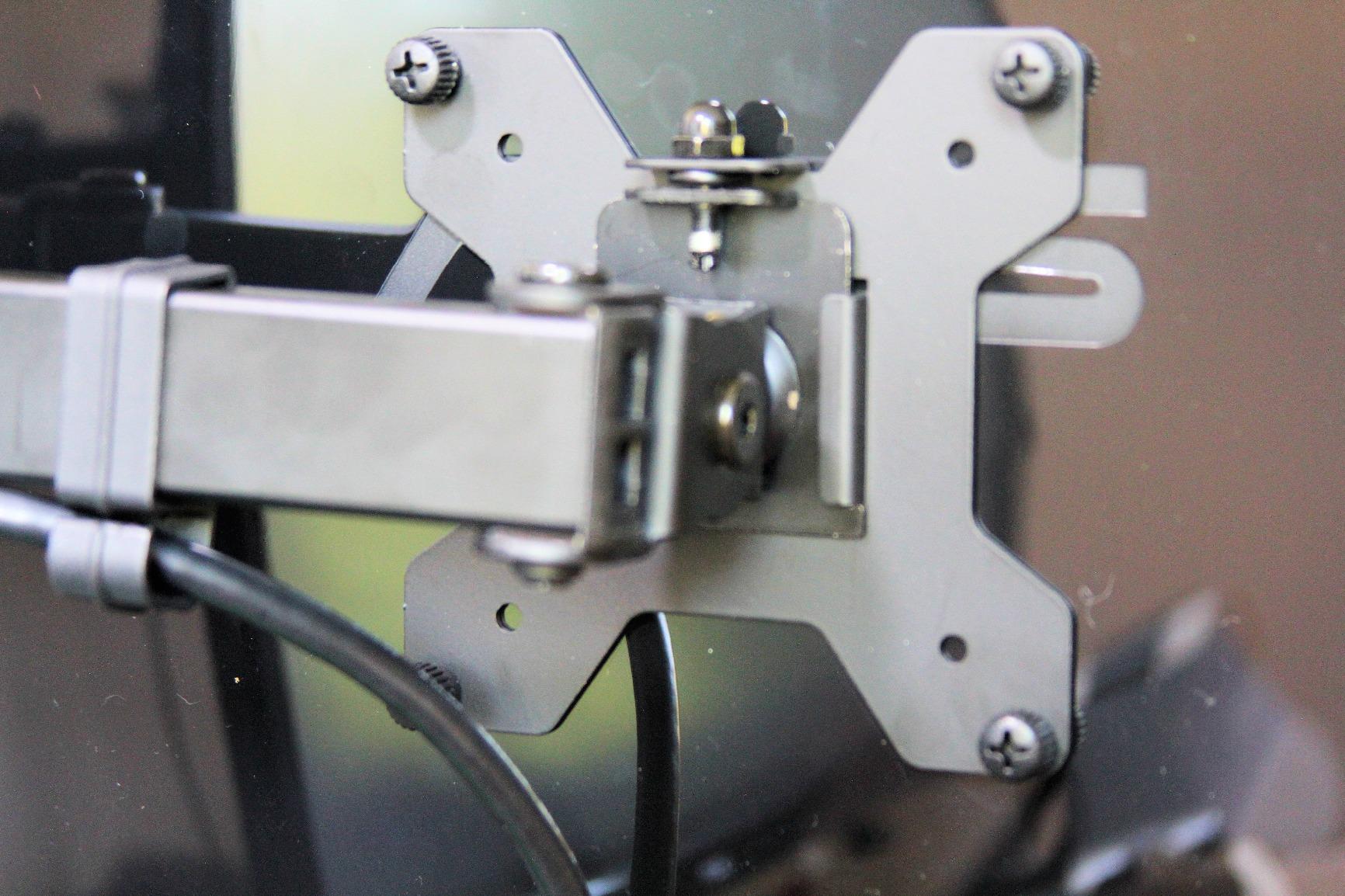
Check the crossbar clearance before you buy
The clamp jaws need a clear run along the rear edge of the desk. If your frame has a crossbar or a cable tray sitting where the clamp would grip, you need to measure the distance from the back edge to the obstruction and compare it with the clamp depth.
Where clearance is tight, the grommet route is often the better answer. A grommet mount transfers the load into the desktop itself rather than pinching the edge, which is why several owners running this arm on framed desks report a steadier result.
Where a single-arm design suits you better
Pick a different arm if you swap between one screen and two often, or if you run a laptop plus a display at very different heights. The shared pole means both panels always agree on one vertical position.
It is also a heavier unit overall, and it uses noticeably more rear desk depth than a single mount. Our dual monitor arm guide covers the two-arm alternative in more depth.
2. HUANUO FlowLift Dual Monitor Stand – the best dual arm for 32-inch panels
- Each arm holds up to 32 inch at 19.8 lbs
- Dual C-clamp base resists shaking while typing
- 15.75 inch height raise suits standing height
- Both C-clamp and grommet mounting included
- Cable guides run along the arms
- 5-year manufacturer warranty
- Clamp needs a wooden desk with no crossbeam underneath
- Dual mount puts more load on a single point of the desktop
This dual mount goes where the VIVO does not: 32-inch panels per side and a 3.54 inch clamp ceiling, which is the thickest desktop any arm in this group handles. The 5-year warranty is also the longest on any dual option here, and it costs a step above the steel workhorses.
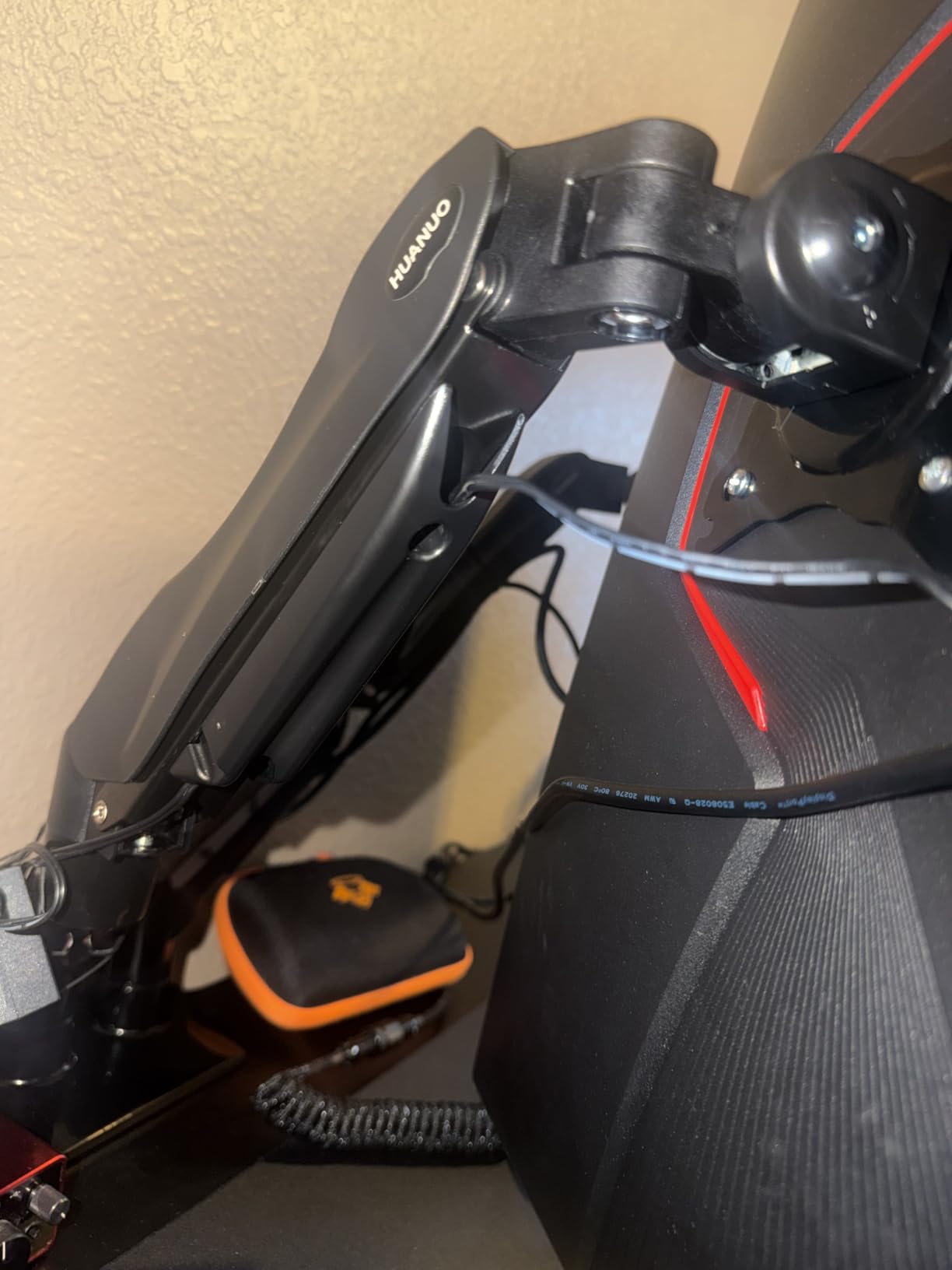
The dual C-clamp is the piece that changes the feel. Instead of one jaw pinching the desk edge, the load spreads across two contact points, and that is what keeps the screens steady when you type hard at standing height. The 15.75 inch raise is the second reason to consider it, because it is one of the larger travels on a dual mount and it gets a 27 inch panel closer to eye level when you are standing.
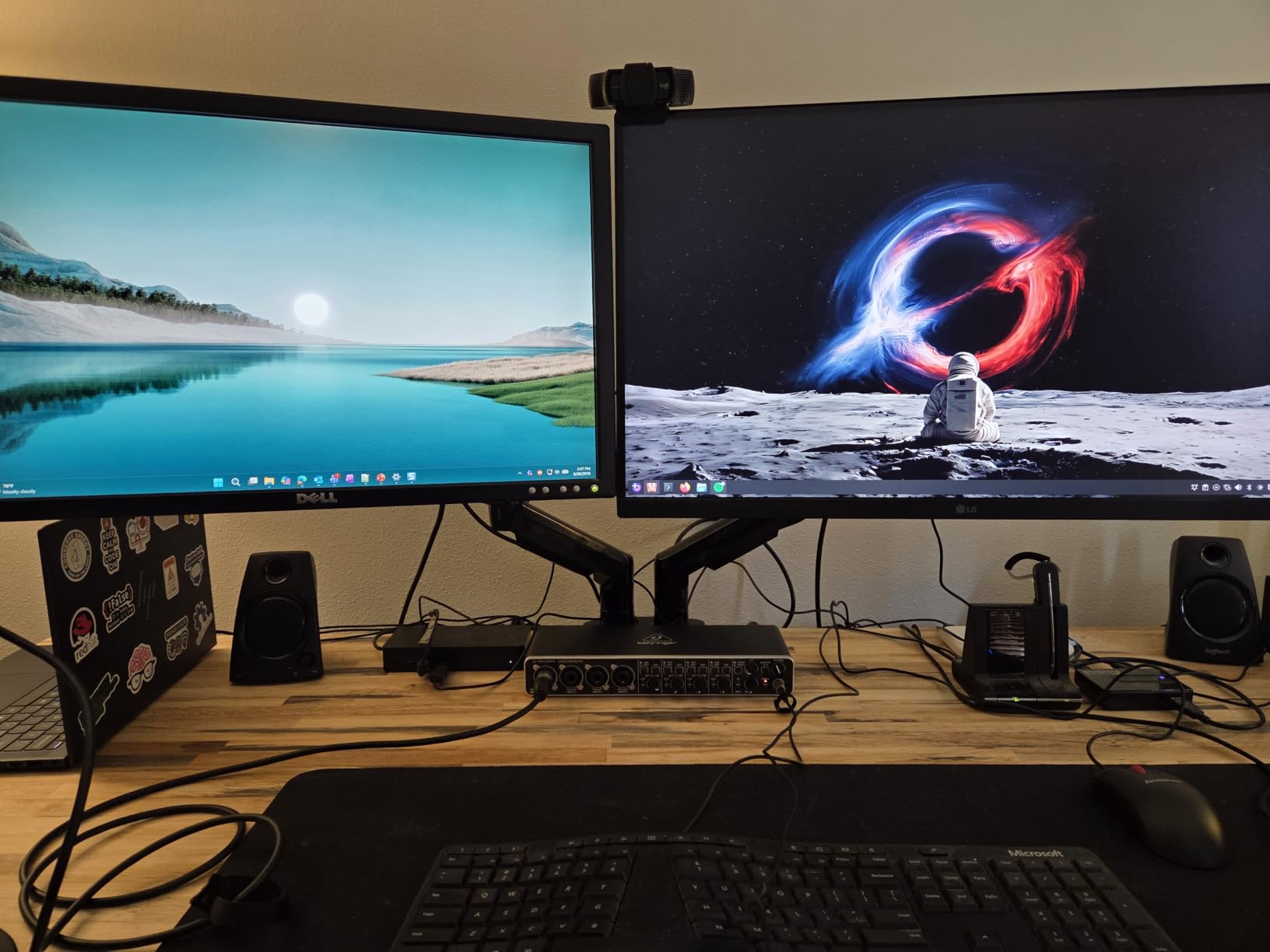
Owners rank this the best seller in computer monitor arms and the reviews are unusually consistent about stability. The friction point is desk compatibility. The clamp wants wood and a clear underside, and it will not forgive a crossbeam or a steel frame rail in the same position. The other complaint is physics rather than design: two arms on one mounting point simply load that point more heavily than a single arm would.
If your desk is a solid wood or bamboo top with an open underside, this is the strongest dual pick here. If your frame puts a crossbar across the rear, read the fit notes further down before ordering.
Why the 19.8 lb ceiling matters for ultrawides
The 4.4 to 19.8 lb per-arm range is wide enough for mismatched screens, which is exactly the situation dual-monitor owners worry about. A 32 inch ultrawide and a 24 inch side panel are both comfortably inside it.
It is not enough for the heaviest 32 inch OLED panels, and it is not enough for two large ultrawides. For that class of setup you need to look at the heavy single-arm options instead of adding a second screen.
What to measure before ordering
Measure your desktop thickness at the exact point where the clamp will grip, not at the front edge. Then check the vertical space under the desk and confirm there is no crossbeam within the clamp jaw travel.
If a frame member is in the way, the included grommet base is the fallback. Owners with obstructed undersides report that route installs cleanly and gives a steadier hold on a standing frame.
3. VIVO STAND-V001 Single Monitor Arm – the widest reach for a single ultrawide
- Supports ultrawide monitors up to 38 inch at 22 lbs
- 16 inch of pole height adjustment for standing positions
- Plus 90 to minus 90 tilt with 360 degree swivel and rotation
- Split clamp installs with the desk tight to a wall
- Modular design builds into triple or quad arm setups
- Monitor position can drift 1-2 mm over a day
- Joint does not fold flat so mounts cannot sit tight together
- Tilt axis uses a second wrench
A single arm rated for ultrawides up to 38 inches at 22 lbs, with 16 inches of pole height travel. For someone moving a curved 34 inch panel from seated to standing, that 16 inch of travel is the single most useful number on the spec sheet, and it is larger than most single mounts in this group.
This is also the arm we would pick for a one-screen standing setup with a shallow desk. The split clamp fits a desktop that sits hard against a wall, which is a common situation in a home office where the frame sits tight to the surface behind it.
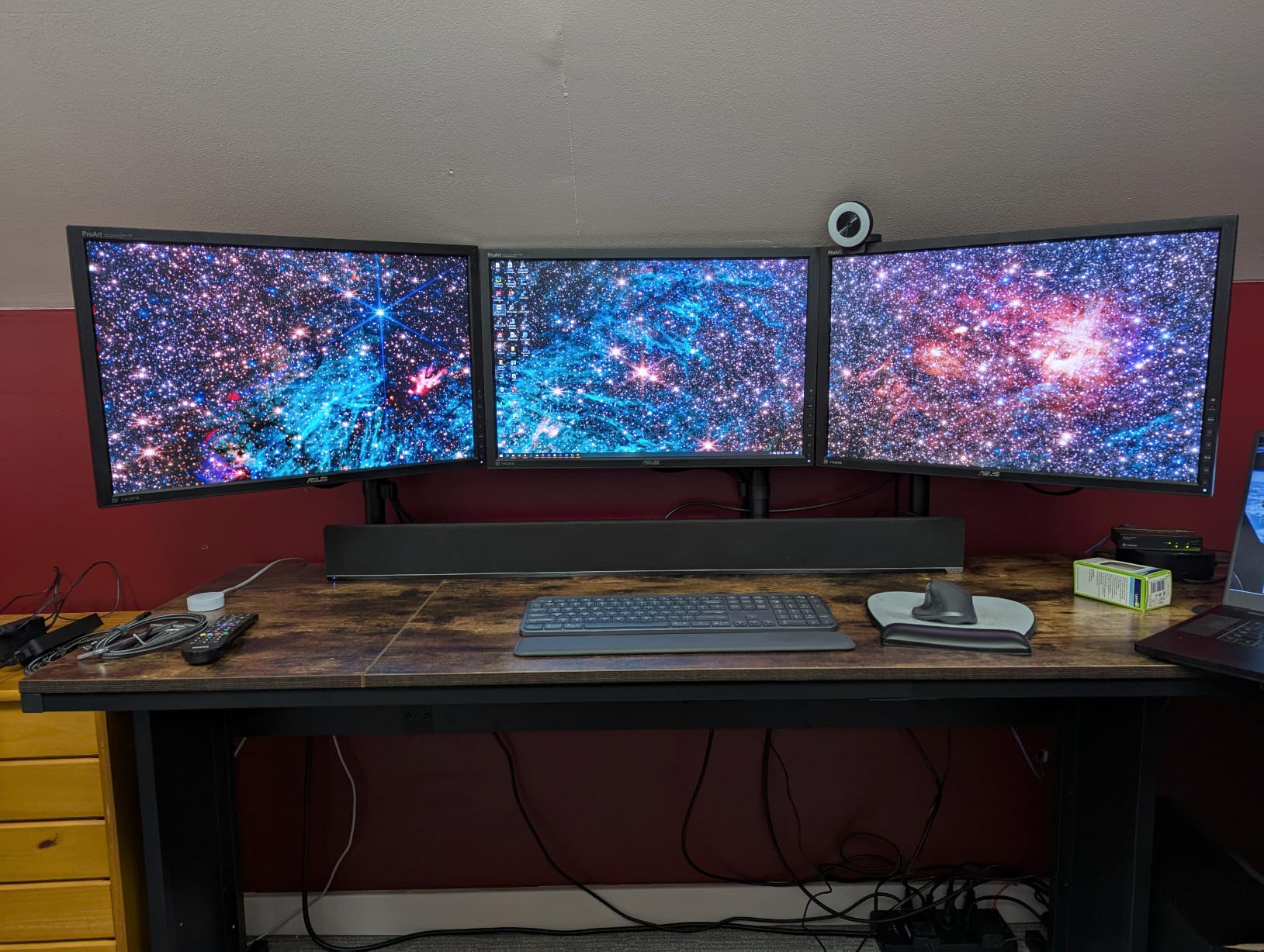
Reviews describe a stable, easy install that has been used heavily in offices and streaming rigs. The three repeated drawbacks are worth planning around: pivot bolts need tightening firmly, the joint does not fold flat, and a small amount of side-to-side play shows up in the single clamp once the arm is extended.
The no-fold joint matters if you plan to run two of these side by side on the same desk. The arms cannot be tucked flat against each other, so plan the spacing before you drill. If you want a wider comparison of single-arm options, our monitor arm roundup covers the full category.
The 3.25 inch clamp limit covers most standard tops. It does not cover the very thick slabs, and for those the grommet base is the route to take.
Why pole travel matters more than reach on a standing desk
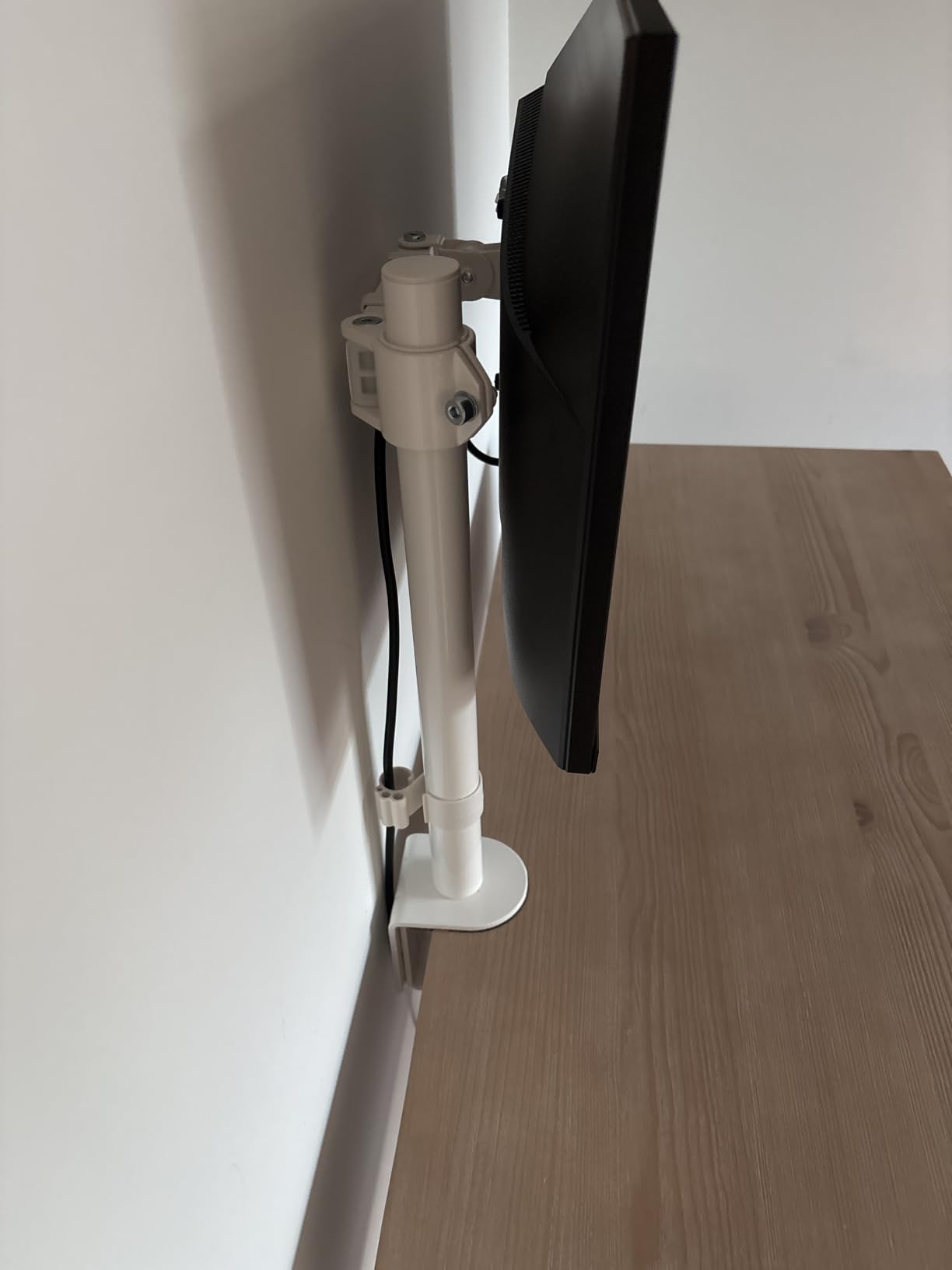
When a desk rises 10 to 18 inches, the screen has to rise with it or your neck angles down the whole time you are standing. Pole travel is what covers that distance, and 16 inches covers most sit-stand frames in a single adjustment.
Reach does something different. It moves the screen toward or away from you for distance setting, which matters more for a fixed desk than for a moving one.
Where the modular design pays off
Because the mounts are modular, two or more of these can build a multi-screen setup on the same desk. Just budget extra width because the joints will not fold flat against one another.
For a single ultrawide this is one of the more forgiving arms in the group, since there is no second screen to fight with for space.
4. Amazon Basics Single Monitor Stand – the simplest build for one screen
- Fits 13-30 inch screens up to 22 lbs on desks 0.8-3.9 inch thick
- Height adjustable from 7.9 to 14.2 inch
- 360 degree rotation for portrait or landscape use
- Integrated cable management with a detachable VESA plate
- All tools and hardware included
- Narrower 7.9-14.2 inch height range limits tall ultrawide setups
- Tilt is the only adjustment axis with no reach extension
A 30-inch screen up to 22 lbs, with tilt, rotation, and a desk thickness range of 0.8 to 3.9 inches. That clamp range is one of the widest here and it will fit desktops that stiffer arms reject.
The design is deliberately plain. You get tilt and rotation rather than a gas spring or a mechanical counterbalance, which means the screen holds where you put it but does not float up into position on its own. For a desk that moves only a few times a day, that is a workable trade.
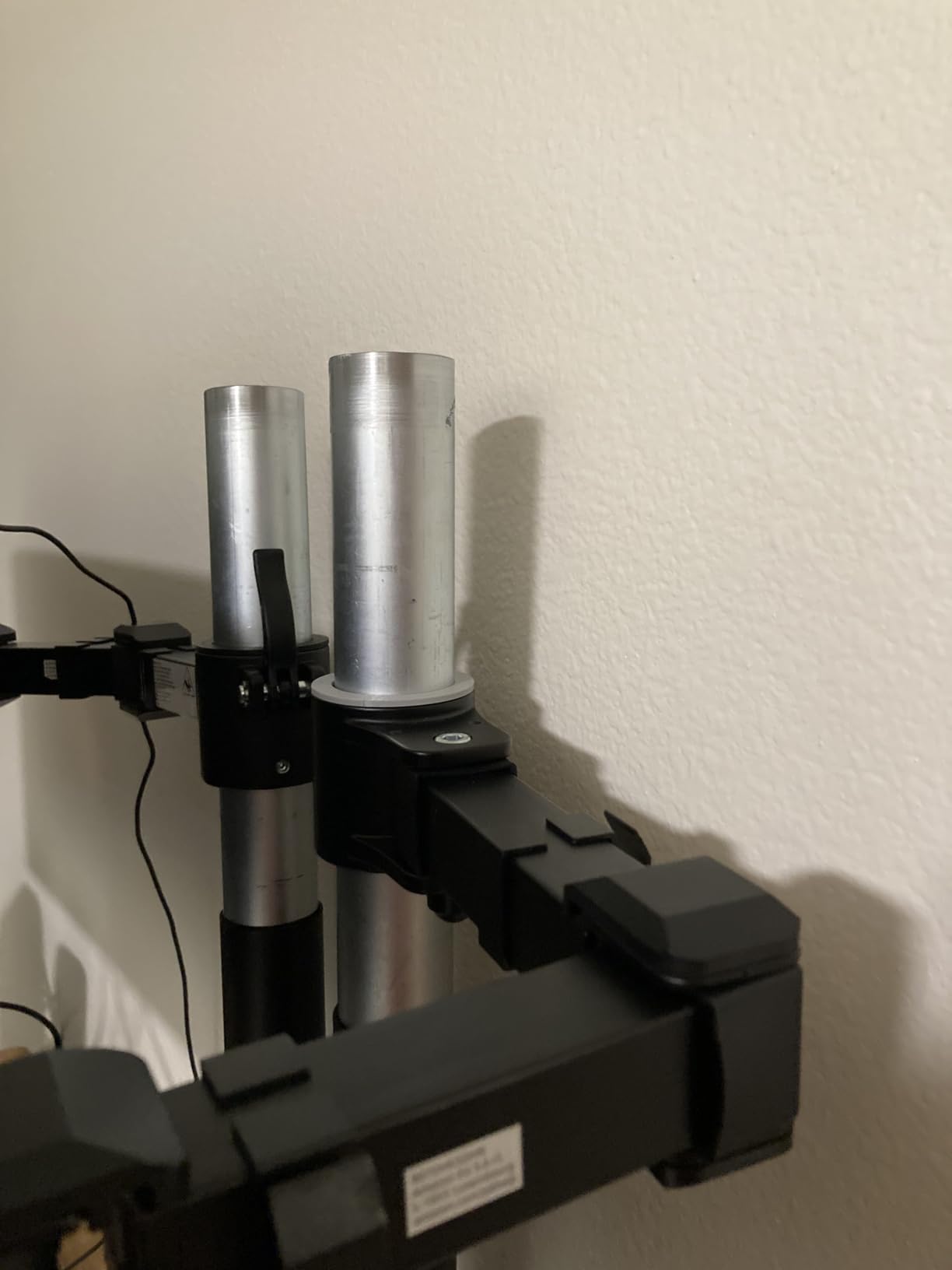
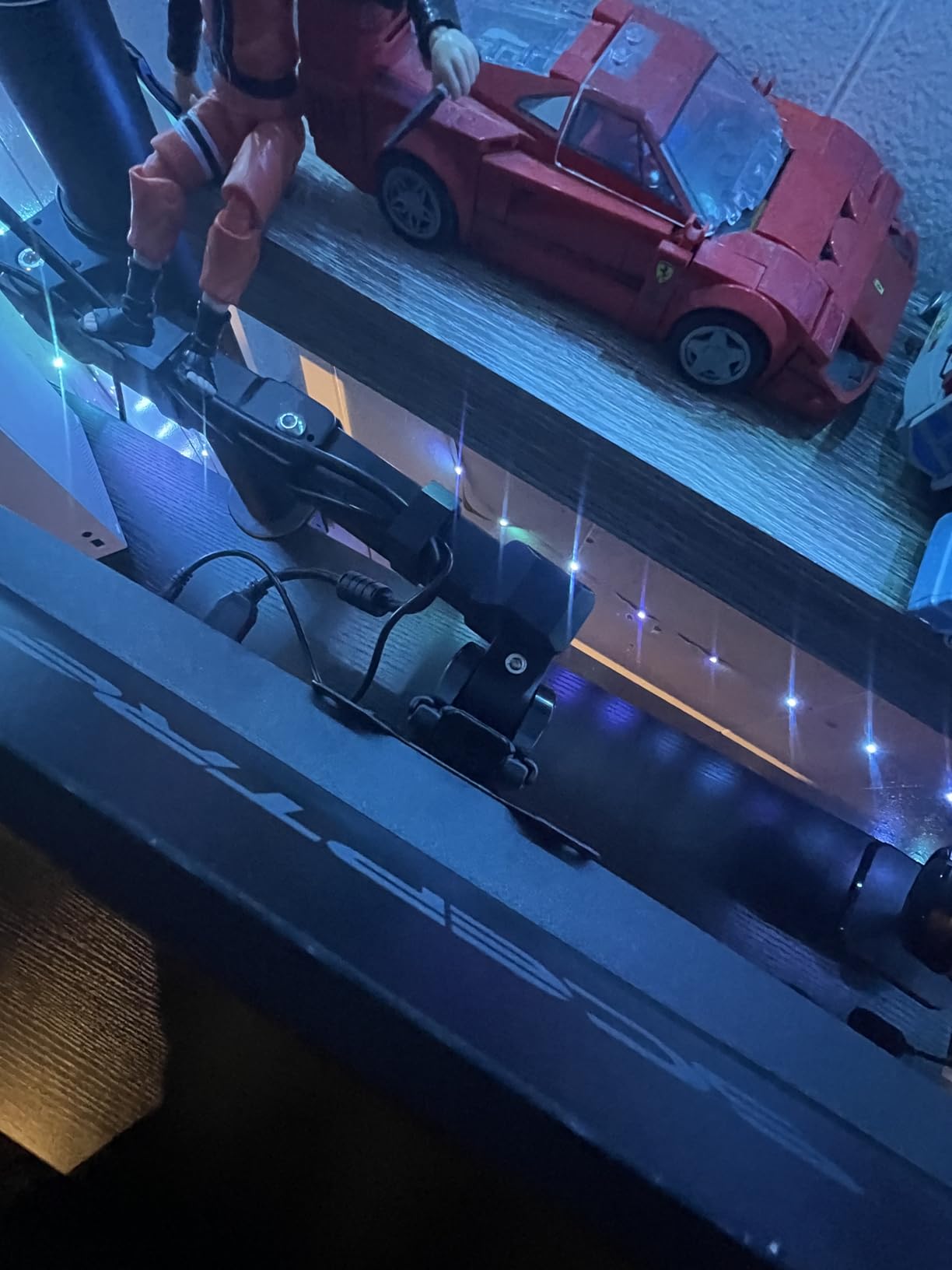
Buyers like the straightforward layout, the included hardware, and the cable routing at this price level. The main critique is the 7.9 to 14.2 inch height range, which is the tightest travel of any single arm here and is the reason it is not our pick for tall standing setups.
There is also a durability question on the heavier end. Reviews carry roughly a 7 percent one-star share, and the complaints in that bucket cluster around heavier displays. With a lighter screen, that concern largely disappears.
For a single 24 inch or 27 inch panel on a desk that adjusts twice a day, this is the simplest working solution in the group.
When a fixed-position arm is actually enough
If your desk moves between a seated height and one standing height, and you find both positions with one adjustment, a fixed arm is all you need. The motion range of a gas spring is wasted if you only use two heights.
Buyers switching between several heights throughout the day are the ones who feel the limit of that 6.3 inch of adjustment.
How the clamp range compares
At 0.8 to 3.9 inches, this clamp covers thicker tops than most arms here, and it is a reason to consider this model on a chunky desktop.
Keep in mind that tilt is the only listed adjustment axis beyond height and rotation, so a screen cannot be pulled toward you for a closer viewing distance.
5. WALI GSMP001N Single Monitor Arm – the heaviest single-screen rating in the lineup
WALI Adjustable Single Monitor Arm for 13-34 inch Screens, up to 26.4 lbs
- Highest load capacity in the single arm group at 26.4 lbs
- Extends 19.3 inch and raises up to 17.3 inch above the desktop
- Plus 180 to minus 180 swivel with 360 degree rotation
- Durable core tested through more than 20000 cycles
- C-clamp and grommet base both included
- Mounting thickness range stops at 2.76 inch
- Wooden desk without a blocking crossbeam is recommended
At 26.4 lbs for flat panels, this holds more weight than any other single arm here, and the 17.3 inch raise is the tallest vertical travel in the group. If your monitor is a large OLED or a heavy ultrawide, this is the arm with the headroom to carry it without a sagging argument.
The 10-year warranty is also the longest listed in this roundup by a wide margin, which matters on a moving desk where the joints take constant small loads.
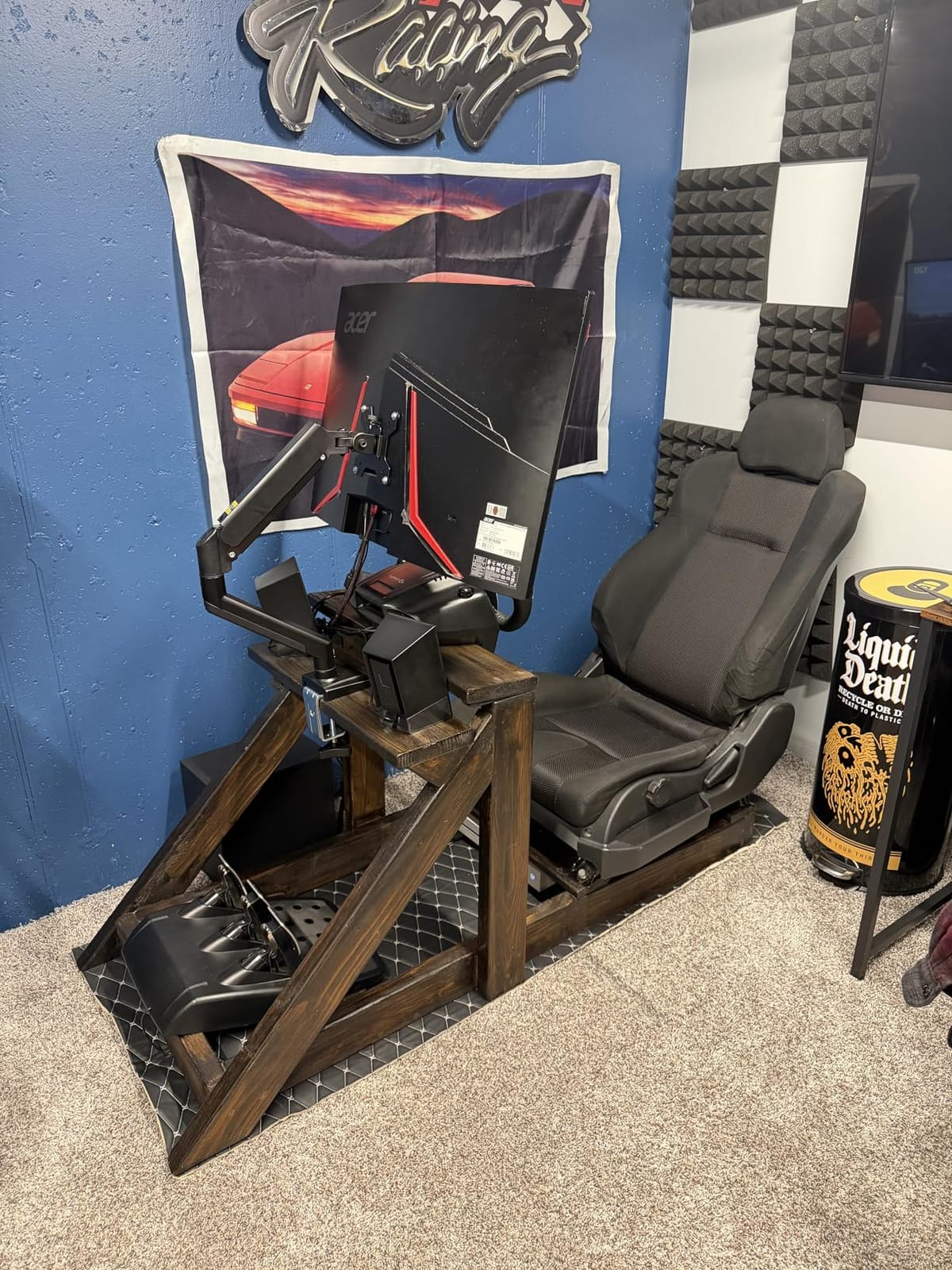
Owners who follow the thickness and crossbeam rules describe smooth, durable movement and a large gain in usable desk space. The critical reviews concentrate on install fit and occasional looseness at the joints, and the 8 percent one-star share here is the highest of the eleven arms we compared.
The 2.76 inch clamp ceiling is the main limitation. That is narrower than several competitors and it will not take a thick bamboo slab, so measure your desktop before committing. The second limitation is the recommendation to use a wooden desk with no blocking crossbeam.
Given both conditions, the extra 4 lbs of capacity over the field is worth having on a heavy panel.
Why load capacity matters on a moving desk
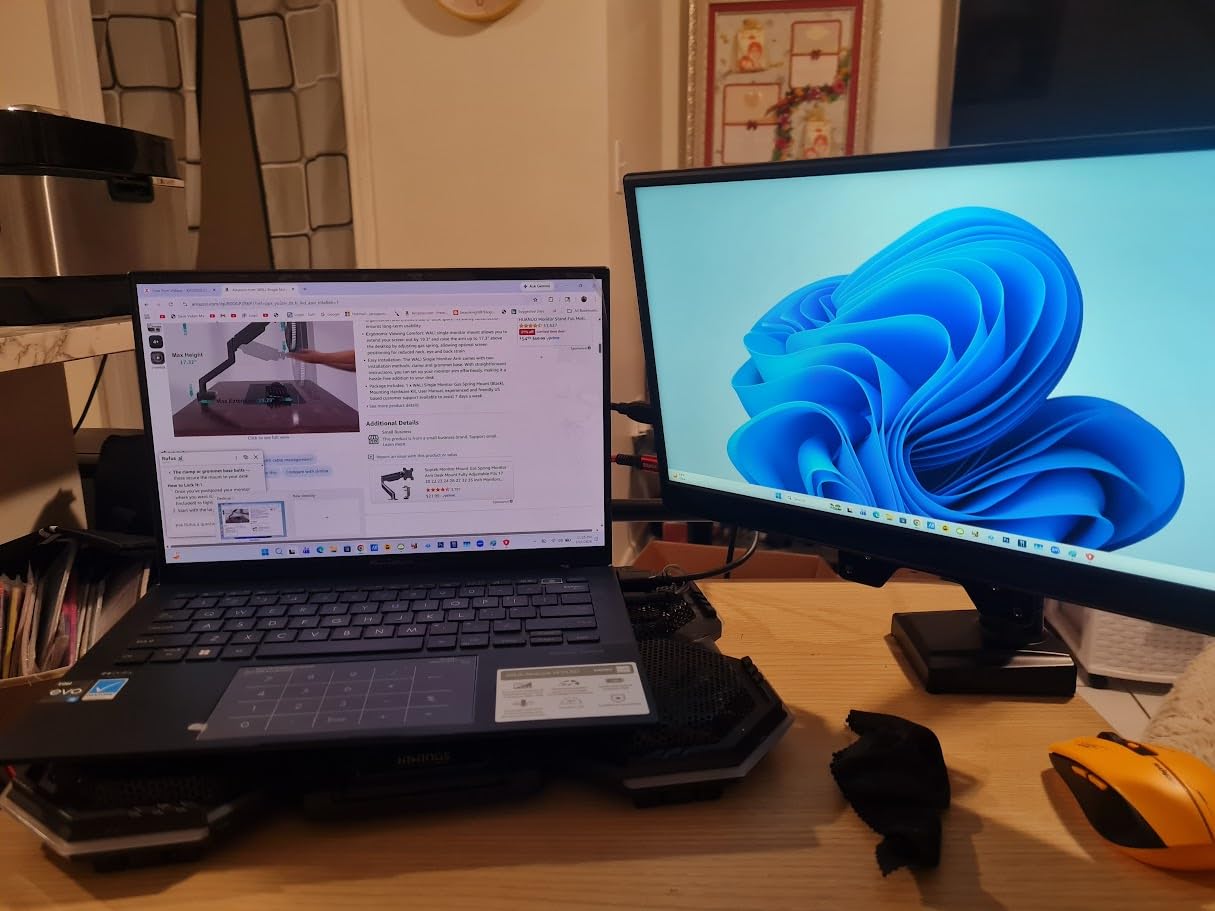
A monitor arm that is rated close to its maximum is already working near the limit of its joint. Add the repeated loading and unloading of a sit-stand cycle, and a marginal rating turns into visible movement. Staying a few pounds under the ceiling is the safer margin.
At 26.4 lbs you have headroom for a heavy panel, which is the reason this arm suits large OLEDs and ultrawides.
What to check before you drill
Confirm your desktop is 2.76 inches thick or less at the mounting point, and confirm there is no crossbeam or steel rail in the clamp path.
For curved panels the rating steps down to 19.8 lbs, so check which type of screen you are actually mounting.
6. HUANUO FlowLift Single Monitor Mount – one-hand movement that holds position
- Adjusts with one hand and stays stable at any angle without repeated tightening
- Tilt from minus 50 to plus 85 degrees with 360 degree rotation
- Lifts the screen up to 39.6 cm from the desktop
- Automotive grade components tested through 20000 motion cycles
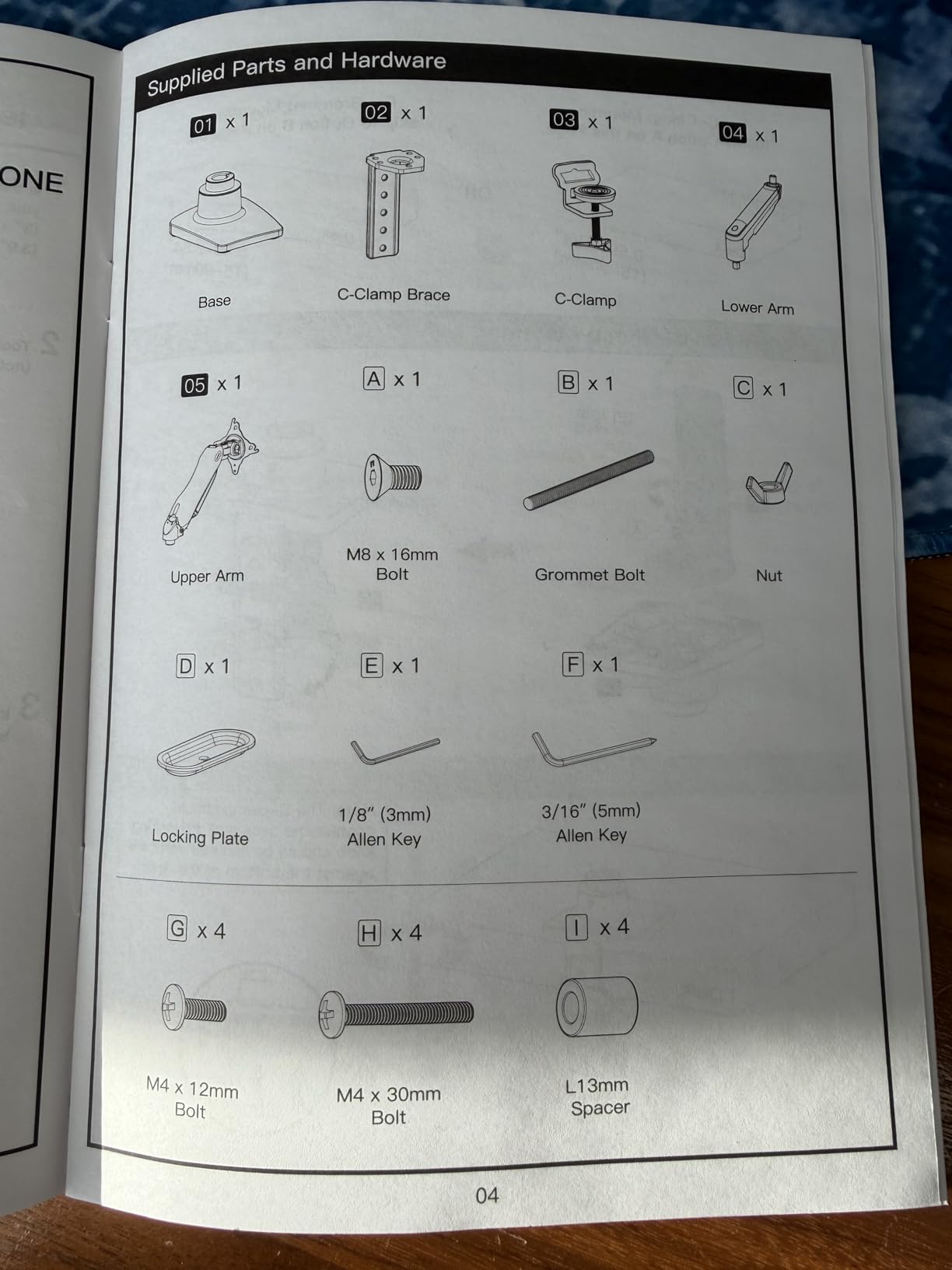
- One-piece design installs in about 3 minutes
- Requires a wood tabletop with a clear underside
- 19.8 lbs maximum excludes heavier professional displays
One-hand adjustability that stays put at any angle, without the repeated screw tightening that owners complain about on several other arms here. That single behaviour is what most people mean when they say a monitor arm feels good, and it is why this mount carries a 4.6 average across 16,500 reviews.
It covers 13 to 32 inch screens between 4.4 and 19.8 lbs, which spans most desk setups, and the raise of 39.6 cm from the desktop is generous for moving from seated to standing.
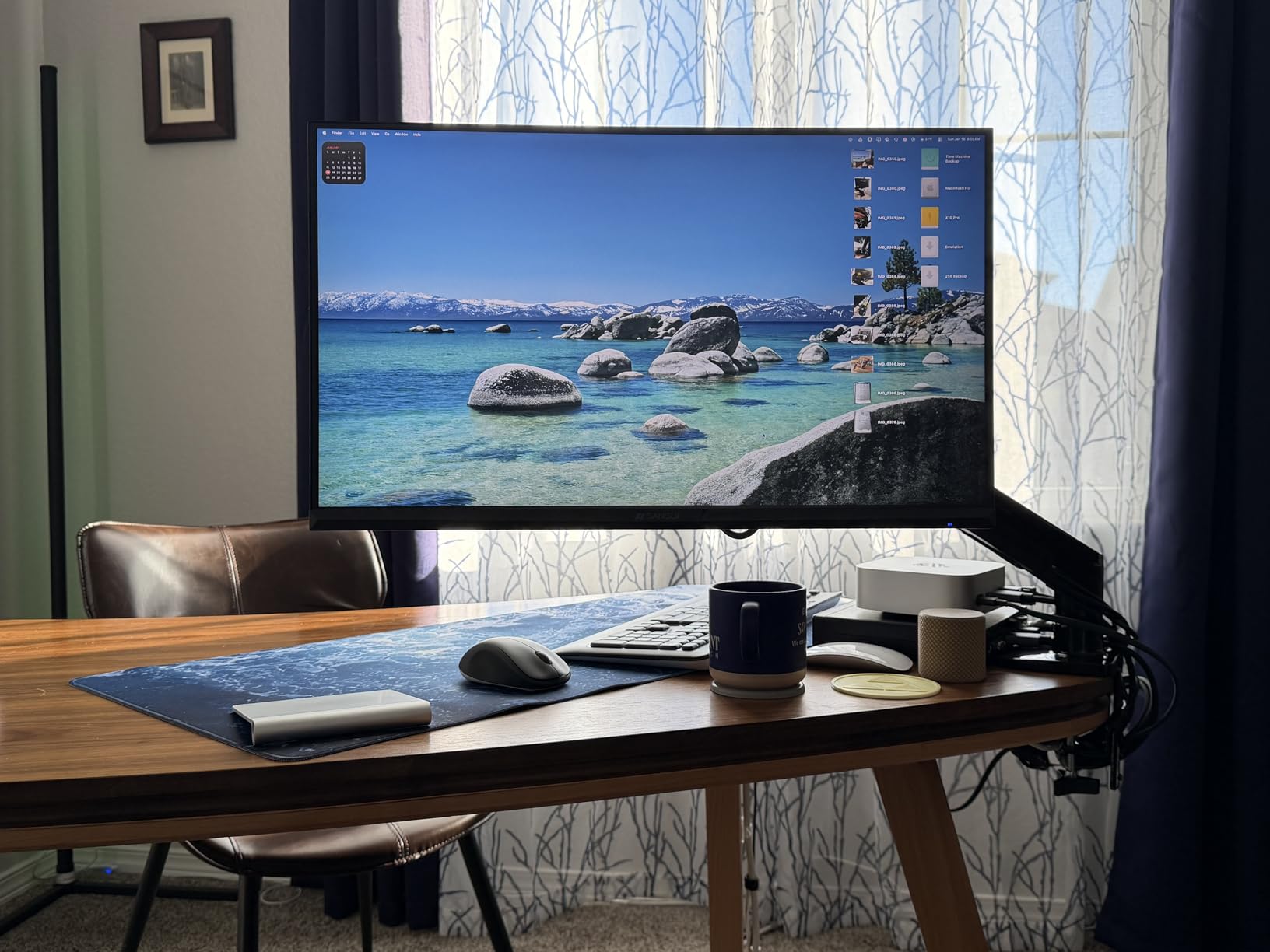
Reviewers repeatedly single out the quick install and the fact that the arm does not need re-tightening after a few days, and several note that it works well on standing desks specifically. The complaints are narrow: it wants a wood tabletop with a clear underside, and the 19.8 lb ceiling rules out heavier professional panels.
For a single mid-size screen this is the least fussy arm in the lineup. The install takes about three minutes with the included hardware, and the 0.59 to 3.54 inch clamp range covers most common desktops.
If you are moving between heights several times a day, holding position without a screwdriver is the feature that pays back fastest.
Why holding position matters more than smoothness
A smooth arm that slowly drifts is more irritating than a slightly stiff one that stays exactly where you put it. This mount holds its angle, so once you set a position for standing you set it once.
That is the opposite trade from a gas spring arm, which floats freely but needs a counterweight below its minimum load to stay put.
Where the weight ceiling bites
At 19.8 lbs, a 32 inch professional panel is out of reach. For heavier screens, the WALI single arm or the VIVO STAND-V001 cover more mass.
The wood tabletop requirement is a real filter. Glass and steel-framed tops need the grommet route or a different arm entirely.
7. HUANUO FlowLift Stacked Dual Monitor Stand – vertical stacking that frees desk width
- Stacks two monitors vertically to free a wide stretch of desk
- 17 inch extension lifts screens to 25.19 inch for eye level viewing
- Gas spring arms hold heavy pairs without sagging
- 90 degree tilt and 180 degree swivel per arm
- Integrated cable management with C-clamp plus grommet options
- Two arms sit at slightly different heights
- Cable management pieces described as flimsy
- VESA plate can be awkward to seat on some back shells
Two screens stacked one above the other instead of side by side, with a 17 inch extension that lifts them to 25.19 inches. On a shallow desk, stacking is the only way to fit two panels at eye level without giving up monitor distance.
The gas spring arms are what make it work over time. Reviewers report the pair holding without sag or drift across long stretches, and one owner documented stable behaviour at 17 months through several monitor swaps.
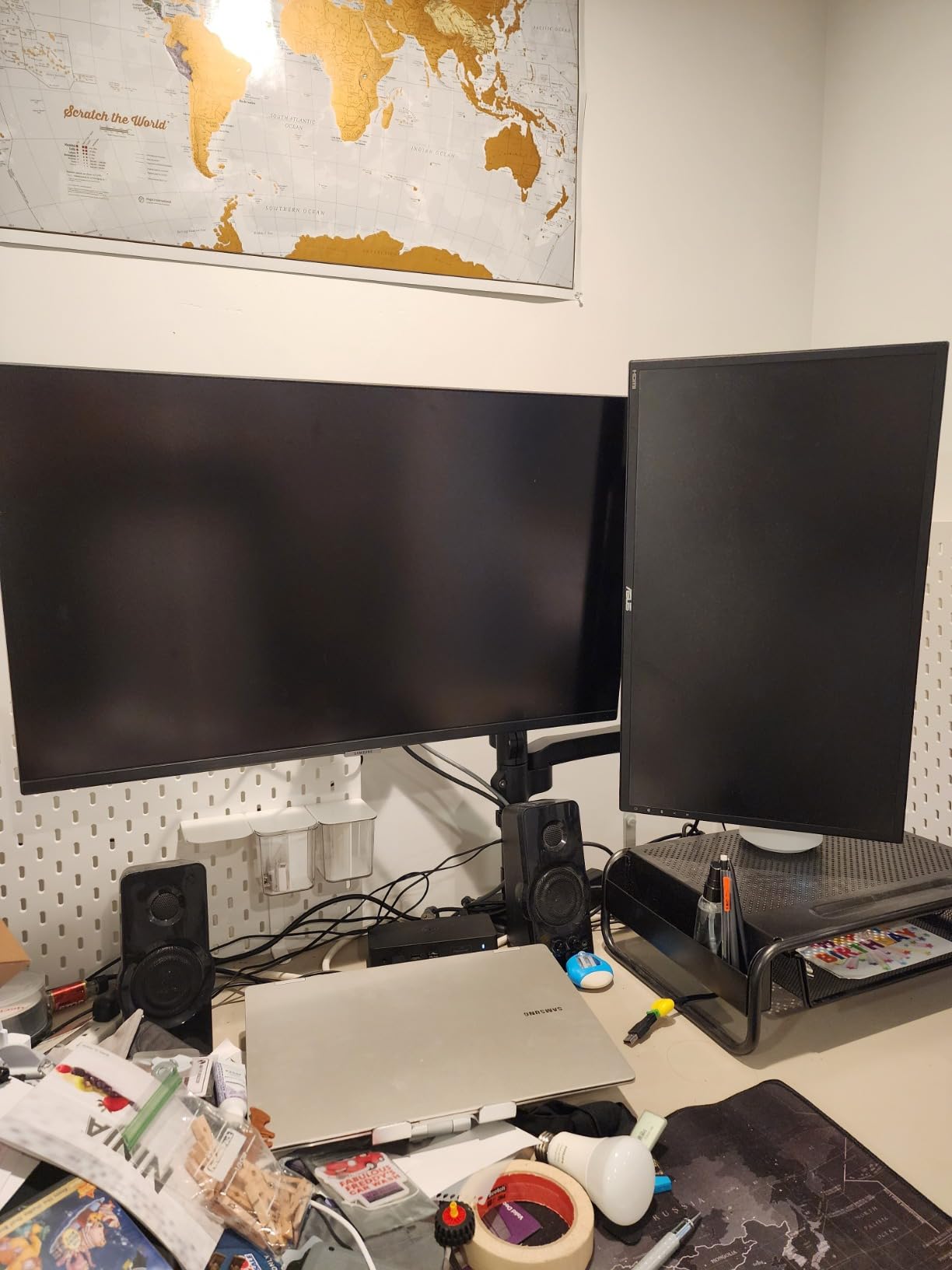
Streaming and dual-workstation owners are the biggest fans, particularly of the vertical footprint. The recurring limitation is that the two arms sit at slightly different heights, which breaks the symmetry of the layout and costs viewable area when you try to add a third display above a large ultrawide.
Other complaints cover the cable management pieces, which are described as flimsy, and a VESA plate that can be awkward to seat on certain back shells. Budget for a few minutes of fiddling if your monitor has a recessed mount.
For two similar-sized screens where desk width is the constraint, this is the only design in the group that solves it.
When stacking beats side by side
Stacking is the right call when desk depth is generous but width is tight, or when you need vertical room for a second panel above a keyboard. It also works well for a primary display with a smaller secondary screen for chat or monitoring.
Side by side stays better when your two screens are the same size and you need to see both without moving your head.
Plan the height offset
The two arms sitting at slightly different heights is the design compromise of this layout. If you need both panels perfectly level, a dual side-by-side mount is a better fit.
Also check that your desk has the depth to set the stacked pair back far enough to read comfortably at standing height.
8. ErGear Single Monitor Arm – the fastest install and a tool-free VESA plate
- Tool-free VESA plate lets the screen snap on and off in seconds
- Height adjustment up to 17.5 inch and reach up to 18.1 inch
- Tool-free cable clips open without tools
- Durable core tested through more than 20000 adjustment cycles
- Works on flat or curved monitors up to 34 inch
- Tension screw can strip if adjusted aggressively and repeatedly
- Height changes still require a screwdriver
- Some shake remains when the arm is extended
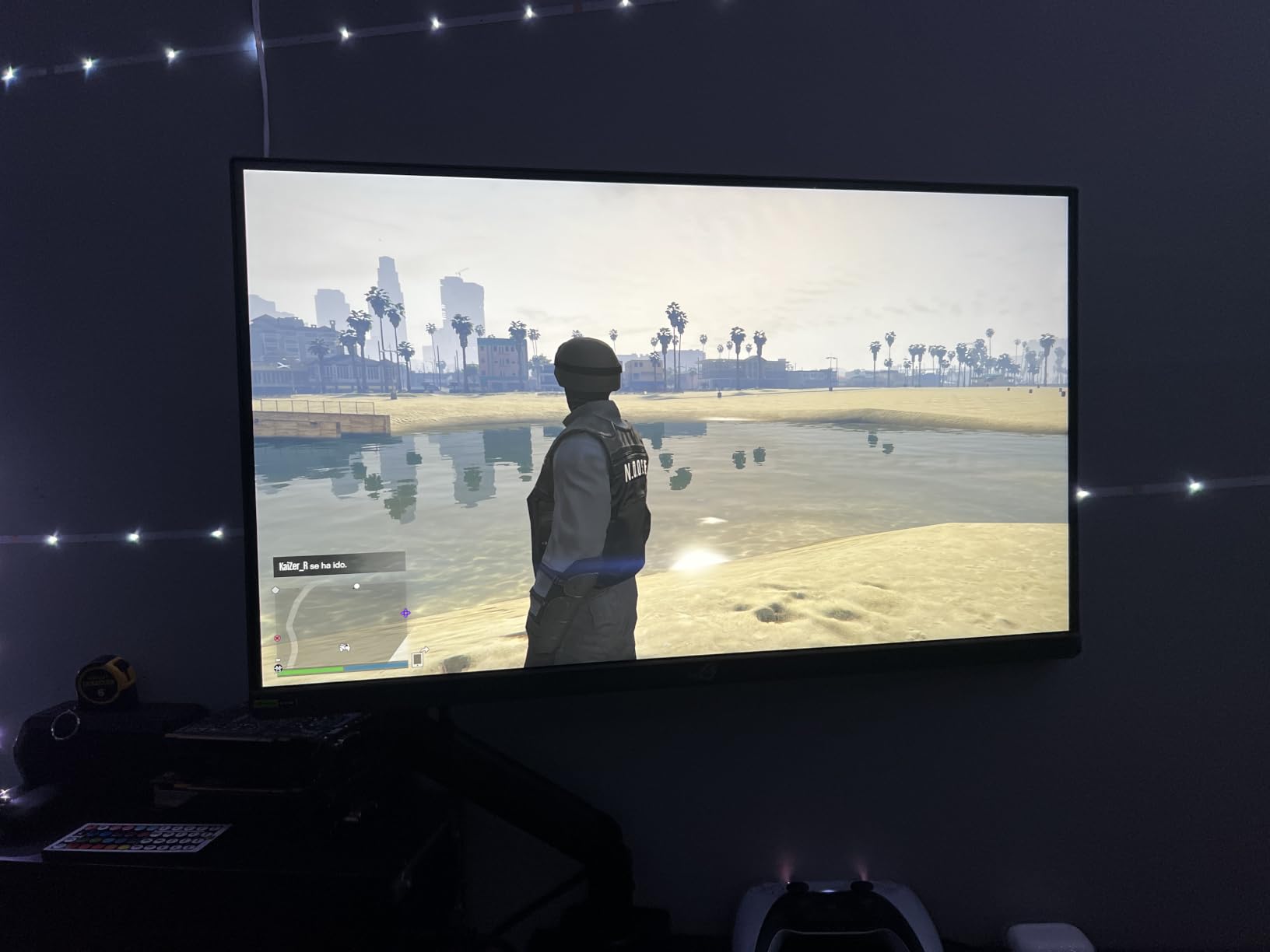
The tool-free VESA plate is the feature people notice first. The screen snaps on and off in seconds, which matters more than it sounds on a standing desk where you might be rearranging the layout while the desk is at standing height.
Height adjustment reaches 17.5 inches and reach extends to 18.1 inches, both at the upper end of what a single arm in this price range offers. The core is rated through more than 20,000 adjustment cycles, which is a reasonable indicator for a desk that moves every day.
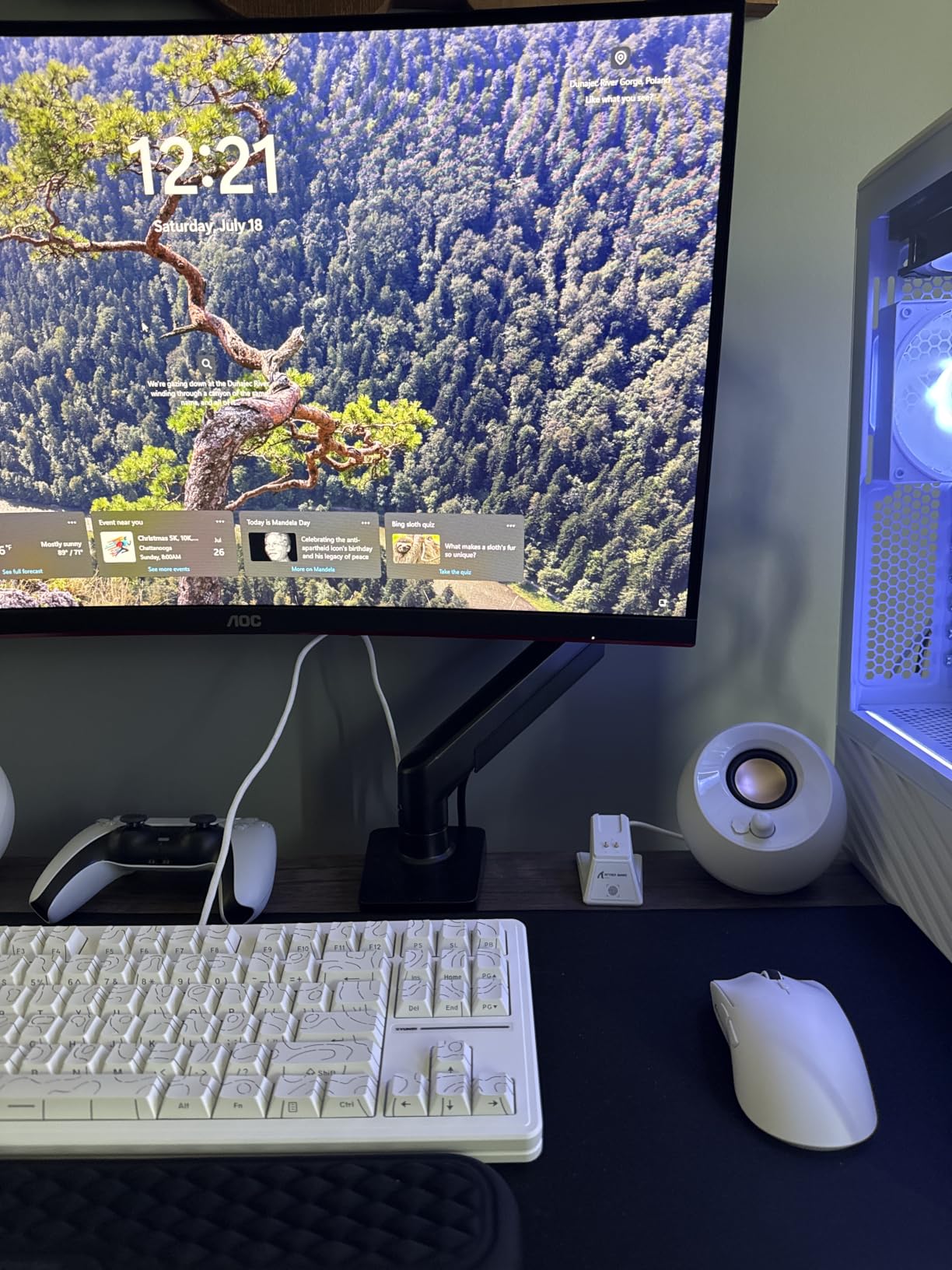
Buyers call out the three-step setup, the quick release, and the cable clips that open by hand. The common gripes are mechanical: the tension screw can strip if you over-adjust it repeatedly, height changes still need a screwdriver, and some shake remains when the arm is fully extended with a lighter load.
The clamp range is split by method, which is worth reading carefully. The C-clamp handles 0.39 to 2.56 inch desktops, and the grommet base covers 0.39 to 2.95 inch. If your top is thicker than 2.56 inches, the grommet route is the one that fits.
For a single screen on a standard top with frequent height changes, the 17.5 inch of travel is the reason to pick this over the shorter-range budget arms.
Handling the tension screw properly
The tension hardware strips when it is forced past its range. Tighten it in small increments and stop as soon as the arm holds the position you want, rather than cranking it down for security.
Most of the looseness complaints in reviews come from overtightening, not from weak hardware.
Reading the two clamp ranges
A 2.56 inch C-clamp ceiling is narrower than several arms here, while the grommet route reaches 2.95 inches. Measure your top and pick the method that matches before ordering.
Buyers also report that the advertised 360 degree rotation is not always fully realised in practice, so test it with your actual monitor if rotation matters to you.
9. VIVO STAND-V001Q Aluminum Gas Spring Arm – the smoothest counterbalanced feel
VIVO Premium Aluminum Height Adjustable Single Monitor Articulating Desk Mount Stand w/Gas Spring Arm Fits up to 32″ Screen (STAND-V001Q)
- Gas spring arm gives tool-less balanced positioning in every direction
- Aluminum construction feels more premium than steel competitors
- 90 degree tilt and 90 degree swivel with portrait placement
- Detachable VESA face plate makes installation straightforward
- 20 lbs maximum load is lower than several arms here
- Adjustment limited to 90 degree tilt and 90 degree swivel with no listed rotation
- Only a 3-month warranty
A gas spring arm in an aluminum body, with the tool-less counterbalanced movement that makes a screen feel weightless in every direction. Of the eleven arms we compared, this is the one where the motion itself is the selling point.
The 2.2 to 20 lb range covers most single screens, and the 0.5 to 3 inch clamp range covers standard wood and laminate tops. The detachable VESA face plate keeps the install short.
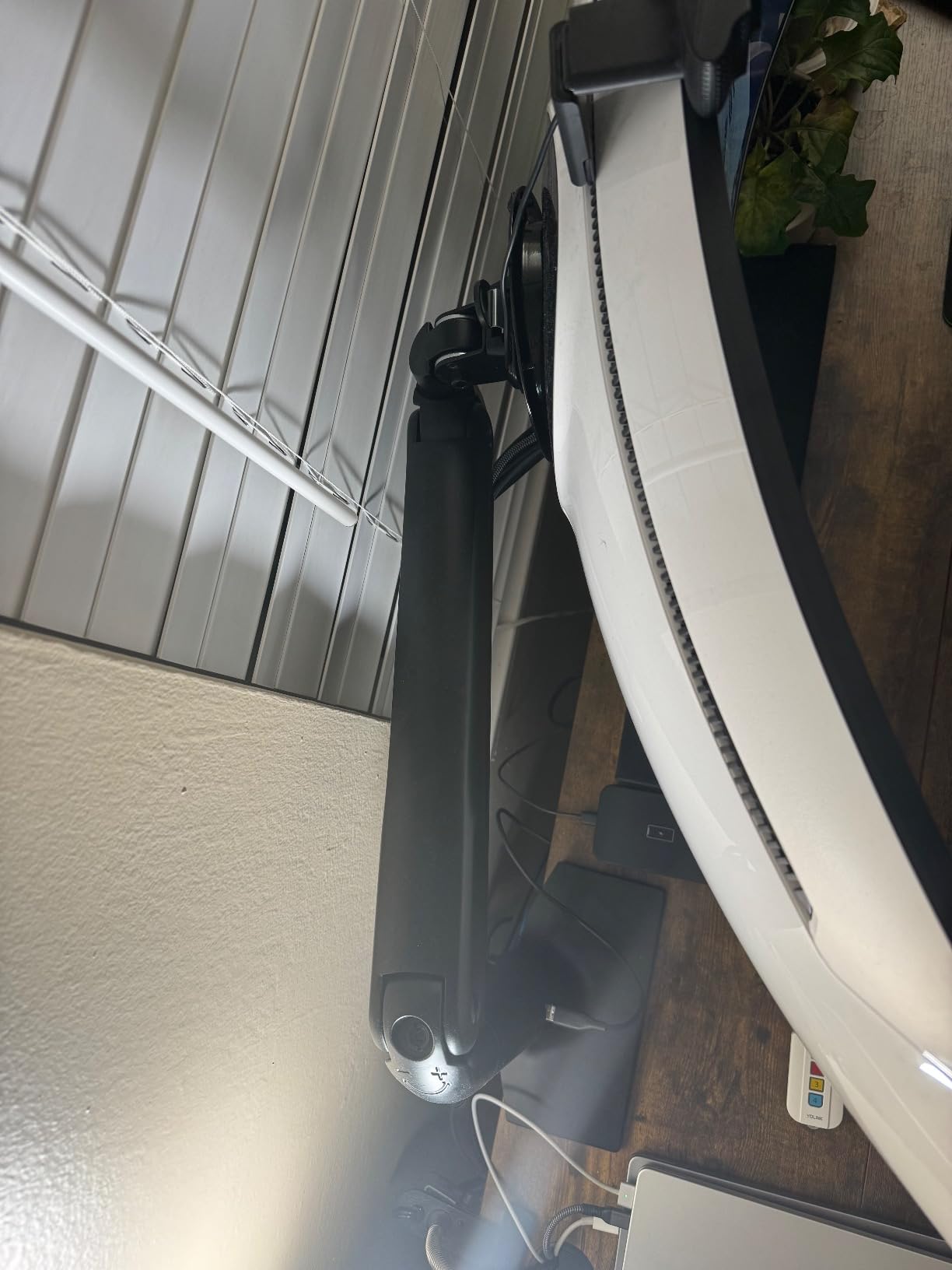
This is the smallest review base in the group at 893 reviews, so treat the long-term picture with more caution than the others. Owners who bought it cite the smooth gas spring feel and the aluminum build quality, both of which match what the spec sheet implies.
The 3-month warranty is the shortest listed here by a wide margin, and that is the main reason to think twice on a desk that cycles daily. The 20 lb ceiling and the narrower adjustment envelope are the other two.
Gas springs also have a minimum load, so a very light screen can float upward until the tension is dialled in. Check the 2.2 lb floor against your monitor before committing.
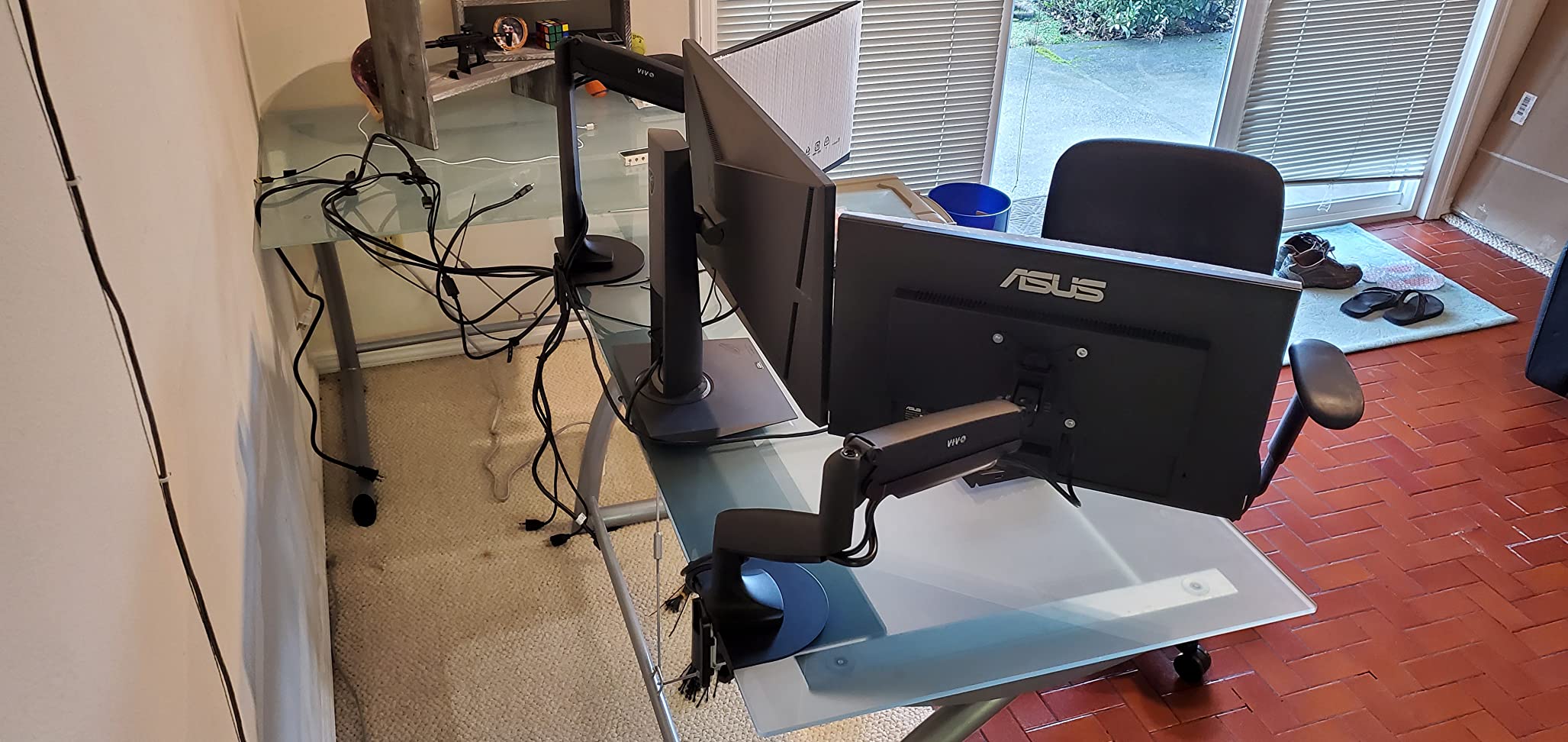
What a gas spring buys you on a moving desk
A gas spring counterbalances the monitor, so you can lift the screen to standing height with one finger instead of loosening a clamp. That is a meaningful difference when you change position several times a day.
The trade is the minimum load. Below roughly 2.2 lbs the arm pushes the screen up rather than holding it, and you need to dial the tension to compensate.
Judging a small review base
A few hundred reviews tells you a product works, but it does not tell you how it holds up over several years. The warranty on this model is listed at 3 months, which is worth factoring into the decision.
Owners who prioritise feel over long-term coverage tend to be happy here. Everyone else has a broader-reviewed alternative with a longer warranty.
10. Amazon Basics Gas Spring Monitor Arm – counterbalance on the thickest clamp range
Amazon Basics Gas Spring Single Monitor Arm Desk Mount, Adjustable Tension, Fits 15–27 Inch Monitors, Supports 4.4–15.4 lbs, VESA 75×75/100×100, Black
- Gas spring tension adjustment holds position without drifting
- C-clamp and grommet both included for desks 0.39-4 inch thick
- Extends up to 20.5 inch for ergonomic positioning
- Installs quickly with a step-by-step manual
- Joints feel stiff out of the box and need tension work
- Some vibration transmits through the arm while typing
- Cable channels are narrow and the arm suits 24 inch and under
A gas spring arm whose clamp handles desktops from 0.39 to 4 inches thick, the thickest range of any single arm in this roundup. If your standing desk has a chunky top that lighter clamps cannot grip, this is the one to check first.
It covers 15 to 27 inch monitors between 4.4 and 15.4 lbs, and extends up to 20.5 inches, which is the longest reach on a gas spring arm here. That extension is genuinely useful for pulling a screen back to a comfortable viewing distance at standing height.
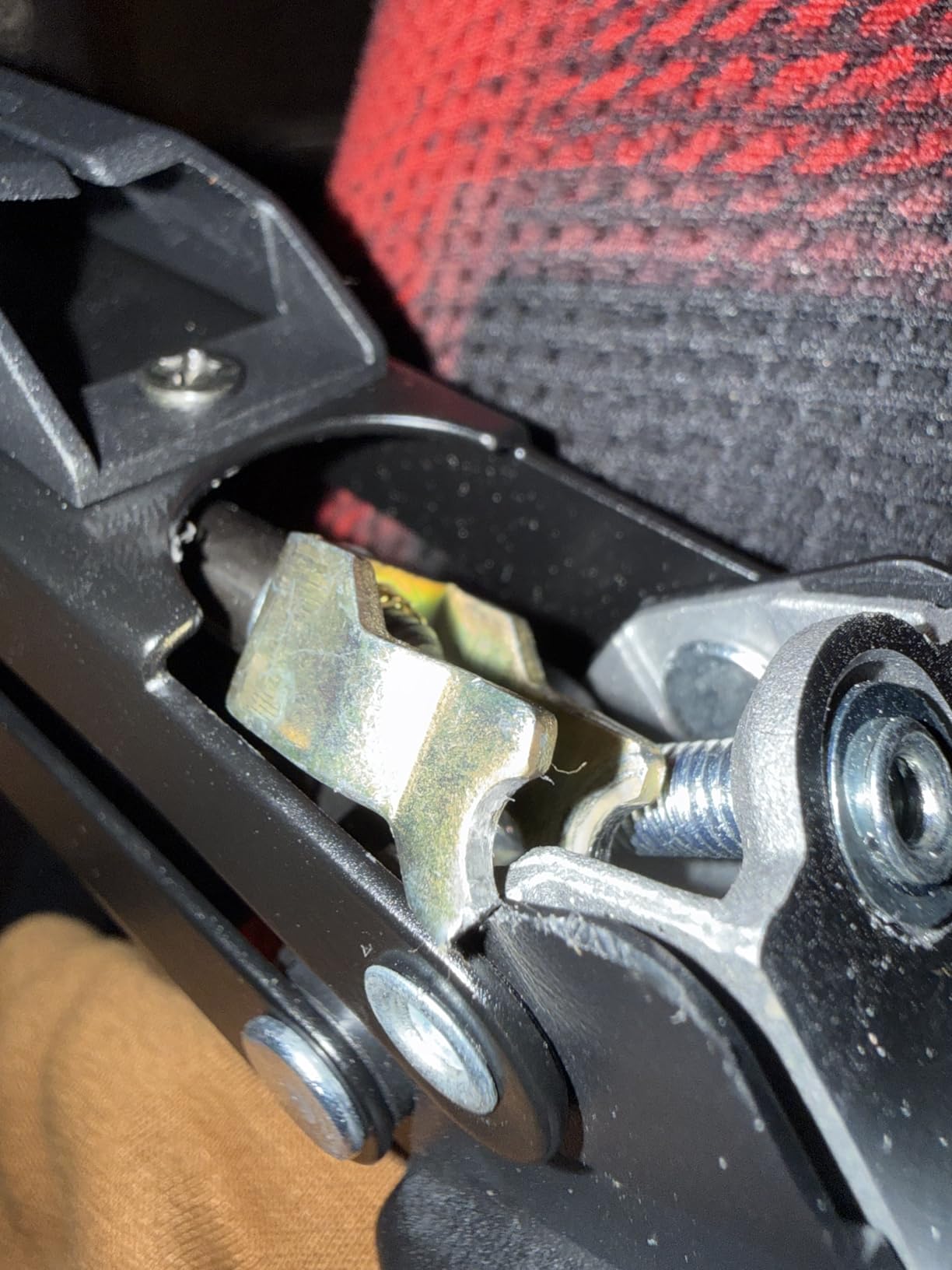
Owners like the smooth swivel, the sturdy clamp, and quick assembly. The complaints are more consistent here than elsewhere: the joints feel stiff out of the box and need tension work before use, the screen can drift at the vertical rotation joint, and some vibration comes through the arm while typing.
The 67 percent five-star share is the lowest of the eleven arms, so expect a rougher experience than the top picks. The arm length also suits 24 inch panels and under, which is a real limit if you plan to upgrade the screen later.
The 4 inch clamp ceiling is its standout, and it comes with a grommet base included, which is rare at this level.
Budgeting time for the tension adjustment
Gas spring arms need their tension set before they feel right. Plan on spending a few minutes turning the tension control until the screen holds where you place it, and do it before the monitor is mounted if you can.
Owners who skip this step often read the resulting stiffness as a fault in the product.
What the 4 inch clamp range unlocks
Very few arms grip a 3.5 inch or thicker top. A wide range like this one means a solid wood or thick laminate standing desk does not force you into a grommet install with a drill.
Check whether a wall sits directly behind the desk, because a clamp against a wall may need a backing plank to bear properly.
11. NB SmooVex A5 Mechanical Spring Mount – no gas spring to sag or leak
NB SmooVex™ Monitor Arm, Monitor Stand fits up to 32 Inch, Mechanical Spring Mount, VESA 75/100 mm, Model-A5(Black)
- Mechanical spring system avoids gas spring leak risk and long-term sagging
- Holds 32 inch panels solidly with no wobble once adjusted
- Smooth one-finger movement for height tilt swivel and rotation
- Slim arm clears wall-adjacent desks
- Three-step install with C-clamp and grommet included
- At certain positions the monitor drops below the set height
- Newer listing with a smaller review base
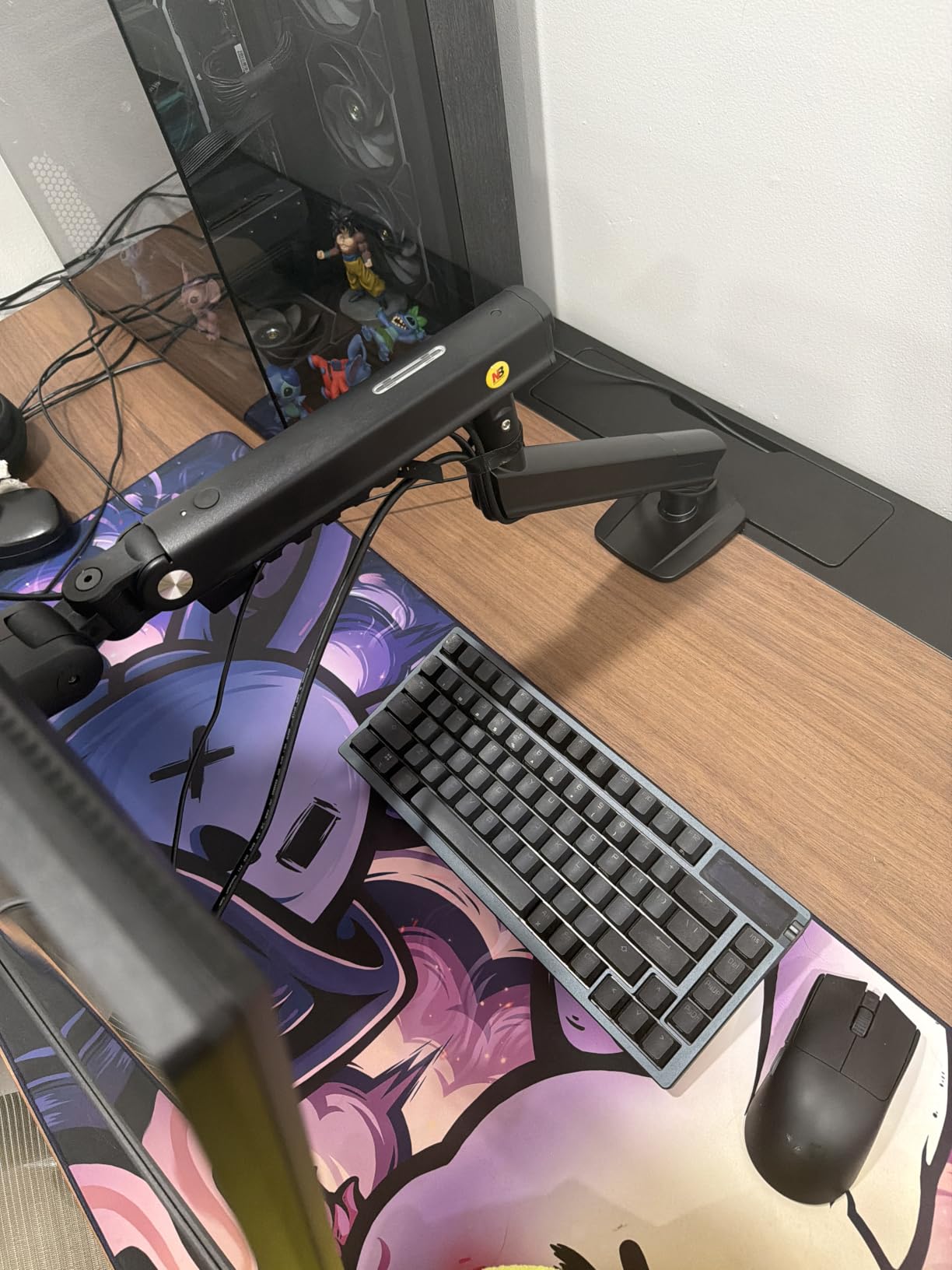
A mechanical spring instead of a gas spring, in a slim aluminum arm with 230 mm of height travel. The mechanism is the reason to consider it: a mechanical spring has no sealed cylinder to leak and does not lose tension the way aging gas springs can.
It handles flat and curved monitors up to 32 inches on VESA 75×75 and 100×100 patterns, with rotation, tilt, and swivel. The slim arm profile is genuinely useful when the desk sits tight to a wall or you need the space under the screen clear.
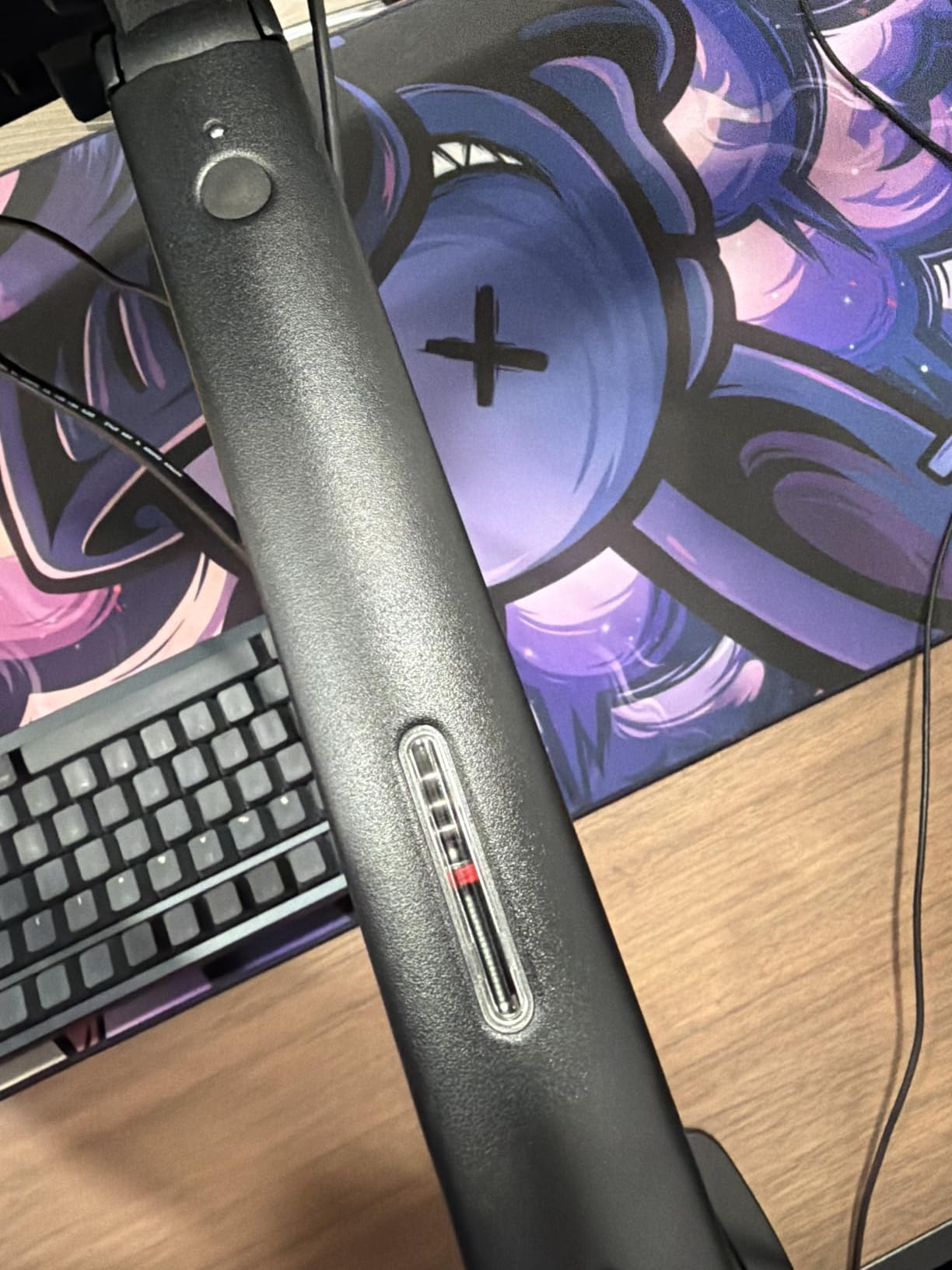
This is a newer listing with 613 reviews, and the 4.6 average sits at the joint top of the group with 79 percent five-star ratings. Buyers describe it as sturdy, simple to install, and smooth to adjust, with a strong gain in desk space.
The one reported flaw is specific and worth testing for: at certain arm angles the monitor does not stay at the height you set. If your standing position depends on an exact screen height, set it up and test a full day of movement before you commit.
A two-year warranty sits in the middle of this field, and both clamp and grommet options are included.
How mechanical spring compares to gas spring
A gas spring uses compressed gas in a sealed cylinder to counterbalance the weight, which gives very smooth movement but introduces a component that can age and lose tension over years. A mechanical spring uses a coiled spring with friction adjustment, which is simpler and does not depend on a seal.
The trade is feel. Mechanical spring arms tend to be slightly firmer through the range, while a well-tuned gas spring feels weightless in every direction.
Testing the height hold before you commit
Because the reported issue is height retention at certain angles, test the arm through your full sit-stand range before you settle on it. Move the desk up and down several times and check whether the screen returns to the same position.
For a slim arm on a tight desk, the space saving alone is often enough reason to give it a try.
How to Choose a Monitor Arm for a Standing Desk
Every arm in this list can work on a standing desk, and the differences that matter come down to four measurements you can take in five minutes. Take them before you buy anything.
Match the weight range, not just the maximum
Every arm here publishes a minimum and a maximum load, and the minimum matters more than people expect. Gas spring arms counterbalance the screen, so a monitor lighter than the stated minimum pushes the arm upward instead of holding it still.
Mechanical and fixed-position arms do not have this problem. If you plan to change screens later, an arm with a low floor gives you more room to move.
Also stay a few pounds below the maximum rather than sitting at the ceiling. A sit-stand cycle loads and unloads the joint continuously, and the margin is what keeps the position steady over months.
Check the VESA pattern before anything else
VESA is the four-hole pattern on the back of your monitor. Most arms in this roundup support both 75x75mm and 100x100mm, which covers the large majority of displays.
Ultraband monitors, including 49 inch super ultrawides, may use 200x100mm or 200x200mm patterns, and those need a specific adapter. Confirm the pattern on your monitor before ordering rather than assuming.
Measure your desk twice
Take the desktop thickness at the exact point where the clamp will grip, not at the front edge where the top is easiest to measure. Clamp ranges across the arms here run from 2.56 inches to 4 inches, so the difference decides whether you need a grommet install instead.
Then measure the clearance between the rear edge of the desk and any crossbar, steel rail, or cable tray. A clamp needs an unobstructed run along that edge. If something is in the way, mounting further back costs you reach, and mounting a grommet is usually the cleaner fix.
For electric frames, the electric standing desk roundup covers the frames that pair best with clamp-mounted arms.
Gas spring or mechanical spring?
Gas spring arms move with almost no effort and let you set a screen height with one finger, which is what you want if you change position many times a day. They need your monitor inside their published weight range, and the sealed cylinder is the part most likely to lose tension over years.
Mechanical spring arms have a slightly firmer feel but no sealed cylinder to age. Fixed arms with no counterbalance are the simplest and hold wherever you put them, which suits a desk used at two set heights.
The number of height changes per day is the deciding factor. Many changes favors a counterbalanced arm. A few changes favors whatever is simplest to install.
Fixing wobble instead of returning the arm
Monitor shake while typing on a standing desk is usually the desk, not the arm. Lift the desk frame slightly and release it. If the frame rocks, the arm is not the problem, and no mount will fix it.
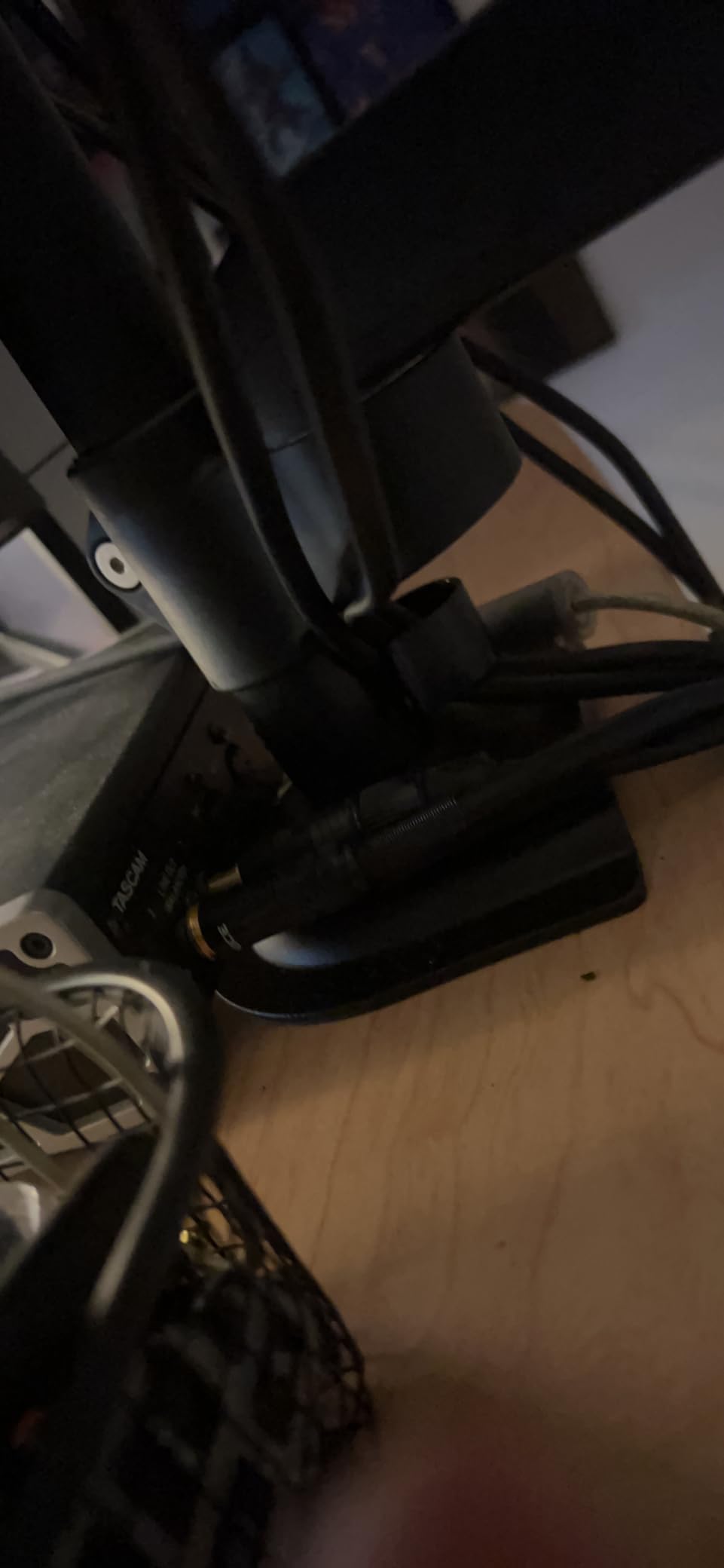
If the frame is solid, tighten every pivot bolt firmly, tighten the clamp hard, and add a protective pad between the clamp and a finished wood top so the jaw can grip without slipping. Dual mounts spread load across two clamp points, which is why they feel steadier on the same desk.
Keeping the arm shorter than full extension also reduces shake noticeably, since leverage rises with reach.
Leave cable slack before you finalise
On a sit-stand desk, cables need enough slack to move through the full range without pulling taut at the top or snagging at the bottom. Route them before you set the arm height for the last time.
Integrated channels and clips on the arm handle this well, but a desk tray under the desktop keeps the weight off the moving arm. Wrapping the bundle in a spiral sleeve stops it tangling as the desk travels.
What installation actually takes
Most arms here include the hardware and a hex key, and several install in a few minutes. The parts that catch people are the desk fit, not the assembly. Measure first, confirm the clamp range, and check for a crossbar.
A backing plank helps when the clamp needs to grip a finished or veneered surface, and a grommet base is the fallback whenever the rear edge is obstructed.
Frequently Asked Questions
Do monitor arms work with standing desks?
Yes, and they are close to essential on one. A fixed monitor stand stays at one height while the desk travels, so you end up looking down while standing. An arm with at least 10 inches of vertical travel follows the desk and keeps the top of the screen near eye level in both positions. Clamp-mounted arms are the common choice, and grommet mounts work when a crossbar blocks the desk edge.
Which dual monitor arms are best for a standing desk?
Look for two things: a clamp that clears your desk edge, and enough raise to reach standing eye level. The VIVO STAND-V002 holds two screens to 30 inches at 22 lbs each with a 3.25 inch clamp. The HUANUO FlowLift dual reaches 32 inches per side and raises the screens up to 15.75 inches, with a 3.54 inch clamp range. Shared-pole designs set both screens at one height, so mismatched sizes are easier on independent arms.
Are monitor arms really worth it?
On a sit-stand desk, usually yes. The screen follows the desk instead of staying behind, which removes the downward neck angle that causes shoulder and neck strain over long sessions. You also regain the desk depth the factory stand occupies. The value drops if you only ever use one desk height, since the extra adjustment does nothing for you then.
Why are premium monitor arms priced so much higher?
The differences show up in the parts you cannot see on a listing. Premium arms use thicker steel or aluminum, tighter-fitting joints, and seals that keep gas springs consistent for years. Warranties also tell the story clearly: the arms compared here range from a 3-month warranty up to 10 years. That gap reflects both build quality and how confident the maker is about long-term durability.
Should I use a clamp or a grommet mount on a standing desk?
Use the clamp when the desk edge is clear and the top falls inside the arm thickness range, which is faster and needs no drilling. Use a grommet when a crossbar, steel rail, or cable tray sits where the clamp would grip, or when the desktop is thicker than the clamp allows. A grommet spreads load into the desktop itself and stays steadier on a framed desk.
How do I stop a monitor arm from wobbling on a standing desk?
Test the desk first by lifting the frame and letting it drop. If the frame rocks, the arm is not the cause. If the frame is solid, tighten every pivot bolt and the clamp firmly, add a protective pad between the clamp and a finished top, and keep the arm shorter than full extension. Dual mounts help because the load spreads across two clamp points.
How high should a monitor sit on a standing desk?
Set the top of the screen at or just below eye level when you are standing, and roughly an arm length away at a normal viewing distance. Write down the height you use standing and check that your arm can reach it, since many mounts only manage 6 to 8 inches of travel and that is not always enough to cover a full sit-stand range.
Which Monitor Arm Should You Buy in 2026?
For most people, the VIVO STAND-V002 is the pick. It carries two screens, clamps to a 3.25 inch desktop, has the largest review base in the group, and it has held position for years of daily use. If your screens run to 32 inches or your desktop is thicker than 3.25 inches, the HUANUO FlowLift dual is the stronger build.
For a single ultrawide, go with the VIVO STAND-V001 for its 16 inches of pole travel, or the WALI GSMP001N if your panel is heavy enough to need a 26.4 lb rating. For one mid-size screen on a straightforward top, the HUANUO FlowLift single is the arm we would put on a desk without hesitating.
Measure your desktop thickness and check for a crossbar before you order. That single check eliminates most of the returns in this category, and it costs you two minutes.