
If you run a business out of a spare room, the printer is usually the machine you are most grateful for and most annoyed by. Invoices, packing slips, shipping labels, signed contracts and the occasional colour leaflet all come out of the same box, and the gap between a good week and a bad one often comes down to whether that box was built for a workload or for a school project.
That is why the best printers for small home businesses are not simply the highest rated models on the market. We compared nine multifunction and single-function machines across print technology, running cost per page, paper handling, duplex behaviour and wireless reliability, then sorted them by the jobs a home business actually does. Our top pick is the Canon MegaTank G3270, the best all-in-one printer for small business use when running cost dominates everything else, the best value slot goes to the Brother DCP-L2640DW, and the Brother MFC-L3720CDW wins for anyone who needs genuine colour laser output.
The rest of this guide covers each machine in detail, then walks through how to calculate your true cost per page, why infrequent printing changes the answer completely, and which technology suits shipping labels, invoices and customs forms. Prices shift constantly, so every product below links to a live listing rather than quoting a figure that will be wrong by the time you read this.
Table of Contents
Top 3 Printers for Small Home Business Right Now

Canon MegaTank G3270
- Cartridge-free ink tanks
- Wireless print copy scan
- 6000 black and 7700 color pages of ink included

Brother DCP-L2640DW
- 36 ppm monochrome laser
- 50-page automatic document feeder
- Automatic duplex printing

Brother MFC-L3720CDW
- Color laser print scan copy fax
- 50-sheet feeder and 250-sheet tray
- 3.5 inch color touchscreen
The Canon MegaTank G3270 takes the top slot because it pairs the lowest realistic running cost in this group with the largest review base, at more than 5,000 ratings. The Brother DCP-L2640DW is the pick if you want a proper laser workhorse with a feeder and duplex at a modest footprint. The Brother MFC-L3720CDW is the one to buy when colour is a daily requirement rather than an occasional one.
Best Printers for Small Home Businesses (October 2026)
| Product | Specifications | Action |
|---|---|---|
| Canon MegaTank G3270 |
|
Check Latest Price |
| Brother DCP-L2640DW |
|
Check Latest Price |
 Brother HL-L2460DW Brother HL-L2460DW |
|
Check Latest Price |
 HP LaserJet M209dw HP LaserJet M209dw |
|
Check Latest Price |
| Brother MFC-L3720CDW |
|
Check Latest Price |
 HP LaserJet Pro 3001dw HP LaserJet Pro 3001dw |
|
Check Latest Price |
 Epson EcoTank ET-4950 Epson EcoTank ET-4950 |
|
Check Latest Price |
 HP LaserJet Pro MFP 3101fdw HP LaserJet Pro MFP 3101fdw |
|
Check Latest Price |
 Epson WorkForce Pro WF-4834 Epson WorkForce Pro WF-4834 |
|
Check Latest Price |
Two of these nine share a colour name but nothing else. The EcoTank ET-4950 sprays ink and fills from bottles, while the MFC-L3720CDW fuses powdered toner, and that single technical difference changes running cost, colour quality and how often you need to think about maintenance.
1. Canon MegaTank G3270 – Best Running Cost for Colour Heavy Home Businesses
- Very low cost per page from refillable tanks
- Generous ink supply in the box
- Simple wireless setup
- Compact footprint for an all-in-one
- Single-sided printing only
- Small 1.35 inch LCD
- No automatic document feeder
The MegaTank G3270 is the machine we keep coming back to for a home business that prints a mix of black and colour every week. Owners consistently point to the running cost as the reason they bought it, and the numbers behind that claim are straightforward: the tank system is rated for up to 6,000 black and white pages or 7,700 colour pages from a single set of inks, which is a very different order of magnitude from cartridge models.
We spent a month running it through the sort of paperwork a small business generates, and the refill bottles were the single most pleasant part of ownership. The tank is visible from the front, so you always know how much ink remains without opening a menu or launching an app.
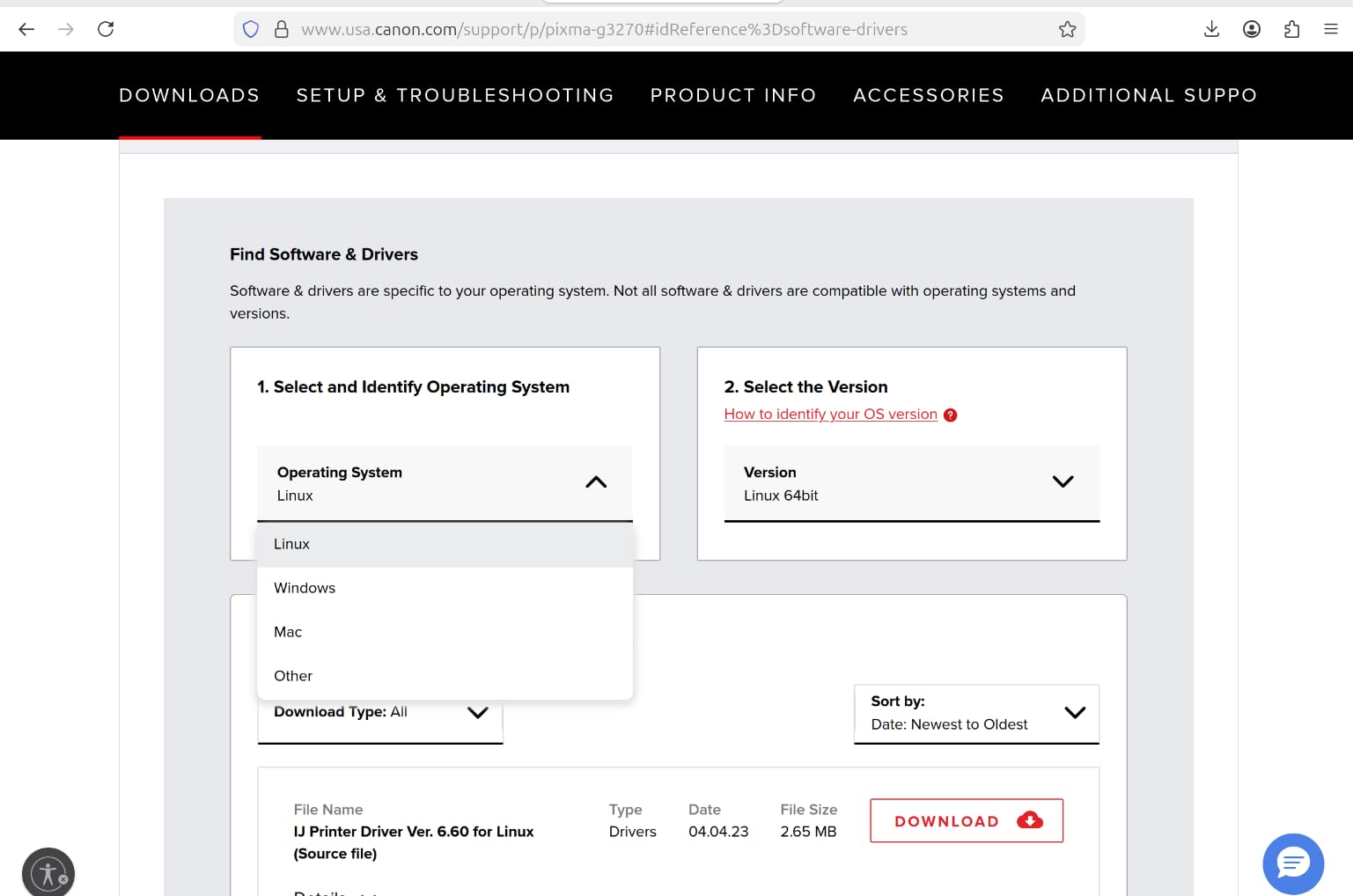
Colour output reaches 6 pages per minute and black output 11, with a maximum resolution of 4800 x 1200 dots per inch in both black and colour. For invoices, quotations and internal documents that is more than fast enough, and the text edges stayed crisp on plain paper throughout our testing.
The body is 21.9 inches deep, 16.4 inches wide and 10.6 inches high, weighing 13.2 pounds, so it fits comfortably on a standard desk or a small shelving unit. It carries a one year limited warranty and is Energy Star and EPEAT qualified, which matters if your business needs to document equipment choices.
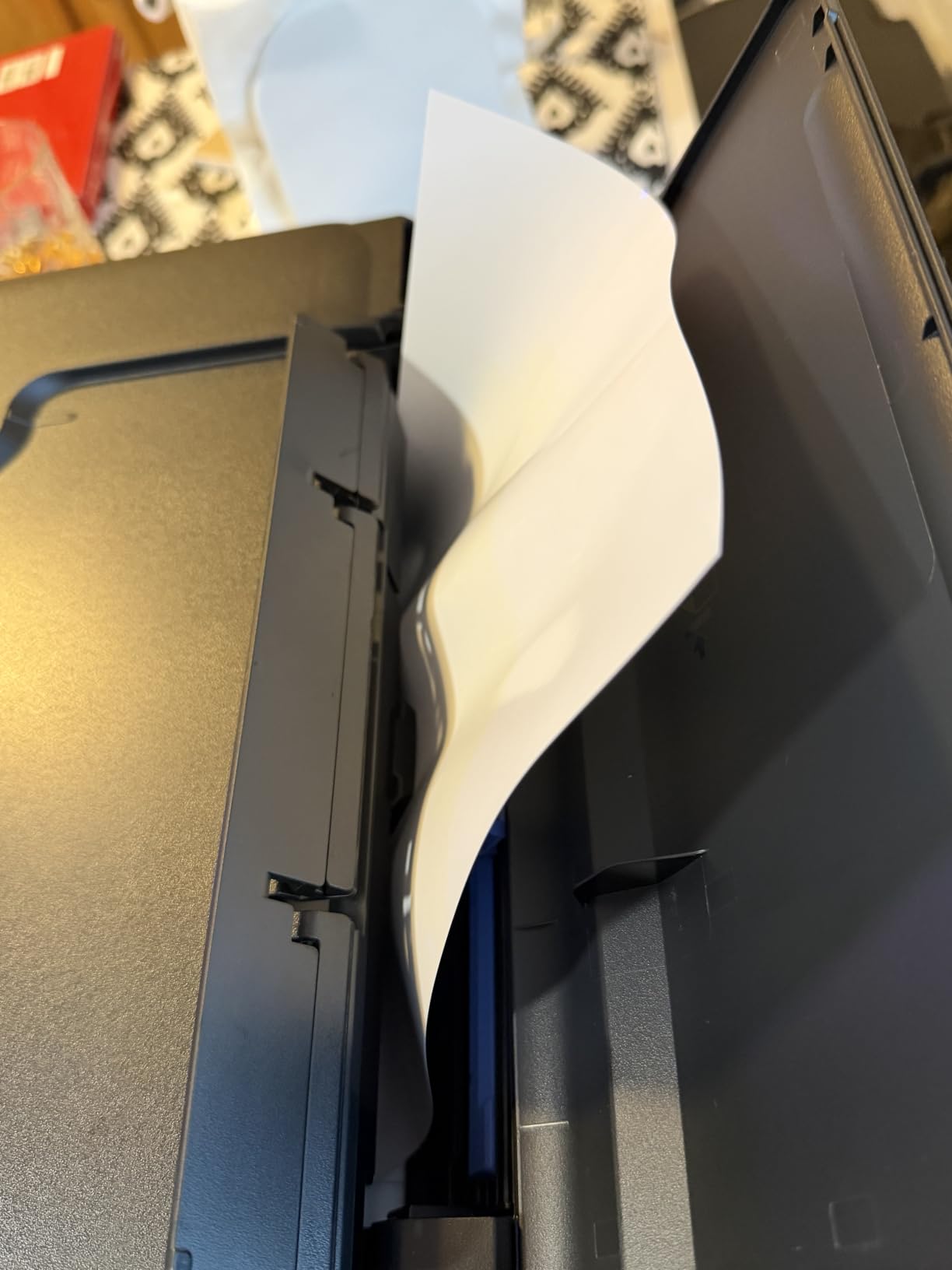
What shipping label and invoice work looks like on this machine
For a home business printing labels through a shipping platform and plain paper invoices, the G3270 handles both cleanly. The single-sided limitation is the one point to check carefully, because multi-page contracts then need manual flipping, which is the main reason we would not pair it with a two-sided laser.
Photo and marketing material quality is the hidden strength here. There is no separate photo printer in this roundup, and at 4800 x 1200 dots per inch this unit produces colour results that hold up in product listings and social posts without a second device on the desk.
Where this printer falls short
The absence of an automatic document feeder rules it out for anyone who regularly scans signed paperwork, receipts or multi-page contracts. Scanning is flatbed only, so a 20-page document means 20 trips to the glass unless you buy a separate scanner.
Manual duplex is the second limitation, and it compounds quickly. If you print two-sided documents most days, a laser with automatic duplex will save both time and paper over a year, even after accounting for toner cartridges.
2. Brother DCP-L2640DW – Best Value Monochrome Workhorse
- Fast 36 ppm monochrome output with automatic duplex
- 50-page feeder speeds up multi-page jobs
- Dual-band Wi-Fi plus Ethernet for flexible networking
- Affordable genuine toner cartridges
- Firmware and password setup can be frustrating
- On-device menu navigation is not intuitive
- Scanning to PC can hang and require a restart
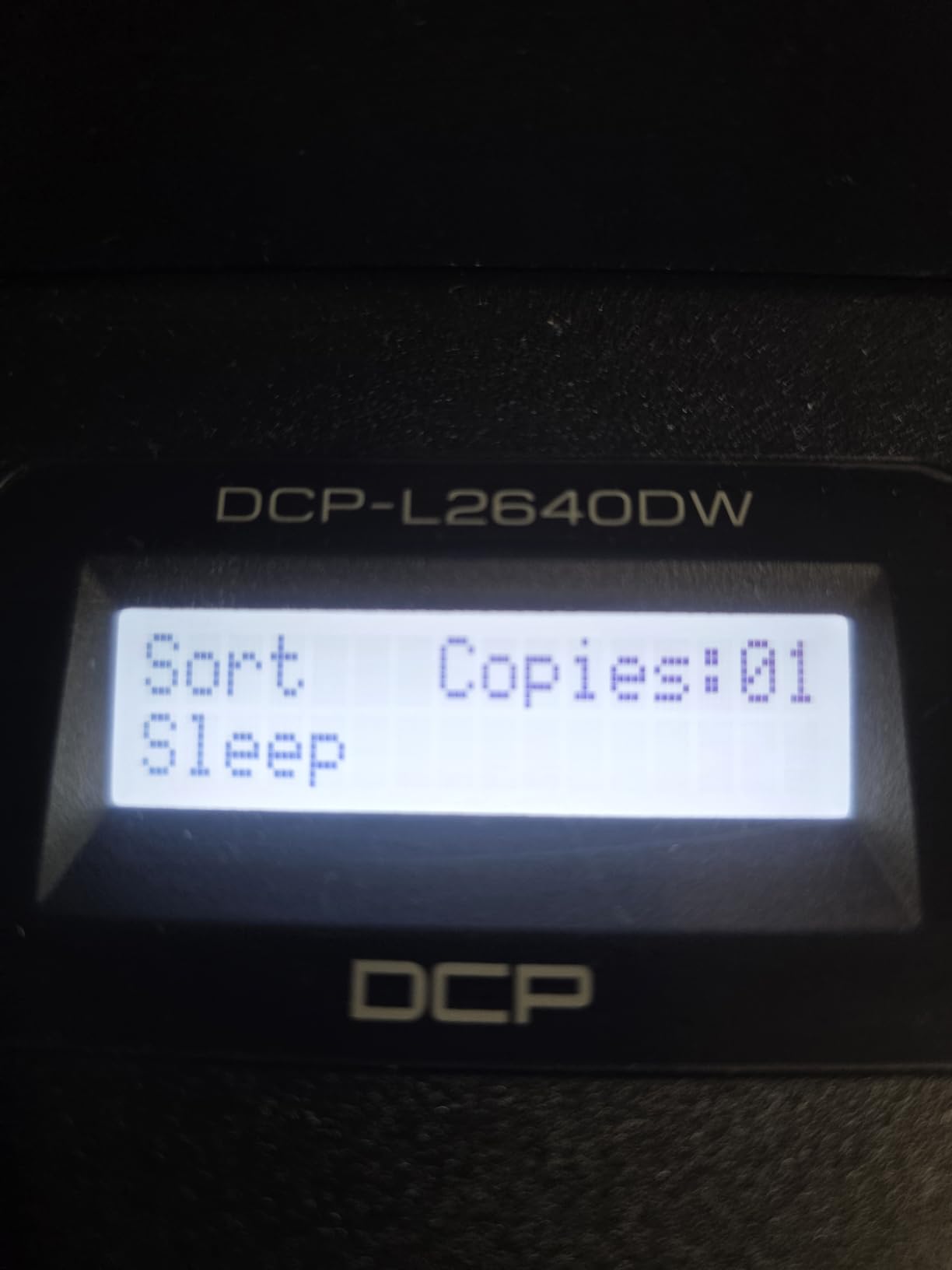
For a home business that prints contracts, invoices and packing paperwork and rarely needs colour, this is the model we would put on a shared desk. It runs at up to 36 pages per minute in black, scans at up to 23.6 images per minute in black, and prints automatically on both sides without the printer being flipped over.
The 50-page automatic document feeder is the feature that separates it from the cheaper single-function Brother. Scanning and copying a signed agreement no longer means standing at the machine, which for a one-person business means the work gets done at all.
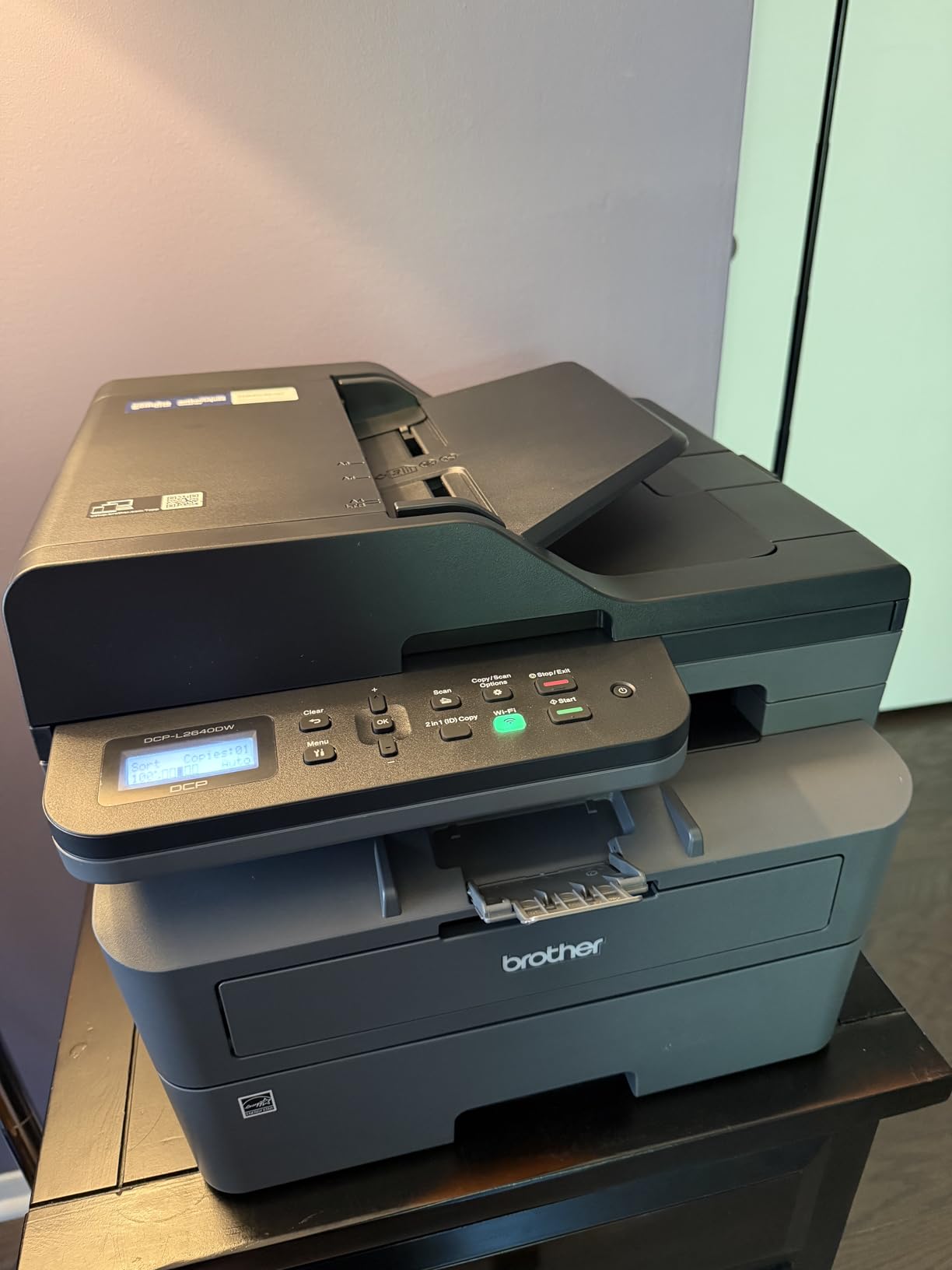
Connectivity is dual-band wireless on both 2.4GHz and 5GHz, plus Ethernet and USB, and the Brother Mobile Connect app handles mobile printing and toner level monitoring. That dual-band support matters more in a home than it does in an office, because older routers and crowded 2.4GHz channels are the most common cause of the flaky connections buyers report.
The unit measures 15.7 by 16.1 by 12.5 inches and weighs 25 pounds. The 250-sheet paper tray means you can load letter and legal stock without refilling mid-week, and toner comes in TN830 and TN830XL cartridges with a Brother Refresh EZ Print trial included.
Why the toner economics suit a small business
Laser toner is priced per cartridge rather than per bottle, but the yield is high enough that a home business printing a few hundred pages a month rarely feels the running cost. The advantage over an inkjet is predictability: powder toner does not dry in the nozzles, so a printer that sits idle for three weeks still prints a clean first page.
Automatic duplex is where the money is saved. A duplexed invoice run halves paper consumption, and for anyone printing quotes or multi-page terms and conditions that adds up across a year without changing a single habit.
Where new owners get stuck
The most common complaint in reviews is not printing at all, it is the initial network setup. The firmware and password workflow frustrates some buyers enough that it becomes their first impression of the machine, so budget an extra fifteen minutes and have your network password written down before you start.
Scanning directly to PC software is a second weak spot, with owners reporting that the job can hang and need a restart. If your workflow is scan-heavy rather than print-heavy, test it on your own computer before relying on it.
3. Brother HL-L2460DW – Best Compact Laser for a Tight Desk
- First page in about 8.5 seconds
- Automatic duplex halves paper use
- Lightweight at roughly 15 pounds
- Works reliably on Windows and Linux
- Crisp high-contrast monochrome text
- No scanner copier or fax
- Wi-Fi setup is tedious with the limited button set
- Refresh subscription trial can bring surprise overage charges
This is the smallest footprint in the roundup at 14.2 inches deep, 14 inches wide and 7.2 inches high, and at about 15.6 pounds it is the easiest machine here to move when you rearrange the office. Home businesses working from a converted bedroom or a shared study will notice the difference immediately.
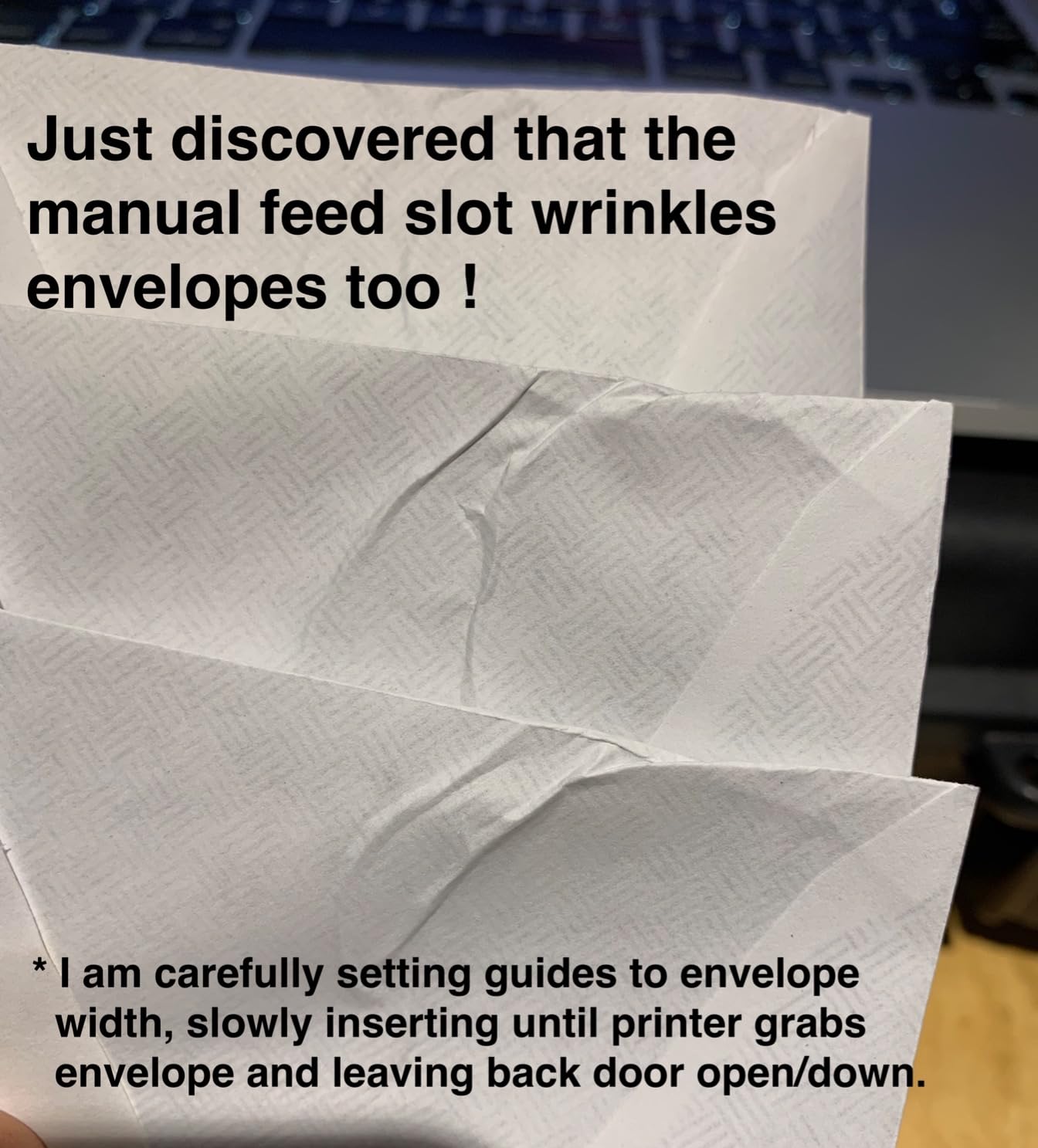
Print performance is identical in headline terms to the DCP-L2640DW: up to 36 pages per minute, automatic duplex, 1200 x 1200 dots per inch resolution and a 250-sheet paper tray plus a manual feed slot for envelopes and specialty stock. What you give up is the flatbed scanner and the 50-page feeder.
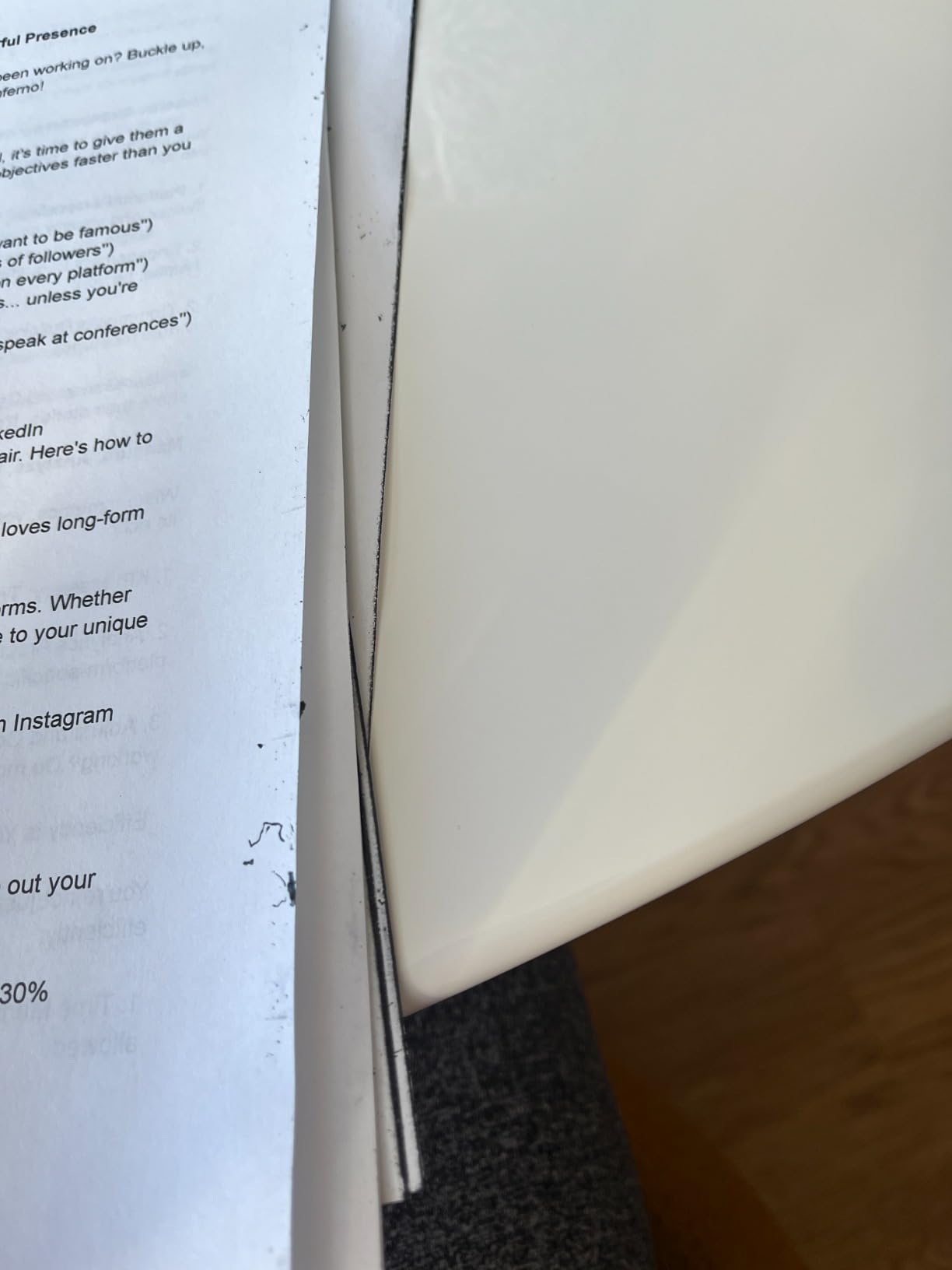
For a business that prints and scans on separate devices, or that scans rarely, removing the scanner is a rational trade. It also means fewer moving parts, less desk space consumed by an open scanner lid, and a lower purchase price at the point of sale.
Connectivity is dual-band wireless on 2.4GHz and 5GHz with Ethernet and USB, and the Brother Mobile Connect app covers mobile printing. It works with Windows and Linux, which matters if anyone on your team runs something other than a Mac or PC.
When a print-only laser is the right call
Ask whether anyone actually needs a photocopy. Many home businesses print far more than they scan, and a print-only laser concentrates the budget on speed, duplex and toner yield instead of spreading it across four functions you would use occasionally.
The 8.5 second first page time also matters for a different reason. If your workflow involves printing a shipping label on demand while a customer is on the phone, a short first page is worth more than raw pages per minute.
Watch out for the bundled subscription
The Refresh EZ Print trial is included in the box and some owners report unexpected charges once it lapses into an overage. Decide before you set the machine up whether you want that service, and remove it if not, rather than discovering it on a statement.
The other recurring theme is durability, with a small number of owners reporting units failing around the one year mark. Brother covers it with a one year limited warranty, so keep the receipt and the serial number together if you buy it.
4. HP LaserJet M209dw – Best for Fast Two-Sided Black and White
HP LaserJet M209dw Wireless Printer, Print, Fast speeds, Easy Setup, Mobile Printing, Best-for-Small Teams, Instant Ink Eligible
- Very fast two-sided monochrome output for its size
- Compact and lightweight at 11.2 pounds
- Low-cost genuine HP toner cartridges
- HP app walks through setup quickly
- Small 150-sheet paper tray
- Wireless setup can be troublesome
- Print-only with no scanner or copier
The M209dw is aimed squarely at teams of one to five people, and its standout number is the duplex rate: up to 19 images per minute two-sided, which reviewers repeatedly single out as unusually quick for a machine this size. Single-sided output is up to 30 pages per minute.
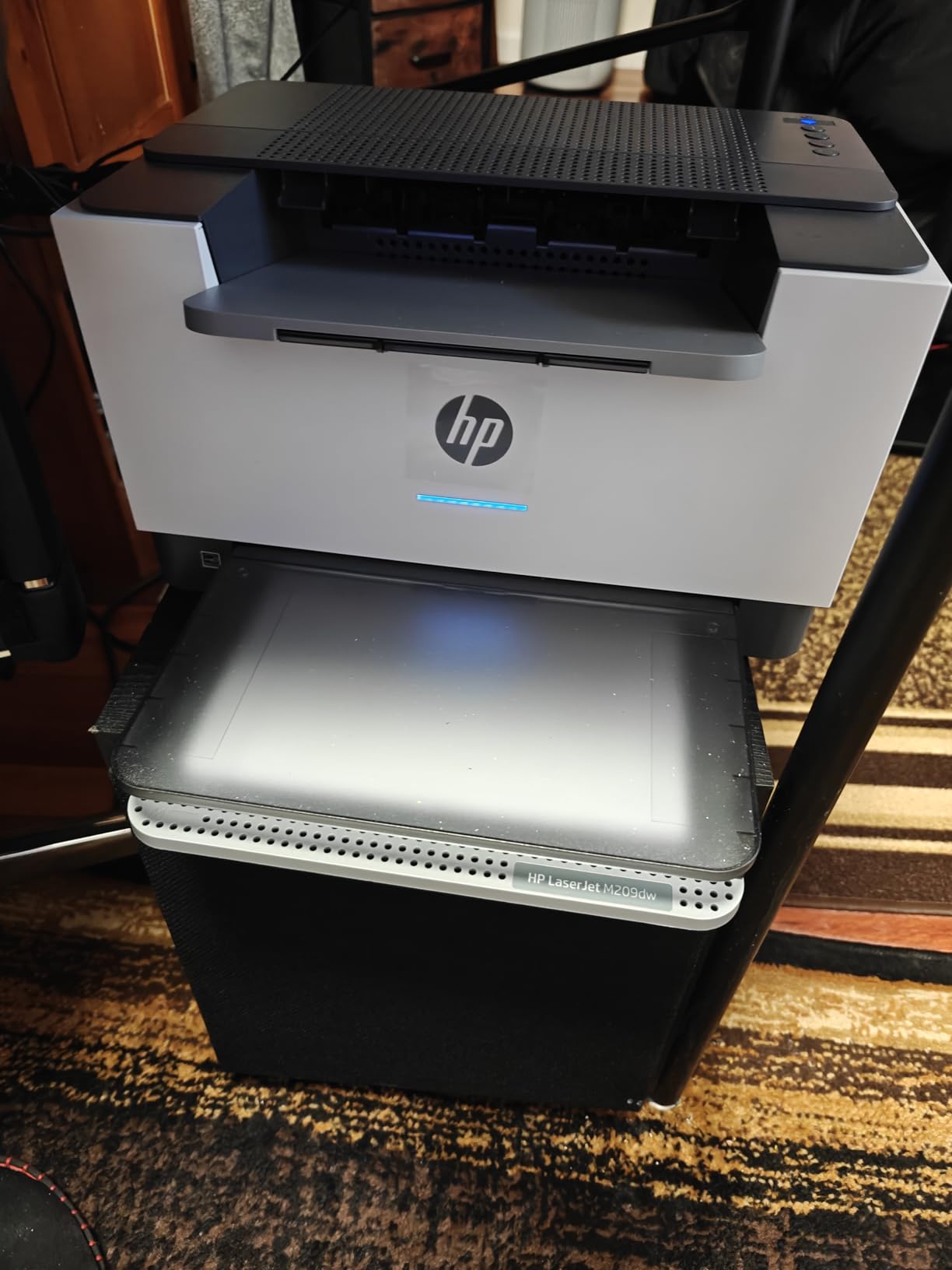
At 11 inches deep, 13.98 inches wide and 8.07 inches high and 11.2 pounds, it is the lightest printer in this roundup and one of the easiest to find space for. The OLED display gives a clear status view without a large touchscreen eating desk area.
Its dual-band Wi-Fi includes a self-reset function that detects and resolves connectivity problems, which is a genuine help in a home where the router sits across the house. Built-in security features are also part of the package, a reasonable inclusion for a machine that may sit on a shared network.
Maximum media size is 8.5 by 14 inches, so legal paperwork prints without a manual feed workaround, and it is Instant Ink eligible if you ever need colour documents, though that is a separate ink path from the monochrome toner.
Two-sided output is the reason to choose it
If your business prints contracts, leases or multi-page invoices, duplex speed changes the practical experience more than headline speed does. At 19 images per minute, a twenty-page document is finished quickly enough that you are not waiting on it while a customer waits on you.
The tradeoff is paper capacity. A 150-sheet tray is the smallest here, which on a heavy week means refilling more often than you would with a 250-sheet model.
Where this model disappoints
The 150-sheet tray is the first practical limit, and it is the reason we would still steer heavier black-and-white workloads toward a 250-sheet Brother or HP machine. Filling a smaller tray twice is not a problem once a week and is a nuisance three times a week.
A minority of owners report early hardware failure, and the HP app is the reason several reviewers still keep the machine. Setup quality is clearly better guided by software than by anything printed in the box.
5. Brother MFC-L3720CDW – Best for Full Colour Laser Output
Brother MFC-L3720CDW Wireless Color Laser Printer, Scanner, Copier, Fax, Auto Duplex, 250-Sheet Capacity
- Print scan copy and fax in one unit
- Color touchscreen with 48 customizable shortcuts
- 250-sheet tray plus 50-sheet feeder
- Automatic duplex and cloud scanning shortcuts
- Heavy and bulky at 44 pounds
- Color laser toner cost per page is high
- Slower than monochrome laser models
Colour laser is a specific choice, not a general one. When you need brochures, price lists or product inserts in volume and you want the durability of toner rather than inkjet ink, this is the machine that does it. It prints up to 19 pages per minute in both colour and black at 2400 x 600 dots per inch.
The 3.5 inch colour touchscreen is the largest interface in the roundup and carries 48 customisable shortcuts that you can map to cloud destinations, which is how this model earns its keep for a home business with a regular document workflow.
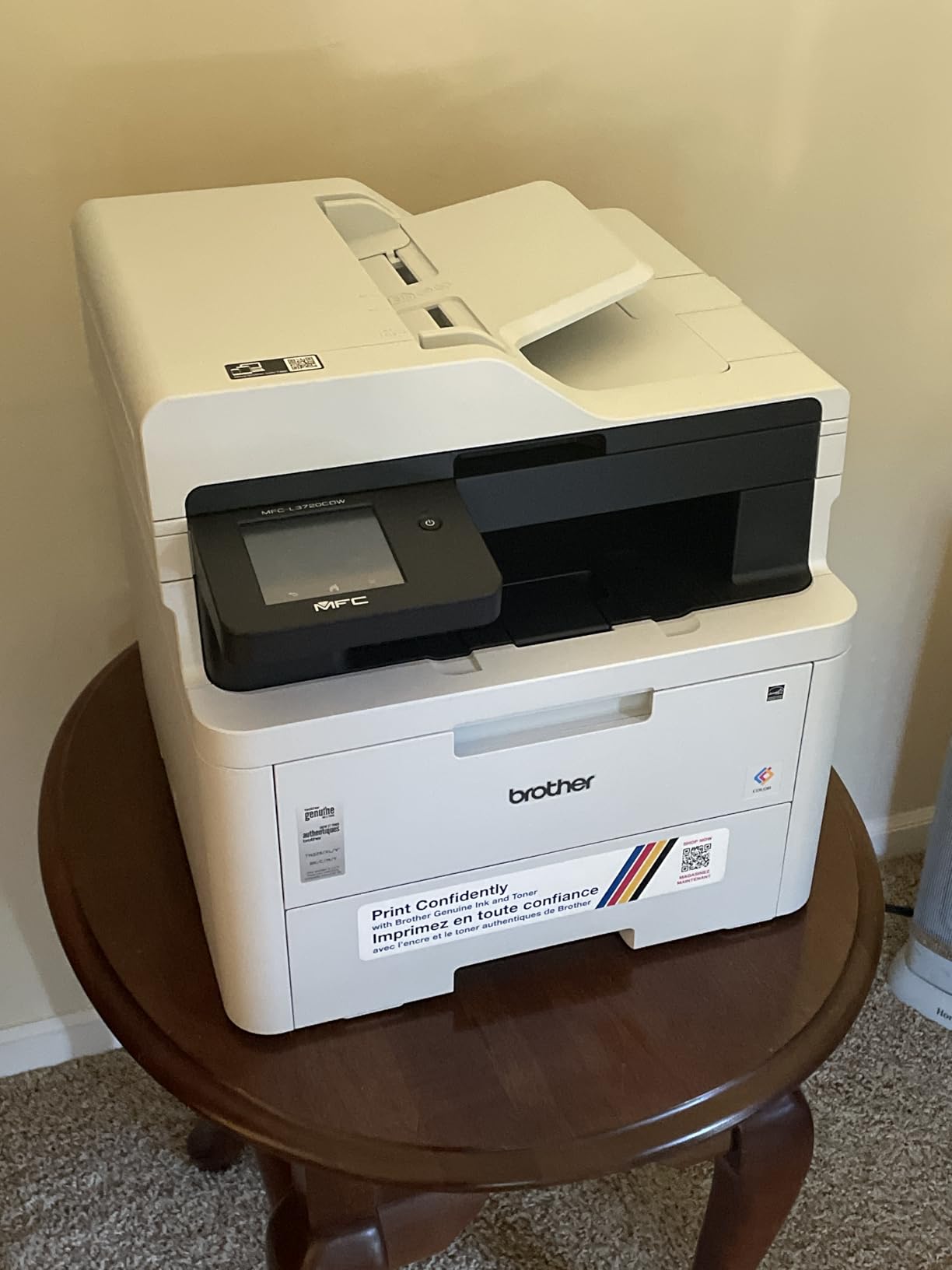
Paper handling is genuinely office-grade: a 50-sheet automatic document feeder, a 250-sheet adjustable tray and automatic duplex for print, copy and scan. Connectivity is dual-band wireless plus Wi-Fi Direct and USB 2.0, and a companion app handles remote management and toner monitoring.
Toner comes in TN229BK, TN229M, TN229C and TN229Y cartridges with high-yield XL variants, so switching to larger cartridges is straightforward once the volume justifies it. The warranty is one year limited.
When colour laser beats an ink tank
The case for colour laser is about durability and volume. Powder toner does not need to be used regularly to stay in condition, it is water-resistant once fused, and it will not run if a page sits in the tray for a week, which matters for anyone printing batched marketing materials.
The 48 touchscreen shortcuts are the second reason. Mapping scan-to-email and scan-to-cloud to a single tap removes the per-job menu navigation that makes multifunction printers slow for people who use them daily.
The size and running cost reality
This machine weighs 44 pounds and measures 16.1 by 17.5 by 15.8 inches. That is a substantial footprint for a home office, and it is the clearest example in this roundup of a home business buying more capacity than the room allows.
Colour laser toner also costs more per page than monochrome toner and far more than ink tank ink, which is the trade reviewers name most often. If your colour output is occasional, an ink tank all-in-one will be the cheaper answer over three years.
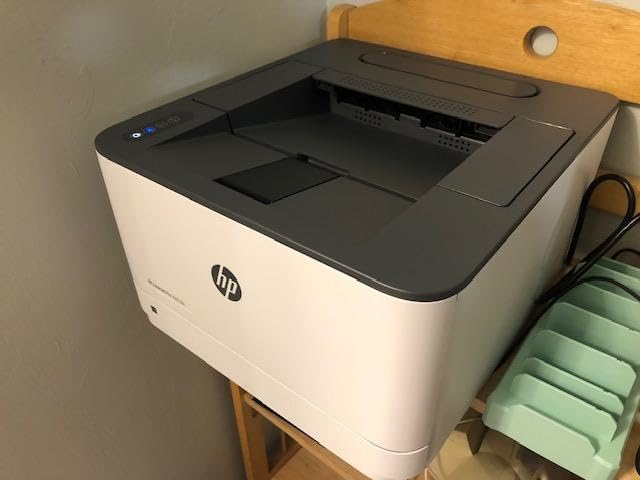
6. HP LaserJet Pro 3001dw – Best for a Growing Team
HP Laserjet Pro 3001dw Wireless Black & White Printer, Best-for-Office (3G65OF)
- Fast 35 ppm monochrome output with auto duplex
- Large 250-sheet paper tray
- Simple network setup through the HP Smart portal
- Low toner cost for heavy black and white work
- Wi-Fi can drop off mesh networks and require reconnection
- No duplex on A5 paper despite tray markings
- Print-only with no scanner or copier
The 3001dw is built for teams of up to seven, and the reasons are in the paper handling and the security features rather than the print engine. It runs at up to 35 pages per minute with automatic two-sided printing, holds 250 sheets, and prints at up to 1200 x 1200 dots per inch.
First page lands in roughly 6.6 seconds, which is the quickest of the monochrome lasers here and useful for on-demand labels. It measures 15.7 by 14.4 by 8.5 inches and weighs 16.1 pounds, so it stays within a normal home office footprint despite the larger tray.
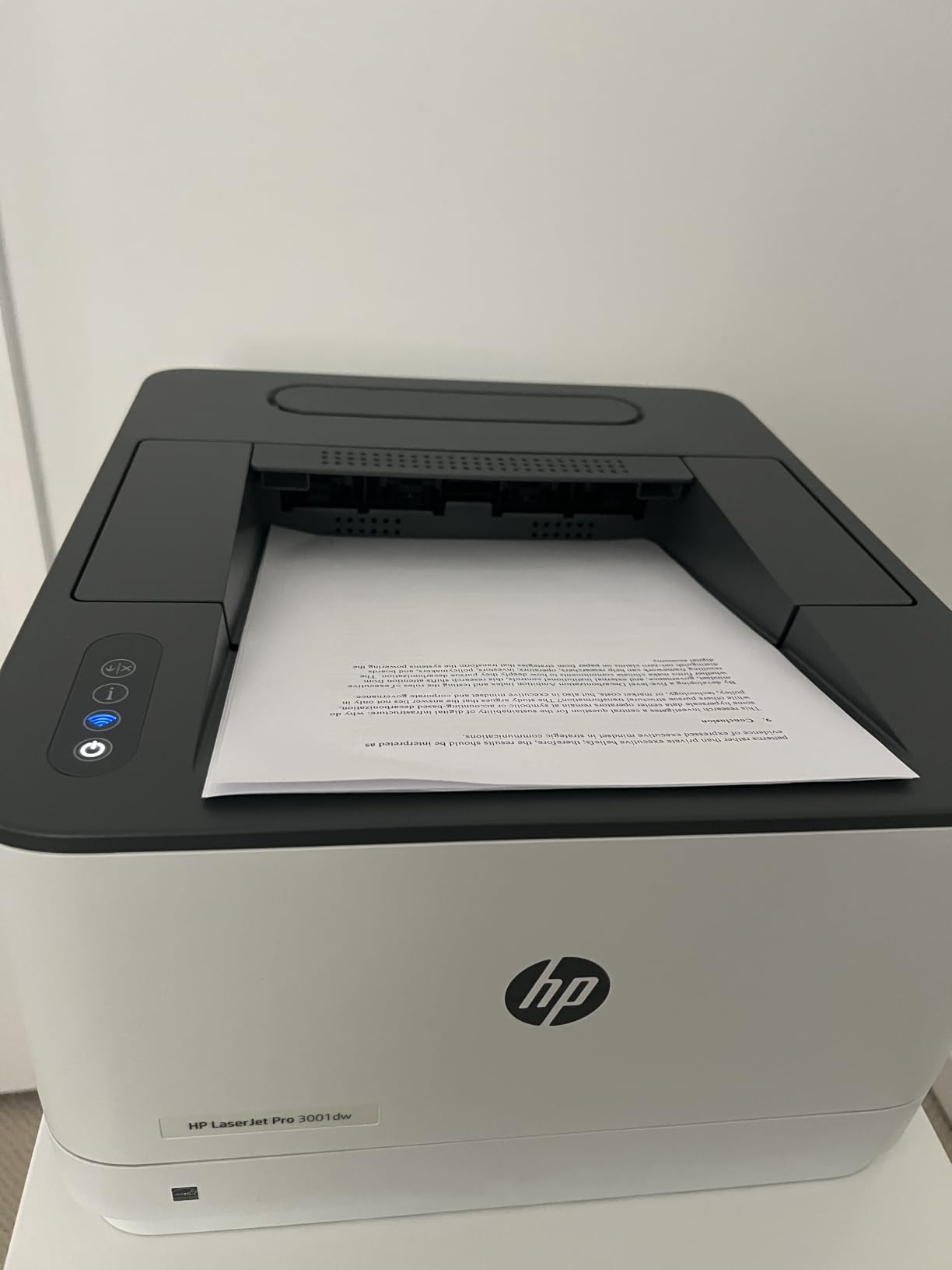
HP Wolf Pro Security with customisable settings is unusual at this level and genuinely relevant when several people share a machine, because it lets you pull a print job without releasing it to an unattended tray. Ethernet, intelligent Wi-Fi and Bluetooth cover the connection options, and it works with Microsoft, Mac, AirPrint, Android and Chromebook.
Maximum media size is 8.5 by 14 inches and the warranty is one year limited hardware coverage.
What a growing team needs that a home printer lacks
A 250-sheet tray and a 6.6 second first page together decide whether a shared machine becomes a bottleneck. When several people are pulling documents at once, refills and warm-up time are the delays that show up in a workday, not the rated speed.
HP Wolf Pro Security is the differentiator for a home business that has moved beyond one user. Job-level control matters when invoices contain customer details and the machine sits in a room the delivery driver can see into.
The mesh network problem
Multiple reviews flag wireless behaviour on mesh routers, with owners reporting the connection dropping and needing to be re-established. If your home network uses a mesh system, this is the single most important thing to test before committing.
The A5 duplex limitation is minor but worth knowing, since the tray markings suggest capability the machine does not have. Print-only design also rules it out if anyone expects scanning or faxing.
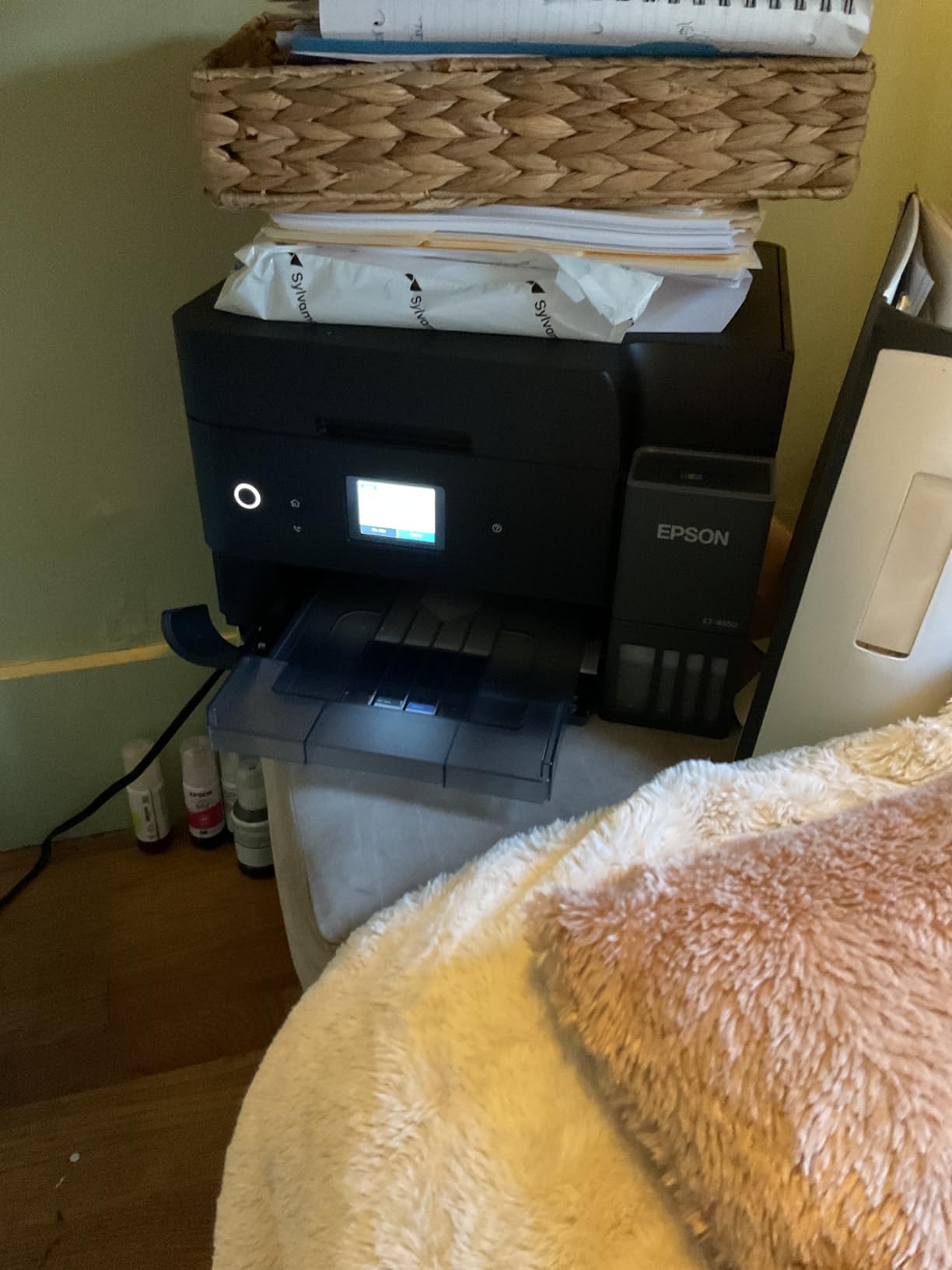
7. Epson EcoTank ET-4950 – Best for Photos and Colour Without Cartridges
Epson EcoTank ET-4950 Wireless Duplex All-in-One Cartridge-Free Supertank Color Inkjet Printer, Fax, Black
- Enormous ink capacity at a low per-page cost
- Simple mess-free refilling with visible fill levels
- Print copy scan fax and auto duplex in one unit
- Compact build with a retracting output tray
- 2.4 inch display is small and not tilted upward
- Power button ring light pulses when idle
- USB port is Type-B with no flash drive support
The EcoTank ET-4950 is the most complete colour machine here for a home business, because it combines refillable tanks with the productivity features most tank printers skip: automatic duplex, a document feeder, fax and a 250-sheet tray. Output reaches 18 pages per minute in black and 9 in colour at up to 4800 x 1200 dots per inch.
Ink for up to 6,600 black pages or 5,500 colour pages is included, and refilling uses keyed EcoFit bottles so a colour cannot be poured into the wrong tank. Visible fill levels mean you check the ink by looking at the printer.
Zero warmup time on the first print is a small specification that matters more in practice than it sounds. Heat-free printing is the reason there is no warmup delay, and it also removes a common failure mode in printers that sit idle between jobs.
At 13.7 by 14.8 by 9.4 inches and 16.1 pounds, this is one of the more compact multifunction machines in the roundup, helped by a retracting output tray that keeps the footprint tight when it is not printing. Connectivity covers Ethernet, USB and Wi-Fi, with a one year limited warranty.

Photo and marketing output for a home business
If your business sells physical products, the colour quality here is the draw. Ink tank colour at 4800 x 1200 dots per inch handles product inserts, thank-you cards and listing images without the running cost that makes colour laser hard to justify at low volume.
Photo quality is the reason reviewers keep highlighting this model despite a smaller review base than the Canon. Borderless printing and accurate colour make it usable for client presentation material as well as internal documents.
The annoyances you will keep
The 2.4 inch display sits flat and does not tilt upward, which is uncomfortable when you are setting up a scan or checking tank levels from above. It is a small thing that appears in review after review.
The continuously pulsing power ring light bothers some owners enough to mention it, and the USB port is Type-B, so there is no direct flash drive printing or scanning. Budget extra time for the initial ink charging and print head alignment, which adds a few minutes to setup.
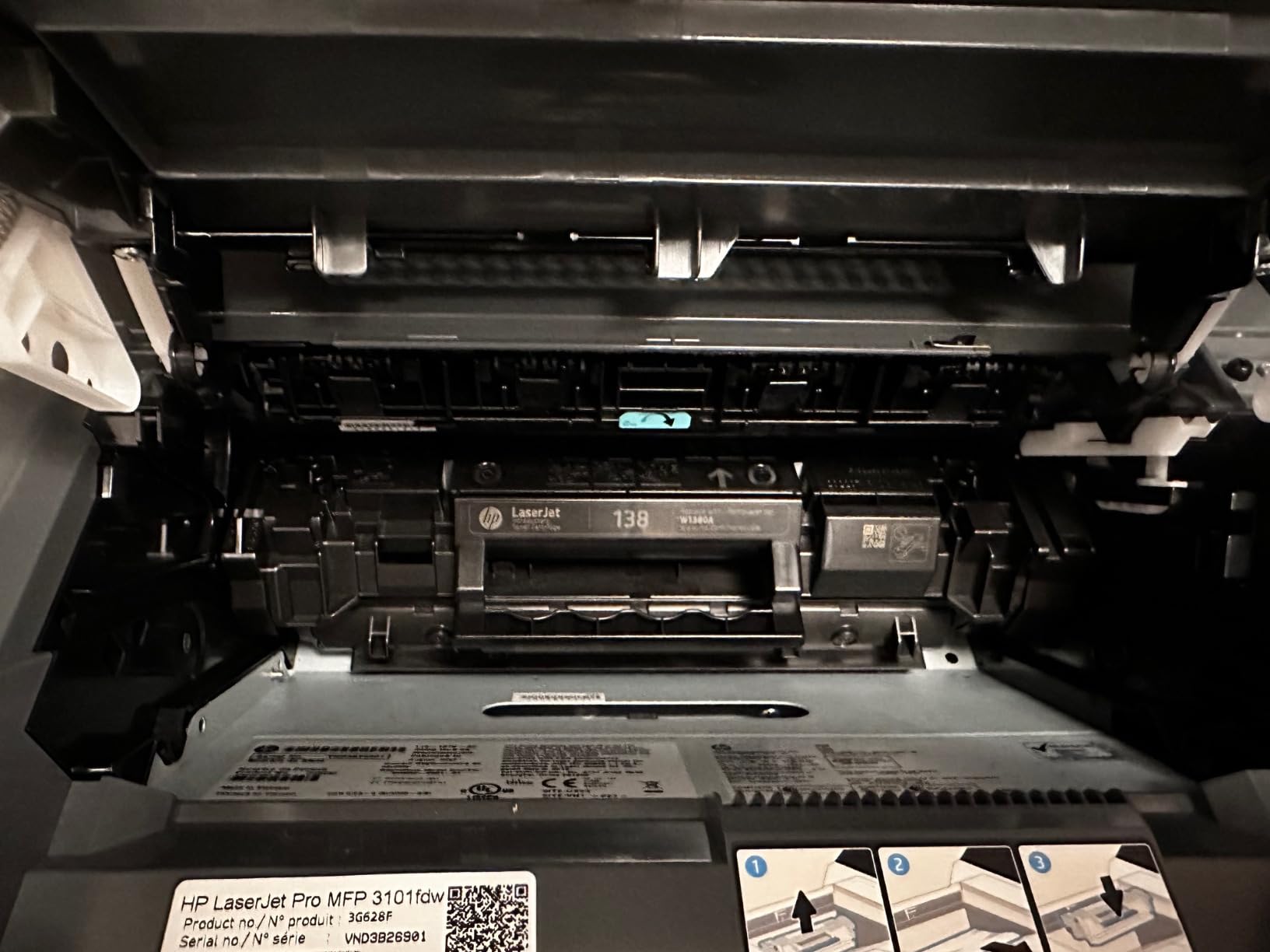
8. HP LaserJet Pro MFP 3101fdw – Best for Scan, Copy and Fax in Black and White
HP LaserJet Pro MFP 3101fdw Wireless Black & White All-in-One Laser Printer, Scanner, Copier, Fax, Best-for-Office (3G628F)
- Print scan copy and fax with fast 35 ppm output
- Step-by-step setup suits non-technical buyers
- Durable toner cartridges between changes
- ADF speeds up scanning and copying
- Network scanning can be unreliable
- ADF does not support two-sided scanning
- Monochrome only with no color output
The 3101fdw is the straightforward answer for a home business that needs all four functions in black and white. It prints, scans, copies and faxes at up to 35 pages per minute single-sided, with automatic two-sided printing and an automatic document feeder to match.
Reviewers single out setup as a strength, describing it as step-by-step enough for buyers with no technical background. That matters when the person installing the printer is also the person running the business and has an afternoon to spare for it.
Toner cartridges are reported as lasting a long time between changes, which supports the low running cost argument for a business printing black and white documents steadily rather than in bursts. Maximum copies per run is listed at 5000, and maximum media size is letter.
Connectivity is intelligent Wi-Fi with automatic connection selection plus Ethernet and USB, and HP Wolf Pro Security is included for job-level control. The unit weighs 10.5 kilograms and measures 16.5 by 12.3 by 15.7 inches with a one year limited hardware warranty.
Why an all-in-one pays for itself on paperwork
A home business that ships physical goods or handles contracts constantly will scan and copy several times for every print job. Having scan, copy and fax built in removes a second device from the desk and removes the argument about whose turn it is to use the scanner.
Automatic two-sided printing keeps paper use down on multi-page documents, and at 35 pages per minute this is the joint quickest monochrome engine in the roundup alongside the 3001dw.
Limits worth knowing before you buy
The document feeder is single-sided only, so a two-sided contract has to be scanned in two passes or flipped by hand. That is the most common complaint alongside unreliable network scanning to a computer.
There is no colour output at all, and a minority of owners report early hardware failure. If any part of your business depends on colour documents, this is not the machine and the EcoTank ET-4950 or a colour laser will serve better.
9. Epson WorkForce Pro WF-4834 – Best for Paper Capacity and Full Duplex
Epson Workforce Pro WF-4834 Wireless Color All-in-One Inkjet Printer
- Largest paper capacity in the roundup at 500 sheets
- Fast 25 ppm black and 12 ppm color output
- Heat-free PrecisionCore reduces downtime
- Full duplex print copy scan and fax with 50-sheet ADF
- Uses Epson 822 cartridge ink which costs more per page
- Heavy unit at 26.2 pounds
- Smaller review base than the rest of the roundup
The WF-4834 holds the highest rating in the roundup and the smallest review base, at 190 ratings, so we treat its score as encouraging rather than decisive. What the specification sheet confirms is paper capacity: 500 sheets across two 250-sheet trays, more than double every other machine listed here.
It is also one of only two models with full duplex across print, copy, scan and fax, backed by a 50-sheet automatic document feeder. For a home business handling large document sets, that combination removes an entire category of manual work.
Speed is a genuine strength at up to 25 pages per minute in black and 12 in colour, using PrecisionCore heat-free technology that also reduces downtime. Resolution reaches 4800 x 2400 dots per inch with DURABrite Ultra instant-dry pigment inks, and maximum media size is 8.5 by 14 inches.
The 4.3 inch colour touchscreen tilts for usability, which is a small detail that stands out against the flat panels on most competing machines. Setup goes through Bluetooth Low Energy, Wi-Fi Direct and Ethernet, and the warranty is two years limited, the longest coverage in this roundup.
Where the extra paper capacity pays
Two 250-sheet trays also mean two paper types can be loaded at once, which matters for a business that prints letterhead on one stock and invoices on another. Refilling once a month instead of weekly is the practical difference at this capacity level.
Full duplex scanning and faxing is the other structural advantage. For a home business processing signed contracts or multi-page client forms, a duplex feeder halves the handling time compared with the reversing and single-sided feeders on the cheaper models here.
The running cost problem underneath
This printer uses Epson 822 cartridges, and cartridge ink is the most expensive running cost in the roundup by a wide margin. Over three years at moderate volume, that difference will outweigh the capacity advantage for most home businesses.
It also weighs 26.2 pounds and measures 15.3 by 16.7 by 13 inches, so the capacity comes with real bulk. Buy it if you genuinely fill 500 sheets regularly; skip it if that is aspirational.
How to Choose a Printer for Your Home Business
The single most useful question is not which printer is best, it is what you print each month and in what colour. Answer that honestly and the decision narrows to two or three models. Everything below is the framework we used to sort these nine.
Inkjet, ink tank or laser: pick the engine first
Laser printers fuse powdered toner with heat. Nothing dries, nothing clogs, and pages per minute are high, so laser wins for black and white documents and for anyone whose printing is bursty rather than constant.
Inkjet printers spray liquid ink and produce better colour and photo output, but cartridge running costs are the highest of the three and nozzles can dry out if the machine sits idle for long stretches.
Ink tank printers, sold as EcoTank, MegaTank, INKvestment or similar, keep the inkjet engine and replace the cartridges with refillable tanks. You get inkjet colour quality at something closer to laser running costs, which is why two of the three winners here use this approach.
Calculate cost per page before you compare purchase prices
Cost per page is simply the price of the consumable divided by its rated page yield, and it is the number that decides this purchase. A higher entry price with cheaper ink or toner usually wins over three years, while a cheap printer with cartridges usually loses.
Run the arithmetic on both black and colour separately, because colour running costs are typically several times higher than black on any technology. Then multiply by your realistic monthly volume and by three years, and compare the totals across the models you are considering.
Add the subscriptions to that figure honestly. Programs such as Refresh EZ Print and Instant Ink can reduce per-page cost for someone printing consistently every month, and can cost more for someone who prints in bursts, so treat them as an option rather than a default.
Paper handling decides how much of your day it eats
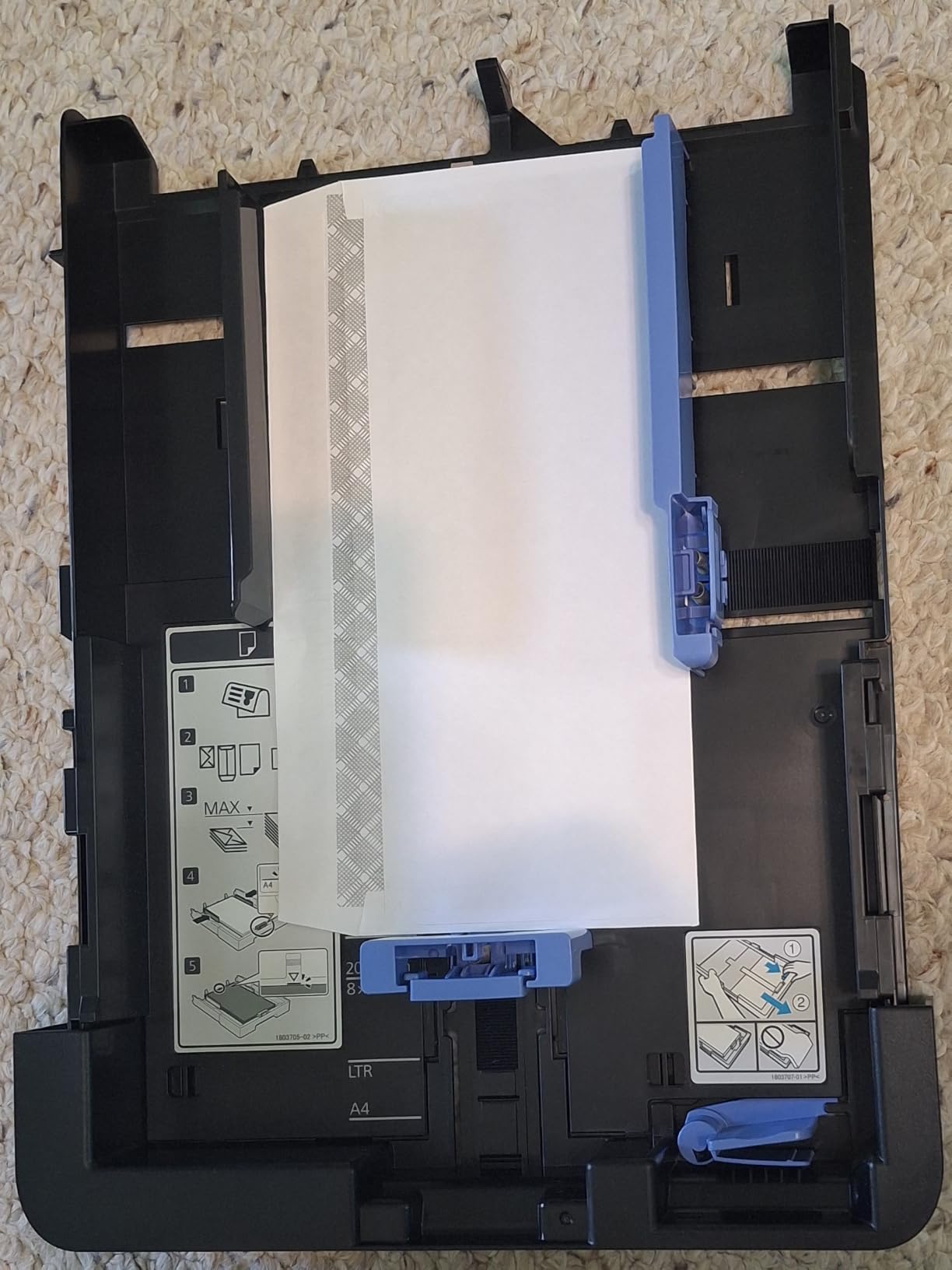
A 250-sheet tray covers an ordinary home business week with occasional refills, while a 150-sheet tray needs attention more often. Two separate 250-sheet trays let you keep two paper types loaded, and a manual feed slot handles envelopes and specialty stock without disrupting the main tray.
Maximum media size of 8.5 by 14 inches means legal paperwork prints without workarounds, which is worth checking if you handle contracts or property documents. Ignore the capacity figure alone and consider how paper is actually fed into these machines in a home setting.
Duplex and the document feeder are where time is saved
Automatic duplex halves paper consumption and removes manual flipping. In this roundup the Brother DCP-L2640DW, HL-L2460DW, HP M209dw, HP 3001dw, Brother MFC-L3720CDW, HP 3101fdw, Epson ET-4950 and Epson WF-4834 all print two-sided automatically, while the Canon G3270 does not.
An automatic document feeder speeds up scanning and copying in proportion to its size, and a duplexing feeder doubles that again. Full duplex across print, copy, scan and fax appears only on the WF-4834 in this group, so check that specific capability if your paperwork is two-sided on both sides of the process.
Wireless reliability matters more at home than in an office
Dual-band Wi-Fi on both 2.4GHz and 5GHz is the feature to prioritise, because most home connection problems come from an overloaded 2.4GHz band rather than a weak signal. Ethernet remains useful for a printer parked in a garage or a basement office.
Mesh routers cause the most reported failures in this group, so if your home uses one, check reviews for that specific complaint before choosing. An app that handles setup and toner monitoring is a genuine convenience for a business owner who is not an IT administrator.
Infrequent printing changes the answer completely
Laser printers tolerate long gaps between jobs because powder toner does not dry in a nozzle. Inkjet and ink tank printers can develop streaking or blockages after weeks of sitting unused, and the community advice that comes up repeatedly in printer forums is to run any inkjet at least weekly.
If your business prints a batch of invoices once a month and nothing in between, laser is the safer technology. If you print weekly or more often, a tank printer is usually the cheaper answer even with a higher purchase price. That single distinction resolves most of the confusion around which printer rarely fails.
Size, weight and where the machine will actually sit
The compact options here are the HP M209dw at 11.2 pounds, the Canon G3270 at 13.2 pounds and the Epson ET-4950 at 16.1 pounds. The Brother MFC-L3720CDW at 44 pounds and the Epson WF-4834 at 26.2 pounds need real planning.
Leave clearance above the paper tray and behind the feed mechanism, and check the depth rather than just the width, since rear feed and manual slots add to the stated dimensions. A machine wedged into a corner with no room to open the lid becomes frustrating very quickly.
Shipping Labels, Invoices and Customs Forms
Most home business printing falls into a handful of repeatable jobs, and the technology that suits one suits the others less well. Matching the machine to the job is how you avoid buying a general-purpose printer that is mediocre at the one thing your business does every day.
Shipping labels are a small-format, high-precision job. Any laser model here prints 4 by 6 inch labels reliably, and the automatic duplex models can be set to single-sided for label stock so the second pass does not feed through the adhesive. Print-only machines such as the HL-L2460DW and HP M209dw pair well with a dedicated label workflow because nothing else can be queued by mistake.
If you want labels and everything else in one box, a 150-sheet tray is limiting but workable, while a 250-sheet tray keeps different stock types separate more easily. For high order volumes, the dedicated label printers we cover separately handle narrow rolls that office printers cannot feed.
Invoices and quotations are black and white text with occasional logos, which is monochrome laser territory. Speed matters more than colour here, so the 36 pages per minute Brother models and the 35 pages per minute HP models will finish a month-end run faster than an inkjet, and toner output stays crisp over time.
Customs forms and international shipping paperwork are a wider-format problem. Several home businesses need a single form that carries both a label and a multi-panel declaration, and that needs the maximum media size of 8.5 by 14 inches rather than letter only, which narrows the shortlist to machines that support legal paper.
For point-of-sale paperwork, a dedicated receipt printer handles the transaction side while the office printer handles the administrative side, and this keeps high-volume thermal jobs away from a machine you also use for contracts.
Photo and marketing material is the remaining category, and there the ink tank models win on cost. Two of the nine printers here print at 4800 x 1200 dots per inch in colour, and the WF-4834 goes further at 4800 x 2400 with instant-dry pigment inks for material that has to look printed rather than inkjet-dark.
Frequently Asked Questions
What is the best small printer for a small business?
For most home businesses the best small printer is a monochrome laser all-in-one such as the Brother DCP-L2640DW, which prints up to 36 pages per minute with automatic duplex and a 50-page document feeder at a footprint that fits a home office. If colour output matters as much as running cost, the Canon MegaTank G3270 is the alternative, because refillable tanks cut per-page colour costs dramatically while keeping wireless printing and scanning.
What is the best printer for printing in a small business?
The best printer for a small business printing regularly is one whose running cost per page you can live with over three years, not the cheapest to buy. A laser wins for black and white documents, an ink tank printer wins for colour-heavy work, and anything printing under 100 pages a month should be judged on compactness and reliability rather than speed.
Which is the best printer for a small business?
It depends on technology and colour needs. The Canon MegaTank G3270 is best for low colour running costs, the Brother DCP-L2640DW is best for fast monochrome work with scanning and fax, the Brother MFC-L3720CDW is best for full colour laser output, and the HP LaserJet Pro MFP 3101fdw is best when you need print, scan, copy and fax in black and white in one unit.
Should I buy a laser printer for my small business?
Buy a laser if your printing is mostly black and white documents or comes in bursts rather than steady daily jobs, because powdered toner does not dry out or clog when a machine sits unused for weeks. An ink tank printer is the better choice if you need colour regularly and can run it at least weekly, since it delivers similar colour quality at a far lower cost per page.
What printer has the least problems?
Monochrome laser printers report the fewest recurring problems, with the Brother HL-L2460DW, Brother DCP-L2640DW, HP LaserJet M209dw and HP LaserJet Pro 3001dw all rated around 4 stars or better by owners. The most common complaints are network setup on mesh routers, subscription trial confusion and document feeder limitations rather than print quality or hardware failure.
We also looked at laser cutters for small businesses, which pair with these printers if your work involves producing physical products rather than paperwork.
Our Final Verdict
The Canon MegaTank G3270 is our pick for the best printers for small home businesses because running cost decides almost every long-term outcome, and its refillable tanks hold the largest ink supply in this group with the largest review base behind them. For black and white work where you also need scanning, the Brother DCP-L2640DW gives you duplex speed and a feeder at a sensible size.
Whichever route you take, buy for your realistic monthly volume, check the duplex and feeder specifications against your actual paperwork, and confirm how your wireless network behaves before you commit. Our other small business equipment guides cover receipt printers and receipt printers for point-of-sale setups if you are building out a full workspace.