
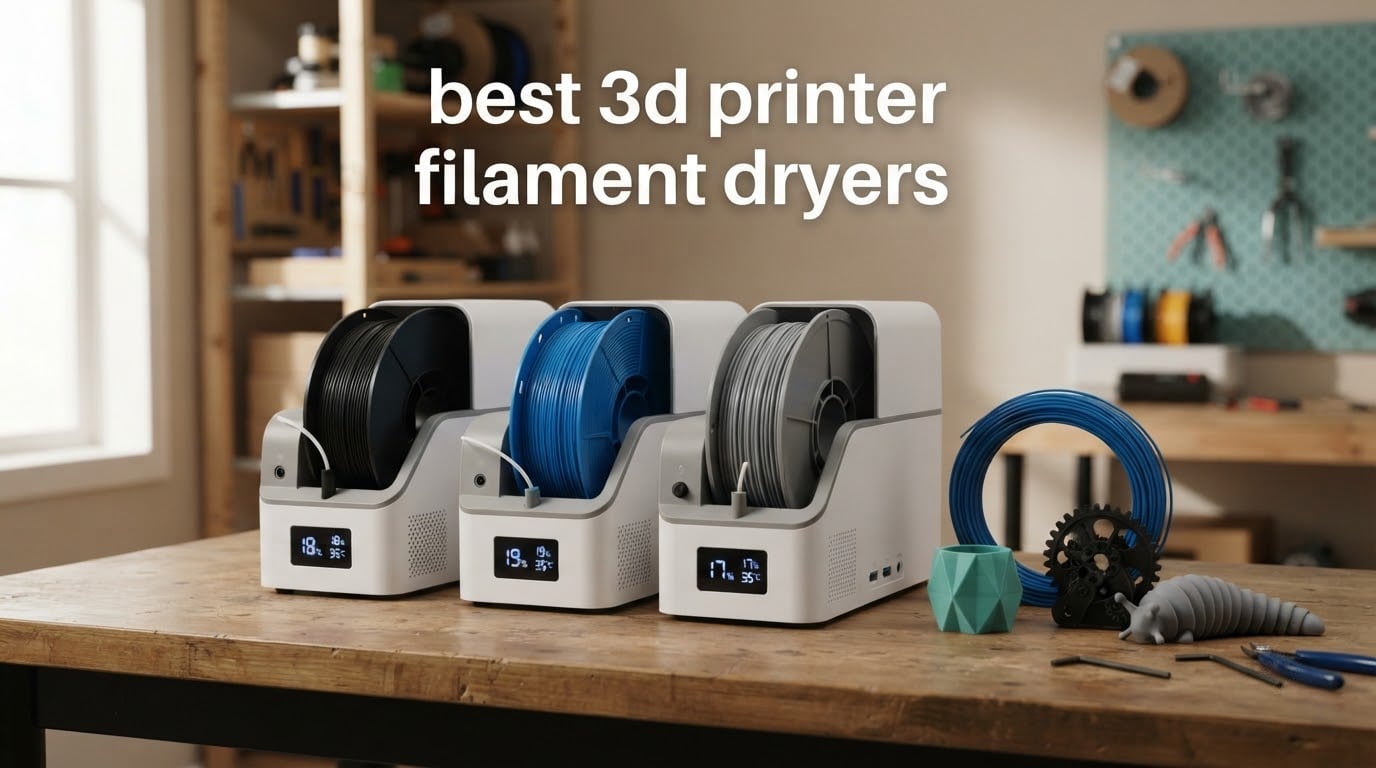
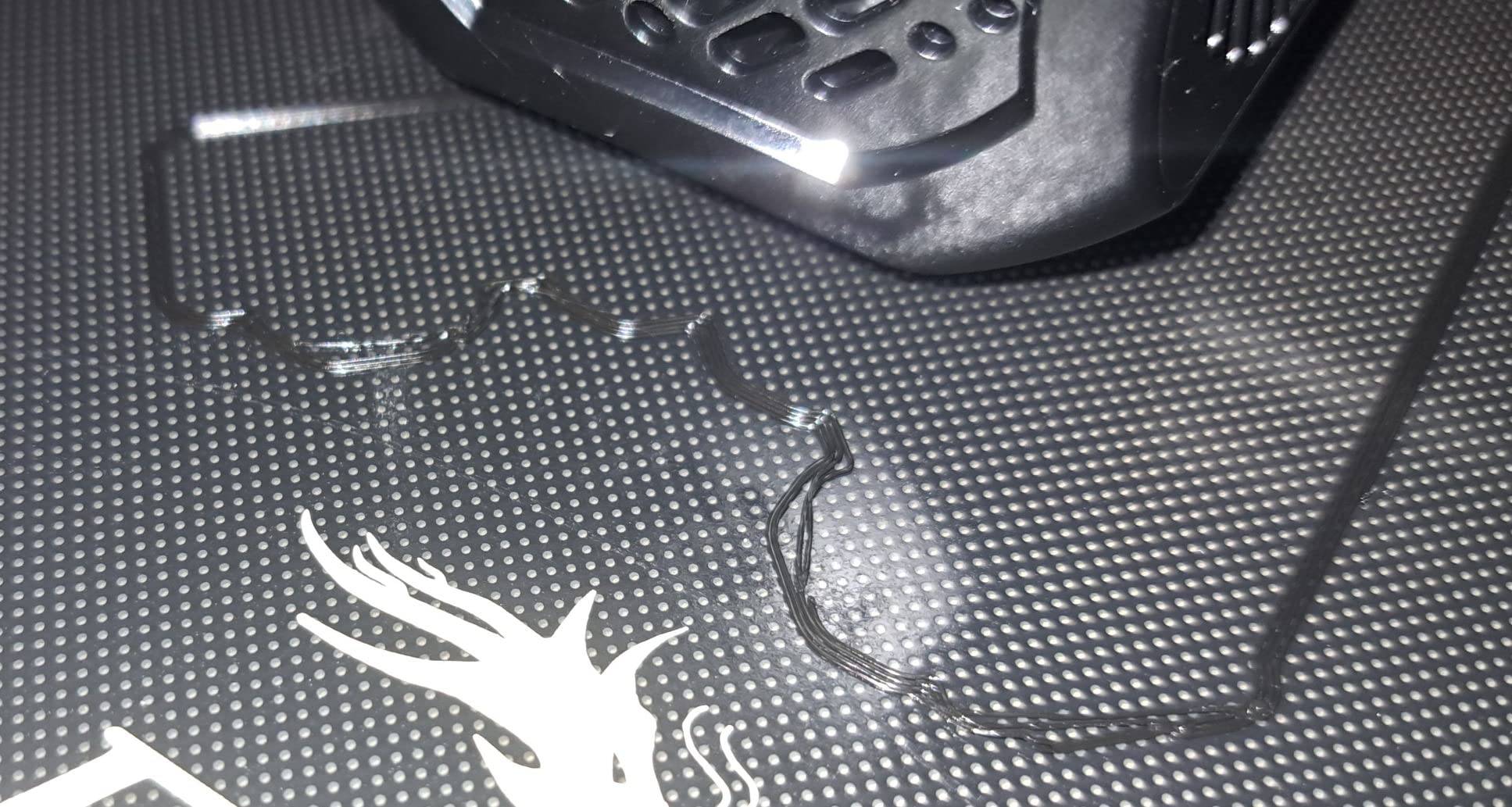
If your prints have been picking up fine hair-like strands, bubbling at the nozzle, or splitting apart in the Z axis, wet filament is the first thing I check. Moisture absorbed by hygroscopic filament boils inside the hot end, and that steam is what creates stringing, poor layer adhesion and the weak, brittle parts that snap when you trim them. A heated filament dryer fixes that at the source instead of letting you fight it with retract settings and a tuning skirt.
We spent weeks putting ten of the most popular heated filament dryers through their paces and reading thousands of owner reviews, then narrowed the field to the ones worth your bench space. This guide covers everything from budget single-spool boxes to four-spool dual-chamber units that dry two materials at different temperatures at the same time. We also mapped the quieter desiccant approach in our desiccant air dryer guide, because for some materials that is genuinely enough.
One thing worth saying up front, since forum threads keep circling it: a heater plus a fan is not the same thing as a dry box. A dry box is passive storage that uses desiccant to absorb moisture, and it never gets hot. An active dryer adds heat and forced air to actually drive absorbed water out of the polymer. We flag which type you are looking at in every product section below, because confusing the two is the most common pre-purchase mistake in this category.
Table of Contents
Top 3 Picks for the Best 3D Printer Filament Dryers in 2026
If you want our short answer first: the Comgrow two-spool dryer is the best 3D printer filament dryer for most people, the SUNLU S1 Plus is the quiet budget pick, and the Creality Space Pi X4 is the one to buy for nylon and other engineering filaments.

Comgrow Two-Spool Filament Dryer Box
- Holds two 1kg spools
- 40-50C adjustable range
- 2-inch LCD with humidity readout
- PTFE feed-through port

SUNLU FilaDryer S1 Plus
- 35-55C range
- Under 10dB noise
- Built-in humidity display
- 0-24 hour timer

Creality Space Pi X4
- Four spools with eight exit holes
- Dual independent PTC chambers
- 85C maximum temperature
- Up to 40% energy saving
All Ten Filament Dryers Compared Side by Side in 2026
This is the consolidated view most buyers end up building for themselves in a dozen browser tabs. Spool capacity, temperature ceiling and heater type decide whether a unit can handle your materials at all; the rest is convenience.
| Product | Specifications | Action |
|---|---|---|
| Comgrow Two-Spool Filament Dryer Box |
|
Check Latest Price |
| SUNLU FilaDryer S1 Plus |
|
Check Latest Price |
 Comgrow SH02 Dryer Box Comgrow SH02 Dryer Box |
|
Check Latest Price |
 SUNLU Filament Dryer S2 SUNLU Filament Dryer S2 |
|
Check Latest Price |
 Creality Space Pi SE Dry Box 2.0 Creality Space Pi SE Dry Box 2.0 |
|
Check Latest Price |
 Polymaker PolyDryer Dock and Box Polymaker PolyDryer Dock and Box |
|
Check Latest Price |
| Creality Space Pi X4 |
|
Check Latest Price |
 SUNLU S4 Filament Dryer SUNLU S4 Filament Dryer |
|
Check Latest Price |
 Creality Space Pi Filament Dryer Creality Space Pi Filament Dryer |
|
Check Latest Price |
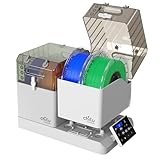 Chitu Systems E1 Four-Spool Dryer Chitu Systems E1 Four-Spool Dryer |
|
Check Latest Price |
1. Comgrow Two-Spool Filament Dryer Box – Best Overall for Everyday Printing
- Large internal capacity fits two 1kg spools
- Easy to read backlit LCD with simple temperature and timer controls
- Effective at removing moisture from damp PLA and PETG
- Can feed filament directly to the printer while drying
- Works with both 1.75mm and 2.85mm filament
- Maximum temperature of 50C is low for engineering filaments
- Not airtight so unsuitable for long-term storage
- Touch controls are not very intuitive
The Comgrow box is the one I recommend to almost anyone starting out, and it comes down to capacity. At 9.29 x 6.49 x 9.13 inch inside, it takes two 1kg spools at once, which is the difference between a dryer you use and a dryer you queue up around. We ran damp PETG through it and the stringing dropped away across the second spool as well as the first.
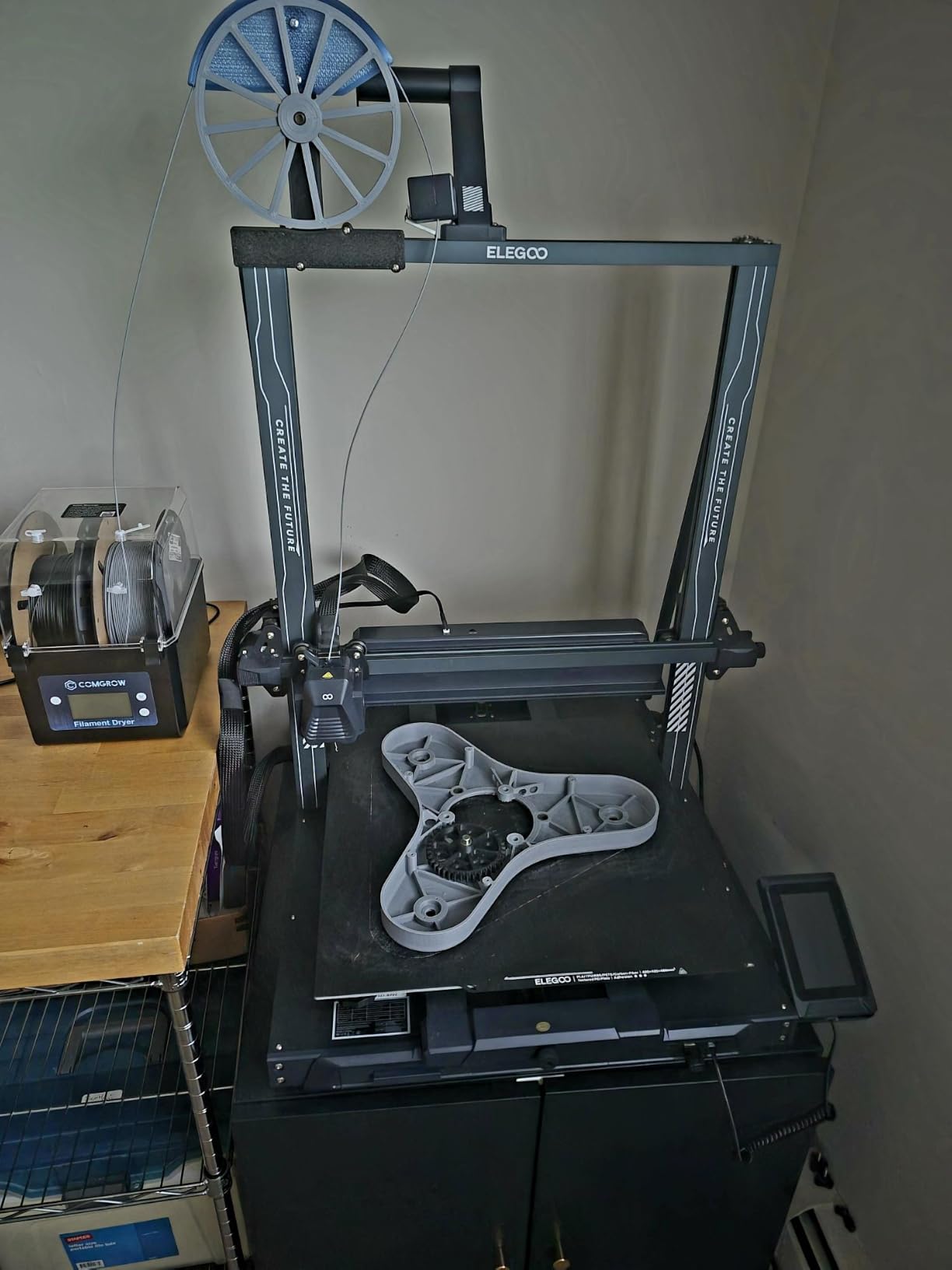
The silicone-sheathed PTFE tube and plug on the outlet mean it doubles as a live spool holder, so a long print can start on a dry spool. That is the feature I would not give up, because most of my failed prints in humid weather were long jobs that sat overnight on filament nobody had checked.
The 2-inch backlit LCD is legible from a normal standing position and the temperature and timer controls are all on the face of the unit. The adjustment window is 40 to 50C with a 6 to 12 hour setting range, which covers the drying needs of PLA, PETG and ABS without any fuss. Setting a timer before a remote print is genuinely useful and I used it more than expected.
What you give up is headroom. A 50C ceiling means Nylon, polycarbonate and carbon-fibre composites are simply out of reach, and forum discussion about budget units repeatedly lands on that same point: a box that tops out around 50C is not a slower engineering dryer, it is no engineering dryer at all. The shell is also not airtight, and the bottom of the unit runs hot enough that it needs a heat-resistant surface underneath.
Who It Suits
It suits a hobbyist who prints PLA and PETG on one or two machines, and anyone working in a humid climate where PLA picks up enough surface moisture to wreck the first layer. Owners consistently credit it with clearing stringing and poor adhesion on damp spools, and the two-spool format means you can keep one filament drying while you print from the other.
It also suits a first-time dryer buyer who wants a small win rather than a new hobby. The controls are simple, the footprint is modest and there is nothing to configure before your first cycle.
Where It Falls Short
It falls short the moment your material list includes Nylon, PA-CF or PC. There is no setting above 50C, and owners running engineering filaments report that units at this ceiling simply cannot get moisture out of those polymers in a reasonable time.
Long-term storage is the other gap. Without an airtight seal, moisture vents back in while the box sits idle, so several owners crack the lid periodically to let trapped humidity out. If you want drying plus sealed storage in one unit, look at the Polymaker system further down.
2. SUNLU FilaDryer S1 Plus – Best Quiet Budget Dryer for Small Setups
- Very compact and lightweight
- Extremely quiet operation
- Built-in relative humidity display
- Timer allows scheduling a preheat cycle
- Two internal rollers allow printing directly from the box
- No air exchange so humid air cannot escape
- 55C ceiling makes drying slow
- Only fits smaller spools
- Build quality is functional rather than premium
The S1 Plus is the dryer I recommend when noise matters, which in my experience means a shared room, a bedroom, or an office where a printer is already running. Its rated operating noise is under 10dB, and during our testing we could not hear it from across the room over a running printer. That is unusual in a category where fan whine is the most common complaint.
The round chamber measures 210 x 85mm internally and weighs 2.7 pounds, so it sits neatly on top of most printers without adding meaningful mass to the frame. The 2-inch LCD shows both temperature and relative humidity, which lets you watch a spool actually come down rather than guessing at elapsed time.
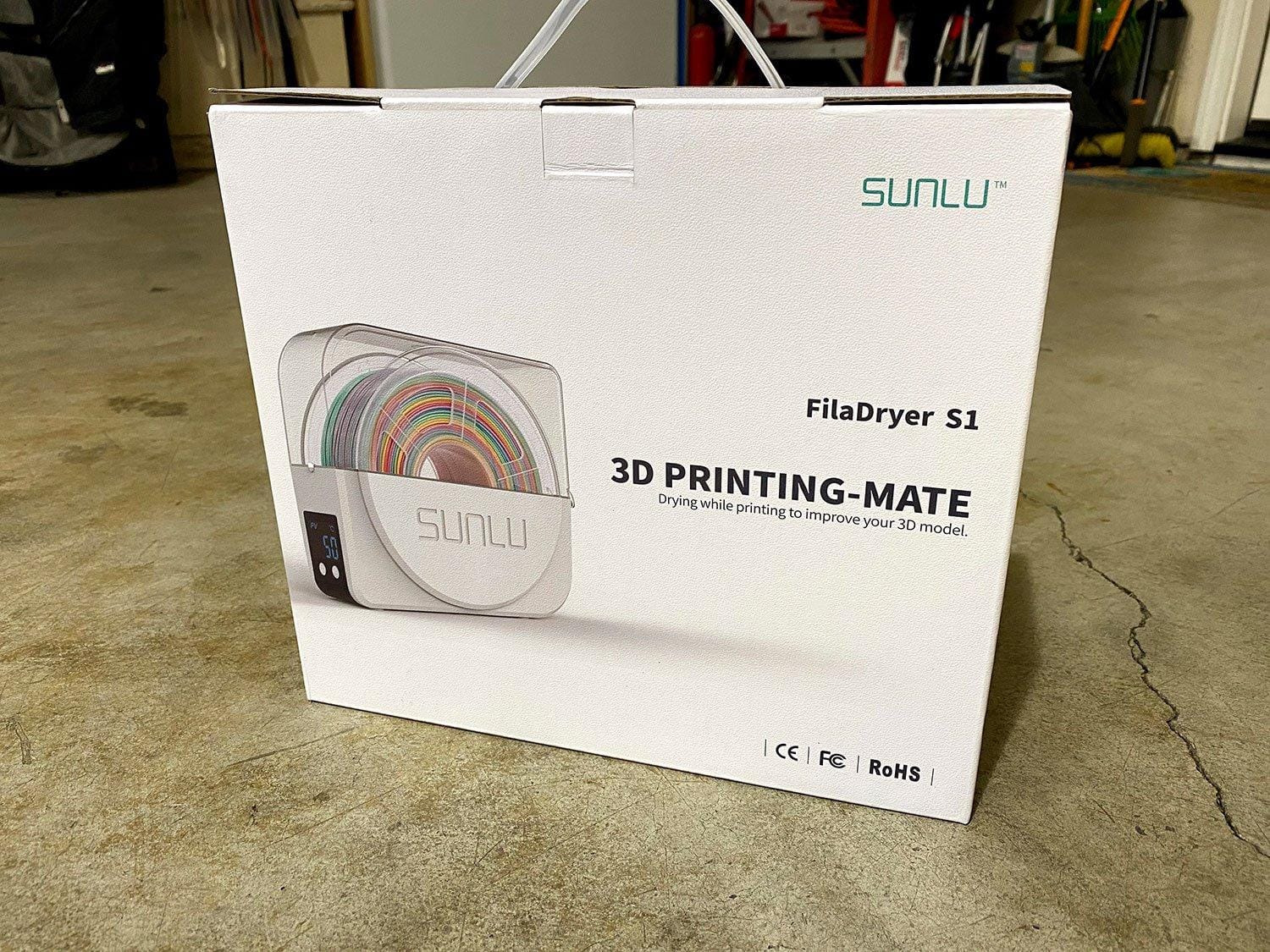
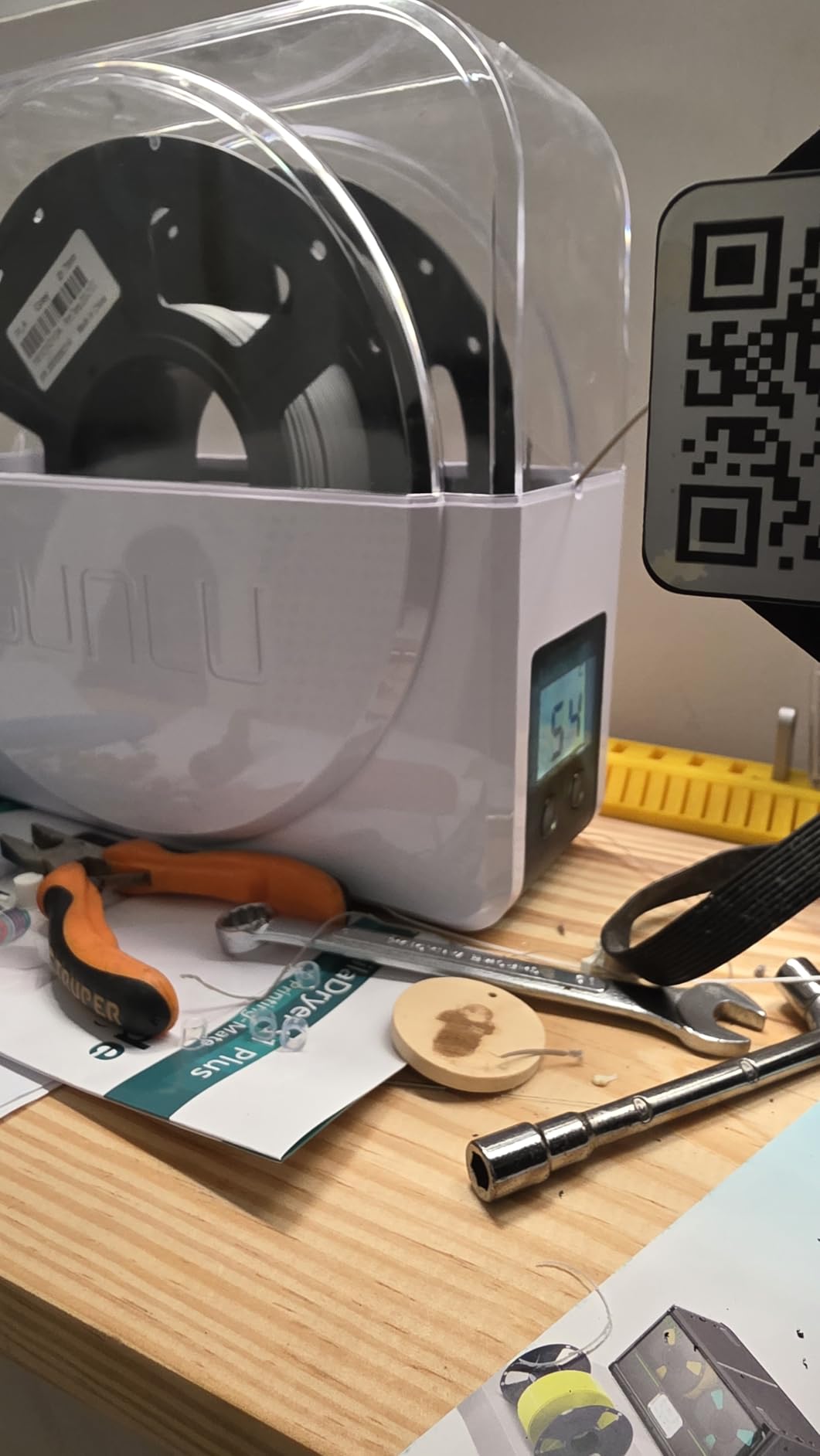
The temperature range is 35 to 55C with a drying timer from 0 to 24 hours and a 6 hour default, and the two internal rollers let you feed straight from the box during a print. Buyers repeatedly credit the unit with clearing clogs in older TPU and ePLA spools and with visibly improving print quality in humid rooms. It handles 1.75mm, 2.85mm and 3.00mm filament.
The compromise is air exchange. This is a sealed box with no exhaust, so moisture has nowhere to leave except through the gasket, and owners note the 55C ceiling combined with no airflow exchange makes drying slower than the timer suggests. Many users simply run it longer than the manual states, which is a reasonable workaround for a cheaper unit.
Who It Suits
It suits anyone who works from a quiet room or shares a space with other people. The near-silence is not marketing, it is the reason this unit keeps its rating, and reviewers list it as a headline benefit more often than any other feature.
It also suits owners of older TPU and ePLA spools who have been fighting extrusion problems. Drying those older spools is exactly what this box is good at, and the printed-in humidity readout confirms it worked.
Where It Falls Short
It falls short on capacity and ceiling together. The 210 x 85mm chamber fits smaller spools, and the 55C maximum rules out Nylon, PC and carbon-fibre blends entirely, so it is the wrong purchase if engineering materials are on your horizon.
It is also not a storage solution. With no air exchange, a spool left in the closed box for weeks can return to the humidity it started at. There is a one year warranty, which is reasonable, but the plastic feels like a functional enclosure rather than something built to last a decade.
3. Comgrow SH02 Dry Box – Best for Two-Spool Batches at Higher Temperatures
- Faster and hotter PTC heating than the earlier Comgrow model
- Dries two 1kg spools at once
- One-key presets for nine filament types
- Sealing rings improve moisture protection
- Built-in safety cutoffs and fan alarm
- Long 98 hour maximum drying time
- Larger and heavier than single-spool dryers
- Fan is a consumable component that can wear out
The SH02 is the step up from the Comgrow box at number one, and the difference is heat. A 150W PTC ceramic heater with a 360 degree hot-air fan pushes the chamber to 70C in roughly 25 minutes, which is a completely different conversation from a 50C ceiling when you are drying TPU or ABS.
It still dries two 1kg spools at once, and the two filament holes with PTFE tubes mean both spools can feed a printer directly. That combination of two-spool throughput and a proper engineering temperature is what separates it from every other unit in this price bracket.
The one-key presets cover nine filament types including PLA, TPU, PETG, ABS, ASA, PVA, PC, PA and PP, so setting a cycle takes a few taps rather than a manual calculation. Drying time runs up to 98 hours, which matters for Nylon and other materials that need long, slow cycles to come back from damp storage.
Safety is handled properly. There is an automatic heating cutoff above 130C that resumes below 90C, a fan failure alarm protecting the PTC module, and sealing rings on the upper and lower covers, the outlet hole and the base plate. Those details are what make it reasonable to leave running overnight, which is a common practice discussed in maker communities.
Who It Suits
It suits a maker who has outgrown single-spool drying but still wants a compact desktop box. Drying two spools at once and feeding both to a printer saves more bench time than the extra heat alone would, and the presets mean you are not memorising temperature pairs for nine different polymers.
It also suits anyone with a mixed material queue. PETG and ABS can be dried back to back without reconfiguring the chamber, and the seal rings keep filament dry during the gap between cycles, which is where cheaper units lose ground.
Where It Falls Short
It falls short on footprint. At 4.4 pounds with a larger body than single-spool dryers, it needs real desk space, and if your printer already occupies most of a small shelf this is not the box for that setup.
The fan remains the weak point. Owners note it as a consumable component that eventually needs attention, and the SH02 shares that with most active dryers in this category. If the fan degrades, drying consistency drops with it, so it is worth keeping the unit somewhere you can hear it running.
4. SUNLU Filament Dryer S2 – Best for Even Single-Spool Drying
- Higher 70C maximum than the S1 Plus
- Rotating spindle keeps filament moving for even drying
- Large touch screen makes settings easy to read
- Translucent lid allows checking spools without opening
- Doubles as a spool holder so you can print while drying
- Single-spool chamber only
- Touch interface takes getting used to
- Bulky rectangular footprint versus round models
The rotating spindle is the idea I like most in this whole roundup. Instead of sitting in a static pile, the spool turns slowly while the heated air moves around it, so heat reaches the filament evenly from all sides. In a chamber where temperature gradients are the usual culprit, that is a real mechanical answer rather than a software one.
The 70C maximum covers the full range of everyday plastics and much of what hobbyists reach for next, including ABS, ASA and PETG. It reaches higher than the S1 Plus while staying in single-spool territory, and the 265 x 274 x 118mm chamber gives a generous single-spool volume.
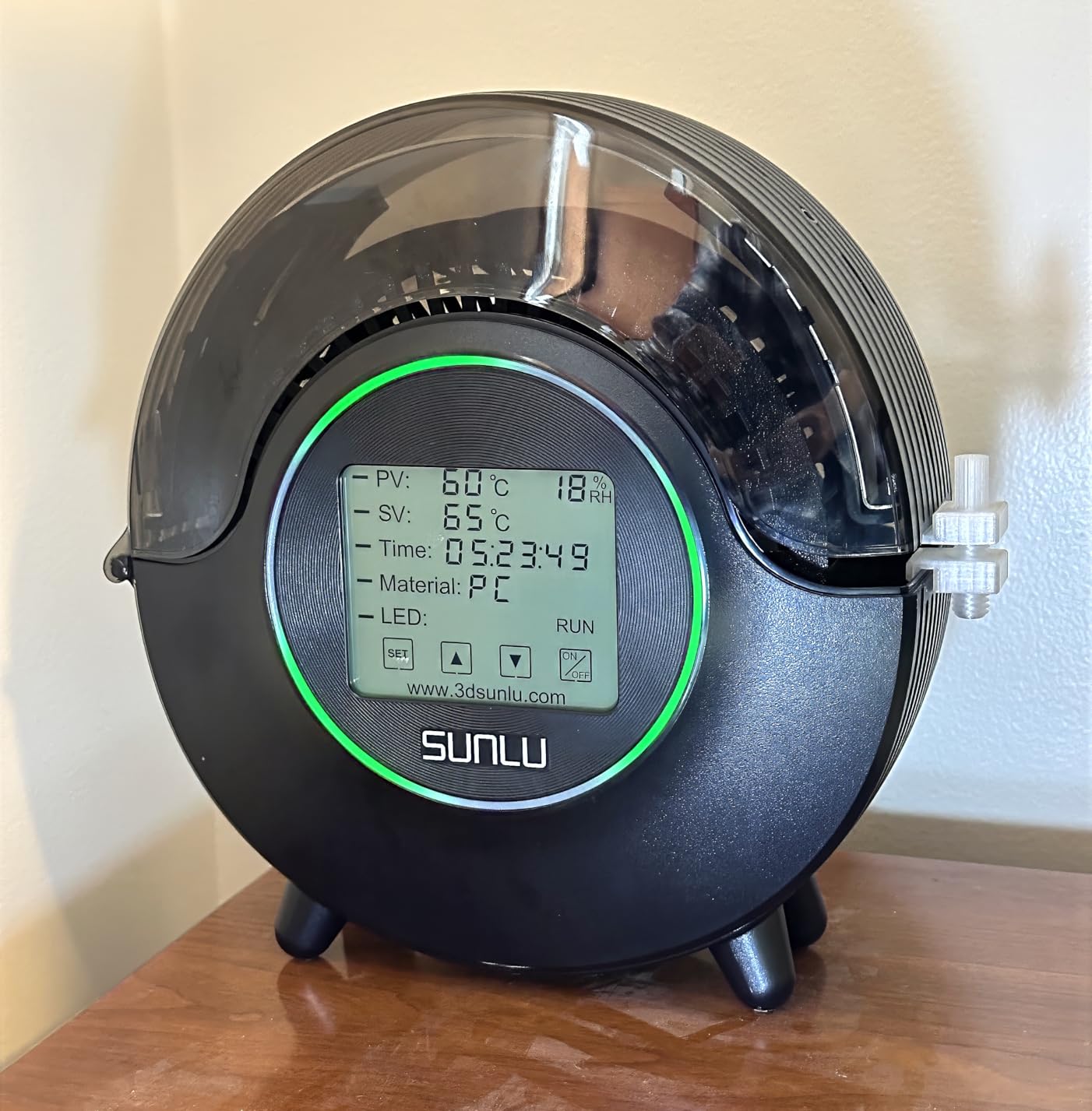
The large touch screen makes the settings obvious, and the translucent lid means you can check on a spool without cracking the seal and letting the moisture you just removed escape. Drying time adjusts from 0 to 99 hours, so long Nylon or PC cycles are on the menu, and the box functions as a live spool holder for direct printing during long jobs.
Owner feedback on drying speed is consistently good for a single-spool unit, with users reporting faster and more even results than the entry-level models. The 1.51 kg weight is genuinely portable, and the 1 year warranty covers the main failure risk.
Who It Suits
It suits someone who works with one material at a time and wants that material dried properly rather than dried fast. If your queue is ABS, ASA or PETG in long jobs, the spindle and the 70C ceiling do the job without a multi-spool footprint.
It also suits anyone who prints directly from the box. Combined with the translucent lid and the spool-holder function, it becomes a self-contained station: dry, hold, and feed without ever breaking the seal.
Where It Falls Short
It falls short if you run more than one material at a time. It is a single-spool chamber, so a mixed queue means one cycle at a time, and the two-spool units further down this list handle that better for a similar amount of desk space.
The touch interface takes practice, and community testing of this generation of SUNLU mid-range dryers has focused on heating consistency at the top of the range, where the 70C setting runs hardest. If you plan to run Nylon or carbon-fibre nylon regularly, a unit with independent chamber control is a better long-term investment.
5. Creality Space Pi SE Dry Box 2.0 – Best for TPU and Moisture-Hungry Filaments
- Fast 360 degree PTC heating that reaches 65C quickly
- Dries moisture-hungry TPU effectively with no stringing
- No assembly required
- Small footprint and quiet enough for a living space
- Feeds filament smoothly without snagging
- Holds only a single spool
- Hygrometer floors at 15 percent RH and drifts when idle
- No lid gasket so moisture needs manual venting
- Timer capped at 24 hours
- Display viewing angle is poor
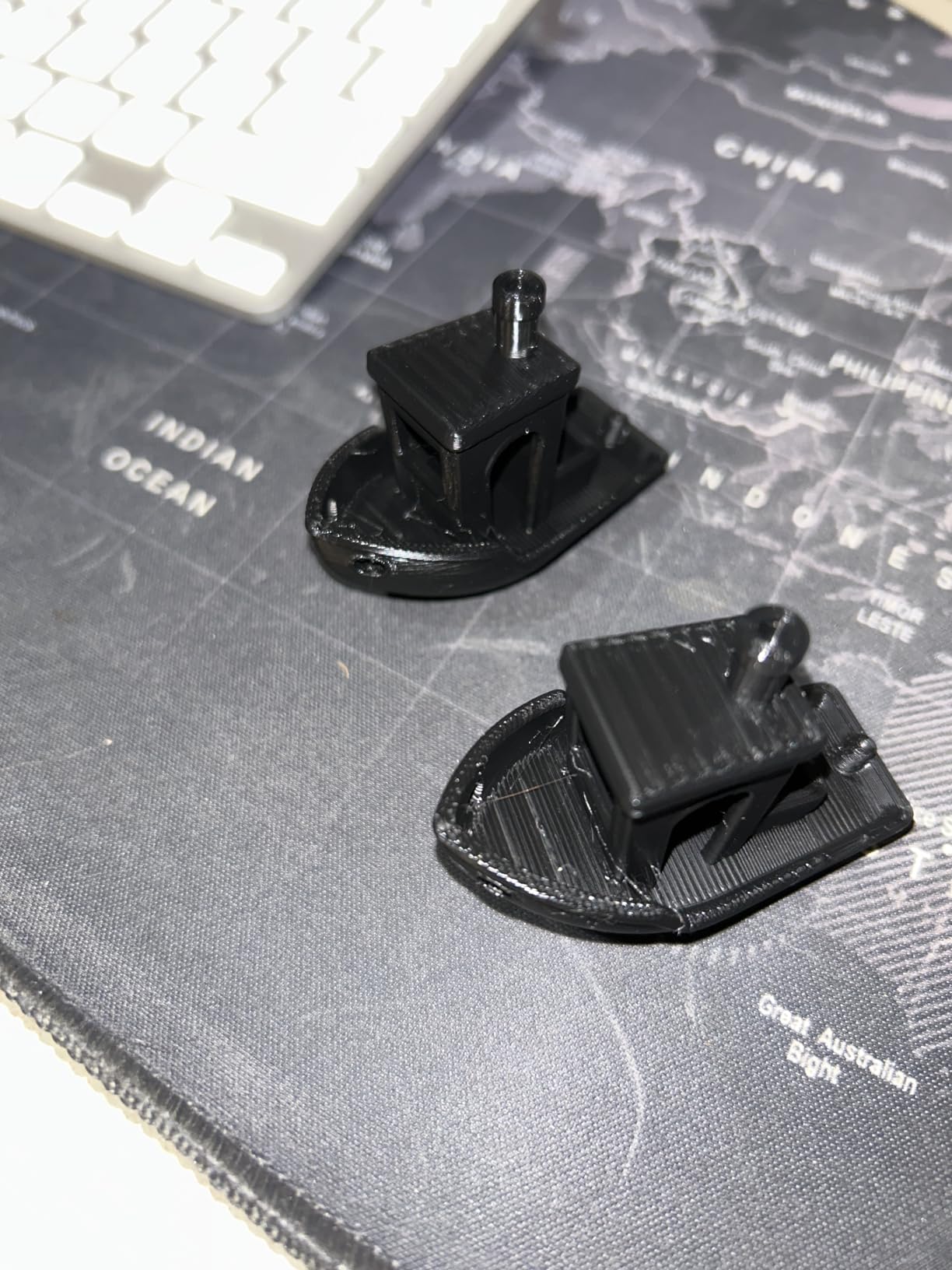
This is the unit we reach for when TPU is the problem. TPU is one of the most moisture-hungry filaments you can buy, and owners specifically single out this box for drying spools that had been printing with stringing and extrusion inconsistencies. The 80W PTC heater reaches 65C in about 15 minutes, which is a fast warm-up for the class.
It needs no assembly at all, works out of the box at 110V, and the internal thermal insulation helps it hold temperature and stay cool to the touch on the outside. That anti-scald detail is not marketing fluff when the unit sits on a shared bench.
It also quietly revives humidity problems reported through AMS-style multi-spool systems, and the transparent casing lets you watch the spool without opening the lid. It fits most 1kg spools in 1.75mm and 2.85mm diameters and covers PLA, PLA+, PETG, TPU, ABS, ASA, PP, PC and PA nylon.
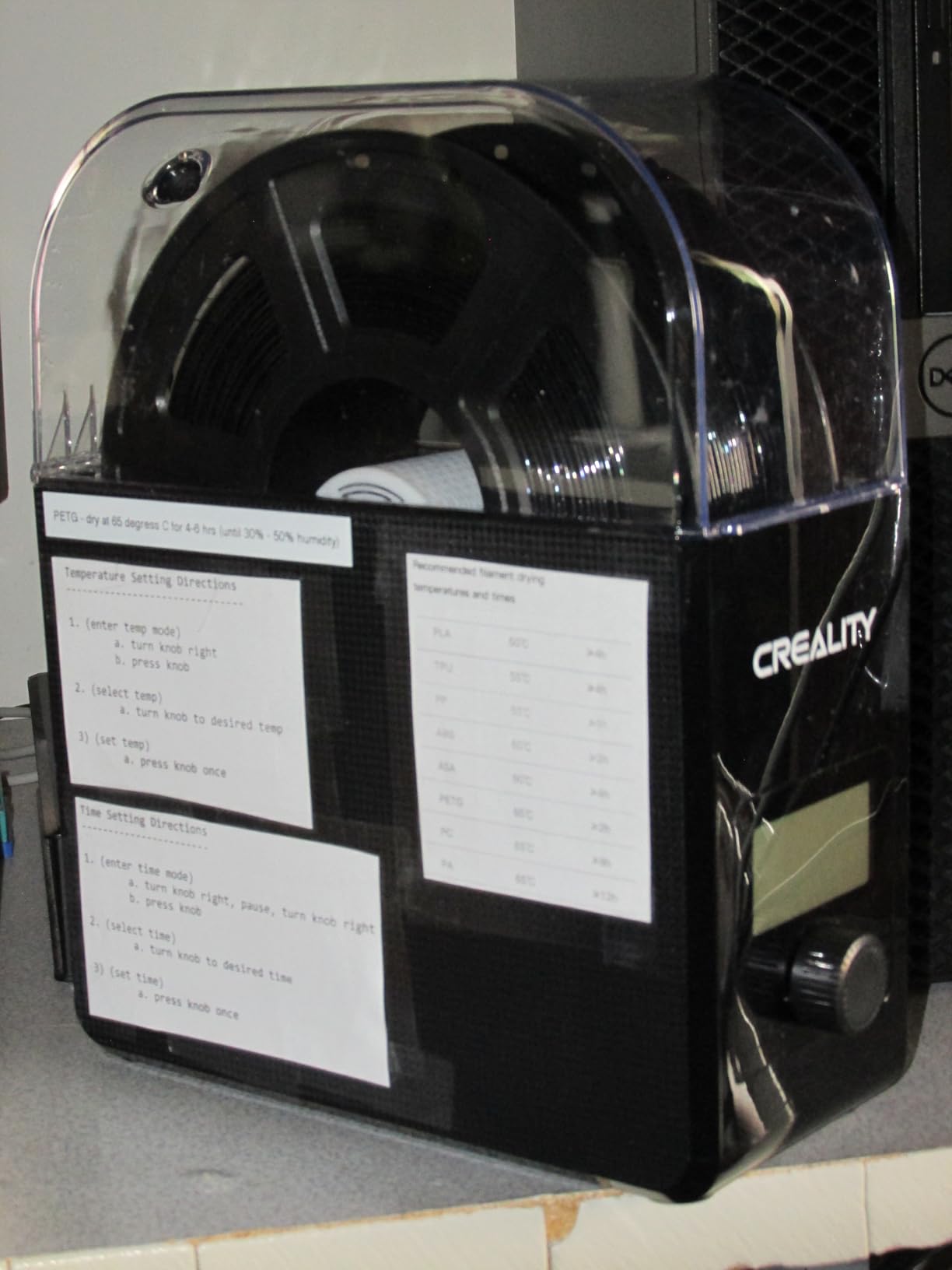
The humidity sensor is the weak point, and reviewers are direct about it. The reading floors at 15 percent RH and is reported to be inaccurate when the unit is idle, so treat the number as a rough trend rather than a laboratory measurement. In practice, most owners use it as a progress indicator and stop guessing at drying time, which is still better than no display at all.
Who It Suits
It suits anyone whose main problem is a specific material rather than a general lack of drying. TPU, PETG and PA12-CF all benefit, and the 65C ceiling reaches high enough for most of what a hobbyist prints outside of nylon-loaded workflows.
It also suits a living space. The small footprint, straightforward knob-and-screen operation and the ability to leave it running overnight make it a practical first unit for someone who does not want a dedicated workshop corner.
Where It Falls Short
It falls short on sealing. There is no gasket or clamp on the lid, so trapped moisture has to be vented manually by propping it open, and several owners mention that step explicitly. On a dryer meant for long cycles, that is a recurring small irritation.
The 24 hour timer cap is the other limit. Nylon and other slow-drying materials typically need much longer cycles, and the knob menu logic is reported as confusing with an underpowered-feeling processor. Build quality also reads as cheap, with a wobbly lid hinge and a fan that is noticeably noisy.
6. Polymaker PolyDryer Dock and Box – Best for Drying and Storing in One System
Polymaker Filament Dryer & Storage Box Polydryer for 1kg PA Nylon PLA PETG
- Combines heated drying
- sealed storage and direct printing in one modular system
- Seamless transition from dry to sealed storage without breaking the seal
- Built-in hygrometer helps judge filament between prints
- Supports a wide range of engineering and everyday filaments
- Additional storage boxes expand capacity
- Higher price than most single-spool dryers
- Requires both the dock and a storage box for the full feature set
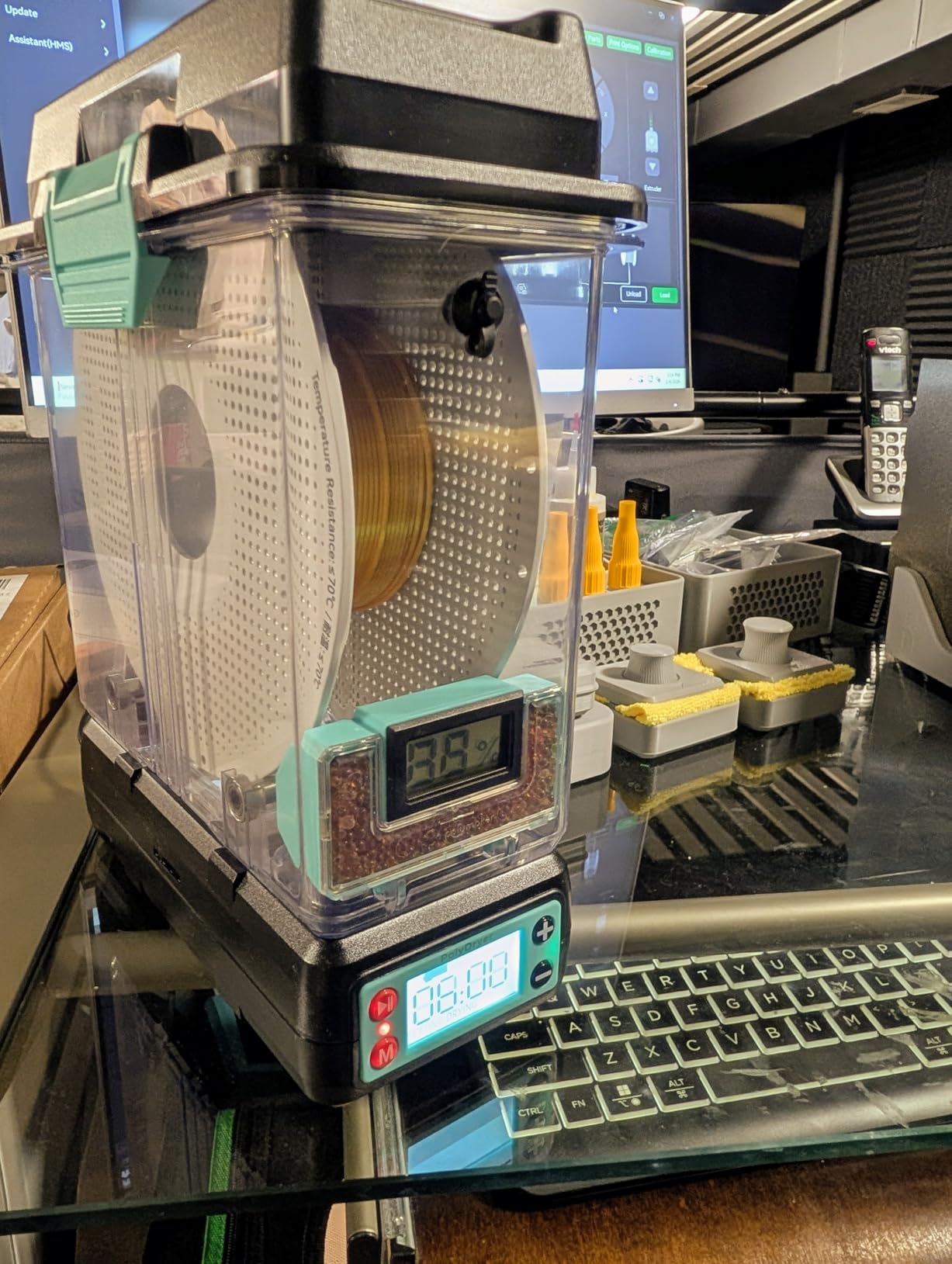
The PolyDryer solves a problem most dryers ignore entirely: what happens to the spool after it is dry. Instead of one sealed chamber that you have to crack open to check, you get a dry dock and a separate storage box, and the spool transfers between them without being exposed to ambient humidity in between.
For anyone with more than a handful of spools, that workflow matters. You dry a spool, seal it away with desiccant protection, and pull the next one when you are ready, without reintroducing the moisture you just spent hours removing. The built-in hygrometer lets you check a stored spool between prints rather than drying defensively.
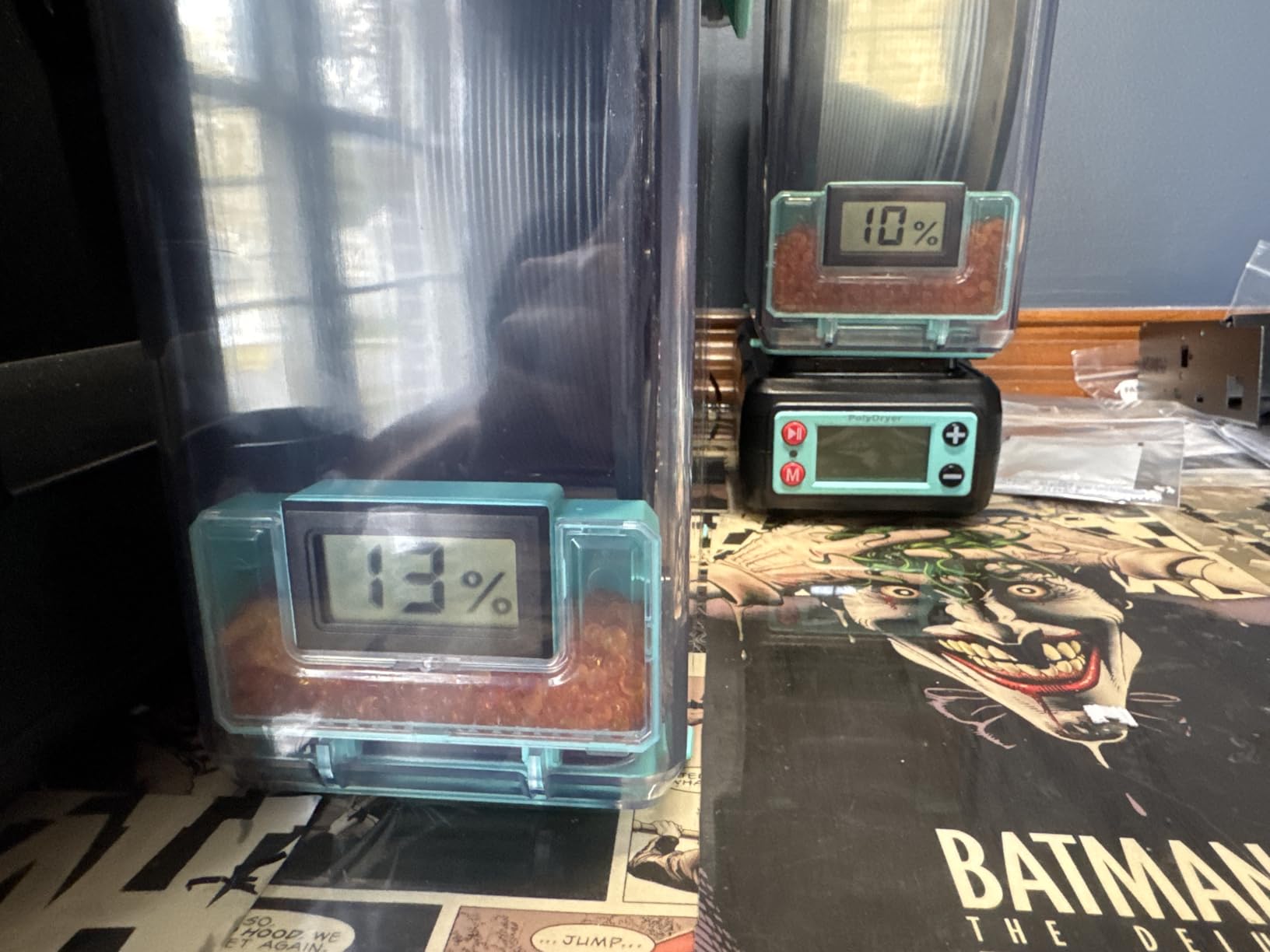
The material list is genuinely wide for the size: PA Nylon, PLA, PVB, PETG, ABS, ASA and TPU, across 1.75mm, 2.85mm and 3.00mm filaments, all on 1kg spools. The 360 degree airflow in the dock is what gives the dry stage its even coverage, and owners credit the whole system with fewer stringing and bubbling surprises on PA Nylon and PETG in particular.
The modularity is the point. Additional storage boxes can be added as your filament collection grows, so the investment scales without replacing the heating component. If you have ever dried a spool, opened the box to print, and then lost track of which spools were still dry, this solves that directly.
Who It Suits
It suits an owner with a growing filament library who treats material as an organised collection rather than a single working spool. The seal-then-store workflow pays for itself quickly when you are rotating between six or eight materials and only two are in use at a time.
It also suits anyone who prints PA Nylon or PETG regularly and has been caught out by damp spools mid-project. The hygrometer gives you a way to check a sealed box without opening it.
Where It Falls Short
It falls short on cost per function. This is a more expensive box than most single-spool dryers in the roundup, and the full feature set depends on owning both the dock and a storage box, so a single component leaves you paying for capability you are not using.
The ceiling is also not the highest available. If you are running materials that need 80C or more, this is not the unit, and the 1kg spool limit means 3kg spools are out. Treat it as a system for organised hobbyist storage rather than an engineering workhorse.
7. Creality Space Pi X4 – Best for Engineering Filaments and Multi-Printer Setups
Official Creality Filament Dryer, Space Pi X4 Filament Storage Box, 85℃ Max Temperature, Dual Independent Heating Chambers, Power Saving for PLA PETG ABS TPU ASA PC PA PAHT, DB-05
- Highest temperature ceiling in this roundup at 85C
- Two fully independent chambers for different temperatures at once
- Dries and prints four spools simultaneously
- Insulated dual PTC heaters hold temperature well
- Single-chamber mode saves up to 40 percent energy
- Highest price point in the group
- Larger physical footprint than single-spool dryers
- Requires heat-resistant plastic trays
The 85C ceiling is what earns this unit its place. Nylon, PAHT and polycarbonate need a chamber that can go well above the 60C range where most desktop dryers stop, and this is the only unit here that comfortably clears that bar. Owners running engineering filaments consistently credit the temperature headroom as the reason it works on materials that defeat cheaper boxes.
The dual independent chambers are the feature I would genuinely build a workflow around. Each chamber has its own PTC heater, so you can dry PA-CF at one setting while ABS or TPU dries at another in the same box, at the same time. That is not a convenience, it is the difference between a single cycle and a parallel one.
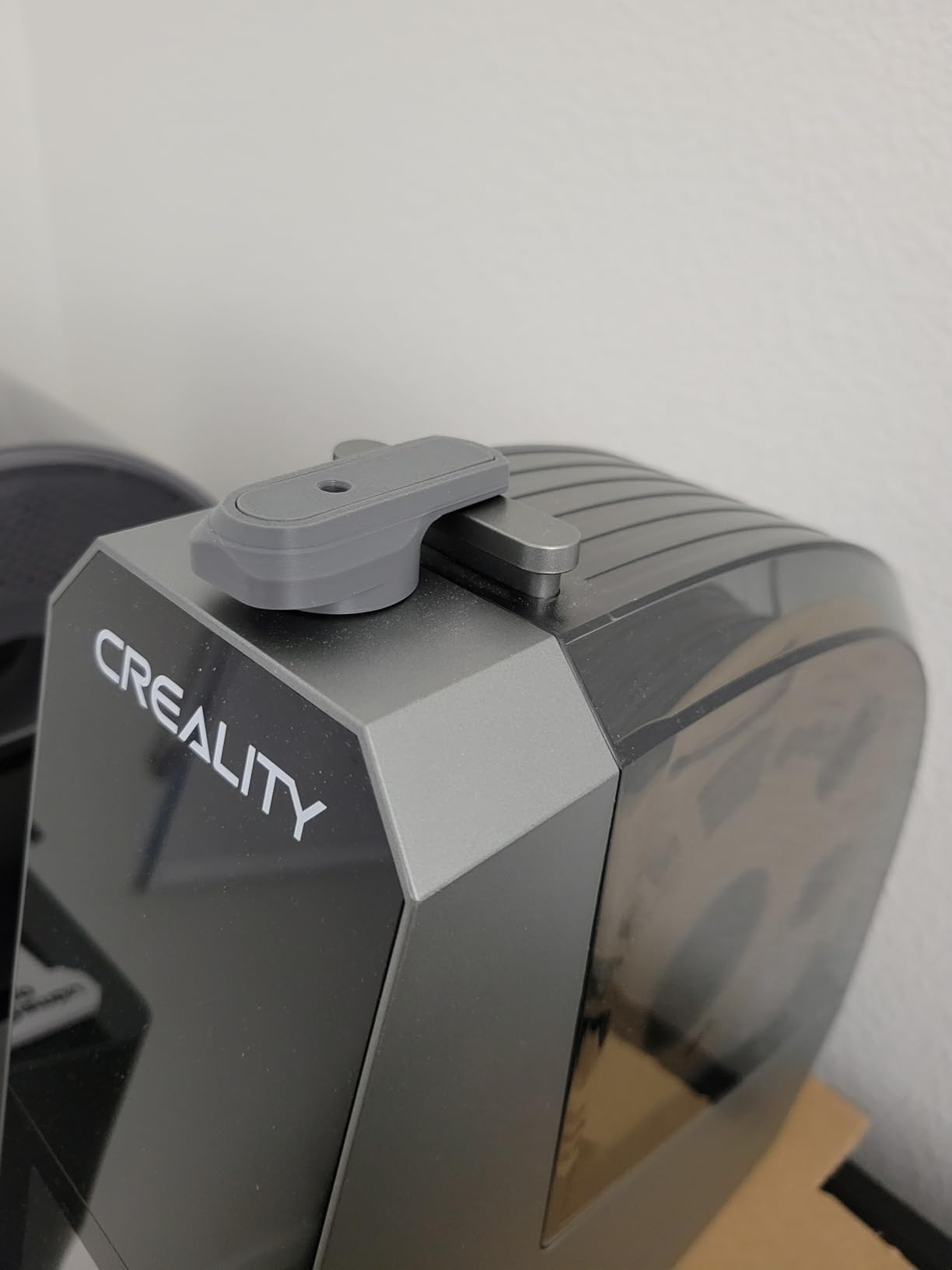
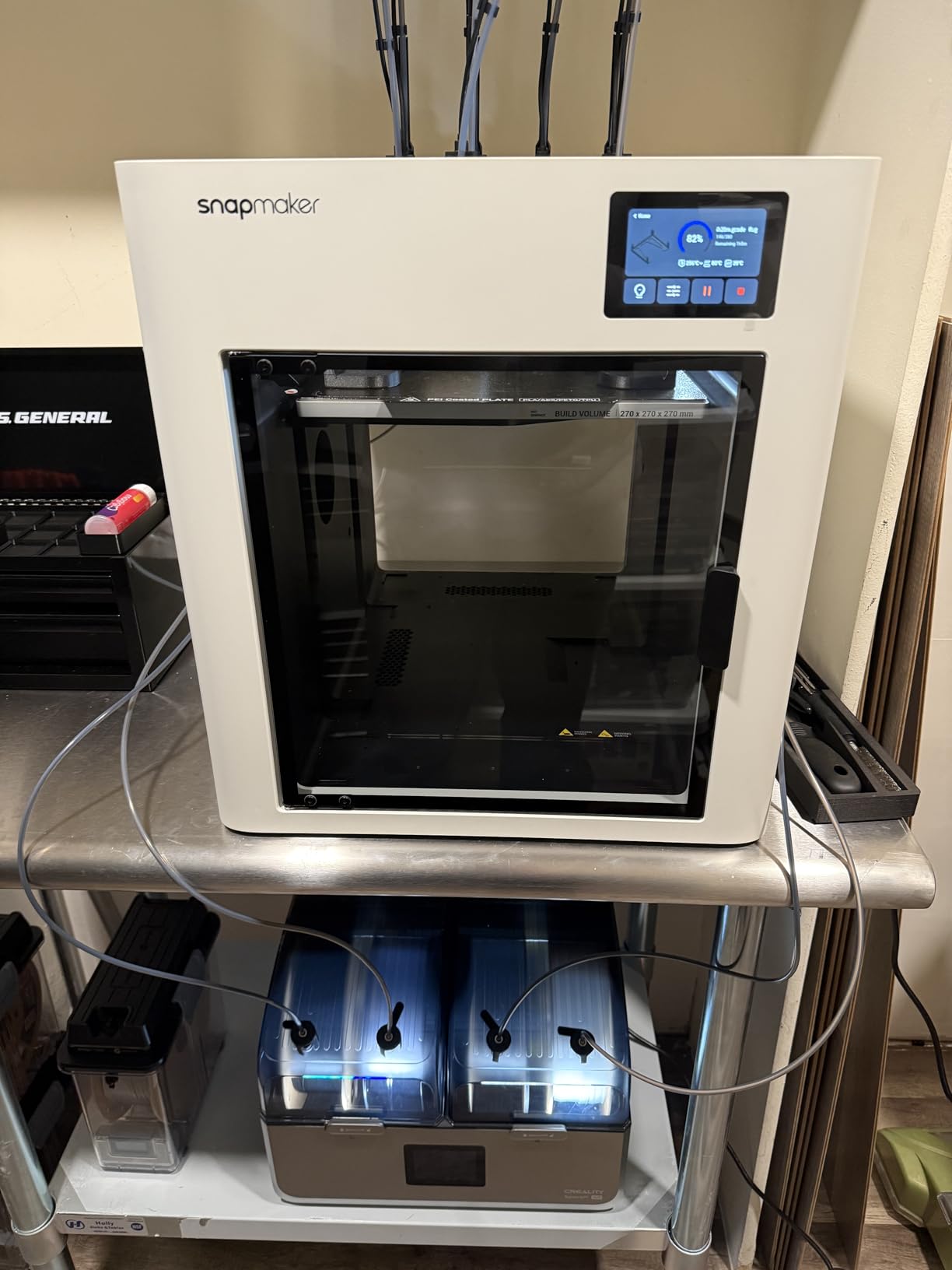
Four spools dry and print simultaneously through eight filament holes and PTFE tubing, which means four printers can be fed from one box. The insulated chambers improve heating efficiency, and the single-chamber operating mode cuts consumption by up to 40 percent when you only need one material going.
This is also the highest-rated product in the roundup, and the feedback reflects that. Buyers frame the trade-off plainly: it costs more and occupies more bench space, and in exchange you get the highest rating, the highest ceiling and the only genuinely parallel drying in the group.
Who It Suits
It suits anyone printing Nylon, PAHT, polycarbonate or carbon-fibre composites, and the 85C ceiling is the reason. If your material list stops at PLA and PETG, you are paying for capability you will not use, and one of the single-spool boxes earlier in this guide will serve you better.
It also suits multi-printer setups and small print shops. Four spools drying and feeding at once, with two independent temperature zones, is the configuration that turns drying from a bottleneck into a background process.
Where It Falls Short
It falls short on price and footprint, and buyers accept both knowingly. This is the most expensive unit here and the largest relative to a single-spool box, so it needs a dedicated spot rather than a corner of a printer stand.
It requires heat-resistant plastic trays, and manufacturer guidance is not to use third-party trays, which is an ecosystem lock-in worth knowing about before you commit. It also carries a six month warranty, the shortest in this roundup, which is worth factoring in for a unit expected to run long unattended cycles.
8. SUNLU S4 Filament Dryer – Best for Multi-Printer and Multi-Spool Setups
- Dries four 1kg spools at once
- 350W PTC heater heats about 50 percent faster than the S2
- Three circulation fans produce even 360 degree heating
- Eight filament outlets support multiple printers
- Wide material support including nylon
- PC and PA
- Can be modified for 3kg spools
- Large external dimensions take up significant space
- Heavy at 4 kg making it awkward to reposition
- Premium price relative to single-spool dryers
The S4 is SUNLU’s four-spool flagship, and the 350W PTC heater is the reason it dries faster than the smaller models in the range. Owners consistently credit it with faster, more uniform drying than the S2, particularly across a full chamber where a single fan would leave cold spots behind the spools.
Three circulation fans handle that 360 degree coverage, which matters when four spools are packed in. The eight filament exit holes mean multiple printers can be fed at once and the loading angle stays flexible, so the box works as a shared distribution point rather than a single-spool curiosity.
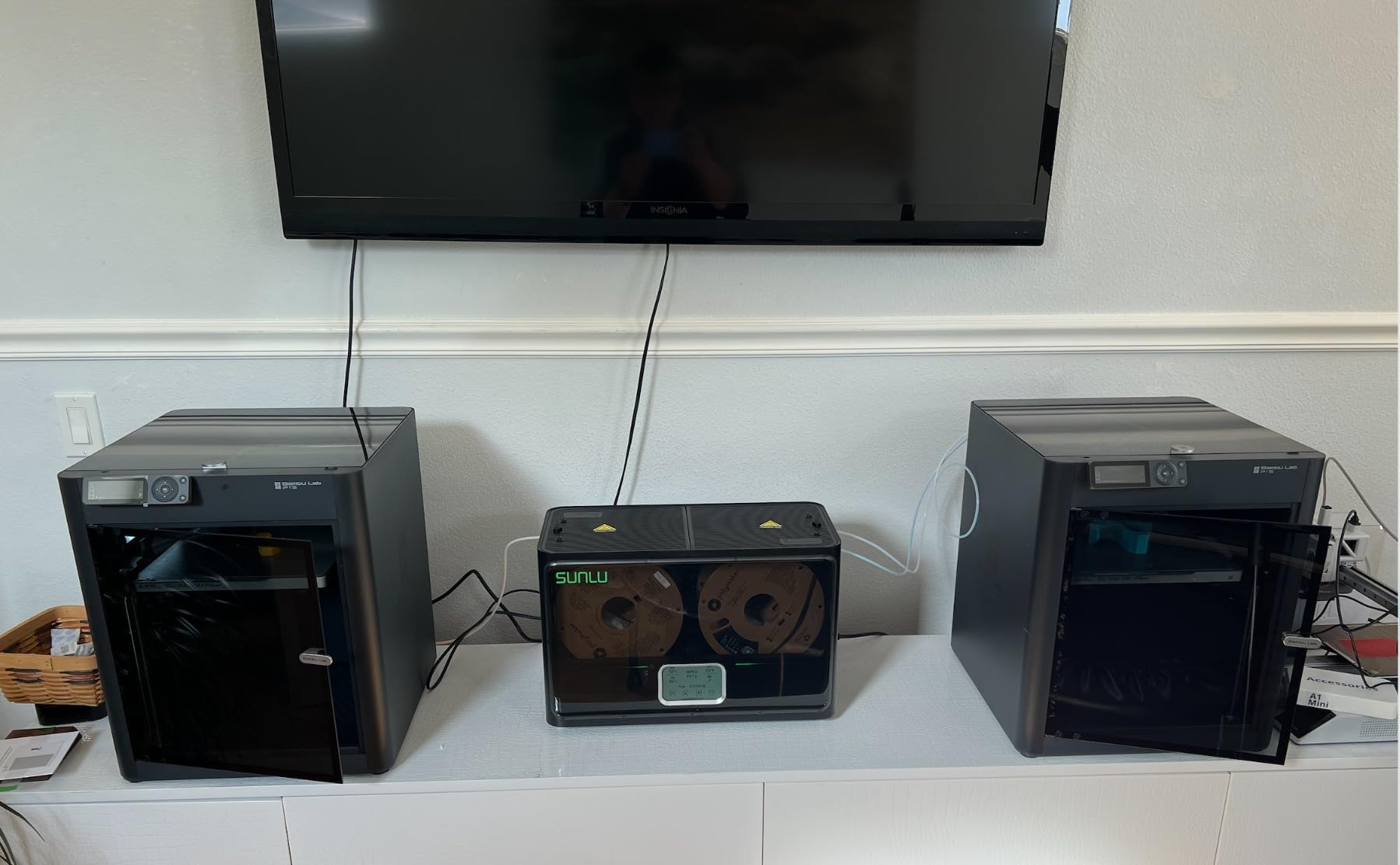
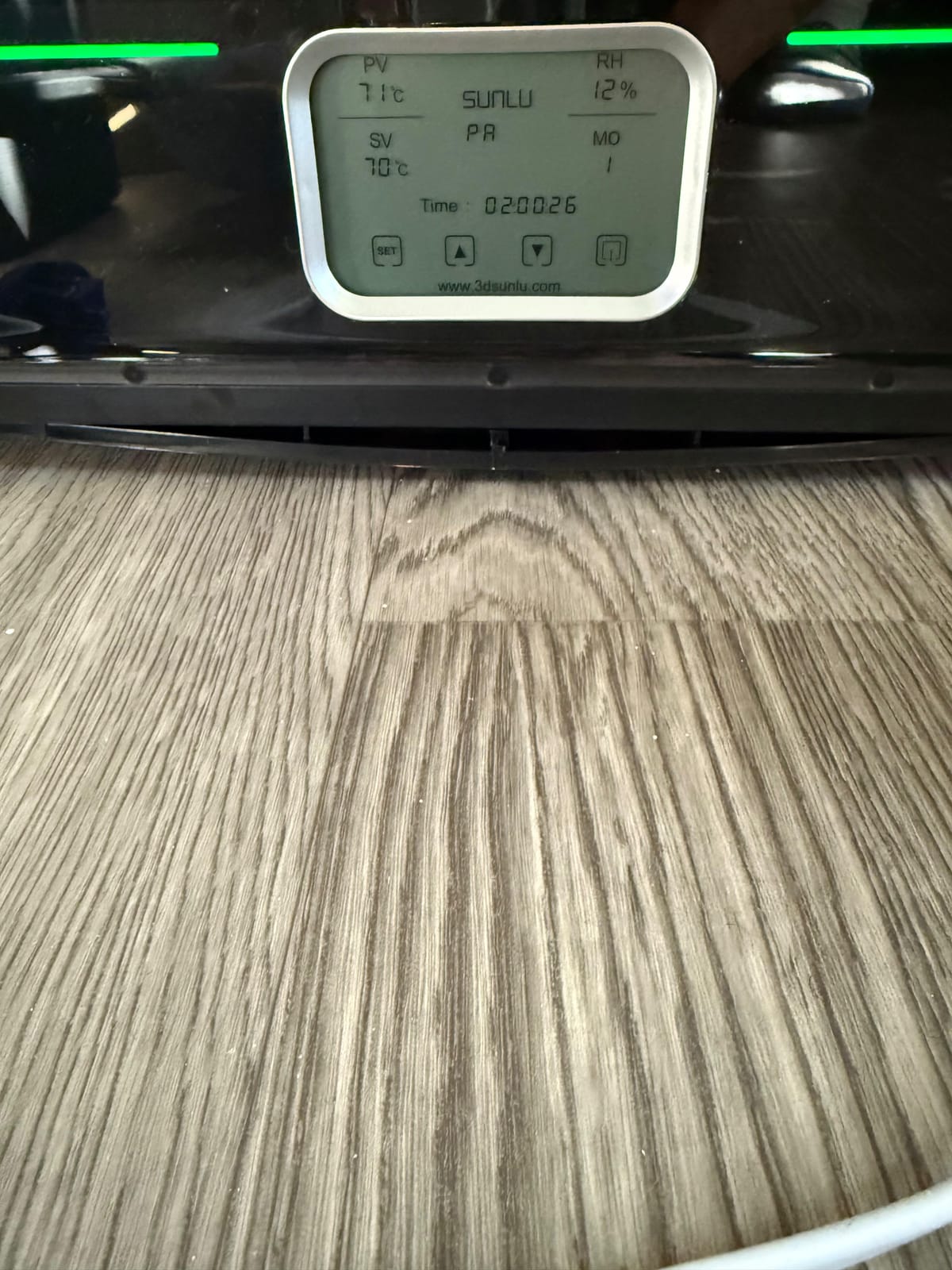
The temperature range is 35 to 70C with a 0 to 99 hour timer, and material support covers PLA, PLA Plus, PLA Meta, PETG, ABS, TPU, PA, PC and Nylon across 1.75mm, 2.85mm and 3.00mm diameters. The box also includes PTFE tubes, clips, silicone plugs, a power cable and a user guide, so nothing needs buying separately.
There is also a modding angle. The S4 can be modified for 3kg spools or repurposed as a shoe dryer, which tells you how much internal room there is to work with. The 1 year warranty is in line with the rest of the range.
Who It Suits
It suits a maker running multiple machines from a shared filament supply. Four spools drying at once with eight outlets means a four-printer setup stays fed without a queue, and the three fans keep the whole chamber even rather than hot in the middle and cool at the edges.
It also suits anyone who wants four-spool capacity at a lower ceiling cost than the engineering-focused units, provided their materials stay within 70C. For Nylon and PC at moderate settings, 70C is workable, just not as fast as an 85C chamber.
Where It Falls Short
It falls short on space and weight. At 460 x 220 x 310mm externally and 4 kg, it is genuinely large and awkward to reposition, and reviewers name size as the unit’s main drawback without exception. Plan the shelf before you order.
The 70C ceiling is also a limit relative to the X4. If your highest-temperature material needs more than that, you will be running longer cycles rather than a hotter one, and the 3kg spool modification is a hobbyist route rather than a supported configuration.
9. Creality Space Pi Filament Dryer – Best for Touchscreen Control and Presets
- PTC hot-air heating gives more even drying than PI heating pad designs
- Rescued month-old PETG that had been printing poorly
- Twelve presets including PLA-CF
- PETG-CF and PA-CF
- Large responsive touchscreen with C/F toggle
- PTFE tubing feeds filament while drying
- Built-in fan is loud with an annoying tonal whine
- Humidity sensor can fail and then read a constant 15 percent
- Touch controls become unresponsive when the chamber is hot
- No PTFE tube stopper so tubing can creep into the dryer
- Rear-opening lid needs clearance behind the unit
The Space Pi is the one I recommend if you want a large screen and a real preset list. The 3.7-inch LCD touchscreen is a step up in size and responsiveness from the 2-inch panels on budget models, with degree C and F switching built in, and the manual range between 45 and 70C covers the useful middle of the spectrum.
The presets are the part that saves the most time. Twelve one-key filament settings include composites such as PLA-CF, PETG-CF and PA-CF, which is rare at this size and price, and owners credit the 110W PTC hot-air approach with reviving month-old PETG that had been printing poorly.
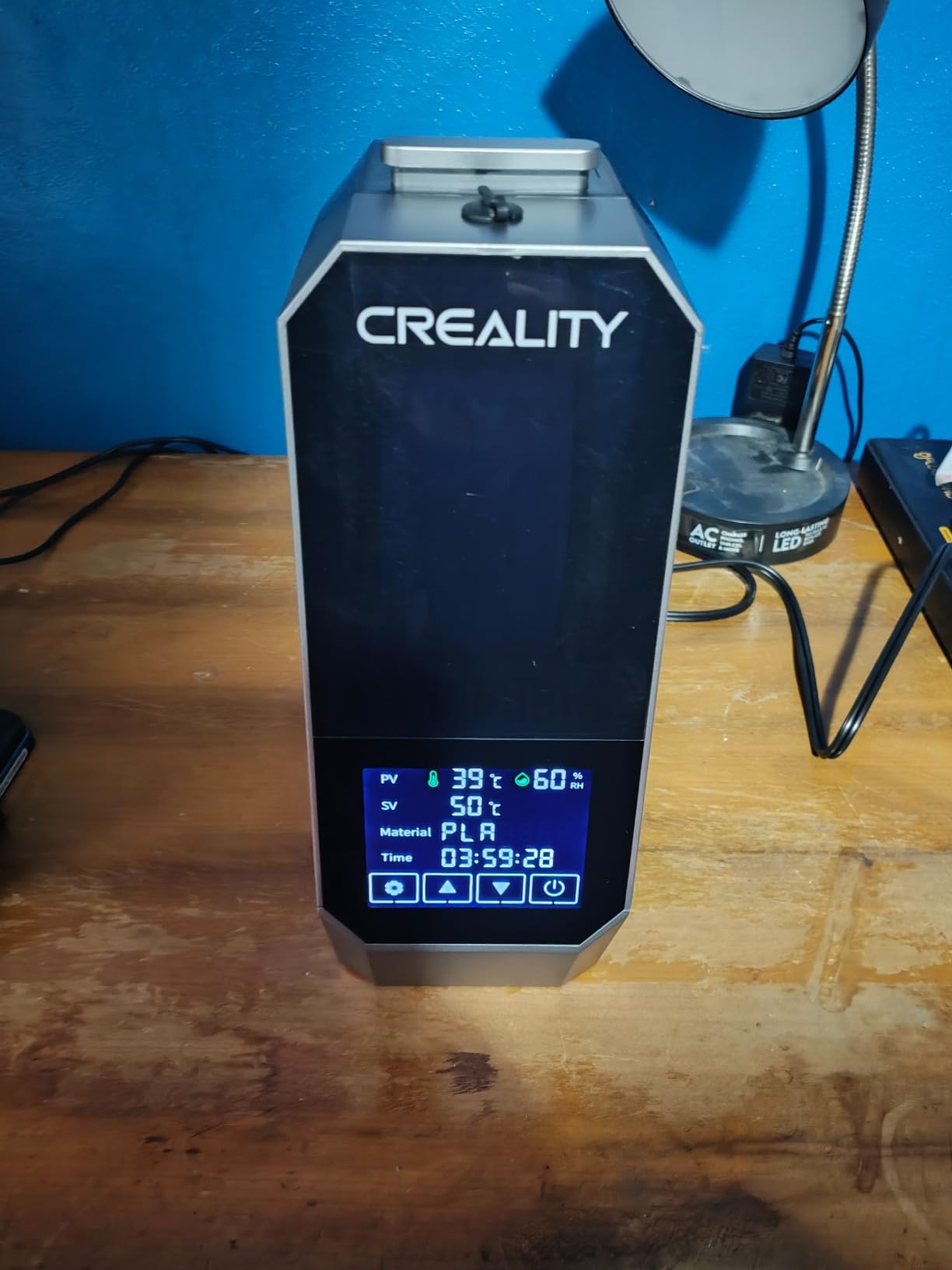
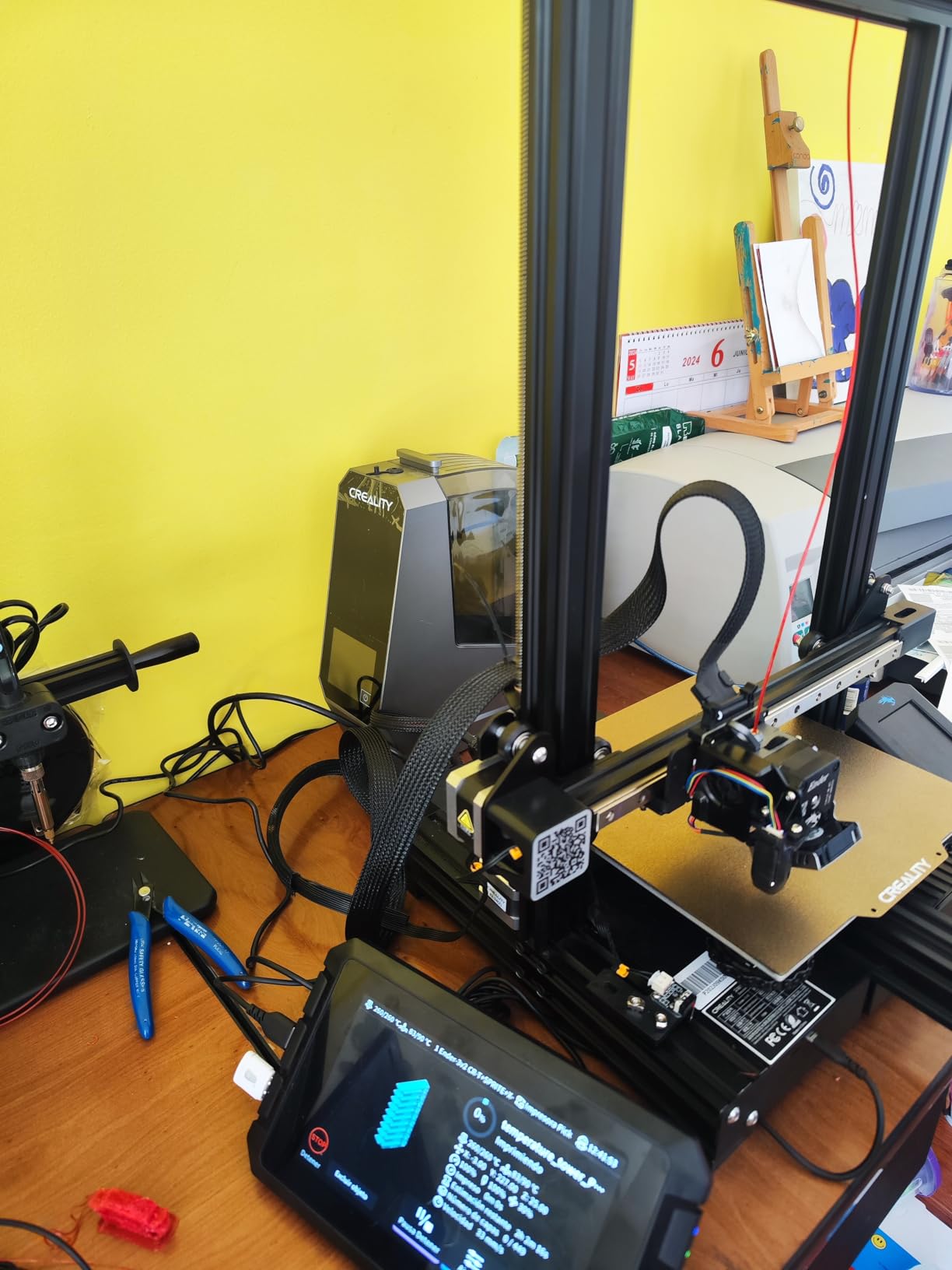
The PTFE tubing feeds filament to the printer while drying, so the box works as a live feed source, and the internal spool holder keeps the spool centred during long jobs. The 1 year manufacture warranty is one of the longer commitments in this roundup.
The fan is the complaint that comes up most. Owners describe it as loud with an annoying tonal whine, which is the opposite of the S1 Plus experience, and on the Prusa forum the wider community discussion on dryers centres exactly this kind of acoustic problem in a shared room. The humidity sensor is the other recurring issue, with reports of units failing after a few weeks and then reading a flat 15 percent.
Who It Suits
It suits someone who likes being told what setting to use. Twelve presets including the common carbon-fibre composites mean you are not looking up temperature pairs, and the large touchscreen makes that menu comfortable to operate repeatedly.
It also suits anyone reviving filament they already own rather than buying new. PTC hot-air is credited with bringing older PETG, TPU and nylon spools back to usable condition, and it supports PLA, ABS, PETG, TPU, PP, PA, PC, ASA and PET.
Where It Falls Short
It falls short on long-run reliability of its electronics. Touch controls becoming unresponsive once the chamber is hot, and a humidity sensor that can fail to a constant reading, are both reported by owners rather than inferred.
There is also no PTFE tube stopper, so tubing can creep into the dryer and cause feed issues, and the rear-opening lid needs clearance behind the unit. The humidity reading has no calibration option, so treat it as a relative indicator.
10. Chitu Systems E1 Four-Spool Dryer – Best for AMS Lite and Removable Pod Workflows
- Modular pod system for drying
- storage
- printing and stacking
- Two independent heaters run different temperature profiles at once
- Fast drying with about 5 minutes on the lowest setting after a filament change
- Automatic mode auto-dries when humidity exceeds 50 percent
- Base detects pod removal and pauses heating
- Colour matched to Bambu Lab A1 series printers
- Lid handles are not strong enough when the pod is full
- Four small open holes on the pod base need taping
- No gasket at the pod lid-to-base joint
- Resistive rather than capacitive touchscreen
- Additional pods are expensive
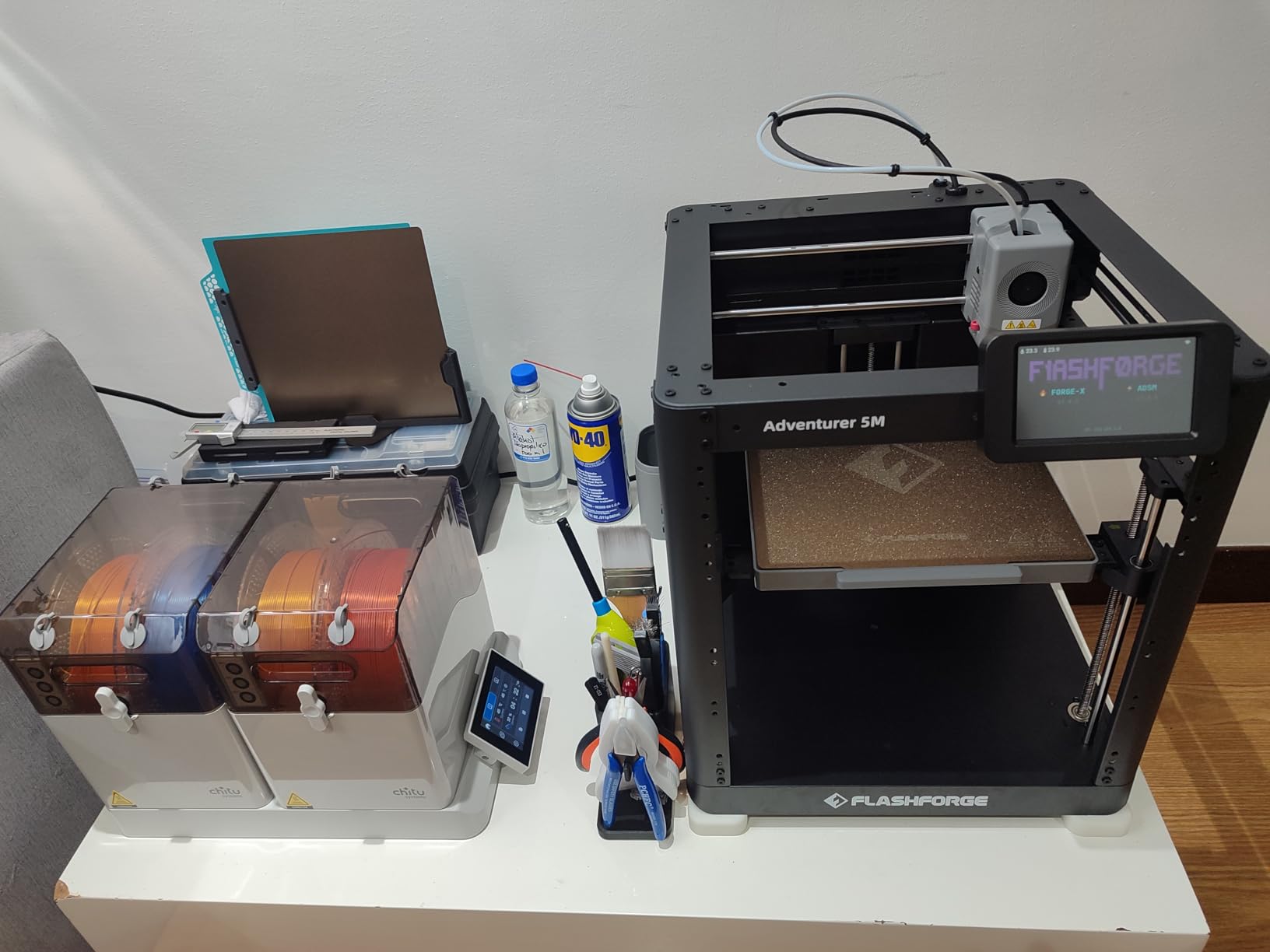
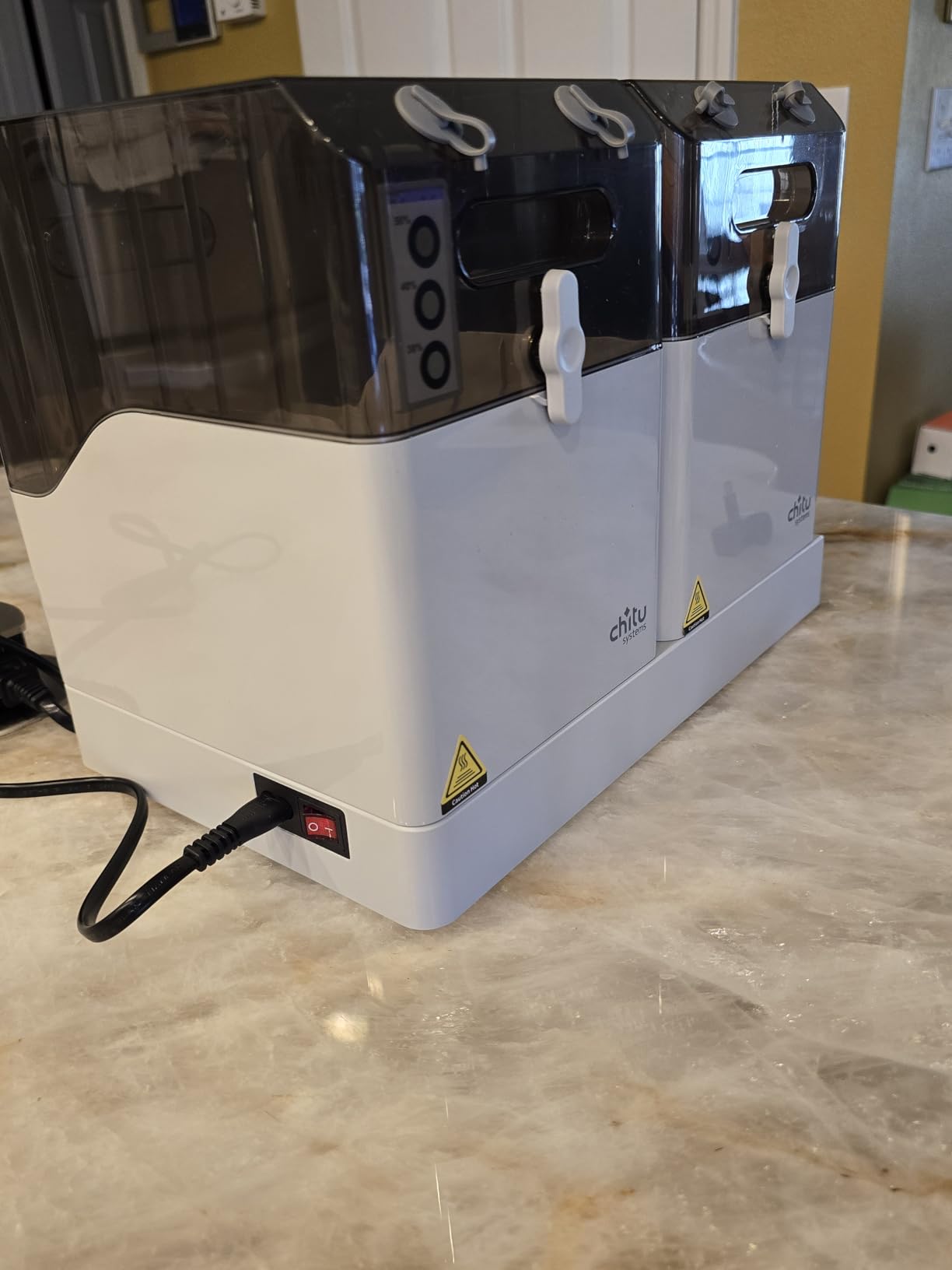
The E1 does something no other unit in this roundup does, and it is the reason this is on the list at all: the chambers are removable pods. A pod dries on the dual-heater base, then seals closed for storage with desiccant, then feeds a printer through its internal rollers, and you swap it out for a second material drying at a different temperature.
That single architecture covers four functions we otherwise needed four boxes for. Each pod holds two 1kg spools with rollers and print ports, and the 4-inch LCD touch screen with preset drying profiles handles the setup. The colour is matched to Bambu Lab A1 series printers and it is compatible with AMS Lite, which makes it the most natural fit here for multi-spool systems.
The automatic drying mode is the sleeper feature. It triggers when in-box humidity reaches or exceeds 50 percent and stops at 25 percent or the time limit, so the unit reacts to the filament rather than to a timer you guessed. The base also detects pod removal and unsealed vent ports and pauses heating, which is a sensible safety behaviour.
Owner testing reports the humidity and temperature readings are accurate while heating, and the drying is fast: about 5 minutes on the lowest setting resets a pod after a filament change. The two 120W PTC heaters with dual-fan circulation reach up to 70C, higher than many 65C alternatives, which is useful for CF nylon.
Who It Suits
It suits anyone running a Bambu Lab A1 series printer with AMS Lite, where matching hardware and shared pod workflow remove friction. It also suits multi-material operators who genuinely need two materials drying at different temperatures in parallel, since each pod runs on its own heater.
It suits fast-turnaround work. A pod that resets in about 5 minutes on the lowest setting after a filament change is a meaningful improvement when you are mid-project and have just run out of a material.
Where It Falls Short
The pod sealing is the weak point and owners are blunt about it. The lid handles are not strong enough to hold a full spool, the four small open holes on the pod underside need taping, and there is no gasket at the pod-to-base joint, so each pod needs a little manual work before it will hold for long storage.
Build quality is mixed too. The pod plastic feels thin, the rollers are not bearing-smooth and can jam with nearly empty spools, the touchscreen is resistive and needs firm presses, and the base humidity reading runs high when idle. Additional pods are expensive, and a small number of reviews report a cracked LCD on arrival.
Filament Drying Temperature and Time by Material
Every dryer in this roundup will dry whatever you ask it to, right up until it cannot reach the temperature. This reference is the part that matters: match the material to a temperature your unit can actually hold, then set a time and check humidity rather than trusting the clock alone.
PLA
Dry at 40 to 45C for 4 to 6 hours. PLA is only mildly hygroscopic, so a short cycle is usually enough, and most owners on maker forums agree a PLA-only printer rarely needs a dedicated dryer. In humid climates, a 45C cycle rescues surface quality and first-layer adhesion more than it rescues anything else.
PETG
Dry at 55 to 60C for 4 to 6 hours. PETG absorbs moisture quickly, and wet PETG is the classic source of stringing, popping bubbles at the nozzle and cloudy, weak prints. This is the material that most justifies buying a dryer at all, and a unit with a humidity display pays for itself here.
TPU
Dry at 50 to 60C for 4 to 6 hours. Flexible TPU is one of the thirstier everyday filaments, and damp TPU gives inconsistent extrusion and the occasional jam. The Creality Space Pi SE is specifically well reviewed on TPU recovery.
ABS and ASA
Dry at 65 to 70C for 4 to 6 hours. Both absorb enough moisture to cause visible problems, and ASA is the one to reach for outdoors. A 70C ceiling is the practical minimum here, which is exactly where budget boxes stop being useful.
Nylon PA6 and PA12
Dry at 70 to 80C for 8 to 12 hours, and longer if the spool has been open in humid air. Nylon is where the temperature ceiling stops being a preference and becomes a requirement, and printers on the Prusa forum consistently put the practical minimum for PA, PC and TPU at 75 to 80C.
Carbon-fibre composites such as PA-CF
Dry at 70 to 80C for 8 to 12 hours. Fibre-filled filaments need both heat and patience because the filler can change how the polymer responds to moisture. Only the 85C chamber in this roundup gives comfortable margin above this band.
Polycarbonate
Dry at 75 to 80C for 8 to 12 hours. PC is among the most moisture-sensitive engineering plastics and warps badly when damp. Anything below a 70C ceiling will leave you running long cycles without ever getting there properly.
PVA
Dry at 45 to 50C for 4 to 6 hours, kept sealed. PVA support material is used in soluble supports and is less demanding than engineering filaments, but it is hygroscopic enough that a low-temp cycle still helps. Store it sealed with desiccant afterwards.
How to Choose a Filament Dryer in 2026
Six criteria decide whether a dryer is right for you, and only one of them is price. We have ordered them the way we would, starting with the spec that eliminates the most wrong purchases.
1. Temperature ceiling
Check the maximum against your most demanding material before anything else. A 50C or 55C box is fine for PLA, PETG and TPU and useless for Nylon, PC and carbon-fibre nylon, no matter how long you run it. This is the single most expensive mistake in the category, because people buy a cheap dryer expecting nylon capability and end up buying a second unit later.
2. Spool capacity
One spool is fine if you print one material. Two spools halve your waiting when you run a mixed queue, and four spools matter for multi-printer setups and AMS-style systems. The 3 kg spools now common in the market also need a chamber with room to rotate, not just a spool to sit in.
3. Chamber type
Shared chamber means every spool runs at the same temperature. Independent chambers mean two materials can dry at different settings at once, which is the feature that turns drying from a queue into a parallel process. If you print more than one engineering material, independent control pays for itself quickly.
4. Humidity sensing
A hygrometer turns drying from guesswork into a measurement. It is the difference between running a 12 hour cycle on every spool and stopping the moment the filament is actually dry. Treat cheap sensors as a trend indicator, since some floor at 15 percent RH and drift when the unit is idle, but a reading is still far better than a timer alone. If you also want the wider picture on moisture control and venting in a workshop, our guide to the best compressed air dryers covers that side of the problem.
5. Print-while-drying
If you plan to print directly from the box, you need a filament exit port, PTFE tubing and internal rollers or a spindle. Measure the path from the port to your extruder before you buy, because a rear-opening lid and a fixed PTFE length can leave you short on a bench where the dryer sits behind the printer.
6. Safety and noise
Look for over-temperature cutoff, fan failure alarms and a heater that resumes at a safe threshold, because you will run these overnight and nobody is watching. For noise, the spread across this roundup is wide: the SUNLU S1 Plus runs under 10dB, while the Creality Space Pi is regularly criticised for a loud tonal whine that would be a problem in a bedroom or a shared office. We covered the acoustic side of low-temperature drying more broadly in our refrigerated air dryer guide, where noise is the dominant criterion.
Dryer, dry box, or food dehydrator?
This is the decision aid nobody publishes, and it is the question forum users ask most often. An active dryer heats and forces air to drive moisture out, and it is the only option that reliably reaches the 70C and above that Nylon and PC need. A dry box or desiccant cabinet is passive, cheap and genuinely good at keeping dry filament dry, but it cannot add heat, so it revives nothing. A food dehydrator can reach useful temperatures for PETG and ABS and costs very little, which is why it appears in so many forum threads as a first step.
The failure mode with a dehydrator is reliability rather than capability. Owners report that a food dehydrator worked well for about a year before the element failed, which is when most of them move to a dedicated unit. For a maker with a tight budget and PETG on the queue, starting with desiccant storage and a printed dry box remains a sensible path.
The cost-of-ownership argument
Here is the framing that actually justifies the purchase for a beginner. A single failed multi-hour print can consume most of a spool, and a dried-out TPU or Nylon spool that came open in a humid cupboard is a write-off whether you dry it or not. Compare a dryer against the cost of the spools you have already ruined, not against the price of the box alone, and the maths usually lands in your favour within a few months.
Frequently Asked Questions
Is it worth buying a filament dryer?
It is worth buying one if you print PETG, TPU, Nylon, PA-CF, PC or PVA, because those materials absorb moisture fast enough to cause stringing, bubbling and failed prints. PLA-only hobbyists in a dry climate usually do not need one. The deciding factor is your most demanding material: if that material needs more than 55C to dry properly, a budget unit will not solve the problem.
Do you really need a filament dryer for PLA?
Usually not. PLA is only mildly hygroscopic, and most makers who print PLA alone report perfectly good results without drying. In humid climates a short 45C cycle for 4 to 6 hours can rescue first-layer adhesion and surface quality. The bigger use of a dryer for PLA users is storage, keeping opened spools from absorbing moisture on the shelf.
Can I use a food dehydrator as a filament dryer?
Yes, and many makers start there. A food dehydrator can reach the 50 to 70C range that PETG, TPU, ABS and ASA need, and it costs very little. It cannot reliably reach 80C for Nylon or polycarbonate, and the common complaint from owners is reliability rather than capability: elements tend to fail after about a year of use.
Which brand of filament dryer is the most reliable?
Reliability comes down to temperature control accuracy and safety protection rather than brand. Look for over-temperature cutoff, a fan failure alarm and a heater that resumes at a safe threshold, since these units run unattended overnight. In this roundup the Creality Space Pi X4 holds the highest average rating at 4.6 across 597 reviews, driven by its 85C ceiling and dual independent chambers.
What is the best Sunlu filament dryer?
Among the SUNLU units in this roundup, the S1 Plus is the best budget choice at 4.4 stars from 3347 reviews, running under 10dB with a humidity display. The S2 is the better single-spool performer thanks to its rotating spindle and 70C ceiling, and the S4 is the pick for four-spool capacity with a 350W PTC heater and eight filament exit holes.
Can I use my 3D printer as a filament dryer?
Not reliably. A printer heated bed or chamber does not circulate controlled hot air around a spool, does not hold a stable temperature profile, and will not reach 70C and above for engineering filaments. Enclosing the printer and adding a fan can improve results slightly, but a purpose-built dryer with a PTC heater, circulation fan and humidity display is the correct tool.
How long should I run a filament dryer?
Run it long enough for the material and check humidity rather than trusting the clock. Typical cycles are 4 to 6 hours for PLA, PETG, TPU, ABS and ASA, and 8 to 12 hours for Nylon, PA-CF and polycarbonate. A unit with a hygrometer lets you stop as soon as the reading settles in the low twenties instead of drying every spool for a fixed time.
Do filament dryers really work?
Yes. Owners consistently report that a proper heated cycle clears stringing, bubbling and poor layer adhesion on damp spools, and that the effect is immediately visible in print quality. The failures people report are almost always about specification rather than principle: a temperature ceiling below what the material needs, a fan that has worn out, or no over-temperature protection for overnight runs.
The Best 3D Printer Filament Dryers in 2026: Final Verdict
The Comgrow two-spool box takes our top spot as the best 3D printer filament dryer for a simple reason: it dries two 1kg spools, it feeds straight to a printer, and it has the largest review base in this roundup at 4.4 stars across 4683 ratings. It is not the hottest unit here, and that is the trade we would make first.
Buy the SUNLU S1 Plus instead if noise is your constraint, the SUNLU S2 if you want one material dried evenly and properly, and the Comgrow SH02 if you need two spools at 70C. When you print Nylon, PC or carbon-fibre composites, skip straight to the Creality Space Pi X4, because its 85C ceiling and two independent chambers are what the material actually requires. For Bambu Lab AMS Lite workflows, the Chitu Systems E1 pods are the most natural fit.
Whichever you choose, buy it against your most demanding material rather than your average one, and check the temperature ceiling first. That single check prevents the most common expensive mistake in this category.