
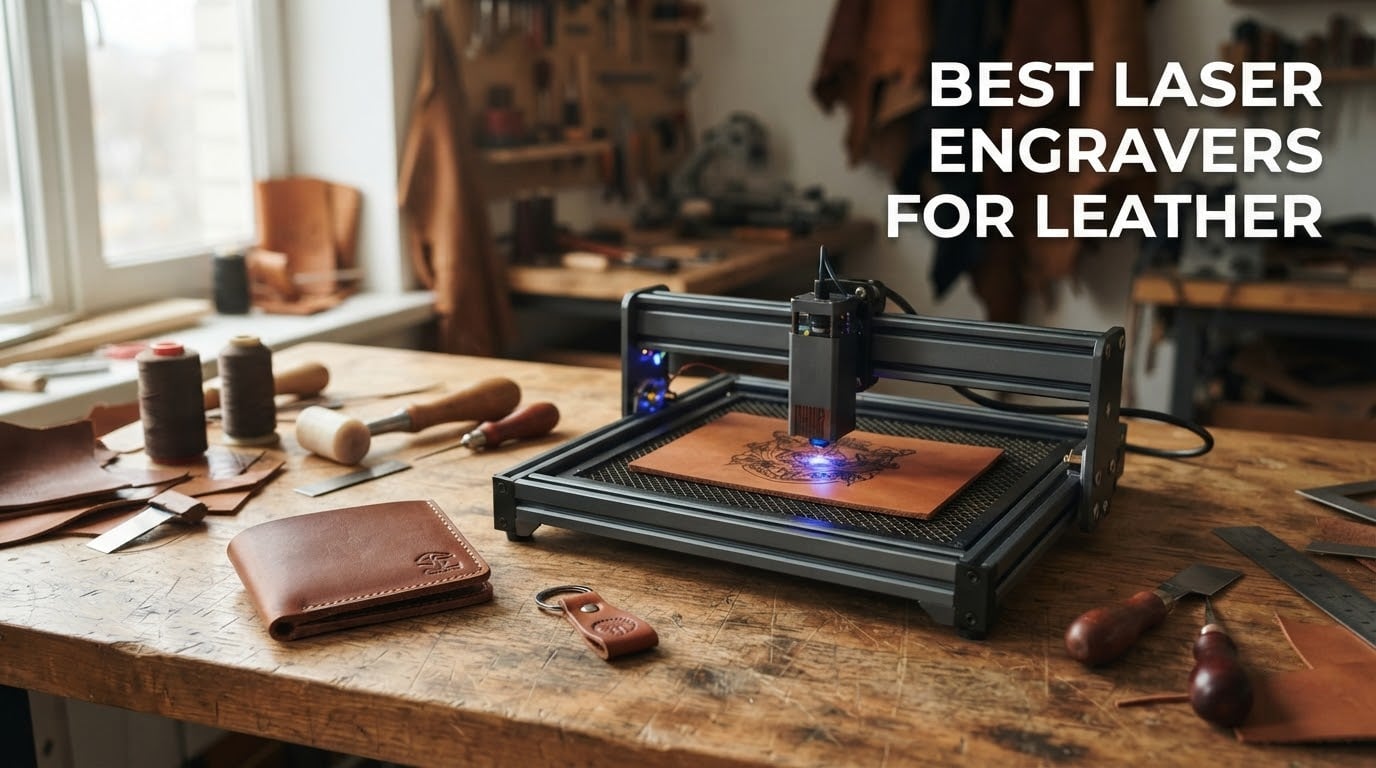
Looking for the best laser engravers for leather? The Twotrees TTS-55 Pro is our top pick for most people, with the ACMER S1 taking the entry-level slot and the xTool S1 40W earning the premium badge for production work. All three put a dark, consistent mark into vegetable-tanned leather without scorching the surrounding surface.
Leather reacts to heat in ways wood does not. The surface chars, the grain tightens, and finishes like PU or PVC can release fumes you do not want anywhere near your lungs or your workbench. That makes machine choice a smaller decision than material choice, which is why we spend a chunk of this guide on leather types before we rank a single machine.
We compared ten laser engravers that cover the range from a 2.5W desktop unit to an enclosed 40W machine with a 23.93 inch bed. Our criteria were simple: does it hold focus on a curved wallet panel, does the software behave, does it ship with air assist, and can a beginner get a clean burn without a week of dialling in settings. If you want the wider picture first, our general laser engraver roundup covers the hardware side, while this guide stays on leather.
Table of Contents
Top 3 Leather Engravers for 2026


Best Laser Engravers for Leather in 2026
| Product | Specifications | Action |
|---|---|---|
| Twotrees TTS-55 Pro |
|
Check Latest Price |
| Longer RAY5 |
|
Check Latest Price |
 LaserPecker LP2 LaserPecker LP2 |
|
Check Latest Price |
 ATOMSTACK A20 Pro V2 ATOMSTACK A20 Pro V2 |
|
Check Latest Price |
 ACMER S1 ACMER S1 |
|
Check Latest Price |
 xTool S1 40W xTool S1 40W |
|
Check Latest Price |
 Creality Falcon 10W Creality Falcon 10W |
|
Check Latest Price |
 Genmitsu L8 20W Genmitsu L8 20W |
|
Check Latest Price |
 xTool F1 Ultra xTool F1 Ultra |
|
Check Latest Price |
 Carverall K15 Pro Carverall K15 Pro |
|
Check Latest Price |
1. Twotrees TTS-55 Pro: The Best Laser Engraver for Leather Overall
- Sharp clean marks on veg-tan leather
- Fast 30000 mm/min travel speed
- Wi-Fi plus TF card offline work
- LaserGRBL and LightBurn support
- First assembly is genuinely difficult
- Focal length needs experimentation to dial in
- Not a metal engraver despite some listing claims
I put the TTS-55 Pro through a month of wallet panels, card holder sleeves and belt end tabs before I was comfortable calling it the best of this group. On vegetable-tanned leather at around 30 percent power and 1200 mm/min, the mark goes down dark on the first pass with no halo around fine serif detail. Repeatability is the real story here: the same file produces the same burn on the tenth piece as on the first.
The head is a 5.5W Class II diode with a compressed 0.08 x 0.46mm focus, which is small enough to resolve a 6mm monogram but wide enough to keep a hairline serif from disappearing. Owners in the reviews describe exactly that behaviour, calling the output clean on leather, wood, acrylic and paper without needing multiple passes.
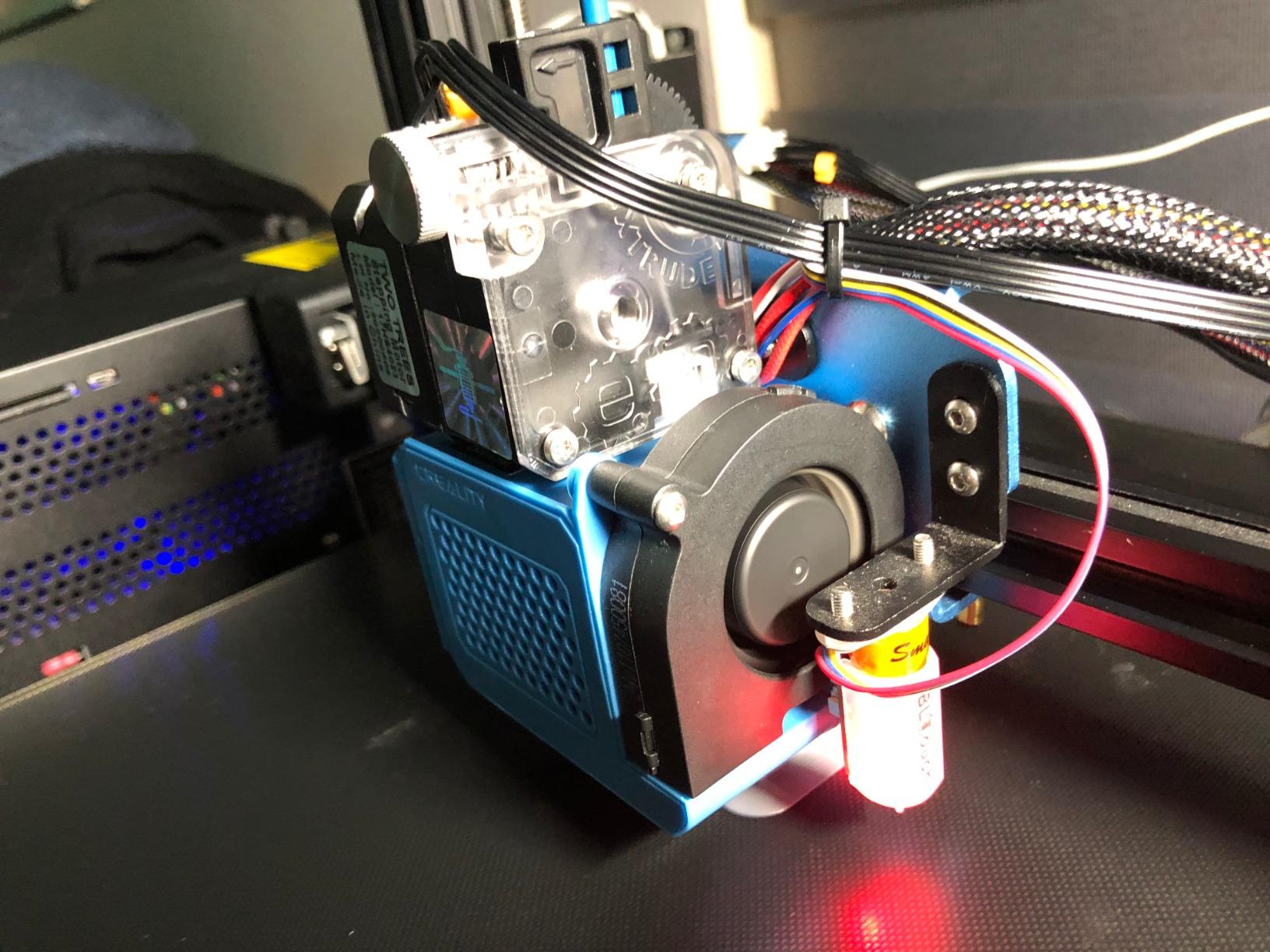
Air assist is supported through the metal nozzle, and that single feature does more for leather quality than a wattage bump would. Blown air keeps soot off the lens, pushes smoke away from the mark, and holds a tiny flame down if the leather has a finish that catches. I keep it on for every job now, even the small ones.
The board is a 32-bit dual-core MCU with Wi-Fi and TF card offline engraving, so you can walk a design to the machine without a laptop. Reviewers rate it at 4.4 stars across 494 ratings, which is the largest review base in this roundup, and the recurring note is that it performs best on non-metallic materials once you accept the 0.7mm leather cut figure is for clean veg-tan only.
How it handles thick leather and multi-pass engraving
The 5.5W diode is an engraving-first machine. On 2 to 3mm veg-tan it marks cleanly in a single pass. On anything thicker you are engraving first and cutting second, and the second step takes patience at these wattages.
Because the bed is only 300 x 300mm, you will rotate a large panel rather than fit it. That is fine for a wallet flap. For a full bag panel or a hat front, look at a machine with a larger working area before you commit.
Where new owners struggle
Assembly is the weak point, and reviewers say so plainly. The frame arrives as loose parts and the first-time experience is a genuine test of patience, so budget an evening with the manual and a hex key set.
Focus takes practice too. The short 23mm focal length means the working distance is fixed and small, and several owners report needing time in LightBurn to find clean power and speed combinations. Buy it if you enjoy tuning; skip it if you want a machine that works perfectly on the first attempt.
2. Longer RAY5: Best Value Laser Engraver for Leather Cutting
- Cuts thick leather cleanly at 40W
- Large square bed suits leather panels
- Air assist pump included
- USB TF WiFi and app connections
- Documentation is thin and confusing
- Support limited to China time zones
- Occasional firmware and file upload complaints
The RAY5 is the machine I reach for when a job needs to go through leather rather than sit on top of it. Forty watts of optical output handles multi-pass cuts through 3mm and 4mm veg-tan without the scorching you get from cranking a small machine and hoping for the best. Reviewers consistently single out the power-to-package ratio as the reason they bought it.
At 15.16 by 15.16 inches the bed is square and generous, which matters for leather in a way it does not for plywood. Belts, journal covers and satchel panels all fit without the rotation shuffle you get on a small hobby frame. Engraving speed reaches 24,000 mm/min with dual-beam technology for a 0.08 x 0.1mm focus.
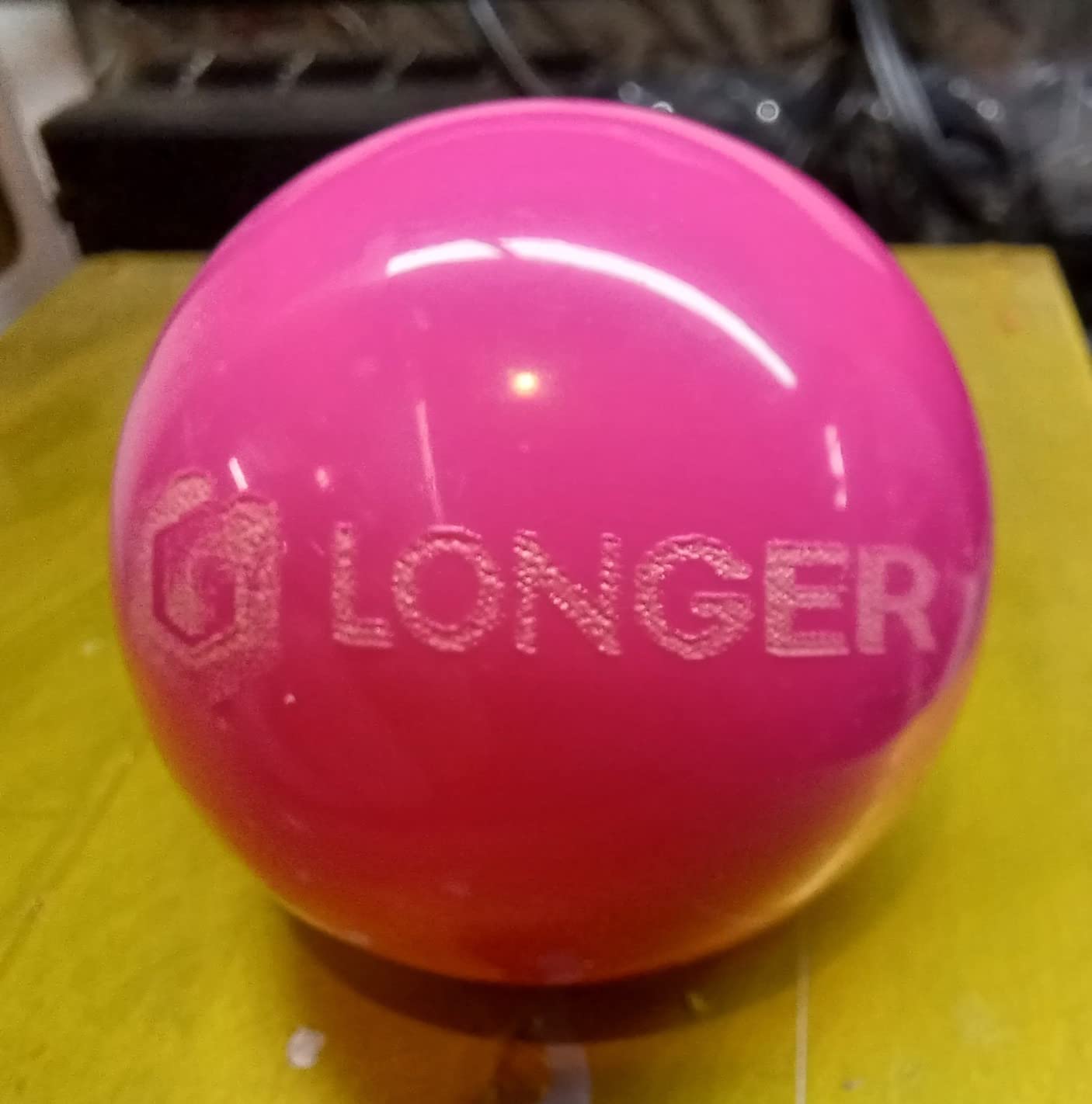
The included air pump connects through the LightBurn air assist control, so the blow-off cleaning pass is a checkbox rather than a shopping trip. Safety kit includes an E-stop plus move and thermal protection, which is a reasonable baseline for an open-frame machine doing leather in a home workshop.
It holds 4.4 stars from 385 ratings. The negatives cluster around documentation and support hours rather than build quality, and a few buyers report file upload or firmware friction after extended use. If you are comfortable learning LightBurn on your own, that trade is worth it.
Cutting capacity versus engraving detail
This is where the wattage pays off. Leather engraving at 40W wants a fast single pass to avoid heat building in one spot, and the travel speed gives you room to do that. The 256-bit colour scale also helps when you are layering a dark mark over a mid-tone surface on a two-tone wallet.
Detail on very fine line work is acceptable rather than exceptional. If your product is mostly monograms and small text, the TTS-55 Pro at a higher magnification gives you tighter edges. If your product is cut-out shapes and stitched panels, the RAY5 is the better tool.
Considerations before you buy
At 16.87 pounds and 24 x 17 x 5.5 inches, it is a substantial desktop unit, not a carry-around machine. Plan a ventilated corner for it rather than a shelf in a spare room.
Customer support runs on China time zones, which matters if you hit a firmware wall in the evening. Our broader diode laser engraver guide covers what to look for in community support when a brand is thin on it.
3. LaserPecker LP2: Best Portable Laser Engraver for Leather In Progress
- Rotary roller handles tumblers cylinders and slabs
- Handheld plug-and-play form factor
- 0.05mm compressed spot
- Engraves leather wood and coated metal
- 4 inch width limits large panels
- No pure or shiny metal capability
- Light materials need black paint first
The LP2 solves a problem the bigger machines cannot: engraving a wallet that is already sewn together. Because it is handheld with an 11cm working distance, you can bring the beam to the object instead of bringing the object to the bed. For repair work on a finished good or a market stall demo, that is the whole value proposition.
The electric rotary roller in the kit switches between cylinder, slab and trolley modes, so it will roll a leather-wrapped tumbler or a flat card holder without you re-fixturing anything. A leather goods bench with a power outlet nearby is a realistic home for this machine.
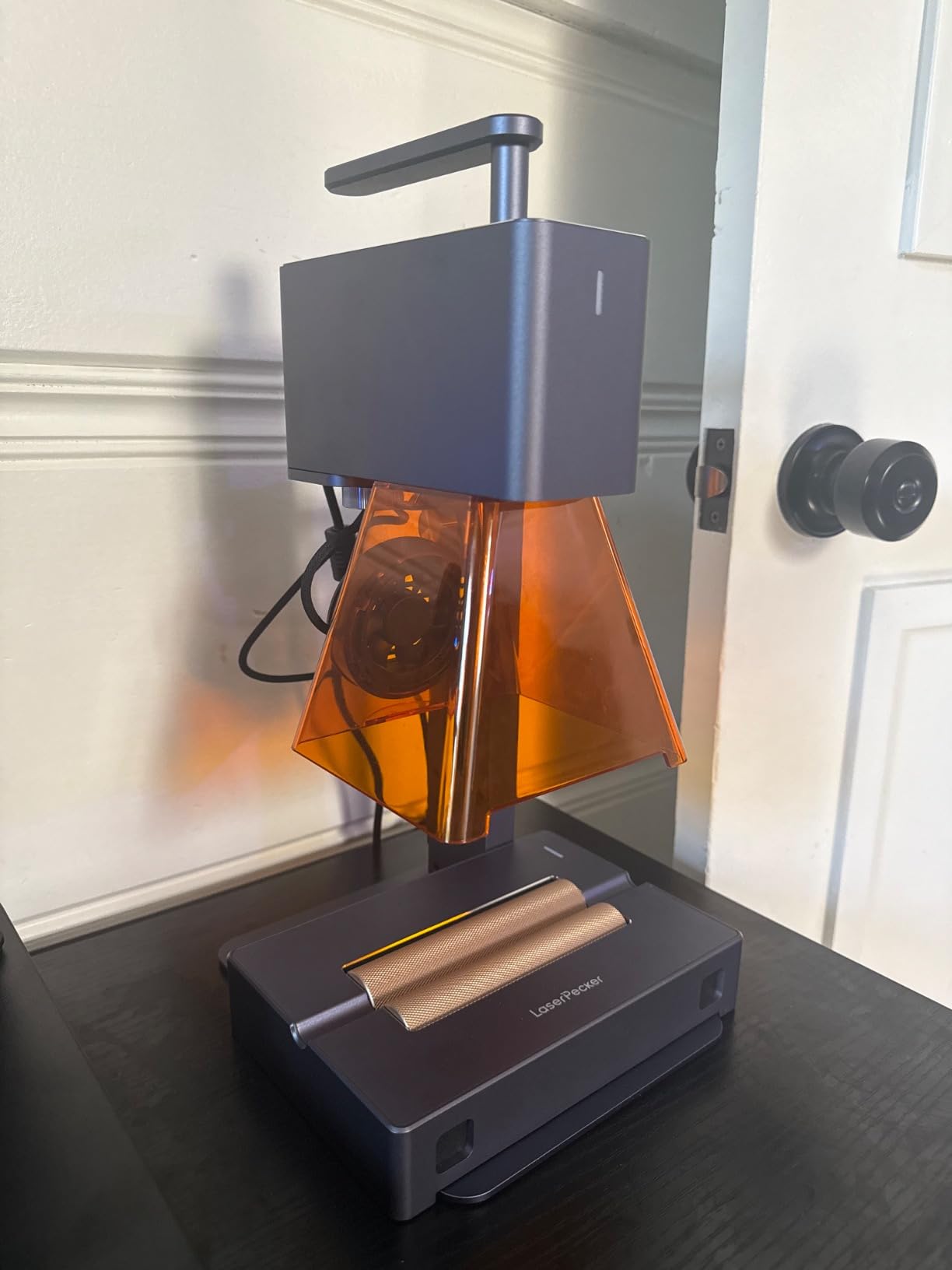
Galvo scanning gives a 0.05mm compressed spot with three resolution options at up to 1417 in/min, which is plenty of resolution for a stamped-looking monogram at 1K. It connects to a phone or PC and takes JPG, PNG or G-code, so you are not locked into one design workflow.
At 4.2 stars across 317 ratings it is not the highest-rated machine here, and the rating reflects the narrow use case rather than a defect. The consensus in the reviews is that it is a capable leather and wood engraver that simply is not the right answer for serious metal work.
What the rotary attachment really buys you
A wallet standing on its edge or a pen barrel wrapped in veg-tan is impossible on a flat-bed without a jig. The roller handles those shapes directly, and because the laser is handheld, you can also engrave the inside face of a folded piece by working in sections.
Long jobs on curved goods do take patience since you are moving the object by hand. Practice on a scrap tube first and mark your start and stop points lightly.
Where the limits show up
The 4 inch engraving width rules out full-size belt engraving and larger panels. If your project list is mostly flat panels, you will outgrow this quickly and want a bed machine instead.
It also cannot handle pure or shiny metal, and light or transparent material has to be masked with black paint first because the beam reflects off it. Those are not faults for a leather-first workflow, but they matter if you plan to diversify into hardware.
4. ATOMSTACK A20 Pro V2: Best for Batch Leather Production
- 20W output with sharp detail
- Large frame handles batch jobs
- Solid aluminium alloy build
- Limit switches and cross-line light
- No printed documentation supplied
- Bundled apps are very basic
- Belt-driven gantry less accurate on large pieces
The A20 Pro V2 is the machine I would put on a production schedule. Twenty watts is a sensible middle point for leather: enough to cut through a few millimetres with two passes, and fast enough that a tray of fifty card holders does not eat an evening. At 400mm/s it is quicker than most of the 20W frames I have used.
Integrated linear guides on an aluminium alloy frame make this one stiffer than the belt-driven frames at this price. That matters on leather because a long cut through 3mm material shakes a loose gantry, and a shaking gantry produces a wavy edge that ruins the stitch line later.
Focusing is handled by limit switches plus a cross-line light, so you are not eyeballing height with a ruler at midnight. The magnetic protective cover and a tilt-angle safety beep over 15 degrees are sensible additions for a shared studio bench.
It scores 4.2 stars from 134 ratings, a smaller sample than most here. Users call it good value with sharp output, and the most repeated request is documentation: several buyers report none being supplied and buying LightBurn separately to get real control.
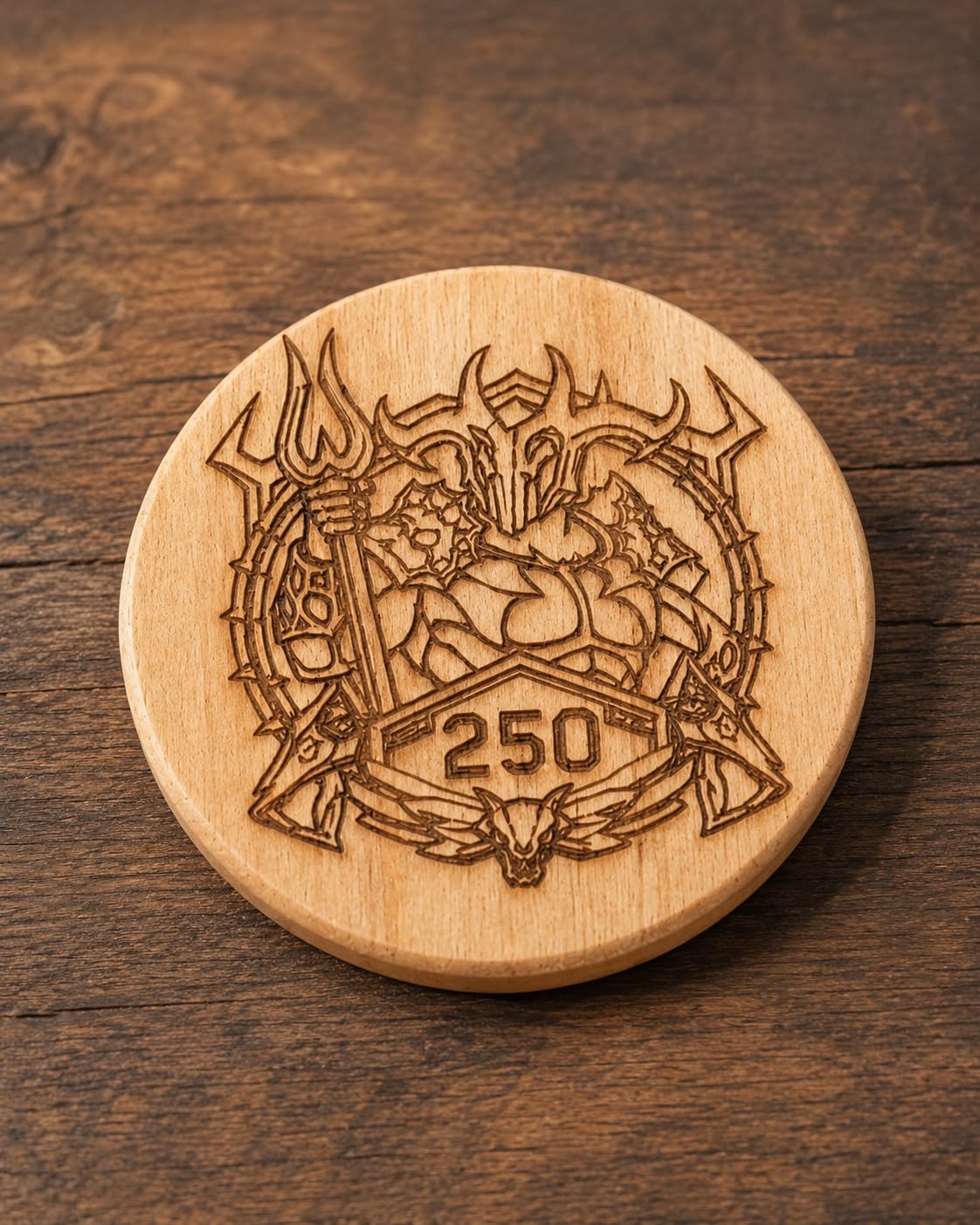
Throughput versus precision on long cuts
Throughput is where this machine earns its place. Speed plus a stable frame plus a magnetic bed cover means you can load a full sheet of veg-tan, run a grid of tags, and unload without touching the optics between jobs. That loop time is what determines whether a wholesale order is profitable.
On fine detail work the 0.08 x 0.1mm dot compression is good, though the belt-driven gantry is less accurate on oversized items than the linear guide movement suggests. Keep within the middle of the frame for monogram work.
What to budget for around it
Plan on purchasing LightBurn. The bundled ATOMSTACK app and PC software are basic, and most owners move to LightBurn within a week to handle layers, air assist and multiple passes.
Also allow for fume extraction, since this is an open frame and leather smoke is the whole reason you would want extraction in the first place. Air assist hardware is not listed in the box, so treat it as a separate line in your setup budget.
5. ACMER S1: Best Budget Laser Engraver for Leather
ACMER S1 Laser Engraver Machine, 2500mW Lazer Cutter for Wood and Acrylic
- Arrives 99 percent assembled and ready fast
- Light 4kg frame is easy to move
- Clean marks on leather once focused
- Class 4 certification with IEC compliance
- 130 x 130mm bed limits project size
- Slower than higher-wattage machines
- Positioning and out-of-bounds alarms reported
The S1 is the machine to buy if you want to know whether leather engraving is for you before spending real money. It arrives 99 percent assembled with a one-minute laser head installation, which means the first engraving can happen the same afternoon the box arrives.
At roughly 4kg it moves between a workbench and a craft table without drama, and the 130 x 130mm bed comfortably holds a card holder, a patch or a small strap. For a first machine that is exactly the right size, and it is the size that stops you wasting material.
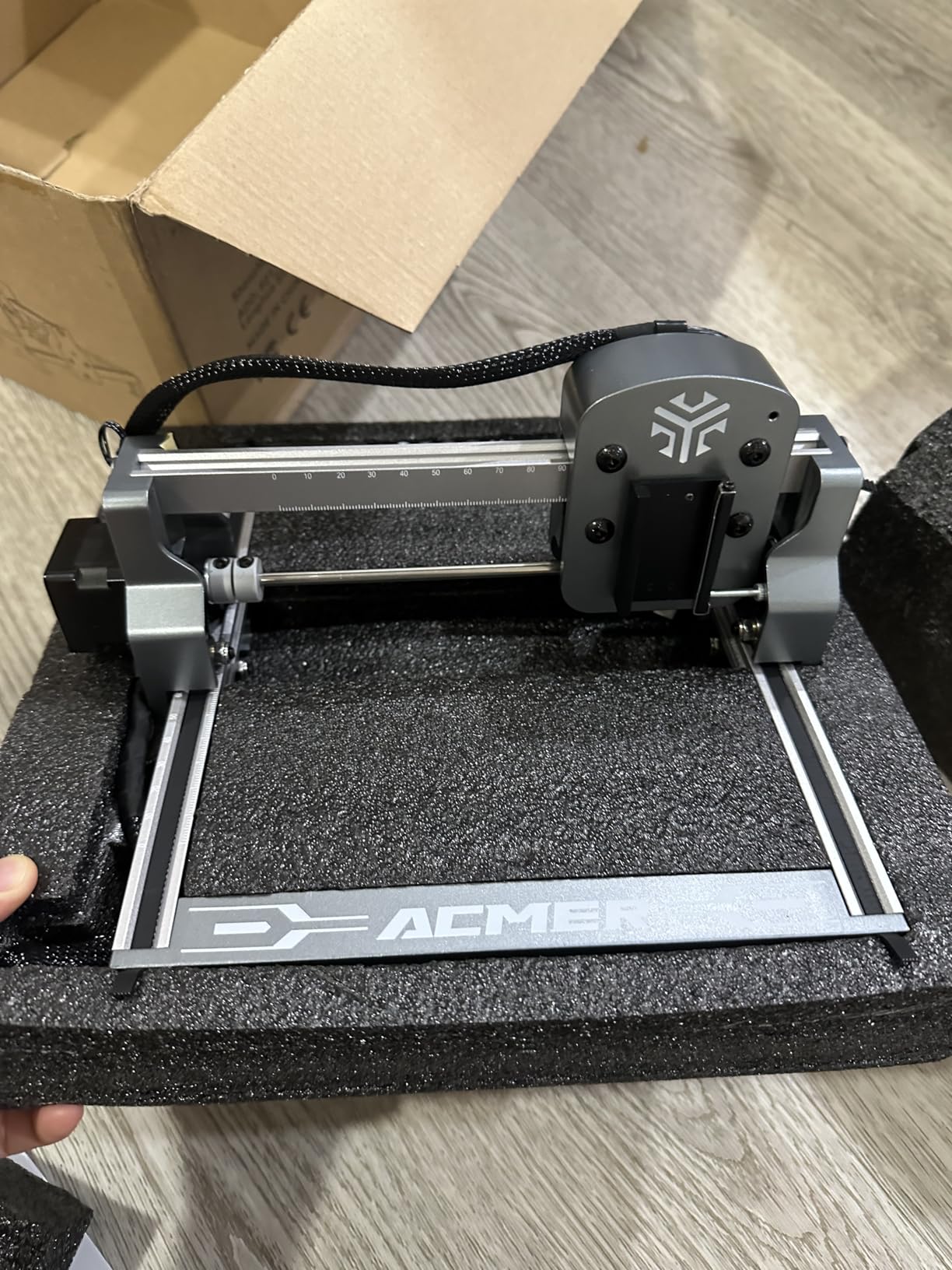
Once focused, the 2500mW diode produces clean, consistent marks on veg-tan leather. The 2mm focal length is short, so the working distance is small, but that is a virtue for detail work on small pieces where you want the laser tip close to the surface.
It holds 4.3 stars across 233 ratings and carries a 12 month warranty. Free Acmerstudio software is included, and it also runs LightBurn and LaserGRBL on macOS, Windows and Linux, so you are not locked out of better tools later.
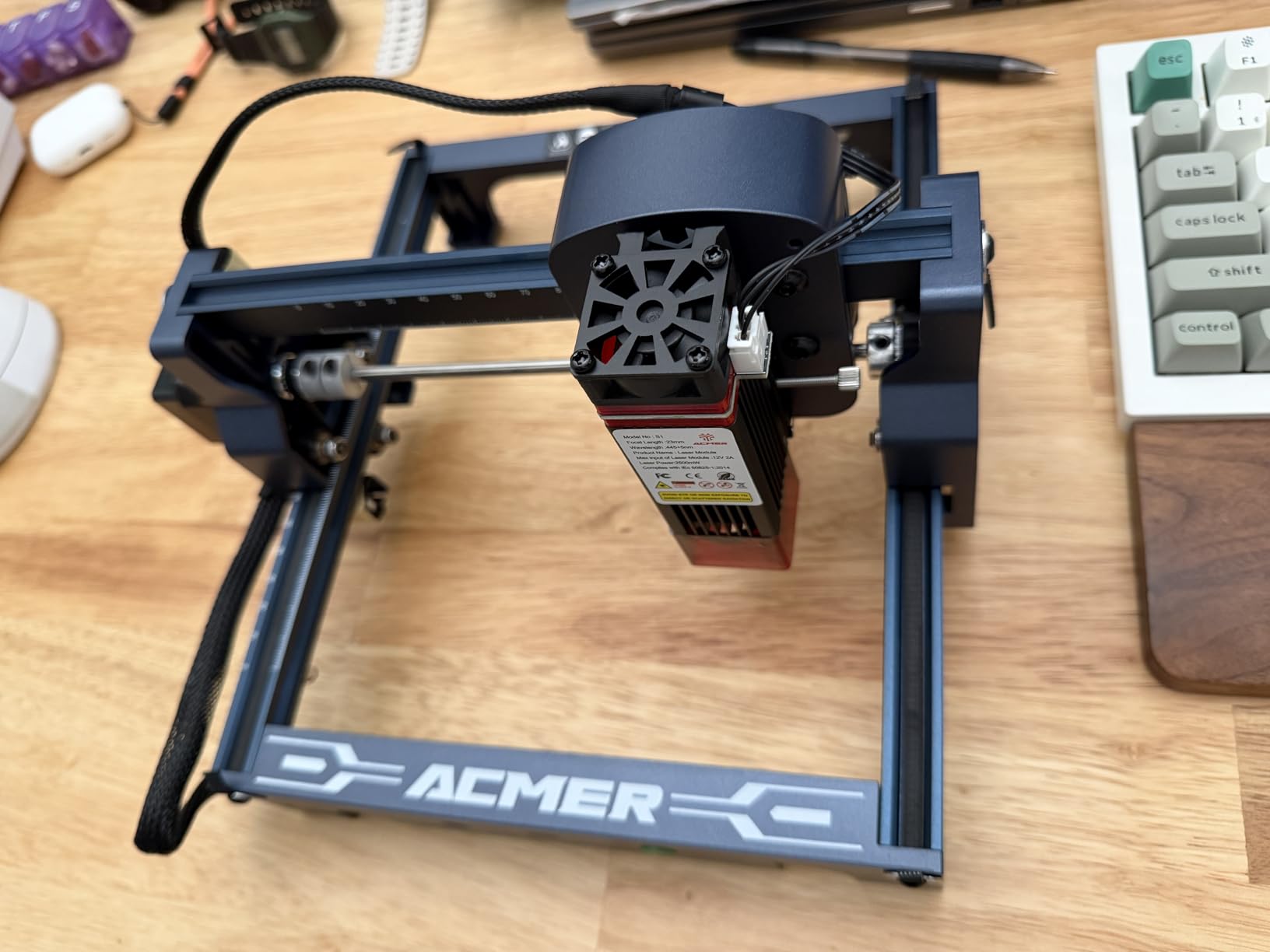
What 2.5 watts can and cannot do
Engraving is this machine’s strength. Dark marks on a thin wallet panel or a keychain fob take a single moderate pass. Cutting is possible on thin leather and even a single ply of thin material, but two or three passes and a slower feed rate get you a cleaner edge.
Given the 10,000 mm/min top speed and 0.01mm repeatable positioning accuracy, this is a precision-first machine rather than a throughput machine. It is the right choice for sampling and one-off customisation.
Known quirks to plan around
Some users report inconsistent home positioning and false out-of-bounds alarms on the 130 x 130mm bed. Check the origin before each job and keep your design inside the usable area rather than the nominal one.
The bundled software has a learning curve for first-time users, so budget an evening in LightBurn before you run a paid order. Our guide to laser engravers for other organic materials covers why the same focus discipline applies across materials.
6. xTool S1 40W: Best Premium Laser Engraver for Leather
- Highest average rating in this group
- Enclosed Class 1 blocks smoke and noise
- Large bed handles production batches
- Curved surface engraving with 3D relief
- Heavy at roughly 100lb and needs a dedicated space
- External ventilation still needed
- Some software features are paywalled
The xTool S1 is the only machine in this group rated above 4.5, at 4.6 stars from 233 ratings, and the gap is not marginal. On leather it combines the cutting headroom of a 40W diode with an enclosure that keeps the smoke where a ventilation system can take it.
Forty watts cuts 18mm cherry wood in a single pass, which tells you how much thermal reserve it carries. Leather is far easier, and that reserve translates into fast, single-pass burns on veg-tan panels at up to 600mm/s. Speed is what keeps the char line tight and the surrounding surface cool.
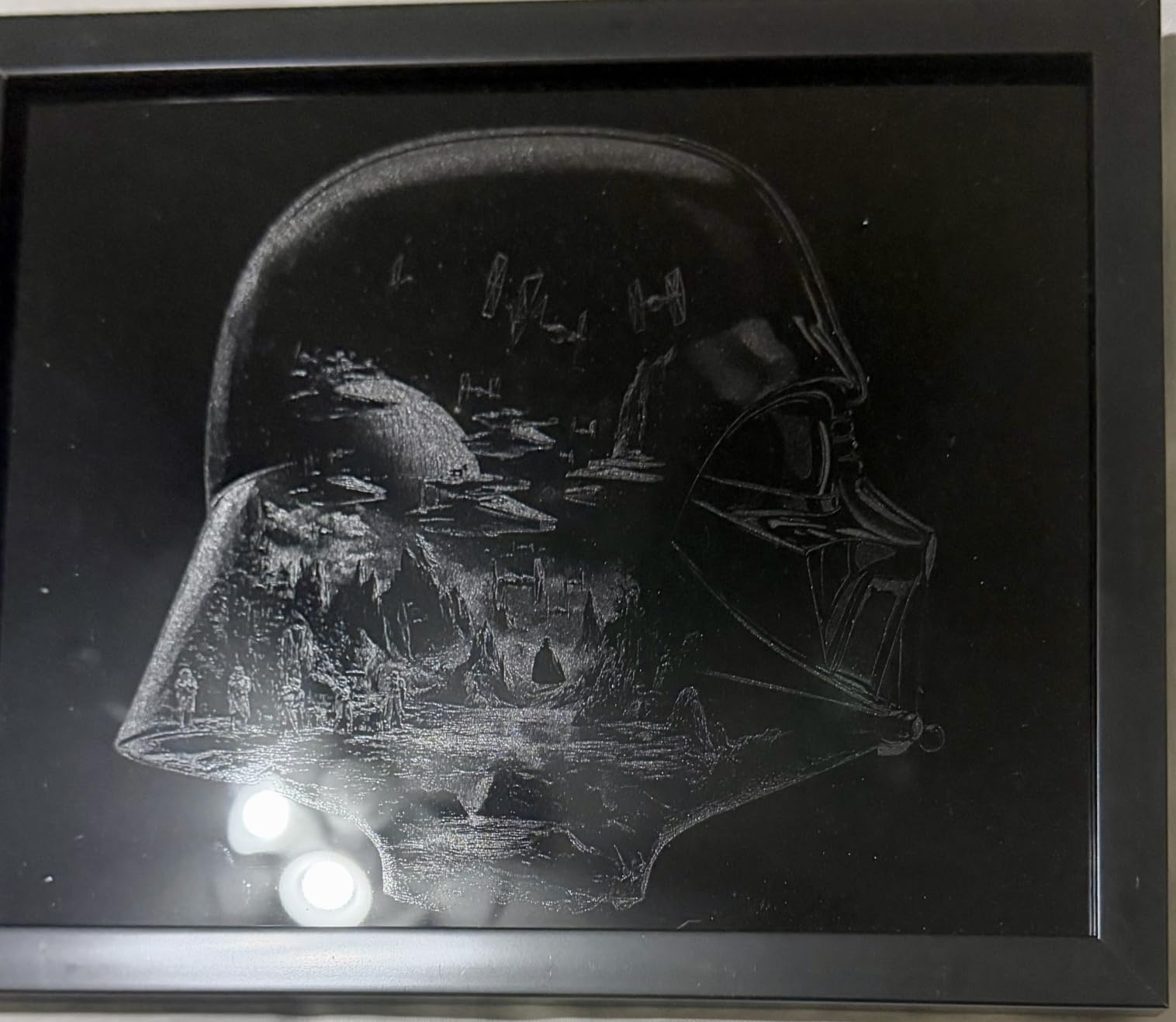
Pin-point Positioning plus 3D curved surface engraving means you can mark a wallet gusset or a belt loop without a jig. AutoPassthrough extends to 118 inches for long jobs, though the feeder is a separate purchase and the extrusion needs to run through an external vent.
The enclosure is the practical draw for a small business. It carries 99 percent light filtering, five flame sensors, an E-stop and a lid-open stop, so it is Class 1 and needs no goggles for the operator. xTool Creative Space includes AI design generation and a large tutorial library, which lowers the software barrier considerably.
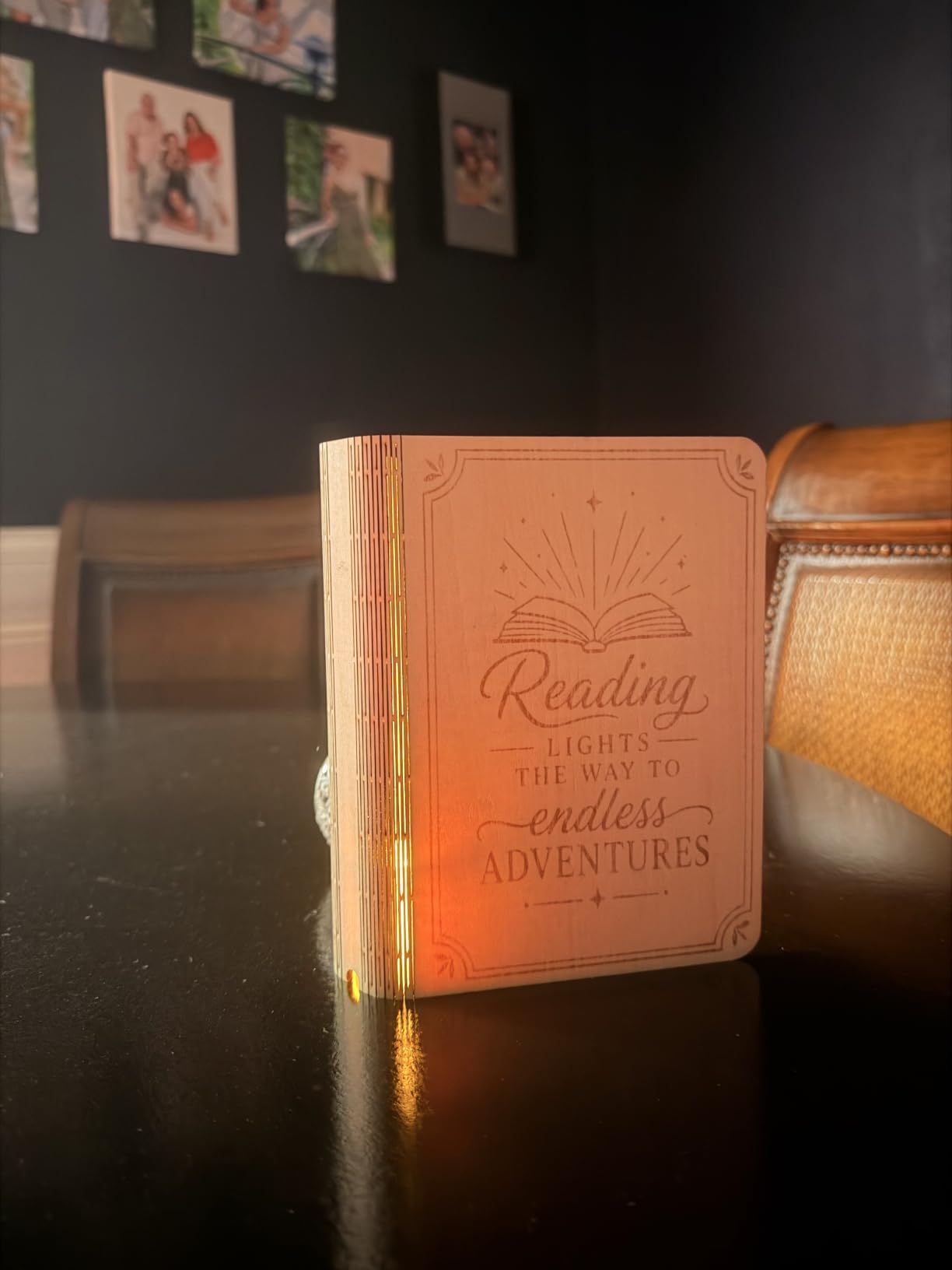
When the enclosure genuinely pays off
If you engrave leather in a room with other people in it, the enclosure is the deciding factor. Open frames leak the burnt-sugar smell that makes a laser unpleasant to work near, and the lid stop means an interrupted job when you need to grab material.
For a small business selling personalised goods, the bed handles a production batch in one job. The rated capacity of up to 119 dog tags in one run shows how little repositioning a batch of small leather items takes.
Where it costs you
At 86.8 pounds you need a dedicated spot, not a shelf. External ventilation is still required because the enclosure contains fumes rather than destroying them, so budget ducting and a filter before the first session.
The Z probe can be dented and give false focus readings, and some xTool Creative Space features sit behind a paywall. If you rely on LightBurn instead, the learning curve is steeper than the bundled app but far more capable.
7. Creality Falcon 10W: Best for First-Time Leather Setup
- Quick 15 minute assembly for a first laser
- Large 400 x 415mm area for the class
- Anti-UV filter acrylic on the module
- Works with 200 plus material types
- Included safety glasses not suited to blue diode
- Software learning curve is steep
- Thin printed manual with poor English
The Falcon sits in an awkward spot on paper: a 10W module is thinner power than most leather engravers here. In practice the 400 x 415mm working area and the 0.06mm compressed spot make it a strong first machine, because the bed will hold a full leather panel rather than a corner of one.
Reviewers report a roughly 15 minute assembly, which is one of the shorter set-ups here, and the cross-line placement aids on the bed make positioning a card holder or a patch straightforward for a beginner.
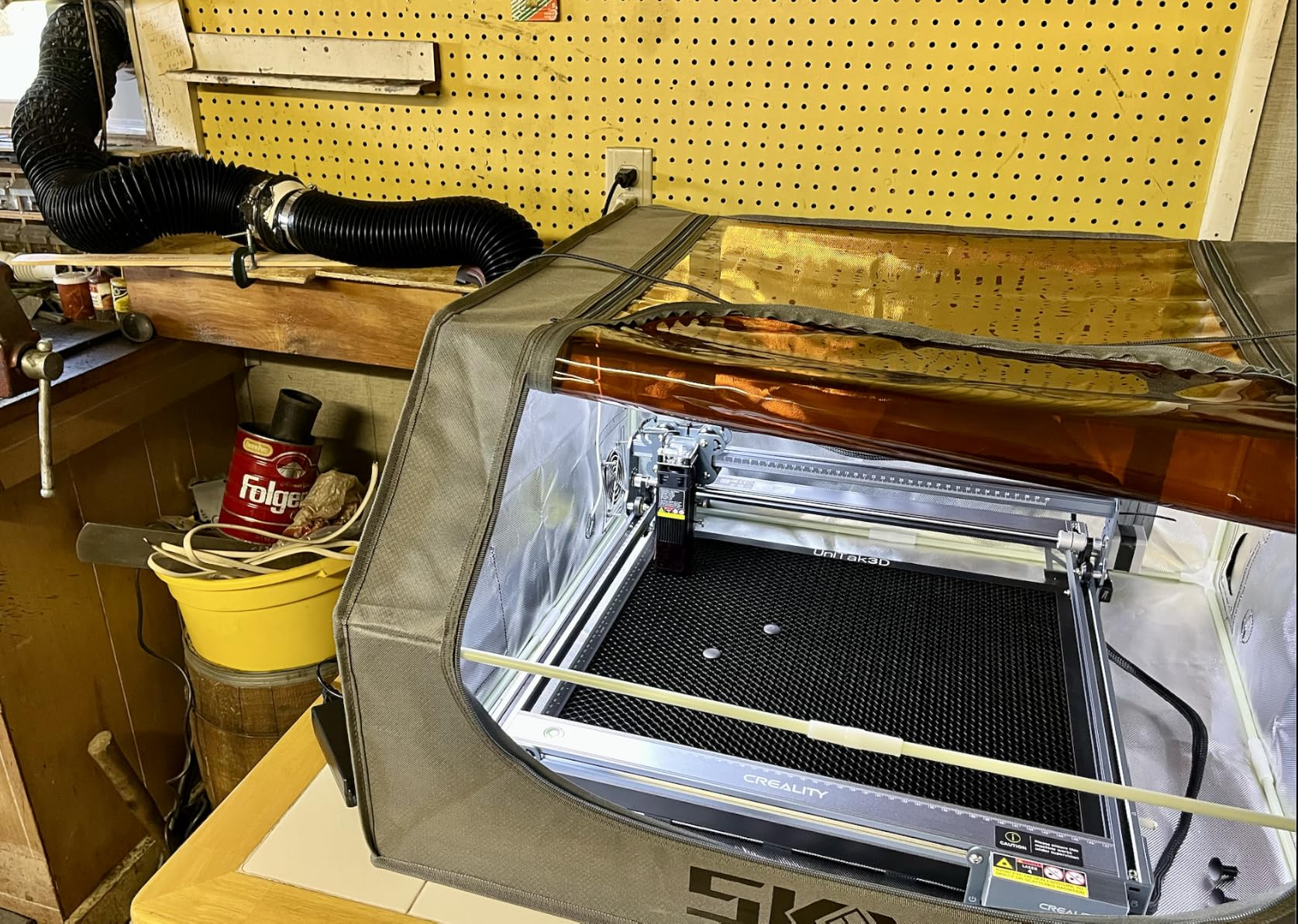
The anti-UV filter acrylic on the module is claimed to cut ultraviolet output by 97 percent. That is a module-level safeguard, not a substitute for rated eyewear, and buyers should source goggles rated for the 455nm blue diode band rather than trusting the enclosed pair.
It scores 4.2 from 181 ratings. Buyers who follow Creality setup guidance report strong value, while critical reviews focus on framing frustration, the quality of the bilingual manual and the included glasses.
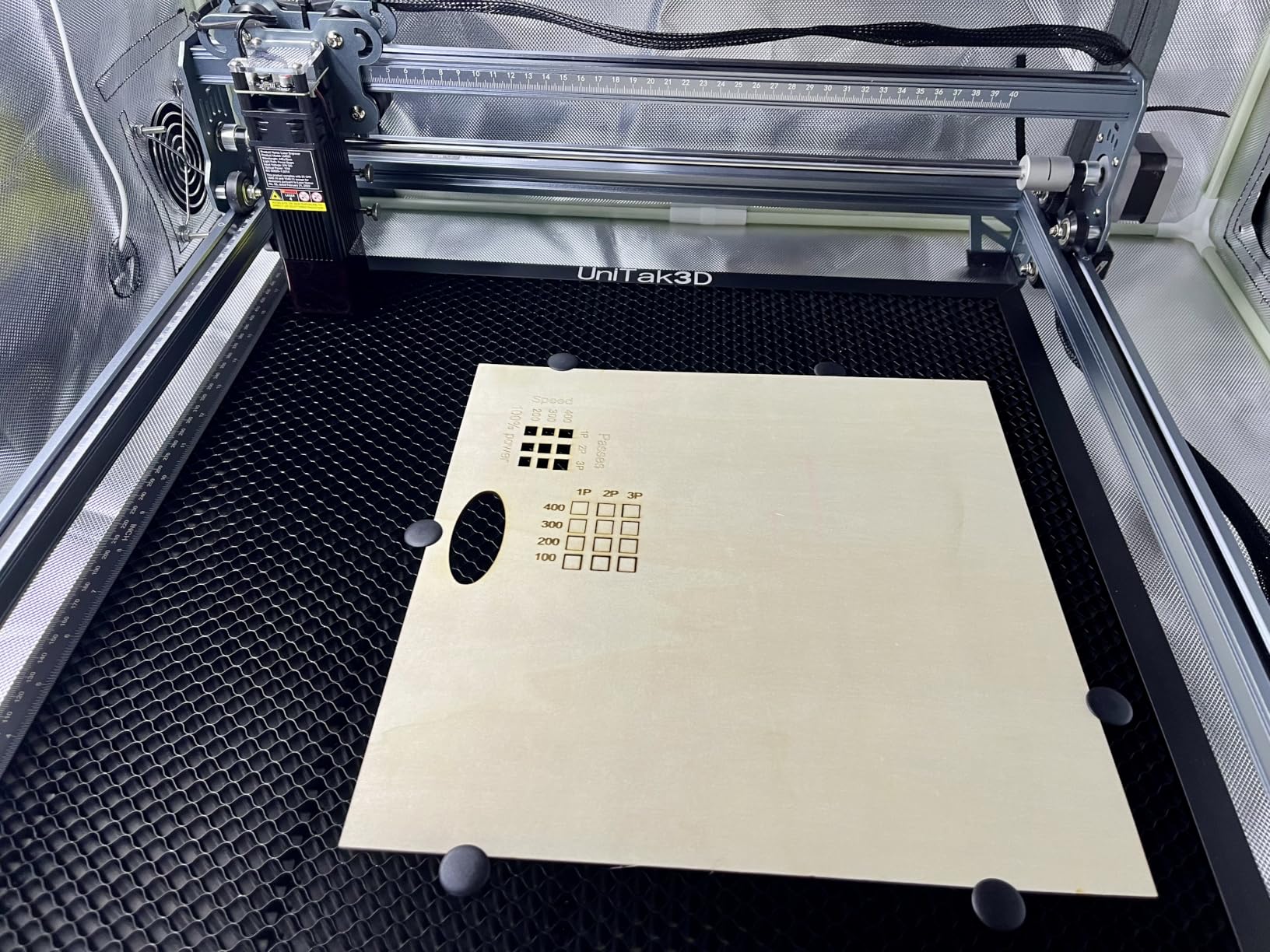
Grading leather panels against smaller beds
The bed is the reason to consider this machine over a 15cm hobby frame. A wallet blank, a passport cover or a journal cover fits flat without rotation, and rotation is where accuracy problems usually start on small machines.
With 10,000 mm/min travel and repositioning accuracy under 0.007 inches, repeat placements stay consistent, which is what matters when you are cutting a batch of identical pieces from one hide.
Things to sort out on day one
Replace the included safety glasses with a pair rated for blue diode light. The bundled pair is called out repeatedly in critical reviews, and this is not a place to economise.
There is no Bluetooth, and tablet support sits on higher models, so plan on a computer with LightBurn or LaserGRBL plus offline SD card operation. Our metal engraver guide explains why laser class matters when you are choosing eyewear.
8. Genmitsu L8 20W: Best Enclosed Laser Engraver for Leather Safety
Genmitsu L8 Laser Engraver, 20W 20000mW Laser Cutter with Acrylic Enclosure
- Arrives fully assembled and running in minutes
- Class 1 enclosure needs no safety glasses
- Fast 40000 mm/min engraving speed
- Flame monitor and tilt auto-stop included
- Inconsistent factory quality control
- Instructions are thin and out of date
- Weak exhaust fan for a basement workspace
The L8 is the fastest fully assembled machine in this group at up to 40,000 mm/min, and it arrives ready to run. Owners report a working test piece within about ten minutes of unboxing, which is a very different experience from a weekend spent on frame assembly.
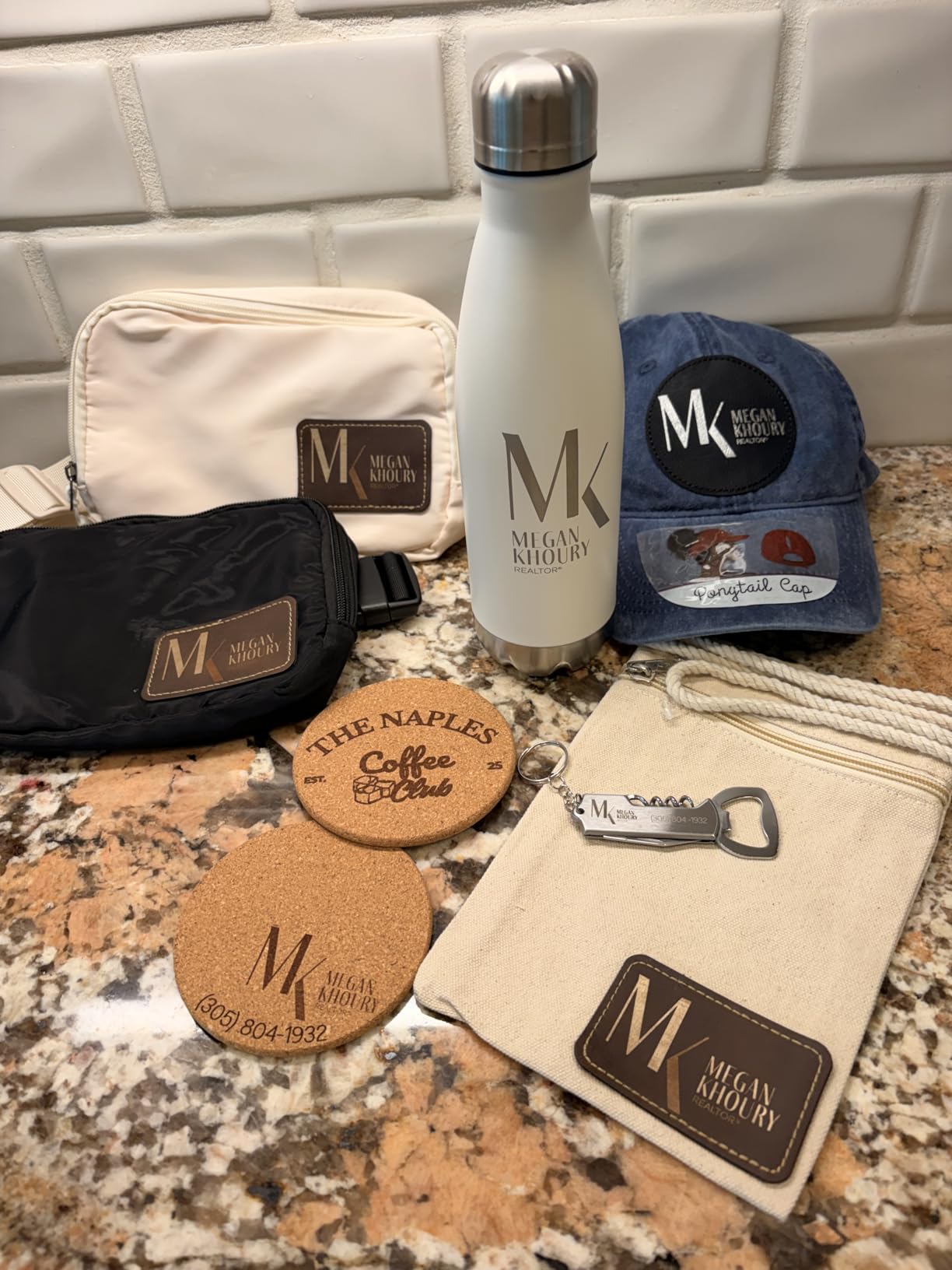
The 360 degree acrylic shield is what makes it usable in a shared room. It is Class 1 certified with a door sensor, tilt auto-stop, flame monitor buzzer, limit switches, E-stop and a child safety lock. On leather that flame monitor is the feature I would care about most.
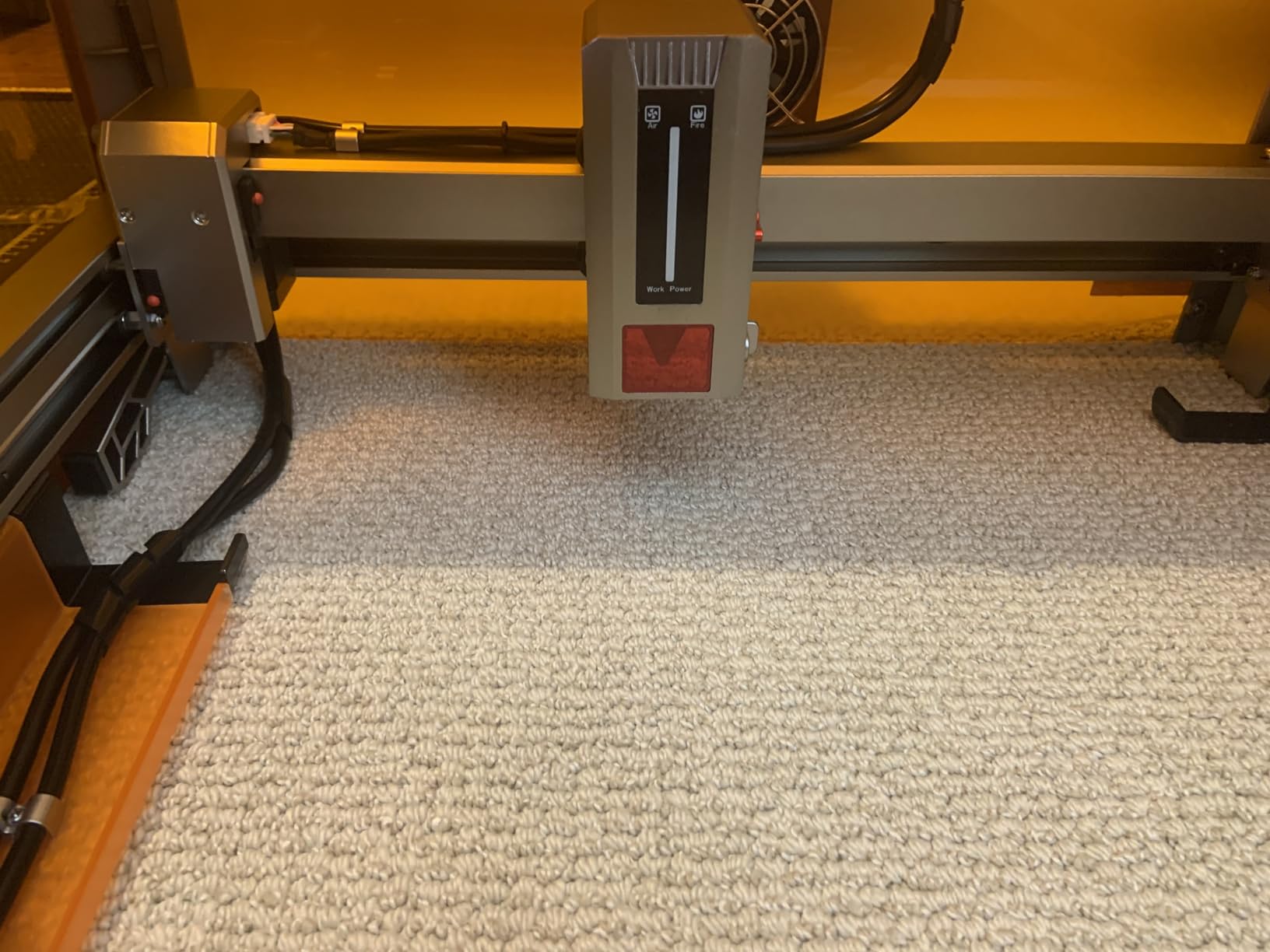
A 30L/min smart air assist pump and a large honeycomb bed come in the box, plus a LightBurn-compatible camera for positioning jobs without re-measuring. The honeycomb bed also stops small leather tags from shifting during a cut pass, which saves a lot of ruined pieces.
It carries a 4.0 star rating from 107 ratings, the lowest score here, and the reviews explain why: some machines arrive with loose hardware or a missing adjustment screw, and the documentation is thin. Support is repeatedly praised for sending replacement parts, which softens the sting.
Ventilation on leather jobs specifically
Leather produces more visible particulate than wood, and the enclosure contains it rather than clearing it. The included exhaust fan is fair in an open room, but owners working in basements report it struggling, so plan an external filtered unit if your workspace is enclosed.
Air assist is where the real quality gain sits. On veg-tan leather the pump keeps the smoke off the back of the lens and reduces the black halo that low-power passes leave behind.
What to check on arrival
Inspect the frame hardware and confirm the bed adjustment screw is present before your first job. Quality control is the reported weak point, and catching it in the first ten minutes is far easier than catching it after a batch burns.
Read the settings guidance elsewhere, because the supplied instructions are described as out of date. Treat the manual as an assembly reference only and find current power and speed tables for your leather.
9. xTool F1 Ultra: Best Dual Laser for Leather Plus Metal Hardware
- Only dual laser desktop unit in this group
- Extremely fast at 10000 mm/s
- 3D embossing for high value items
- Enclosed with fire alarm and E-stop
- Complete laser failure reported within 30 days
- Calibration drifts and adjustments are awkward
- Desktop app has paywalled features
The F1 Ultra is the only machine here with a genuine two-in-one reason to exist for a leather business. The 20W diode handles leather, wood, acrylic, glass, rubber and fabric, and the 20W fiber laser marks the metal hardware that goes with the finished piece. If you are selling a wallet with a branded clasp, one machine covers both.
Speed is extraordinary at up to 10,000 mm/s, and 3D multi-level embossing opens up raised leather tooling that a flat-bed diode cannot do. The 16MP smart camera lets you frame a job from the software, which saves real time when you are aligning a design to a stitched seam.
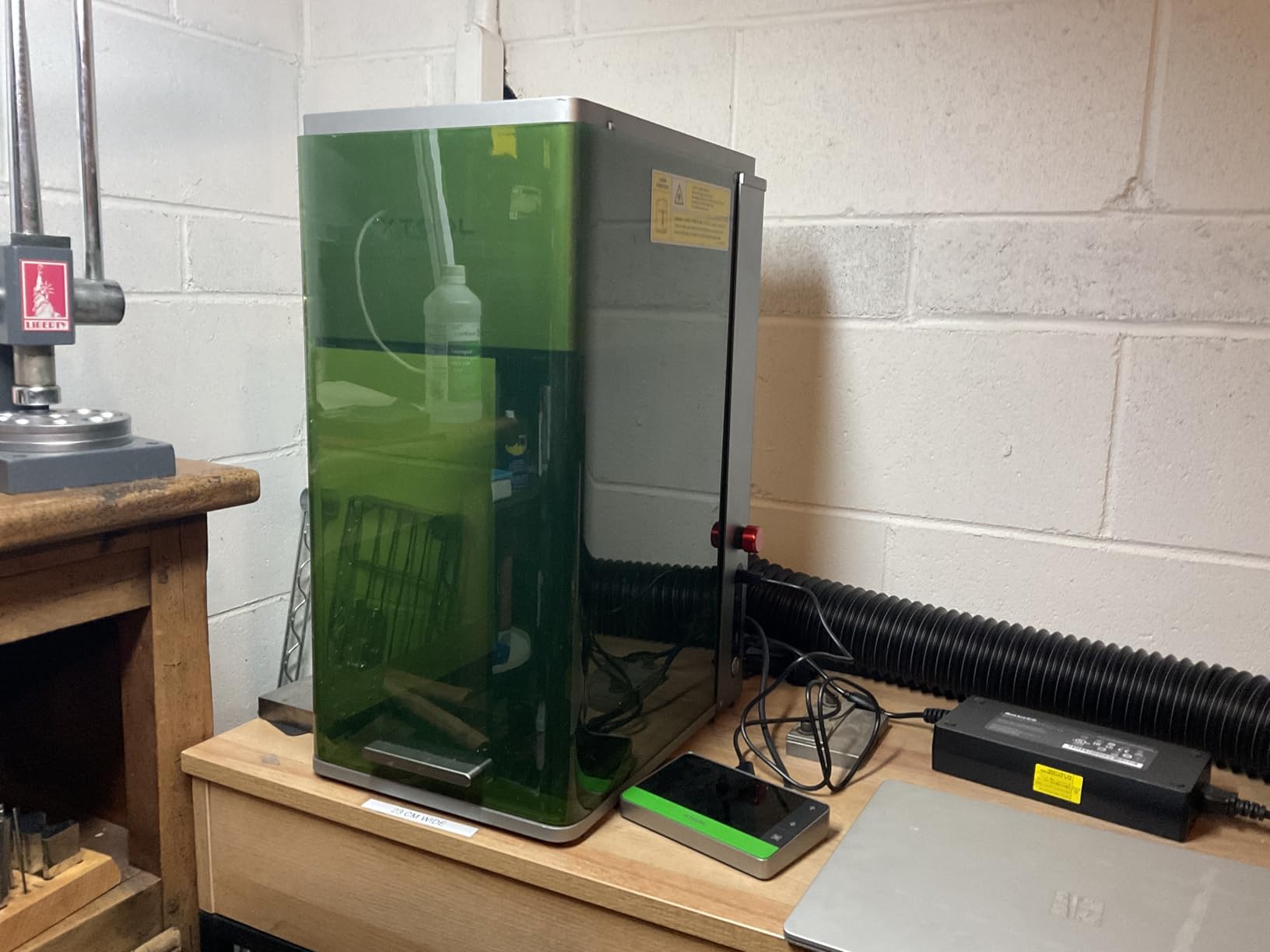
The fully enclosed cover includes light filtration, smoke extraction, a fire alarm and an E-stop, making it appropriate for an in-store customer-facing counter. The working area is 220 x 220mm and expands to 220 x 500mm with the separately sold auto conveyor.
It sits at 4.1 stars from 140 ratings, and the critical reviews are specific: some buyers report complete laser failure inside about 30 days, calibration drift, and awkwardly placed adjustment points. xTool support is repeatedly praised for resolving these, which matters for a machine at this level.
When a dual laser pays for itself
Break it down per job. If a leather order and a metal order land in the same week, the fiber head removes a second machine, a second software workflow and a second extraction setup. On a pure engraving volume of small leather tags, that capability sits idle and you would be better served by a 40W diode frame.
The fiber laser also handles 0.3mm stainless steel and 0.2mm aluminum, so hardware ordering and part numbering happen on the same bench as the leather work.
What to weigh before committing
This is a machine that needs understanding, not just owning. LightBurn connectivity has been reported as problematic on Mac systems, the desktop app has paywalled features and AI credits, and the exhaust tube does not match a standard 4 inch dryer vent.
If you are comparing fiber capability, our CO2 engraver overview explains where a CO2 source still makes sense and where a fiber head has taken over.
10. Carverall K15 Pro: Best Compact Laser Engraver for Small Leather Panels
- Near A4 bed far larger than hobby frames
- Assembles in 3 minutes with 6 screws
- Sharp results on leather keychains
- Slides under a desk when finished
- CutLabX software unstable on some systems
- Air assist and enclosure sold separately
- Settings need trial and error to clean up
The K15 Pro answers a question most hobby frames ignore: a near-A4 work area of 11.8 by 7.9 inches in a package that slides under a desk. That footprint is unusual at 10W and it is what makes this machine practical for an apartment or a shared studio table.
Assembly takes three minutes with six screws, which is the fastest here by a wide margin. Output is verified at 10.36 to 10.58W, and the dual-fan module is claimed to cut heat build-up by half with a module life of up to 15,000 hours, which matters for batch keychain work.

Four heightening columns let you work on thicker items than the bed height suggests, and one-touch smart focus plus smart memory handles repeat jobs without re-dialing the Z. Owners consistently praise the combination of bed size, speed and balance of results on small leather goods.
It holds 4.3 stars from 107 ratings. The cautions are consistent across reviews: the bundled CutLabX software is unstable on some systems, the manual is poorly written with incorrect page references, and air assist, enclosure, camera and honeycomb bed are all separate purchases.
Planning the full setup cost
Budget for the accessories before the machine, because the working setup is larger than the box. You will want an air assist pump and an enclosure or fume filter to handle leather smoke safely, and both are listed as separate items.
Once those are in place, this is a genuinely capable engraving machine for keychains, tags, patches and small panels. Treat the headroom you are spending on accessories as part of the machine price.
Software and first-run settings
Plan on running LightBurn rather than CutLabX. Reviewers report instability in the bundled software, while LightBurn and LaserGRBL are both supported across platforms and give you proper layer and air assist control.
Expect to spend a short session on a test grid before your first client piece. Finding the clean speed and power combination takes a few passes on scrap leather, and that afternoon of tuning is where the difference between a grey smudge and a crisp dark mark is found.
Which Laser Type Suits Leather: Diode, CO2, Fiber and UV?
Blue diode lasers are the default answer for leather, and for most leather projects they are the right one. The 455nm beam is absorbed by organic material, which means the mark forms by charring the surface rather than melting it, and leather responds to that with a clean dark line.
CO2 lasers at 10.6μm cut thick material fast and produce beautiful edges on leather, but the tube, the chiller and the 110 volt requirement make them a workshop-scale purchase. They earn their place when you are cutting multiple layers of thick leather rather than marking the surface.
Fiber lasers are a metal story. A MOPA fiber source handles stainless, brass and aluminum and will barely mark leather at all, which is why the dual-laser machines pair it with a diode head. If leather is your primary material, buying a fiber machine on its own is the wrong purchase.
UV lasers work at 355nm and are aimed at plastics and coated surfaces rather than hide. They are interesting for synthetic trim on a leather product, but they are not a leather engraving tool and I would not put one near a veg-tan panel.
Leather Material Guide: What You Can and Cannot Engrave
Vegetable-tanned leather is the material to buy if you plan to laser. Forum users on leather craft boards consistently name it as the best choice, and it delivers the deepest, most predictable contrast of any hide because the tannage leaves the surface fibres open for the burn to bite into.
Chrome-tanned leather is the common alternative, and it behaves differently. The chrome process seals the surface, so the mark tends to sit shallower and lower contrast, and the leather can stiffen and discolour around the burn. Test on the exact hide before you commit a production run.
PU leather and leatherette are the danger zone. Polyurethane releases fumes you do not want in a home workshop, and PVC-backed synthetic leather releases chlorine gas that can damage the machine and harm people. Never put unknown synthetic material under a laser, and if you cannot identify the backing, do not test it.
Suede and nubuck need a light hand. The nap burns unevenly at low power and chars quickly at high power, so reduce power, slow down, and mask the surface to protect the nap. Oil and wax finishes can darken before they char, so pull the power back when you see colour shift.
Masking tape is the tool that keeps most people out of trouble. Cover the leather with low-tack tape and burn through it for a high-contrast mark with less scorch, and painter tape is the forum favourite for veg-tan because it peels cleanly without pulling the grain.
Buying Guide: Choosing a Leather Laser Engraver in 2026
Start with the project, not the specification. Engraving marks and cutting holes are different jobs, and a machine that does one brilliantly may be wrong for the other. If you personalise finished wallets and patches, engraving power and focus matter most. If you cut panels and stitch pieces, wattage and bed size matter most.
Then match the budget tier to the work. Entry machines under the few-hundred-dollar mark handle small panels, monograms and keychains. Mid-range frames give you 20 to 40W and a bed that fits a wallet blank. Enclosed production machines add a lid interlock, flame sensors and a camera, which is what you want for staff other than yourself.
Wattage is the most misunderstood number. For engraving veg-tan at 2mm or thinner, 5W to 10W is genuinely enough if you work slowly. Above 4mm, you want 20W or more and several passes. Do not buy 40W because you think you will need it in a year; buy for the thickest leather you can actually source.
Working area is the number buyers misread. A 15 by 15 centimetre bed sounds small until you try to fit a belt. Measure your largest finished piece plus gripper clearance, then buy upward from there.
Air assist and fume extraction are not optional on leather. Air assist keeps soot off the lens and holds the mark clean, while extraction handles the smoke. Open-frame machines need both purchased separately, and enclosed machines still need ducting.
Software is the last differentiator and the first regret. LightBurn support is worth a lot because it handles layers, multi-pass and air assist properly. Confirm LightBurn or LaserGRBL compatibility before you buy, and check whether the bundled software is merely a launcher.
Finally, confirm the class rating and safety hardware. A Class 1 enclosure with a lid stop and flame monitor changes how you can work. An open Class 4 frame needs rated eyewear, a filtered extraction unit and a clear no-operators policy for anyone else in the room.
Settings and Technique for Clean Leather Marks
Design the file first. Convert text to outlines, set strokes to hairline-plus weight, and remove duplicate overlapping vectors, because every extra pass on leather means more heat in one spot.
Mask the surface. Low-tack or painter tape over veg-tan leather gives you a sharper mark and far less scorch, and it lets you raise power for contrast without cooking the hide underneath.
Set focus properly. Use the machine’s cross-line, autofocus or a ruler block method to put the focal plane exactly on the leather surface, then do not touch it for the rest of the job.
Run a test grid on a scrap offcut from the same hide. Try two or three power and speed pairs on the same vector and pick the fastest one that produces a dark mark with no halo. Save that pair as your baseline setting.
Turn on air assist and keep it on. It clears smoke off the work surface, reduces the flame risk and protects the lens, and on leather it visibly cleans up the edge of the burn.
Engrave before you cut. Any heat damage from cutting is on the waste side of the path, so put the mark on the finished piece where heat damage would ruin it, and cut the outline last.
Work in ventilation and clean up after each job. Wipe the lens and nozzle on a schedule rather than when the mark starts to look fuzzy, and keep the extraction filter serviced.
Frequently Asked Questions
What is the best laser engraving machine for leather?
The Twotrees TTS-55 Pro is the best all-round laser engraver for leather for most makers, with a 5.5W diode, a 300 x 300mm bed and the largest review base in our test group. For cutting thicker leather or larger panels the Longer RAY5 at 40W offers far more headroom. For a shared studio or in-store counter the enclosed xTool S1 handles smoke and safety best.
Can you laser engrave real leather?
Yes. Real leather engraves well, and vegetable-tanned hide gives the deepest and most predictable contrast. Chrome-tanned leather marks more shallowly and can discolour or stiffen around the burn. Never laser PU or PVC-backed synthetic leather, because those release fumes that are unsafe to inhale and can damage the machine.
What are the top 5 laser engravers for leather?
Our top five are the Twotrees TTS-55 Pro for overall use, the Longer RAY5 for cutting power and bed size, the LaserPecker LP2 for portable and curved work, the ACMER S1 for a low-cost start, and the xTool S1 40W for enclosed production work. Each covers a different project type rather than a different price bracket.
What is the best way to engrave leather?
Mask the leather with low-tack or painter tape, set the focus precisely, run a test grid on a scrap from the same hide, and keep air assist on for the final pass. Engrave before cutting so heat damage falls on the waste side of the cut path, and work with extraction running.
Do you need a CO2 or a diode laser for leather?
For engraving, a blue diode laser is the right choice and is far cheaper to own and run. A CO2 laser earns its place when you cut multiple layers of thick leather and want a clean cut edge, but it costs more, needs a chiller and takes more workshop space. Most leather engravers start and stay with a diode.
What wattage do I need to engrave and cut leather?
For engraving veg-tan leather at 2mm or thinner, 5W to 10W is enough if you work slowly. For cutting leather above 4mm you want 20W or more and multiple passes. Higher wattage also lets you burn faster, and speed is what keeps the surrounding surface cool.
Final Verdict
The Twotrees TTS-55 Pro is our pick for the best laser engravers for leather in 2026 because it delivers the most consistent marks on vegetable-tanned hide, holds focus reliably, and carries the deepest review base here. It is a 5.5W engraving machine, so buy it for wallets, patches and monograms rather than thick cutting.
Move up to the Longer RAY5 when your work needs cutting headroom and a full-sheet bed, and to the xTool S1 40W when other people share the room or the machine runs all day. If you are testing the idea cheaply, the ACMER S1 arrives ready to run and teaches you the workflow without a large commitment.
Whichever you choose, buy veg-tan leather, mask it, focus carefully and test on a scrap first. Our full laser engraver roundup covers the hardware side if you want to compare these against machines built for wood and metal.