
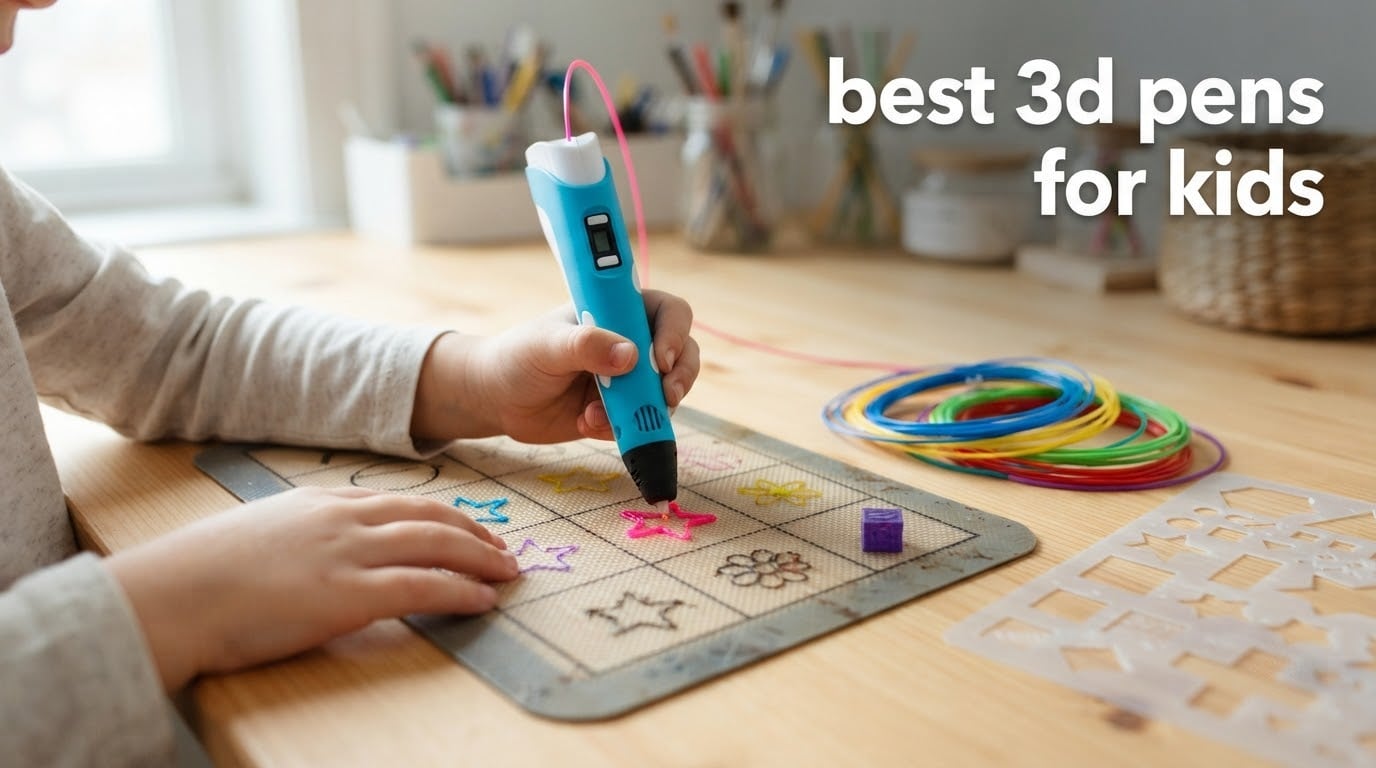
Short answer: the SCRIB3D P1 is the best 3D pen for most kids, because its stepless speed slider and ceramic nozzle give a child finer control than almost anything else in this group. For children under about 8, the 3Doodler Start+ is the safer bet because it is the only pen here with no hot parts at all.
A 3D pen is a handheld printer. It melts plastic filament inside a heated nozzle and pushes it out as a thin strand that hardens within seconds, so a child can draw solid objects freehand in the air or on a mat. Parents searching for the best 3d pens for kids usually want three things in tension: cool enough to hand to a six-year-old, forgiving enough that a beginner gets a result in minutes, and sturdy enough to survive a term of daily use.
We compared six of the highest-reviewed 3D pens that are actually marketed to children and beginners, reading the review data on each one and working through what a first-week-of-ownership experience looks like for a primary-school-aged kid. The list spans the real range: two brands build in an LCD or OLED screen, one has a sealed nozzle, one runs cool plastic only, and one arrives as a ten-colour kit with a tracing mat. What follows is the whole group, then the buying guidance that actually decides the purchase.
If your child is 4 or 5, our honest answer is that a 3D pen is the wrong tool yet, and we explain why further down. The age most families buy at is 7 or 8, and that is where our first pick lands. Teenagers tend to outgrow every kid-specific feature within a year, which is why the last two reviews in this roundup lean toward screens, temperature control and standard filament.
Before the individual reviews, two conventions worth stating. First, five of these six pens run a hot nozzle and belong in a room where an adult can supervise; the sixth is the deliberate exception. Second, filament is a consumable, not a freebie. Every kit here includes a starter bundle, and a determined child will exhaust it inside a few weekends, so budget for a second order rather than treating the box as a permanent supply.
Table of Contents
Top 3 Picks for the Best 3D Pens for Kids (October 2026)


The SCRIB3D P1 takes the top slot on the strength of its review volume and its speed control, which is the single feature that matters most when a child’s hand is unsteady. The MYNT3D Super is the value runner-up, with the sealed nozzle design owners single out most often. The 3Doodler Start+ earns the ages 6 to 9 slot on safety alone: it is the only pen here a parent can hand over without first explaining what a hot tip feels like.
Best 3D Pens for Kids in 2026: Quick Comparison
| Product | Specifications | Action |
|---|---|---|
| SCRIB3D P1 3D Printing Pen with Display |
|
Check Latest Price |
| MYNT3D Super 3D Pen |
|
Check Latest Price |
 MYNT3D Professional Printing 3D Pen with OLED Display MYNT3D Professional Printing 3D Pen with OLED Display |
|
Check Latest Price |
 3Doodler Start+ Essentials 3D Pen Set for Kids 3Doodler Start+ Essentials 3D Pen Set for Kids |
|
Check Latest Price |
 SCRIB3D Advanced 3D Printing Pen SCRIB3D Advanced 3D Printing Pen |
|
Check Latest Price |
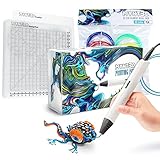 MYNT3D Pro 3D Pen with 10 Colour PLA and DesignPad MYNT3D Pro 3D Pen with 10 Colour PLA and DesignPad |
|
Check Latest Price |
Read the table as a map rather than a ranking. The SCRIB3D P1 and the MYNT3D Super are the two general-purpose picks that handle the widest range of ages, the two SCRIB3D models are almost identical in what they can do, and the remaining three exist for a reason: cooler plastic for small hands, a bigger screen for older ones, or a kit with everything a beginner needs in one box.
How We Tested: Five Criteria That Matter for Kids
Most 3D pen roundups rank a pen on features printed on the box. We ranked on the five things that decide whether a child is still using the pen in month three, and we cross-checked each against the pattern in thousands of customer reviews rather than the marketing copy.
1. Control at low speed. A child’s first instinct is to draw slowly. A stepless slider beats eight discrete steps, because it removes the “too fast or too slow, nothing in between” problem that makes beginners give up.
2. Jam resistance and recovery. A nozzle that clogs once a month ends the hobby. Sealed or ultrasonic-sealed designs, and pens where the nozzle can be replaced rather than the whole pen, scored higher.
3. Thermal exposure. How hot the tip runs, whether the barrel gets warm, and whether the tool auto-sleeps after a break. This is the safety column, and it separates the Start+ from everything else here.
4. Time to first result. Kids abandon tools that make them feel stupid. A stencil guide, a DoodlePad or a tracing mat lets them produce something recognisable on the first afternoon, which is the difference between a gift that gets used and one that gets boxed.
5. Consumables and service. Filament diameter matters more than the pen itself: a pen that takes 1.75mm filament can be fed from any ordinary spool, and a pen locked to a proprietary strand means every refill comes from one manufacturer. Replaceable parts and warranty length were the tie-breakers.
If you want the wider context on how pen-fed tools compare with other writing instruments, our beginner fountain pen guide covers the same learning-curve-versus-fiddliness question from a different angle.
1. SCRIB3D P1 3D Printing Pen: Stepless Speed Control for Unsteady Hands
- Stepless slider gives fine control for detail work and fast infill
- Ceramic nozzle reduces jams
- Works with both PLA and ABS via adjustable temperature
- Starter kit includes 30 feet of PLA in 3 colours plus adapter and stencils
- Lightweight at 10.8 ounces
- Hot nozzle needs adult supervision for young children
- Steep learning curve for a steady line
- Included filament runs out quickly for heavy use
This is the pen I would put in front of a seven- or nine-year-old. The thing that separates it from most of the category is the stepless speed slider: you drag it continuously rather than stepping through preset speeds, so a child can slow down mid-line instead of choosing between a blobby line and a fast one. That single control does more for a beginner than any extra colour in the box.
The temperature range is wide for a pen at this level, running from 160 to 210C for PLA and 210 to 235C for ABS. That flexibility matters less for safety than for not being stranded: if a PLA strand arrives slightly damp and pops, the pen has the headroom to work with other filament rather than sitting there spitting.
The ceramic nozzle is the other half of the appeal. Ceramic does not corrode the way a cheap metal nozzle does when plastic sits in it too long, and reviewers consistently credit the anti-clogging design with fewer stoppages than they expected. A 2 minute auto sleep also means a distracted child is not leaving a hot nozzle doing nothing for an hour.
Owners rate the P1 at 4.4 stars across more than 24k ratings, the largest review base in this group by a wide margin, and the recurring theme is a quick transition from frustration to competence. The criticism is consistent too: the first ten minutes of feeding and retracting filament are genuinely hard, and the included filament is not much. A parent should plan on a second pack within a month.
Filament runs out fast on this pen
The box includes 30 feet of PLA across three colours, and the reviews describe that as roughly a weekend for an enthusiastic child. Expect to reorder a few times in the first year, and note that the P1 accepts 1.75mm filament, so ordinary spools work as well as branded ones. It also takes ABS, which is worth avoiding in a child’s bedroom: ABS fumes are a ventilation problem, and there is no reason to introduce them when PLA performs.
One practical tip from the review pattern: if a strand pops and sputters, the filament is almost always damp rather than the pen being faulty. A dry box or a few minutes in a warm oven fixes it, and a dried strand that has been feeding badly usually needs purging before it feeds smoothly again.
Who it suits, and who should look elsewhere
The P1 suits any child from about 7 upward who is ready to be shown the feed button once and then work on it alone. For a 10-year-old or a teenager it is genuinely capable, and the speed slider means it does not feel like a toy.
Skip it if you have a child under 7 who will use it unsupervised, or a child who gets frustrated easily. The learning curve is real, and for a younger or more impatient child the 3Doodler Start+ below is a gentler place to start. If your child struggles with fine motor tasks, spend a few weeks on stencils and a mat before they go freehand.
2. MYNT3D Super 3D Pen: The Sealed Nozzle That Forgives Most Mistakes
- Ultrasonic sealed nozzle resists clogging
- Slim body suits small hands
- Stepless slider for regulated flow
- Takes 1.75mm ABS and PLA
- Tall review base of 22000+ ratings
- Learning curve for feeding and retracting filament
- Included filament is modest and runs out fast
- Hot tip means supervision for young children
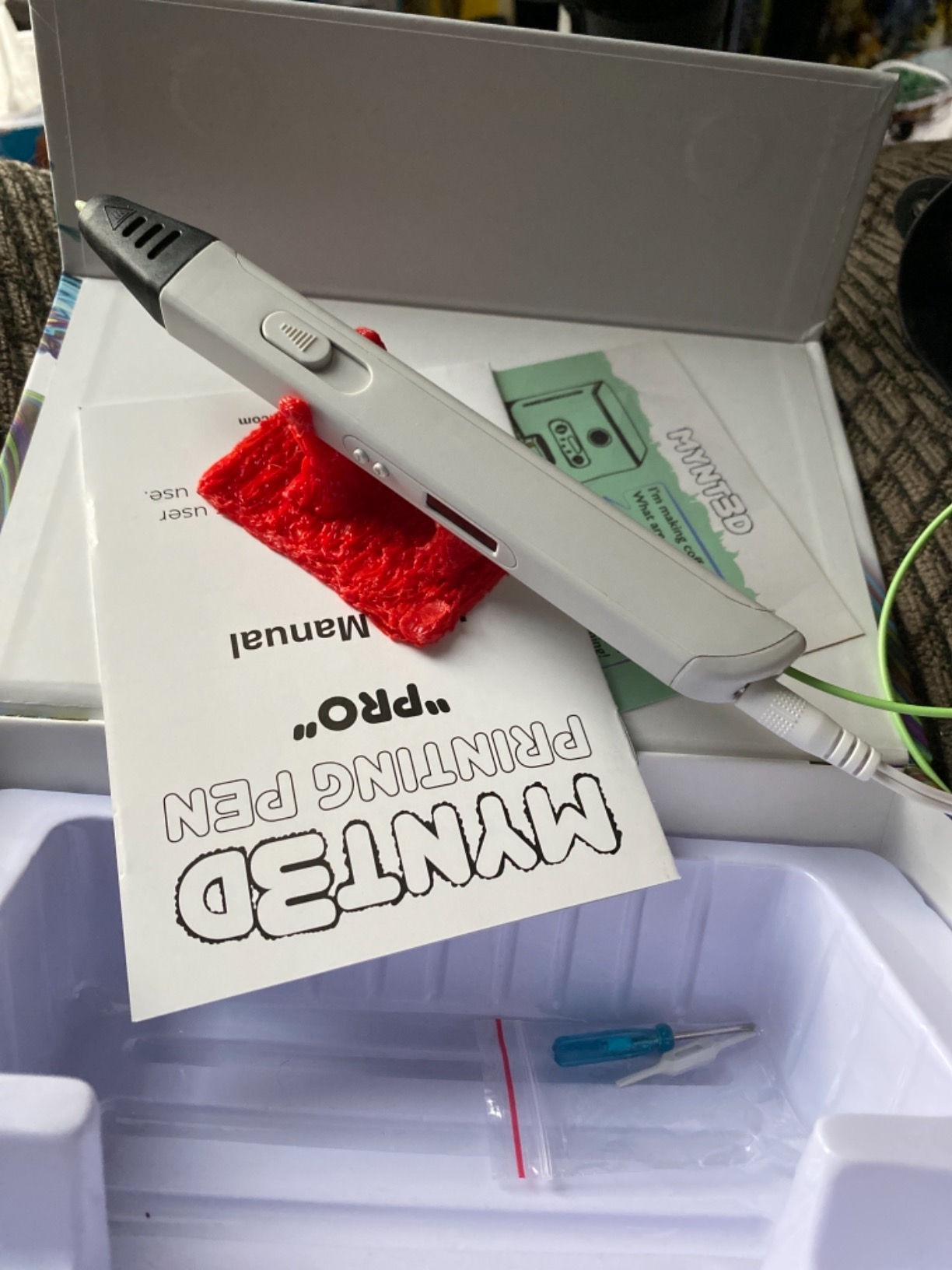
The MYNT3D Super is the pen you buy when the deciding factor is how much abuse it absorbs. Its headline feature is an ultrasonic sealed nozzle, and across more than 22k ratings that design is the thing owners mention most: the pen keeps feeding after the kinds of mistakes that stop other models, such as reversing on a cold start or leaving a partial strand sitting in the tip for a while.
The body is slim and light at 7.7 ounces, the lightest listed weight in this group, and that is the reason it handles well for a child. It uses 1.75mm filament in ABS or PLA, the standard desktop diameter, so a family that later buys a real 3D printer can feed it from the same spools rather than buying a second supply of plastic. That shared spool is part of what earns this pen the value slot rather than the top one.
Like the P1, it has a stepless speed slider, and reviewers value the fine flow regulation when drawing on a vertical surface. The kit includes three colours of PLA and an AC adapter, plus a 1 year limited warranty, which is standard for the category and worth knowing about before a first purchase.
It holds a 4.3 rating across more than 22k ratings. The friction points named by owners are the familiar ones for any 3D pen: the first session is confusing until filament feeds and retracts cleanly, the starter filament is small, and the tip is hot. None of these are defects, and all three are manageable with a fifteen-minute walkthrough.
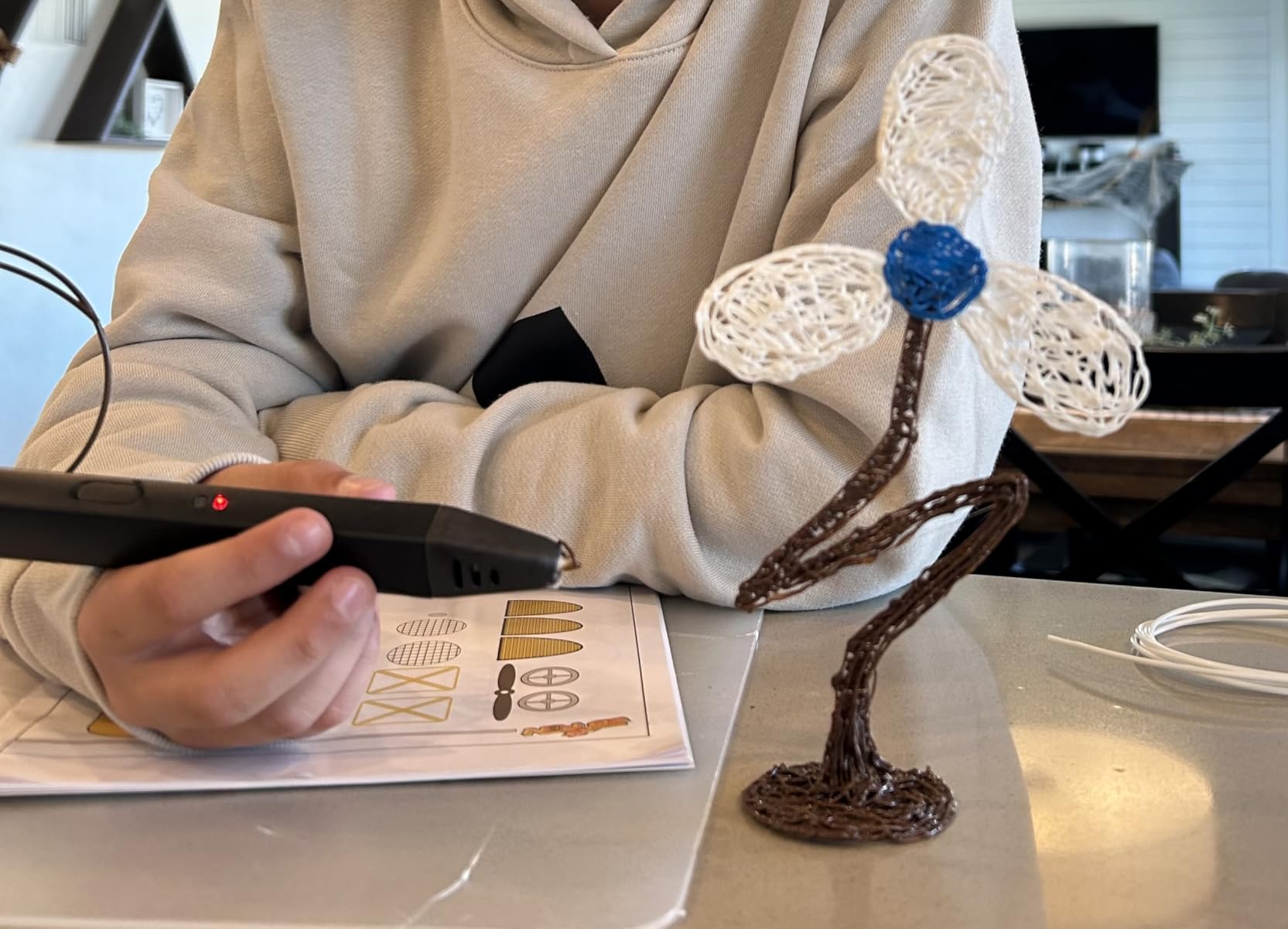
Standard filament, no brand lock-in
Because this pen takes standard 1.75mm filament, parents are not locked into one brand. Reviewers who run both a pen and a printer treat it as an advantage, and the diameter is the one number worth checking before any 3D pen purchase. Some models in this category use 2.5mm or 3mm strands, and a mismatch jams the pen immediately.
The included filament does not go far, so treat the first order as a trial rather than a supply. The ABS setting suits adults who know about fumes better; for a child, PLA at the lower end of the range is the sensible setting.
Good for rough handling, less good for small hands
This suits a child who is a bit rough with equipment, or a family that wants one pen to grow into teen projects. The sealed nozzle and the 1.75mm feed make it the most forgiving pen here for an adult teaching a beginner.
Skip it for a child under about 7 on safety grounds, and skip it if the deciding factor is a display showing the current temperature. There is no screen on this model, so a child works from feel alone, which is fine for many and frustrating for others.
3. MYNT3D Professional 3D Pen with OLED Display: Precision Control for Tweens and Teens
- OLED shows live nozzle temperature
- 1C temperature increments for precise control
- Stepless speed slider adjustable while feeding
- Replaceable nozzle means a jam does not end the pen
- Slim 12 ounce body
- Included power supply is short and weak on some setups
- Maximum temperature tops out near 230C
- Too fiddly and hot for children under about 10
This is the point on the list where the pen stops being a toy and starts being an instrument. The large OLED display shows live nozzle temperature, adjustable from 140 to 230C in single-degree increments, and that readout is the reason experienced users rate it highly. Nobody is guessing at settings; the child can see the number and change it.
It also has a replaceable nozzle, which removes the most demoralising failure mode in this hobby. When a pen jams and the nozzle is the consumable part, you replace a small component instead of the tool. The double-click continuous feed is another thoughtful touch: once it is locked on, the button need not be held, which helps a child whose hand tires mid-shape.
It holds 4.4 stars across more than 13k ratings. The most repeated complaint is not the pen but the included power supply, which several owners replaced with a known 2A USB supply to stop the feed stalling. If you buy this, expect to spend a moment on the adapter, and check that whatever you substitute delivers steady current.
The other criticisms are about fit rather than quality. Maximum temperature stops near 230C, below some specialty filaments need, and reviewers consistently describe it as too fiddly for young children. Both are reasonable trade-offs for a household where the pen will be shared with a teenager or an adult.
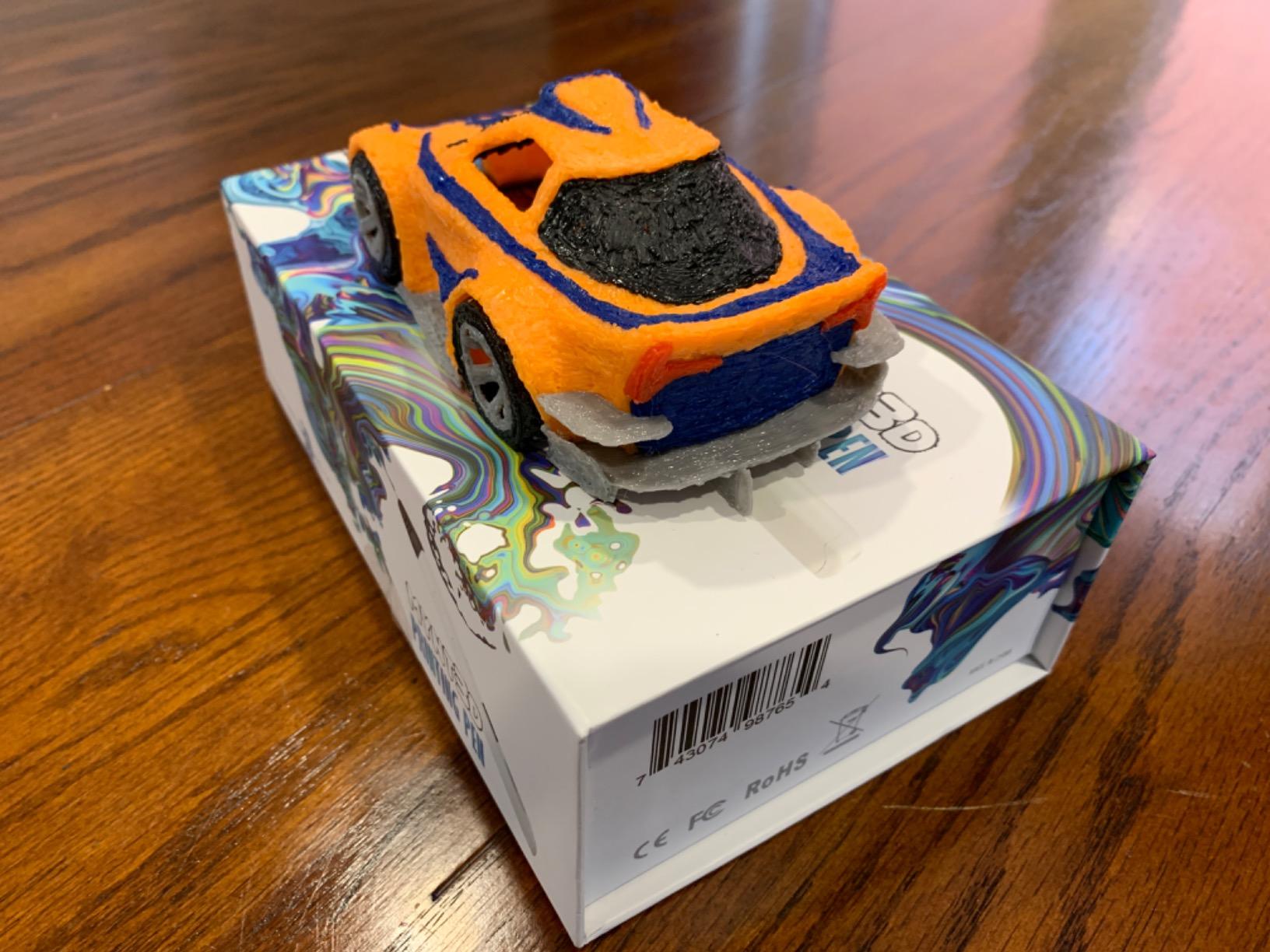
Filament is a recurring purchase, not a one-off
The kit includes three colours of PLA and a 1 year limited warranty. The wide temperature window means a family can experiment with different PLA settings rather than being locked to one, and ordinary filament is easy to source. For a tween who draws weekly, plan on ordering more material several times a year rather than treating the box as a supply.
Worth noting for older users: the OLED shows the temperature the nozzle is reaching, which makes diagnosing a damp or poorly feeding strand much faster. That diagnostic value is the underrated reason to pay more for a screened pen.
Suits tweens and teens, not first-time users
This suits a 12-year-old and up, or a child who has already worked their way up from a basic pen. It rewards a kid who wants to tune settings, and it pairs well with a family that already owns a 3D printer.
Skip it as a first pen for a 6- or 7-year-old. Too many controls, a hot barrel, and a screen that invites fiddling rather than drawing. For a first-timer, the Start+ or the P1 is a far better use of a beginner’s attention.
4. 3Doodler Start+ Essentials: The Only Pen Here With No Hot Parts
3Doodler Start+ Essentials 3D Pen Set for Kids, Easy to Use, Learn from Home Art, Educational STEM Toy for Boys & Girls Ages 6+
- No hot parts
- so the nozzle can be touched safely
- Works for ages 6 and up
- 72 strands across mixed colours in the box
- DoodlePad and activity guide speed up first success
- Slimmer body and 50 percent faster charging than the original Start
- Short battery life
- roughly one project per charge
- Some pens stopped working in heavy shared use
- Uses proprietary 3Doodler Start plastic only
Everything else in this roundup melts plastic at a temperature a child can feel. The 3Doodler Start+ does not, and that single engineering choice is why it is listed for ages 6 and up while the others are not. Parents describe touching the tip to confirm it, which tells you how much of the usual parental anxiety this removes.
It is also a genuinely better first tool. The DoodlePad gives a dotted template surface so a beginner can trace a shape instead of attempting a freehand curve on day one, and 72 strands of mixed-colour plastic mean there is a usable quantity of material in the box rather than a token amount. The current Start+ version charges 50 percent faster and carries more filament than the original Start.
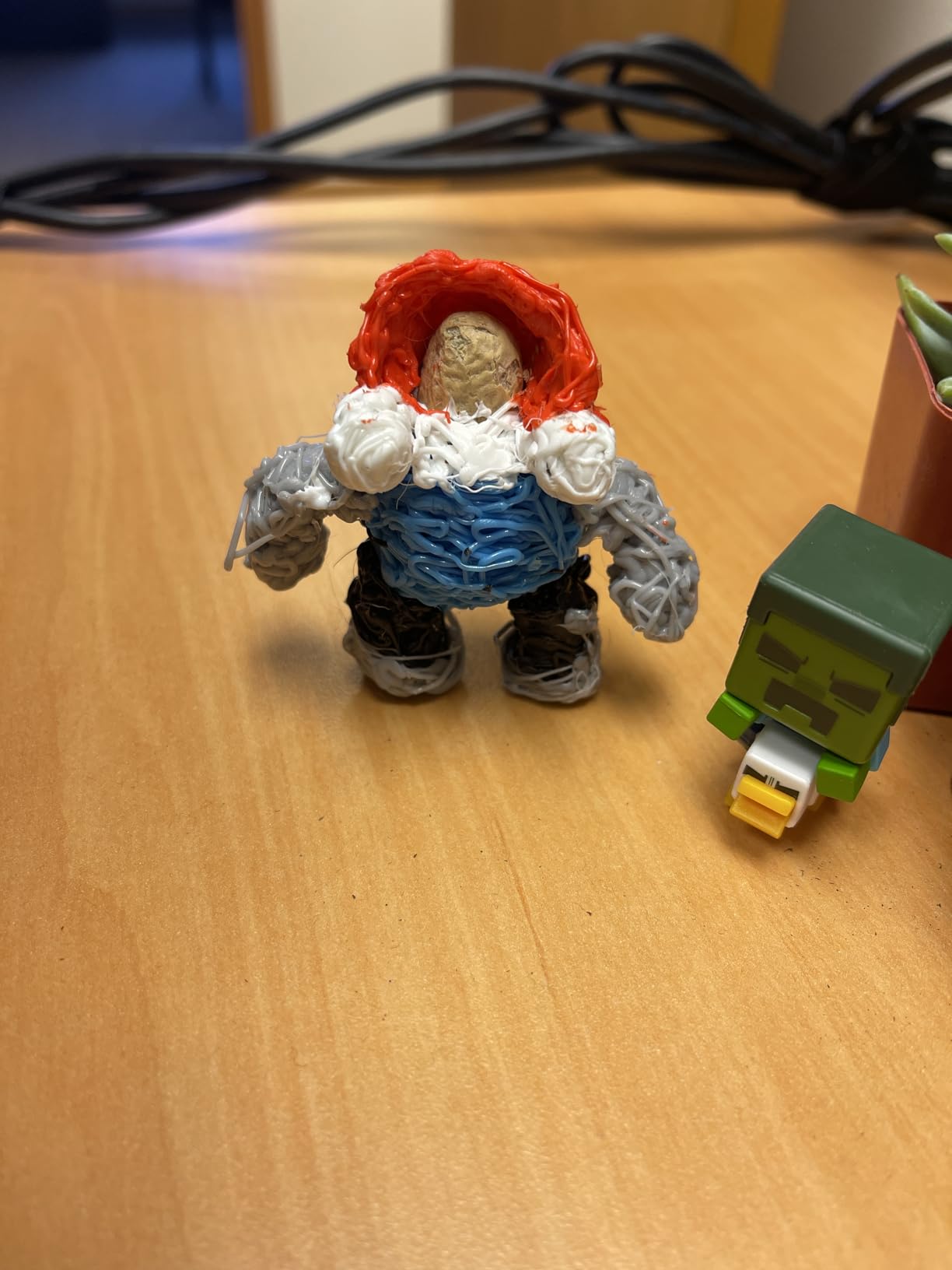
Rated 4.4 across more than 11k ratings, it collects among the warmest owner feedback in the group. Parents describe children aged 5 to 10 being proud of finished projects and staying occupied for hours, and the safety story is repeated back in reviews almost word for word. Replacement service is also singled out favourably, with owners reporting that warranty support extended well past a year on pens that had failed.
The consistent weakness is battery life, which reviewers say is short enough for roughly one project per charge. That is the main reason it sits below the SCRIB3D P1 in our ranking despite the safety advantage: an 80-minute classroom or holiday-camp session will need a mid-session top-up. Two owners running library programmes also report pens eventually failing, though the support response is the mitigating factor they mention.
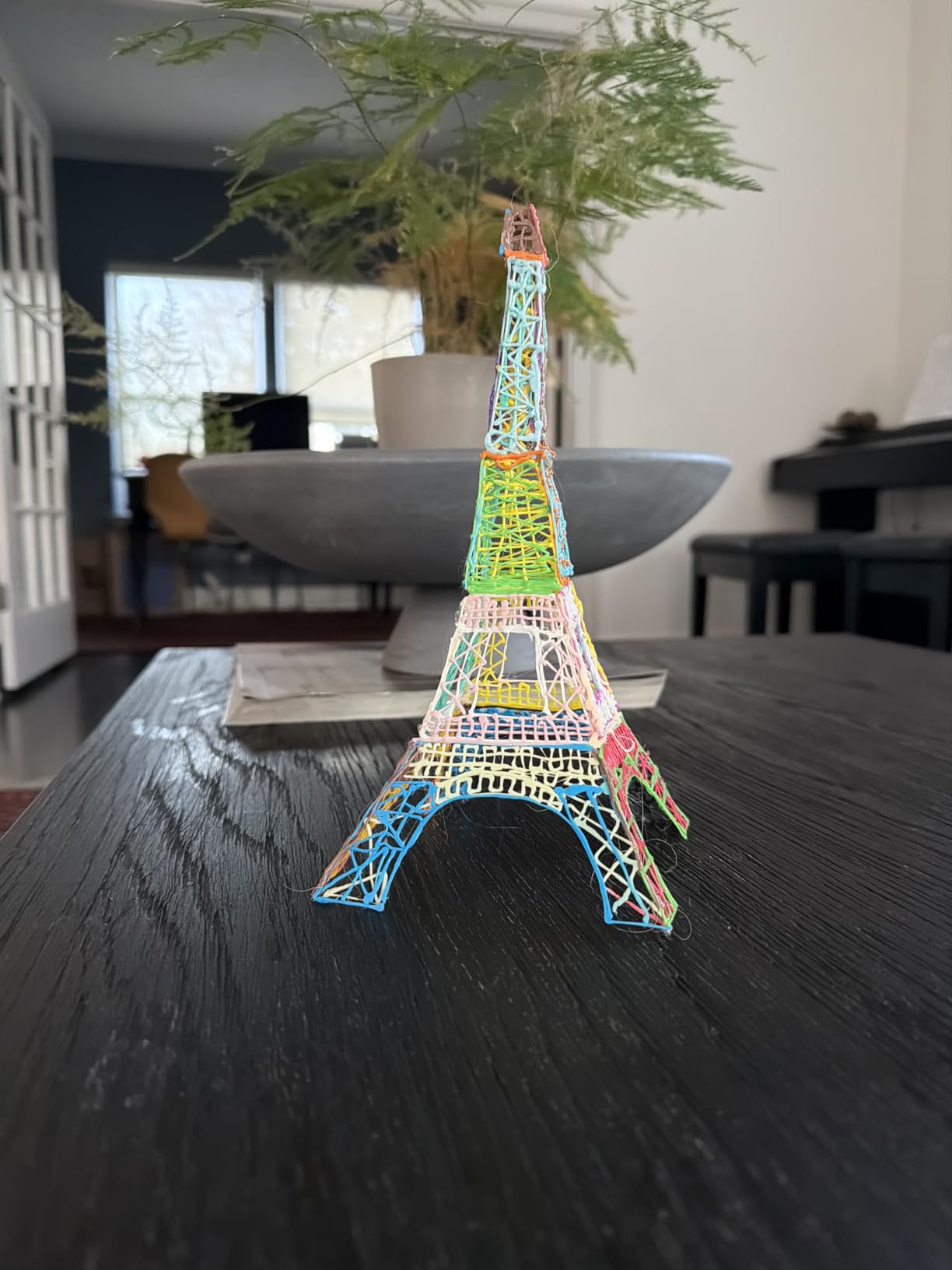
Proprietary strand means refills come from one brand
This is the one real cost of ownership issue in the roundup. The Start+ uses 3Doodler Start plastic only, so you cannot substitute a standard 1.75mm spool, and colours are less vibrant than buyers sometimes expect. Refills are a predictable repeat purchase, and a parent should budget for that from the start rather than being surprised in week three.
For a household that will only ever own this pen, the lock-in costs little. For a family that also owns a printer or wants to try different plastics, that limitation is worth weighing against the safety benefit. The included cable is USB-C, which is the standard now and avoids carrying a separate cable.
The right pen for small hands
This suits children from 6 to about 9, first-time users, and any family that puts safety ahead of everything else. It is the pen we would give a niece or nephew, and the safest answer to the question of which 3D pens are safe for children to use.
Skip it if your child makes large, load-bearing objects, wants a screen, or is the kind of kid who will be frustrated by a battery that dies mid-project. Also skip it for a teen: the proprietary plastic limits them, and the screen-free simplicity that helps a six-year-old will feel like a constraint at fourteen.
5. SCRIB3D Advanced: A Large LCD and Eight Speed Steps for Older Kids
SCRIB3D Advanced 3D Printing Pen with 20 Feet of Filament, Stencil Book, and Project Guide
- Large LCD shows heat and settings clearly
- Eight speed options plus variable control for line thickness
- Soft-touch curved body is comfortable in long sessions
- Generous bundle with 5 colours of PLA
- Anti-clogging features included
- Hot nozzle means supervision for young children
- Steeper controls suit older kids and teens better
- Steady line work still takes practice
The Advanced is the middle step between the P1 and the OLED Professional, and it makes that step in a specific way: a large LCD instead of a small display, and eight discrete speed options instead of a stepless slider. For a tween or teenager that combination works well, because the stepped settings are easy to read at a glance and the screen confirms what the pen is doing before a shape goes wrong.
It includes five colours of PLA totalling roughly 50 feet, plus an adapter, a manual and a stencil guide. That is one of the more generous bundles in this group, and for a child who works fast it delays the first refill.
The soft-touch curved body weighs 11.7 ounces and is described as comfortable for long sessions, which is a real consideration for a child who will sit and build for an hour. Anti-clogging features are built in, and the pen runs the same PLA and ABS temperature ranges as the P1.
It holds 4.3 stars across more than 3,400 ratings, a smaller base than the other models, and the owner commentary mirrors the P1 almost exactly: the screen and speed steps are the reason for buying it, and the learning curve for steady feed and retraction is what new users complain about most. Nothing in the reviews suggests a reliability problem specific to this model.
What the bundled filament actually gives you
With five colours and about 50 feet in the box, this pen has more runway in the box than the other standard kits here. Refills are standard 1.75mm filament once the starter pack runs down, and because the temperature range covers both PLA and ABS, a household can move between materials without a new pen. Keep it on PLA in a child’s room and treat ABS as an adult job with the window open.
The 8 speed settings are more useful than they sound once a child is past the beginner stage: a thicker setting for structural bases and a fine one for detail and lettering means one pen covers a range of build types.
A step up for kids who want a readout
This suits children around 10 to 13 who want a visible readout and a more grown-up tool, and it works as a step up before moving to a full OLED model. It also suits anyone who prefers clear stepped settings to continuous adjustment.
Skip it for a beginner under about 8: the extra controls add decisions at exactly the stage where a child needs fewer. And because the nozzle is hot, it needs an adult nearby regardless of how capable the child is.
6. MYNT3D Pro with 10 Colour PLA and DesignPad: The Kit That Gets Results Fastest
- Ten filament colours included for immediate multi-colour projects
- DesignPad channels and FreePad tracing surface speed up shaping
- Stepless speed control and replaceable sealed nozzle reduce clogs
- Lightweight body with intuitive controls
- Highest star rating among the pens in this group
- The largest kit commitment of the roundup
- so a bigger outlay for a first pen
- Takes practice to learn heat-up and feed timing
- Hot tip suits older children
- teens and adults
If the goal is a child who is visibly making things within the first hour, this kit is designed for exactly that. It includes ten vacuum-sealed PLA colours, more than any other package here, and two work surfaces: a double-sided silicone DesignPad with moulded channels for geometric shapes, and a transparent FreePad for tracing patterns.
Those surfaces are the real product. A child who cannot yet control a freehand line can lay the mat down, follow a channel or trace a shape, and end up with something that looks intentional. On the review side, the ten colours and the mats are what owners name first, along with consistent filament flow and a sturdy feel.
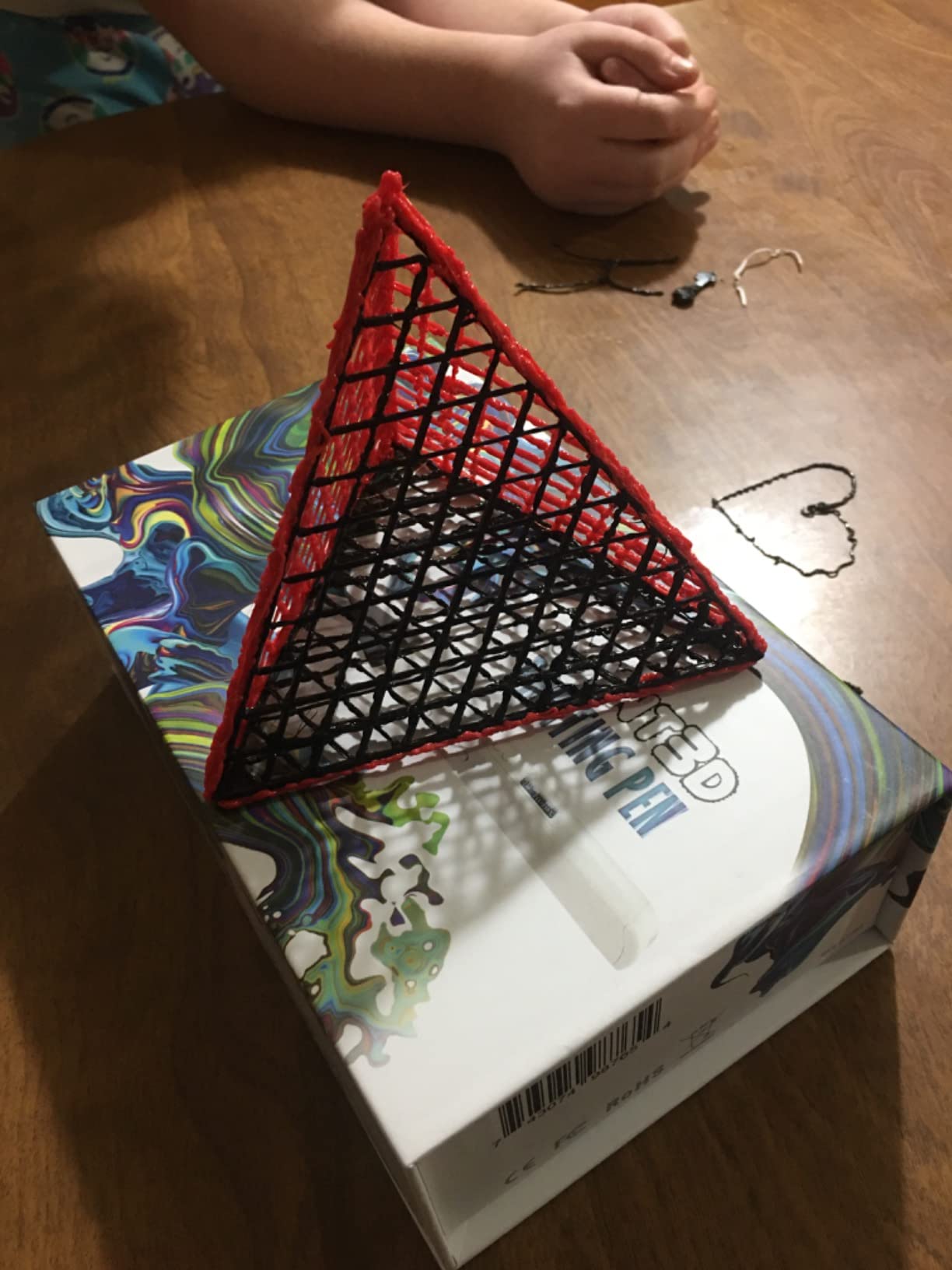
The pen itself has stepless speed control, discrete temperature adjustment and a replaceable sealed nozzle, so the two big reliability complaints from the category are addressed in the design. A 1 year limited warranty and support access come as standard. It carries the highest star rating in the group at 4.5, though on a much smaller base of 664 ratings than the pens above, and we weigh the review count accordingly.
Its cautions are consistent with the reviews. The kit is the largest outlay we looked at, which makes it a bigger commitment for a first pen. There is a short warm-up period while a child learns the feed rhythm. And the tip is hot, so this is a tool for an older child, a teenager or an adult, not a five-year-old.
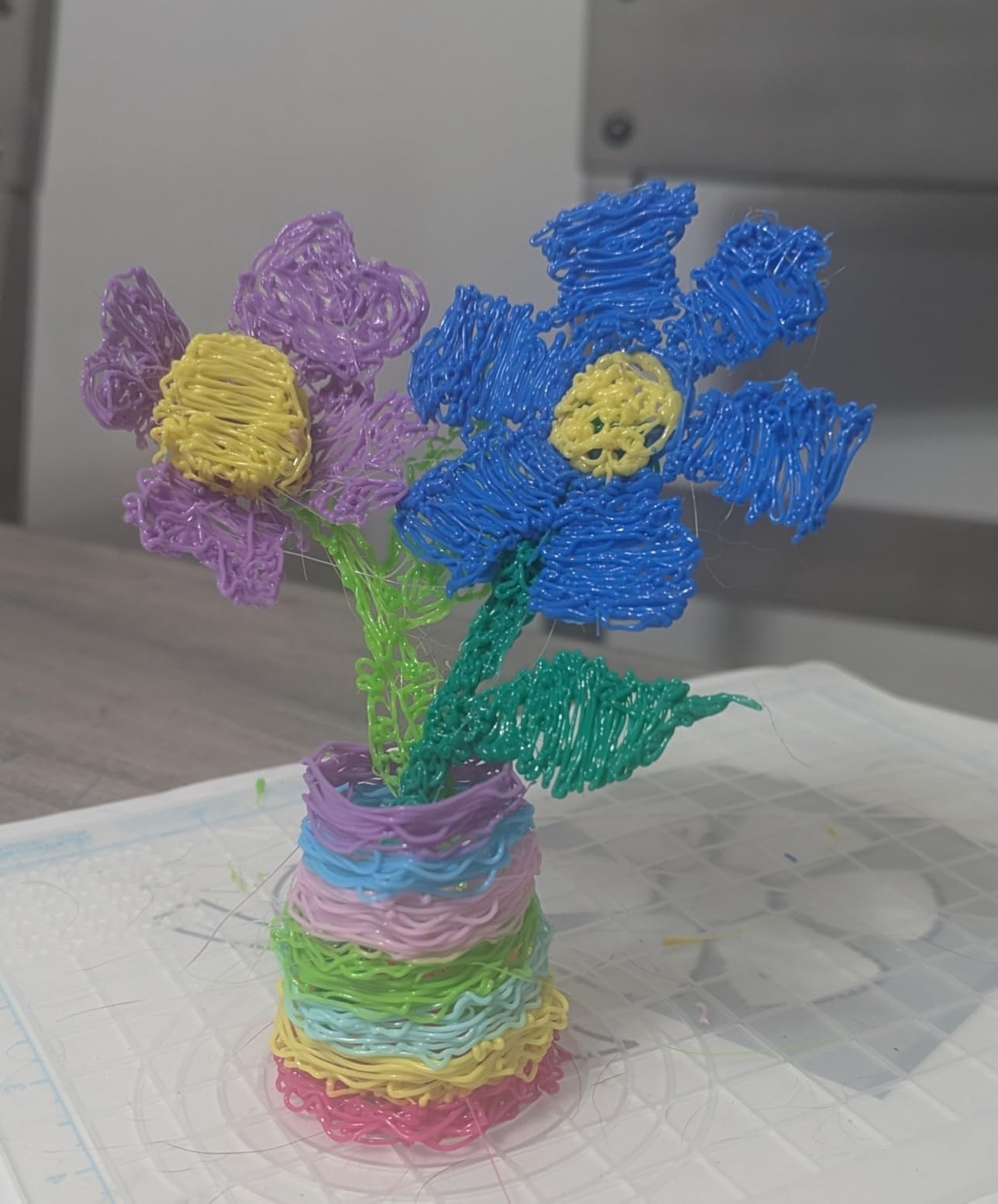
What the ten colours and mats give you
Ten colours sounds like a lot of filament and functions as a runway: a child working through a colour at a time is unlikely to exhaust any single strand in the first months. The filament is 1.75mm PLA, the standard diameter, so top-ups do not have to come from this brand. That is unusual for a kit this generous and worth confirming before buying, because most bundled filament is proprietary.
The practical limit is the pen’s own temperature range rather than the filament. On this kit, the adult in the room sets the heat and the child draws, which is a sensible division of responsibility for a hot-nozzle tool.
Best when everything needs to come in one box
This suits a child aged 10 and up, a family that wants a single box to open on a birthday, and anyone who has tried a basic pen and stalled. The mats make it a strong choice for a child with limited fine motor control who needs structure before freehand drawing.
Skip it as a first purchase for a young child on a limited budget, where the same outlay buys the Start+ and leaves a genuine safety margin. Also skip it for a beginner with no adult nearby, since the hot tip is a real constraint rather than a formality.
Which Filament Should a Child’s 3D Pen Use?
Filament matters more to safety and success than almost any other choice, and the type is fixed by the pen rather than chosen freely. Here is what a parent needs to know about the four types that come up.
PCL is a low-temperature plastic used in the coolest pens in this category. It softens at a heat a child can barely feel, which is the reason a pen can advertise no hot parts at all. PCL strands tend to be proprietary to the pen brand and are less widely available than PLA.
PLA is the workhorse filament for every pen in this roundup other than the Start+. It is plant-based, prints at roughly 160 to 235C depending on the model, and produces very little odour compared with ABS. The nozzles that run PLA are hot enough to require an adult nearby, but the fumes are minimal and PLA is what we would use in a child’s room.
ABS needs a hotter nozzle, around 210 to 235C, and gives off a noticeable smell as it softens. Every pen here except the Start+ lists ABS capability. For a child, keep that setting for an adult in a ventilated space and use PLA the rest of the time.
PETG is tougher and more heat-resistant than PLA, which makes it good for sturdier objects, but it needs an even hotter nozzle than most of these pens can reach. It is not a beginner filament and rarely appears in kid kits.
The one universal rule: check the filament diameter before you buy refills. Pens in this category use 1.75mm, 2.5mm or 3mm, and a mismatch will jam the tool immediately. The MYNT3D Super and the MYNT3D Pro kit both take 1.75mm, the standard desktop size, so a family that later buys a real 3D printer can feed them from the same spools. Our full fountain pen roundup makes a similar point about buying one good tool rather than several cheap ones.
Best 3D Pen by Age: A Quick Selector
Ages 4 to 5: none of them. At this age a 3D pen asks for hand control and patience that has not developed yet, and the frustration of a tool that will not do what is asked of it outweighs the creative benefit. Give a child this age modelling clay or a magnetic drawing board instead.
Ages 6 to 7: 3Doodler Start+. This is the age where the no-hot-parts design stops being a nice-to-have and becomes the reason to buy. A cool tip, a DoodlePad for tracing and 72 strands in the box give a child a finished object on the first afternoon, which is what keeps the interest alive.
Ages 8 to 10: SCRIB3D P1 or MYNT3D Super. Both have a stepless slider, and by this age a child can handle feeding and retracting filament with a reminder. Both run hot, so an adult stays within earshot. The P1 gives finer speed control; the Super forgives more mistakes.
Ages 11 to 13: SCRIB3D Advanced. The larger LCD and the eight speed steps give a pre-teen something to tune, and the five-colour bundle keeps a fast builder supplied for longer. It is also a natural stepping stone to a full OLED model in a couple of years.
Ages 14 and up: MYNT3D Professional or the MYNT3D Pro kit. A teenager wants readouts, adjustable temperature and freedom from proprietary refills, and the OLED Professional delivers all three. The Pro kit wins if colour and ready-made surfaces matter more than the screen.
Starter Projects That Actually Work at Each Age
Project choice is the difference between a child who keeps drawing and a child who puts the pen down. The list below is ordered by how much precision each build demands.
Ages 6 to 7 should stay flat. A traced outline on the DoodlePad, a simple name plate, and a chain of straight lines joined into a closed shape are enough. Nothing here needs a steady freehand line, and every one of them finishes inside a sitting.
Ages 8 to 10 can add the third dimension. A flat base, then short upright walls to make a cup or a pen pot, then a handle drawn as a single line between two points. Keychains and small animals made from repeated triangles work well because each piece is a shape a child already knows how to keep steady.
Ages 11 and up can attempt figures and structures: a small house with walls and a roof, a model figure built from stacked shapes, or costume jewellery. At this age, a stencil book matters more than extra colours, because the stencil supplies the accuracy the child has not yet built.
Ages 14 and up can treat the pen as a small fabrication tool: brackets, hooks, replacement parts for a broken plastic fitting, or a custom phone stand. This is also the age at which a 3D printer becomes the better tool for anything with a flat base, and the pen takes over for the parts the printer cannot reach.
How to Choose a 3D Pen for Kids?
Work through these five in order and the choice makes itself. Age decides everything else, so start there rather than with features.
1. Start with the age bracket, not the specification. Under 6: most adult pens are not appropriate, and a low-temperature model is the only sensible option. Ages 6 to 9: a no-hot-parts pen, or a simple hot-nozzle pen with a stencil book, with an adult nearby. Ages 10 to 12: a pen with speed control, a screen and standard filament. 13 and up: a screened pen with a replaceable nozzle, or the ten-colour kit.
2. Then check nozzle temperature and sleep behaviour. Anything well above 100C at the tip is an adult-supervised tool. A pen that auto-sleeps after two minutes of inactivity is worth having, because children wander off mid-build.
3. Then check whether it takes standard filament. A 1.75mm pen is compatible with material you can buy almost anywhere, which makes restocking simple. A proprietary pen, like the 3Doodler Start, is straightforward but locks the family into one supplier.
4. Then check what is in the box. Stencils, a template mat and a tracing surface are the accessories that actually shorten the path to a finished object. Extra colours matter less than a surface for tracing, and a power adapter that delivers adequate current matters more than a fast-looking one.
5. Finally, check the jam story. A sealed nozzle and a replaceable nozzle both reduce the chance a first jam ends the hobby. A 2 minute auto sleep and an anti-clogging design are practical insurance against that.
Why a 3D pen keeps clogging, and what to do in order
Popping, sputtering and a stalled feed are almost always filament or settings, not a broken pen. Owners across the user forums make this point repeatedly, and it matches the pattern in the product reviews.
First, unload the filament completely using the pen’s unload or reverse function, so you are not purging a blockage with plastic still in the barrel. Second, dry the strand, because damp filament is the single most common cause and a dry box or a few minutes in a warm oven fixes it. Third, check the diameter, because a strand that is even slightly off spec will not feed. Fourth, push a short purge through at a slightly higher temperature, in short bursts rather than one long feed.
Only after all four steps is a jammed pen actually a faulty pen, and on the models with a replaceable nozzle it is a component swap rather than a replacement.
What to avoid buying, and when not to buy at all
There is a category of unbranded 3D pen with weak motors, inconsistent heating and no jam protection, and forum reports are consistent that these end up in a drawer within weeks. The fix is simple: buy a pen with a recognised brand, a review base in the thousands, and a stated warranty.
It is also worth saying plainly when not to buy one. A 3D pen is a poor gift for a child under 5, for any child who will use it unsupervised, or for a child with significant fine motor delays unless an adult is going to sit alongside them. A pen needs adult presence even when the plastic is cool, because the feed and retract steps are genuinely fiddly and a frustrated child needs help rather than a hot tool.
For a child who is not ready, our guide to round pens covers a low-frustration drawing tool that builds the same hand control, and a set of stencils with a silicone mat keeps a beginner engaged without another filament order.
Frequently Asked Questions
What is the best 3D pen for children?
The SCRIB3D P1 is the best 3D pen for most children because its stepless speed slider lets a beginner slow down mid-line without restarting, and its ceramic nozzle resists the jams that end a first attempt. For children under about 8, choose the 3Doodler Start+ instead, because it is the only pen in our roundup with no hot parts at all.
What are the best 3D pens for kids, according to reviews?
Reviewers rate the SCRIB3D P1 and the MYNT3D Super highest in this group, at 4.4 and 4.3 stars on the two largest review bases in the category. The MYNT3D Professional and the 3Doodler Start+ follow closely at 4.4. The most common praise is for speed control and sealed nozzles; the most common complaints are short battery life, small starter filament, and the learning curve on first use.
Are 3D pens good for kids?
Yes, when matched to age and supervised. A 3D pen builds fine motor control, hand-eye coordination and spatial reasoning through a screen-free, hands-on activity, which is why it is popular as a STEM and creative gift. Children under about 10 should only use a low-temperature model, and no pen should be used by a child alone.
What are the best brands of 3D pens?
Three brands dominate kid-focused 3D pens in customer reviews: SCRIB3D, MYNT3D and 3Doodler. SCRIB3D covers the value and mid range with a stepless slider and an LCD model, MYNT3D offers the widest range from a sealed-nozzle Super to a ten-colour Pro kit, and 3Doodler makes the only genuinely cool-running pen built specifically for young children.
What is the best 3D art pen for kids?
The MYNT3D Pro kit is the best 3D art pen for kids when colour variety matters, because it includes ten vacuum-sealed PLA colours plus a DesignPad with moulded shape channels and a transparent FreePad for tracing. For decorative work rather than colour work, the SCRIB3D P1 gives finer control over line thickness, which is what makes lettering and detail work look clean.
What is the best 3D pen for a 10 year old?
The SCRIB3D P1 is our pick for a 10 year old, with the MYNT3D Professional as the step up for a confident teen. At 10, a child can manage the feed and retract sequence, benefits from the stepless speed slider, and will be frustrated by a pen with too many controls. The Professional adds a live OLED temperature readout for children who want to tune settings.
Which 3D pens are safe for children to use?
The 3Doodler Start+ is the safest pen for children, because its child-safe design has no hot parts and it is rated for ages 6 and up. Every other pen we tested melts filament at 160C to 235C, which is hot enough to burn on contact, so adult supervision is required. Use PLA rather than ABS in a child’s room, since ABS gives off a noticeable smell as it softens.
Are 3D pens any good for kids?
They are good for kids, with one condition: a child needs to get a recognisable result within the first session, or the pen is abandoned. That is why stencils, a DoodlePad or a tracing mat matter as much as the pen. Give a beginner one of those, demonstrate the feed button once, and expect the following session to be the one that clicks.
Final Verdict
For most families, the SCRIB3D P1 is the right first 3D pen. It has the stepless speed control that makes a beginner’s hand tolerable to work with, a ceramic nozzle that survives mistakes, a 2 minute auto sleep, and the largest review base of anything we tested. Take it to a 7-year-old, stay in the room for the first feed, and buy a second filament pack before the first one runs out.
If your child is under 8, buy the 3Doodler Start+ instead and accept the shorter battery as the cost of a pen with no hot parts. At 12 or older, move up to the MYNT3D Professional for its live OLED temperature readout and replaceable nozzle, or the MYNT3D Pro kit if you want colour and tracing mats included.
Whichever you choose, the details that decide success are unglamorous: standard 1.75mm filament, a stencil or mat in the box, a decent power supply, and an adult nearby. Get those right and the pen gets used. This guide to the best 3d pens for kids was updated for 2026, and we keep the picks honest by matching every claim to what owners actually report.