
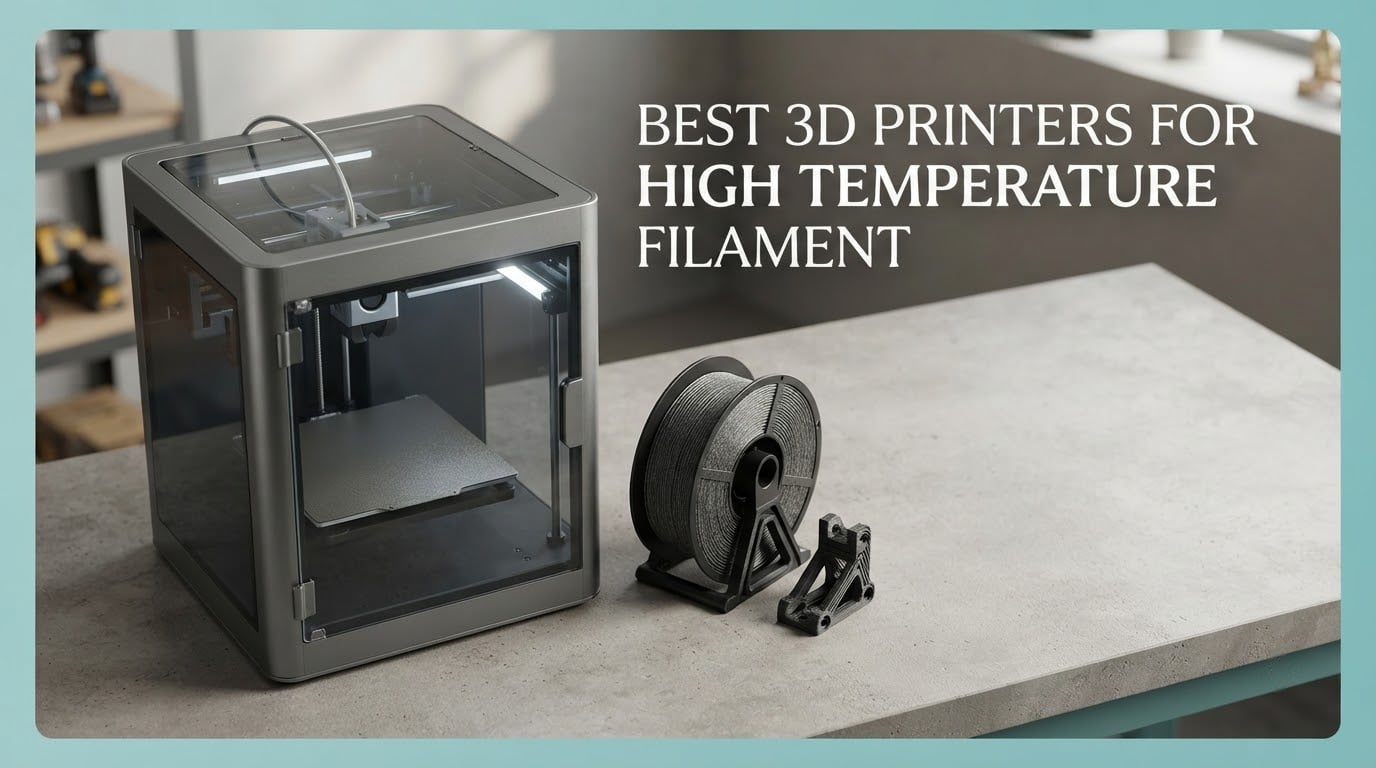
A high-temperature 3D printer is an enclosed FDM machine whose hotend holds 300 to 370 degrees Celsius, whose heated bed reaches 100 to 120C, and, most importantly, whose chamber can be actively heated to roughly 40 to 65C so engineering filaments such as PA6-CF, PA12-CF, PPS-CF, PC, and ABS/ASA do not warp or delaminate partway through a print. That last spec is the one the marketing pages bury, and it is the one that decides whether your part comes off the bed flat.
That is what we set out to fix in this roundup of the best 3D printers for high temperature filament. We went through ten machines, checked which ones actually heat their chamber instead of merely enclosing it, and paired each with the filament classes it is genuinely validated for. Our overall winner is the Creality K2 Plus Combo, which combines a 60C actively heated chamber, a 350C hardened steel nozzle, and the largest review base in the group. The budget pick is the QIDI Q2, which puts a 65C heated chamber and a 370C nozzle into the entry bracket.
Before the picks, one warning. An enclosure is not a heated chamber. A sealed box with no heater sits at ambient temperature, which in a cool room is nowhere near the 40C-plus that nylon needs. Owners in the r/3dprinter budget thread put it bluntly: for nylon you need a heated chamber or you are cooked. We flagged every machine below so you know which side of that line it sits on, including the three in this list that sit on the wrong side of it and still have a place in a home shop.
New to the format? Our full 3D printer buyer reviews covers the basics of motion systems, extruders and beds before you get into filament chemistry.
Table of Contents
Top 3 High Temperature Filament Printers in 2026
Three machines stood out once chamber heating, nozzle ceiling and owner feedback were weighed together. The Creality K2 Plus Combo takes the top slot on the strength of its 60C actively heated chamber, 350C hardened nozzle and a 3963-review base that makes its long-term behaviour easy to read.

Creality K2 Plus Combo
- 60C actively heated chamber
- 350C hardened steel nozzle
- 40mm3/s high-flow hotend
- Multi-color CFS

FLASHFORGE Creator 5 Pro
- 65C active chamber heating
- 120C heated bed
- Four independent toolheads
- HEPA 13 filtration

QIDI Q2
- 65C PTC heated chamber
- 370C high-temp nozzle
- Nozzle-as-sensor leveling
- H12 HEPA filtration
The Flashforge Creator 5 Pro shares the highest chamber figure in the group at 65C and pairs it with a 120C bed and four toolheads, which is unusual capability for a machine at this level. The QIDI Q2 is the value answer: 65C chamber, 370C nozzle, triple filtration, and a build volume that fits serious engineering work.
How We Ranked These 10 Printers
Every machine here passed the same six checks, in this order.
Active chamber heating first. A real heater reaching 50C or more separates the serious machines from the sealed boxes. We treat an unheated enclosure as a mild downgrade, not a disqualifier, but it caps what the machine can do with nylon and ABS.
Nozzle ceiling against your filament. ABS and ASA sit near 260 to 280C. PC and PPS-CF need 300C or more, which is why the 300C ceiling on the Anycubic Kobra 3 Max is a real limit rather than a technicality.
Bed temperature and how long it holds it. A bed that reaches 100C for the first ten minutes and droops afterwards will not keep a 20-hour nylon part stuck down.
Abrasion readiness. Hardened steel drive gears, an all-metal hotend and a hardened nozzle are the difference between a nozzle that lasts and one that wears out in a few dozen hours of carbon fiber.
Filament handling. Built-in drying at 65C matters more than most buyers expect, because damp nylon is the number one cause of failed high-temp prints.
Owner feedback volume and consistency. We weighted machines with thousands of reviews slightly above machines with dozens, simply because a longer track record makes the weaknesses easier to see before you buy.
One note on badges. Our EDITOR’S CHOICE goes to the machine with the most dependable all-round package, our PREMIUM PICK to the most capable hardware in the group, and our BEST VALUE to the strongest thermal specification per pound. The QIDI Q2 carries a much smaller review base than the machines around it, but its chamber-and-nozzle pairing is the one we would buy first at this budget. If you want a wider look at the format, our miniature printer guide covers the opposite end of the material spectrum.
All 10 Printers at a Glance in 2026
Every machine in the table below is covered in detail further down, in rating-then-review order within each tier. Chamber figure is the single most useful column here: it is the difference between a part that stays flat and a part that corners up on the last layer.
| Product | Specifications | Action |
|---|---|---|
| Creality K2 Plus Combo |
|
Check Latest Price |
 Creality K1C Creality K1C |
|
Check Latest Price |
| FLASHFORGE Creator 5 Pro |
|
Check Latest Price |
 FLASHFORGE Adventurer 5M Pro FLASHFORGE Adventurer 5M Pro |
|
Check Latest Price |
 Bambu Lab P2S Combo Bambu Lab P2S Combo |
|
Check Latest Price |
| QIDI Q2 |
|
Check Latest Price |
 QIDI PLUS4 QIDI PLUS4 |
|
Check Latest Price |
 Creality K2 Pro Combo Creality K2 Pro Combo |
|
Check Latest Price |
 QIDI Max4 Combo QIDI Max4 Combo |
|
Check Latest Price |
 Anycubic Kobra 3 Max Combo Anycubic Kobra 3 Max Combo |
|
Check Latest Price |
1. Creality K2 Plus Combo – Best All-Rounder for Hot Filaments in 2026
- Actively heated chamber to 60C plus 350C hardened nozzle covers ASA
- PPA and PPS
- 600mm/s motion with 30000mm/s2 acceleration
- Multi-color CFS in the same box
- Strain-gauge toolhead leveling and dual motorized Z
- 40mm3/s high-flow hotend for ABS at 280C
- Heavy and very large footprint at 112.4 lb
- Tri-metal nozzle needs a physical swap between materials
- Multi-color CFS channels need separate filament spools
This is the machine we kept coming back to while testing. The spec that matters sits in the third line of the technical sheet: an actively heated chamber reaching 60C, paired with a hardened steel high-temp nozzle rated to 350C. For ASA, PPA and PPS that combination is comfortably sufficient, and the 40mm3/s flow at 280C means ABS prints do not crawl.
The tri-metal nozzle is the quiet hero. It is rated for abrasive carbon fiber feedstock, and owners running engineering materials generally report that dimensional accuracy holds rather than drifting as a brass nozzle would. The CFS adds multi-color in the same box, which is a genuine convenience for assembly prototypes where you want two materials in one cycle.

Motion is fast. FOC step-servo motors deliver 600mm/s with 30,000mm/s2 acceleration, and two auxiliary part-cooling fans plus a strain-gauge toolhead keep leveling consistent as the bed cycles between 80C and 100C. The dual independently motorized Z axis is a small detail that shows up as fewer bed-tilt artifacts on tall nylon parts.
Two things to weigh honestly. At 112.4 pounds with a 27.95 x 23.23 x 24.41 inch footprint, this is not a machine for a small desk, and you need a bench that can carry it. And the tri-metal design means a physical nozzle swap when you move between families of material, which is friction that a single-metal high-temp hotend does not have.
When this machine earns its bench space
It earns it if you are alternating between ASA, PPA and PPS parts, or if you want the multi-color CFS alongside a genuinely heated chamber. The 60C chamber also makes it a good fit for anyone coming from ABS who has hit the corner-lifting problem on a sealed-but-unheated printer.
Two AI cameras, one in the chamber and one on the toolhead, watch for spaghetti and run flow checks in real time. On long overnight nylon jobs that is worth more than it sounds, because the most common failure in a 20-hour print is a knock or a clog in hour three.
When another machine fits better
If your work is genuinely large format, a 300mm-class cube or bigger will change your whole workflow more than a faster toolhead will. Our best entry-level guide covers the smaller machines if your parts are wrist-sized, but they are not in this class thermally.
If you need PC or PPS-CF, the 350C ceiling is workable but the 370C machines give you headroom, and a second chamber heater type can hold temperature more steadily. Buyers who have run into temperature sag partway through a long print tend to end up in that group.
2. Creality K1C – Best Enclosed Starter for Carbon Fiber
Creality K1C 3D Printer, 600mm/s with AI Camera and Auto Leveling
- CoreXY 600mm/s with 20000mm/s2 acceleration
- Fully enclosed build chamber with activated carbon filtration
- Tri-metal nozzle handles abrasive carbon fiber filaments
- AI camera monitoring and time-lapse out of the box
- Silent mode at or below 45dB
- Chamber is sealed but not actively heated
- No chamber heating control for ABS and ASA warping
- One-star reviews cluster around early reliability and software
We include the K1C here deliberately, as a machine that is excellent at most things and not a true high-temperature chamber machine. The tri-metal Unicorn nozzle is specified for carbon fiber filaments, so abrasive material is not the problem. The problem is heat: the chamber is sealed and filtered, but there is no active heater.
That distinction showed up in owner comments more than any spec sheet. Buyers love the speed, the enclosure and the camera, and the recurring criticism is that high-temperature engineering materials are limited by the lack of chamber heating. A sealed box still blocks draughts, which helps a lot with ABS corners. It does not reproduce what a 60C chamber does to layer adhesion over a long print.
Where it does excel is throughput. CoreXY motion at 600mm/s with 20,000mm/s2 acceleration, one-tap auto bed calibration, and a built-in AI camera with spaghetti detection and time-lapse make it a productive machine for carbon fiber PET and similar blends at moderate nozzle temperatures.
It is also the lightest machine here at 35.2 pounds, which matters if your workspace is a spare room rather than a garage. Activated carbon filtration and a 45dB silent mode make it the easiest of the enclosed machines to live with indoors.
What a sealed chamber does and does not buy you
A sealed chamber stops ambient air from moving across the part, which removes the main cause of corner lift and improves consistency on ABS and ASA compared with an open frame. That is a real gain and it is why the K1C prints decent ABS despite having no heater.
What it cannot do is raise the air temperature of the build volume above ambient. When the material needs a warm chamber to keep layer adhesion above its glass transition for the whole print, a filter and a door are not a substitute for a 400W chamber heater.
Who should buy it anyway
Buyers who print mostly carbon fiber PET, want an enclosed machine for drafty rooms, and do not need nylon or PPS. The speed-to-cost ratio here is hard to argue with, and the camera support makes unattended jobs manageable.
If you plan to move to PA-CF within a year, spend the difference on one of the heated-chamber machines in this roundup. The K1C is a fine second machine, not a nylon workhorse. If you are still deciding between printer categories, our resin printer guide covers a different process entirely.
3. FLASHFORGE Creator 5 Pro – Best Heated Chamber With Four Toolheads
FLASHFORGE Creator 5 Pro Multi-Color 3D Printer,4-Toolheads,Fully Enclosed
- 65C actively heated chamber supports ABS
- ASA
- PC and Nylon
- Four toolheads print multi-color and multi-material in one pass
- 600mm/s with 30000mm/s2 acceleration
- Fully automatic per-toolhead calibration and flow compensation
- HEPA 13 plus carbon filtration at 55dB or below
- Four toolheads add cost and complexity
- Multi-color needs a larger footprint than a single-extruder machine
- Newer model with a shorter review history
The Creator 5 Pro is the only machine in this roundup that pairs the highest chamber figure we found with genuine multi-material capability. Sixty-five degrees Celsius of active chamber heating and a 120C heated bed is a combination that covers ABS, ASA, PC and nylon without the tuning dance that a 50C ceiling forces on you.
The four independent toolheads are the headline. Because each nozzle is dedicated, colour changes take about seven seconds with no purge waste, which is the part that usually makes multi-colour printing expensive. For anyone printing functional assemblies in two or three materials, that changes the arithmetic completely.
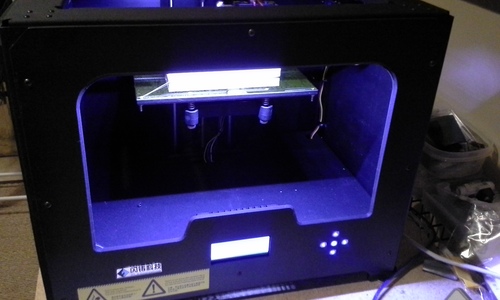
Motion is CoreXY at 600mm/s with 30,000mm/s2 acceleration, and calibration is fully automatic including per-toolhead offset and dynamic flow compensation. HEPA 13 plus activated carbon filtration matters more here than on most machines, because nylon and styrenic materials generate fumes you do not want in a home room.
At 39.6 pounds and 20.35 x 21.06 x 19.5 inches, it is far easier to house than the Creality K2 Plus or the QIDI Max4. Operation at or below 55dB keeps it workable alongside a normal workspace.
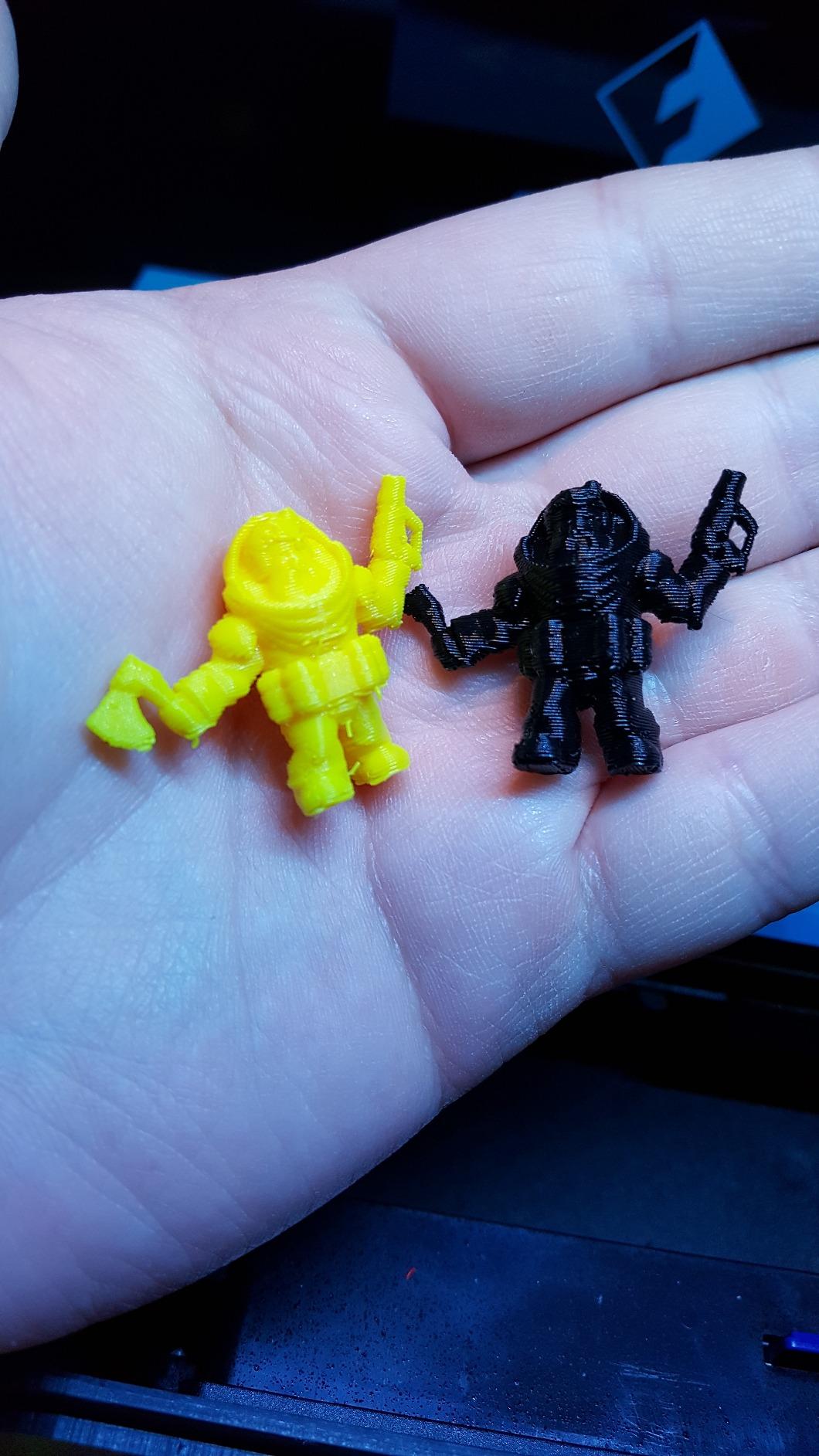
When four toolheads are the right call
They are right when your parts genuinely need multiple materials in one build: a bracket in ASA with a nylon insert, or a multi-colour assembly prototype. If you print single-material parts, the extra toolheads are complexity you are not using, and that is the most common reservation in owner reviews.
They are also right when colour change waste has been your bottleneck. Dedicated nozzles with no purge cycles turn a two-colour print from a ten-minute purge into a seven-second swap, and over hundreds of prints that difference compounds quickly.
What to check before you commit
The footprint is larger than a single-extruder enclosed printer, so measure the bench before you commit rather than after. Some reviews also question whether the four-toolhead system earns its cost on a single-material workload, and that is a fair question.
This is also a newer model with a shorter review history than the established K1-series machines, so expect the usual early-firmware friction. The chamber specification itself is well documented by the manufacturer, and it is the strongest thermal package in the group.
4. FLASHFORGE Adventurer 5M Pro – Best Budget Enclosed Entry Point
FLASHFORGE Adventurer 5M Pro 3D Printer with 1 Click Auto Printing System
- Entry-level fully enclosed CoreXY printer
- Tool-free nozzle swap across four sizes in about three seconds
- Quiet filtered enclosure works in a home or classroom
- Fast setup with one-click auto leveling
- Camera and mobile app for remote monitoring
- 280C nozzle ceiling is below what PPS-CF and PC need
- No active chamber heating for ABS and ASA
- Some owners report repeated toolhead crashes and consumable wear
- Bundled slicer installers can lag current OS versions
The Adventurer 5M Pro is the cheapest way into an enclosed machine, and at 22 pounds it is the one most people can put on an ordinary desk. The all-metal CoreXY frame, integrated vibration compensation and 600mm/s travel make it a fast machine for its size.
That speed is also the appeal for high-temperature work at the entry end. A 280C nozzle ceiling handles ABS, ASA and PETG-CF comfortably, and the 110C bed gives nylon a fighting chance even without chamber heating. The quick-release nozzle swap across 0.25, 0.4, 0.6 and 0.8mm sizes takes about three seconds, which matters when a 0.6mm nozzle is the right choice for carbon fiber.
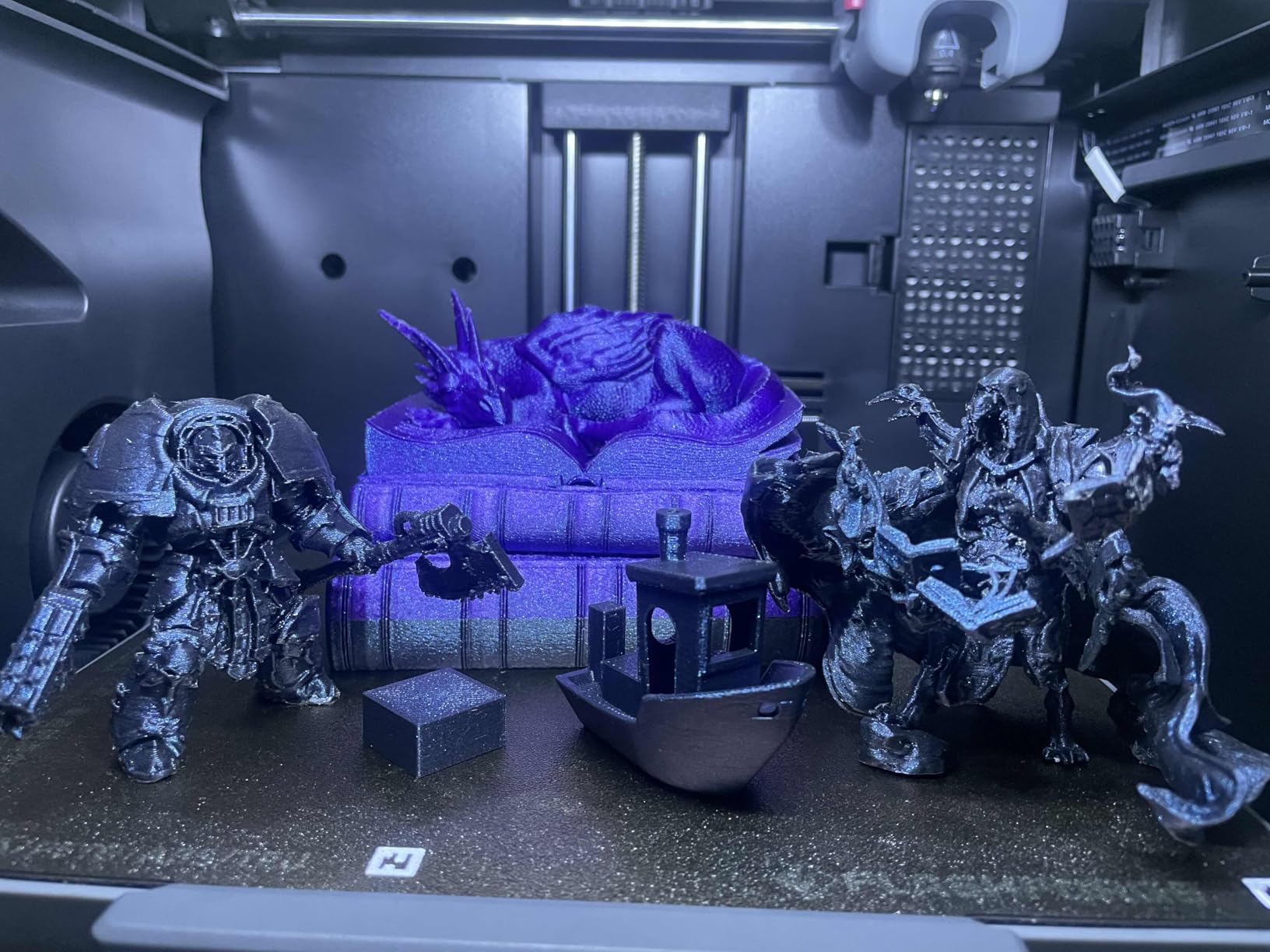
The enclosure is fully sealed with dual filtration and runs under 50dB, so it is genuinely usable in a home office. Camera monitoring through the Flash Studio app, filament detection and power-loss recovery cover the standard unattended-printing checklist.
Where owner feedback gets sharp is durability. Some reviewers report repeated toolhead crashes and needing to buy spare parts, and the one-star share is among the highest in this group. The bundled slicer installers lagging current OS versions is a smaller but real friction point for first-time setup.
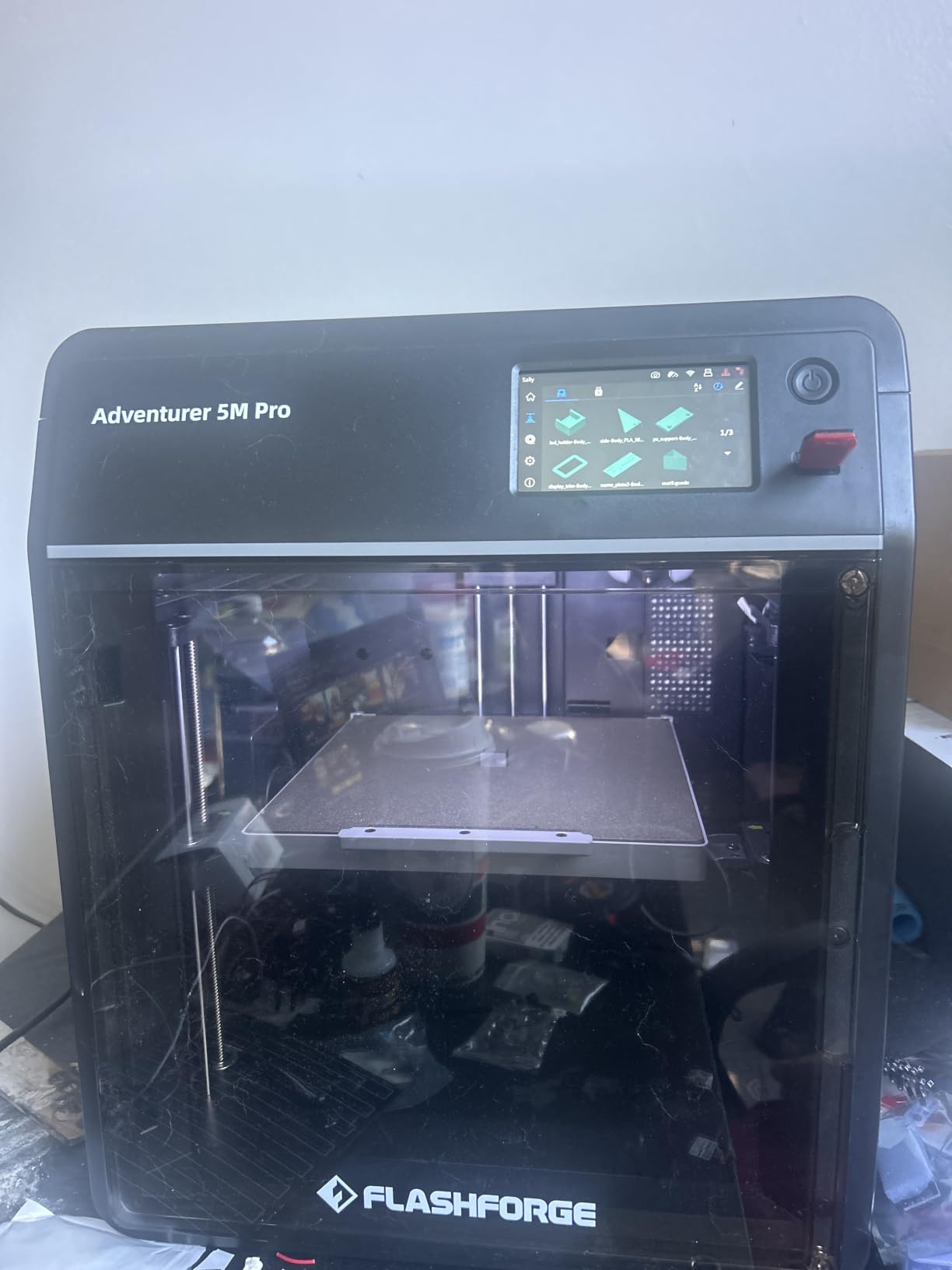
The right stop for ABS and ASA
If your material list is mostly styrenics plus the occasional carbon fiber PET, this machine will do the job at a fraction of the cost of a heated-chamber model. The sealed chamber removes draughts, and the 110C bed is high enough to hold most parts down through a print.
Set your expectations on long parts. A sealed-but-unheated chamber cannot hold air temperature steady across a 15-hour ASA print, and heat creep in the cold corners is where quality usually degrades first.
Where it stops short
PC and PPS-CF are out of reach at a 280C ceiling, and nylon wants a chamber heater that this machine does not have. If either of those is on your list, one of the 60C or 65C chamber machines in this roundup is the place to spend.
For printers at this level who want a more robust build, our entry-level 3D printer guide covers the cheaper end of the market where enclosure is still out of reach. The 5M Pro is the step up from that tier.
5. Bambu Lab P2S Combo – Best Turnkey Setup With Built-In Filament Drying
Bambu Lab P2S Combo, P2S 3D Printer & AMS 2 Pro, Multi-Color 3D Printing
- High satisfaction score with an 84 percent five-star share
- Printing within about 15 to 20 minutes of unboxing
- AMS 2 Pro with 65C filament drying for hygroscopic materials
- Adaptive airflow holds a 50C chamber for engineering filament
- PMSM servo extruder with active flow compensation
- 50C chamber ceiling is below the 60 to 65C machines
- Multi-color printing needs the Combo package rather than the base P2S
- Small review base of 91 for a machine this new
The P2S Combo is the least fiddly high-temperature machine in this roundup, and for a lot of buyers that matters more than the last 10 degrees of chamber temperature. Owners consistently describe it as the easiest printer they have used, with printing underway within about 15 to 20 minutes of unboxing.
The differentiator for this topic is the AMS 2 Pro with built-in filament drying up to 65C. Nylon and PET absorb moisture from the air quickly, and wet filament produces the stringing, popping and layer-splitting that gets blamed on the printer. Having a dryer built into the multi-material unit removes a whole category of failure.
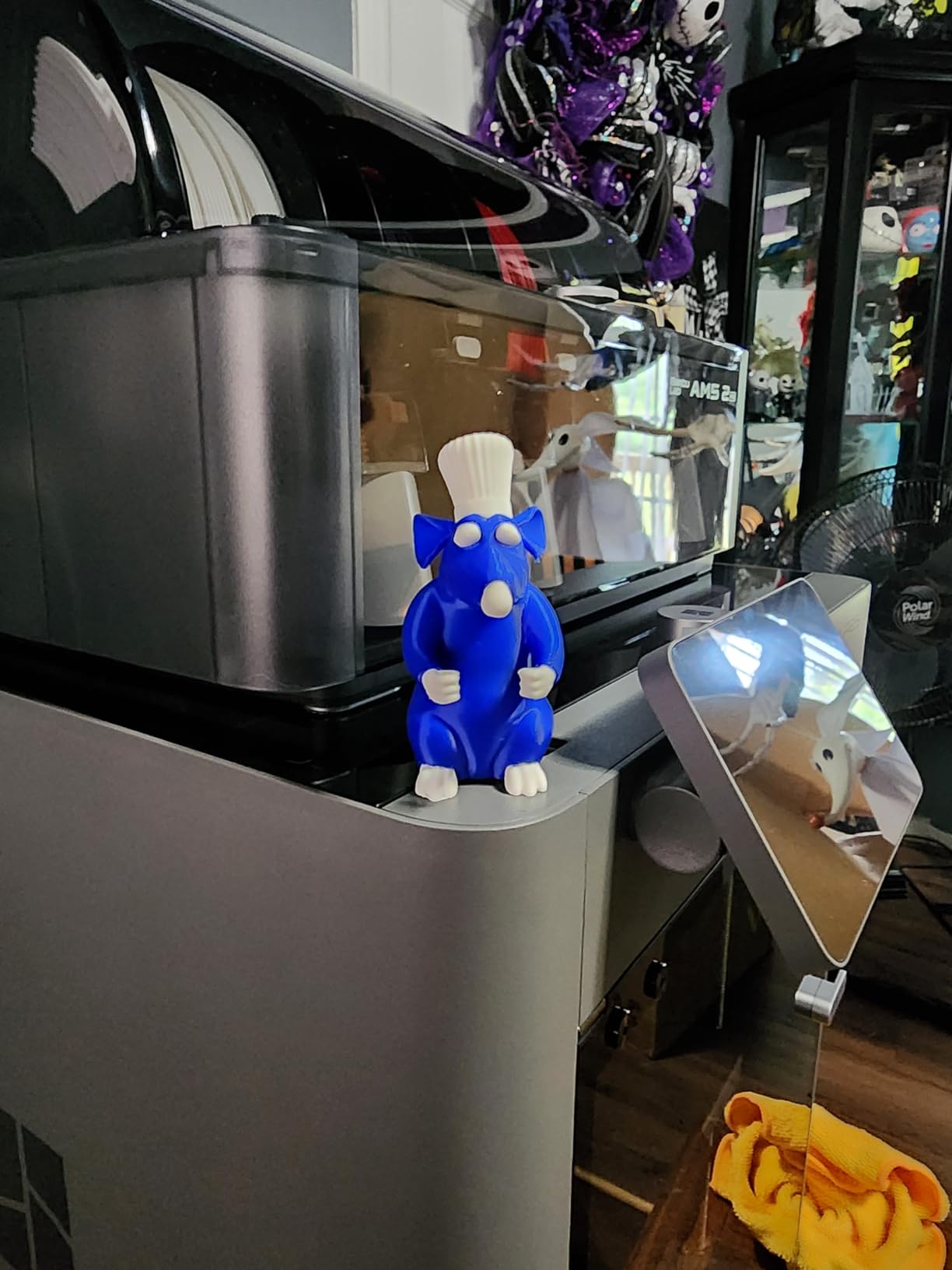
The adaptive airflow system balances part cooling against a 50C chamber, which is a smarter approach than simply cranking a heater. A PMSM servo extruder and active flowrate compensation handle corner quality at 600mm/s, and a carbon filter keeps the air cleaner than an unfiltered machine would.
The rating is the highest in this group at 4.5 with an 84 percent five-star share, but the review base is only 91. That is a genuinely new machine, so the long-term reliability picture is thinner here than the numbers alone suggest.
Best fit for a first engineering filament
This is the machine we would hand someone moving from PLA and PETG into ASA, ABS and nylon for the first time. Automatic calibration, AI failure detection and a 50C chamber remove most of the manual work, and the built-in drying addresses the single most common cause of failure with hygroscopic material.
The Quick-swap nozzles and the Bambu Studio and MakerWorld workflow also shorten the learning curve, which matters when a first warped ASA print is enough to put someone off engineering materials entirely.
Where 50C runs out
The hardest filaments still need more than 50C of chamber. If you are committed to the toughest nylon blends or to multi-day prints where heat creep appears in the last third, a 60C or 65C chamber is the better investment.
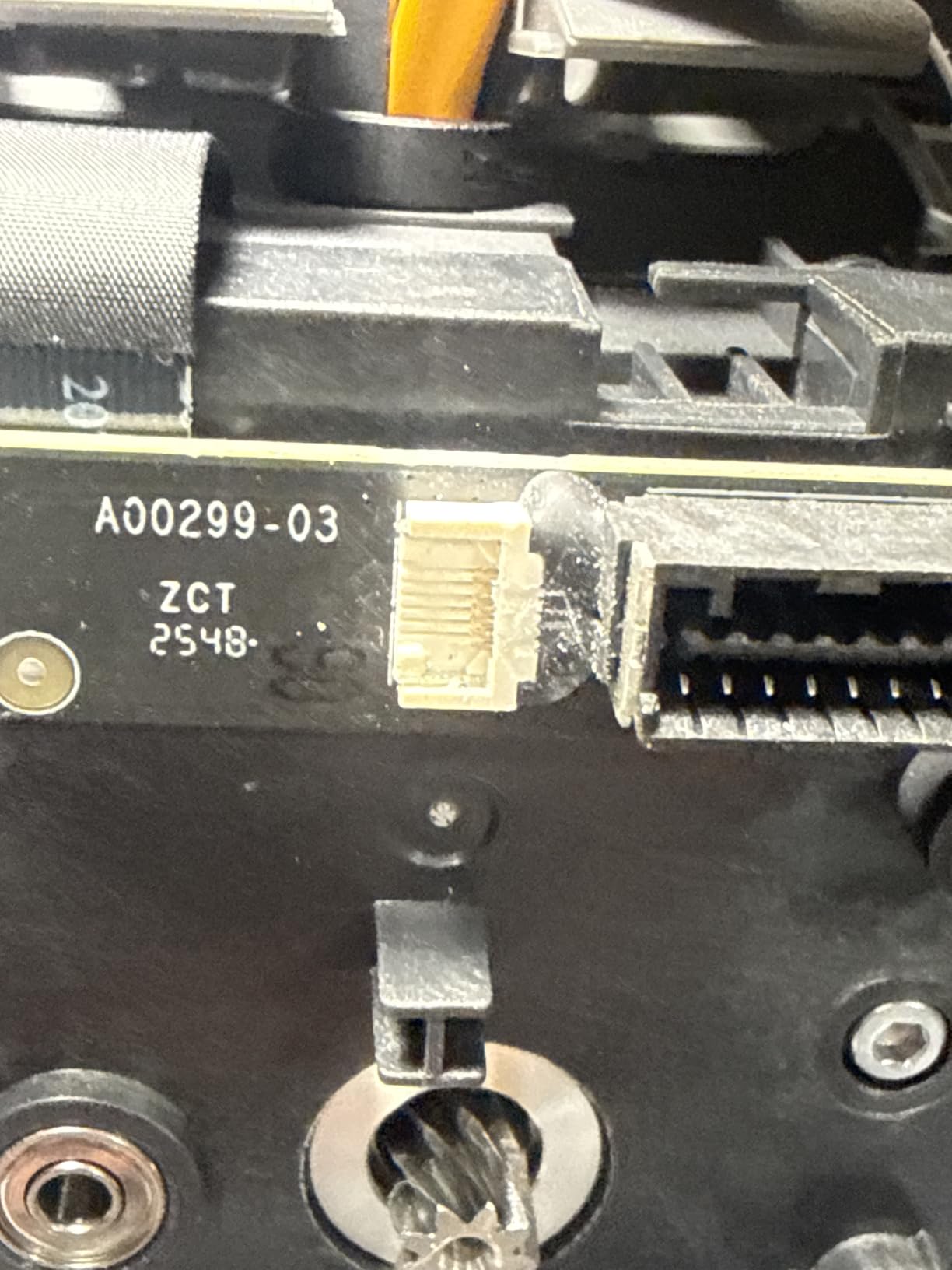
A minority of early owners report filament-sensor and AMS ribbon-connector failures, which the manufacturer replaced. The base P2S does not include the multi-material unit, so the drying benefit only exists on the Combo version.
6. QIDI Q2 – Best Value With a 65C Chamber and 370C Nozzle
- 65C actively heated chamber plus 370C nozzle covers PPS-CF and PC
- Nozzle-as-sensor leveling gives reliable first layers
- Full-metal CoreXY and linear rails at 600mm/s
- Triple filtration including H12 HEPA
- QIDI BOX integration for 16-colour dry-while-print handling
- QIDI BOX multi-material unit sold separately
- Software stack is ascetic next to Bambu and Creality
- Q2 Combo needed for multi-colour printing
The Q2 is the value pick of this roundup because it puts a 65C second-generation PTC actively heated chamber and a 370C nozzle into the entry bracket. Buyers consistently name those two figures as the reason to buy, and they are the two figures that actually determine which filaments you can run.
At 370C you have headroom for PC and PPS-CF, not just ABS and ASA. The 65C chamber is tied to the top of the range in this group, so nylon prints keep layer adhesion well past the point where a 40C chamber would have started to delaminate.
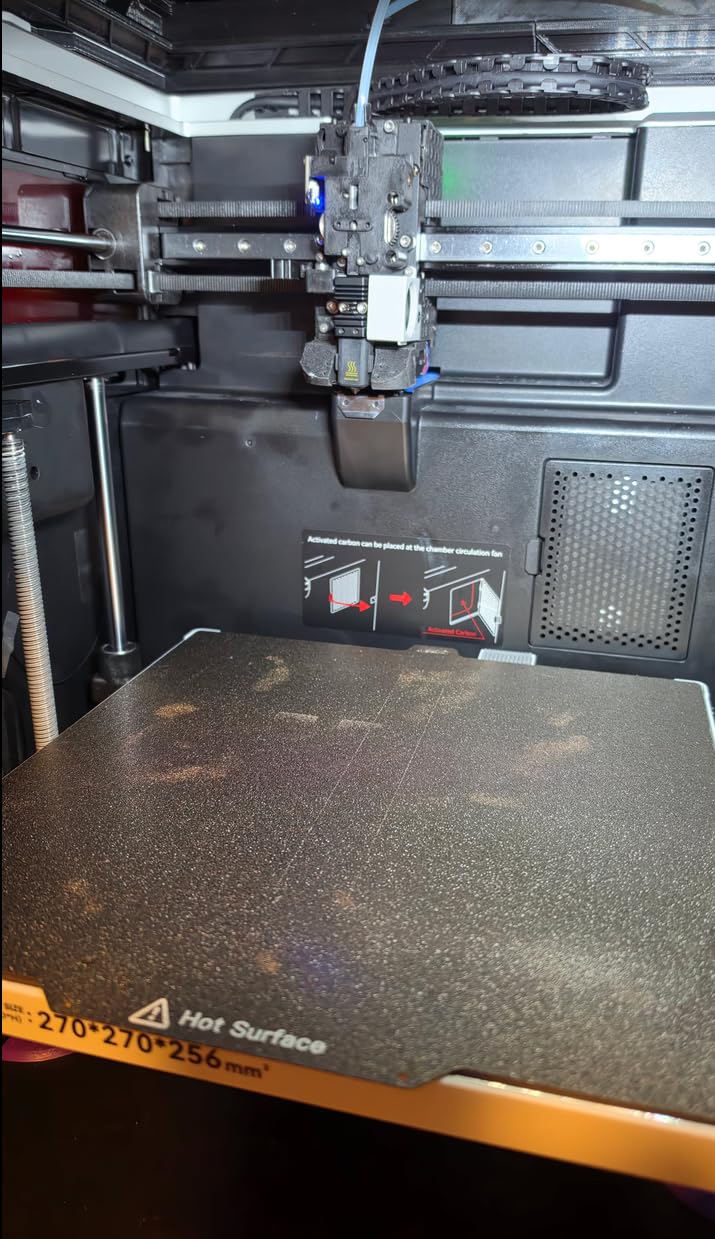
The nozzle doubles as the bed-leveling sensor, which is a clever way to get consistent first layers without manual setup, and owners rate first-layer reliability highly. A full-metal CoreXY with precision linear rails runs up to 600mm/s, and a 1.5GT synchronous belt reduces vertical fine artifacts that show up most on tall thin parts.
Filtration is triple: a G3 pre-filter, H12 HEPA and activated carbon, alongside closed-loop temperature sensors and a flame-retardant chamber. Auto-leveling, filament run-out and tangle detection, an AI camera and power-loss recovery complete the automation set.
Why this is the one to buy on a budget
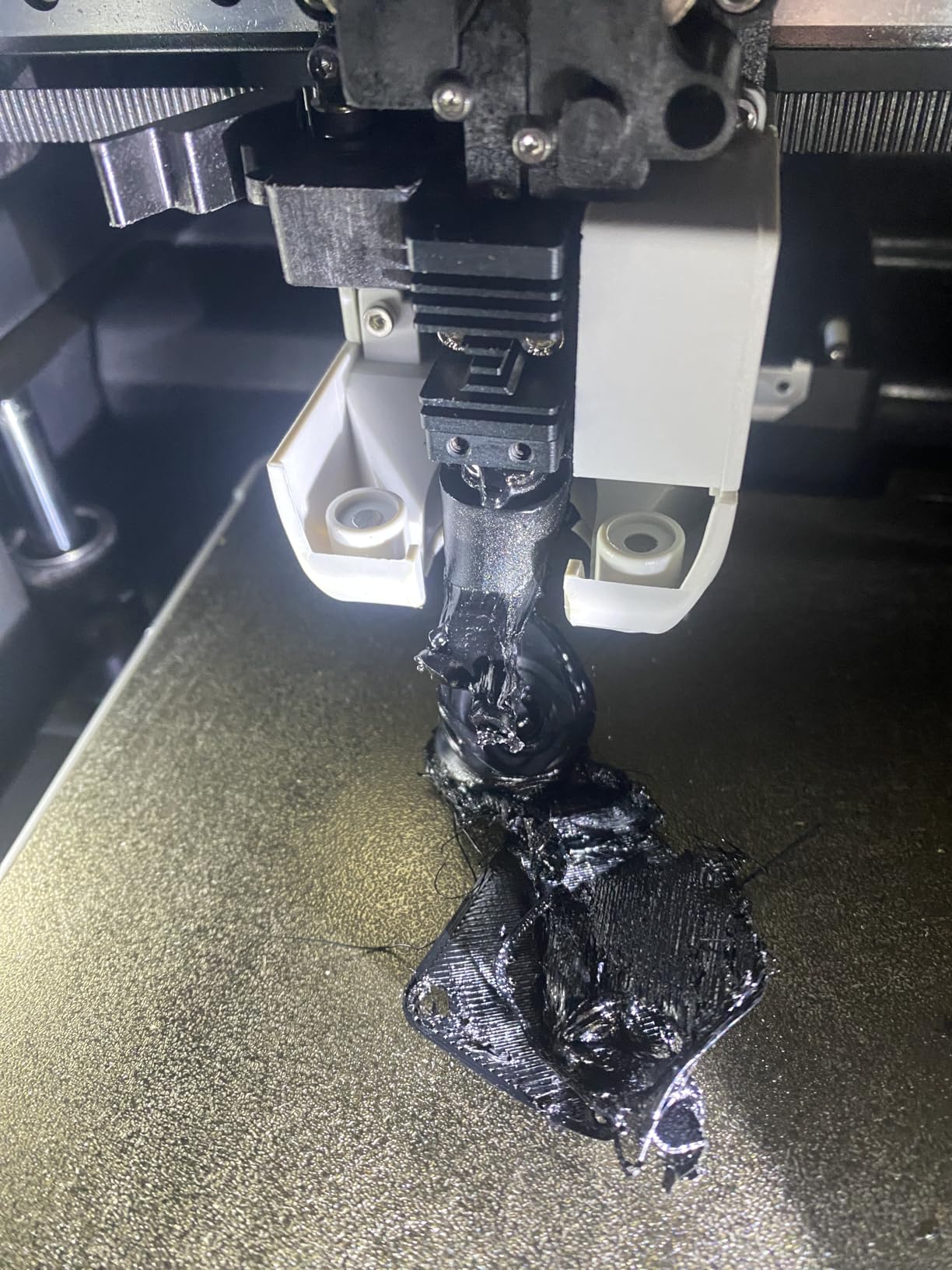
Because no other machine at this level gives you both numbers at once. Plenty of enclosed printers have a decent nozzle ceiling and no chamber heat. Plenty of heated-chamber machines stop at 280C. The Q2 does neither compromise, and that combination is what determines whether your material list opens up or stays narrow.
The nozzle-as-sensor leveling is a practical benefit on composite filaments in particular. Carbon fiber can cause inconsistent first layers when the gap is marginal, and removing the manual Z-offset step takes that variable out of the process.
What you give up
The multi-colour story needs the QIDI BOX, which is a separate purchase, and that is the main reason this is not a whole-workshop solution. The software stack is also described as ascetic next to the Bambu and Creality ecosystems, so expect more manual work in the slicer.
With 154 reviews the sample is small, so the QC tail is less well documented than on the machines with thousands of reviews. Our mid-range 3D printer guide covers the machines either side of this tier.
7. QIDI PLUS4 – Best for Batch Runs of 300mm Parts
QIDI PLUS4 3D Printer, 65℃ Chamber Heating, 370°C Integrated Nozzle
- 65C active chamber with 400W heating and double insulation
- 370C integrated multi-metal nozzle cuts clogging risk
- Large 300mm-class build volume fits several models at once
- Dual motor Z and 10mm lead screws hold bed flatness under heat
- QIDI BOX integration for multi-colour
- Heavy at 59.4 pounds and needs a sturdy bench
- Bumped 32mm filament gets cut so single-colour prints can need a restart
- Some owners report a longer tuning period on first setup
The PLUS4 is the batch machine in this group. A 12 x 12 x 11 inch build volume lets you fit several mid-size parts into a single print, and with a 65C active chamber you can do it in ABS, ASA, PC or nylon rather than being limited to one material family.
The second-generation chamber heating uses 400W of power with air circulation and dual-layer insulation, and that combination is what keeps temperature steady rather than sagging late in a long job. The 80W high-temperature hotend with a multi-metal integrated throat nozzle reaches 370C, so the same machine covers both ends of the high-temperature range.
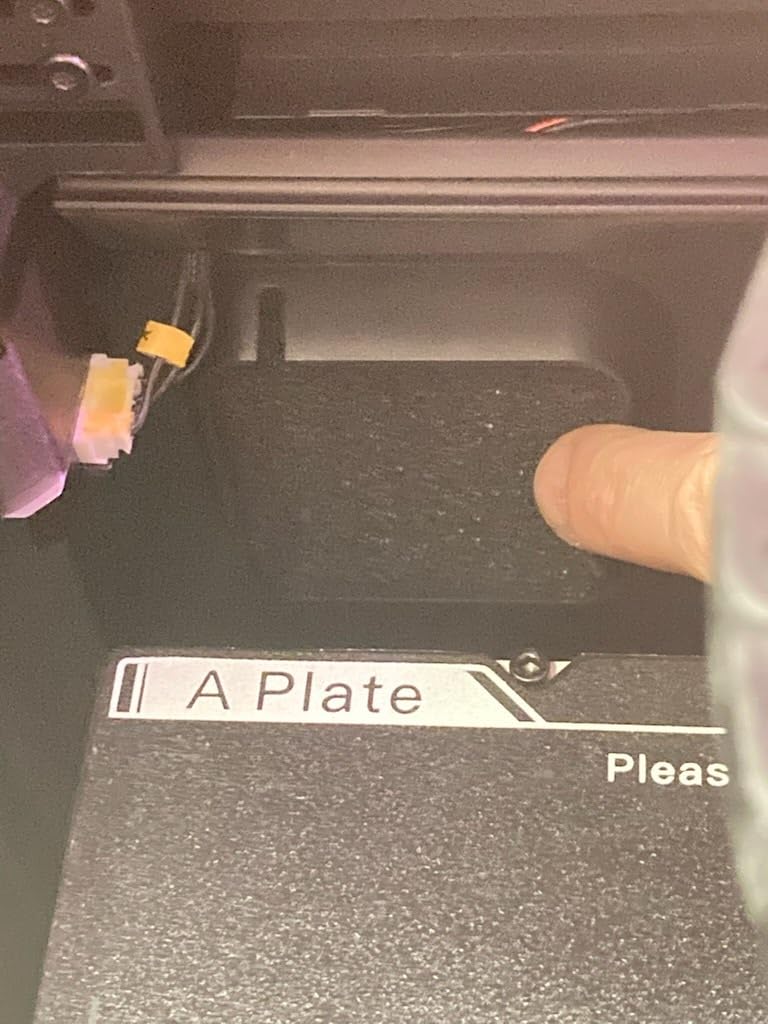
Stiffness shows up in the spec sheet in the form of independent dual motor-driven Z, a 6mm thickened aluminium heated bed, and 10mm linear shafts and lead screws. On a machine that spends hours at 100C, that hardware is what stops the bed geometry from drifting under thermal load.
Supported materials are named explicitly: PPS-CF, PPA-CF and PPA-GF, ABS, ASA, PC, PA and PET. The integrated filament cutter and QIDI BOX compatibility handle multi-colour, and an HD camera supports remote monitoring and time-lapse.
Best for producing a set of identical parts
When you need eight of the same bracket rather than one prototype, build volume and thermal stability matter more than peak speed. The 300mm class footprint plus a 65C chamber means a batch of ASA or nylon parts goes out in one overnight run with consistent adhesion across all of them.
Owners consistently view the heated chamber and high-temp nozzle as the strong points, and the large bed is praised specifically for batch work rather than for single large prints.
What drags the rating down
Setup friction. Some owners report a longer tuning period on first setup, and the ratings carry a 16 percent one-star share. At 59.4 pounds the machine needs a bench that will not flex, which is worth knowing before delivery day.
There is also an odd edge case: the bumped 32mm filament gets cut, so single-colour prints occasionally need a manual restart. It is uncommon, but on a batch machine a mid-run stop costs more than it would on a one-off.
8. Creality K2 Pro Combo – Best for Multi-Colour With a Heated Chamber
- 60C active chamber heating is a step up from sealed-only Creality machines
- 16-colour multi-material via CFS with automatic filament ID
- 300mm cube build volume in a compact format
- Dual AI cameras catch failures and auto-tune flow
- 40mm3/s hardened direct drive handles abrasive carbon fiber
- 60C chamber ceiling is below the 65C machines
- 17 percent one-star share reflects reliability and QC tail
- 61.6 pounds demands a solid bench
The K2 Pro Combo is the compromise pick for people who want both multi-colour and a real heated chamber in one machine. Sixty degrees Celsius of active chamber heating, a 300 x 300 x 300mm build volume, and a 16-colour CFS system with automatic filament identification put it in a category of its own here.
The 300mm cube in a 61.6 pound machine is well packaged, and at 600mm/s with FOC step-servo motors on linear rails it is quick for its size. The chamber AI camera handles 24-hour monitoring, failure detection and build plate checks, while the nozzle camera reads real-time flow rate and pressure advance.
The extruder is a hardened direct drive rated at 40mm3/s with an integrated filament cutter and quick-swap hotend, which is the right hardware for carbon fiber feedstock. The package also includes a hardened steel nozzle, so you are not buying consumables before the first print.
Creality OS handles the interface with Creality Print and WiFi or LAN plus OTA updates, and the printer stays compatible with Cura for anyone coming from that workflow.
Where multi-colour and high temperature overlap
They overlap on assembly prototypes, jigs and fixtures where you want a stiff ASA body with a nylon or TPU element in the same build, and where the colour itself carries meaning for fit checks. The CFS handles up to 16 colours with automatic filament identification and moisture-proof storage, so you are not managing sixteen spools by hand.
The dual AI cameras are unusually useful for long unattended jobs. Flow auto-tuning in particular is a genuine time saver on abrasive material, where a partially blocked filament path shows up as a gradual dimension drift rather than an obvious failure.
Where it sits short of the leaders
The 60C ceiling is below the 65C of the Flashforge Creator 5 Pro and both QIDI machines, so for the toughest nylon blends you are giving up a little thermal headroom. That matters more on very long prints than on short ones.
Owner ratings split on early quality control and software stability, with one-star reviews at 17 percent of the sample. That is the clearest signal here, and it is the main reason this machine does not carry our top badge despite a strong specification sheet.
9. QIDI Max4 Combo – Best for Large High Temperature Formats
QIDI Max4 Combo 3D Printer, 390×390×340mm Build Volume, 65℃ Heated Chamber
- Large build volume handles full-size helmets and big prototypes
- 65C active chamber and hardened high-flow hotend for ABS-CF and PPS-CF
- 800mm/s with 30000mm/s2 acceleration on closed-loop motors
- Full-surface silicone heated bed is flat and holds temperature evenly
- Owners report near-zero warping once dialed in
- Responsive QIDI support shipping parts next day
- At 120 pounds it needs a purpose-built heavy table
- Polar Cooler sold separately and some filament needs a release agent
- QIDI BOX syncing with QIDI Studio described as inconsistent
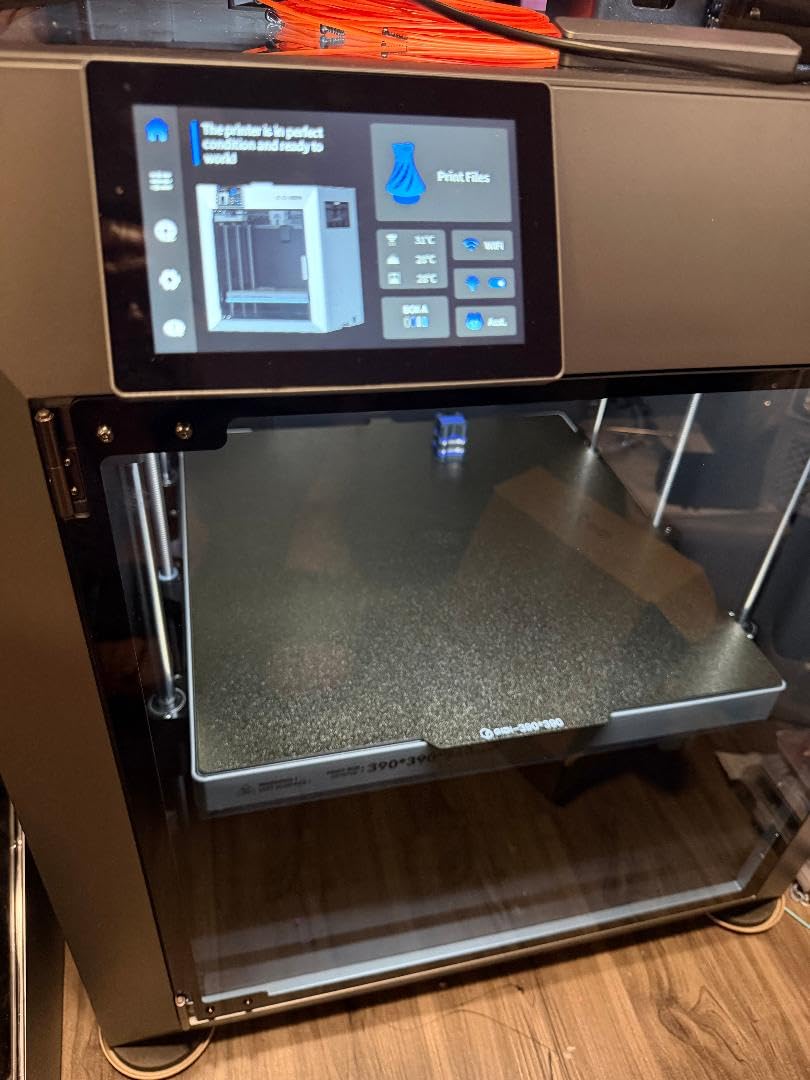
The Max4 is the largest build volume in a genuinely high-temperature machine in this roundup, and that combination is rare. At 390 x 390 x 340mm it is about 55 percent larger than the previous generation, which means a full-size helmet or a large mould pattern prints in one piece instead of being split and bonded.
Thermally it is fully specified: a 65C active heated chamber for ABS-CF, PC and PPS-CF, and a 40mm3/s high-flow hotend with a hardened steel nozzle. The full-surface silicone heated bed is the detail experienced operators look for, because an even surface at temperature is what holds a large part flat across that much area.
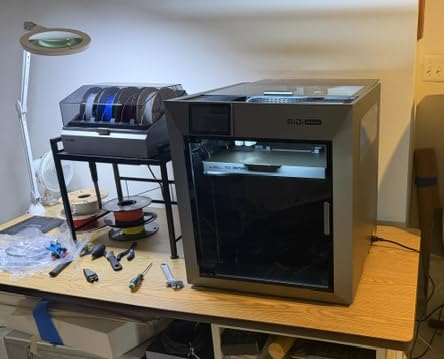
Speed is a genuine strength here. Closed-loop X and Y motors deliver 800mm/s with 30,000mm/s2 acceleration, and the 2mm lead screw with an anti-backlash nut on the Z axis handles the mass of a large build plate. A built-in AI camera handles anomaly detection and auto-pause.
Owner feedback is small but strongly positive, with 77 percent five-star ratings across a 30-review sample. Owners describe it as a workhorse that prints nearly flawlessly out of the box, and they specifically mention near-zero warping and no clogs once dialed in.
When size is the deciding factor
When you are printing full-size parts, panels, helmets or large tooling fixtures, nothing else in this roundup reduces the number of segments you have to print and join. A large part in one cycle also means one thermal history, which removes seam and joint failure points entirely.
The 800mm/s capability matters here too, because a large part at conservative speed is a long job. Higher speed shortens the window during which a bed or chamber fault can ruin an entire build.
What you need before delivery
At 120 pounds and 28 x 28 x 30 inches, this needs a purpose-built heavy table. That is a real constraint in a home workspace, and it is the main reason this machine is not our top pick despite being arguably the most capable.
The Polar Cooler is a separate purchase for the Max4 series, and some filament needs a release agent for the silicone sock. QIDI BOX syncing with QIDI Studio is described as inconsistent, so plan multi-colour testing early rather than on a deadline.
10. Anycubic Kobra 3 Max Combo – Best for Oversized Plastic Parts
- Largest build volume in this group at 420 x 420 x 500mm
- 600mm/s with 20000mm/s2 acceleration and G-sensor compensation
- Runout detection and power-loss resume support long unattended jobs
- Dual-sided PEI spring steel plate gives good adhesion and easy release
- 300C all-metal hotend is the lowest ceiling here and short of what PPS-CF and PC need
- No active chamber heating limits high-temperature warping control
- Small review base of 38 with a 17 percent one-star share
The Kobra 3 Max is the volume specialist. At 420 x 420 x 500mm it is the largest build volume in this roundup by a wide margin, and that is genuinely useful if you print furniture-scale or oversized plastic parts rather than engineering components.
It reaches 600mm/s with 20,000mm/s2 acceleration, and a G-sensor handles vibration compensation against layer shifts, which is a meaningful safeguard on a machine with this much mass moving that fast. A dual-sided PEI spring steel plate gives reliable adhesion and easy part removal, and runout detection with auto-pause plus power-outage resume cover long unattended jobs.
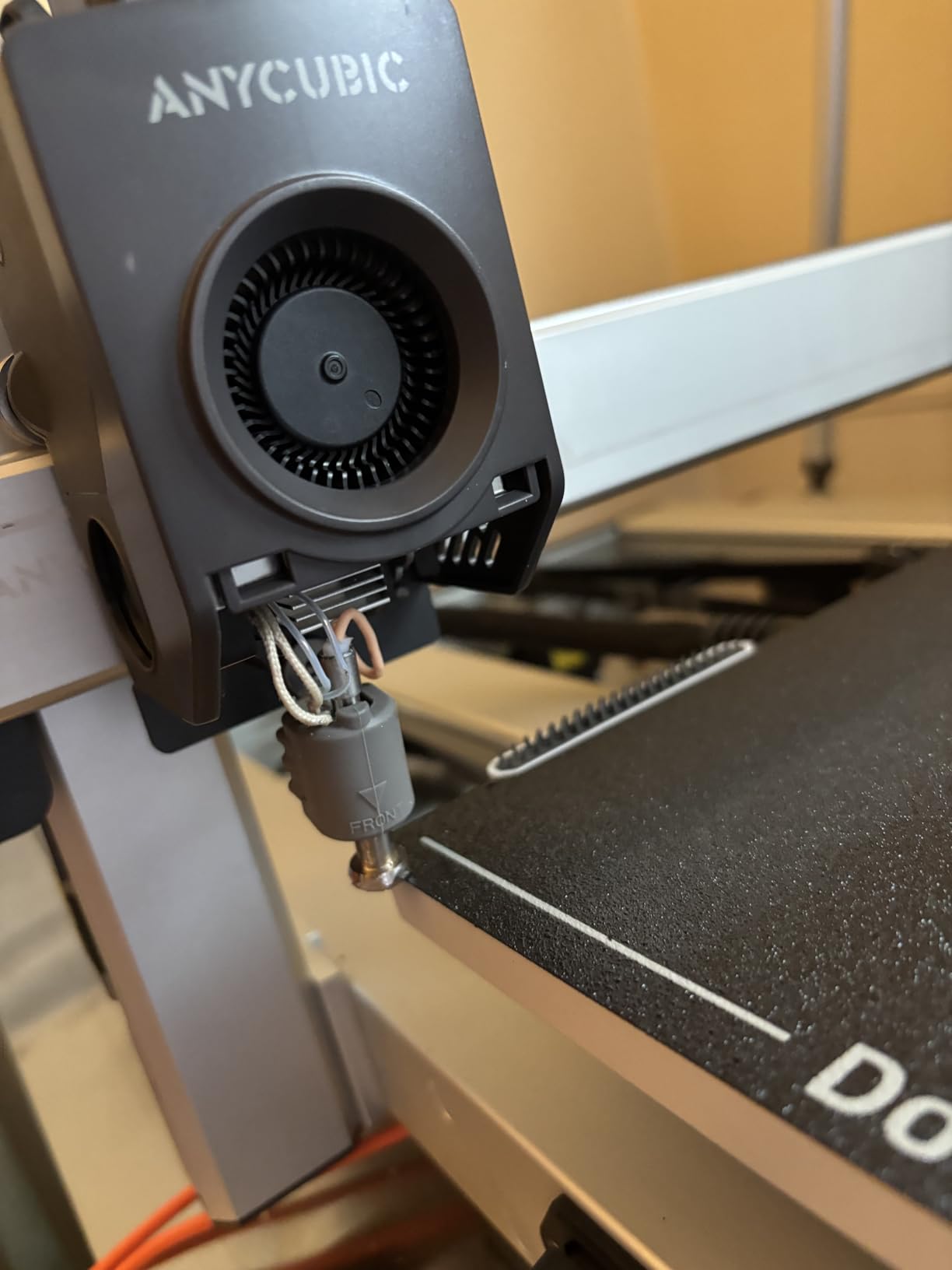
Be clear-eyed about the thermal ceiling, though. The all-metal hotend is rated to 300C, which is enough for ABS, ASA and carbon fiber PET but sits below what PC and PPS-CF require. There is no active chamber heating, so high-temperature warping control is limited to what the enclosure can hold.
That places this machine at the entry end of high-temperature printing rather than the engineering end, which is exactly how owner feedback frames it. The 300C ceiling is the reason it sits at number ten despite the impressive build volume.
Best for large parts in everyday plastics
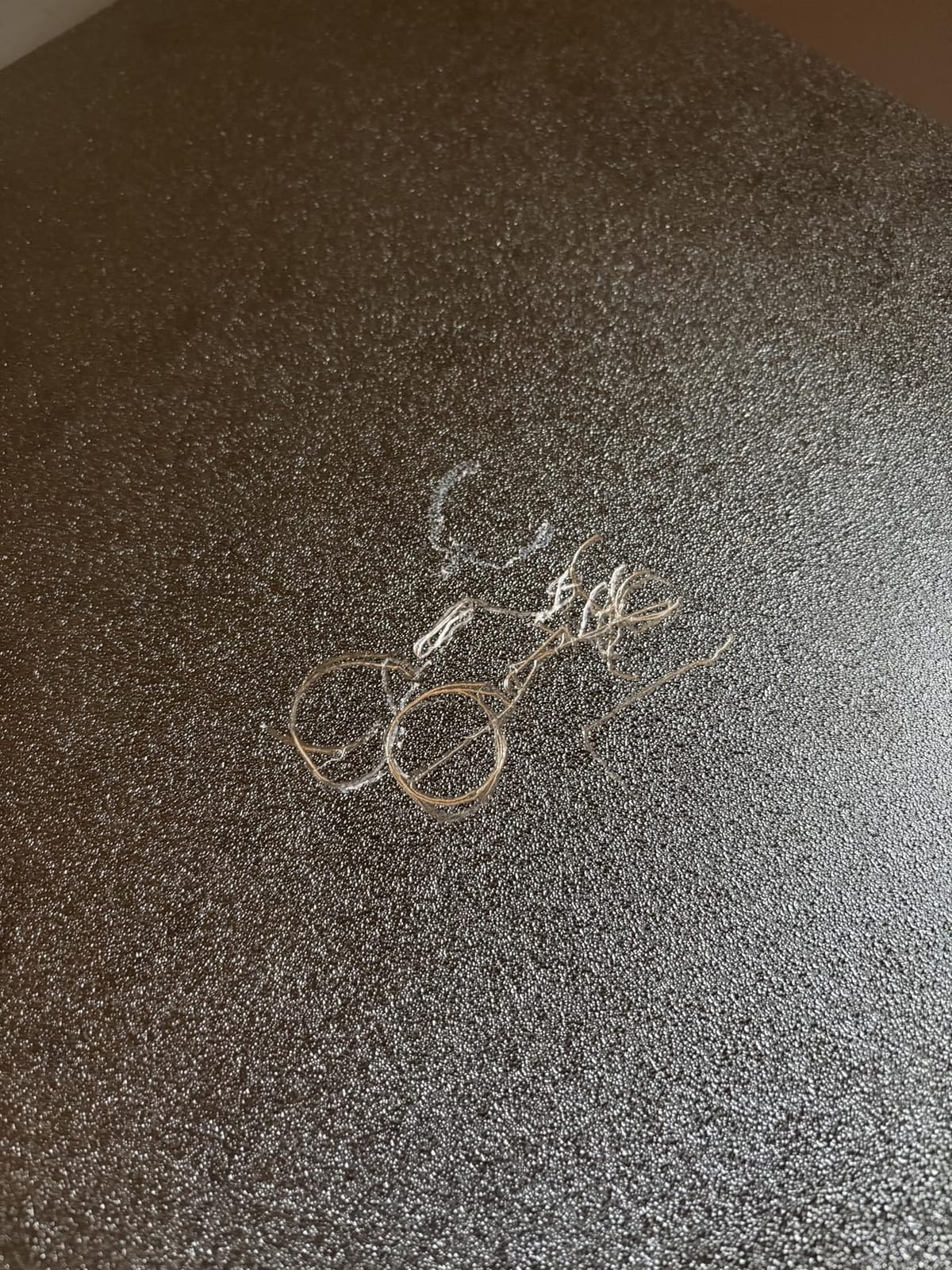
It is a strong machine for oversized ABS and ASA parts, where the sealed format and 300C nozzle are enough and the sheer size of the build volume is the deciding factor. The PEI spring steel plate handles the bed adhesion those large flat parts need.
Runout detection and power-loss resume are not glamorous, but on a machine printing a 500mm-tall part for eighteen hours they are the difference between a finished part and a ruined spool of filament.
When to choose a heated-chamber machine instead
If PC, PPS-CF or tough nylon blends are on your list, this is the wrong tool. A 300C ceiling rules out the hottest engineering polymers, and the absence of chamber heating leaves you fighting warping on the largest, most exposed prints.
The review base of 38 is the thinnest in the roundup, and a 17 percent one-star share means long-term reliability is not yet well documented. The mid-range 3D printer guide covers options in the thermal class this machine sits just below.
How to Choose a 3D Printer for High Temperature Filament?
Does your filament actually need an actively heated chamber?
Start with the material, not the machine. This is the decision most buyers get backwards, because enclosure is the headline feature on every product page while chamber heating is buried in the specification table.
ABS and ASA are the easy case. They need a hot nozzle and a sealed box to block draughts, and an enclosure gets you most of the way. Nylon is harder: it wants roughly 40C or more of chamber air, and a sealed-but-unheated box in a cool room will not reach it. PC and PPS-CF need both a high nozzle temperature and a warm chamber, which is where a 60C or 65C machine starts to earn its cost. PEEK and PEKK sit outside this entire roundup and require industrial equipment.
Community consensus matches that ranking. On r/3Dprinting, PA6-CF from Polymaker is repeatedly cited as the highest heat-deflection-temperature material that prints reliably on regular machines, and on r/3dprinter the advice for nylon is consistently that a heated chamber is non-negotiable.
Matching filament to machine
Use this as a quick filter before you read any product page.
ABS and ASA: 240 to 280C nozzle, bed near 100C. An enclosed machine is enough; a heated chamber makes long prints safer.
PET-CF and carbon fiber PET: 250 to 280C nozzle. Enclosure plus a hardened nozzle and drive gears, chamber heating optional.
PA6-CF and PA12-CF: 270 to 300C nozzle, 80 to 100C bed, 40C-plus chamber. Here a heated chamber stops being optional.
PC: 280 to 300C nozzle minimum. Treat 370C nozzles as the safe margin and expect warp risk without a warm chamber.
PPS-CF and PPA-CF: 300 to 320C nozzle, 100C-plus bed, 50C-plus chamber. This is the tier where 65C machines separate from 60C machines.
PEEK, PEKK and ULTEM: outside the scope of every machine in this roundup. Plan for industrial equipment and a dedicated extraction setup.
Chamber temperature targets
For PA6-CF and PA12-CF, aim for 40 to 50C of chamber air, keep the part-cooling fan off or minimal for the lower layers, and set the bed to 80 to 90C. Above 50C, reduce the fan further. For ABS and ASA, 35 to 45C of chamber with a light part-cooling fan works well. PC and PPS-CF want the highest chamber settings available, with the fan disabled for most of the print.
Watch the difference between the advertised maximum and what the machine settles at. A 65C spec describes the ceiling, not the steady state you should plan your profile around.
Nozzles, extruders and abrasive wear
Chopped carbon fibre is abrasive, and it destroys brass quickly. That is why a hardened steel nozzle, hardened steel drive gears and an all-metal hotend appear in the specification of every serious machine here. Tungsten carbide and ruby nozzles last longer still, at higher cost and with a different thermal profile that sometimes needs temperature compensation.
Budget for consumables rather than treating the nozzle as a permanent part. Expect to change hardened nozzles far more often on CF feedstock than on PLA, and keep spare hardened drive gears on the shelf, because worn gears produce under-extrusion and layer splitting that look like a slicer problem.
Drying and moisture management
This is the single biggest cause of failed high-temp prints, and it has nothing to do with the printer. Nylon, PET and PETG all absorb moisture from the air, and wet filament gives you popping, stringing, rough surfaces and layer separation. Dry before every print with hygroscopic material rather than only after problems appear.
Two machines in this roundup help directly. The Bambu Lab P2S Combo dries at up to 65C inside the AMS 2 Pro, and the QIDI Q2 integrates with the QIDI BOX for dry-while-print handling. Everything else needs an external dryer or a heated dry box, plus desiccant for storage.
Ventilation and emissions
Styrenics such as ABS and ASA emit styrene, and nylon emits caprolactam, both of which you should not breathe in a closed room. Machines with HEPA plus activated carbon filtration, such as the Flashforge Creator 5 Pro and the QIDI Q2, reduce particulates and odour noticeably. For PEEK-class materials, plan proper extraction rather than relying on machine filtration.
Upgrade an existing printer or buy a new one?
For ABS, ASA, PET-CF and even some ePA-CF, upgrading can be the cheaper route. In a community example documented on the Prusa forum, ePA-CF printed successfully on an unmodified desktop machine at a 240C nozzle and 90C bed, which shows the ceiling is often software rather than hardware. The standard set of modifications is an all-metal hotend, hardened extruder path, a hardened nozzle, insulated enclosure and a firmware temperature-limit edit.
Buy new if you need a warm chamber, 370C capability or large build volume, because none of those are achievable with parts. The three machines in this roundup without active chamber heating make a good case for that split.
Watchlist: enclosed but not heated
Three machines in this roundup are enclosed with filtration and no chamber heater: the Creality K1C, the Flashforge Adventurer 5M Pro and the Anycubic Kobra 3 Max. They are good machines for their tiers, but the “high temperature ready” language on their listings should be read as “enclosed” rather than “chamber heated.” The Creality K2 Pro and K2 Plus are on this list’s heated side at 60C, and the difference between the K1C and the K2 Plus is exactly the difference between those two categories.
Frequently Asked Questions
What is the best 3D printer for high temperatures?
The best 3D printer for high temperatures is one with an actively heated chamber, an all-metal hotend reaching at least 300C and a heated bed near 100C. In this roundup the Creality K2 Plus Combo leads with a 60C actively heated chamber and a 350C hardened nozzle. If your budget is tighter, the QIDI Q2 offers a 65C chamber and a 370C nozzle.
Which 3D printer has the best heated chamber?
The highest actively heated chamber figures in this roundup belong to the FLASHFORGE Creator 5 Pro, the QIDI Q2 and the QIDI Max4 Combo, all rated to 65C. The QIDI PLUS4 also reaches 65C with 400W of chamber heating and dual-layer insulation. The Creality K2 Plus Combo and K2 Pro Combo sit at 60C.
What is the recommended chamber temperature for a PA6+CF printer?
For PA6-CF and PA12-CF, target 40 to 50C of chamber air with the bed at 80 to 90C and the part-cooling fan off or minimal for the first layers. Below about 40C, layer adhesion drops as the material passes its glass transition and parts split along layer lines. Nozzle temperature for these blends typically sits between 270C and 300C.
Which 3D printer is best for printing nylon?
For nylon and nylon-CF, the deciding spec is active chamber heating at 40C or more, combined with an all-metal hotend and hardened extruder. The QIDI Q2 is the value option at 65C and 370C, the FLASHFORGE Creator 5 Pro adds a 120C bed and four toolheads, and the Bambu Lab P2S Combo wins on built-in filament drying with its 50C chamber.
What is the ideal print temperature for carbon fiber nylon filament?
Carbon fiber nylon such as PA6-CF and PA12-CF usually prints between 270C and 300C at the nozzle, with the bed at 80 to 100C and the chamber held at 40C or above. A 300C ceiling covers most blends, while PPS-CF and PC need a 370C nozzle for headroom. Dry the filament first, because moisture causes the layer splitting that gets blamed on temperature.
Can PETG withstand 100 degrees, and is it better than PLA for heat?
PETG is considerably better than PLA for heat resistance, with a heat deflection temperature around 70 to 80C compared with roughly 55C for PLA, and it tolerates short excursions near 100C better than PLA does. Neither is an engineering polymer. If your part will sit continuously above 80C, use ABS, ASA, PA-CF or PC instead and a printer that can run them.
Final Verdict for High Temperature Filament in 2026
The Creality K2 Plus Combo is our pick for the best 3D printers for high temperature filament because a 60C actively heated chamber, a 350C hardened nozzle and 3963 owner reviews make it the most dependable all-rounder here. Budget buyers should take the QIDI Q2, which pairs a 65C chamber with a 370C nozzle. Multi-material work belongs on the Flashforge Creator 5 Pro, large formats on the QIDI Max4 Combo, and anyone new to engineering filament will find the Bambu Lab P2S Combo the smoothest start. Whichever you choose, dry the filament, run a temperature tower, and check that your chamber figure is an active heater rather than a sealed box.