
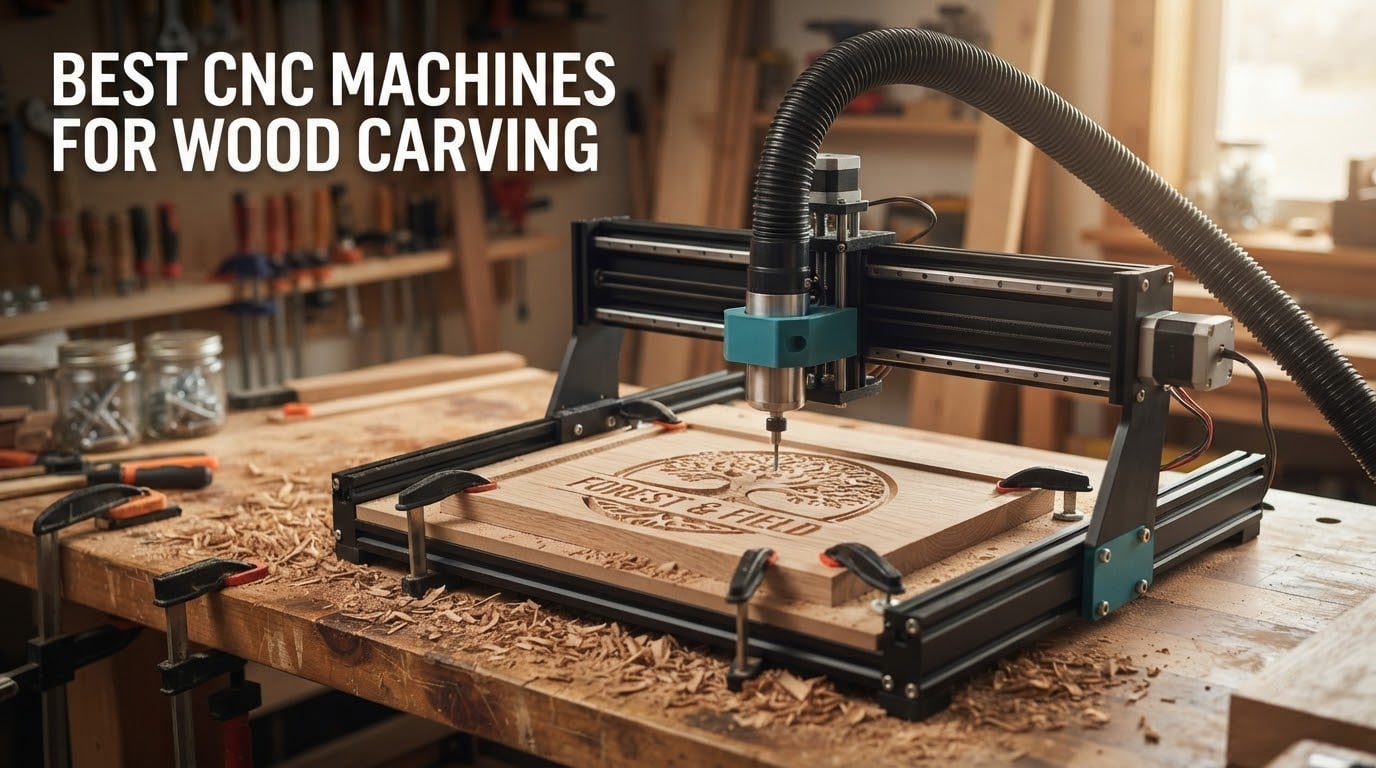
Most people who ask “which CNC should I buy” are not trying to buy the biggest machine. They are trying to buy the least frustrating one. I spent weeks reading owner reviews across every tier of hobby CNC router, from the palm-sized 3018-class desktop kits up to the 24 by 20 inch machines people use for cabinet parts, and the pattern was consistent: the machines that get finished projects done are the ones whose frame, drive system and included tooling match the work, and the machines that get abandoned are the ones that were bought for the wrong reason.
Short answer: the Genmitsu 3018-PROVer V2 is the best CNC machine for wood carving for most first-time buyers, because it has the largest owner base of any machine in this guide, an all-aluminum frame, and limit switches plus an emergency stop out of the box. If you want more power per dollar and can live with a smaller review history, the AnoleX 4030-Evo Ultra 2 is the more rigid machine. If your first projects are full sheets of plywood, skip both and start at the 4030 or 4040 class.
Why the 3018-PROVer V2 wins: 1286 owner reviews means almost any problem you will hit is already documented somewhere, and the all-aluminum frame with included limit switches, emergency stop and Z-probe means you can actually run it safely on day one.
Why you might skip it: the bed is small. A sign blank that does not fit is a design problem you have to solve in software, and a 120W-class spindle is not the tool for thick hardwood.
What we look for: frame rigidity, drive system (lead screw or ball screw beats belt for accuracy), included safety hardware, and whether the software stack is free and open to the community.
That is the honest version of this question. Below I break down all 12 machines by what they are actually good at, not by what their listings claim. If you want the wider picture first, our CNC machines for wood buying guide covers the hardware side, and our desktop CNC roundup goes deeper on the small-footprint machines.
Table of Contents
Top 3 Best CNC Machines for Wood Carving in 2026

Genmitsu 3018-PROVer V2
- All-aluminum frame
- Limit switches and E-stop
- Offline controller
- Upgrade path

TTC3018 Pro Desktop CNC
- T8 lead screw Z axis
- 0.1mm accuracy
- 10 cutters included
- 15lb desktop kit

FoxAlien Masuter Pro 4040
- 15.75 inch square bed
- Linear rail Z axis
- 65mm router mount
- Runs in about 15 minutes
All 12 CNC Machines for Wood Carving Compared in 2026
Every machine below appears in the same format so you can compare them directly. Work area is the single most consequential number on this list, because a machine that is too small will not cut your project no matter how good it is. Power source and spindle matter next, then drive system for how well it holds accuracy over time.
| Product | Specifications | Action |
|---|---|---|
| Genmitsu 3018-PROVer V2 |
|
Check Latest Price |
| TTC3018 Pro Desktop CNC |
|
Check Latest Price |
| FoxAlien Masuter Pro 4040 |
|
Check Latest Price |
 LUNYEE 3018 Pro Max LUNYEE 3018 Pro Max |
|
Check Latest Price |
 CNCTOPBAOS 3018-PRO CNCTOPBAOS 3018-PRO |
|
Check Latest Price |
 RATTMMOTOR 3 Axis 3018 RATTMMOTOR 3 Axis 3018 |
|
Check Latest Price |
 Genmitsu 4040-PRO Genmitsu 4040-PRO |
|
Check Latest Price |
 Genmitsu PROVerXL 4030 Genmitsu PROVerXL 4030 |
|
Check Latest Price |
 AnoleX 4030-Evo Ultra 2 AnoleX 4030-Evo Ultra 2 |
|
Check Latest Price |
 FoxAlien Masuter 3S FoxAlien Masuter 3S |
|
Check Latest Price |
 FoxAlien XE-PRO FoxAlien XE-PRO |
|
Check Latest Price |
 Genmitsu PROVerXL 6050 Plus Genmitsu PROVerXL 6050 Plus |
|
Check Latest Price |
1. Genmitsu 3018-PROVer V2 – Best Overall First CNC for Carving Wood
- All-metal frame reviewers describe as built like a tank
- Limit switches and emergency stop included
- Offline controller runs without a tethered laptop
- Quiet motors holding accurate cuts in wood
- Extension kits and spindle upgrades available
- Small work area limits larger projects
- Fiddly included hold-down clamps
- Printed manual is small and low-resolution
The 3018-PROVer V2 is the machine I recommend first, and the reason is not the specification sheet. It is that 1286 owners have already written down every quirk, so when something goes wrong there is a good chance the answer already exists somewhere.
The hardware is honest entry-level hardware: 24 volts, 10000 rpm maximum rotational speed, and a footprint of 16.54 inches wide by 11.42 inches tall. What makes it feel solid is the all-aluminum structure and the pre-assembled gantry frame and one-piece spoilboard.
The included limit switches, emergency stop and Z-probe matter more than any spec here. Most kits at this level ship with ports for that hardware and nothing plugged in, which makes wiring your own safety switches the first job.
Owners report quiet motors holding accurate cuts through various woods at a 300mm per minute feed, alongside a learning curve that demands G-code, 3D modelling and CNC fundamentals. You are buying a tool that rewards study, not an appliance.
Who the 3018-PROVer V2 suits
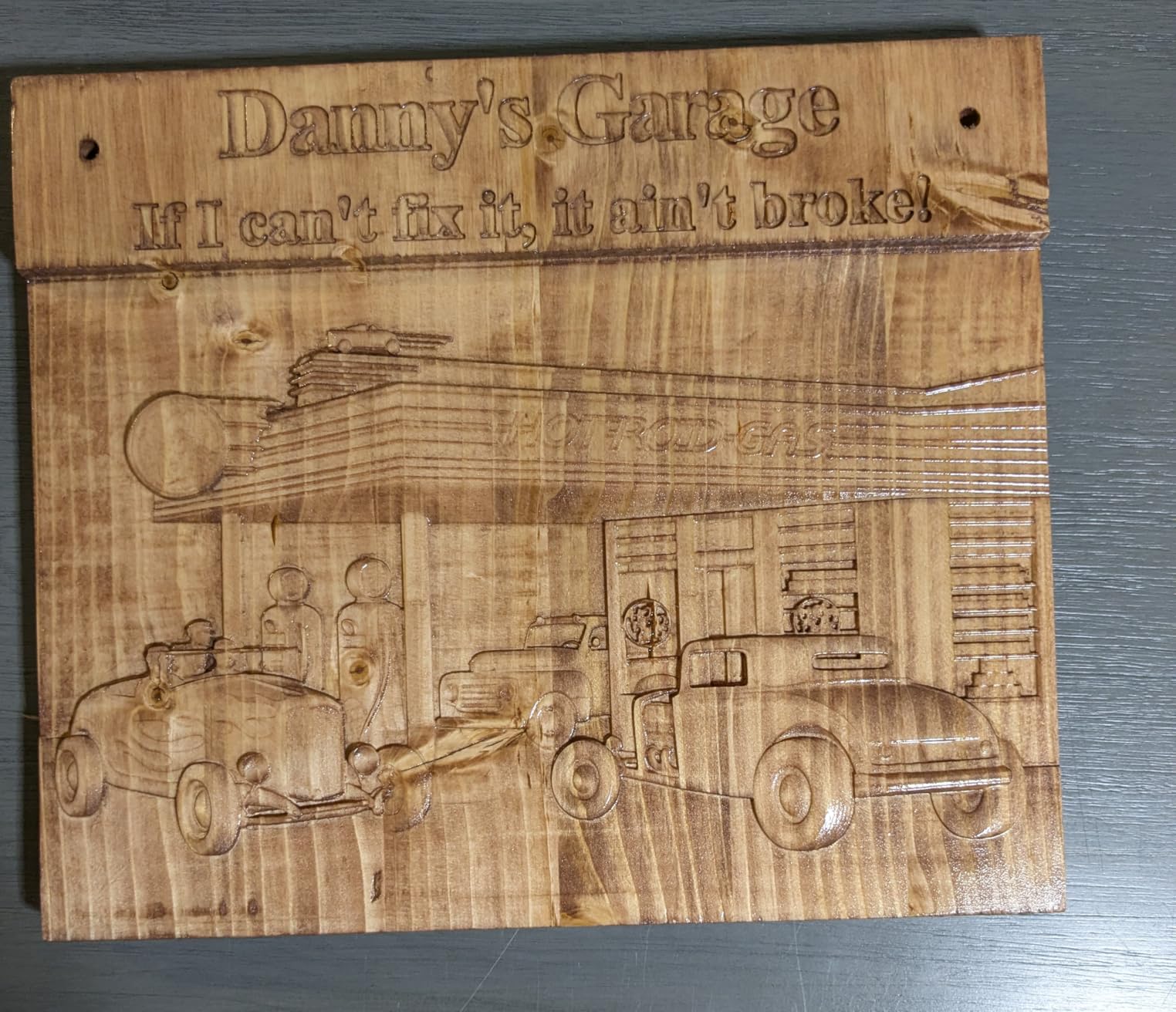
It suits someone learning CAD and CAM who wants small repeatable parts: name plates, ornaments, small signs, inlay shapes and guitar headstock blanks. Extension kits mean the machine is not a dead end, so you are not forced to buy twice.
Where it falls short
The bed is genuinely small, and projects get designed around the machine rather than the other way round. The included Vee bits suit lettering but not milling, so end mills are a separate purchase, and deep 3D relief in hardwood on day one is not what this machine does.
2. TTC3018 Pro Desktop CNC – Best Value Starter With a Metal Z Axis
- T8 lead screws remove Z backlash
- Compact 15lb footprint fits a desk corner
- Ten cutters and ER11 collet included
- GRBL 32 board with USB port
- Disassembles into parts for teaching
- 775 motor is noisy and low on power
- No SD card
- Bluetooth or WiFi transfer
- Supplied USB cable caused mid-run freezes for some
The TTC3018 Pro suits anyone who wants to learn the software side without a big financial commitment. The important detail is the T8 backlash-eliminating lead screws on the Z axis with 0.1mm positioning accuracy, a real step up from the plastic-bushed kits it competes with.
It weighs 15 pounds and measures 420 by 355 by 280mm, so it lives on a desk corner rather than occupying floor space. The kit includes ten cutters, an ER11 collet covering 0.5 to 7mm, and a 775 spindle motor running 7000 to 9000 rpm.
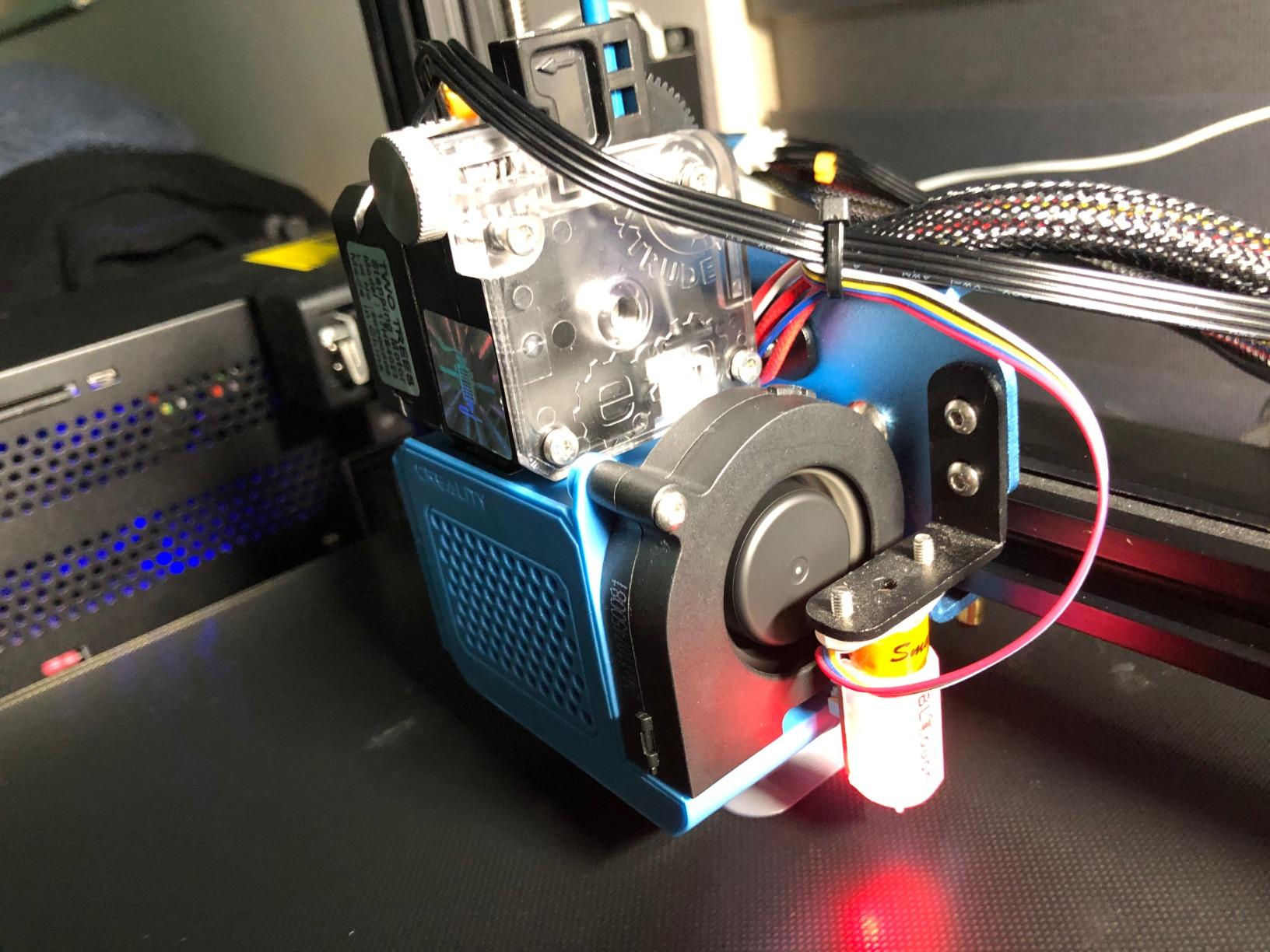
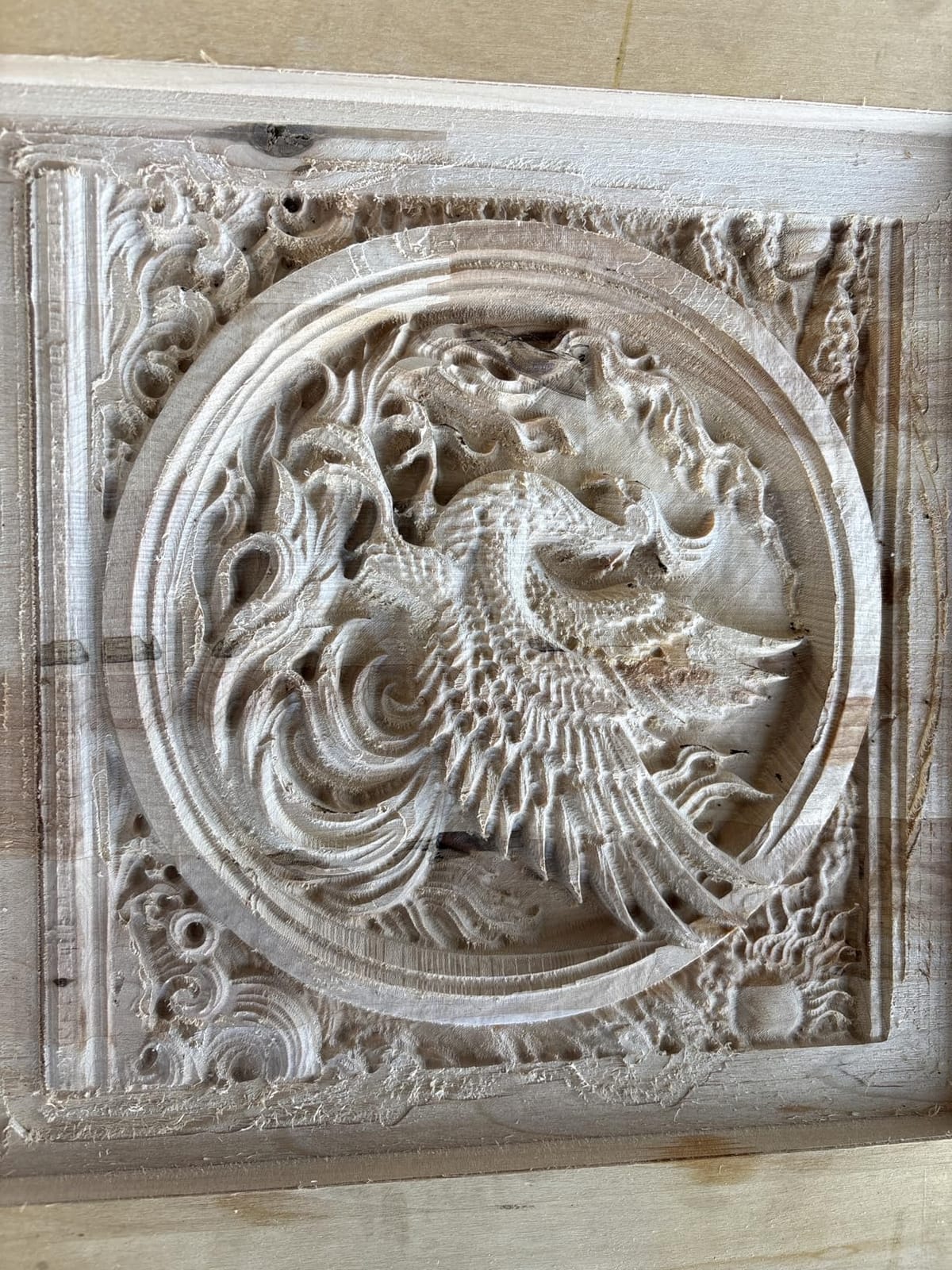
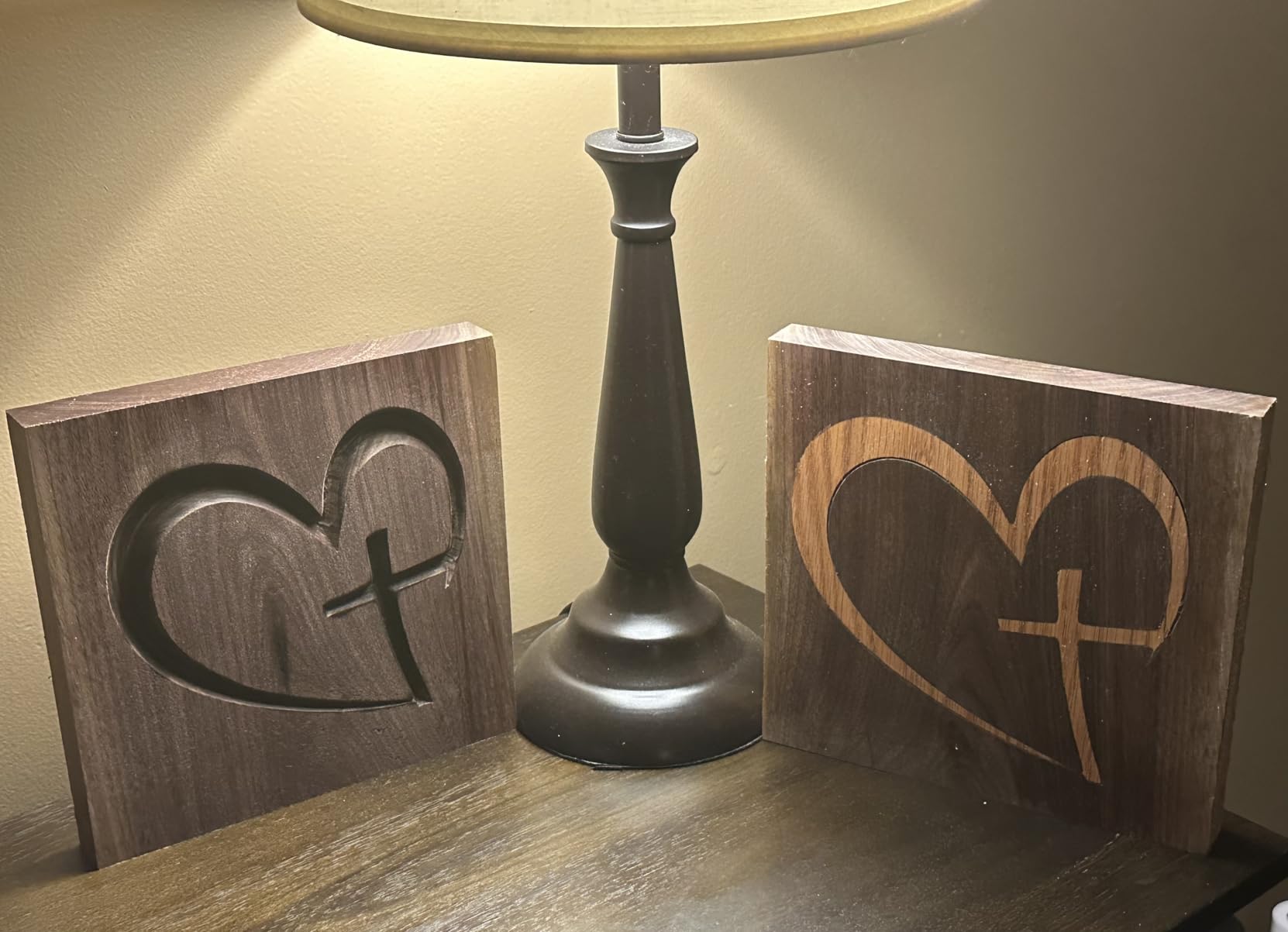
Reviewers are consistently surprised by what it does once the software parameters are set. Logos, side panels in hardwood, small flat carvings and etched panels all fall within reach, which is more than most people expect from a kit this size.
The GRBL 32 control board with a USB port works with Candle and gSender, and the fully disassemblable design of 40 or more precision components makes it genuinely useful as a teaching aid alongside the cutting.
Who the TTC3018 Pro suits
It suits a first-time buyer who wants to learn toolpaths, feeds and speeds and holds zero attachment to metalworking. Small plaques, key tags, badge blanks, small ornaments and model parts are the natural first projects.
Where it falls short
The 775 motor is noisy and low on power, with no SD card, Bluetooth or WiFi so G-code moves by USB cable only. The supplied cable caused mid-run freezes on some setups until it was swapped, a minority of reviews report straight-line accuracy problems on early machines, and occasional missing or defective hardware means checking threaded stand-offs and feet on arrival.
3. FoxAlien Masuter Pro 4040 – Best Mid-Size Machine for Growing Out of a 3018
- Square linear rails on the Z axis
- Running in 15 minutes to an hour and a half
- Manual calibration knobs on all three axes
- Optional Y-axis extension kit
- Heavy-duty 65mm router mount included
- Bundled 775 motor is underpowered for heavy work
- Weak NEMA 17 steppers can lose steps
- Spoilboard has no center support
- No dust shoe included
The Masuter Pro is the point where a hobby CNC starts behaving like a tool. The work area is 15.75 by 15.75 inches with 2.36 inches of Z clearance, roughly four times the bed of a 3018-class machine and enough for a real sign blank or a cabinet side panel.
The build is rock-solid all-aluminum with square linear rails on the Z axis that reviewers describe as very tight. It measures 26 inches wide by 12.6 inches tall, weighs 13kg, runs on 12 volts, and carries a one-year manufacturer warranty.
Manual calibration knobs on all three axes let you tram the Z between materials in seconds, and the pre-wired, labeled cables make control box setup close to plug-and-play, with assembly reported at 10 to 15 minutes.
The 65mm router mount is why most owners are happy long term. It accepts a trim router for real power, and the kit includes both 52mm and 65mm spindle clamps plus support for a 1.5kW spindle, so the machine is not locked to its supplied motor.
Who the Masuter Pro suits
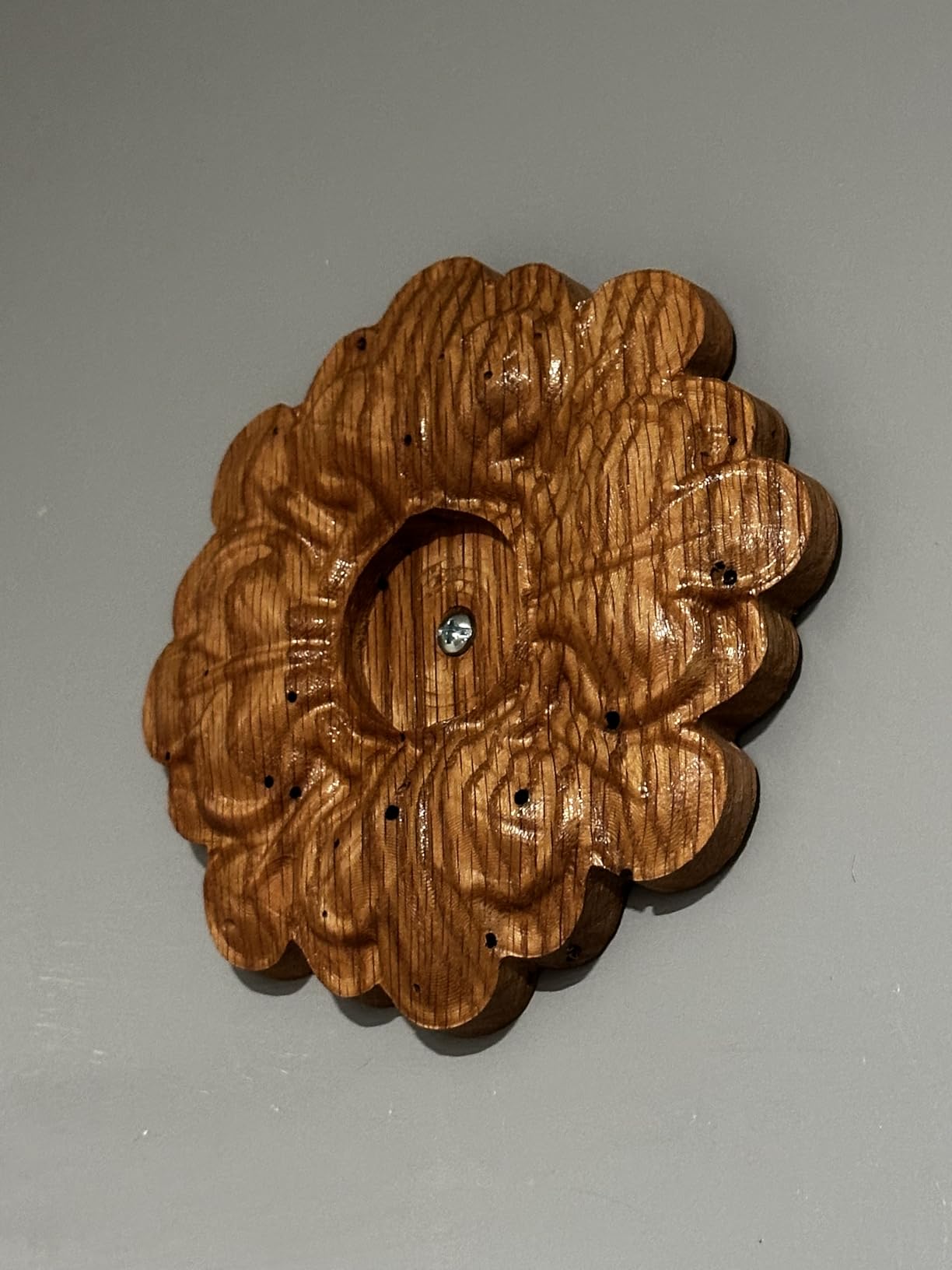
It suits someone whose first machine was a 3018 and who hit the size ceiling within a few months. Signs, plaques, shallow relief panels and small furniture parts fit the bed, the optional Y-axis extension kit adds length, and support that replaces faulty parts at no charge is a genuine asset.
Where it falls short
The supplied 775 motor is underpowered, and weak NEMA 17 steppers can lose steps on resistance and during manual tool changes, so heavy routers on this frame need care. The spoilboard has no center support and can sag, no dust shoe is included, and the dust-proof controller box must be opened to plug in some accessories.
4. LUNYEE 3018 Pro Max – Best 3018-Class Machine for Deeper Z Work
- 500W spindle is a real jump over a 775 motor
- All-metal frame with no plastic structural parts
- Longest Z stroke in the 3018 class
- Six limit switches and manual handwheels on all axes
- Includes a 4G USB drive with software
- Requires time to assemble and square the frame
- 300 x 180mm bed limits project size
- Online documentation and wiring videos are incomplete
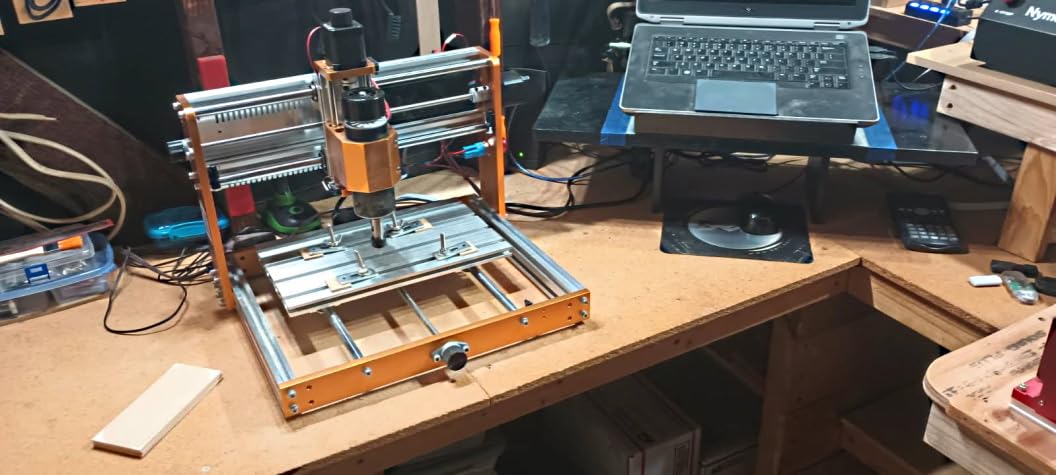
The 3018 Pro Max exists because the standard 3018 formula leaves two things wanting: spindle power and Z travel. The 500W spindle runs 0 to 12000 rpm with a maximum movement speed of 5000mm per minute, which is unusual for a machine this size.
Z travel is 80mm on a 12mm optical axis with a T8 lead screw drive, described as the longest stroke among standard models in this class. The frame is fully all-metal reinforced aluminum with no plastic structural parts, running on 48 volts and weighing 13kg.
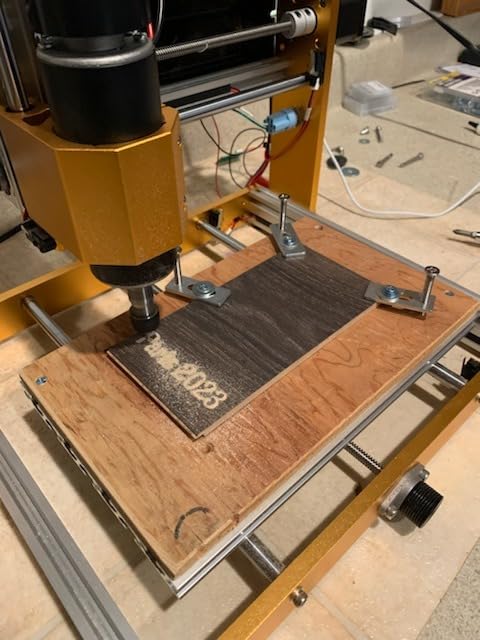
Six limit switches and an emergency stop button represent real machine protection rather than decorative ports, and manual handwheels on all three axes let you position by hand without launching software. Switchable spindle and carving modes cover cutting, carving, marking and etching.
A 4G USB flash drive with pre-installed software and installation and wiring videos is included in the box. The 4.0 average reflects assembly effort and the inherent size limit of the 3018 format rather than any major defect.
Who the 3018 Pro Max suits
It suits a beginner who wants to attempt thicker cuts and deeper relief than a 775 motor allows without jumping to a 400mm bed, and it suits anyone who enjoys a build. Squaring an all-metal frame takes patience, and that patience is the trade for a stiffer machine afterward.
Where it falls short
Assembly and squaring take time, and the online documentation and wiring videos are described as incomplete by some buyers. The 300 by 180mm bed is the hard limit of the format, and no amount of power changes the size of the sheet you can load.
5. CNCTOPBAOS 3018-PRO – Best Budget Machine With an Offline Controller
CNCTOPBAOS 3018-PRO CNC Router Engraving Machine w/GRBL Offline Controller
- Offline controller with SD card reader
- G-code runs without a tethered computer
- Works with free Easel
- Carbide Create and FreeCAD
- Quiet motors with quick smooth movement
- Easy assembly and clear connection steps
- No limit switches
- probe or e-stop included
- X-axis lead screw can wobble
- Included hold-down supports are flimsy
- Supplied software can be hard to install
What separates this machine from cheaper 3018 clones is the offline controller with an SD card reader. You load the file, push start, and the machine runs without a laptop tethered to it, which is genuinely useful when your design file is long.
Work area is 300 by 180 by 45mm inside a frame of 420 by 350 by 270mm, and the machine weighs 14.79 pounds. Motion comes from Nema17 steppers rated 1.33A and 0.3 Nm, driving a 775 spindle rated 120W at 10000 rpm on 24 volts.
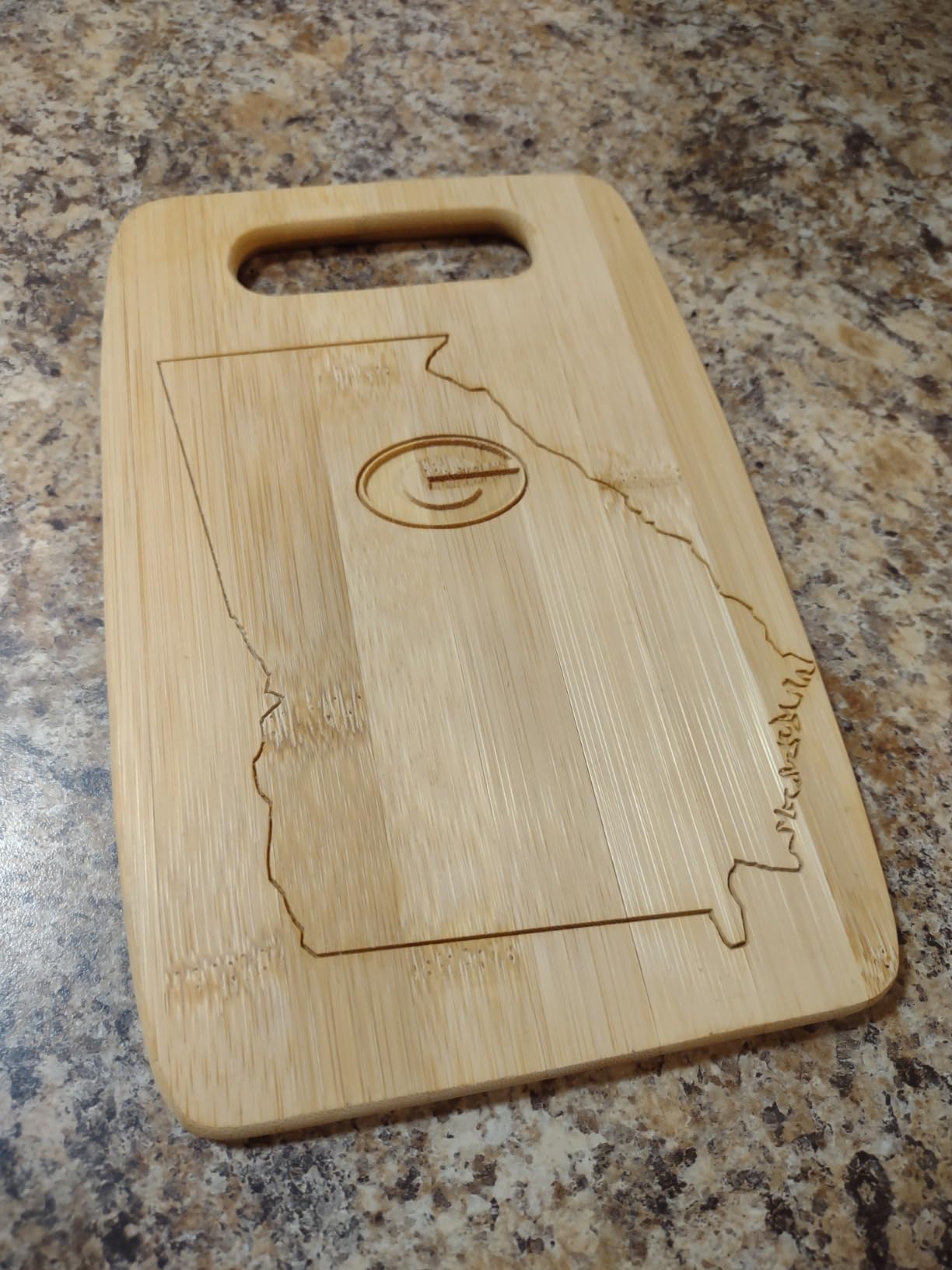
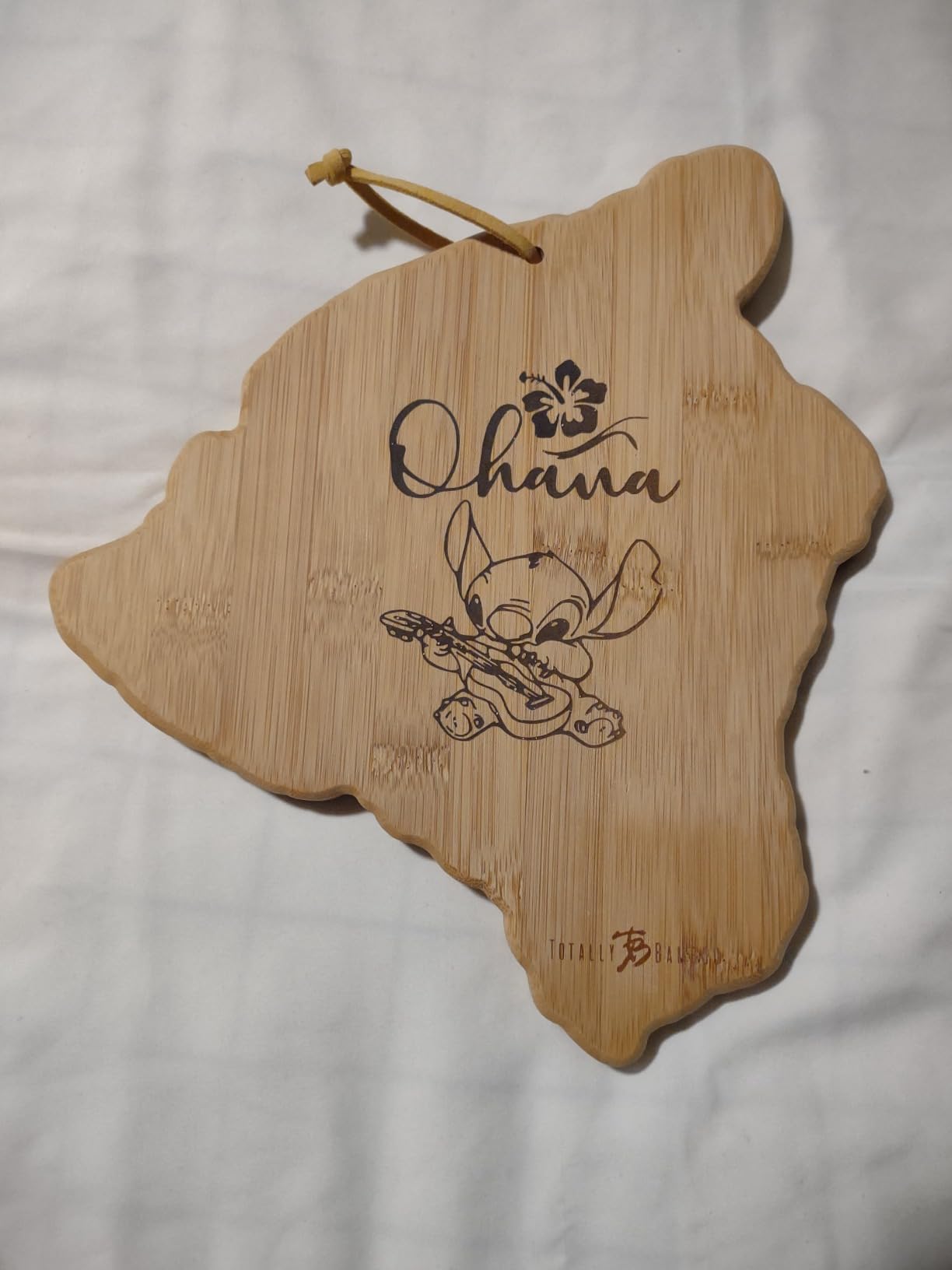
An experienced machinist in the reviews called it accurate enough and good value for 2D and shallow 2.5D decorative wood carving, which tells you exactly where it sits. Hobbyists cut signs, name plates and acrylic moulds on it once the software is working.
The GRBL 1.1f board has an outer casing plus ports for an emergency stop, a tool setting probe and all three axis limits, and supports spindles up to 20000 rpm if you upgrade. Format support spans Windows and Linux.
Who the CNCTOPBAOS 3018-PRO suits
It suits a tinkerer who wants a finished carving for very little money and is comfortable running a machine that is not certified for unattended work. Small signs, ornaments and shallow relief are all within reach, and it also suits anyone who works away from a laptop.
Where it falls short
Limit switches, a probe and an emergency stop are not included even though the board has ports for them. The X-axis lead screw can wobble, throwing off Z accuracy, the usable size is smaller than advertised, the hold-down supports are flimsy, and the supplied software can be difficult to install.
6. RATTMMOTOR 3 Axis 3018 – Best Lowest-Cost Way to Test CNC
- Cheapest credible way to try CNC carving
- Aluminum alloy table and stainless steel screw rods
- Paper manual and USB drive of all files included
- GRBL board supports e-stop and axis limits
- Silent cooling fan runs cool and quiet
- External frame is black injection-molded plastic
- Very small 300 x 180 x 45mm work area
- 775 spindle suited to soft woods only
- E-stop and limit switches not included
This is the machine to buy if your real question is whether you enjoy CNC at all. It carves small pieces in wood, plastic, acrylic and PVC reliably once you have learned basic G-code and design software, and it asks for no serious commitment.
The frame measures 42 by 35 by 27cm with a working area of 18 by 10 by 4.5cm, and the machine weighs 6.64kg. The work table is aluminum alloy and the screw rods are stainless steel, more durable than the plastic-chassis kits it replaced.
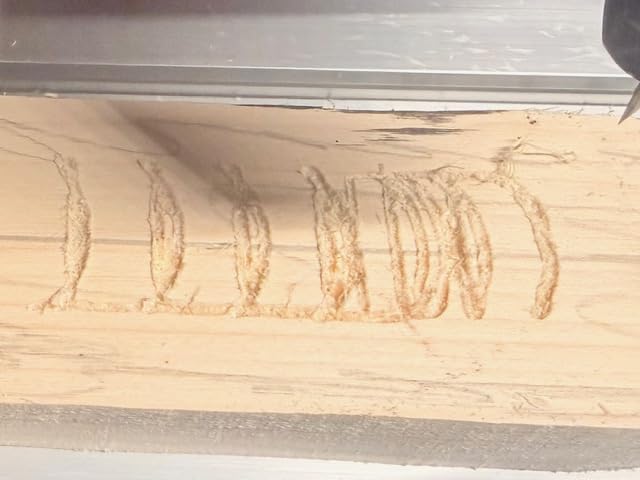
The updated GRBL board adds emergency stop and X, Y and Z limit switch support for do-it-yourself add-ons, plus a silent cooling fan that dissipates heat at low noise. It runs on 24 volts at 1.3 amps and auto-detects the offline controller.
Material coverage is broad for a kit this size: wood, plastic, acrylic, PVC, PCB, carbon fiber, density board and soft metals like copper and aluminum. It will not engrave glass, hard metals or jade, which the manufacturer states plainly.
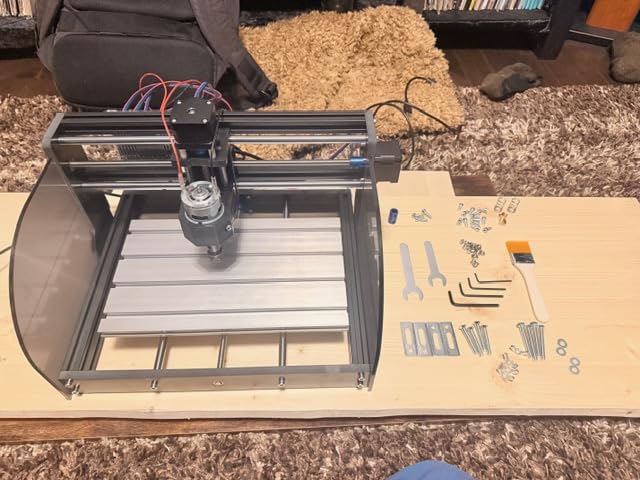
Who the RATTMMOTOR 3018 suits
It suits students, renters and anyone with a corner of a desk and a month of curiosity. Small ornaments, tags, simple engravings and 2D profiles are the projects that make sense at this size, and the software learning curve transfers directly to a larger machine later.
Where it falls short
The external frame is black injection-molded plastic rather than metal, which limits rigidity under real cutting load, and the 775 spindle is suited to soft woods and light plastics. Emergency stop and limit switches are supported electrically but not included, so you will be mounting those yourself.
7. Genmitsu 4040-PRO – Best Rigid Lead-Screw 4040 for Flat Sheet Goods
Genmitsu 4040-PRO CNC Router Machine for Metal Acrylic Cutting Milling
- Reinforced hybrid spoilboard with center support bar
- Dual 16mm HSS tubes per axis with lead screws
- Quiet 32-bit controller with Toshiba drivers
- Assembles in 15-30 minutes
- Square frame that stays square
- Included spindle is underpowered
- Warped spoil boards are a recurring complaint
- Y-axis thumb wheels bind and do not tram
- Upgrade parts cost nearly as much as a new machine
The 4040-PRO is the machine I point people at when they ask which mid-size router holds its depth. The reinforced hybrid spoilboard with a center aluminum support bar exists specifically to stop the bed flexing, the most common cause of a dished cut in the middle of a part.
Work area is 435 by 400 by 80mm, roughly 17.13 by 15.75 by 3.15 inches, and the machine weighs 20.84kg. Motion comes from dual 16mm HSS steel tubes per axis running lead screws, driven by a 32-bit controller with silent Toshiba drivers.
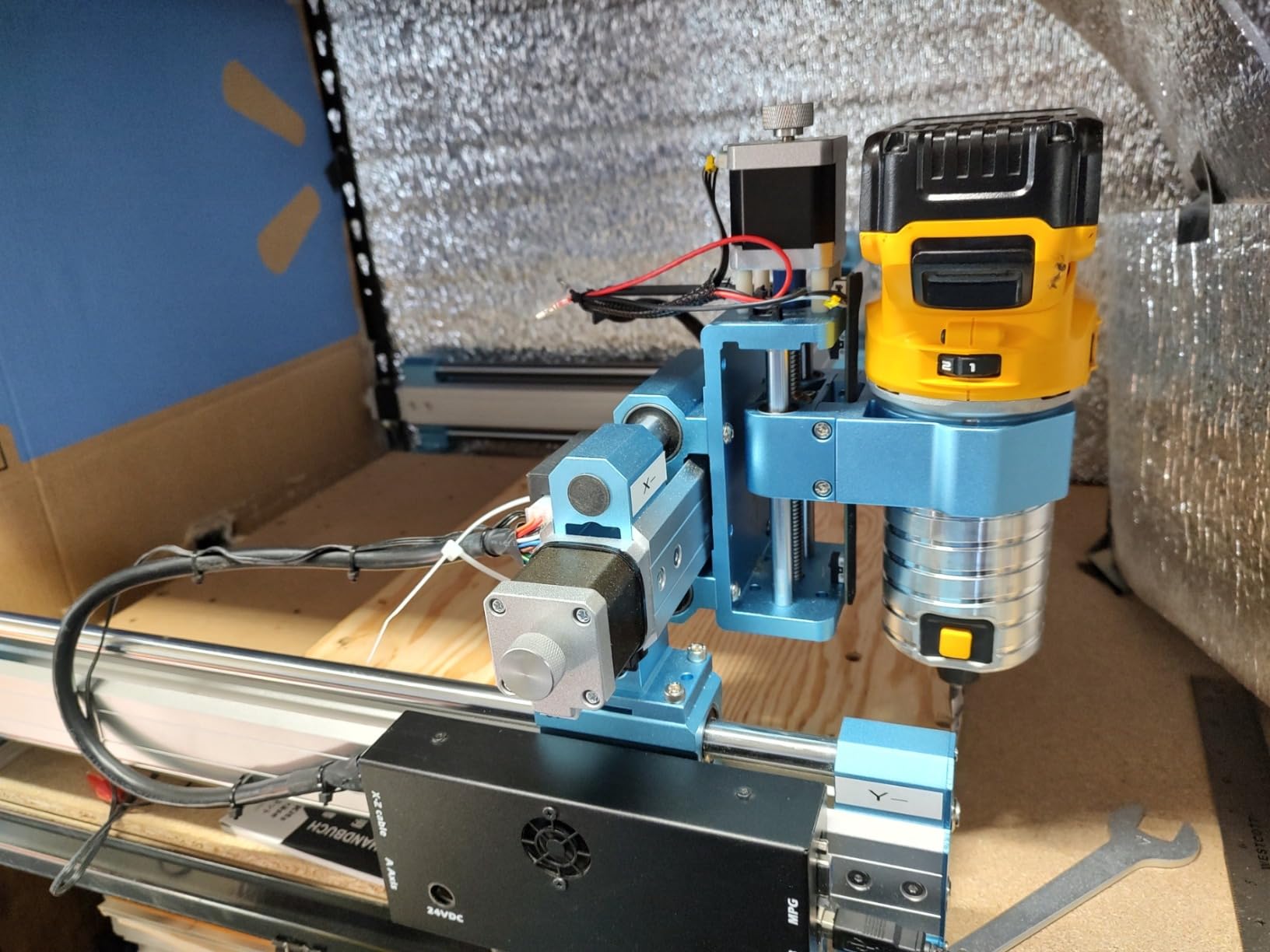
Owners consistently report it is better value and more robust than belt-driven competitors, with smooth, near-mirror finishes and genuinely quiet running. Assembly takes about 15 to 30 minutes from pre-assembled modules, and several have upgraded to a 1.5kW spindle or a 65mm or 69mm mount.
The redesigned Z-carriage supports 65mm and 69mm spindle mounts and 3-pin accessory ports, so the spindle upgrade is a documented path rather than a modification. Support is widely praised when problems arise.
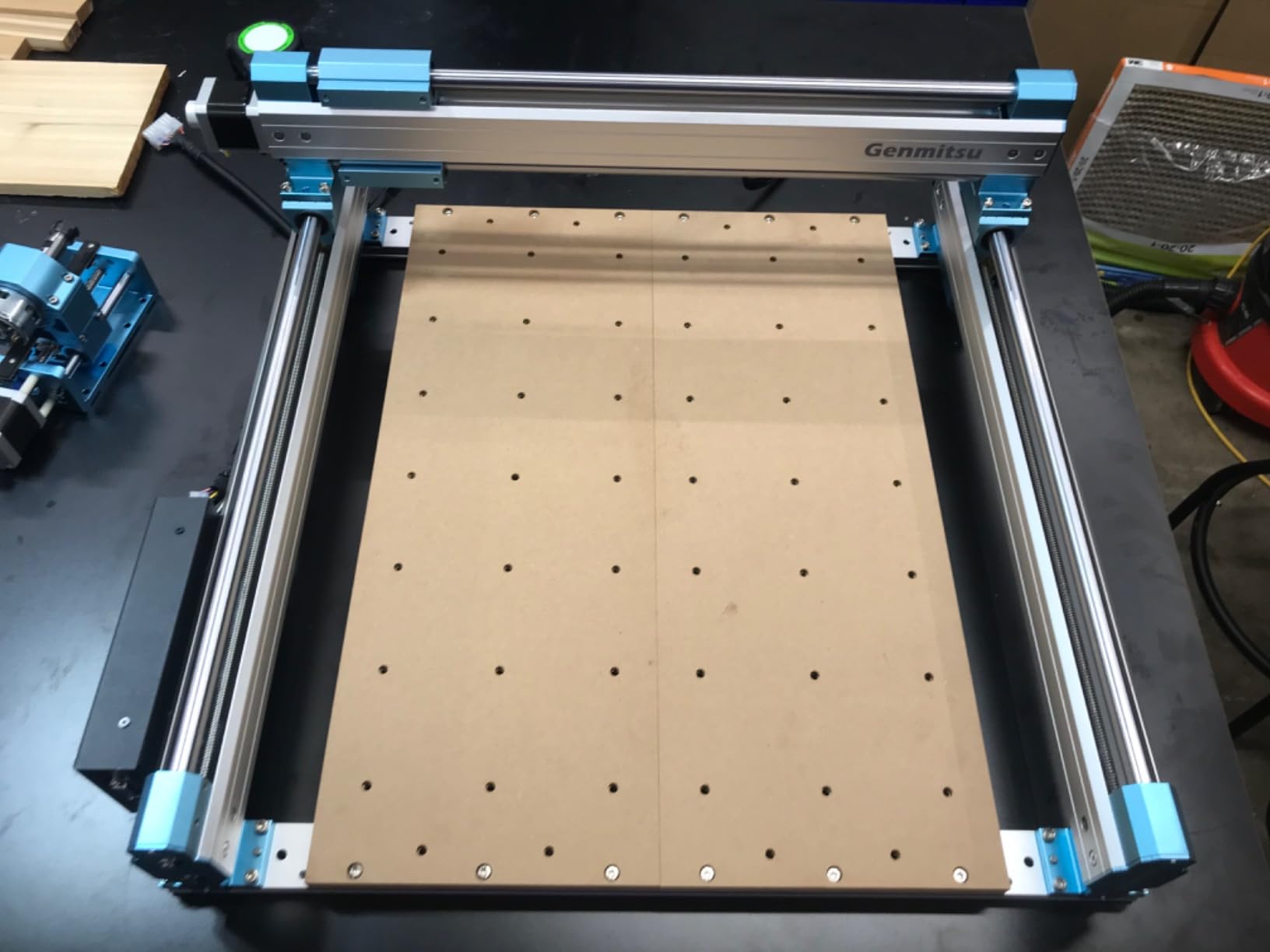
Who the 4040-PRO suits
It suits someone cutting sheet goods flat: signs, relief panels, layered plywood and flat inlays. A 17 by 15.75 inch bed covers most of what a small shop makes in one pass, and the supported spoilboard keeps depth consistent across it.
Where it falls short
The included spindle is underpowered and spins below the 12000 rpm many bits expect, and warped spoil boards are a recurring complaint on this design. The Y-axis thumb wheels bind and do not tram, there is little adjustment for squaring the frame, and several reviewers argue the 3020 or 4040-PRO Max is a smarter buy at this tier.
8. Genmitsu PROVerXL 4030 – Best All-In-One Kit With a 110mm Z Clearance
- Rigid C-beam frame with NEMA 23 motors
- Pre-assembled XYZ modules cut setup time
- Limit switches
- e-stop
- speed control and Z-probe included
- DeWalt DWP611 adapter included
- Three-month Carveco Maker subscription
- Heavy and bulky at 31kg for a desktop machine
- 300W spindle limits heavy hardwood cutting
- Some units need a controller upgrade for silent running
- Steep learning curve for GRBL and Carveco
The PROVerXL 4030 is the most complete package here out of the box. Limit switches, emergency stop, speed control and a Z-probe are included rather than merely supported, so you are not shopping for safety hardware on day one.
Work area is 400 by 300 by 110mm, listed at 15.7 by 11.8 by 4.3 inches, and the machine weighs 31kg. That is heavy for a desktop unit, and it is heavy on purpose: the rigid C-beam frame with NEMA 23 stepper motors and lead screw drive is what the mass buys you.
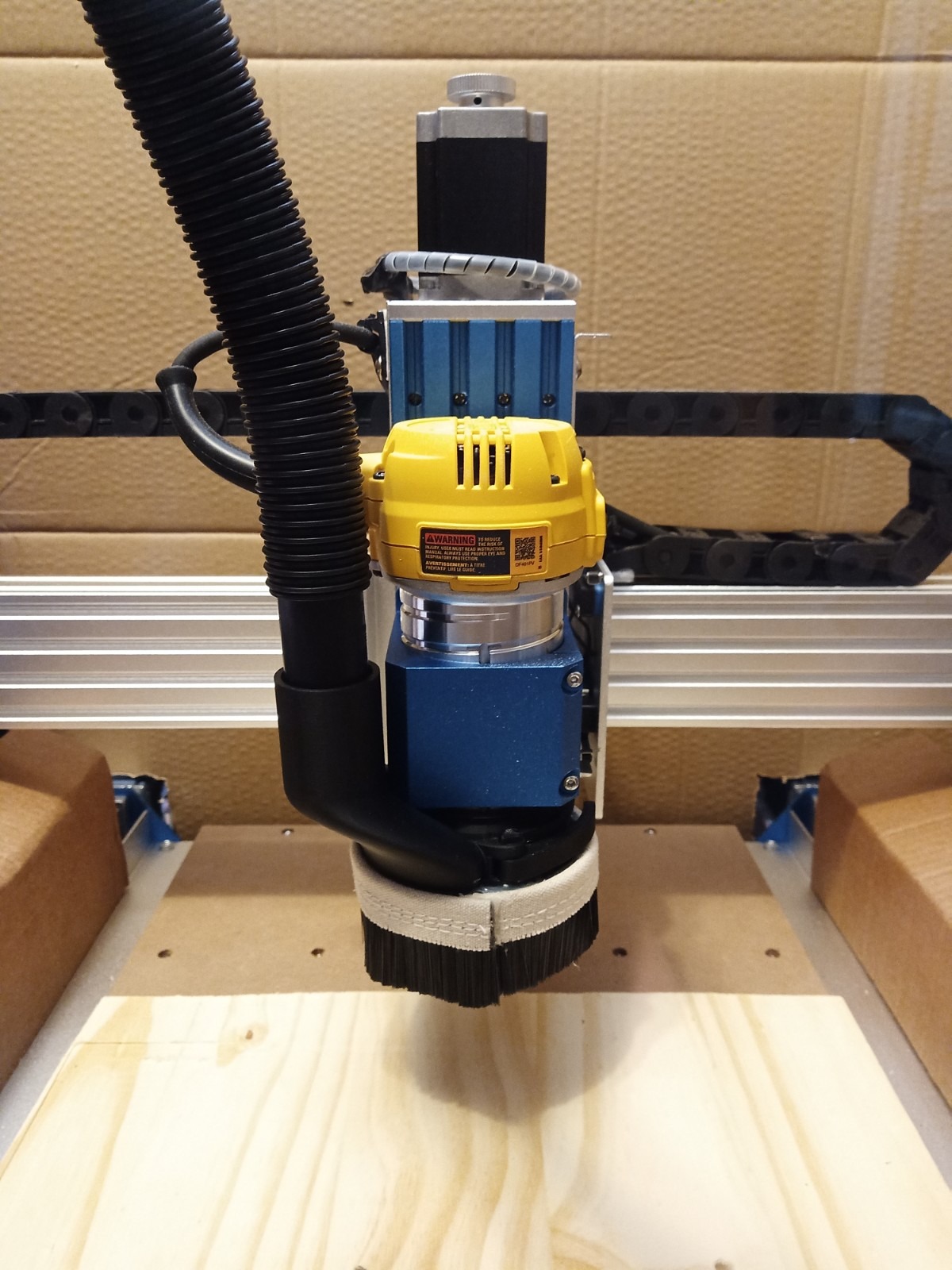
Two design choices stand out for wood carvers. The dual-screw Y-axis drive and optical Z-axis drive add real stability compared with a traditional V-slot drive, and the 110mm Z clearance lets you work on thicker stock than most 400mm-class machines allow.
Reviewers frequently pair it with a DeWalt or Makita palm router, and the included adapter for a drop-in Dewalt DWP611 upgrade is the reason. The three-month Carveco Maker subscription is regularly mentioned as a genuine onboarding aid.
Who the PROVerXL 4030 suits
It suits a buyer who wants to be productive in the first weekend without a shopping list, and it suits someone planning to grow into furniture-scale work, because upgrade kits take this platform to 600 by 600mm and 1000 by 1000mm.
Where it falls short
At 31kg it is heavy and bulky for a desktop machine, and the 300W spindle limits heavy hardwood and deep cutting without an upgrade. Some units have wax on them, so a DSP controller upgrade is needed for silent running, and it sits at a premium against belt-driven rivals of the same size.
9. AnoleX 4030-Evo Ultra 2 – Best Rigidity in the Sub-Thousand-Dollar Class
- Dual linear rails and ball screws on all three axes
- 800W trim router with six speeds
- ESP32 controller with web interface and WiFi
- Runs quarter-inch endmills in aluminum without lost steps
- Supports laser
- 4th axis
- coolant and touch probe
- Web interface has a noticeable control delay
- Limit switches are not detected individually
- Hitting a limit switch can lose zero position
- ER11 collet has slight runout
This is the most mechanically serious machine at this price point, and the reason is the motion system. Dual HGH-15 linear rails and 1204 ball screws run on X, Y and Z with a dual-bearing design and dust protection, hardware you normally meet on machines several times this size.
The included 800W trim router with an ER11 one-eighth inch collet runs six speeds from 8000 to 24000 rpm, against a stated accuracy of plus or minus 0.02mm and repeatability of plus or minus 0.005mm. The machine weighs 38kg.
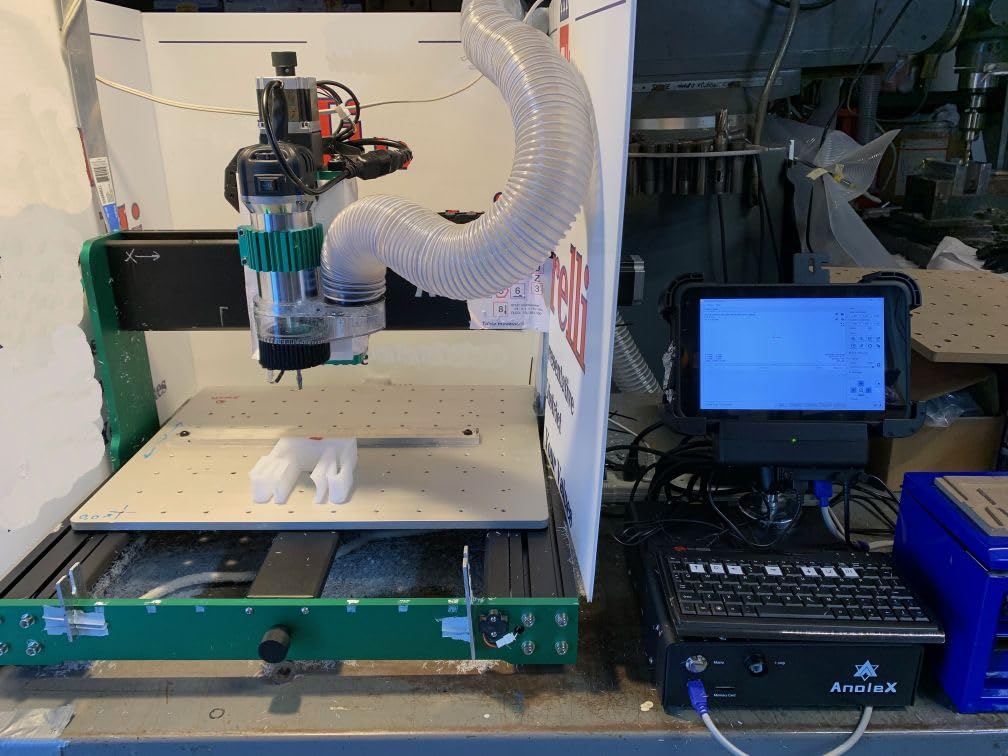
The ESP32 controller running GRBL 1.3a with an ESP3D web interface means you can drive the machine from a PC, phone or tablet. Software support covers Windows, Linux and Mac through UGS, Fusion 360, VCarve, Easel and LightBurn, the widest compatibility in this guide.
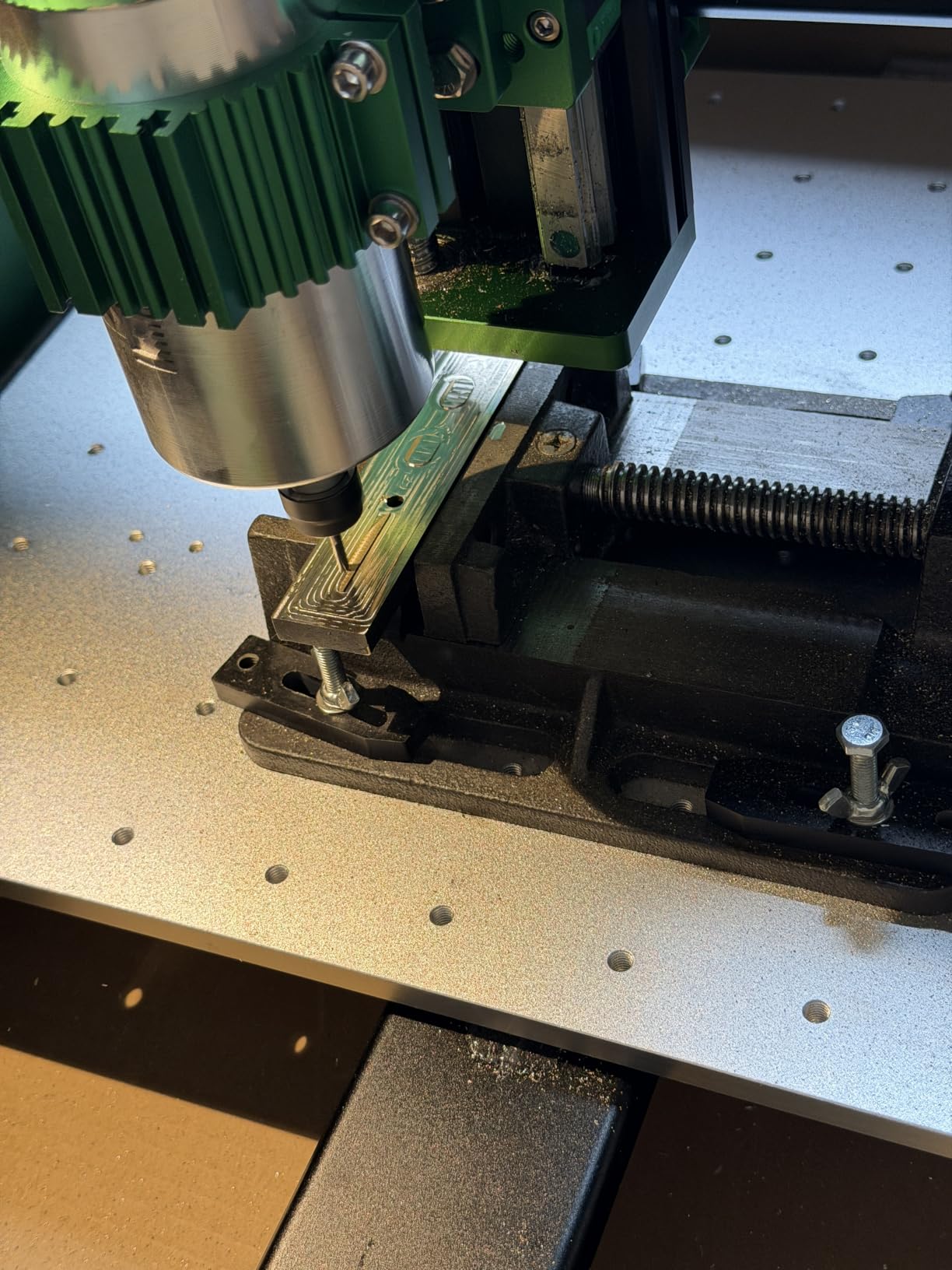
Reviewers describe it as the value leader of this class, citing ball screws and linear rails on every axis plus a usable 800W router. It runs quarter-inch endmills through aluminum without losing steps on the included closed-loop NEMA 23 steppers rated 2.8A and 1.2 Nm.
Who the 4030-Evo Ultra 2 suits
It suits a wood carver who wants precision and speed, particularly for inlays, marquetry and cut geometry where finish matters more than raw area. It also suits a buyer who will work in metal occasionally, since the router, coolant support and touch probe cover more ground than anything else at this bracket.
Where it falls short
The weaknesses are in firmware rather than mechanics. The web interface has a substantial control delay and would not connect from some Windows devices, limit switches are not detected individually, and hitting one can lose the zero position. The ER11 collet has slight runout, so check eccentricity before cutting, and documentation is thin on VCarve setup.
10. FoxAlien Masuter 3S – Best Closed-Loop Motors With No Calibration Routine
- Closed-loop steppers deliver 2.2 Nm with no lost steps
- Works with no belt calibration or repeated tramming
- 400W spindle and 65mm clamp for a 1.5kW upgrade
- Runs in about 30 minutes
- 4th-axis rotary carving supported
- Screws need re-tightening as vibration loosens them
- One owner reported repeated controller breakdowns
- Arrives as one very heavy box
- Large projects make buyers wish for a bigger bed
The defining feature of the Masuter 3S is the NEMA23-76 closed-loop steppers, which produce 2.2 Nm of torque with no lost steps at rapid speeds up to 10000mm per minute. In practice it works out of the box with no belt calibration and no repeated tramming.
Work area is 15.75 by 15.75 by 3.74 inches, reinforced 2360mm extrusions carry dual HG-15 Z linear rails and a T12 lead screw, and stated precision is 0.05mm. It weighs 26.5kg, runs on 110 volts and draws 10 amps.
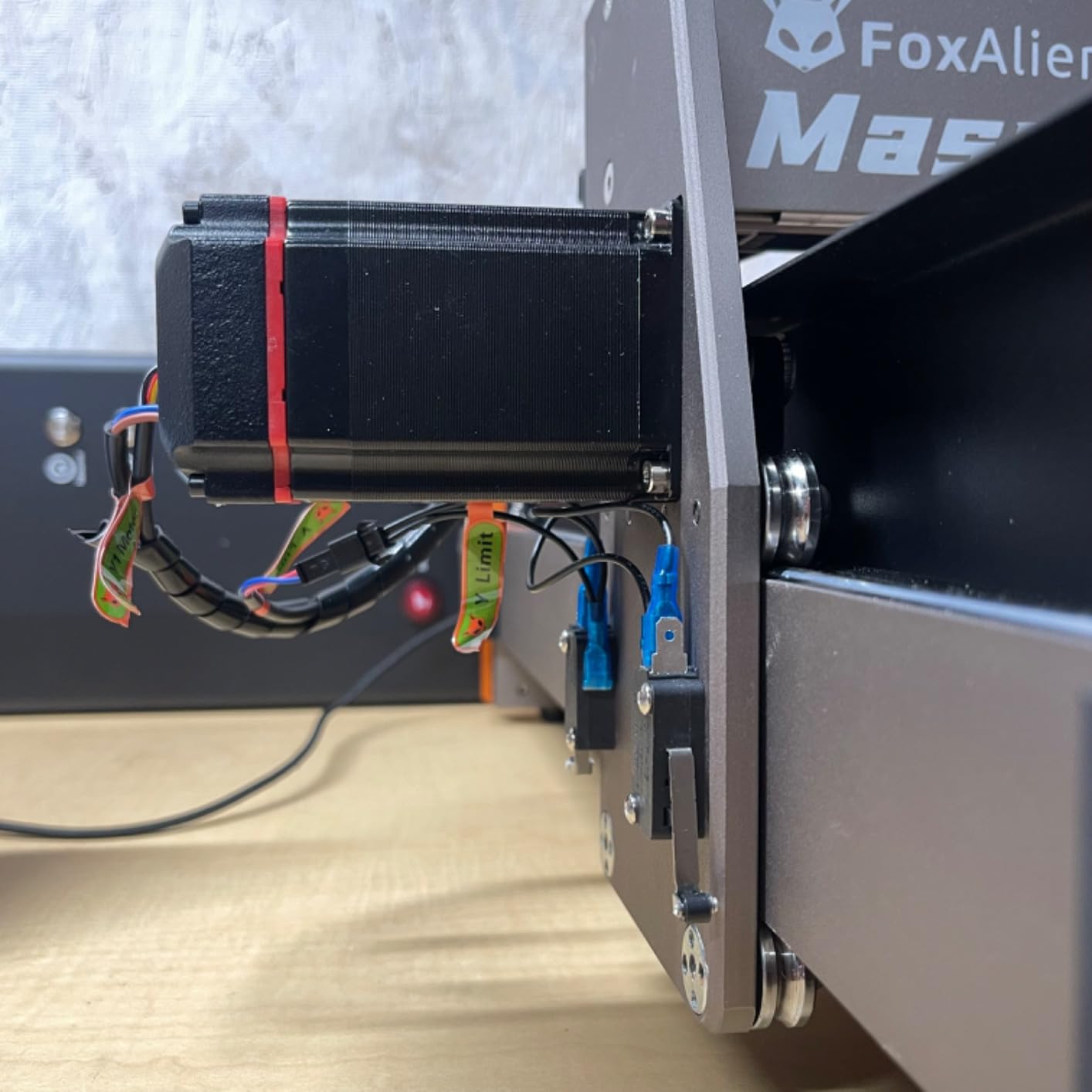
The 400W spindle handles wood, plastics and soft metals, and the 65mm clamp accepts a trim router or a 1.5kW spindle when you want more. Owners report running the machine about 30 minutes after delivery, and it is ready for a 4th-axis rotary module for cylindrical carving.
Support is the most-praised attribute in the reviews, with multiple accounts of spindles and parts replaced free of charge, including out of warranty, and answers inside 24 hours.
Who the Masuter 3S suits
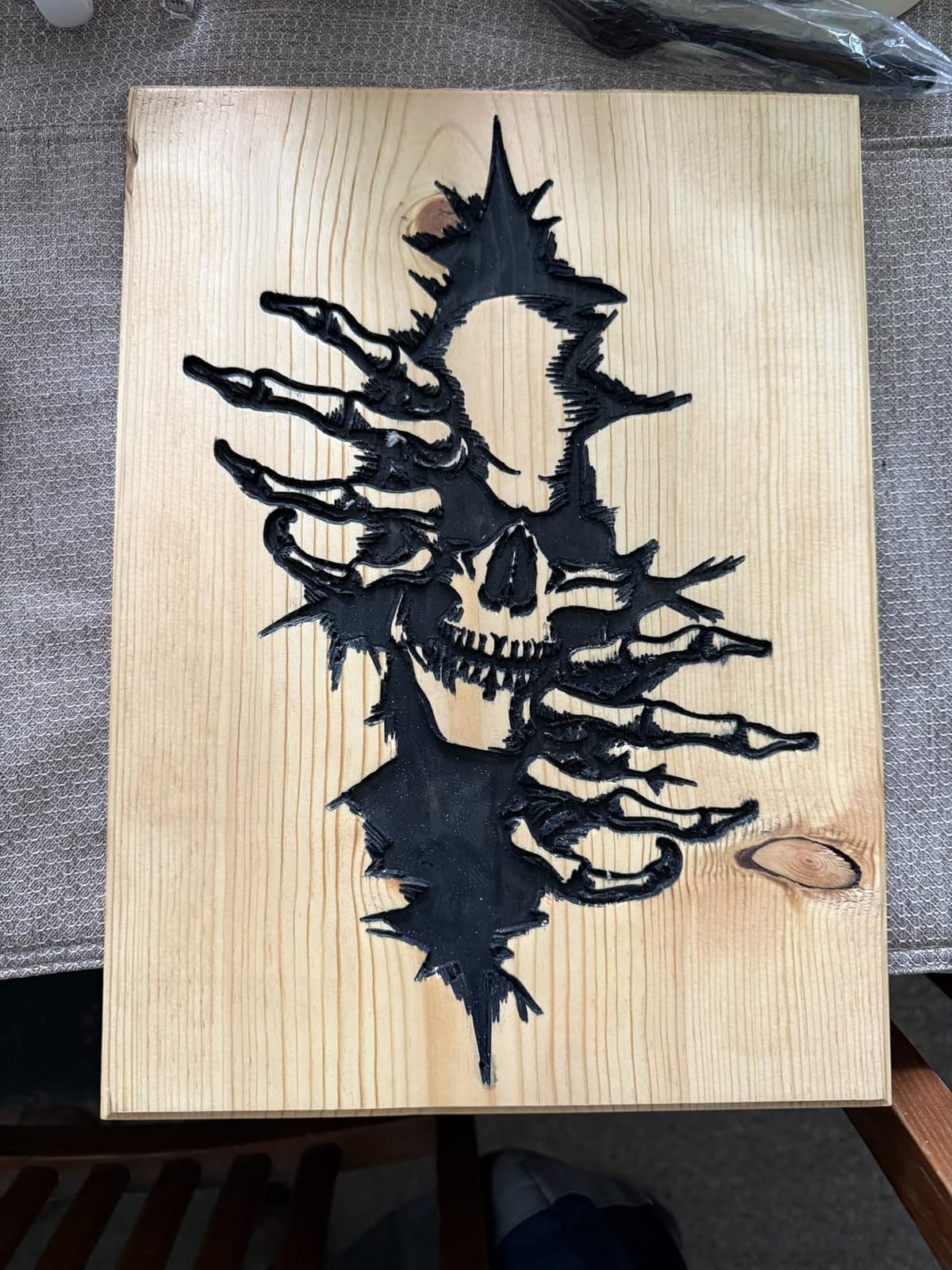
It suits someone who wants closed-loop reliability without tuning. Signs, plaques, carved panels and small furniture components all fit, the 3.74 inch Z height handles thicker stock, and the rotary module and X-axis extension kit are documented upgrades rather than hacks.
Where it falls short
Screws need re-tightening as vibration loosens them, and a gantry can drop if that is neglected, which is a maintenance habit rather than a flaw. One owner reported repeated breakdowns with long email troubleshooting loops, it arrives as one very heavy box, and router mode has a steeper learning curve than laser use.
11. FoxAlien XE-PRO – Best Ball Screw Upgrade Path in the Mid Range
- Ball screws on all three axes reduce backlash
- Closed-loop steppers run smoother and quieter
- Comes square and calibrated with accurate repeatability
- Upgradable later to linear rails on XY
- Includes 52mm
- 65mm and 69mm spindle clamps
- No design software included
- Spindle speed is controlled by dial only
- Set screws loosen and one ball carrier failed
- No coolant or 4th axis support out of the box
The XE-PRO solves the same problem as the Masuter Pro with 1204 ball screws on X, Y and Z and dual linear rails on the Z axis, but pushes accuracy further. Reviewers place the build above competitors in the same bracket, and long-term owners report consistent accuracy and easy homing after a simulated power loss.
The 400W spindle runs to 12000 rpm, closed-loop NEMA 23 steppers handle up to 5000mm per minute, and the machine weighs 38.46kg. The kit includes a one-eighth inch collet, two sets of router bits and 52mm, 65mm and 69mm spindle clamps.
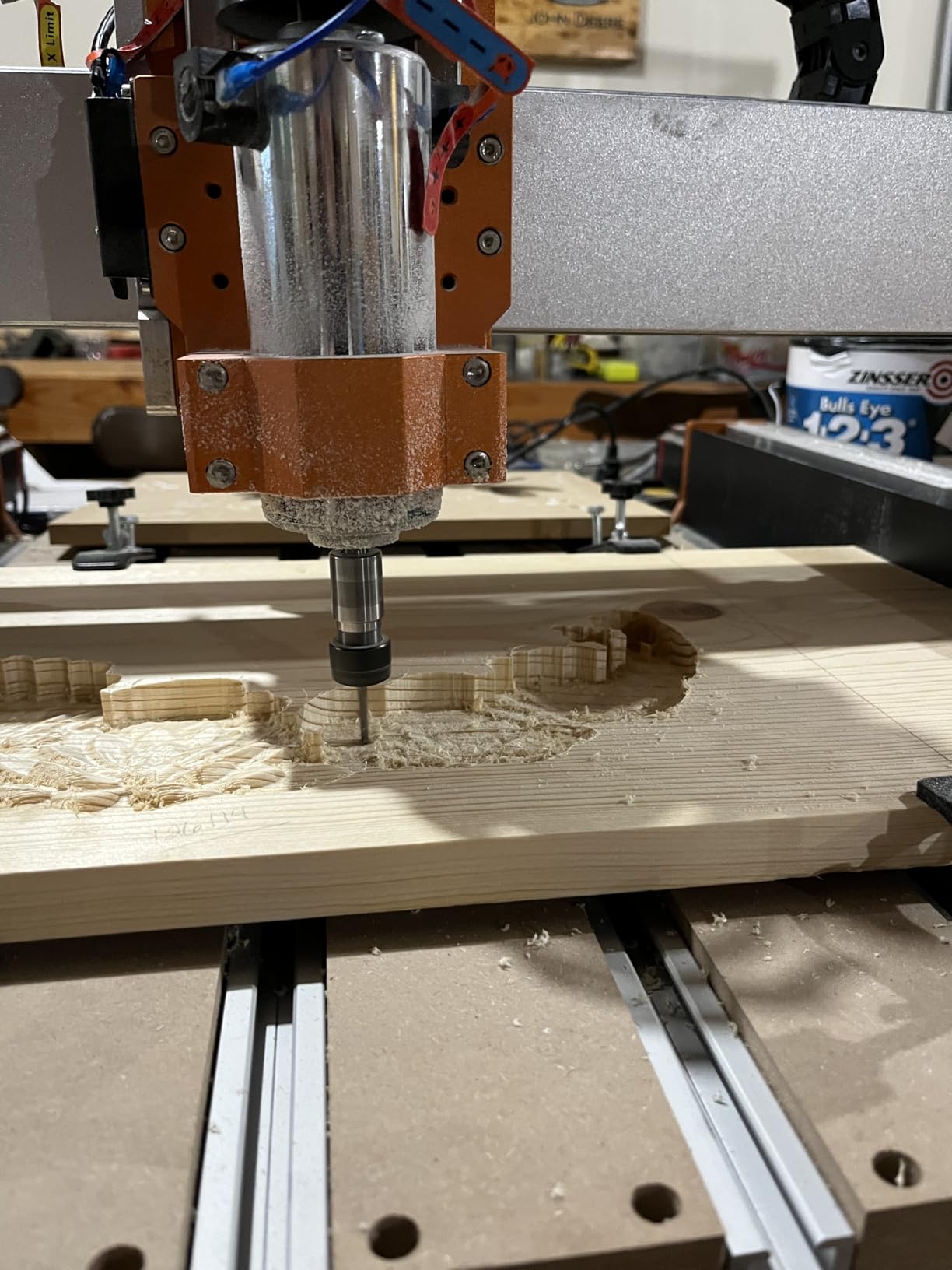
What makes this machine upgradeable is the option to fit linear rails on X and Y later, converting it into an industrial-grade machine, plus an 8040 extension kit for a much larger bed. An online offline controller removes the tethered computer from the workflow.
Support diagnoses issues and sends replacement motors and parts quickly, and most reviewers add a trim router or larger spindle before deciding how far to take the build.
Who the XE-PRO suits
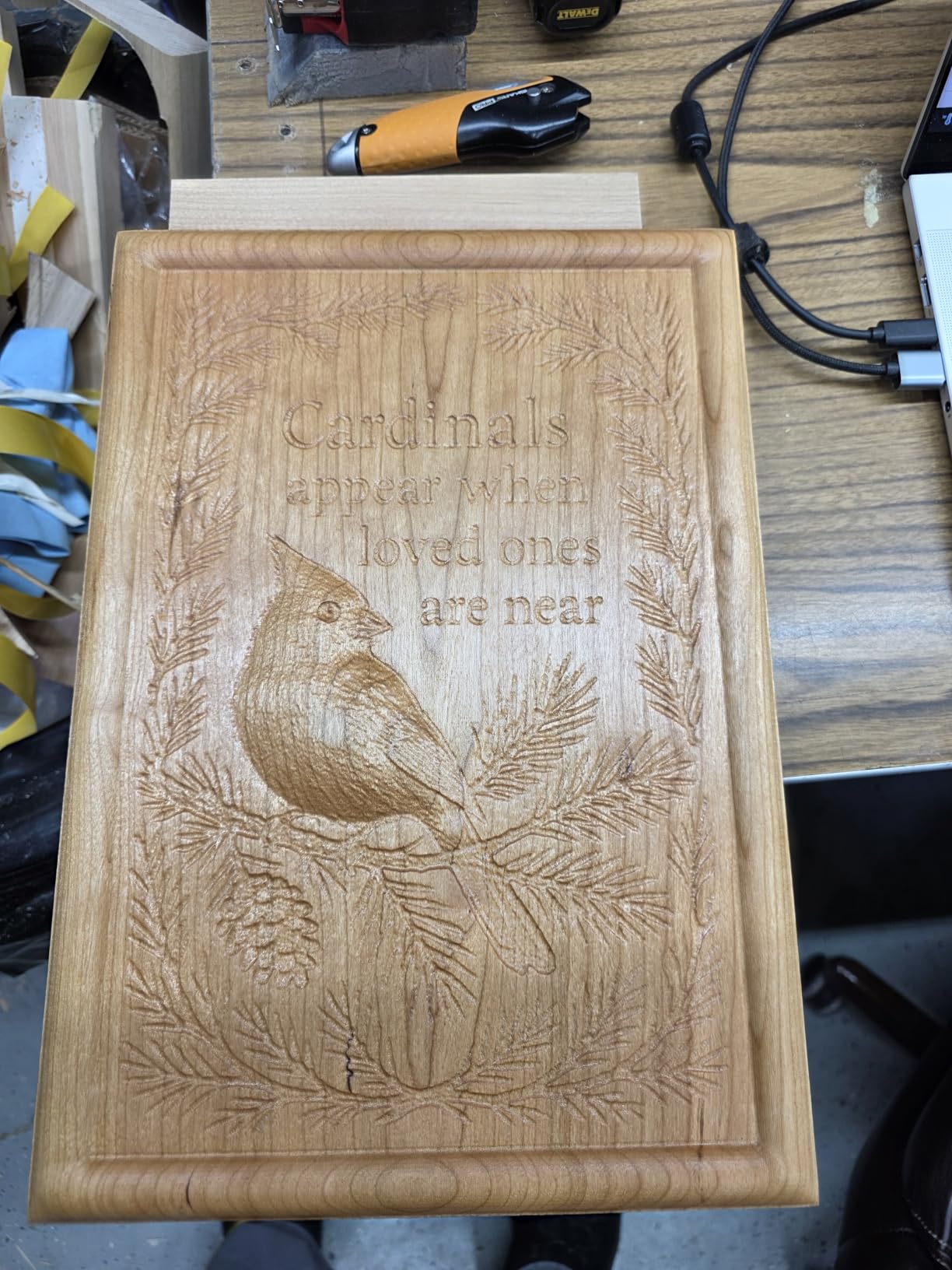
It suits a carver who cares about surface finish and repeat accuracy across power cycles, which matters when the same design runs twenty times in a row. Signs, engraving, cut panels and detailed relief all benefit from the lower backlash.
Where it falls short
No design software is included, so you may need to buy VCarve and gSender, and Candle is unstable for some users. Spindle speed is controlled by dial only, set screws on moving components can loosen, one reviewer had a ball bearing carrier fail, and there is no coolant or 4th axis support out of the box.
12. Genmitsu PROVerXL 6050 Plus – Best for Door Panels and Furniture Parts
Genmitsu PROVerXL 6050 Plus CNC Router Machine for Big Projects
- Rigid dual linear rails and a T10 Y lead screw
- Large bed handles clocks
- guitar projects and door panels
- Pre-assembled core with NEMA 23 motors and jog wheels
- MDF spoilboard surfaces evenly
- Aluminum T-track grid accepts most clamps
- 300W spindle is too weak for serious work
- Spoilboard arrives thin and sometimes warped
- Quality control issues with missing parts
- No convenient power tap for a router or vacuum
The 6050 Plus is the dividing line between a hobby machine and a small-shop machine. The work area is 600 by 500 by 115mm, listed at 23.62 by 19.69 by 4.53 inches, and owners use it for clocks, guitar projects, cabinet parts and door panels, a category of work none of the smaller machines here can attempt in one setup.
Rigidity comes from dual HG-15 linear rails and a single Y-axis T10 lead screw across the 600 by 500mm bed. The package weighs over 60kg, and the pre-assembled core with NEMA 23 steppers and manual jog wheels cuts setup time to about an hour.
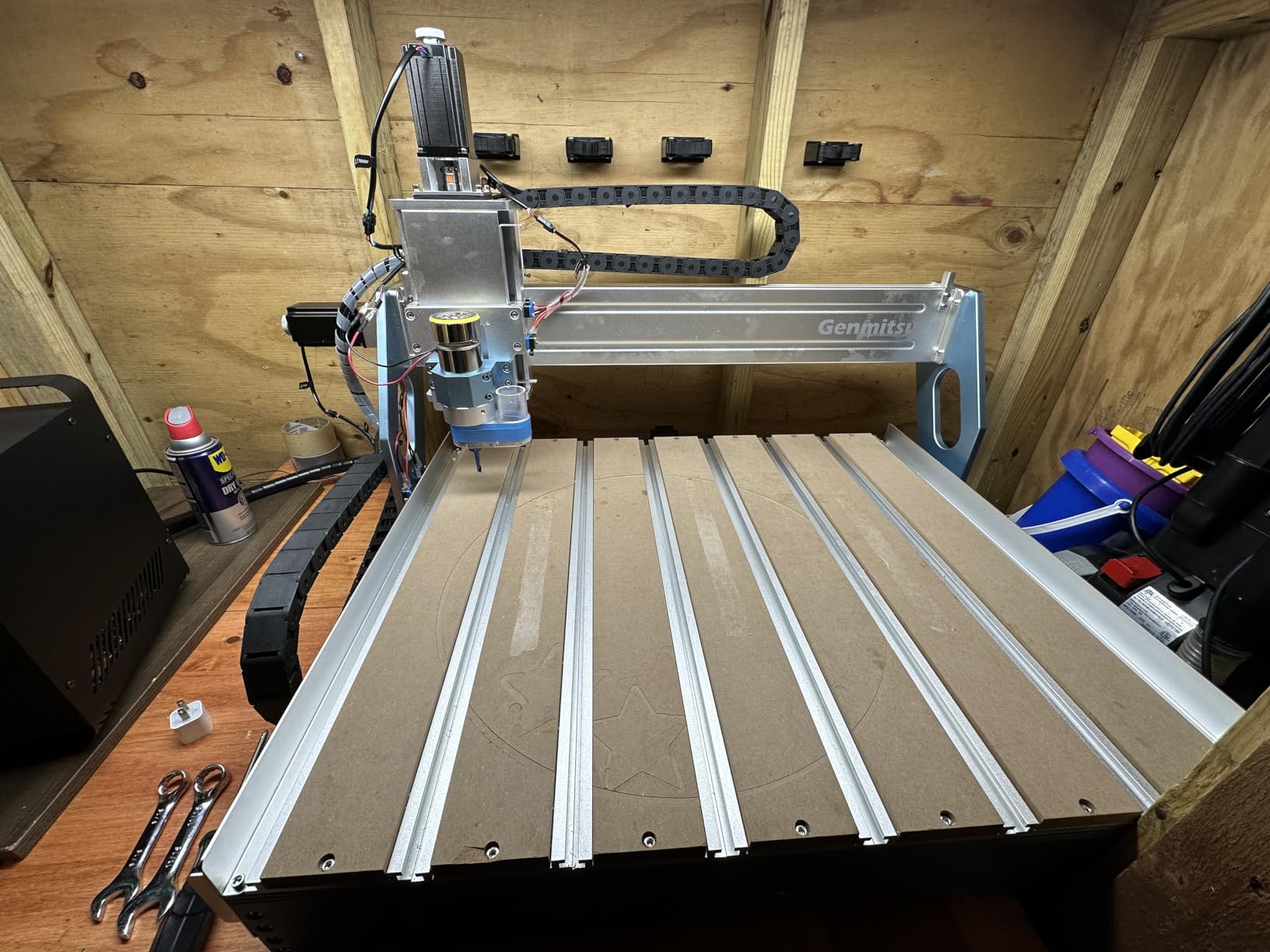
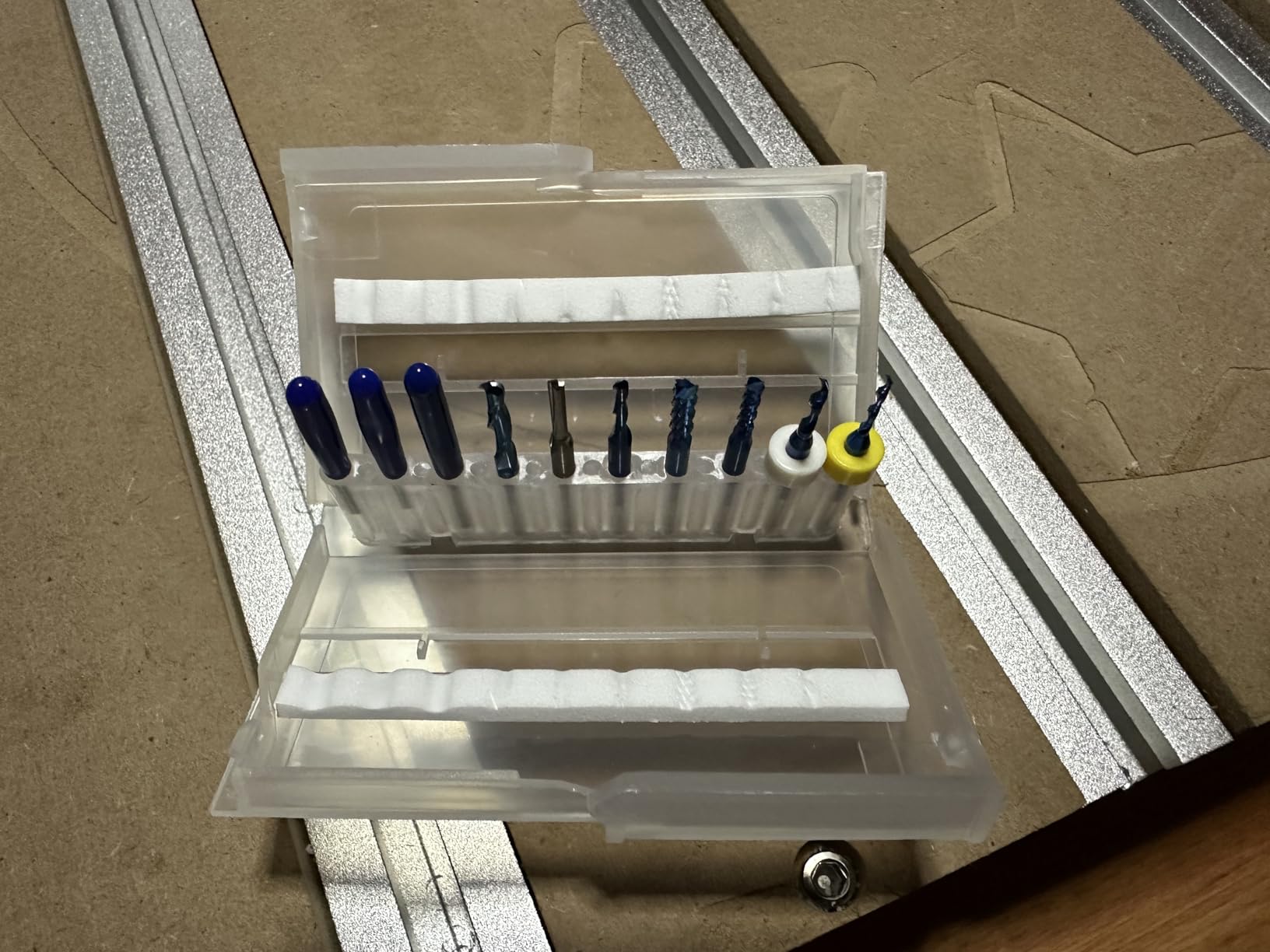
The MDF spoilboard surfaces evenly across the whole working area with minimal adjustment, and the aluminum T-track grid extrusions accept a wide variety of clamps. Nearly every reviewer swaps the 300W spindle for a Makita, DeWalt or 1.5kW unit, and an extra 65mm spindle holder is included for exactly that.
Several owners praise how straight and square it arrived, and it is also compatible with an offline controller and dust shoe add-ons.
Who the 6050 Plus suits
It suits a hobbyist who has outgrown 400mm-class machines and a small business producing furniture parts, panels or repeated signage. At over 60kg it does not move around a bench, so budget separately for a dust extractor and a stronger spindle.
Where it falls short
The 300W spindle is too weak for serious work, the thin MDF spoilboard arrives warped on some machines and must be surfaced, and quality control is uneven with missing parts such as the Z-probe extension. There is no convenient power tap for a router, spindle, coolant or vacuum, so a relay and extra wiring are needed.
How to Choose a CNC Router for Wood Carving in 2026?
Work area decides what you can make, and everything else decides how well you make it. Rank your criteria in this order: usable work area, then included cutting power, then drive system, then the extras that make the machine pleasant or painful to own.
1. Work area is the decision that is hardest to undo
The 3018 class gives you roughly 300 by 180mm of usable bed, the 4040 class roughly 400 by 400mm, and the 6050 class 600 by 500mm. A machine that is too small forces you to split projects into tiles, and a visible seam down a sign is a defect you cannot sand out.
Our general rule: buy the largest machine your floor space and budget honestly support, then restrict yourself to small projects while you learn. The reverse mistake, buying big immediately, is what leaves machines unused for a year while their owners learn the software.
2. Drive system: belts stretch, lead screws and ball screws hold
Belts are cheap and fast but they stretch with heat and age, and accuracy drifts until you retension them. Lead screws give repeatable positioning and, with an anti-backlash nut like the T8 used on the TTC3018 Pro, hold depth well. Ball screws are the smoothest and most accurate option here, and both the AnoleX and the FoxAlien XE-PRO put them on all three axes.
This is the single most common recommendation in the woodworking forums we read: rails over belts, even at a premium. If a machine is belt-driven, expect a re-tensioning habit every few months of heavy use.
3. Spindle power decides whether you carve wood or plastic
A 775 motor at 120W is a learning tool. A 300W spindle handles plywood and soft hardwood with slow, shallow passes. A 400W spindle or a 65mm trim router mount is where hardwood stops being frustrating, and a 1.5kW water-cooled spindle is the small-shop threshold.
Check the maximum rotational speed too, not just wattage. Several included spindles in this list spin below the 12000 rpm that common two-flute end mills expect, and a bit that cannot reach its rated speed dulls and burns.
4. 2D carving or 3D relief? Be honest with yourself
2D flat carving means cutting through sheet material to a shape, which every machine here does well, including the smallest. 3D relief carving means removing material in layers to a sculpted surface, and that is where machines differ dramatically.
The shallow 3D relief a 775 motor can manage is decorative. Genuine relief carving in hardwood needs a rigid frame, a stronger spindle, a supported spoilboard and patience with multiple shallow passes. Buying a small machine and expecting sculptural output is the most common first-machine regret, and the reason we rank rigidity and power so heavily above size.
5. Dust collection and shop safety are not optional
Dry wood chips from CNC work are a recognized fire risk, and they fill a shop faster than people expect. Connect a dust extractor to the spindle shoe from your first cut, not after you have filled the room. Dry MDF and plywood dust is also a respiratory concern that deserves a proper respirator and filtered extraction.
For any machine in this roundup, budget for hold-down clamps or T-track, a dust shoe, an emergency stop, and limit switches where they are not included. The CNCTOPBAOS and the RATTMMOTOR both have ports for safety hardware but do not include it, and that gap is worth closing before your first full run.
6. Software is the real learning curve
You design in CAD and prepare in CAM, which converts your design into G-code toolpaths, and the machine only understands the second step. Beginners frequently blame a machine for a software problem, because the failure appears as a bad cut rather than a broken file.
The free options are genuinely good for learning: Easel, Carbide Create, UGS with Candle, and gSender all produce clean wood-carving toolpaths. Paid tools such as LightBurn, VCarve Pro and Fusion 360 earn their place when you need proper 3D toolpaths, better arc handling or production features. Note that the FoxAlien XE-PRO ships without design software at all.
7. What you spend after the machine matters as much as the machine
Your first-year budget beyond the machine typically includes a spoilboard or wasteboard, hold-down clamps, a dust shoe and extractor, a spindle or router upgrade, an end mill and V-bit set, a surface plate, and possibly a dedicated circuit. Owners in the forums repeatedly overspend on machine size and underspend on hold-down and dust collection, which is the wrong order.
That is the practical meaning of the old advice that a first machine is a learning tool. The RATTMMOTOR and CNCTOPBAOS kits are cheap precisely because you will add the safety and dust hardware yourself, and that is a perfectly reasonable path if you enjoy the build.
8. Should you build your own CNC instead?
Building can be cheaper, but the honest economics are that the electronics are where the real spend sits. Commercially packaged kits tend to ship with underpowered or mismatched steppers, drivers and unshielded wiring, and buyers often rebuild those sections anyway. Strip-and-go controllers are widely seen as unreliable and a potential electrical hazard, which is why LinuxCNC and quality GRBL boards are preferred.
Our advice for the buyer who just wants to make things is to buy assembled and spend the savings on a dust extractor, a spare spindle and a good bit set. Build only if learning the electronics is part of what you want to spend your weekends on. If you are still comparing formats, our desktop CNC roundup covers the smallest class in more detail.
Glossary for first-time CNC buyers
G-code is the instruction file the controller reads to move the machine. A stepper motor is the open or closed-loop motor that moves each axis. A linear rail is a rigid bearing track; a lead screw converts rotation to linear motion; a ball screw does the same with less friction. A spindle is the cutting motor; a router is a larger handheld motor you mount instead.
Runout is how far a bit is off true in its collet, and it ruins finish at small diameters. Feed rate is how fast the tool moves through material, while plunge rate is how fast it goes down. A spoilboard or wasteboard is the sacrificial surface under your workpiece. ATC is automatic tool change, 4th axis adds rotary motion, and a plunge base is the flat base a router needs for cutting straight down.
First 90 days: what to do and what to buy next
Run flat 2D cuts first. Learn to zero Z by touching off a wasteboard, then prove your workholding with a full-width pass on scrap. Only then attempt relief, and keep the depth per pass low while you learn what your machine’s spindle can sustain.
Buy in this order: hold-down and a spoilboard, then a dust shoe and extractor, then a better spindle or router mount, then more bits. Machine upgrades come last, and only once you know which limitation you actually hit. For the hand-carving side of your shop, our guides to wood carving knives, carving gouges and carving chisels cover the tools that shape the same work by hand.
Frequently Asked Questions
What is the best entry-level CNC router for wood?
The Genmitsu 3018-PROVer V2 is the best entry-level CNC router for most first buyers because it pairs an all-aluminum frame with included limit switches, an emergency stop and a Z-probe. Its 1286 owner reviews mean common problems are already documented. If you want more spindle power in a first machine, the LUNYEE 3018 Pro Max adds a 500W spindle and 80mm of Z travel for a modestly larger commitment.
What is the best CNC machine for carving wood?
For most wood carvers the best CNC machine is the one whose work area matches your real projects and whose included tooling matches the material. Desktop 3018-class machines excel at small 2D parts. The 4040 and 4030 classes handle sheet goods and shallow relief. If you carve furniture parts or door panels, move to a 600 by 500mm machine such as the Genmitsu 6050 Plus, and budget for a stronger spindle.
Which CNC machine is best for engraving?
For surface engraving, spindle power matters less than precision and a flat, supported bed. The Genmitsu 4040-PRO, with its reinforced hybrid spoilboard and center aluminum support bar, holds depth consistently across a 17 by 15.75 inch area. The AnoleX 4030-Evo Ultra 2 is the most precise, with linear rails and ball screws on all three axes and a 0.005mm stated repeatability.
What type of wood is best for CNC router carving?
Softwoods and basswood are the easiest starting materials because they cut fast and forgive feed mistakes, so they suit desktop machines with small spindles. Birch plywood and MDF are the usual choice for sheet goods and layered projects, though MDF dust demands serious extraction. Hardwoods such as walnut, maple and oak need a rigid frame and a stronger spindle, ideally a 65mm router mount or a 1.5kW spindle.
Is it cheaper to build your own CNC?
It can be, but the components that drive cost are the steppers, drivers, controller, power supply and wiring rather than the frame. Prepackaged kits often ship underpowered or mismatched electronics that buyers replace anyway, and strip-and-go controllers are widely seen as an electrical hazard. For most buyers, buying assembled and spending the difference on a dust extractor, hold-downs and a spare spindle produces better projects faster.
Final Verdict: The Best CNC Machines for Wood Carving in 2026
The best CNC machines for wood carving in 2026 come down to one honest match between machine and project. Buy the Genmitsu 3018-PROVer V2 to learn properly, with the largest owner base in the hobby CNC world and safety hardware included. Buy the FoxAlien Masuter Pro 4040 when a small bed starts limiting your designs. Buy the Genmitsu 4040-PRO or PROVerXL 4030 when you need real spindle power and depth reliability, and the AnoleX 4030-Evo Ultra 2 when you want rails and ball screws on every axis at this price level.
For furniture-scale work, the Genmitsu PROVerXL 6050 Plus is the smallest machine here that handles a door panel in one setup, and it is where small shops usually start. Whichever you pick, spend your next upgrade on hold-down and dust collection rather than a bigger bed, and you will finish more projects in your first year than most people do in three.