
Every speaker below is a powered nearfield monitor with genuine Bluetooth built in, not a portable speaker with a studio label on the box. That distinction matters more than any spec on the sheet, so I filtered the entire field on one rule: a Bluetooth speaker only earns a slot here if it also gives you a wired path back to a lossless signal. If you want the portable-speaker side of the market instead, our guides to the best outdoor Bluetooth speakers and the best waterproof Bluetooth speakers cover that category properly.
Before the picks, the honest part. A Bluetooth monitor is a tracking and cross-check tool, not a final reference. The wireless link compresses your audio with a lossy codec and adds roughly a tenth of a second of delay, which is invisible for playback and annoying the moment you record a vocalist against a click. Use Bluetooth to move around the room, audition on a laptop with no interface, and check how a mix translates. Use the wired input whenever you are making an actual decision about treble, bass or dynamics.
The wired input is the real product. Nine of the ten picks here have XLR, TRS, RCA, optical, coaxial or USB behind the Bluetooth, and the one exception is flagged in its entry. Check what that input is before you check the wireless version.
Latency is the number nobody publishes. Expect on the order of 100ms end to end on a typical Bluetooth audio path. That is fine for playback, and it will make you play by ear twice when tracking a live take.
Driver size beats Bluetooth version. A 5-inch woofer reaching lower will help your mixes more than Bluetooth 5.3 over a 3.5-inch driver.
Bluetooth is often chosen by your operating system, not the speaker. Your laptop picks the codec during pairing, and a mismatched choice adds delay and dulls the top end.
Spend on treatment before you spend on a bigger pair. Untreated room bass will make cheap monitors sound broken and expensive monitors sound wrong.
One more framing note before we start. Two user-generated threads on the subject of Bluetooth for small studios outrank every editorial page for this query, and both of them end up at the same place: a small, accurate desktop monitor beats a large consumer speaker every time, and headphones are the default answer for anything below the monitor’s low-end reach. Nothing in this roundup is a party speaker. If you want volume for something other than mixing, our pick of the best high power Bluetooth speakers is the right page instead.
Table of Contents
Top 3 Bluetooth Speakers for Home Studios in 2026


Edifier R1280DB
- 4-inch bass driver
- 42W RMS
- Optical and coaxial digital inputs
- Side-panel bass and treble

IK iLoud MTM MKII
- 3-inch woofer
- 45 Hz to 20 kHz
- 50W RMS per speaker
- Desktop and shelf voicing switch
Those three cover the realistic range of home studio desks. The R1700BT is the one I would put on a desk with a real audio interface, because its XLR and optical inputs mean the wireless is a convenience rather than a dependency. The R1280DB is the same idea a tier down with digital inputs instead of balanced ones. The iLoud MTM MKII has the flattest published response of the group and the highest owner rating, but its only wired connection is the speaker link cable, so treat its Bluetooth as the main path and keep a second reference nearby.
All 10 Bluetooth Studio Monitors at a Glance
| Product | Specifications | Action |
|---|---|---|
| Edifier R1700BT |
|
Check Latest Price |
| Edifier R1280DB |
|
Check Latest Price |
| IK iLoud MTM MKII |
|
Check Latest Price |
 JBL 104-BT JBL 104-BT |
|
Check Latest Price |
 Ortizan C7 Ortizan C7 |
|
Check Latest Price |
 M-Audio BX4BT M-Audio BX4BT |
|
Check Latest Price |
 Edifier MR3 Edifier MR3 |
|
Check Latest Price |
 PreSonus Eris 4.5BT PreSonus Eris 4.5BT |
|
Check Latest Price |
 Pioneer DJ DM-50D-BT Pioneer DJ DM-50D-BT |
|
Check Latest Price |
 Mackie CR3.5BT Mackie CR3.5BT |
|
Check Latest Price |
1. Edifier R1700BT – the one with a real audio path
- XLR plus optical plus coax inputs give three wired fallback paths
- Bluetooth pairing is quick and stable across phones laptops and PCs
- 10-degree baffle tilt and front port suit a desk against a wall
- On-speaker bass treble and volume with four EQ presets
- Solid wood-veneer build with a two-year warranty
- Bass falls away quickly below roughly 50 Hz
- Distortion appears above about 80 percent volume
- Included remote feels thin and awkward
This is the pair I keep coming back to because of what sits on the back panel. RCA, optical, coax and XLR means the Bluetooth is an extra door rather than the only way in. If your interface has an optical out, this takes a digital signal directly.
Owners consistently describe the sound as balanced with clear silk-dome detail, and the 10-degree baffle tilt genuinely matters on a desk because it aims the tweeter at ear height without a stand. The 4-inch driver runs 55 Hz to 20 kHz, which is honest for the size.
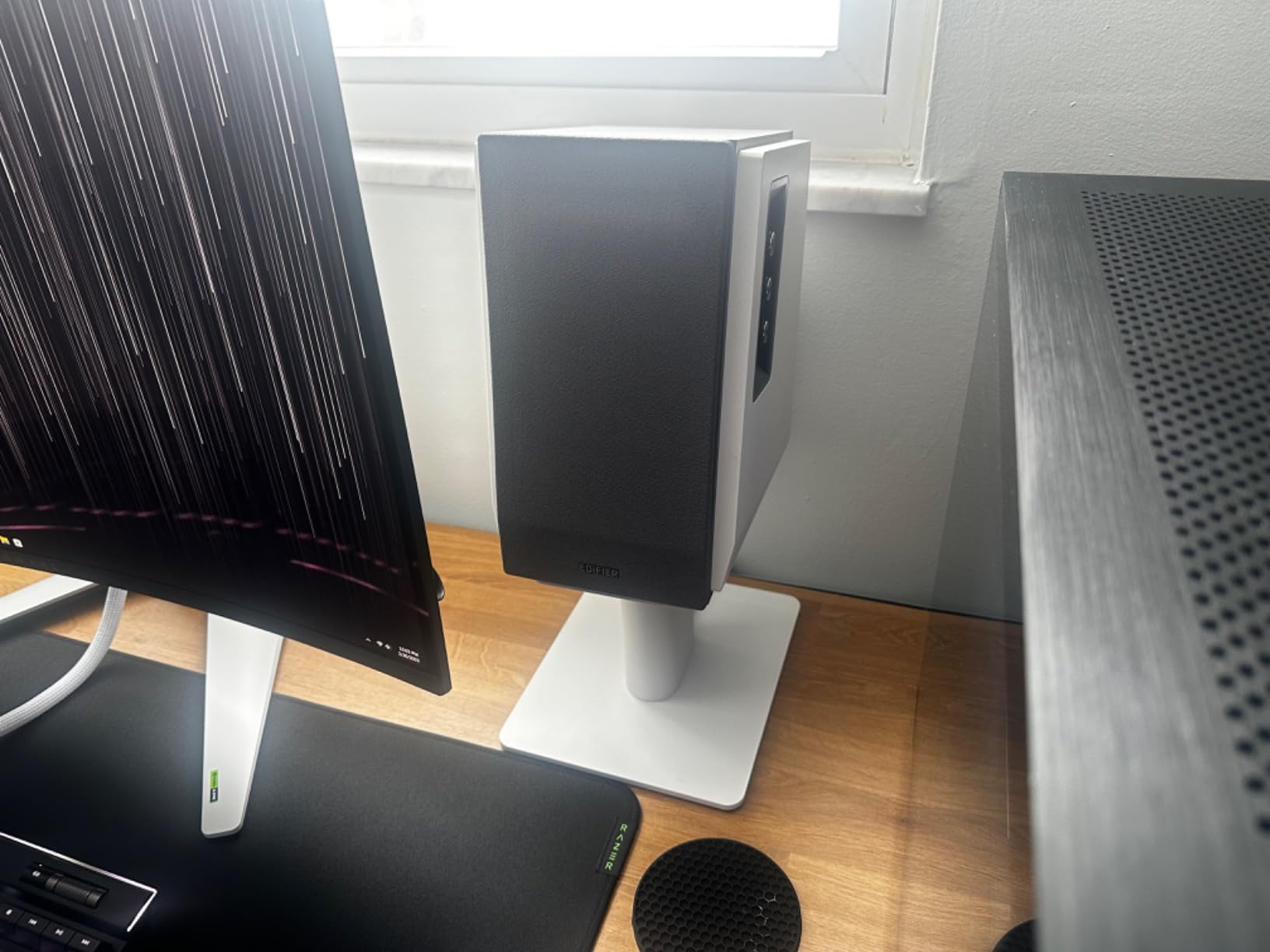
Where it falls short is the bottom of the range. Below roughly 50 Hz there is very little, so a kick and sub relationship is something you check on headphones rather than here. Reviewers also report distortion once the volume passes about 80 percent, which is worth knowing before you try to reference something loud.
The on-board tone controls matter more than usual on a Bluetooth speaker, because the codec dulls the top end and the treble knob is your correction. Set it once, leave it, and stop fiddling.
Who it suits
Anyone whose interface offers XLR, TRS or optical and who wants a pair that doubles as ordinary speakers when the DAW is closed. The 66W of total power is enough for a treated desk and modest for a live room.
Where it falls down
It will not tell you anything about the bottom two octaves, and the remote is the weakest part of the package. If your work is bass-heavy, budget for a subwoofer or plan on headphone cross-checks from day one.
2. Edifier R1280DB – the value pick with digital inputs
- Optical and coaxial digital inputs alongside Bluetooth and dual RCA
- Natural non-fatiguing balance with a clear midrange
- Side-panel bass and treble controls give real correction
- Excellent stereo imaging for a small-format speaker
- Cables included and two-year warranty
- Weak low-end extension and no real sub-bass
- Distortion creeps in above roughly 95 percent output
- Intermittent Bluetooth dropouts reported by some owners
What separates this from a generic computer speaker is the input list. Optical and coaxial digital inputs are a genuinely lossless path from a laptop or a television, which makes the wireless option feel like a bonus rather than a compromise.
Reviewers describe a natural, non-fatiguing tonal balance with punchy low mids and crisp highs, and unusually good stereo imaging for a speaker this small. The 13mm silk dome tweeter paired with a 4-inch driver does most of that work.
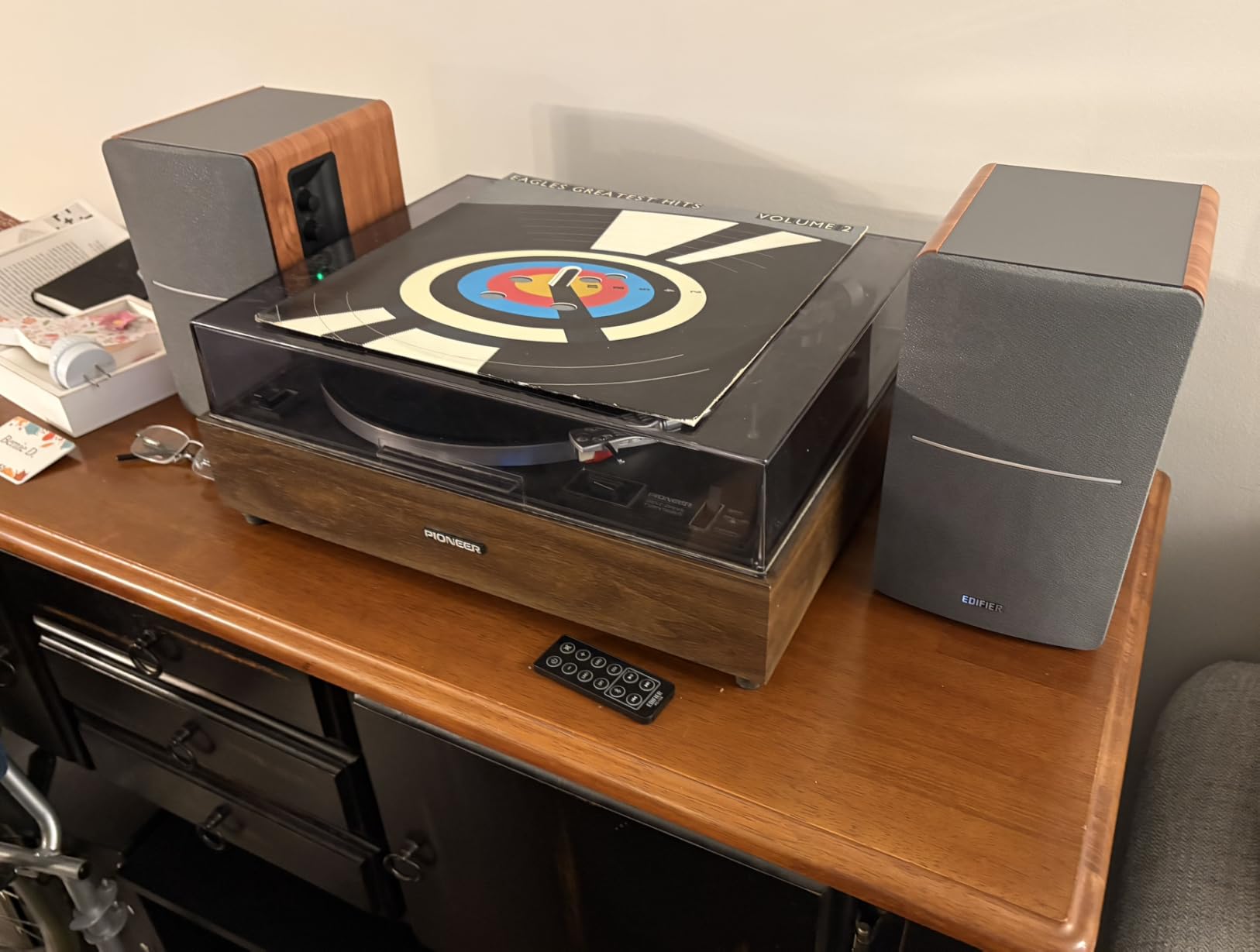
The bass is the limitation, and it is a real one. Owners wanting deep, thumping low end consistently find this pair will not deliver, and the maximum output ceiling is modest. A handful of buyers also report intermittent Bluetooth dropouts, which is exactly the failure mode that makes people stop trusting a wireless monitoring path.
Use the side-panel bass and treble controls deliberately rather than by ear in the moment. Set a flat starting point, then correct for your room once and leave it.
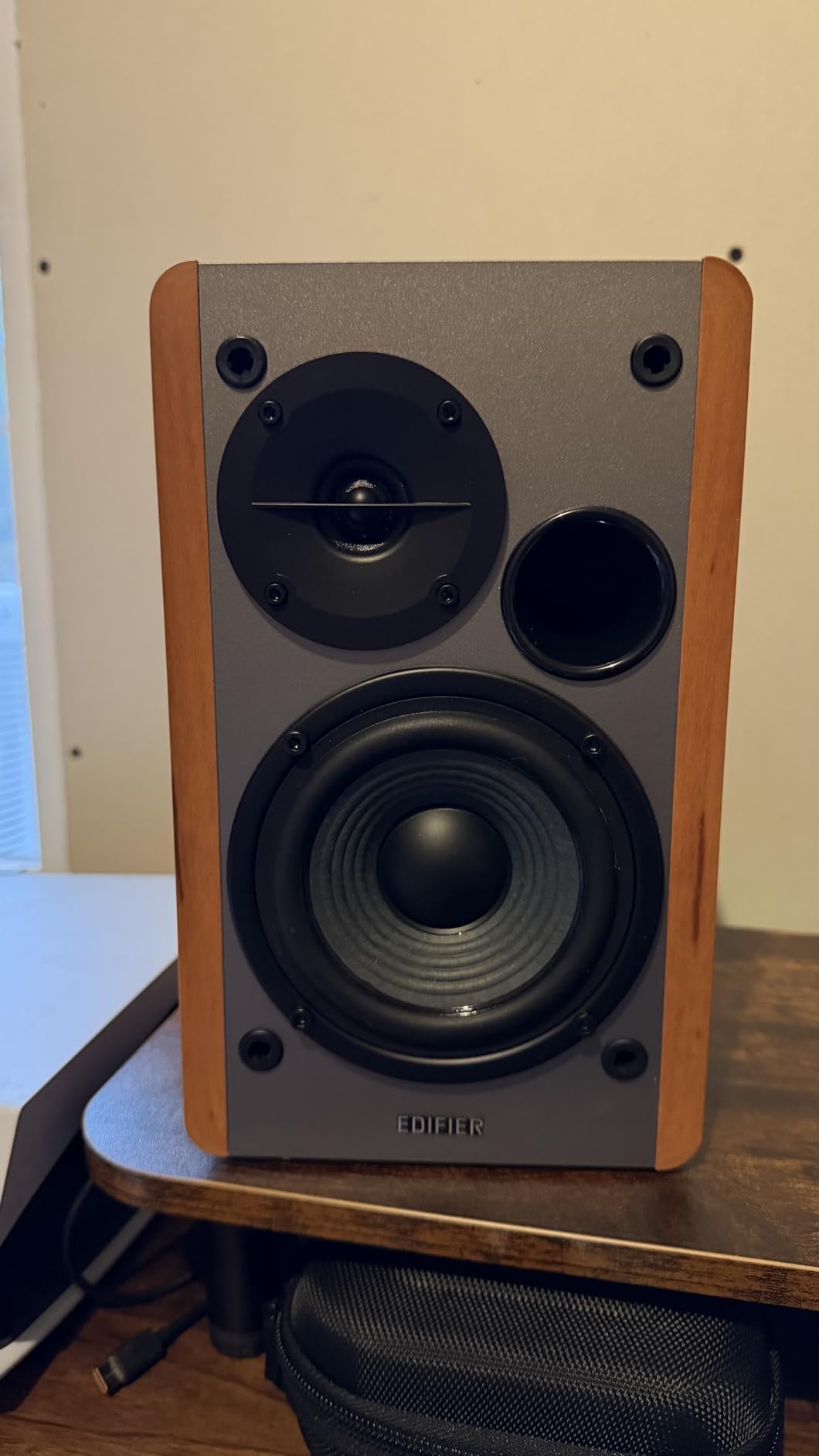
Who it suits
A small bedroom or box studio where the desk is the room. The digital inputs mean a single cable from a laptop gets you lossless playback, and the Bluetooth covers phone and tablet reference checks.
Where it falls down
Low-frequency work and anything that needs real level. If your project is bass-driven, this is a mixing-check speaker, not a mastering one.
3. IK iLoud MTM MKII – the flattest response, with one big catch
- Highest owner rating in this group at 4.7 stars
- 45 Hz to 20 kHz from a 3-inch driver
- DESKTOP and SHELF switch adapts response to placement
- Four Class D amplifiers give 50W RMS per speaker
- Digital crossover with time alignment for stable imaging
- Bluetooth is the only audio connection
- no balanced or digital wired input
- 3-inch drivers cap maximum output for loud work
On accuracy alone this is the strongest pick here. A 3-inch woofer reaching 45 Hz is unusual, and the digital crossover with careful time alignment gives it an imaging stability that bigger, cheaper monitors do not manage.
The super-near-field design puts the sweet spot right at your ears on a desk, and the DESKTOP and SHELF switch re-voices the response when you move them to a stand. Four Class D amplifiers at 50W RMS per speaker give more headroom than the driver size suggests.
Now the catch, and it is a real one for this roundup. There is no digital or balanced wired audio input. Bluetooth is the way audio gets in, apart from the speaker link cable between the two cabinets. That single fact removes the safety net the other nine picks have.
Owners and producers do rate the low end as genuinely punchy for a 3-inch driver, so the tonal target is right. Just treat them as a monitor for a Bluetooth workflow, not a studio hub.
Who it suits
A producer working entirely from a laptop or phone who cares most about a flat reference and will cross-check on headphones. It is also the easiest pair here to move between a desk and a shelf.
Where it falls down
Anyone who needs a balanced feed from an interface, and anyone mixing at high level. With no wired audio input, every critical decision runs through the codec.
4. JBL 104-BT – built for the desktop, not the room
JBL Professional 1 Series 104-BT Compact Desktop Reference Monitors with Bluetooth, Black, Sold as Pair, 4.5-inch Speaker
- Coaxial driver gives a wide sweet spot off-axis at a desk
- Compact ABS cabinet designed for nearfield desktop placement
- Front headphone jack mutes the speakers automatically for cueing
- Balanced TRS alongside RCA and aux covers pro and consumer gear
- Low-frequency extension rolls off between 60 and 88 Hz
- Only the master monitor holds the electronics so placement is partly fixed
- 60W total is modest for anything larger than a desk
The coaxial arrangement is the story here. Combining the 4.5-inch woofer and 0.75-inch soft-dome tweeter on one axis keeps the drivers aligned as you move your head off centre, which on a desk at arm’s length happens constantly.
It is genuinely designed for the job. The cabinet is tuned to 72 Hz, there is a front input selector for Bluetooth, aux, RCA and TRS, and the 1/8-inch headphone jack on the front mutes the speakers automatically, which is the correct behaviour for cueing.
All the electronics live in the master monitor, so only one speaker needs power and the wiring is minimal. The trade-off is that the slave is tethered to it, so your stereo geometry is not entirely free.
Who it suits
A nearfield desk workflow where you sit close and move your head around. The balanced TRS input accepts a professional interface or a small mixer directly, and the wide coverage handles off-axis listening well.
Where it falls down
Anything involving low end, since response rolls off hard by 88 Hz, and any larger room. Sixty watts of total amplification fills a desk, not a live room. Reviewers also note the Bluetooth path adds delay compared with the wired input, which is the usual trade.
5. Ortizan C7 – the entry pick that has a balanced input
- Balanced 6.35mm TRS input at an entry price
- Built-in 24-bit DAC over USB gives a low-noise digital path
- Front headphone output for private monitoring
- Bluetooth 5.3 with a stated 18-meter range
- 3.5-inch drivers limit output and low-end reach
- ABS and wood composite cabinet is lighter and more resonant than MDF
- Touch-button controls only
- no volume or tone knob
This is the pick that surprised me. A 6.35mm TRS balanced input plus a 24-bit DAC over USB is a feature set you normally find well above this tier, and it is exactly the input an audio interface wants.
The 3.5-inch carbon fiber mid-bass driver and 0.75-inch silk dome sit behind an electronic two-way crossover, tuned in the lab to a flat monitor curve rather than a consumer curve. A front headphone output lets you switch to private monitoring without unplugging anything.
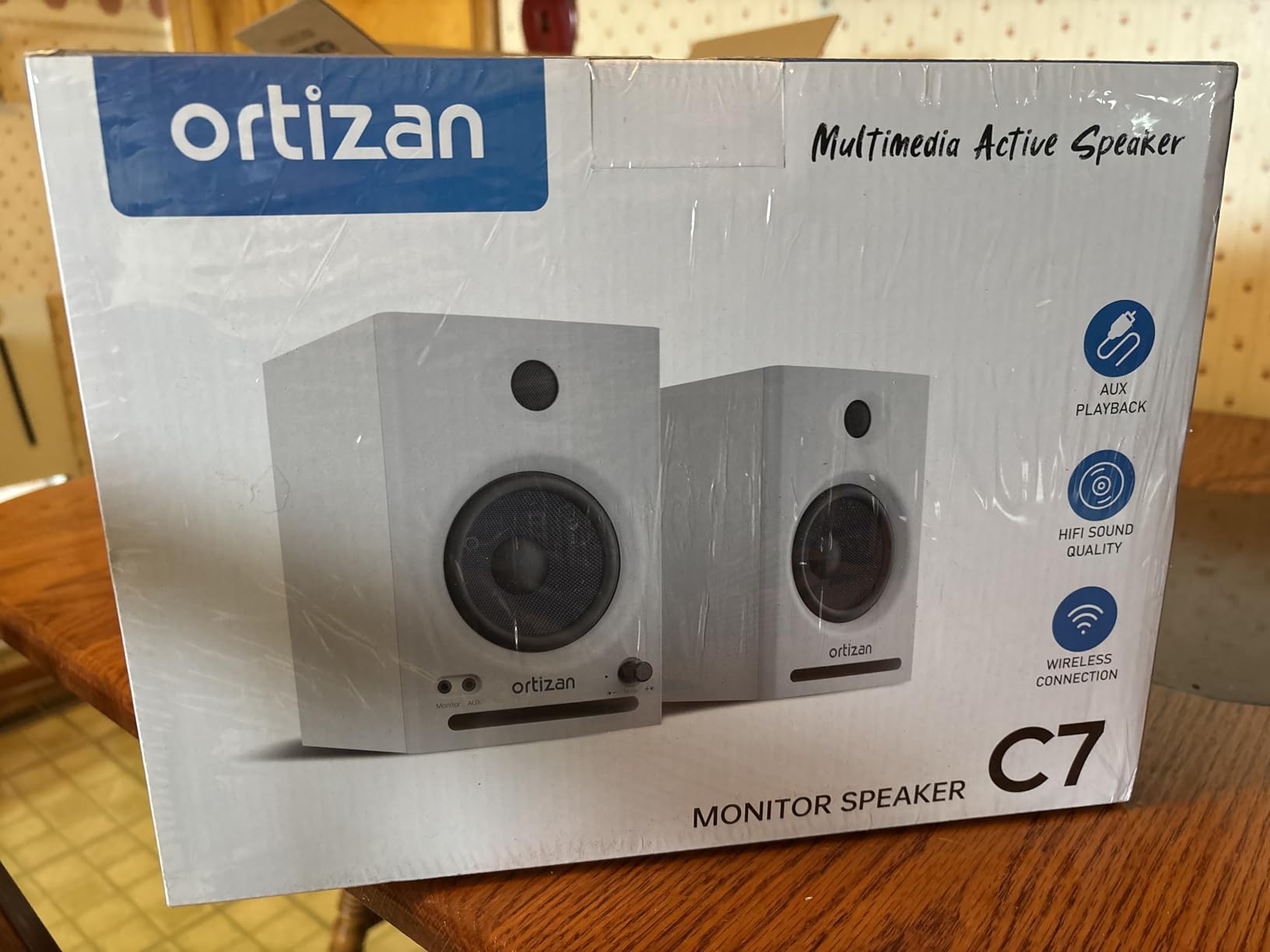
Bluetooth 5.3 is the most recent version in this roundup with a stated 18-meter range, and pairing is reported to take about two seconds. That is a specification advantage; the real-world benefit over an older version on a desk is modest.
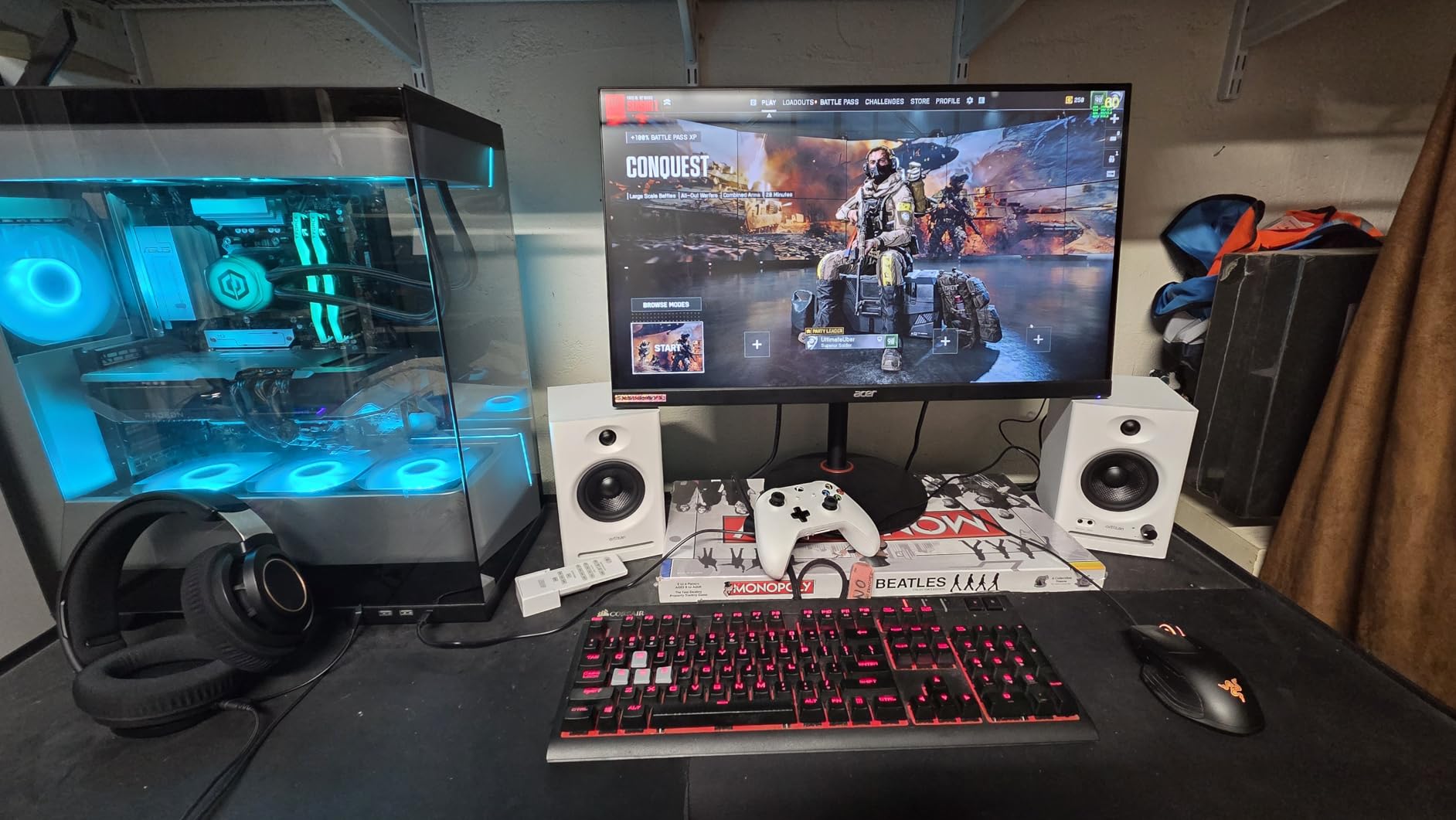
Who it suits
Someone setting up a first home studio with an interface and very little budget. A balanced digital or analog feed from day one means the Bluetooth is only ever for listening away from the desk.
Where it falls down
Output and low end. Three-and-a-half-inch drivers cap how loud you can go before the picture changes, and the composite cabinet rings more than the MDF rivals. The touch-only controls also mean no instant volume nudge mid-take.
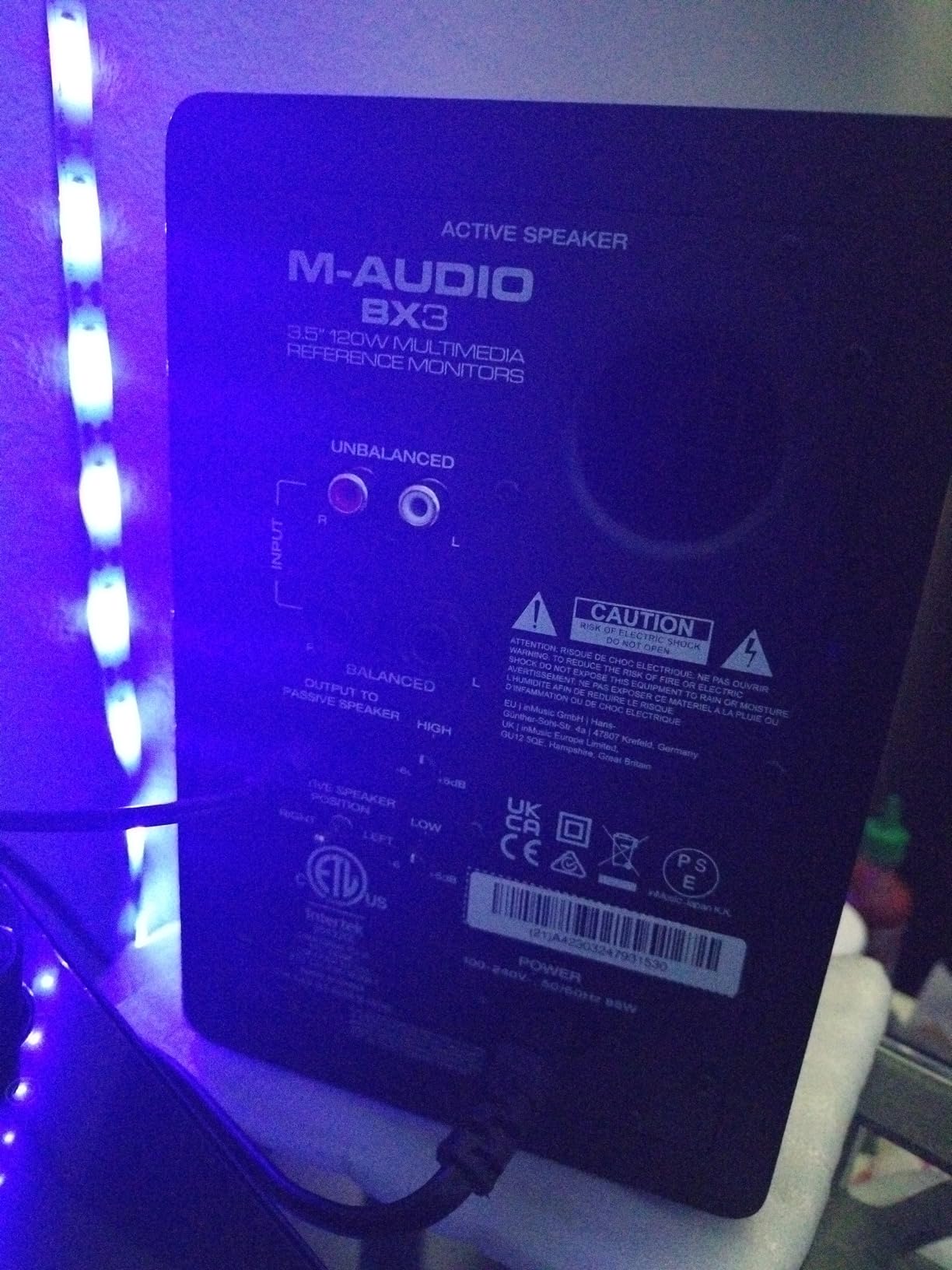
6. M-Audio BX4BT – the most headroom in the group
- 120W of bi-amplified power
- the most headroom here
- Kevlar woofers keep the low end punchy without obvious distortion
- MDF cabinet resists vibration better than plastic enclosures
- Rear high and low EQ dials plus a speaker-position switch
- Front headphone input for late-night monitoring
- Bass sounds muddy until the rear EQ dials are adjusted
- Bluetooth occasionally needs a full reset and reconnect
- Short interconnect cable limits desk spacing
Everything here is about level. One hundred and twenty watts of bi-amplified power across the pair means you can push playback hard without the picture changing underneath you, which matters more for tracking than for mixing.
The 4.5-inch Kevlar woofers with 1-inch silk dome tweeters sit in an acoustically inert MDF cabinet with a bass reflex port, and that cabinet material is the quiet hero. It does not flex the way lighter enclosures do, which keeps the low end cleaner at higher volume.
Rear 1/4-inch TRS, 1/8-inch aux and RCA inputs mean you have a proper pro path, and the rear high and low EQ dials are real controls rather than app sliders. The speaker-position switch sets which side is the master.
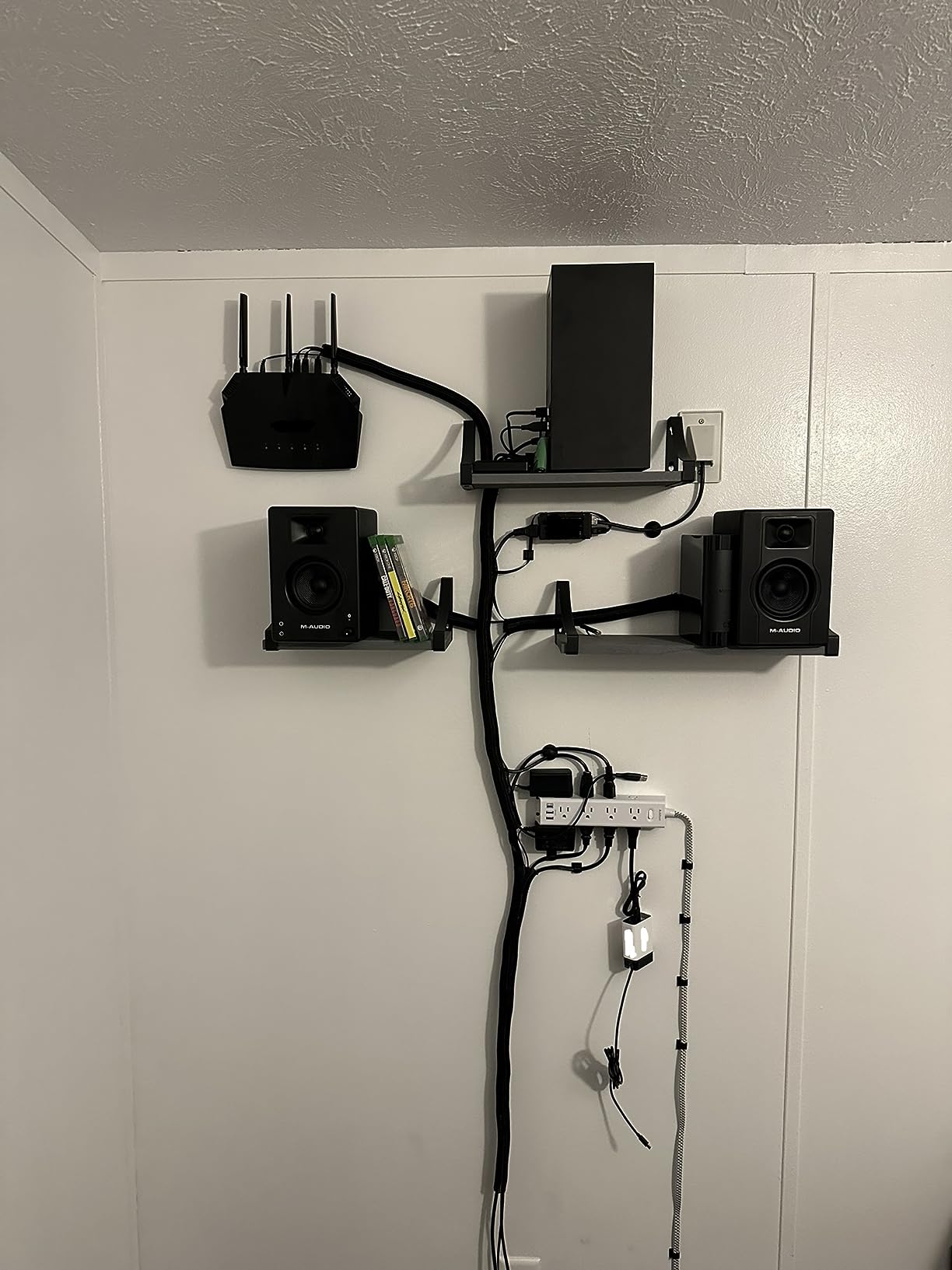
Who it suits
Tracking vocals and instruments at sensible levels, and anyone working in a room where they need volume without a subwoofer. The front headphone input is handy for silent work late at night.
Where it falls down
Neutrality. Owners consistently report muddy bass before the rear EQ dials are touched, and reviewers put it below the flatter monitors here on raw reference quality. Bluetooth also occasionally needs a full reset. If you mix on it, dial the low EQ in first.
7. Edifier MR3 – the software-tunable option
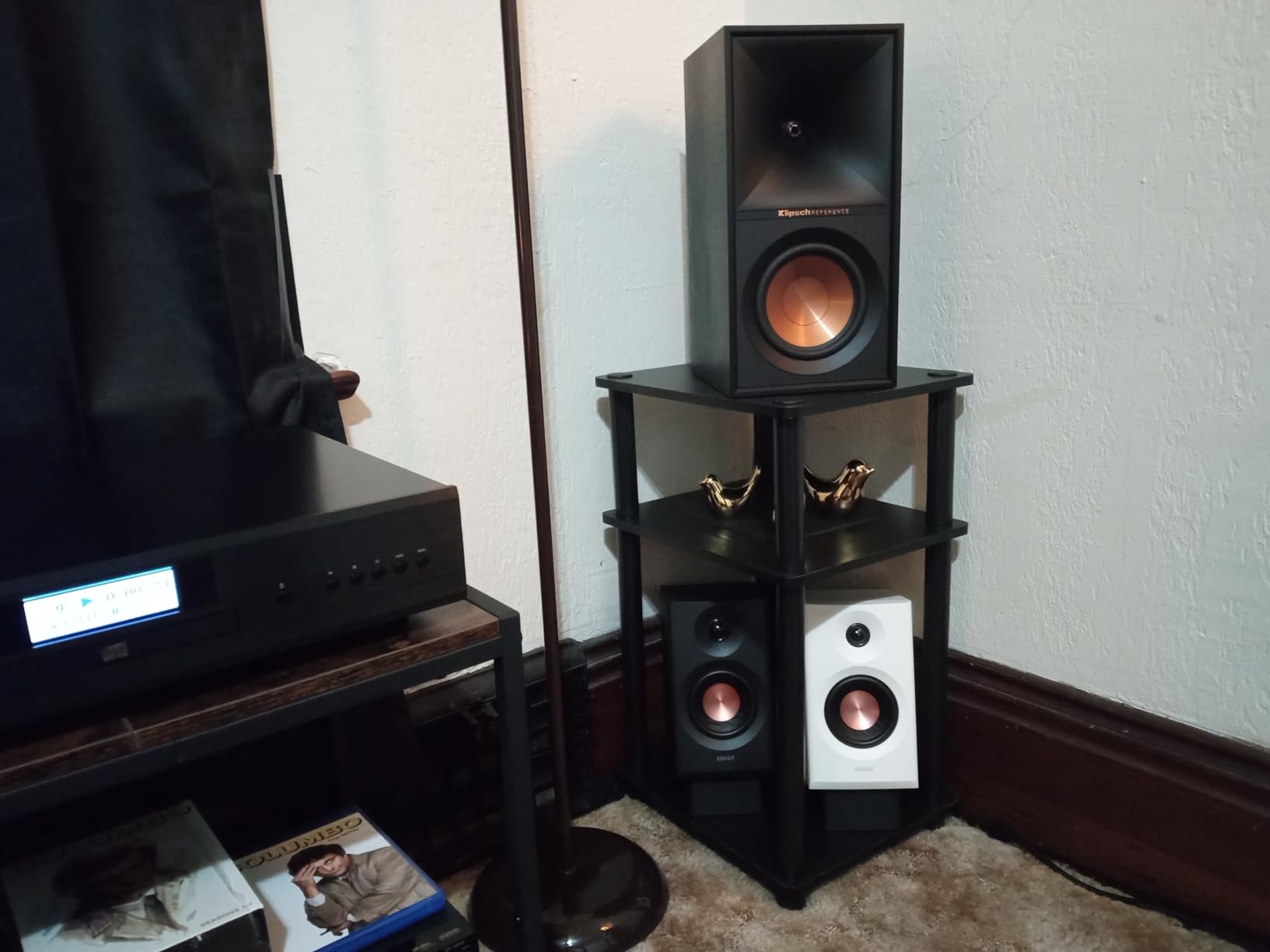
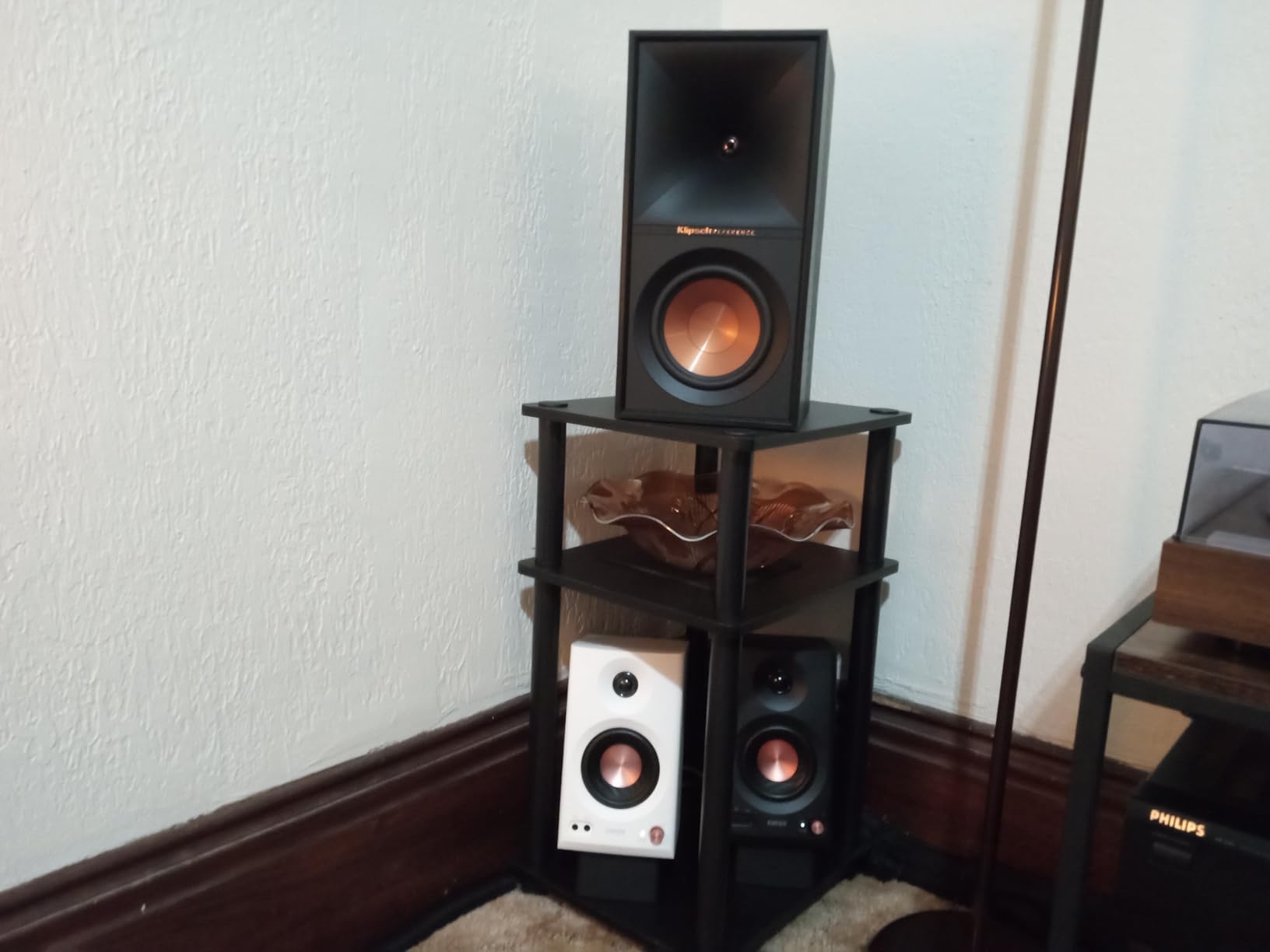
Edifier MR3 Powered Studio Monitor, Speaker Hi-Res Active Bluetooth Speaker
- Only Hi-Res Audio certified monitor here with a stated 52 Hz to 40 kHz response
- App EQ through EDIFIER ConneX with a dedicated Monitor mode
- MDF cabinet reduces resonance compared with plastic monitors
- Bluetooth multi-point keeps a phone and a laptop paired at once
- Balanced TRS input alongside RCA and AUX
- 18W per speaker is low for high-level mastering work
- 3.5-inch drivers limit deep bass
- Tuning depends on the app
- so there is no hardware tone control fallback
The Monitor mode in the EDIFIER ConneX app is the part worth knowing about. A dedicated flat voicing you can dial in once, without a computer-side EQ curve or a hardware knob, makes this easy to keep consistent between sessions.
The 52 Hz to 40 kHz Hi-Res certification is the widest published range in this roundup, and the MDF cabinet helps it hold together. Balanced TRS, RCA and AUX are all present, plus a front headphone output.
Bluetooth multi-point is a genuine convenience rather than a spec-sheet line item: a laptop and a phone stay paired at once, so you can jump from editing to a reference stream without a menu dive.
Who it suits
Anyone who wants repeatable, app-controlled tuning rather than a guess with a screwdriver. It is well suited to video editing and podcast desks where the same setup gets used daily by different people.
Where it falls down
Power. Eighteen watts per speaker and 3.5-inch drivers mean this is a nearfield accuracy tool, not a level tool. If the app is not available on your machine, there is no hardware fallback.
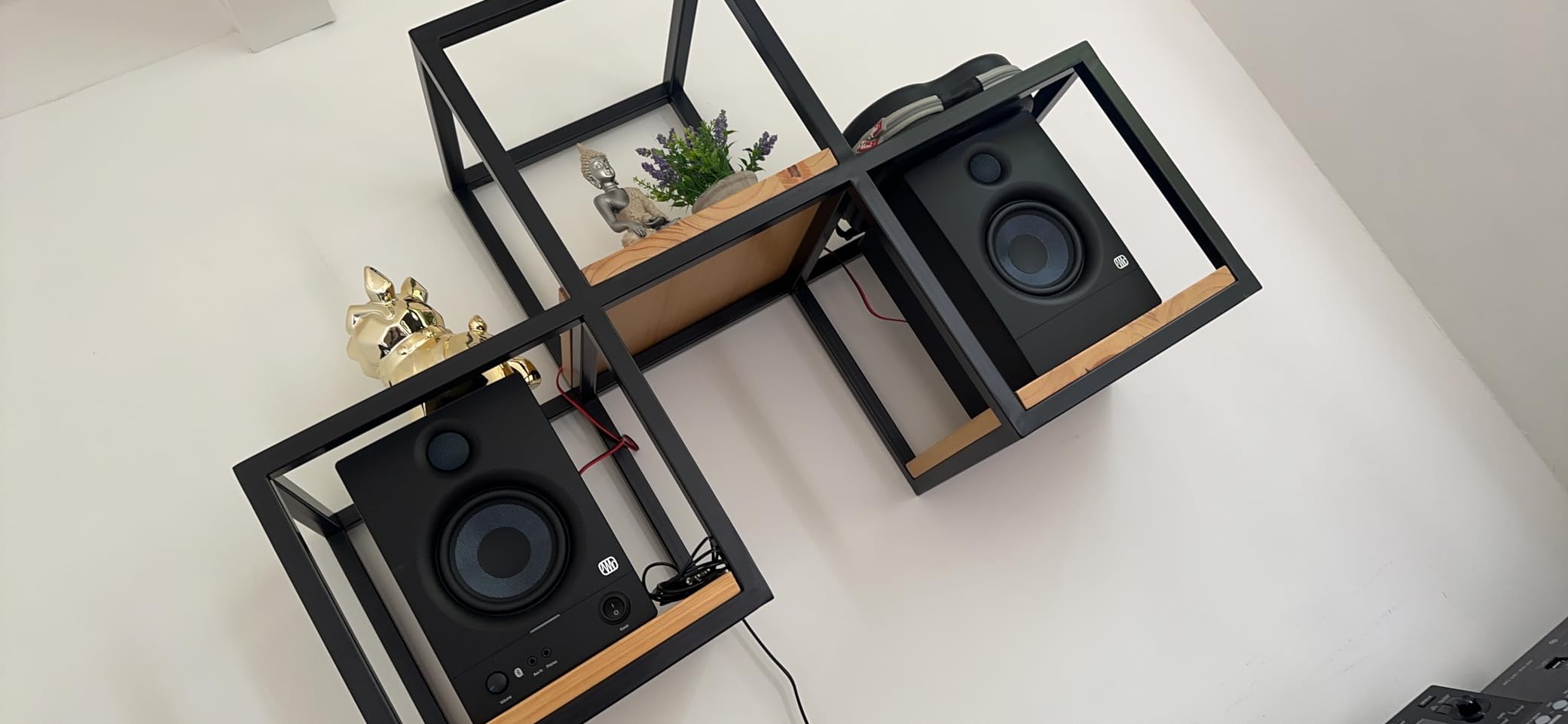
8. PreSonus Eris 4.5BT – the most trusted name, with a noise complaint
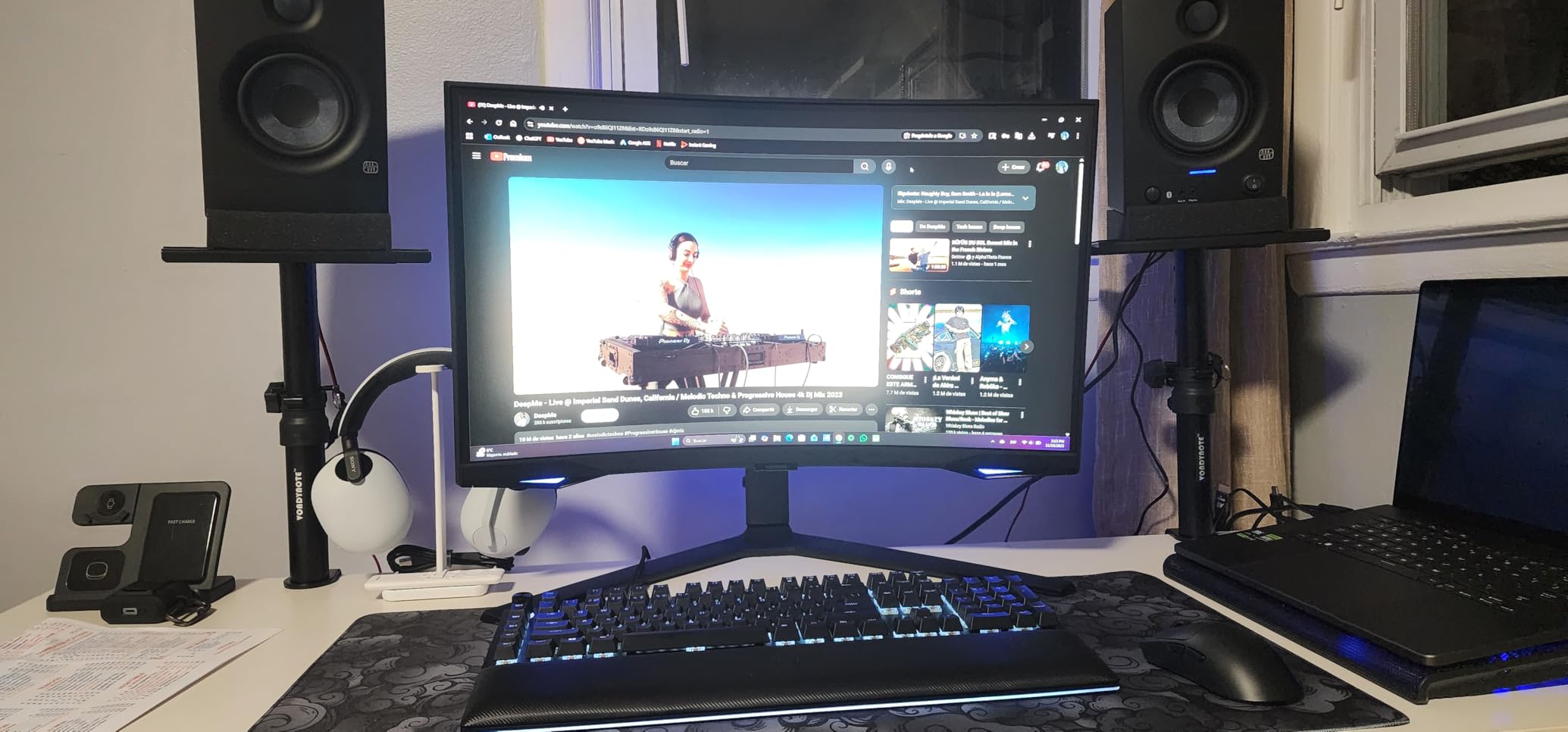
PreSonus Eris 4.5 Bluetooth Powered Desktop Studio Monitors Pair 50W Black
- High and Low Acoustic Tuning controls give real placement and room correction
- Front aux input plus a headphone amp that interrupts the speakers
- Balanced 1/4-inch TRS accepts interfaces and mixers directly
- Class-AB amplification holds tonal balance at higher levels
- Noticeable hiss at maximum volume and when the Bluetooth link is idle
- Default tuning is slightly heavy on the bass out of the box
- No subwoofer included
- and the companion 8-inch sub is a separate purchase
The acoustic tuning controls are what set this apart from cheaper monitors. Separate high and low controls on the rear let you dial in a desk against a wall or speakers close to corners, which on a home setup is usually where they end up.
The 4.5-inch woven-composite woofer with a 1-inch ultra-low mass silk dome is a proven pairing, and 50W of Class-AB power at 25 watts per speaker keeps the tonal balance steady at higher levels than a small class-D budget design.
Every connection a studio needs is here: balanced 1/4-inch TRS, unbalanced RCA and a front aux input, plus a front headphone amplifier that interrupts the speakers when you plug in.
Who it suits
A small treated room where placement is awkward and you want to correct rather than move. The front-panel connections make day-to-day switching painless.
Where it falls down
The noise floor. Owners report noticeable hiss at maximum volume and when the Bluetooth connection is idle, and the default tuning leans bass-heavy until you adjust it. There is also less long-term owner data here than for the picks above it.
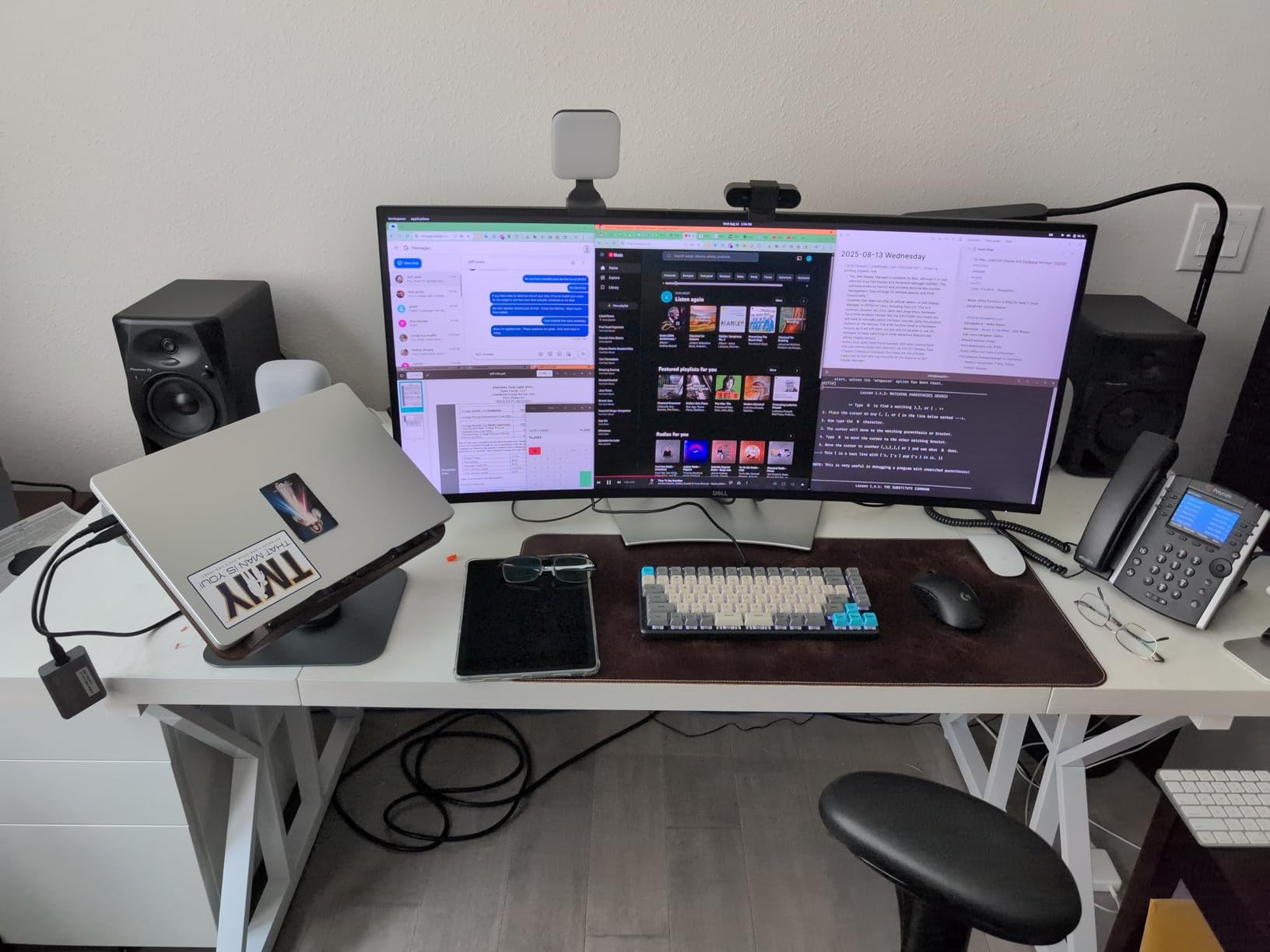
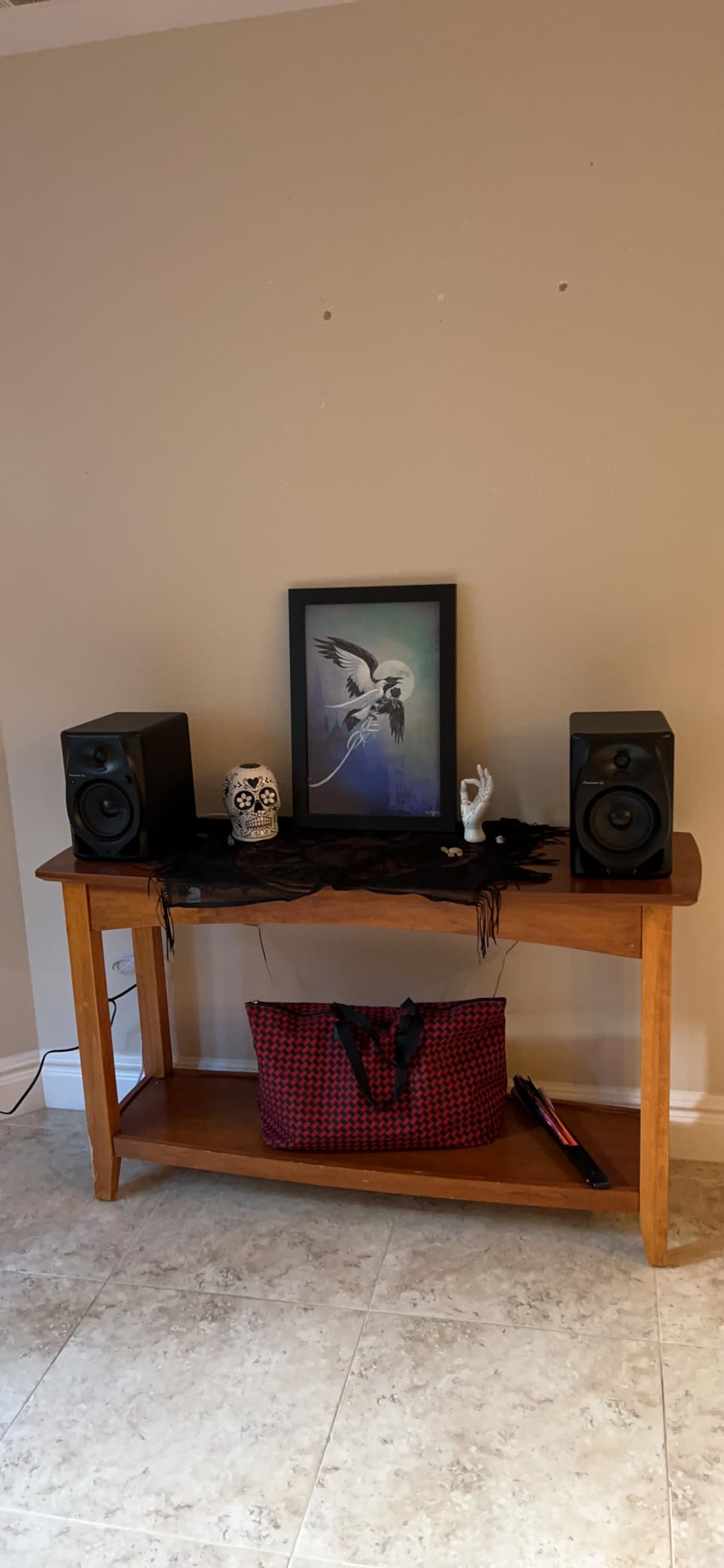
9. Pioneer DJ DM-50D-BT – the most low end on a desktop
Pioneer DJ DM-50D-BT 5-inch Active Monitor Speakers, Bluetooth, Pair
- Largest driver in this roundup at 5 inches for the fullest low end
- Voiced by a dedicated DJ audio team rather than adapted from a hi-fi line
- Built-in amplification means no separate amp or receiver
- Bass Boost adds flexibility in small rooms
- Heaviest option here at 20.5 pounds and takes real desk space
- Wireless is the only wireless path listed
- with no optical or balanced input in the spec
- Bass Boost and a paper-composite cabinet are not reference choices
Driver size is the whole argument for this pair. A 5-inch woofer moves noticeably more air than the 3.5-inch drivers that dominate this list, and that is the difference between hearing your kick and only inferring it.
The DSP tuning comes from the Pioneer DJ audio team, voiced for punchy, defined low frequencies rather than neutrality, with a Bass Boost control for smaller rooms. Built-in amplification means it connects straight to your interface.
Be realistic about the footprint. At 20.5 pounds it is by far the heaviest thing here, and the paper-composite cabinet is less rigid than the MDF options, which shows up as more cabinet colouration when you push the level.
Who it suits
A desk with real space and a mix that lives in the low end, plus anyone who also DJs and wants one pair of speakers for both jobs. The tuning suits cueing as much as production.
Where it falls down
Reference neutrality and connectivity. There is no optical, coaxial or balanced input in the spec, and the voicing is deliberately coloured. It is a bigger, louder instrument, not a flatter one.
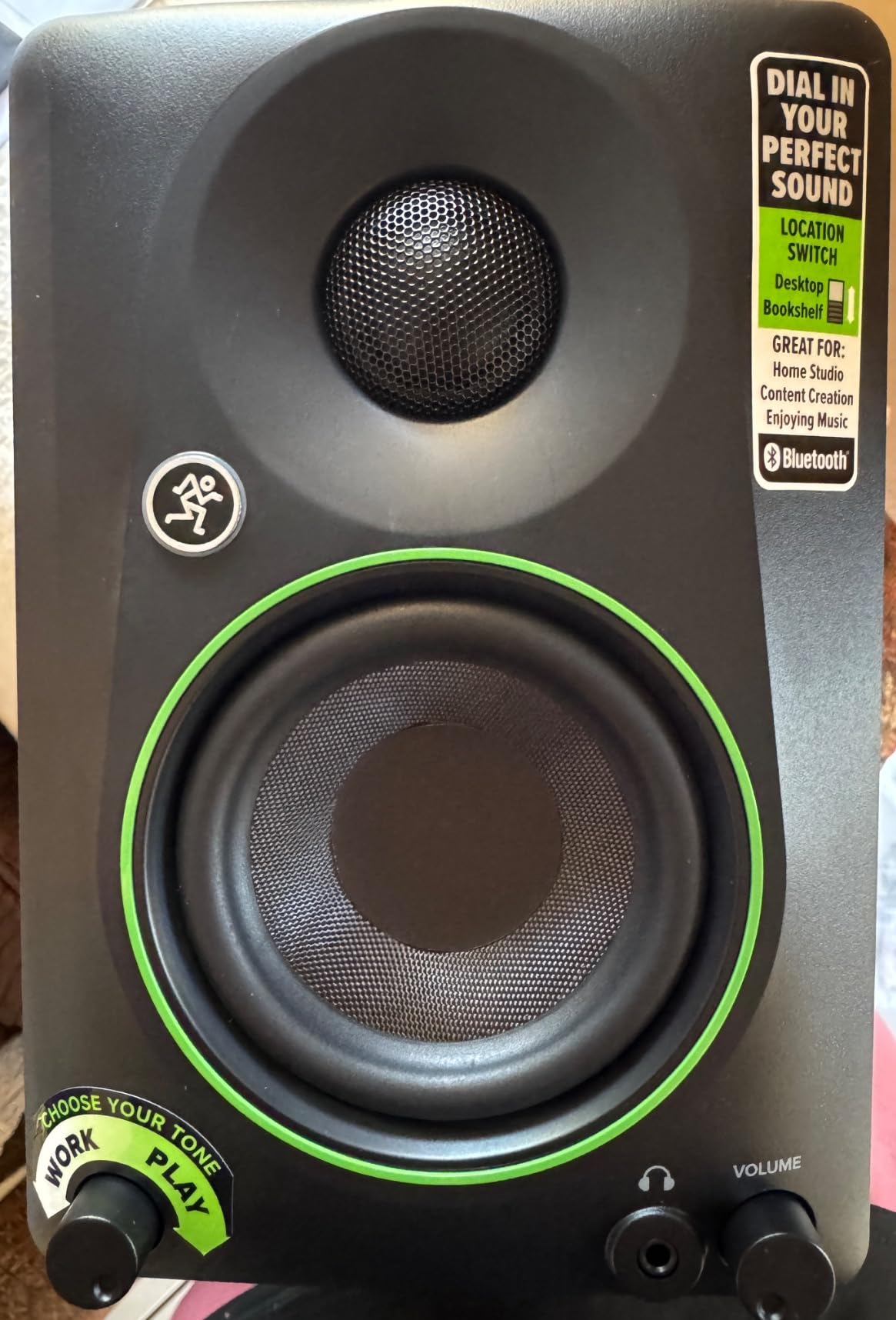
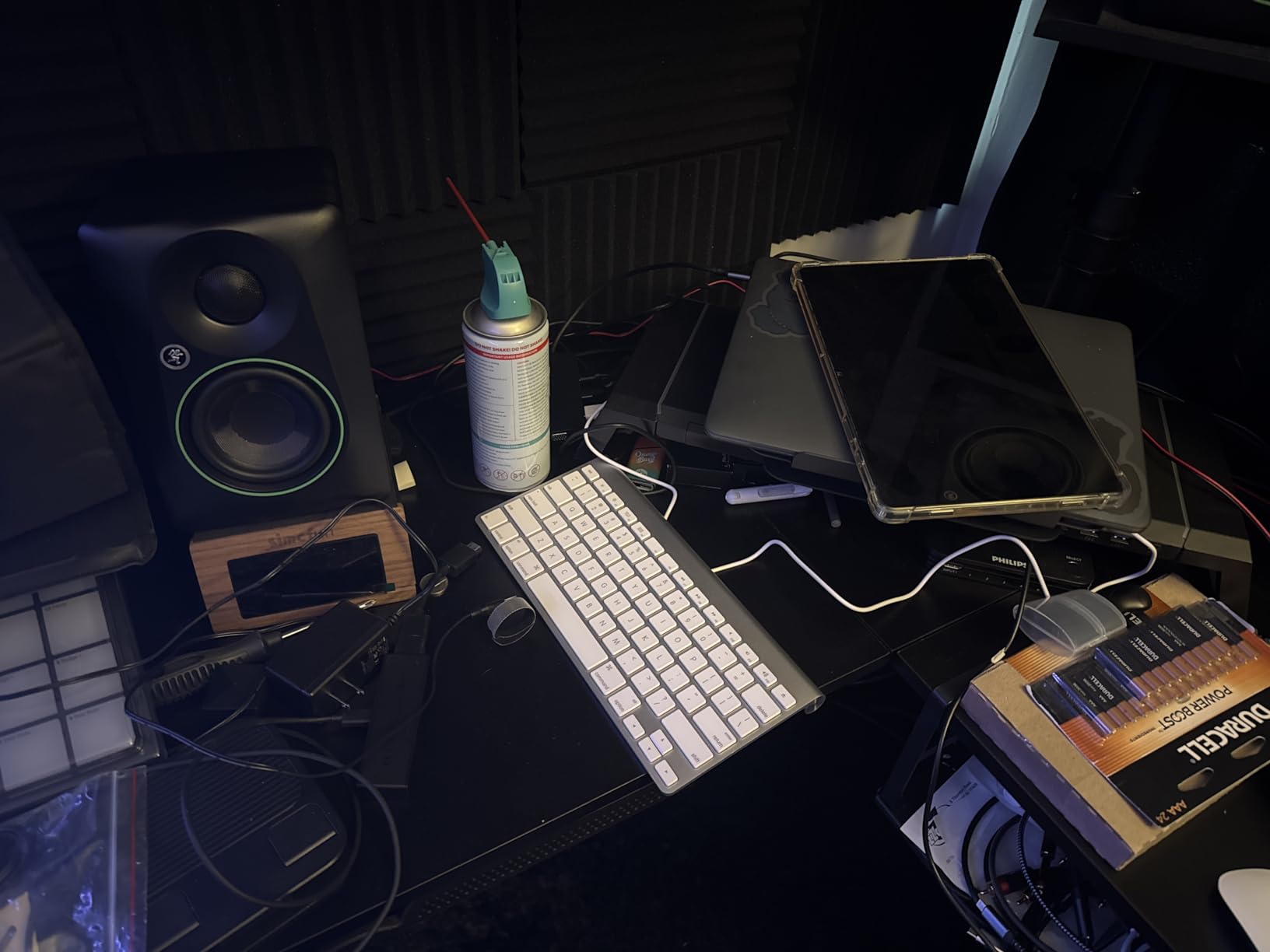
10. Mackie CR3.5BT – the easiest desk setup
Mackie CR3.5BT Studio Monitors (Pair), Bluetooth, Tone Knob, Black
- Tone Knob and Location Switch correct for room and placement in seconds
- Impressive maximum loudness for a cabinet this small
- Can play from a computer and a phone at the same time
- Foam isolation pads and a full cable set in the box
- Light bass
- so a subwoofer is needed for full-range work
- Vinyl wood-grain wrap is uneven between the two speakers and can peel
- Smallest owner base in this roundup at 106 reviews
The Tone Knob and Location Switch do the thing that usually takes an afternoon. One control for tone, one for where the speaker is sitting, and you can dial a small room in seconds rather than moving furniture.
Owners are consistently impressed by how loud a cabinet this size gets, and reviewers single out clear, punchy sound that holds up against far costlier studio monitors. The foam isolation pads in the box are a nice touch on a desk.
Connectivity covers Bluetooth, RCA and TRS, and owners report playing from a computer and a smart speaker at the same time, which removes the source-switching friction that makes people stop using a monitor as a monitor.
Who it suits
A bedroom studio where the desk is close to a wall and the speakers move around. It is the least fussy setup in this roundup and doubles easily as everyday speakers.
Where it falls down
Bass is light by design, so full-range work needs a subwoofer. The wrap finish is also the most cosmetic weak point, with owners reporting uneven application between the two cabinets and peeling over time.
What Bluetooth Actually Does to Your Mix?
Bluetooth is a lossy, compressed, delayed link, and every one of those three words has a consequence at a mixing desk. Understanding them is what separates a useful Bluetooth monitor from a speaker you will end up reselling.
Latency. Expect on the order of 100 milliseconds from the moment audio leaves your computer to the moment you hear it. That is about the threshold where a vocalist starts guessing at their timing instead of hearing it. Most DAWs offer delay compensation that measures the round trip and aligns the recorded track automatically, which solves the recorded file, not the performance. The singer still played against a late click.
Two ways to handle it. Track with the wired input and use Bluetooth for playback and reference, or track over Bluetooth and tell your performer to play a fraction behind the click. The second works better than people expect once the whole band is used to it.
Codec loss. Your operating system picks the codec during pairing, not the speaker. SBC is the fallback, AAC is what Apple devices negotiate, and aptX variants are common on Windows. None of them is lossless, and all of them roll off the extreme top end, which is exactly the region you use to judge cymbals, sibilance and air. Expect to under-cull harshness and over-cull brightness unless you compensate.
Stereo image. Compression narrows the image and smears transients, so width and depth judgments over Bluetooth are less reliable than they look. Judge panning on the wired path or on headphones.
The working rule. Bluetooth for convenience and cross-checking, wired for decisions. Every pick in this roundup except one gives you the wired path, which is the entire reason they are here. If you want the same categories covered for the portable side, the best Bluetooth speakers for outdoor parties guide is separate and does not apply the studio criteria at all.
How to Choose a Bluetooth Studio Monitor
Check the wired input first. This is the decision that actually matters and the one people check last. XLR or TRS accepts a professional interface with no adaptor. Optical or coax gives you a digital path from a laptop. RCA is fine for a television. USB with a built-in DAC is a real advantage for low noise. If a speaker has Bluetooth and nothing else, it is not a studio monitor, it is a wireless speaker.
The 38 rule, and its desktop version. The 38 rule says you should sit about 38 centimetres, roughly 15 inches, from your screen so your eyes and ears are at the same distance. On a desk the equivalent is ear-to-tweeter distance: sit so the tweeters are at ear height, about a forearm’s length back, with the speakers angled toward you. It is a proportion, not a distance, and it is the cheapest accuracy upgrade available.
Match driver size to the room. A 3.5-inch driver reaches roughly 50 to 70 Hz depending on the cabinet and port. A 4 to 4.5-inch driver gets you into the low 40s to 50s. A 5-inch driver is where real kick weight starts. In a small untreated bedroom, a smaller driver in a front-ported cabinet is safer than a large one, because the large one excites the room modes and you will spend your time fighting boomy low end.
Treat the room before you upgrade. This is the least fun advice and the most valuable. A modest pair of monitors plus broadband panels on the first reflection points beats a more expensive pair in the same untreated room, because the untreated room is the reason the monitors sound wrong.
Decide what wireless is for. Multipoint, as on the Edifier MR3, is about convenience. It is not about fidelity. The codec that gets used is decided by your operating system, so if you want the best chance of a clean link, pair deliberately and check which codec your system reports for that connection.
Confirm the pricing is per pair. Nearly every monitor on this list is sold as a matched pair, and the listed figure covers both speakers. A handful are sold individually, and a few are listed as a single unit. Read the quantity before you plan a budget, because it is the most common checkout surprise in this category.
Buy the pair, never one. A single monitor cannot produce a stereo image, and panning and width decisions made on one speaker are guesswork. Buy the matched pair and keep them the same distance from your head.
While you are planning the room, our 12 best MIDI keyboards for home studios guide covers the other half of a typical desk setup.
Who Should Not Use Bluetooth Monitors
Do not mix your final master decisions on Bluetooth alone. If your work is mastering, mastering-adjacent, or heavily bass-dependent, the codec roll-off and the latency will push you toward wrong decisions and you will not know it was the link.
Do not use a party speaker, a portable Bluetooth unit or a soundbar as a monitor, however good it sounds. Bass boost and sound optimisation modes are tuned for pleasure, and there is no way to switch them off from the source.
Do not use one speaker instead of a pair, and do not buy larger monitors to solve an untreated room. Bigger drivers in a bad room produce more boomy, less repeatable low end than small drivers in the same room.
And do not skip headphones entirely. Every monitor on this list bottoms out somewhere between 45 and 88 Hz, and no amount of nearfield monitoring will tell you what is happening below that.
Frequently Asked Questions
Are Bluetooth speakers good enough for mixing music?
Good enough for tracking, playback and translation checks, and not good enough for final decisions about treble, bass or dynamics. The wireless path compresses your audio with a lossy codec that rolls off the extreme top end, which is the same region you use to judge cymbals and sibilance. Keep a wired input for critical work and use Bluetooth for convenience.
How much latency do Bluetooth speakers have?
Expect on the order of 100 milliseconds from the time audio leaves your computer to the time you hear it. Most DAWs can measure and compensate for that round trip so recorded tracks line up, but a performer playing against a late click still has to adjust. For tracking vocals, use the wired input and reserve Bluetooth for playback and reference.
Which Bluetooth codec is best for audio work?
The higher-bitrate options such as aptX variants and AAC are better choices than the SBC fallback because they preserve more of the top end, and some also add less delay. The catch is that your computer or phone picks the codec during pairing, not the speaker, so check which codec your operating system reports for the connection you are using.
What is the 38 rule for studio monitors?
The 38 rule says you should sit about 38 centimetres, roughly 15 inches, from your screen, so that your eyes and ears are the same distance from the content. On a desk it becomes a proportion rather than a number: put the tweeters at ear height about a forearm’s length back and angle them toward your head.
Should I buy Bluetooth or wired studio monitors?
Buy a monitor that has both, and use each for what it is good at. Wired for recording, mixing and any decision about tone or dynamics. Bluetooth for moving around the room, laptop-only listening, and checking how a mix translates on consumer hardware. Speakers with Bluetooth and no wired audio input should be avoided for production work entirely.
What size studio monitor does a small home room need?
A 3.5-inch driver is a sensible minimum for a small desk and a 4 to 4.5-inch driver is the sweet spot for most home rooms. Go to 5 inches only if you have the desk space and a way to control the low end, because a larger driver in an untreated small room excites the room modes and makes the low end less repeatable.
The Verdict
For most home studios, the Edifier R1700BT is the default answer among the best Bluetooth speakers for home studios, because it is the only pick here that gives you balanced XLR, optical and coax alongside the wireless. The Edifier R1280DB does the same job with digital inputs a tier down, the Ortizan C7 is the cheapest way to get a balanced input, and the JBL 104-BT is the most honest desktop monitor in the group.
Whichever you choose, wire it up for the work that matters and use the Bluetooth for everything else. If you are still building the rest of the desk, the best MIDI keyboards for home studios guide is the other half of that setup.