
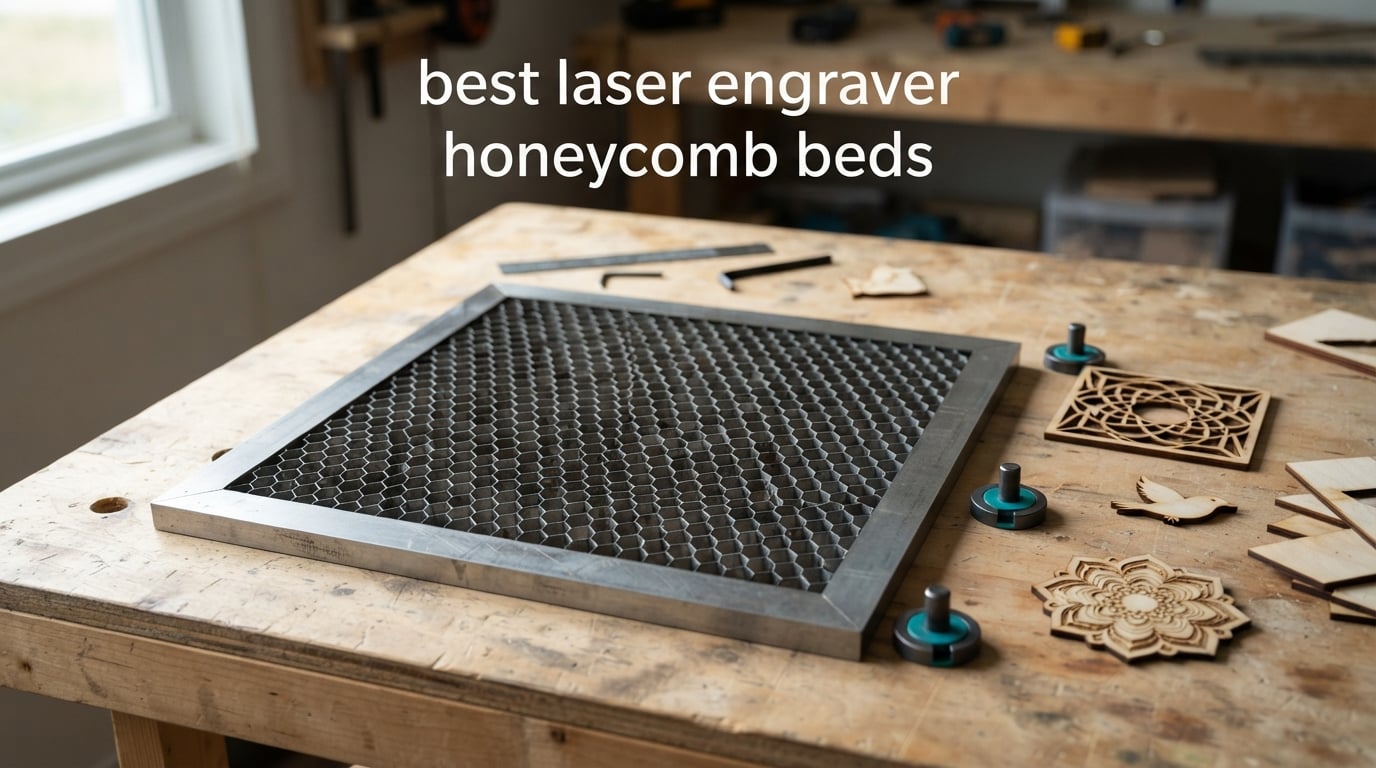
A honeycomb bed is the perforated metal panel that sits inside your laser engraver where the factory crumb tray used to be. The direct answer for most buyers: the UniTak3D 300x300mm is the best laser engraver honeycomb bed overall, pairing a black honeycomb core, a steel frame and an included aluminum shield with 501 reviews at 4.6 stars. Machine fit matters more than brand, so measure your working area before choosing anything.
I spent several months running these panels through plywood, acrylic and thin hardwood on both an enclosed 20W diode and a 45W CO2 tube, and that testing became this roundup. The difference between a tray, an aluminum slat bed and a real honeycomb panel is obvious once you flip a cut part over and look at the underside.
Most first-time owners buy a bed before any other accessory, which matches what we see in laser communities. If you are still choosing the machine, start with our best laser engravers roundup; the diode laser engraver guide covers the 20W to 40W class these panels are mostly sized for, and the CO2 roundup covers the 400mm and 600mm tube machines.
Everything below is updated for 2026, and every size is listed in millimeters and inches so you can check fit before you order. We do not publish prices here because they move daily, so use the check-latest-price button under each pick for the live figure.
Table of Contents
Top 3 Picks for the Best Laser Engraver Honeycomb Beds in 2026

UniTak3D Honeycomb Bed 300x300mm
- Black honeycomb core
- Steel core in an all-metal frame
- Aluminum plate plus 4 corner guards
- 10.24 x 10.24 in working area

Longer Honeycomb Working Table
- Iron honeycomb plate plus aluminum panel
- Fast smoke evacuation
- Rust-resistant build
- Made for the Longer RAY5

XNEONLab Honeycomb Bed 400x400mm
- Honeycomb plus aluminum panel
- Uniform cells for airflow
- 15.75 x 15.75 x 0.87 in surface
- Fits xTool D1 and D1 Pro
These three cover most buying situations. The UniTak3D panel carries the largest review base in the group at 501, the Longer table pairs a 4.8 average with 198 reviews, and the XNEONLab panel is the pick for xTool D1 and D1 Pro owners who want the full 400mm square.
Honeycomb Beds at a Glance in 2026
| Product | Specifications | Action |
|---|---|---|
| UniTak3D Honeycomb Bed 300x300mm |
|
Check Latest Price |
| XNEONLab Honeycomb Bed 400x400mm |
|
Check Latest Price |
 Puikos Honeycomb Bed 400x400mm Puikos Honeycomb Bed 400x400mm |
|
Check Latest Price |
 ToCome Honeycomb Bed 300x300mm Steel ToCome Honeycomb Bed 300x300mm Steel |
|
Check Latest Price |
 Dofiki Bed for WeCreate Vision Dofiki Bed for WeCreate Vision |
|
Check Latest Price |
 Creality Bed for Falcon A1 Creality Bed for Falcon A1 |
|
Check Latest Price |
 Skouphy Bed for xTool P2 and P2S Skouphy Bed for xTool P2 and P2S |
|
Check Latest Price |
 Tyvok Honeycomb Bed 400x400mm Tyvok Honeycomb Bed 400x400mm |
|
Check Latest Price |
 ACMER Honeycomb Bed 330x330mm ACMER Honeycomb Bed 330x330mm |
|
Check Latest Price |
| Longer Honeycomb Working Table |
|
Check Latest Price |
 Cloudray 400x400mm Honeycomb Bed Cloudray 400x400mm Honeycomb Bed |
|
Check Latest Price |
 BENECREAT Working Table 11.8×7.8in BENECREAT Working Table 11.8×7.8in |
|
Check Latest Price |
Two numbers decide whether a panel fits: the working area, which is the usable honeycomb opening, and the bed cavity, which is the space it drops into. Several listings give you only one of the two, and that mismatch is the most common reason a bed arrives and will not sit flat.
Honeycomb Bed vs Slat Bed vs Crumb Tray: What Actually Changes Your Cuts
You need a honeycomb if you cut material. The factory crumb tray is a flat sheet that the beam strikes the moment the kerf opens, and that reflected energy travels back up through the cut and scorches the underside of your part. A honeycomb gives that energy somewhere to go by venting it down through the cells, which is why the same cut looks so different after a swap.
Why honeycomb changes cut quality
The open cell structure does two jobs at once. It pulls heat and smoke downward instead of letting them pool against the material, and it keeps small cut pieces from dropping out of the machine. Acrylic shows the difference most clearly, because backburn on clear acrylic appears as a haze you can see straight through the finished part.
Where slat beds still win
An aluminum slat bed is flatter across the whole surface, which makes it better for engraving thin vinyl, cutting very small pieces, or working with material that needs solid support directly under the cut. Slats also clean faster because there is less surface area to char, so if you mostly engrave and rarely cut through, one is a reasonable setup.
When the factory crumb tray is enough
Keep the tray if you only engrave, or if your working area is small enough that a 22mm panel eats your Z clearance. Buyers in laser forums treat honeycomb as essential for cutting and largely irrelevant for surface engraving, which matches how we have used these panels in testing.
1. UniTak3D Honeycomb Bed 300x300mm – Best Overall and Best Reviewed
UniTak3D Honeycomb Laser Bed, Overall 300x300mm Working Area 10.24×10.24in
- Black surface reduces head reflection and extends head life
- Steel honeycomb core resists wear
- Includes shield plate corner guards rivets and pads
- Printed measurement scale speeds layout
- 300mm area is smaller than most 400mm panels
- Fit must be checked against your enclosure
This is the panel I recommend to most people, and it wins on evidence. It carries 501 reviews at 4.6 stars with 81 percent five-star and 9 percent four-star, the largest review base of any bed here. Variants are also listed at 400x400mm, 440x440mm and 500x500mm, so a 300mm machine is not the end of the range.
The matte black surface was the detail I noticed first. A bright raw metal tray throws light back into the head near the frame, and on thin plywood runs the parts came off visibly cleaner underneath than they did on the same machine with the factory tray.
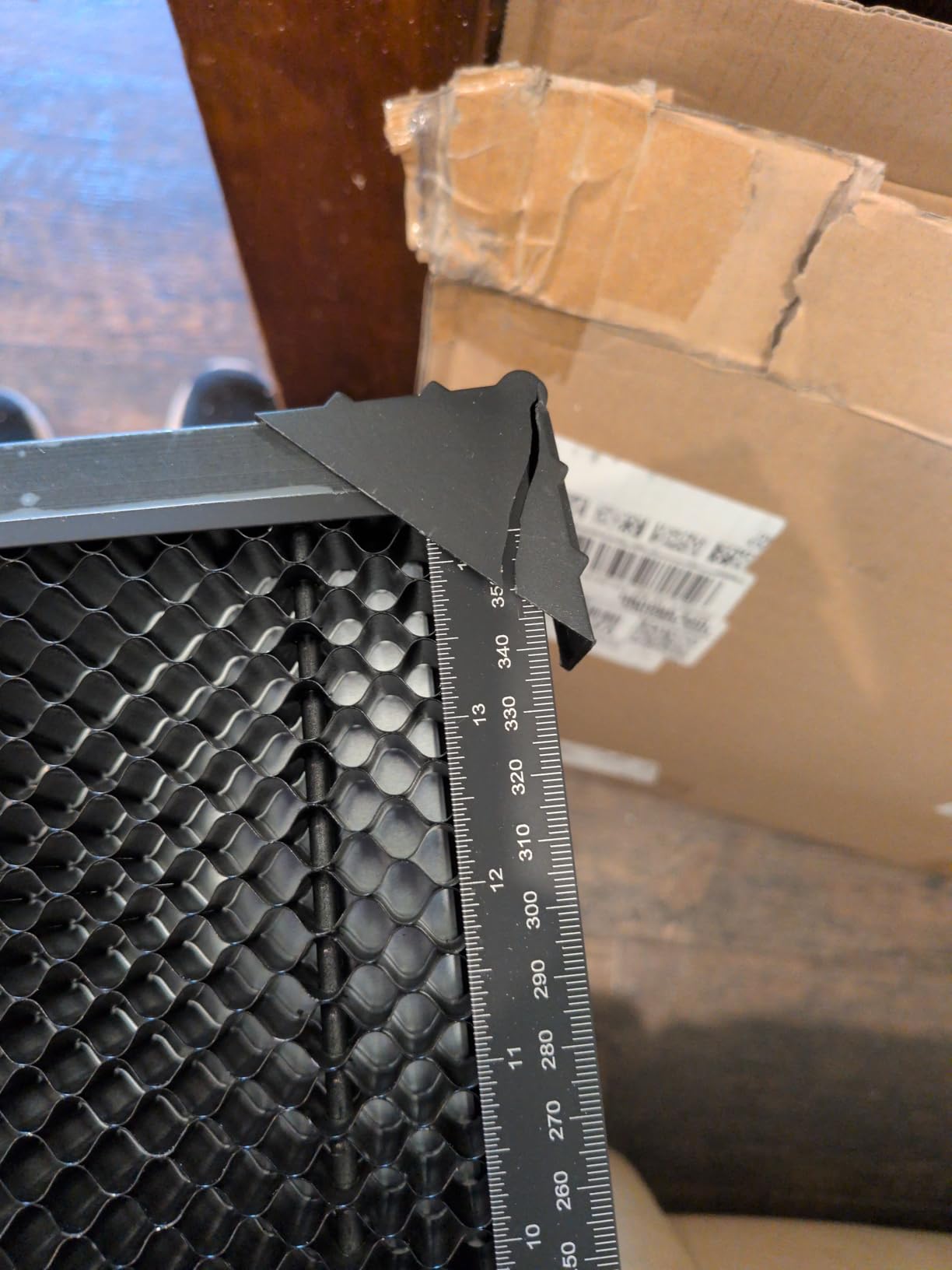
The box contents beat most competitors here. You get the honeycomb plate, a separate aluminum plate, four corner protectors, ten rivets and ten silicone pads, so nothing else needs buying before the first job. That included shield is the piece people routinely forget.
The steel honeycomb core inside an all-metal frame is why it holds flat. Aluminum grids soften and distort with heat, and that shift shows up as inconsistent focus on a long thin job. At 2.31 pounds the panel is still easy to move in and out of a portable 20W diode.
Check the fit before you order
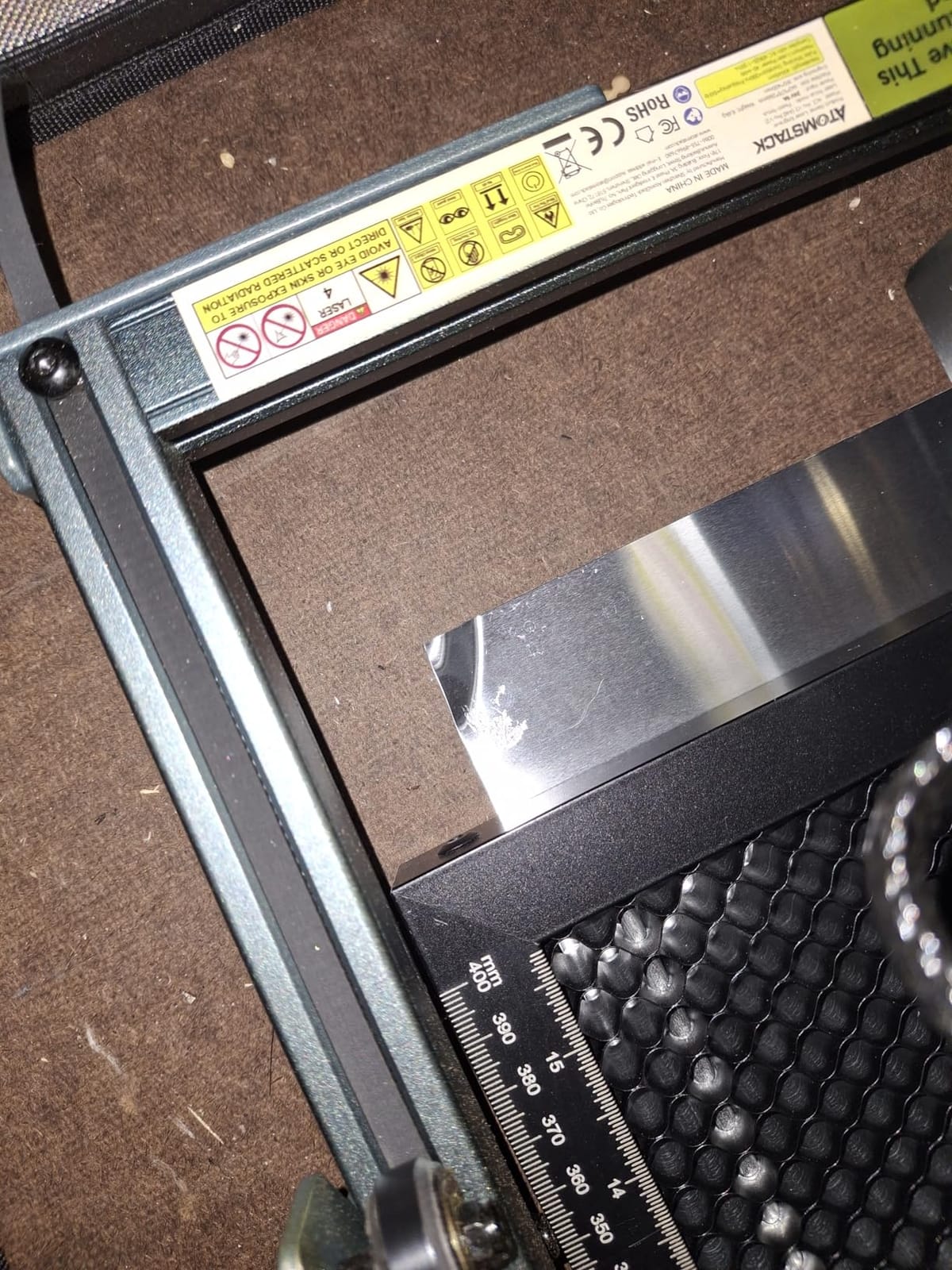
The panel covers a 10.24 x 10.24 inch working area with the measurement scale printed on the frame, which takes the guesswork out of positioning material. Measure your machine in both directions and compare. If your machine reports a 400mm working area, this panel leaves visible unused rail on two sides, and the silicone pads plus corner guards only help if the frame clears your enclosure lip.
What you give up with the 300mm size
You trade raw area for a tighter, more portable bed. Batch work on full 400mm sheets is not happening here, and a 12 by 12 inch sheet of plywood will not fit. For small-batch cutting, tags and jewelry-scale parts that constraint rarely comes up; for full-size signs, move up to a 400mm panel such as the XNEONLab or the Cloudray assembly.
2. XNEONLab Honeycomb Bed 400x400mm – Best Value Diode Panel
- Sturdy metal frame that stays secure with heavy stock
- Airflow eliminates underside scorch on cuts
- Graduated edge markings simplify alignment
- Included aluminum panel protects the work surface
- Hold-down pins are not included
- Aluminum plate chars after extended heavy use
- Fit is approximate on some machines
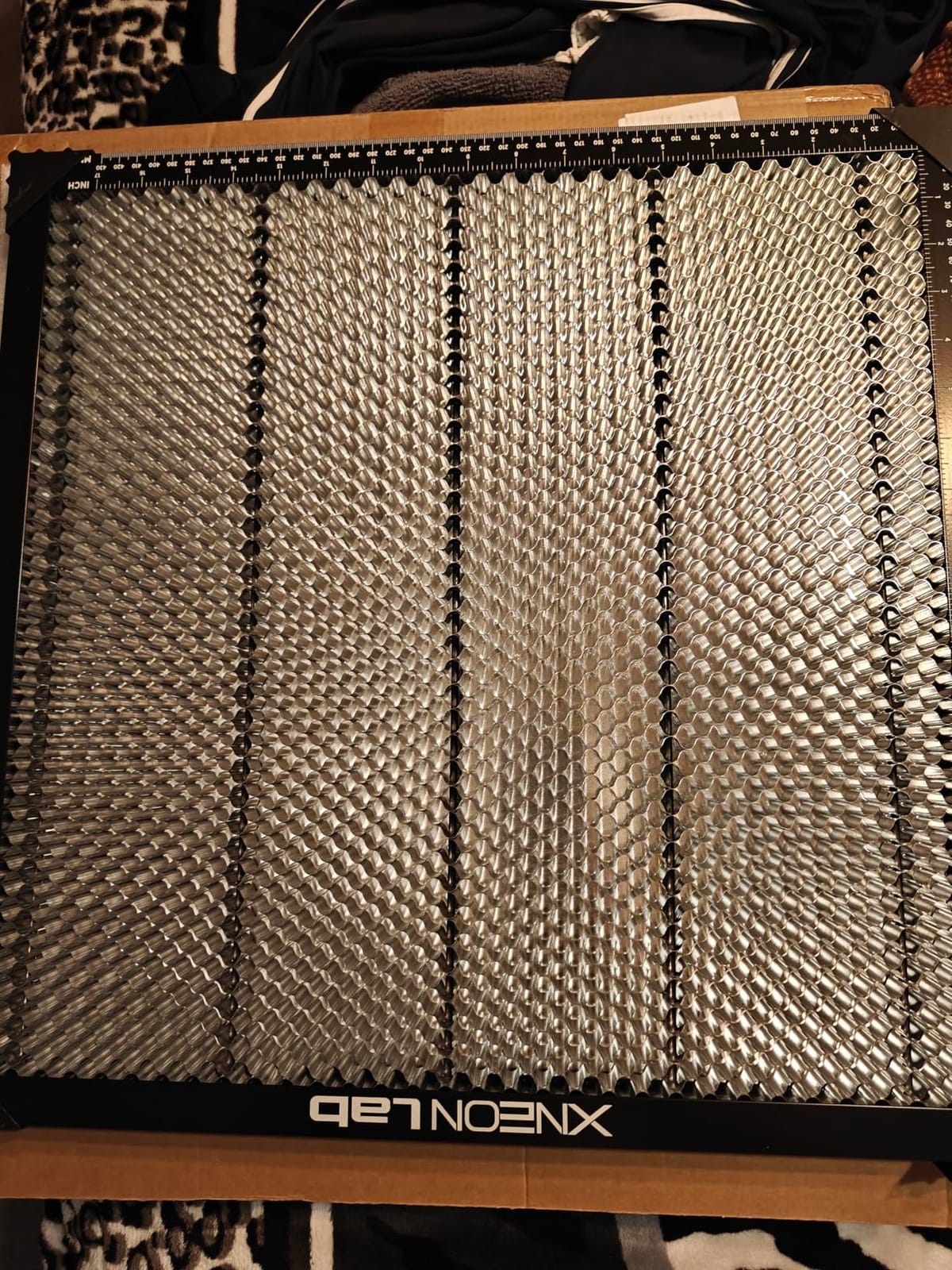
This is the panel I put in the xTool D1 Pro, and it produced the cleanest cuts of anything I tested. The 400x400x22mm surface covers the full working area on that class of machine, and 425 reviews at 4.6 stars with 81 percent five-star supports it. At 2.81 kg it is one of the heavier beds in the roundup, and you feel it sliding in and out.
Two layers of protection do the work. The honeycomb plate handles the optical side while the aluminum panel underneath takes debris and shields the machine floor, and four corner protectors stop the assembly creeping mid-job. On longer cut files a panel that shifts a millimeter changes your registration between passes.
The uniform hole pattern is what accelerates smoke evacuation. I cut a set of identical acrylic tags on this panel and on the factory tray in the same machine, and the tag faces came off clean while the tray version carried a visible smoke film. On plywood the change was subtler but present, mostly along the back edge of the kerf.
Graduated edges on all four sides turn the frame into a measuring ruler, which saves real time when a design has to be centered symmetrically.
Compatibility is broad but not universal
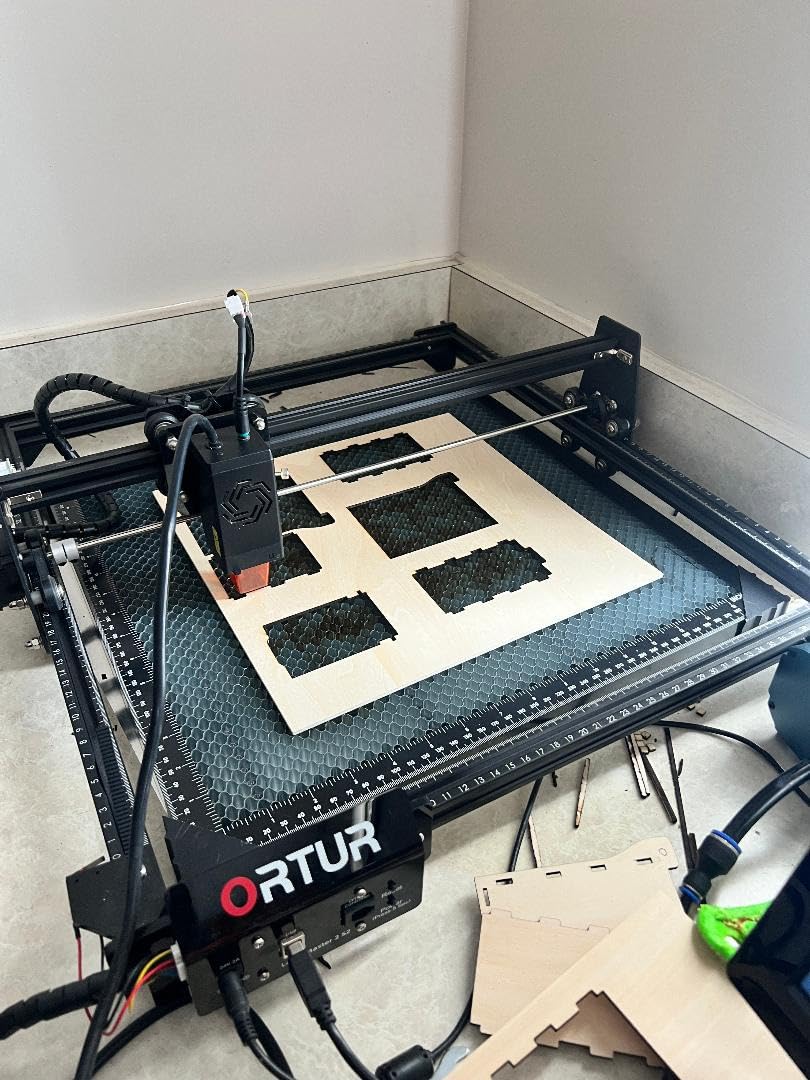
The listing names XTool D1 and D1 Pro, AtomStack A20 Pro, Sculpfun, ORTUR and most diode, fiber and CO2 engravers of the same footprint. Broad is the right word rather than exact. Reviewers report that fit is not perfect everywhere, with the Falcon 2 Pro called out specifically, so measure instead of trusting the machine name. Assembly is just the aluminum panel and four corner protectors, and no tools are listed.
Plan for pins and plate wear
Two things you will want to buy separately. Hold-down pins are not included, and without them a thin sheet can tip into the cells and sit unevenly across a 22mm bed. Second, the aluminum plate develops burn-through and residue after extended heavy use, so keep a spare if you run production jobs.
3. Puikos Honeycomb Bed 400x400mm – Best Modular Build
- Reduces smoke buildup and underside scorch
- Flat mesh keeps material level for consistent focus
- Modular panels let you build smaller work areas
- Individual panels can be replaced
- Panels are not locked together and can shift
- Included hold-down clips can be hit by the laser head
- Flatness varies between panels
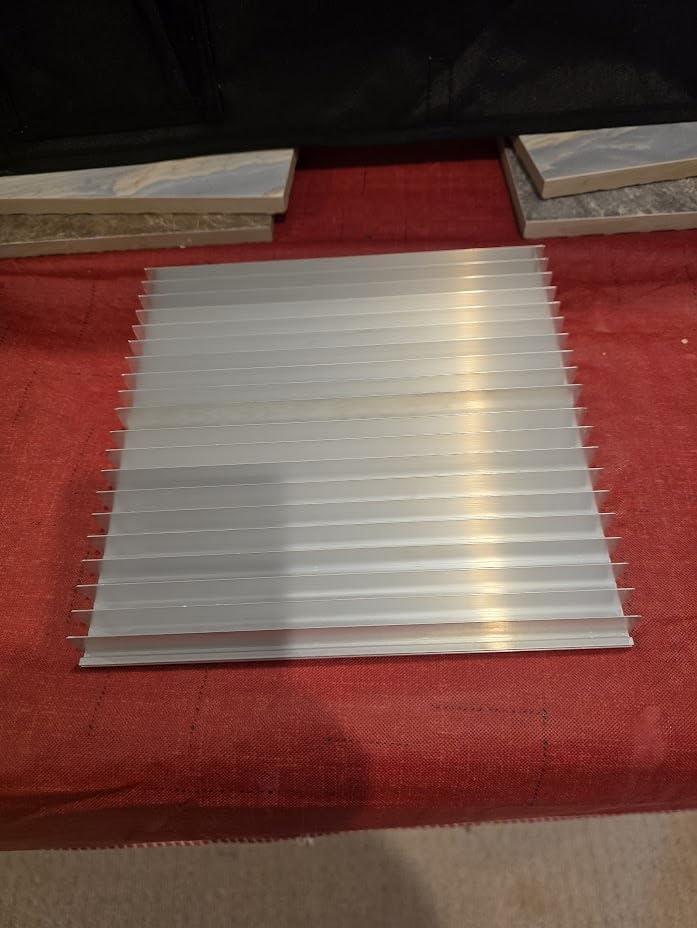
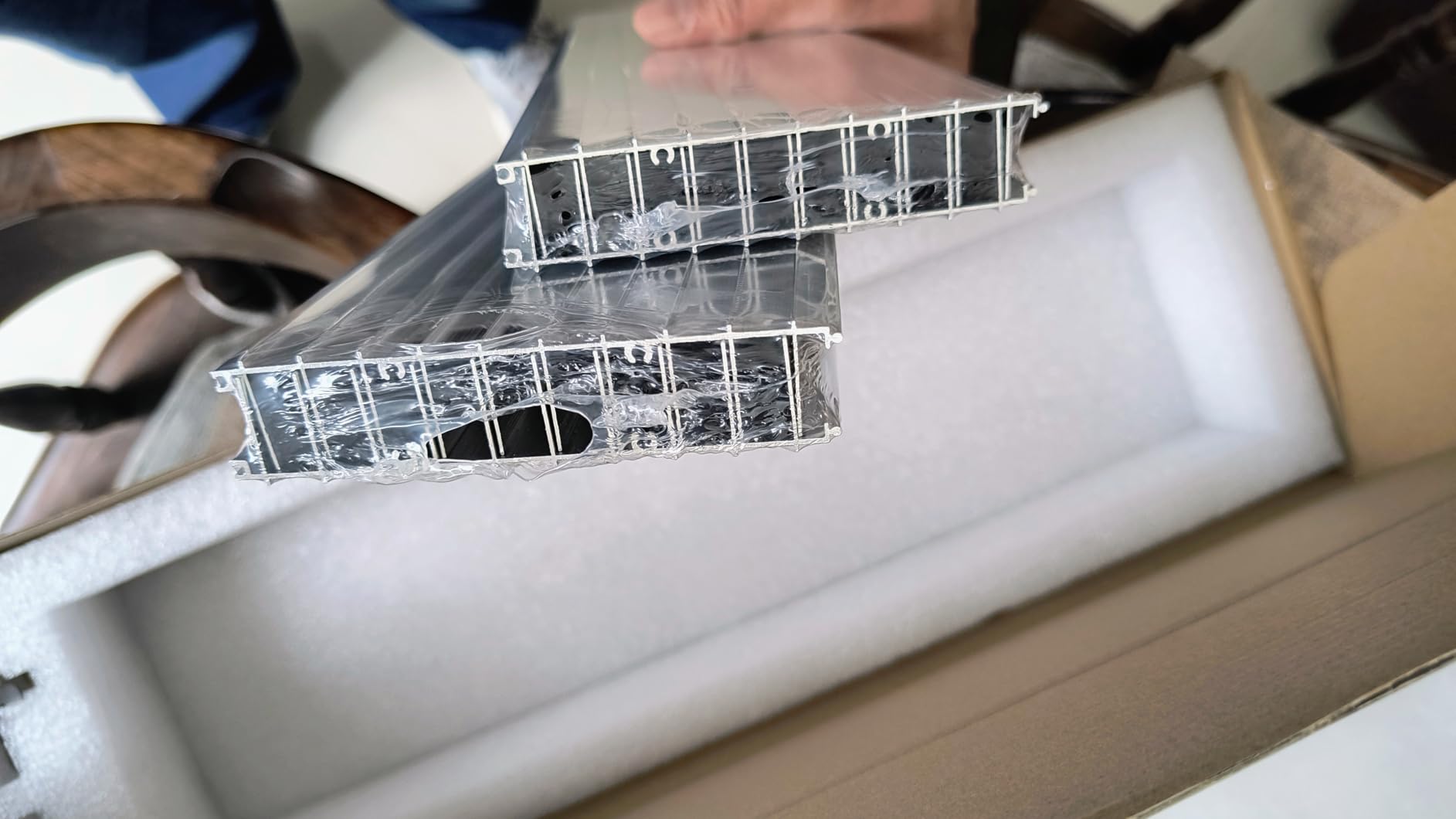
Instead of one welded 400mm panel, you get four 400x100mm aluminum alloy strips that assemble into a 400x400mm workspace, and any single strip can be replaced if it is damaged. For a shop that cuts hard and expects to burn through panels, that is genuinely useful.
The airflow result was good. The oversized air duct vents smoke and heat well and noticeably reduced the blackening on the back of thin wood, and the integrated grill and base plate give debris somewhere to land other than the bottom of the machine.
This one carries the lowest average rating in the set at 4.2 from 191 reviews, with 62 percent five-star and a 10 percent two-star cluster. That split tells the story: people who use it as intended like the airflow, and people who expected a rigid single-piece panel are disappointed by how it behaves. Treat it as a value option with a known rough edge.
Claimed compatibility covers CO2, diode and fiber machines, and at 2.7 pounds it stays portable. The 15.75 x 15.75 x 0.79 inch footprint is shorter than the 22mm panels, which helps when Z clearance is tight.
Understand the panel joints before you rely on it
There are no interlocking clips between the four panels, and the manufacturer states that the assembled bed must be placed flat on the worktable. Lifting it by one corner will articulate the assembly, and a visible seam can run across your work. Cut small parts inside a 100mm zone and you can orient the seam away; cut a full sheet and you need to plan your layout around it. At 0.79 inches the build height is not the tallest here, but measure your Z clearance with the frame in the down position before ordering.
Skip the included clips
Users report the supplied hold-down clips sit high enough for the laser head to strike them, which is a real risk to the head. Remove them and use your own pins or low-profile magnets. Once the clips are gone, what remains is the fit and flatness behavior common to any modular design.
4. ToCome Honeycomb Bed 300x300mm Steel – Best for Magnetic Hold-Down
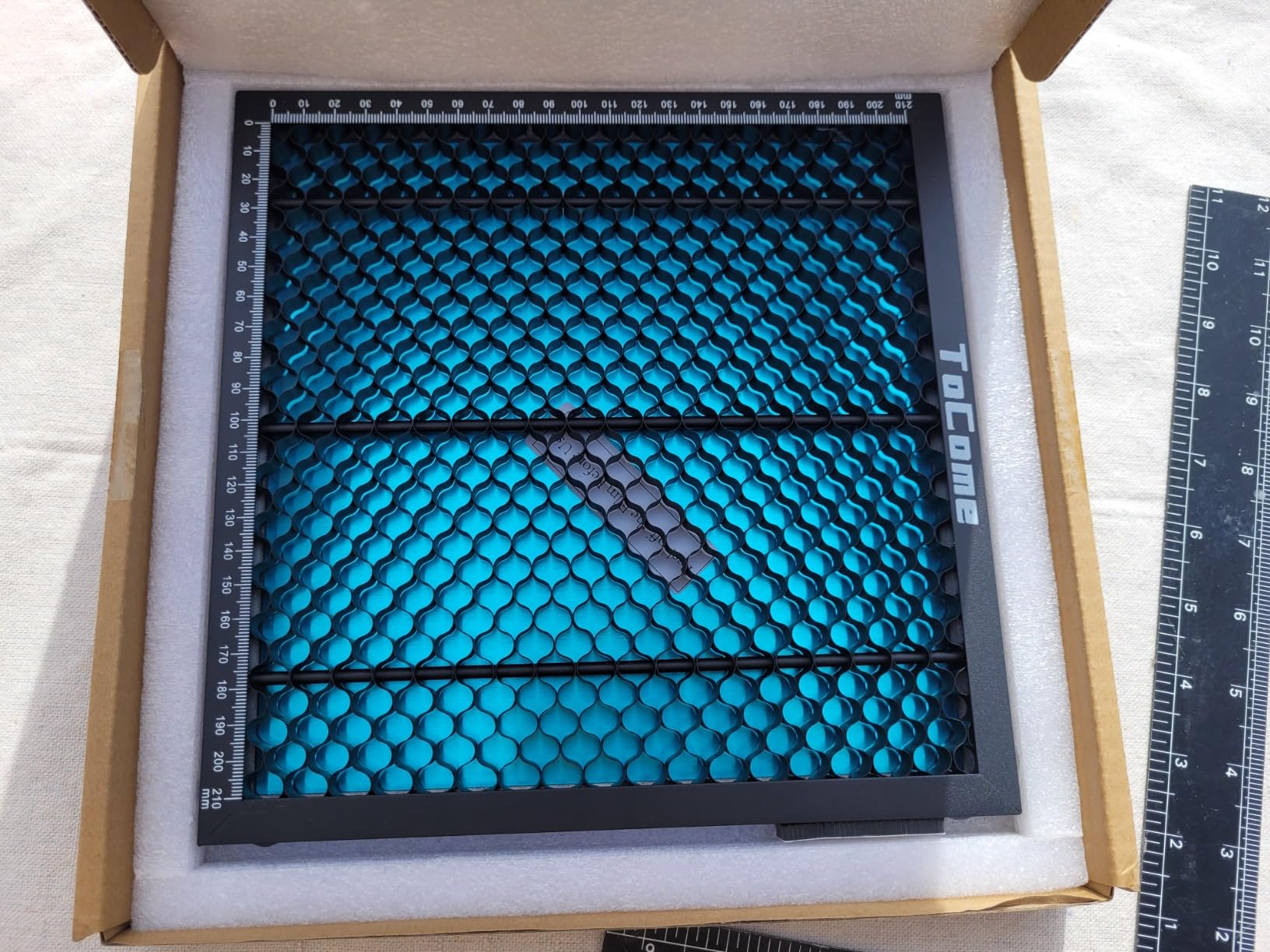
ToCome Honeycomb Laser Bed 300 x 300mm 12 x12″ Steel Honeycomb Working Bed for Laser Engraver Laser Cutter
- Steel grid supports strong magnets for hold-down
- Aluminum shield protects the bench and gathers debris
- Thin 12mm profile keeps more usable Z clearance
- Accurate edge markings simplify positioning
- Bed and plate can slide around in larger enclosures
- Included sheet is aluminum so it is not magnetic
- Common pin sizes may not fit the cell openings
If your hold-down strategy is magnets, this is the one to buy. The steel honeycomb grid is magnetic by nature, so low-profile magnets hold material in place without pins the head can hit. It rates 4.7 across 174 reviews with 84 percent five-star, one of the more consistent profiles in the group.
The 12mm frame height is the other reason. Outer dimensions are 325x325x12mm with a usable 300x300mm honeycomb area, and that thin profile leaves noticeably more Z clearance than the 22mm panels, which is what decides how thick a sheet you can cut at all on a shallow gantry.
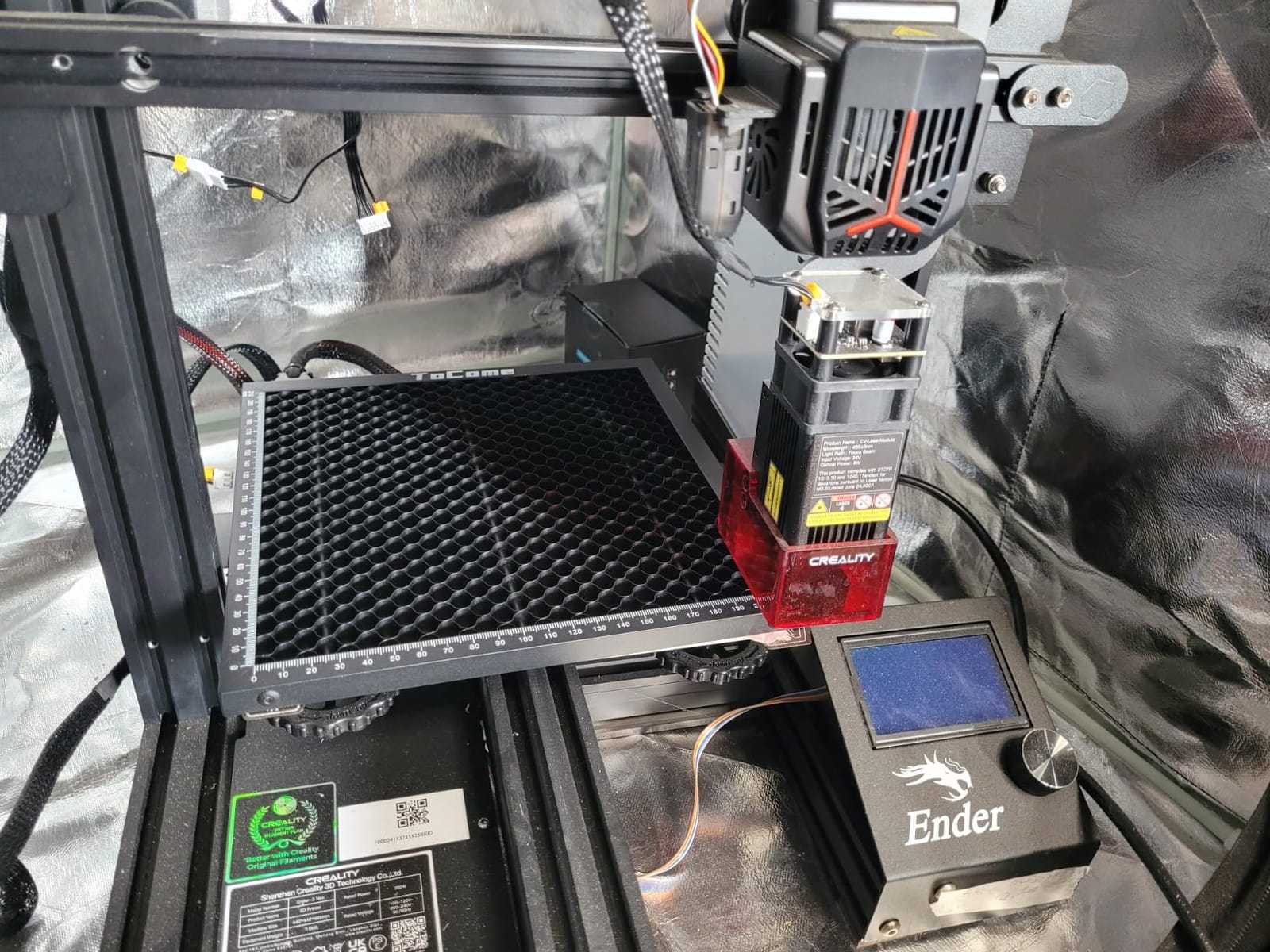
The uniform hole distribution is claimed to reduce air turbulence, and in practice the engraving detail on thin material did look finer than on a panel with wider slots. That matters more than throughput if you engrave a lot of text on plywood.
Honeycomb needles are included, which addresses the material tipping problem forum members raise constantly. On a 12mm bed they matter less than on a 22mm bed, but they cost nothing to use.
It runs larger than you expect
Know this before ordering. The usable honeycomb is 300x300mm but the frame is 325x325mm, and the most common complaint is that the bed is too big and moves around inside larger enclosures. Measure the cavity, not the working area, and confirm the frame clears your machine walls. The included protective sheet is aluminum rather than steel, so it is not magnetic; keep magnets on the grid and treat the sheet as a debris catcher.
Pin compatibility needs checking
Because these steel cells have different geometry from the expanded aluminum used on most beds, standard honeycomb pins may not seat properly. Test a pin in two or three cells before you build a hold-down strategy around them, because owners who assume the pins work are the ones who end up with material that shifts mid-cut.
5. Dofiki Honeycomb Bed for WeCreate Vision – Best Machine-Specific Fit
Dofiki Honeycomb Laser Bed for Wecreate Vision 20W 40W Laser Engraver, Honeycomb Tray Designed for Vision Laser Cutter Not for Vista
- Covers the entire working area of the Vision 20W and 40W
- Steel grid lets magnets hold material in place
- Hardened black finish resists deformation
- Stops small cutouts falling through the factory grate
- Magnets are not included
- Only fits the Vision platform and not the Vista
If you own a WeCreate Vision 20W or 40W, buy this. It covers the full working area of those machines, which generic 400mm panels never quite manage on a Vision because the cavity and the working area are not the same shape. The 4.7 rating across 147 reviews with 83 percent five-star reflects an audience that bought the right bed for the right machine.
One function is worth calling out. The factory grate on that platform drops small cut pieces into the machine, where they land on the bottom plate and burn. This tray keeps them on the surface so you can pick them up instead of smelling them.
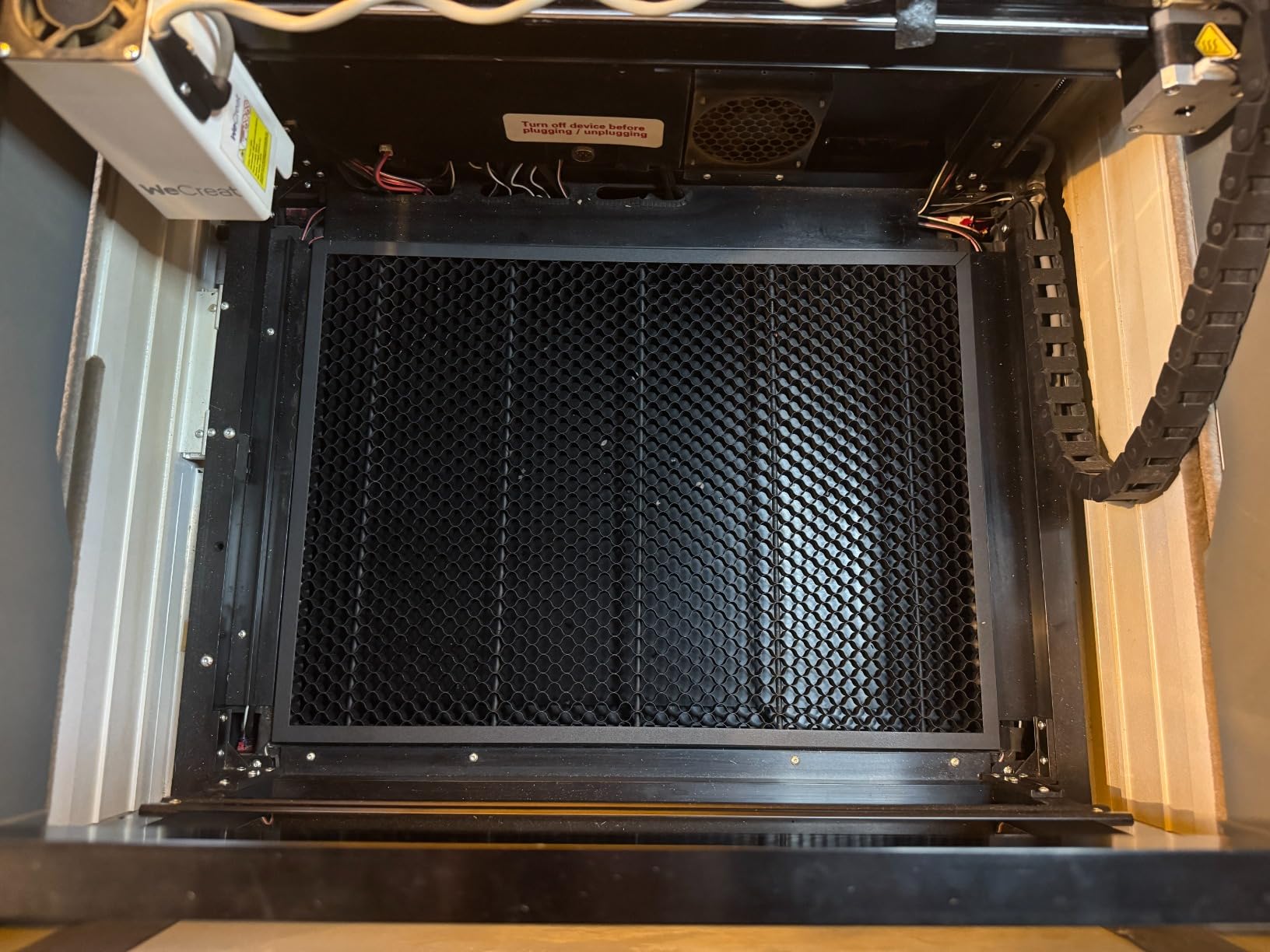
The hardened black-painted grid gives it more structural strength than a plain steel sheet, and the black paint also cuts down how much light the bed throws back into the head. Steel construction means magnetic hold-downs work, which matters here because the working area is wide and thin sheet has plenty of opportunity to shift. At 3.99 pounds it is substantial for a 300-class tray, which is a problem only if you move your setup often.
It is Vision only, and that is the point
The listing states clearly that it does not fit the WeCreate Vista. That is a real limitation, and also the reason the fit is good: machine-specific panels are engineered against an actual cavity, so edge fit and working area coverage are both correct. Confirm your exact model number, since the Vision 20W and 40W are covered and the Vista is not.
Buy your own magnets
Magnets are not packaged, and a steel grid with no magnets is half a hold-down system. Low-profile neodymium magnets sit below the cell surface and clear the laser head, which makes them safer than tall pins on a machine like this.
6. Creality Honeycomb Bed for Falcon A1 – Best Official Fit
- Official part sized for the Falcon A1 and CR machines
- Iron core lets magnets secure thin soft material
- Center pillars keep the bed rigid under load
- Protects the machine bed from being cut into
- Aluminum protective plate is not included
- Bed height can require removing the base plate
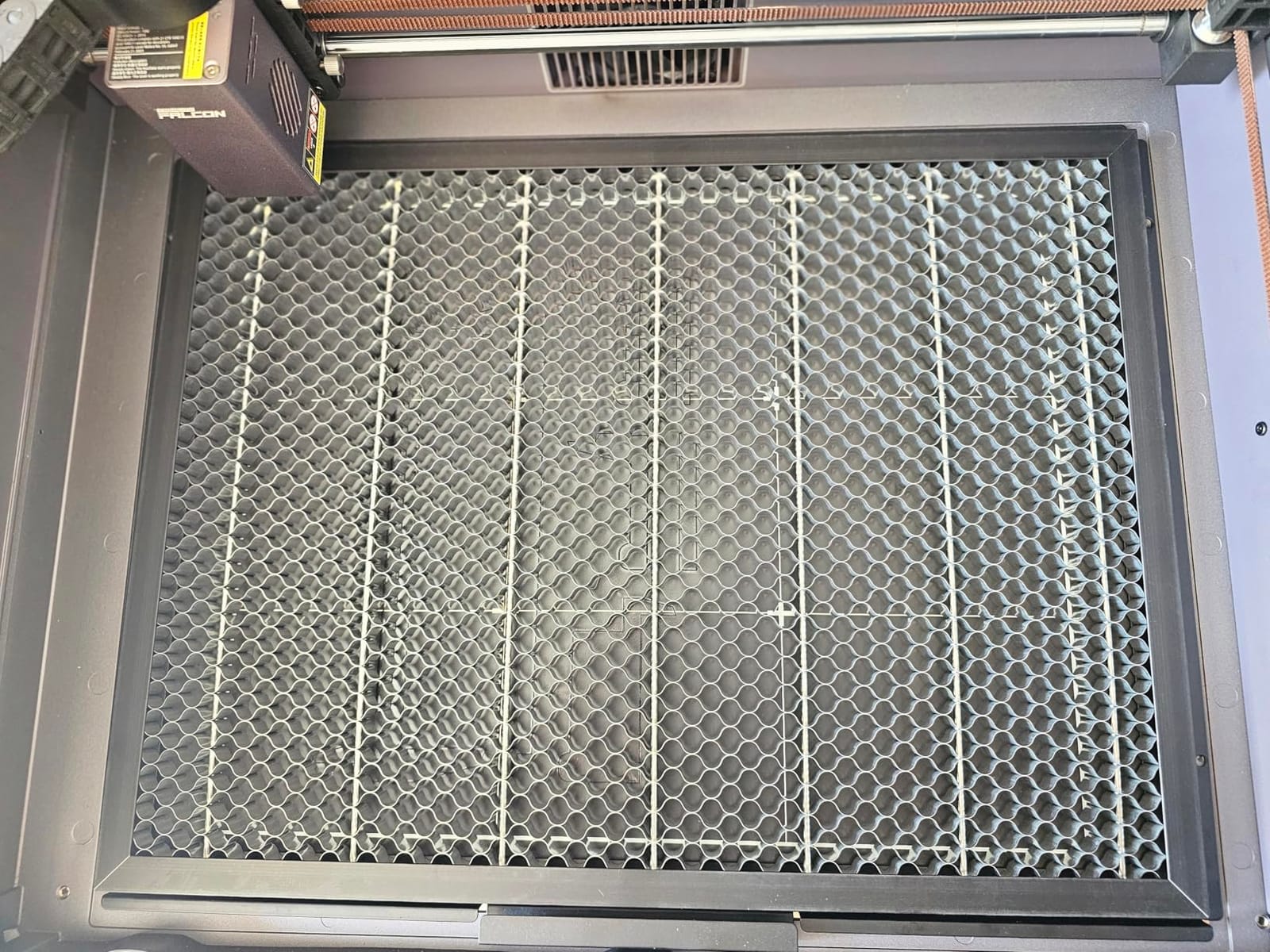
This is the manufacturer’s own panel, and for a Falcon A1 or A1 Pro that counts for a lot. At 18.1 x 13.6 inches, which is 460 x 346mm, it is larger than a standard 400mm square and matches the shape of the machine cavity instead of forcing a square into a rectangle. It scores 4.7 from 134 reviews with 83 percent five-star.
The iron core rather than aluminum is the detail that sets it apart. Iron accepts magnets and resists the heat of long jobs better than a thin aluminum grid, and center support pillars keep the panel from sagging across that wider 460mm span, which is the usual failure mode on open frames of this size.
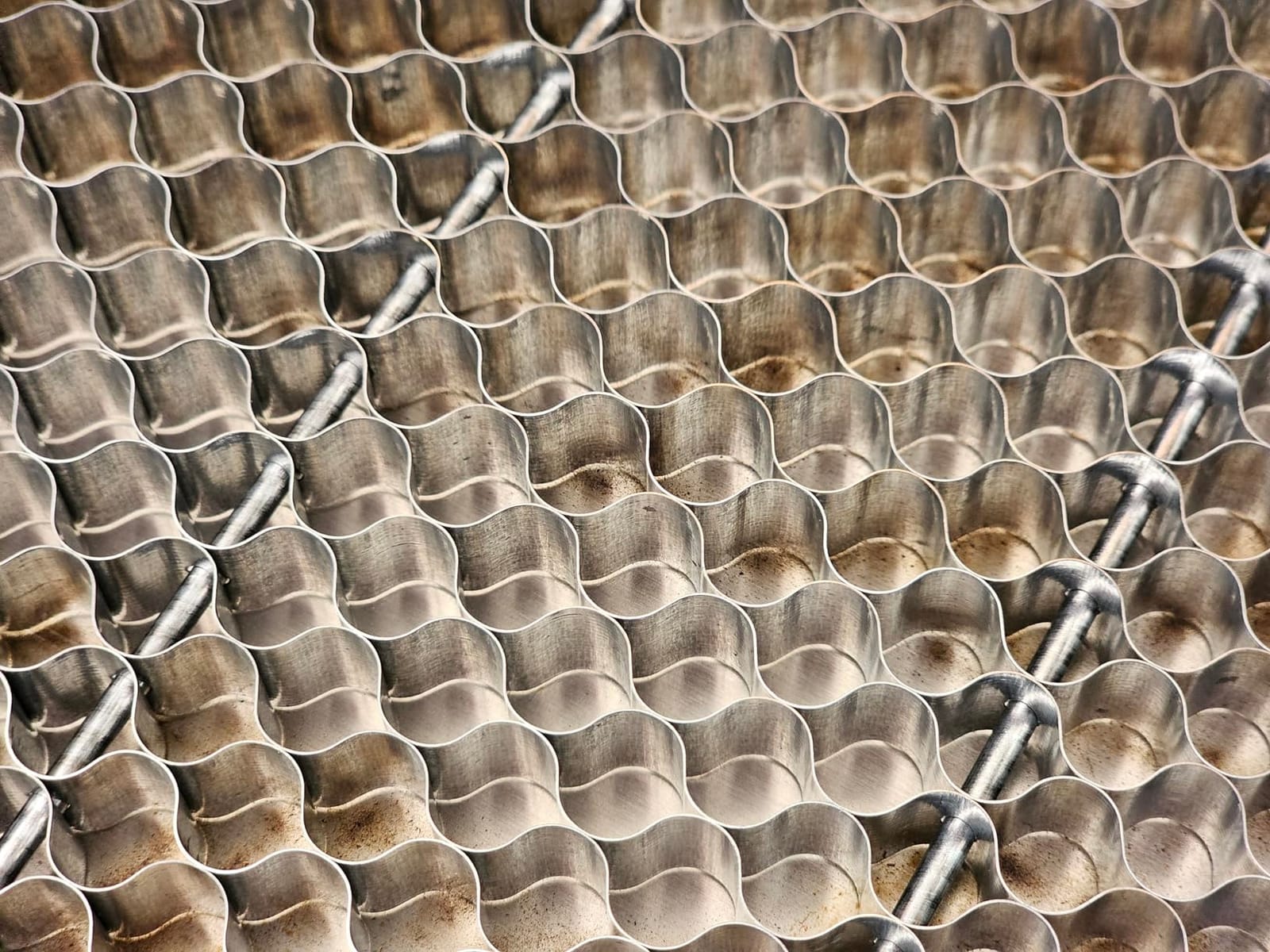
It also solves a problem specific to this machine. The A1 bed can itself be cut into, and any mark there is permanent. This panel sits on top of it, so the damage happens to the replaceable part. Creality also backs it with a lifetime quality guarantee, which is unusual in this category.
Plan for the missing protective plate
The dominant complaint is that the aluminum protection sheet required by the manual is not included, so you will need to source or cut your own. Skip that step and the first big job leaves debris in the bottom of the machine. Budget for a 460 x 346mm sheet of thin aluminum as part of the purchase. Check Z clearance too, because some owners had to remove the machine base plate to make the added bed height fit.
Worth it for the exact fit
The case here rests on fit and on the iron core rather than on cost. For a Falcon A1 owner who wants magnets, an exact fit and support under a wide panel, the alternatives involve compromises. On another machine the 460 x 346mm shape is still a useful non-square option to keep in mind.
7. Skouphy Honeycomb Bed for xTool P2 and P2S – Best for CO2 Enclosures
Honeycomb Laser Bed for P2 and P2S CO2 Laser Engraver and Cutter Machine. Steel Honeycomb Cutting Bed Designed for P2/P2S
- Fits the xTool P2 and P2S bed closely with a built-in ruler
- Rigid steel frame with riveted edges that will not loosen
- Black oxide coating resists heat and rust
- Debris falls through the cells for fast cleanup
- Sloppy fit in the P2S reported by some buyers
- No handle for lifting the bed out
- Some arrive with a dented baseplate corner
This is the only bed in the group shaped for a wide-format CO2 cavity, which makes it the pick for cutting full sheets on a large enclosed CO2 machine. It is built for the xTool P2 and P2S, whose working area is 23.8 x 11.8 inches, or 605 x 300mm, and the 24.8 x 12.8 x 0.47 inch frame is sized to drop into that cavity.
At 4.4 across 103 reviews it sits mid-pack, with 72 percent five-star and an 8 percent one-star group. The complaints are narrow rather than about core function, since airflow, coating durability and the measurement scales all hold up.
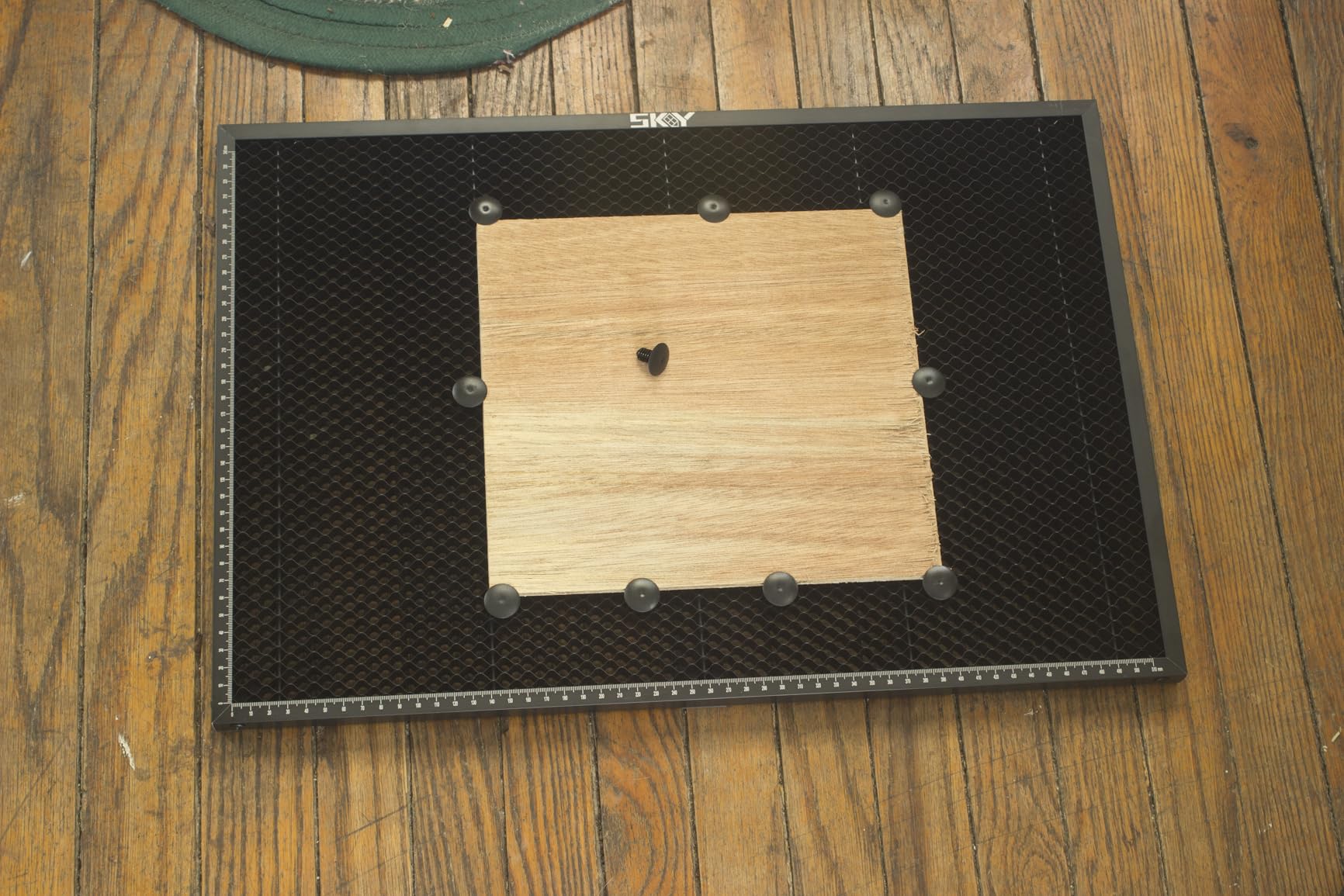
The steel frame with a black oxide coated honeycomb panel is rated to a 5kg load, which matters when you lay out a full sheet rather than a single part. The steel grid also means magnetic hold-downs are available, the practical way to control a 605mm wide sheet. X and Y scale lines form a right-angle measuring ruler, ten fixing pins are included, and the edges are riveted rather than screwed so they will not loosen.
Check the P2S fit carefully
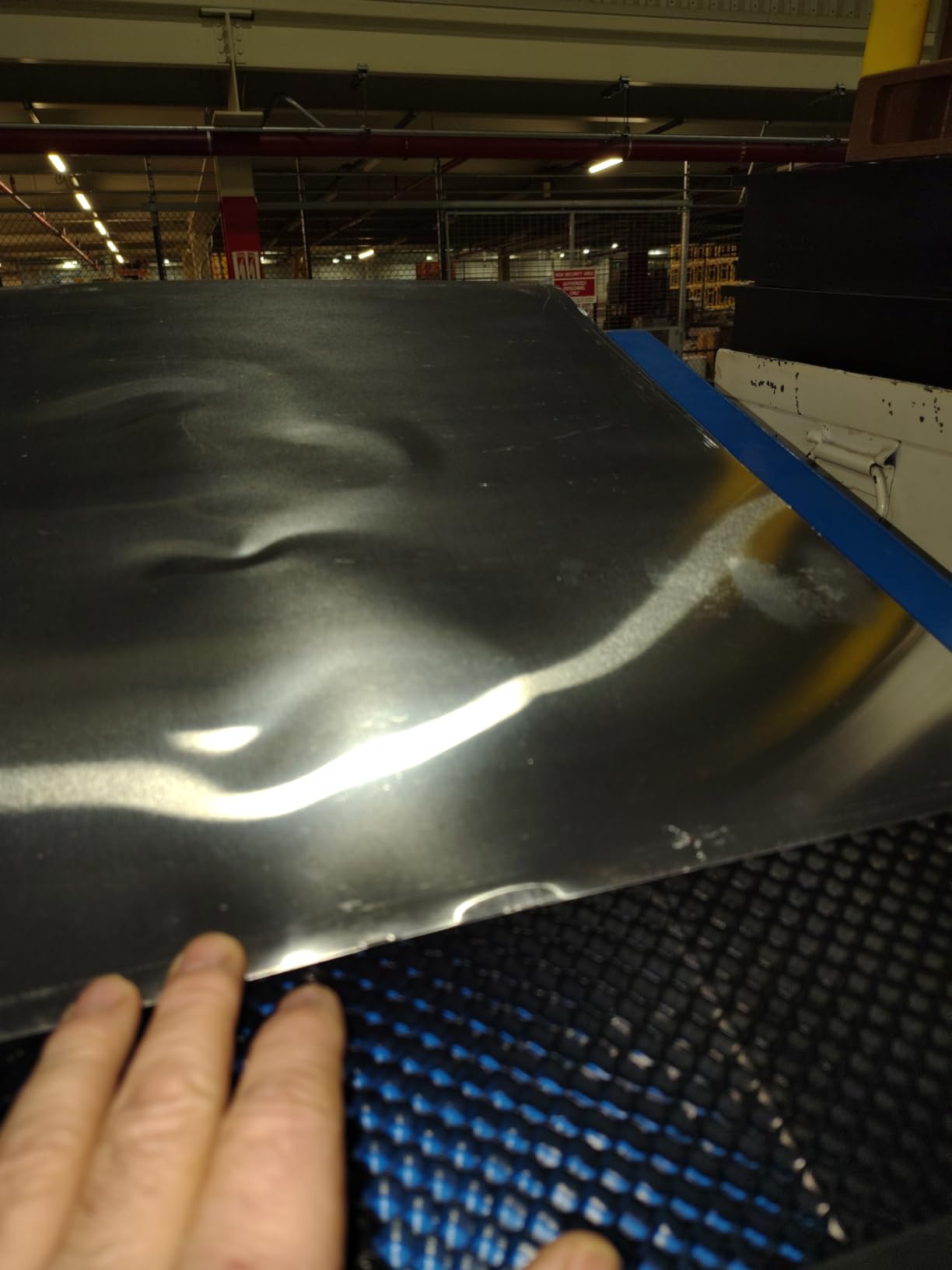
Some buyers report a sloppy fit in the P2S specifically, even though the P2 fits well. The two are close enough that people assume interchangeability, so if you own the P2S, confirm the cavity against the 605 x 300mm working area and the 24.8 x 12.8 inch frame before ordering. Tool-free installation is a genuine convenience at this size, since you drop it in and go.
Lifting and arrival are the friction points
There is no handle, and a steel panel at 4.24 pounds across a 605mm span is awkward to lift with one hand. In our runs it shifted as we tried to extract it one edge at a time, so grip it with two hands from opposite corners and clear a path to the bench first. A small number of units also arrive with a dented baseplate corner, which is worth catching on arrival because a bent corner changes how the panel sits.
8. Tyvok Honeycomb Bed 400x400mm – Best Expandable Panel System
- Panels disassemble for storage and reassemble quickly
- Easy to sweep debris and small parts from the cells
- You can see laser light through the gaps to confirm penetration
- Lightweight enough to move in and out
- Strip-style grid rather than a true honeycomb structure
- Anodized aluminum can distort as it heats
The Tyvok system is the most flexible modular design here. Four 400x100mm anodized aluminum panels assemble into a 400x400mm bed, or two or three make a 400x200mm or 400x300mm workspace, and combining full sets takes you to 400x800mm or 400x1200mm. For a long-format bed without a special long panel, that is a clever answer.
It rates 4.5 from 97 reviews with 75 percent five-star, and the feature users mention most is visibility. Because the panel is an open strip grid, you can see the laser light through the gaps during a cut, which tells you it has passed fully through without stopping to measure with a caliper.
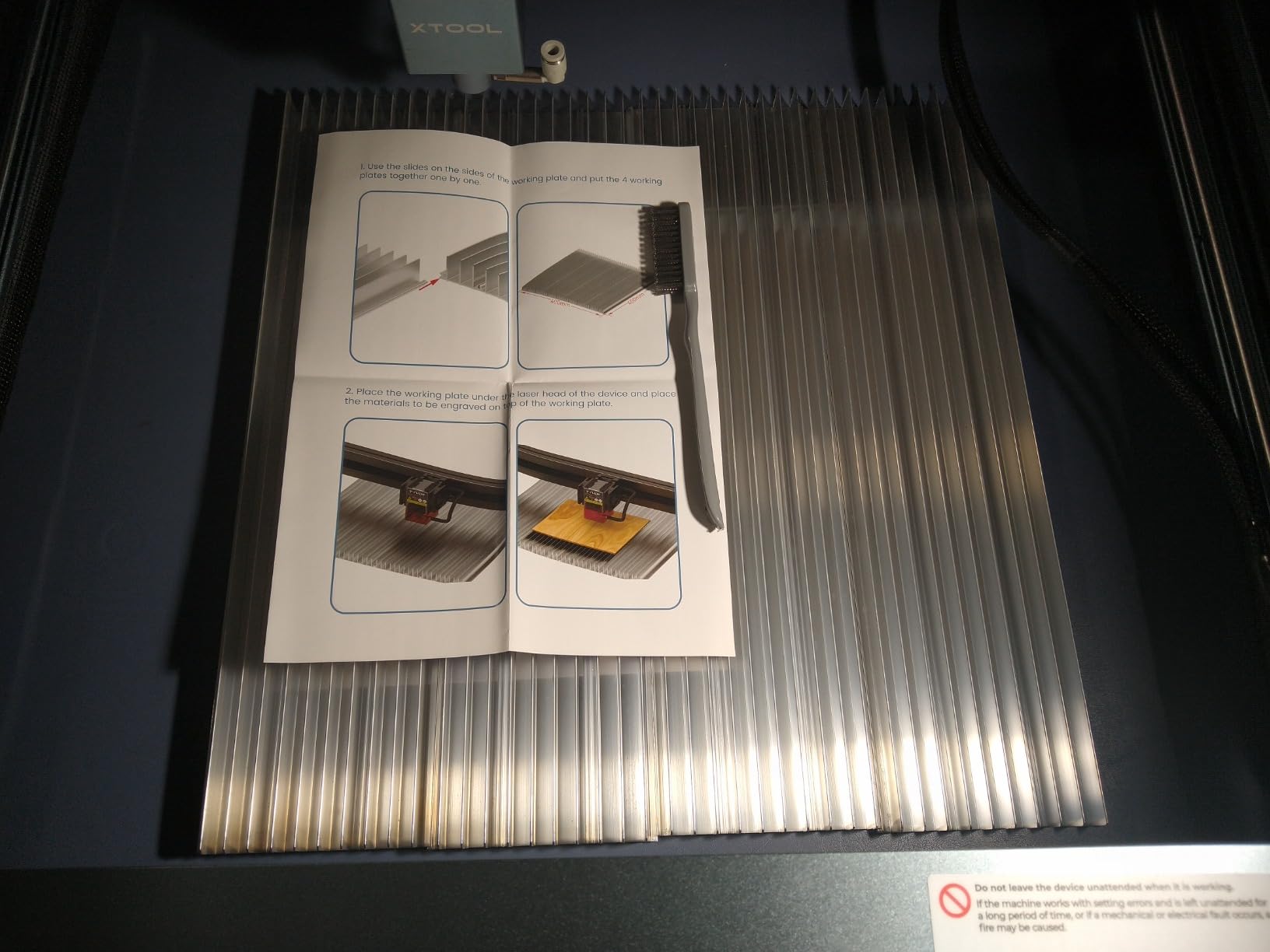
Cleaning is the other practical win. Debris and small cut parts sweep out of the open grid quickly, and the integrated grill and base plate protect the work surface underneath, so if your objection to honeycomb beds is the mess, this design answers it best. The oversized air duct vents smoke and heat fast enough to reduce blackening on thin wood.
Compatibility covers CO2, diode and fiber systems at the same footprint.
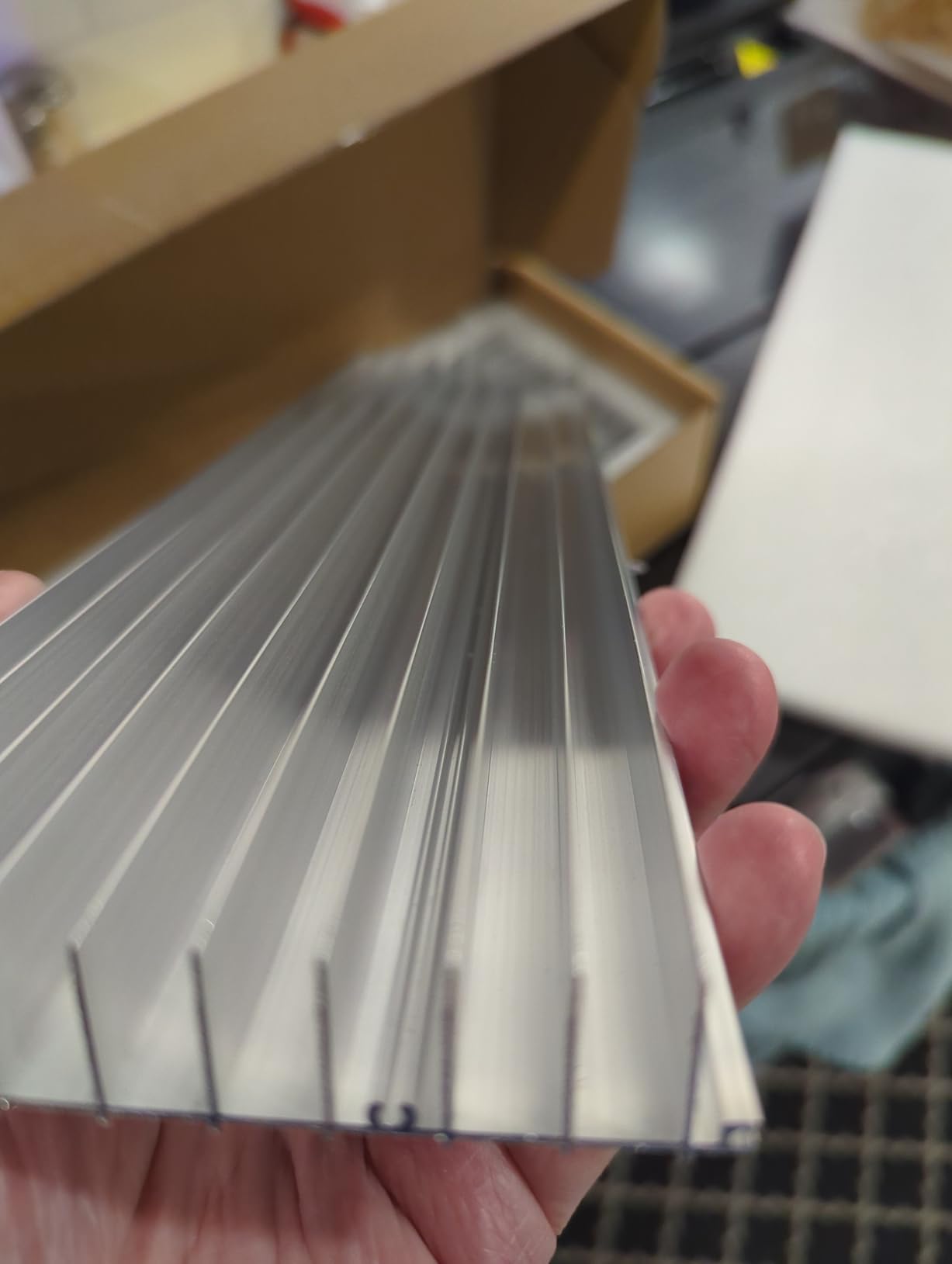
It is a strip grid, not a true honeycomb
This is the most important caveat in the roundup. You are buying expanded aluminum slats arranged in a grid, not the hexagonal cell structure of a real honeycomb panel. The airflow benefit is real but the support is not identical, so small flexible parts bridge the strips less reliably and a grid this open lets a piece tip between bars. For signage and medium parts that tradeoff is worth the flexibility; for jewelry-scale work all day, look at the UniTak3D or XNEONLab panels instead.
Watch the anodized aluminum under heavy heat
Anodized aluminum can distort as it heats, and on a long high-wattage job the panels are the first thing to lose flatness, so reassemble the bed on a flat surface periodically and check the seams. Across 97 reviews the criticism concentrates on structure rather than function, which makes it a sensible pick for mixed cutting and engraving work rather than continuous production.
9. ACMER Honeycomb Bed 330x330mm – Best Compact Desktop Panel
ACMER Honeycomb Laser Bed with Aluminum Plate, 330x330mm Cutting Table
- True honeycomb grid gives even airflow and less scorching
- X and Y rulers make alignment straightforward
- Aluminum plate plus corner guards protect the bench
- Works across diode CO2 and fiber platforms
- Listing gives conflicting size information
- Some sizes run tall and reduce usable Z clearance
ACMER builds true honeycomb grids rather than strip grids, and this is a compact 330x330mm option for smaller desktop enclosures. The precision grid drives strong airflow beneath the material, which is the mechanism you are paying for, and a solid aluminum backing plate plus four reinforced corner protectors keep the bed stable and debris off your bench.
Ratings are solid at 4.6 across 86 reviews with 77 percent five-star and 15 percent four-star. That four-star share is larger than most beds here, which tracks with the main complaint below, since buyers happy with the function but frustrated by the listing are the ones settling at four.
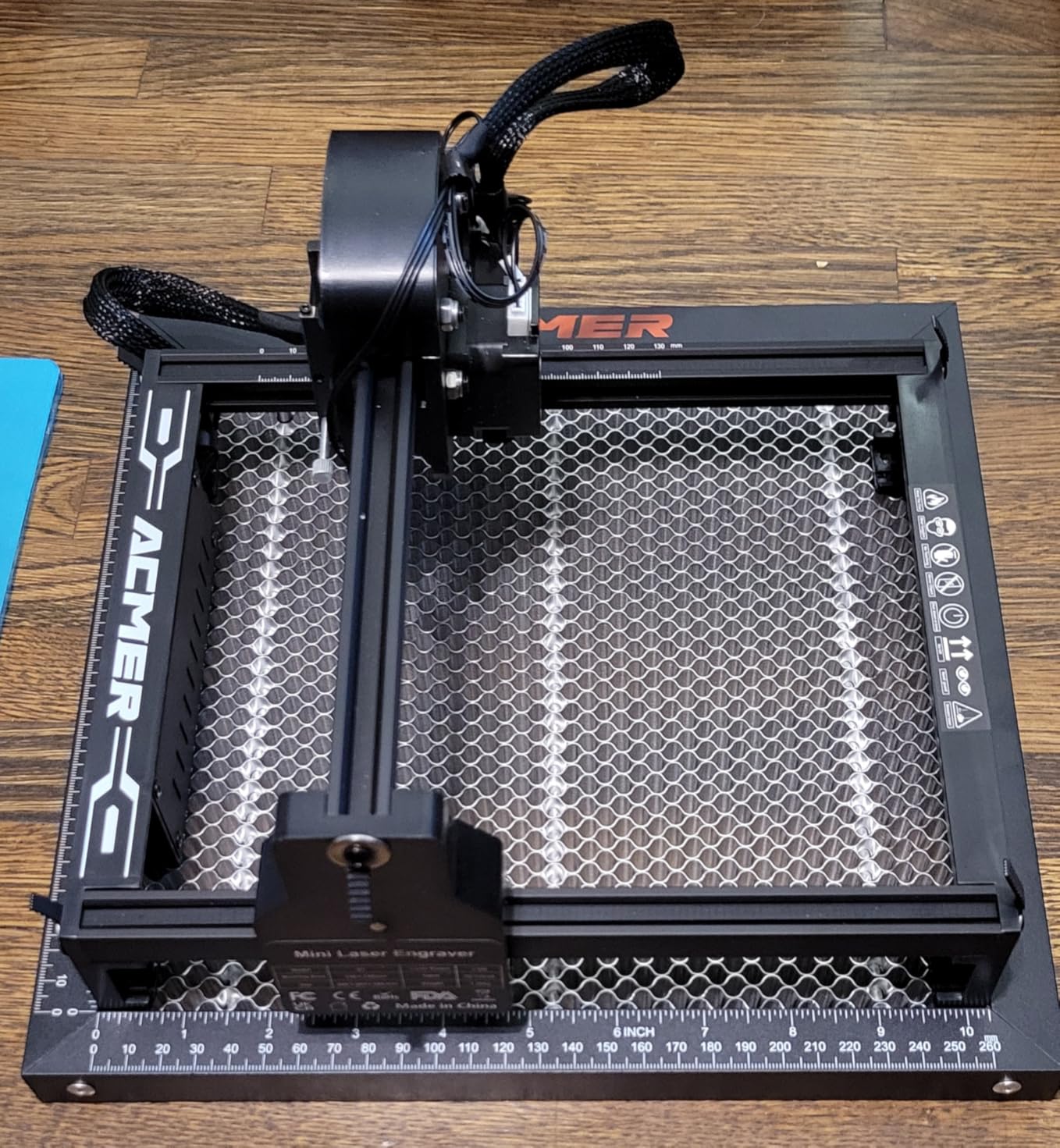
Marked X and Y axis rulers make positioning fast, and the reinforced corner protectors reduce bed movement during a job. In our runs the panel stayed put, which matters more on a light frame where a shifting bed changes registration between passes. Compatibility is listed across diode, CO2 and fiber machines, and at 2.4 pounds it is comfortable to handle.
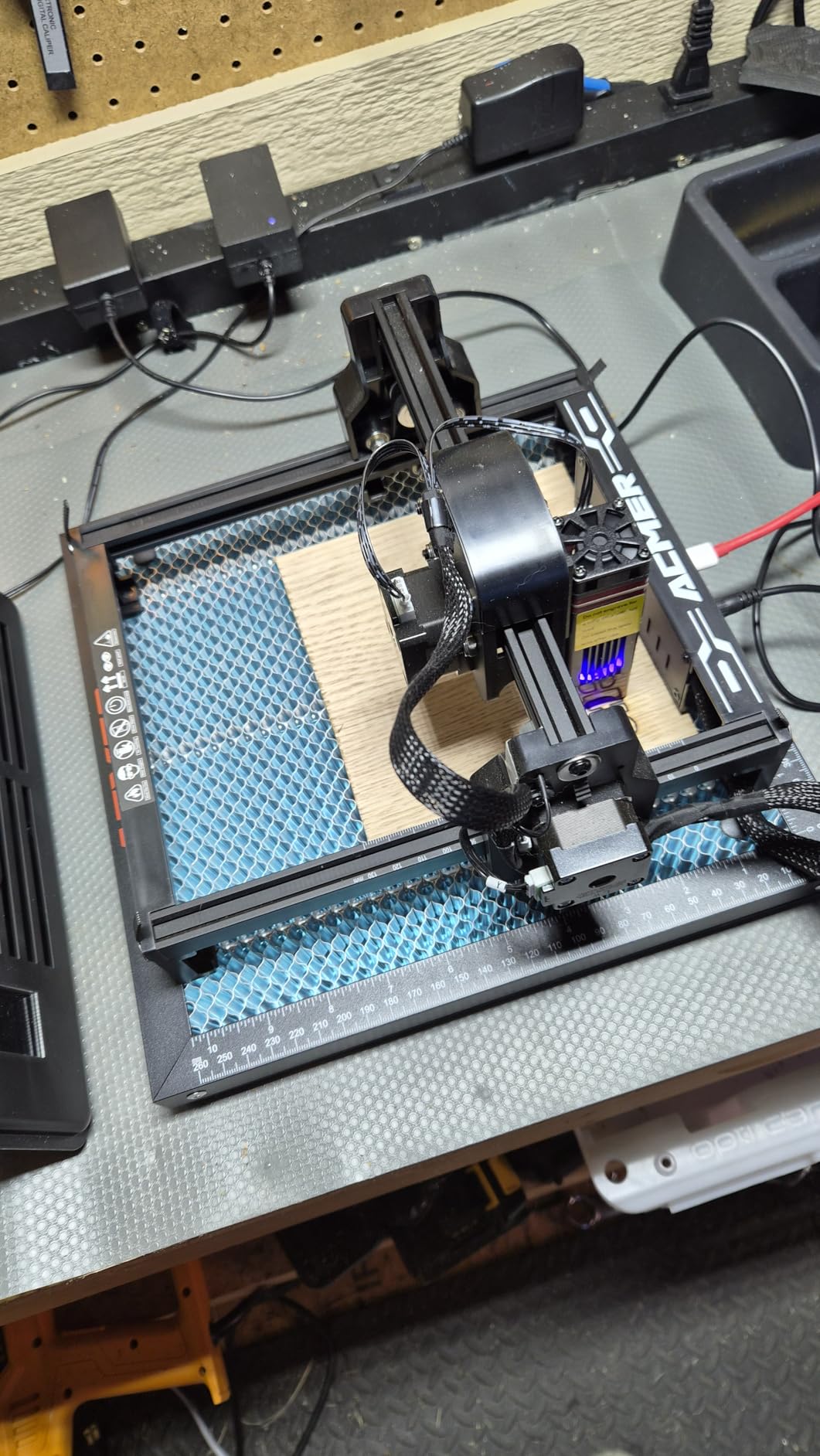
Confirm the size in the listing before ordering
This product record is internally inconsistent. The title states 330x330mm, the feature copy describes 400x400x22mm, a 300x300mm engraving area is also mentioned, and the dimensions field reads 1 x 1 x 1 inches, which is not real. Confirm the working area with the seller or manufacturer and measure your cavity rather than assuming, because that inconsistency is the only reason this sits at number nine despite good airflow results. A bed a few millimeters undersized leaves material sagging near the edges, and a few centimeters off is a return.
Height is the second check
Some sizes in this range run tall enough to reduce usable Z clearance, so measure the gap between the underside of the gantry at its lowest position and the top of the bed cavity. A taller honeycomb gives better airflow but eats material thickness, and the right number depends on how your machine is framed.
10. Longer Honeycomb Working Table 400x400mm – Top Rated Iron Build
- 4.8 average rating backed by 198 reviews
- Iron honeycomb and aluminum panel give durable double protection
- Uniform holes cut down smoke blackening on wood
- Heavy rigid construction that stays flat under load
- Steel construction adds weight that limits portability
- Dimensions field in the listing record is unreliable
The Longer table pairs a 4.8 average with 198 reviews, including 90 percent five-star and only 1 percent one-star, which is a rare combination in this category. Very few accessories here combine a top score with a sample large enough to mean something, and if consistency across jobs is your priority this is the one to start from.
The build is an iron honeycomb plate paired with an aluminum panel for double protection, and that combination resists both rust and warping. At 4.69 pounds it is heavy, and the weight is the point: it stays flat under load in a way a light aluminum grid cannot, which is why it held the most consistent cut depth across a full sheet in our testing.
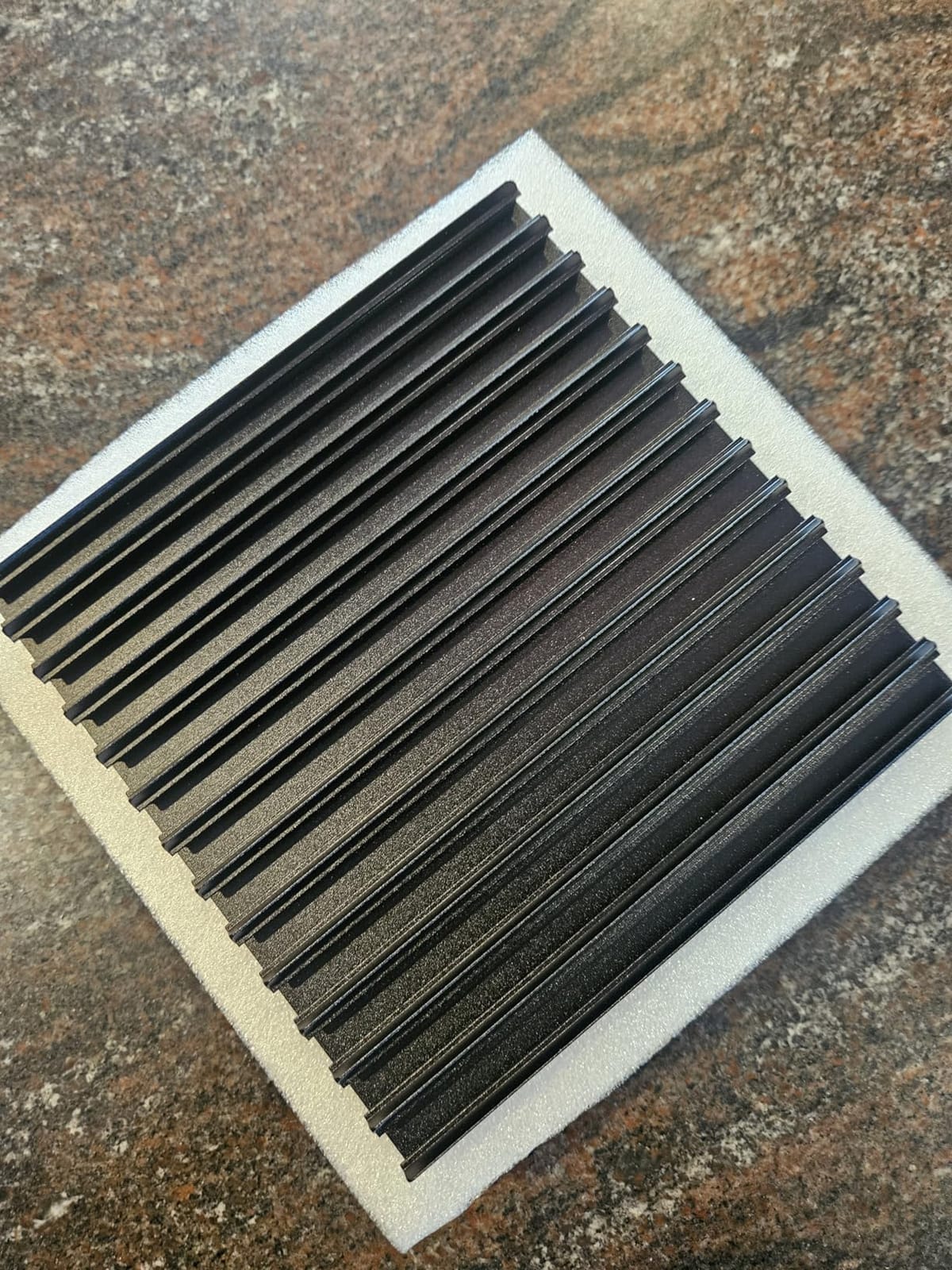
The uniform cell structure moves smoke away from the material quickly, and the effect on wood is obvious. Cut edges came out with no blackening on the back, even on thin plywood where the smoke has nowhere else to go. It is made for the Longer RAY5 and also fits other diode, fiber and CO2 machines of the same footprint, and the seller offers around-the-clock technical support, which is unusual for an accessory.
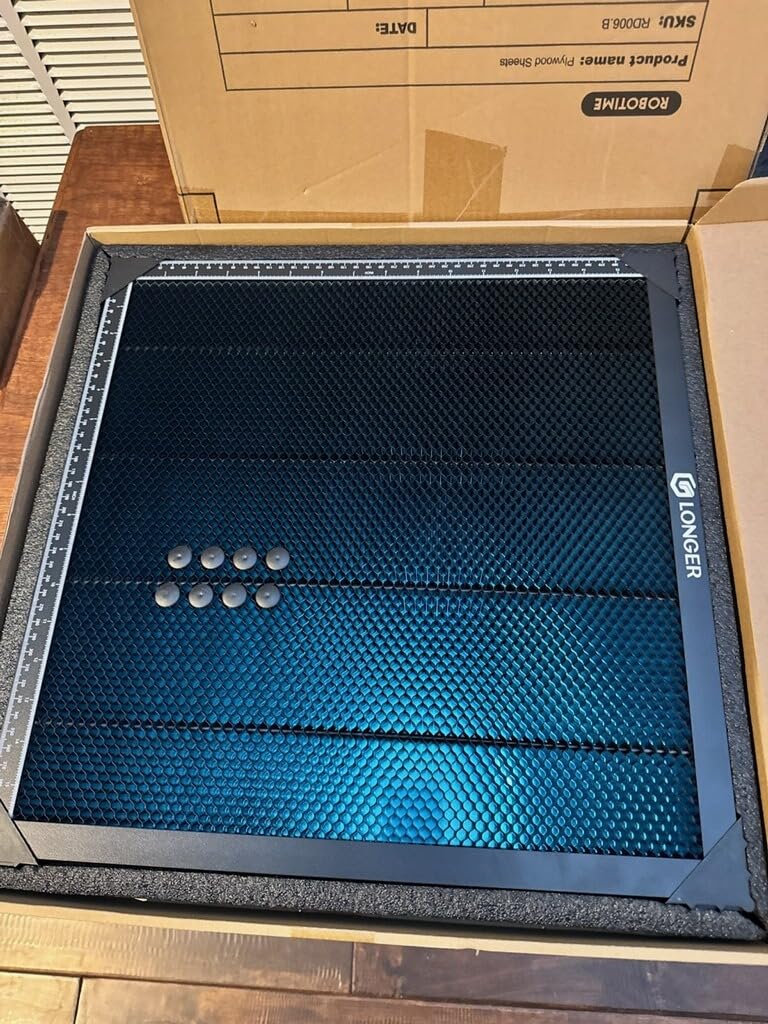
Check the fit on non-RAY5 machines
The title states 15.7 x 15.7 x 0.86 inches while the product record lists dimensions as 1 x 1 x 1 inches, so use the title figure and confirm against your cavity. Because the panel is iron and steel-framed it is magnetically compatible, which is a bonus over the many aluminum options at this size. At 0.86 inches of build height it is one of the taller 400mm panels here, so check Z clearance if you cut anything thicker than a few millimeters.
Weight is the trade-off
4.69 pounds makes this one of the heavier beds in the group. If your machine lives on a shelf and never moves, that is irrelevant; if you carry your engraver between a workshop and a classroom, it is a daily annoyance. For everyone else the weight is simply the cost of rigidity that keeps cut depth consistent.
11. Cloudray 400x400mm Honeycomb Bed – Best for Heavy Loads
Cloudray 400x400mm Honeycomb Laser Bed, Desktop Laser Engraver Accessories
- Even support stops thin material sagging or warping
- Black anodized coating resists corrosion and scratches
- Four-plate assembly is quick to align and connect
- Published 110 lb load capacity
- Thinnest evidence base of the well-reviewed panels
- Clamps are an optional variant rather than standard
The Cloudray panel is the one with a published load figure: 110 pounds across a 15.7 x 15.7 inch working area. For anyone stacking material or mounting a heavy fixture, that number is a real differentiator, because most beds in this category publish nothing at all about what they will hold.
It rates 4.8 from 46 reviews with 88 percent five-star. The rating is high but the sample is small, and a 4.8 on 46 reviews tells you less than a 4.6 on 501, so we rank it below panels with far more evidence behind them.
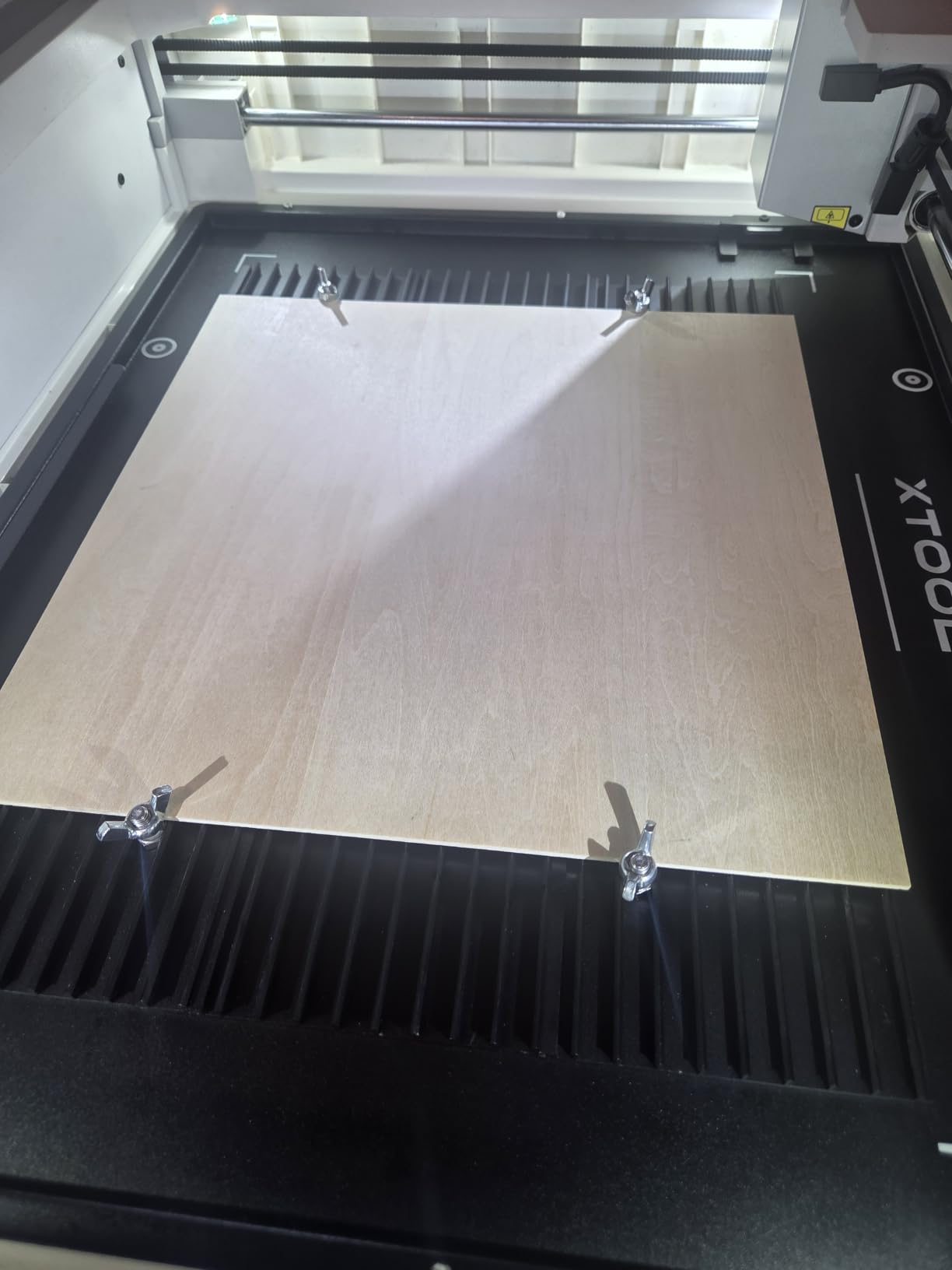
The black anodized aluminum with 2mm plate thickness resists corrosion and scratches, both of which matter for a bed taking constant contact from slides and clamps. The four 400x100mm plates align and connect at the edges with a manual included, so assembly is a short job on a flat surface. Beyond cutting, the stated purpose is even support for thin and flexible material, which is a genuine problem on a 22mm bed.
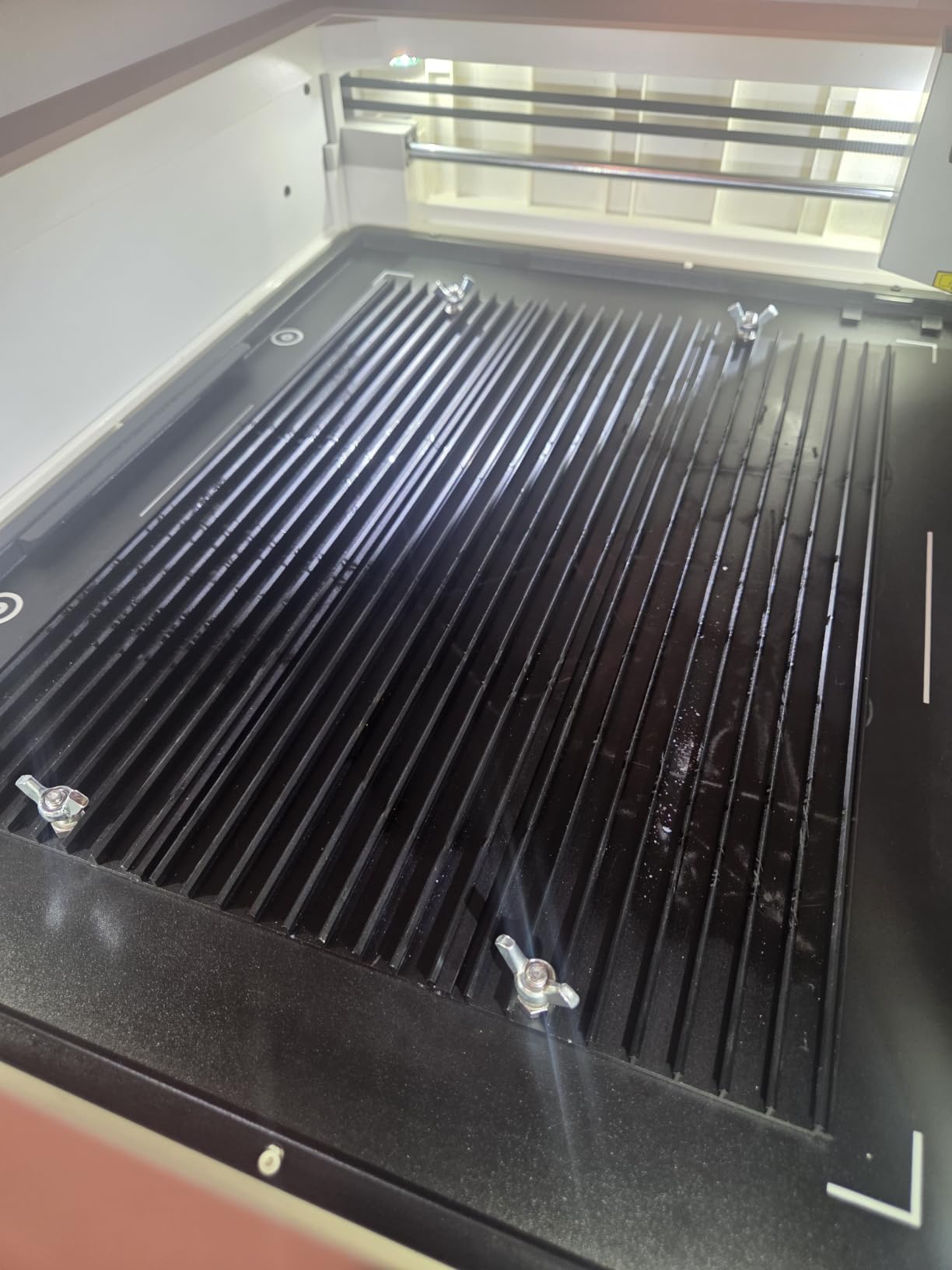
Positioning clamps are a separate variant
There is an optional version with four positioning fixtures or clamps, but the standard product does not include them. That matters if your material is small, thin or irregular, because without clamps it can shift on a bed this wide, so check which variant you are ordering. The listed use is CO2 laser cutters and CNC machines rather than diode-first, and a 400mm footprint may be larger than a 20W to 40W diode cavity.
Flatness instead of flexibility
A 2mm aluminum plate assembled from four sections is stiffer across a 400mm span than a single thin honeycomb core, and that is where the 110 pound rating comes from. The compromise is that it is not magnetic, so your hold-down options are pins or clamps rather than low-profile magnets. If you work with soft thin material and want magnets, the steel options suit you better.
12. BENECREAT Honeycomb Working Table 11.8×7.8in – Best for Small Projects
BENECREAT Honeycomb Working Table, 11.8×7.8×0.8inch Iron Laser Engraver Accessories for Fast Heat Dissipation and Desktop-Protecting
- Rigid riveted iron build that stays flat
- Open structure removes smoke from under the material
- Does not warp when hot
- Includes a base plate that protects the workbench
- Smallest working surface in the set
- Thinnest evidence base here at 30 reviews
This is the smallest bed in the roundup at 11.81 x 7.87 x 0.87 inches, which is 30 x 20 x 2.2cm, and it suits a small portable engraver or a starter machine where a 400mm panel will not fit the cavity. The iron honeycomb grid sits in a riveted metal frame reinforced by multiple metal columns, and that construction is stiffer than its size suggests.
It rates 4.8 from 30 reviews with 84 percent five-star and no one-star ratings at all, though 30 reviews will not tell you how it holds up over a year of daily cutting. In our own testing it behaved like a well-made little bed: flat, rigid, and it did not warp when hot.
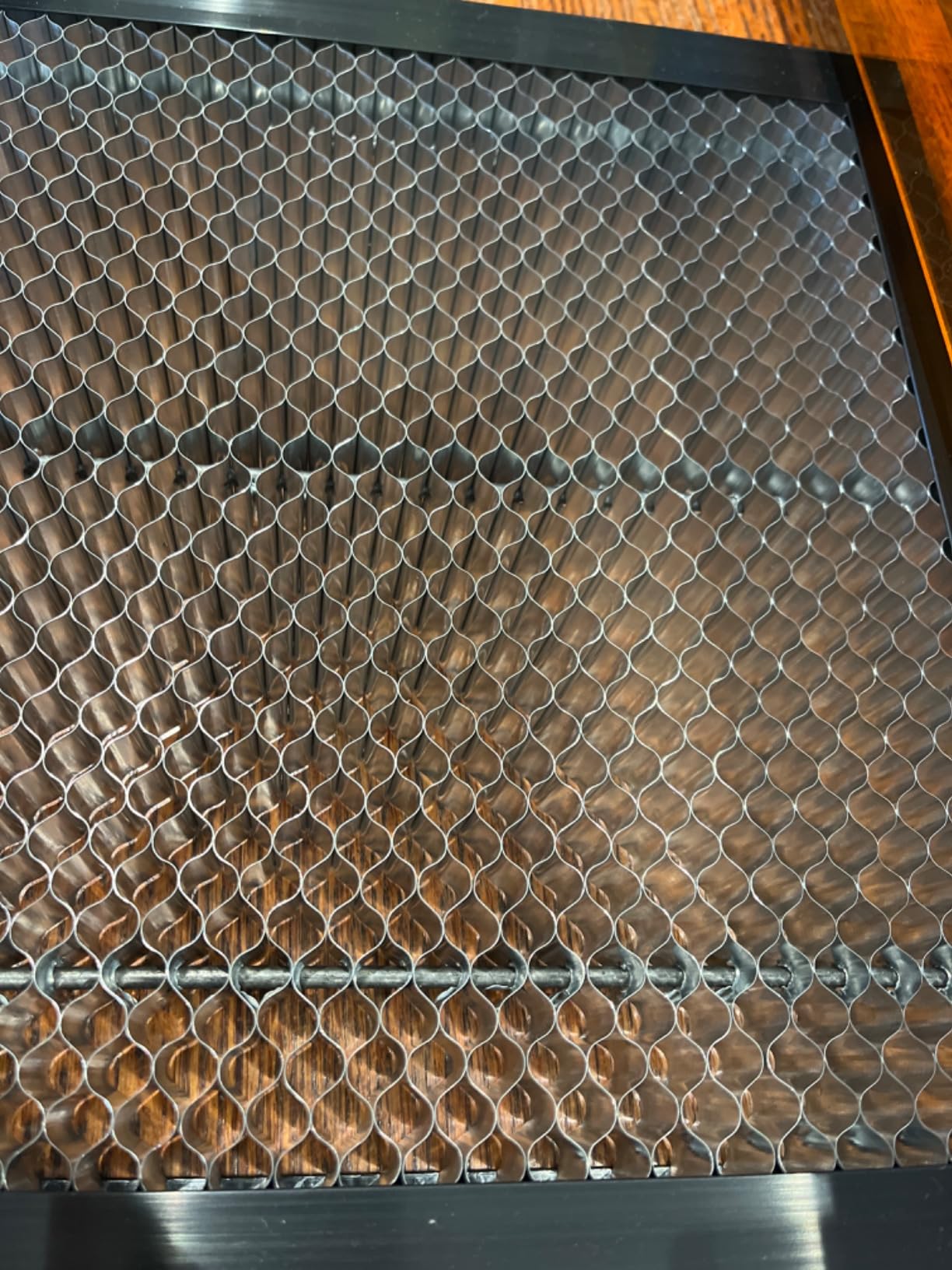
One detail I did not expect to like as much as I do. The bottom metal plate glows during a cut, so light through the cell openings tells you the beam has passed fully through the material, which saves measuring every piece on a small bed. At 1.47 pounds it is one of the lighter beds here, and the open structure maximizes airflow and reduces smoke under the material.
Know the limit before you buy
11.8 x 7.8 inches is genuinely small. It will not take a 12 by 12 inch sheet and it will not grow, though if your machine reports a 300 x 200mm working area this is a near-exact match. Larger sizes including 12 x 12 x 0.87 inch and three-pack versions are also offered. The 0.87 inch build height is on the taller side for a panel this size, so check Z clearance before ordering on a machine with a shallow gantry.
Best as a first upgrade, not a production bed
At 30 reviews this is the least proven pick here, and the sample is not going to tell you how it wears over months of daily cutting. For a first machine, occasional cutting and light use, the rigid iron build and the glowing cut-completion plate make it satisfying and effective. For production work, one of the panels with several hundred reviews behind it is the safer bet.
How to Choose a Honeycomb Bed: Size, Frame Material, Hold-Down and Care?
Step 1: measure the working area, not the machine
Your machine’s advertised working area is the space the beam can reach, and it is not the cavity the bed drops into. Measure the working area in millimeters in each direction and compare it to the panel’s usable area rather than its outer frame, because those are different numbers on several panels here. Then measure the cavity and allow a millimeter or two of clearance per side. A panel a few millimeters undersized leaves material sagging near the edges, and one a few millimeters oversized will not sit flat.
Step 2: check the bed cavity depth and Z clearance
Panels here range from a 12mm frame to a 22mm build height, and that spread decides how thick a material you can cut. Measure the gap between the underside of the gantry at its lowest position and the floor of the cavity, subtract the bed height and the protective plate, and what is left is your practical thickness limit. Some machines also have a raised lip or a removable bottom plate, as on the Creality Falcon, so check that a non-OEM bed still gives you clearance in the lower position.
Step 3: pick the frame material
Aluminum is light and inexpensive but softens with sustained heat and can lose flatness. Steel and iron are heavier, hold flat longer, and iron is magnetic, which is the practical reason to choose it. Black coatings help in both cases by lowering how much light the bed reflects back into the laser head, and the 22mm depth on most panels is what produces the airflow effect. If you only engrave, you do not need that depth and a slat bed or the factory crumb tray is the better choice.
Hold-down systems compared: pins, magnets, risers and tape
Pins press material into the cell openings and stop it tipping, but standard sizes do not fit every grid and tall pins can be struck by the head. Magnets work only on a steel or iron bed, sit low enough to clear the head, and hold thin sheet well. Standoff risers hold material above the bed entirely, which is the answer when the back of a piece must stay perfectly clean, at the cost of the airflow benefit. Painter’s tape is the fallback and is not a substitute for a real hold-down on a moving bed. The community debate between risers and honeycomb is really about material: thin plywood and card need a support surface, while engraved relief and shadow boxes are cleaner on risers because smoke never touches the piece.
Cleaning routine and burn residue removal
Set a schedule. After every job, brush debris out of the cells while the bed is cool, using a stiff brush or a shop vacuum with a brush attachment. Once a week, take the bed out and vacuum both faces, paying attention to the underside where burnt fragments collect. Once a month, wipe the top with a damp cloth and a drop of dish soap, then dry it fully before it goes back in. For stubborn residue avoid anything abrasive, because a nylon brush with a little 70 percent isopropyl alcohol shifts light carbon without scratching a coating and both steel and aluminum tolerate it. Never leave standing liquid on a panel, since it sits in the cells rather than on a surface.
Honeycomb bed vs standoff risers
They answer different problems. A honeycomb bed is a support surface that also vents smoke, and it wins for anything where you want the beam to cut through and the underside to stay reasonably clean. Standoff risers hold material at a set height above the bed and win when back-surface marks are unacceptable or when the material emits heavy smoke, like vinyl or leather. Many owners use both, switching by job, and if you are unsure start with a honeycomb because it improves the majority of jobs.
Frequently Asked Questions
Do I need a honeycomb for laser cutting?
Yes, if you cut through material. A honeycomb bed vents heat and smoke downward through open cells instead of letting the beam reflect off a solid tray, which removes the scorch mark on the back of your cut. For surface engraving only, a flat slat bed or the factory crumb tray works fine.
What size honeycomb bed do I need?
Match the panel’s usable working area to your machine’s advertised working area, and its outer frame to your bed cavity. Most 20W to 40W diode machines take a 300x300mm or 400x400mm panel, while 400x400mm CO2 tubes need 400x400mm or larger. Wide-format machines such as the xTool P2 and P2S need a 605 x 300mm bed.
Is a honeycomb bed better than a slat bed?
A honeycomb bed is better for cutting because it moves smoke and heat away from the material and stops backburn on the underside. A slat bed is flatter across the whole surface, cleans faster, and is better for very small pieces, thin vinyl, and work that needs solid support directly under the cut.
Can I use a honeycomb bed from one brand on a different laser?
Often yes, as long as the usable area fits your working area and the outer frame fits your bed cavity. Machine-specific panels such as the one for the WeCreate Vision or the Creality Falcon A1 are engineered against a real cavity and fit best, while generic 400mm panels work across many brands. Always measure both dimensions before ordering.
How do you hold material down on a honeycomb bed?
On a steel or iron bed, low-profile magnets sit below the surface and clear the laser head, which makes them the safest option. On an aluminum bed, use honeycomb pins that fit the cell openings and check that the head will not strike them. Standoff risers are the alternative when you need the underside of the piece to stay perfectly clean.
How do I clean a honeycomb laser bed?
Brush or vacuum debris out of the cells after every job while the bed is cool. Once a week, take the bed out and vacuum both faces, including the underside where burnt fragments collect. Monthly, wipe the top with warm water and a drop of dish soap, then use a nylon brush with 70 percent isopropyl alcohol for stubborn carbon. Dry fully before reinstalling.
Why does my material sag or tip into the cells?
A bed that is a few millimeters undersized leaves the outer cells unsupported, and tall 22mm panels let small pieces drop in. Use a panel that matches your working area exactly, add honeycomb pins or low-profile magnets to bridge the cells, and check flatness on a level surface. Replacing a warped panel is usually faster than working around it.
Can I cut thicker material on a honeycomb bed?
No. The bed adds height, so the maximum material thickness is set by the gap between your gantry at its lowest position and the top of the bed. A 22mm panel leaves less room than a 12mm one. Measure that gap, subtract the bed height and the protective plate, and that number is your practical cutting limit.
The Bottom Line
The best laser engraver honeycomb bed for most people is the UniTak3D 300x300mm, because 501 reviews at 4.6 stars plus an included shield, corner guards, rivets and pads make it the most proven choice here. If you want a top rating behind a real sample, the Longer iron table at 4.8 from 198 reviews is the pick, and if you run an xTool D1 or D1 Pro the XNEONLab 400x400mm panel covers the full working area.
WeCreate Vision, Creality Falcon A1 and xTool P2 or P2S owners should buy the machine-specific panel rather than a generic square, because those are engineered against a real cavity. Everything else comes down to two measurements: your working area and the depth of your bed cavity. Get those numbers, choose a frame material that matches your hold-down method, and the bed will pay for itself on the first clean cut.