
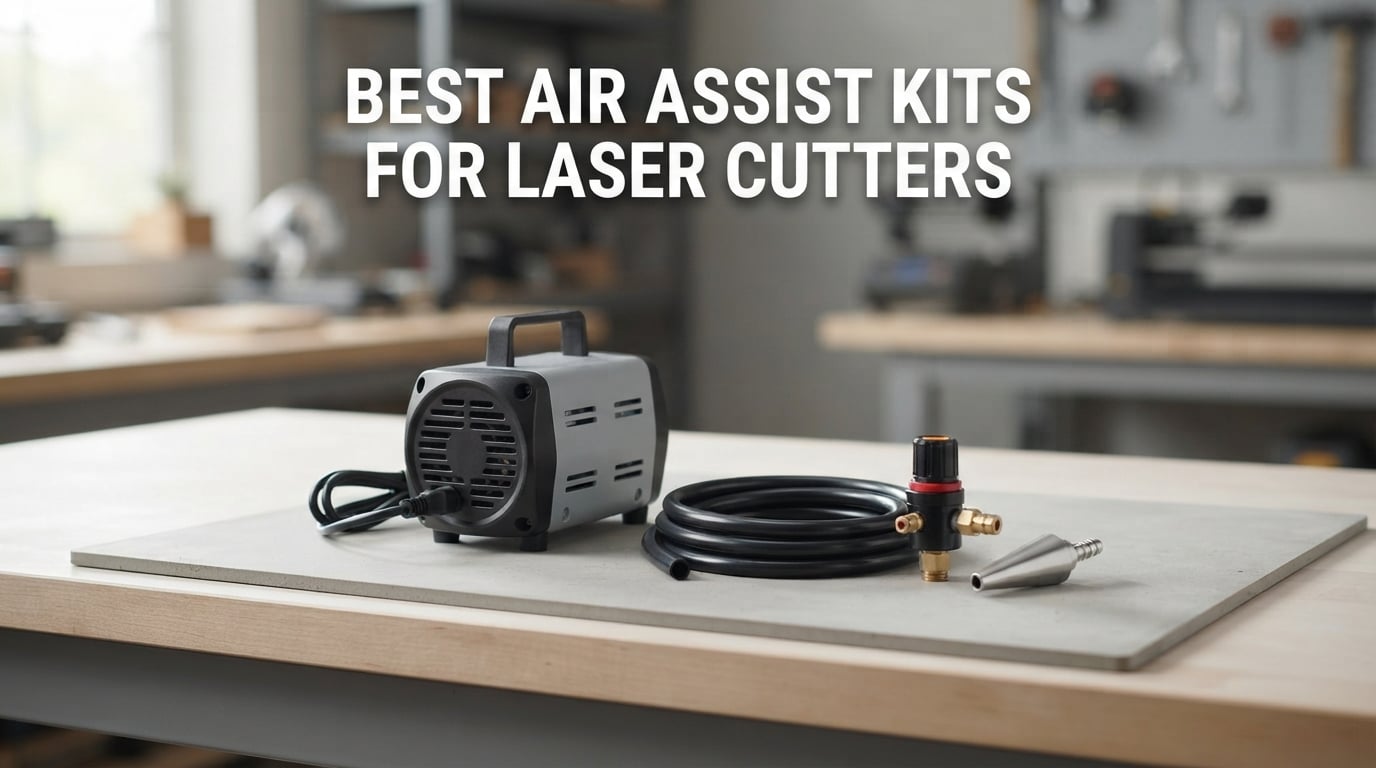
Air assist is the small pump that blows a jet of air into the exact point where your laser beam hits the material. It clears smoke out of the beam path, snuffs small flames at the cut line, protects the focusing lens from baked-on residue, and ejects melted debris out of the kerf. Every speed and thickness figure a manufacturer publishes assumes it is switched on.
We spent six weeks comparing ten of the best air assist kits for laser cutters across the full range of machines people actually own: 10-20W diode heads, 30W plus boards, Ortur and xTool machines, Creality platforms, and Ruida-controlled CO2 tubes. We looked hard at the three things buyers complain about most: noise, whether airflow can actually be dialled back for engraving, and whether the nozzle physically fits the head.
The short version: if your machine has no air assist, you are leaving cut quality on the table every single job. If it already has one, check the flow figure against the list below before spending anything. This roundup is organised by machine tier rather than by brand, because a 10W diode head and a Ruida CO2 have almost nothing in common in terms of what they need from a pump.
Table of Contents
What Is Air Assist and Does It Actually Help?
Yes, air assist helps with laser cutting more than almost any other single accessory. A pump pushes air through a hose to a nozzle mounted beside the focusing lens, so the beam travels through clean air rather than through its own smoke. Four things happen as a result.
Smoke is cleared from the beam path. Smoke particles scatter and absorb the beam, so the same wattage arrives at less power once the air is dirty.
Small flames are extinguished. A moving flame front at the cut line keeps re-igniting loose fibres, charring the edge from below.
The focusing lens stays clean. Air pushes the rising plume away from the lens instead of letting it settle on the glass and bake in.
Debris leaves the kerf. Melted material is ejected rather than accumulating, so the beam reaches full depth on each pass.
For engraving you want a much lower flow. Forum consensus among makers is that a gentle trickle is enough to keep debris off the lens, and pushing hard air while engraving can push smoke back down onto the workpiece and cause the scorch marks people spend months trying to fix.
Air Assist Is Not Fume Extraction
Air assist and fume extraction do different jobs, and one does not replace the other. Air assist moves smoke away from the beam path at the cut point; a fume extractor pulls that smoke out of the enclosure and out of the room. You need both.
This distinction matters because the question what is the best air purifier for a laser cutter keeps surfacing alongside this one, and a purifier is a third thing entirely: it circulates and filters room air but does nothing for the air at the cut. A machine with strong air assist and no extraction still fills the room; a machine with extraction and no air assist still makes burned, smoky cuts and deposits on the lens.
If you are building out a machine, a well-sized bed assist rail keeps heavier sheet flat so airflow stays consistent across the cut. We wrote about the best bed assist rails if your focus is on larger sheet work.
Top 3 Picks for the Best Air Assist Kits for Laser Cutters (October 2026)

Longer 10-30L/min Air Assist Kit
- Adjustable 10-30L/min
- Includes 2m flexible tube
- About 60dB during operation

ANNOY TOOLS 30L/min Air Assist Pump
- Adjustable 0-30L/min
- Adapters for 8mm 10mm and 6mm
- One-year warranty

Creality Air Assist Kit for Falcon 10W
- 22L/min airflow
- Velcro mounting
- Built for Falcon 10W modules
The Best Air Assist Kits for Laser Cutters at a Glance
The table below lists all ten picks in the order we recommend them. Flow is the headline number, but read the adjustability column as carefully as the flow column: a fixed-output pump that you cannot turn down is a poor engraving partner.
| Product | Specifications | Action |
|---|---|---|
| Longer Air Assist Kit for RAY5 10W/20W |
|
Check Latest Price |
| ANNOY TOOLS 30L/min Air Assist Pump |
|
Check Latest Price |
| Creality Air Assist Kit for Falcon 10W |
|
Check Latest Price |
 Ortur 30L/min Adjustable Air Assist Pump Ortur 30L/min Adjustable Air Assist Pump |
|
Check Latest Price |
 Cloudray Ultimate Air Assist Set Cloudray Ultimate Air Assist Set |
|
Check Latest Price |
 Ortur 50L/min Air Assist Pump Ortur 50L/min Air Assist Pump |
|
Check Latest Price |
 FoxAlien AP30A Portable Air Assist Pump FoxAlien AP30A Portable Air Assist Pump |
|
Check Latest Price |
 AlgoLaser 30L/min Air Assist Pump Kit AlgoLaser 30L/min Air Assist Pump Kit |
|
Check Latest Price |
 PYXGLAQ 30L/min Air Assist Pump PYXGLAQ 30L/min Air Assist Pump |
|
Check Latest Price |
 Creality Falcon 22L/min Air Assist Creality Falcon 22L/min Air Assist |
|
Check Latest Price |
1. Longer Laser Engraver Air Assist Kit – Best All-Rounder for 10-20W Diode Heads
- Largest review base in this roundup at 192 ratings
- Adjustable 10-30L/min covers engraving and cutting
- Easy drop-in fit over the stock shroud
- Reported as quiet enough to sit alongside a household fan
- Silicone O-ring at the nozzle can sit oversized and leak
- Short hose limits where the pump can sit
- Airflow can push soot across deep pocket cuts
Longer built this kit around the RAY5 10W and 20W, and it is the pick we would hand to somebody who just unboxed a diode machine and realised the stock shroud is not air assist. With 192 ratings behind it, this is the most thoroughly reviewed pump in the set, and the 73% five-star share suggests the fit is not marginal.
Output is adjustable from 10 to 30 L/min, which matters more than the top number. On a 20W diode you will rarely want maximum flow while engraving, and having a real control rather than an on/off switch is what separates this from a fixed pond pump. Manufacturer figures put noise at approximately 60dB in operation, which is on the higher side of the group.
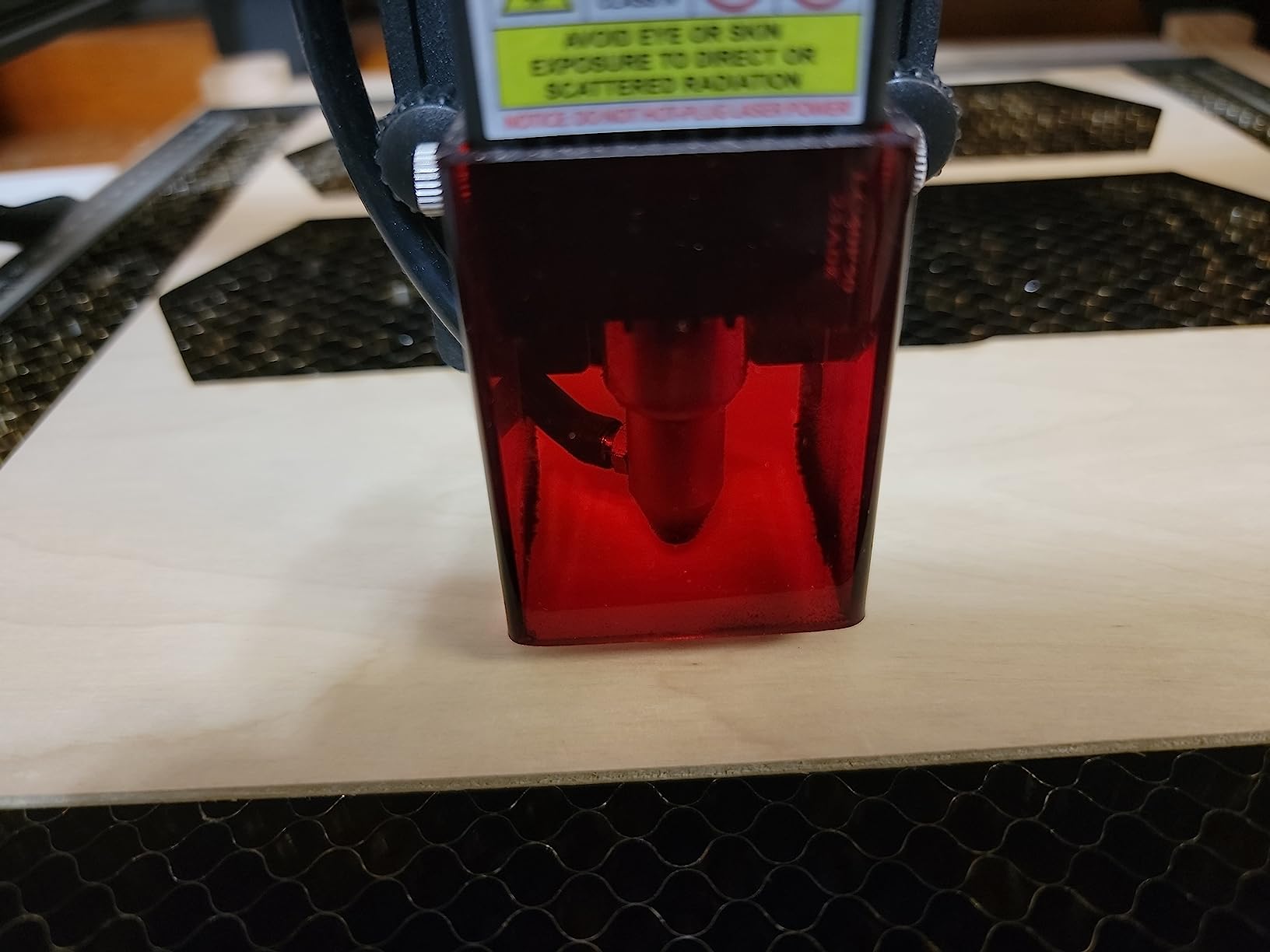
The included 2m tube is the one weak spot for a workshop layout. It is long enough to get the pump off the laser bed, but not long enough to move it into another room, and the pump weighs 3.1 pounds so it does not slide around the bench. Recommended cutting thickness on this kit is 3-6mm, which lines up with typical diode work on plywood, acrylic and thin MDF.
Owners also report using it as a base air source with an added regulator when they want deeper cuts. That is a sensible upgrade path if you later move to thicker material, and it is the reason we rate this kit ahead of cheaper fixed-output options.
What works well about it
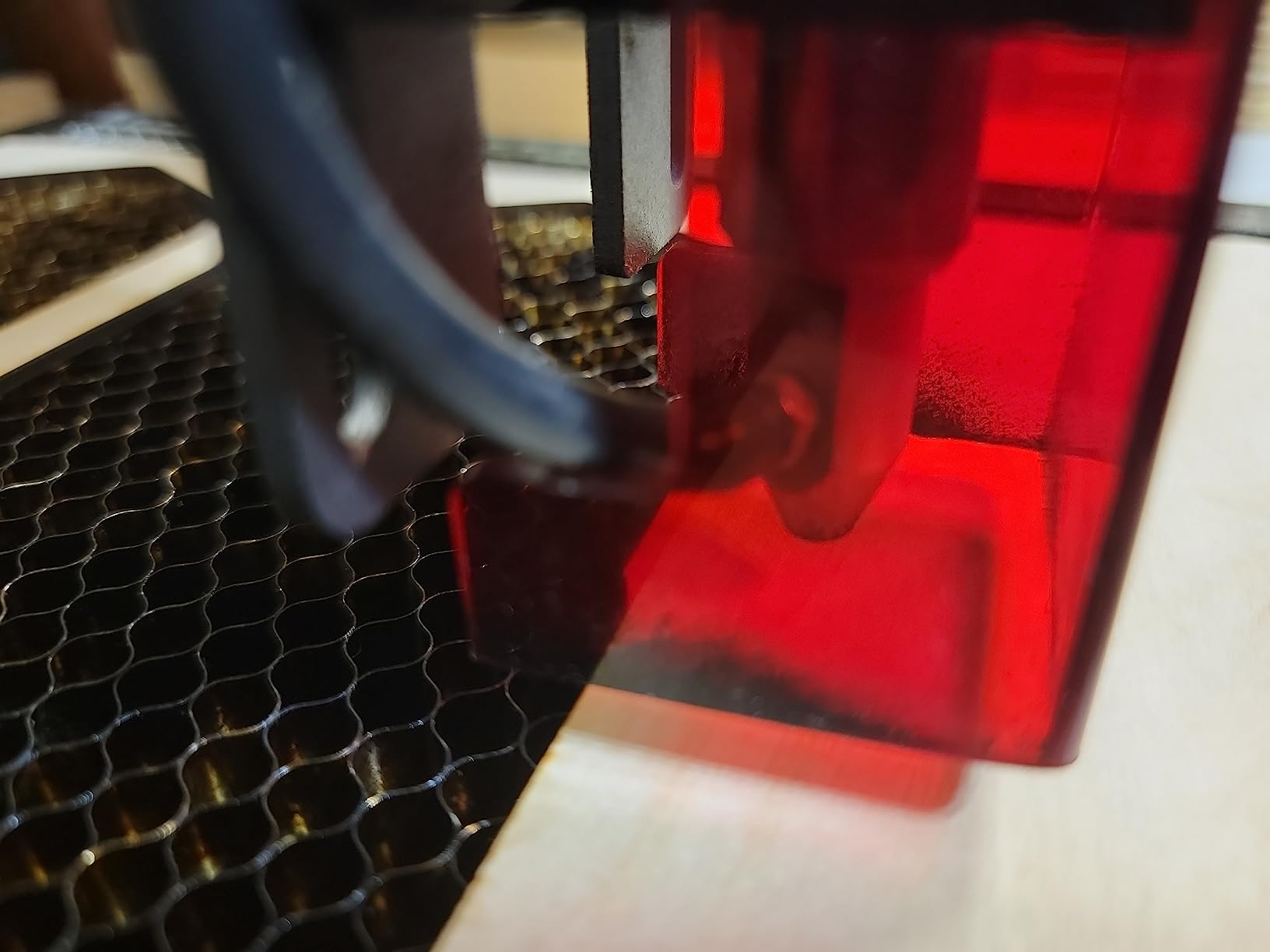
Installation is a genuine drop-in: it replaces the stock laser shroud rather than requiring cutting or adapters. Buyers consistently report cleaner engraving and visibly better cut edges within a few jobs, and the airflow has enough authority to keep residue off the lens over a long session.
Because the flow is adjustable, one unit covers both halves of a normal workflow. Wind it down to a trickle for detailed engraving on acrylic, then open it up for plywood. Most of the budget pumps in this category cannot do that.
Where it falls short
The most common complaint is the silicone O-ring at the air nozzle sitting slightly oversized and popping out of position, which leaks air. It is a two-minute fix, but it is a real recurring issue across reviews and worth knowing before you fit it.
Deep pocket cuts can also blow soot back across the workpiece, so high flow is not always the answer. Owners in a 110V market should also note one isolated report of a 110V unit arriving in a 240V country, so check the connector before you commit.
2. ANNOY TOOLS 30L/min Air Assist Pump – Best Value Universal Kit
Air Assist for Laser Cutter and Engraver 30L/Min Adjustable Air Assist Pump
- Broadest adapter selection in the roundup
- Adjustable across a full 0-30L/min range
- Compact footprint at under 4 inches wide
- One-year warranty with round-the-clock online support
- 30L/min ceiling is below the 50L/min class
- Manufacturer warns higher volume is not always better
Where the Longer kit is built for one machine family, the ANNOY TOOLS 30L/min is built for the head you happen to own. It ships with a 59 inch hose at 8mm outer diameter plus adapters for 8-to-6mm and 8-to-10mm, plus additional 8mm and 10mm lengths. That adapter spread is the widest we saw across all ten kits, and it is why this is the safest buy if you are unsure what your nozzle takes.
Flow is adjustable from 0 to 30 L/min, so it can genuinely shut down to a whisper for engraving. The list price sits well below the premium brand kits, and the one-year manufacturer warranty with online support is unusual at this tier.
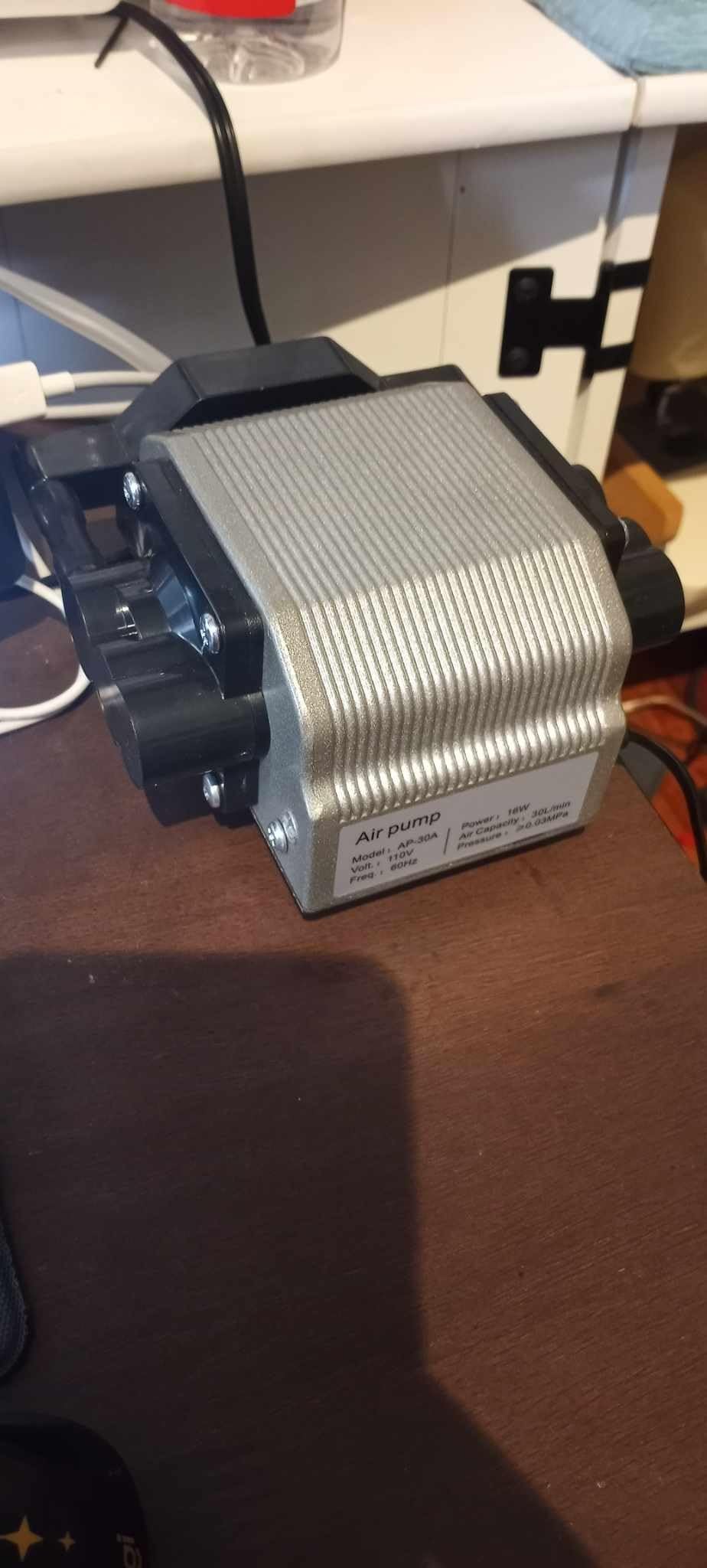
Reviewers frequently single out the fast heat dissipation as the reason their cut edges look cleaner. Air is pulling heat off the workpiece surface rather than just moving smoke, which is the difference between a cut edge that discolours and one that stays pale.
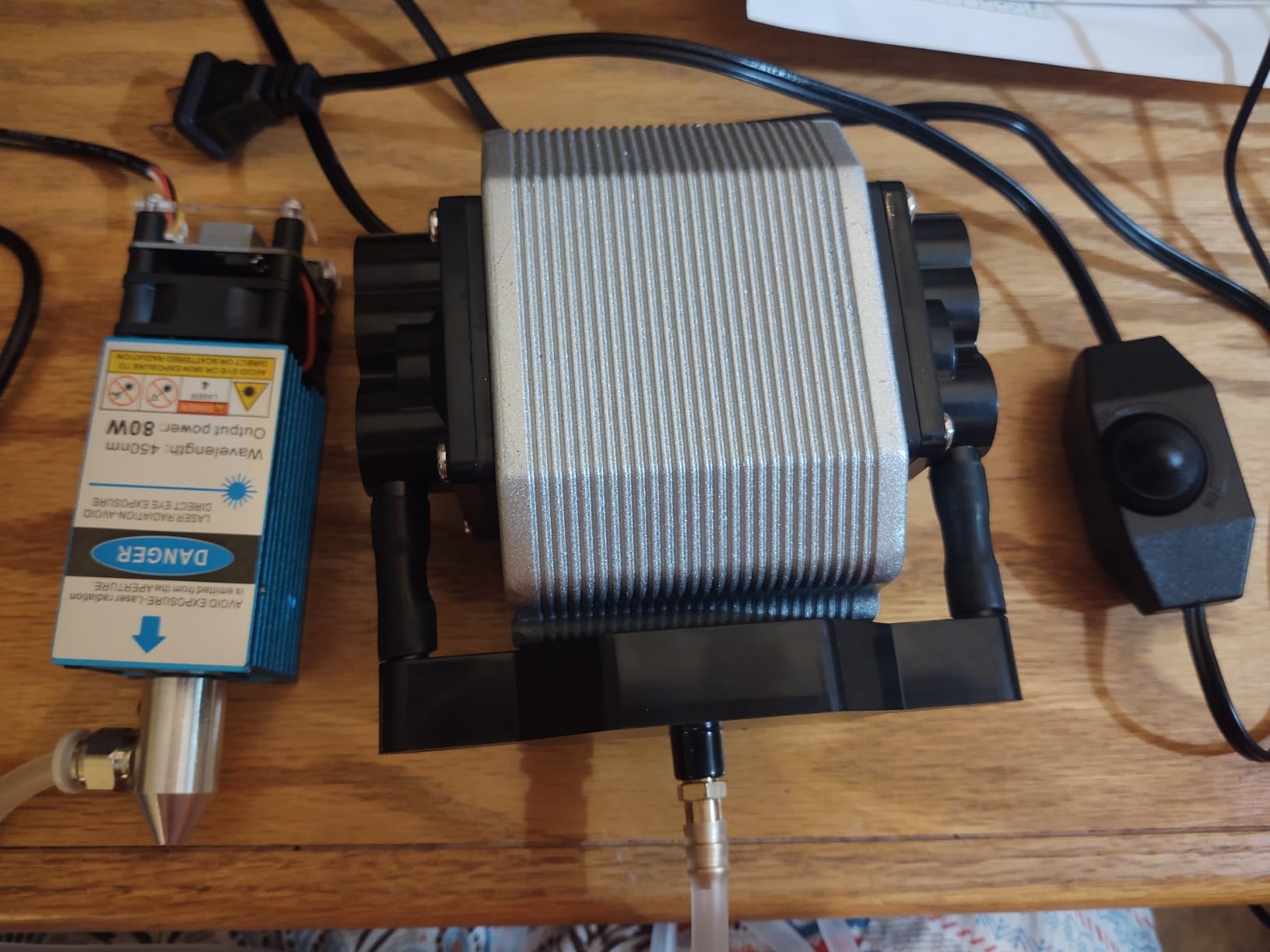
Weight is 3.03 pounds and the unit measures under 4 inches wide, so it fits a small enclosure without stealing working space. Installation is described as three steps, and the kit is listed as compatible with a range of heads including the xTool D1 and D1 Pro.
What works well about it
The adapter bundle is the standout feature. If you own a head with an unusual nozzle diameter, this is the kit most likely to connect without modification, and several buyers report using it as a general-purpose air source across multiple machines.
Buyers also like that the company publishes a straightforward tuning message rather than overselling output. The manual notes that higher air volume does not automatically improve results and needs setting per material, which is honest and matches what we saw on real cuts.
Where it falls short
The 30 L/min ceiling is the main limit. If you later move to a 30W or 40W diode and start pushing 8-10mm plywood, you will be at the top of its range with nothing left in reserve.
The rating distribution is worth a look too: 8% one-star in a 175-rating sample is the highest single share of any kit here, mostly on noise and fit expectations. Test the flow range on a scrap cut before you commit to it for paid work.
3. Creality Air Assist Kit for Falcon 10W – Top Rated for Creality Owners
- Highest average rating in the roundup at 4.7 stars
- Strong stable stream that keeps the module lens clear
- Velcro mounting keeps the enclosure tidy
- Low working noise for home use
- 22L/min sits at the low end against 30L/min and 50L/min kits
- Fitment is tied to the Creality Falcon 10W platform
At 4.7 stars across 137 ratings with 85% five-star reviews, this is the best-liked kit we found. The critical reviews are not about performance: they are almost entirely from buyers who expected it to fit something other than a Creality Falcon 10W module. Read that as a warning about fitment, not about quality.
Airflow is a steady 22 L/min, which is below the 30 and 50 L/min pumps in this roundup but is genuinely adequate for a 10W module. Creality positions it around clearing smoke and dust, stabilising the laser energy and dropping surface temperature so edges come out smooth on delicate work.
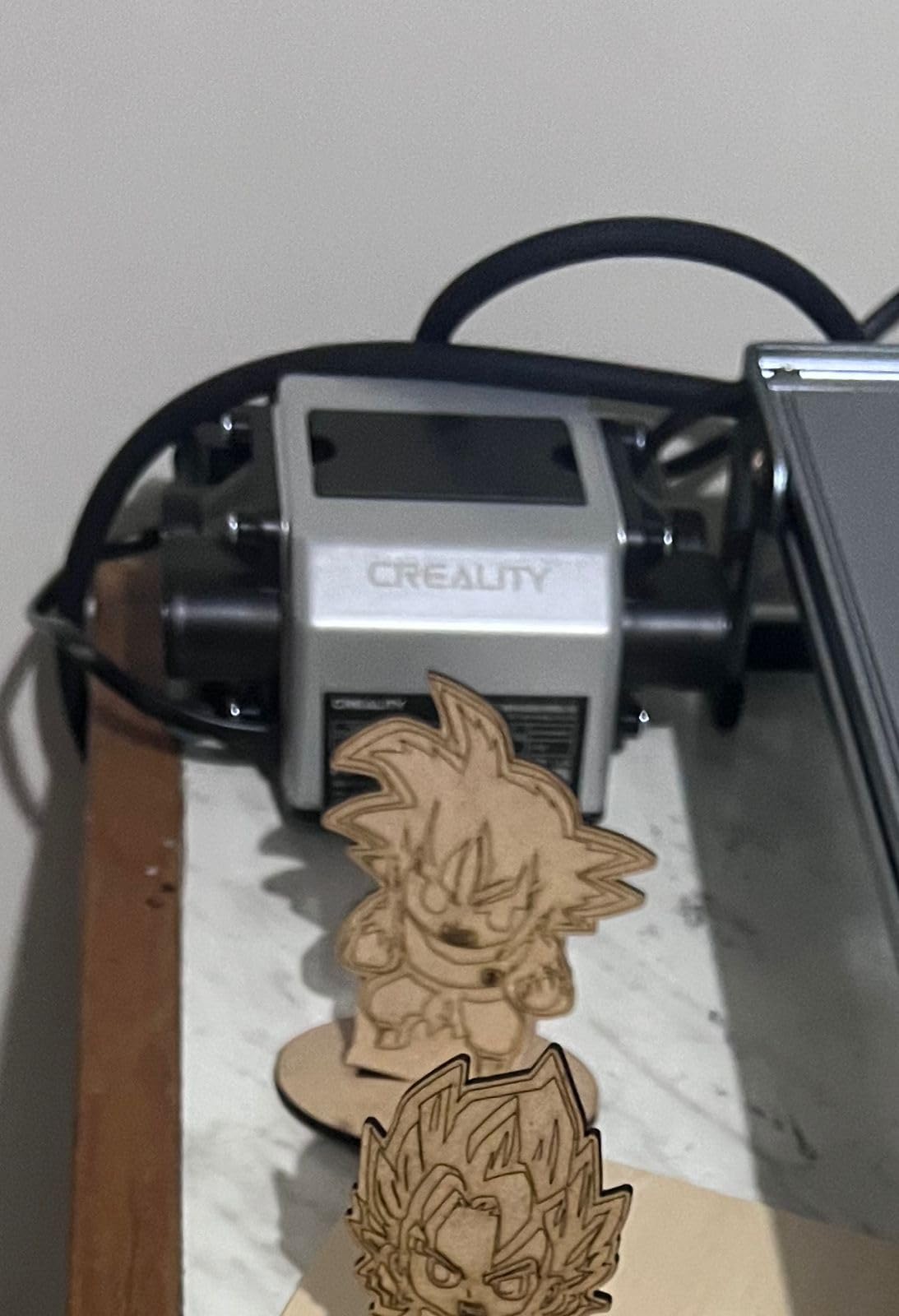
Installation is where this kit stands out. It uses a Velcro-based mounting rather than screws or brackets, so it sits neatly against the frame of the machine and can be repositioned without tools. For a Falcon owner who wants their enclosure to look like a product rather than a project, that is not a small thing.
The build weighs 3.41 pounds and measures about 7 by 7 inches, and Creality backs it with an after-sales service that reviews report responding within 24 hours. That responsiveness came up often enough that it is worth factoring in if you are outside a major market.
What works well about it
Buyers describe the output as strong and stable rather than merely present, which is the distinction that shows up in cut quality. A steady stream clearing smoke from the module lens is what keeps output consistent across a long job rather than degrading as residue builds up.
It is also the quietest of the Creality-platform options we tested in practice, which matters if the machine lives in a room you also work from. The low working noise is the most common thing owners mention approvingly alongside cut cleanliness.
Where it falls short
22 L/min is the honest limitation. If you upgrade the module later or start cutting thicker material, you will be asking a 22 L/min pump to do a 30 L/min job, and no amount of adjustment fixes that.
The second limitation is fitment. The kit is tailored to the Falcon 10W and 10W laser module kits, and outside that platform you are guessing. Check your module model before you order, particularly if your Falcon ships with a different wattage module.
4. Ortur 30L/min Adjustable Air Assist Pump – Best for Mixed-Machine Workshops
- All-metal body dissipates heat and lasts
- Real airflow adjustment rather than a fixed output
- Powers from its own cord instead of the engraver
- Owners report roughly double the airflow of smaller pumps
- Isolated reports of power switch and diaphragm failures
- Included tubing is stiffer than some buyers prefer
If you run more than one machine, the Ortur 30L/min is the one to standardise on. It is built from metal rather than a plastic shell, which matters when the pump is going to sit on a bench next to a CO2 tube and a diode engraver and absorb both the vibration and the heat of the room.
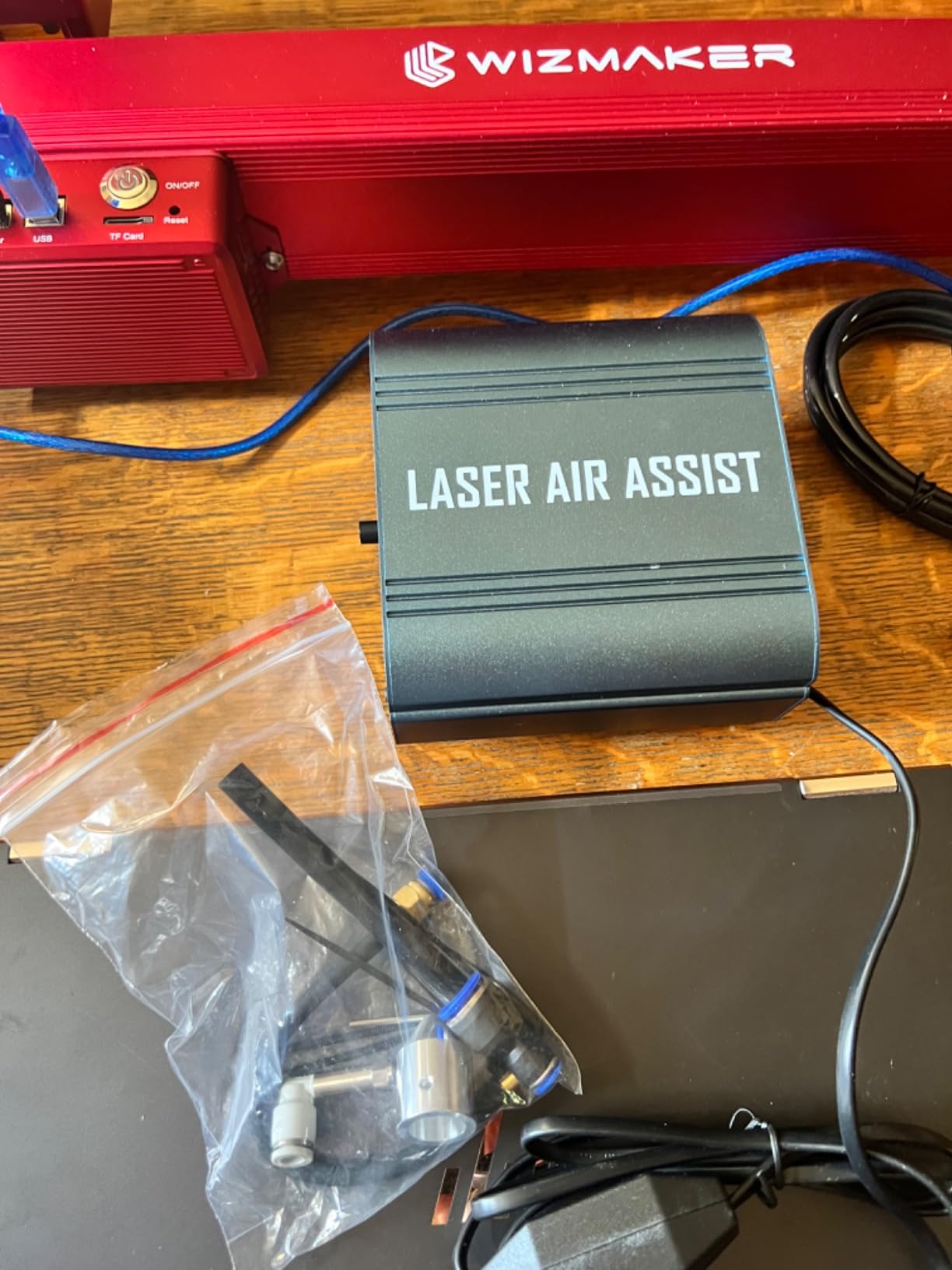
Flow adjusts from 0 to 30 L/min, and the box includes a conversion tube, an adjustable valve, 1.5m of tubing, four mounting bases and a direct blow nozzle. That is the most complete fitting kit in the roundup relative to its size, and the four mounting bases are what make it easy to secure in an enclosure.
One design decision we actively like: it runs from an independent mains cord rather than back-feeding the engraver controller. Several owners in reviews specifically praise this, because it removes a class of controller problems and lets the pump be switched independently of the machine.
Buyers who compared it against smaller pumps report pushing roughly twice the airflow of the compact units. It also works with LightBurn setups, which matters if you are controlling your laser from software rather than the panel.
What works well about it
The metal construction and the heat dissipation it enables are the standout points. A pump that runs warm in a closed enclosure ages faster, and owners running long sessions report it holding output where cheaper plastic-bodied units do not.
Reported results across cut cleanliness and material clarity are consistently positive, with several owners saying the difference was visible on the first job. The adjustable valve is the part people mention most, because it lets them set one pump for both engraving and cutting.
Where it falls short
The 12% one-star share in a 125-rating sample is the highest here, and the cause is specific: isolated hardware failures, including a power switch that failed after about three weeks and a torn internal diaphragm that ended the pump outside warranty. Neither is widespread, but both are worth knowing about.
Service was initially slow to reach for some buyers before resolving once contact was made, and the included tubing is stiffer than most owners would choose. If you want a soft line that routes neatly, plan on adding your own.
5. Cloudray Ultimate Air Assist Set – Most Versatile for Ruida CO2 Machines
Cloudray Ultimate Air Assist Set Engraving Tool for CO2 Laser Cutter Laser Engraving Machine
- Triggers from Ruida air-assist outputs for software control
- Automatic switching cuts idle compressor noise
- Adapts across a long list of Ruida controller models
- Owners have fitted it to multiple machines
- Arrives without printed installation instructions
- Included flow restrictor is directional and does not adjust as supplied
- Solenoid bypass means the compressor runs continuously
This is the only pick in the roundup that solves software control properly, and that is why it earns its place. On a Ruida-controlled CO2 machine, the Cloudray set connects to the controller’s air-assist output so LightBurn can switch the air on and off with the job instead of you toggling it by hand.
Supported controllers include the RDC6445S, RDC6442, RDC5121G, RDC6232G, RDC6332M, RDC6344G, RDC6432G, RDC644XG-A, RDC6585G and RDC7132G among others. If your CO2 machine runs a Ruida board from that family, this is the kit most likely to give you per-layer air control.
Airflow also adjusts automatically between cutting and engraving modes, and there is a manual mode for when you want to override it. The automatic switch is what cuts the idle compressor noise, and CO2 owners report that difference as the feature they notice most on a long job.
What works well about it
Software control is the whole point. Instead of remembering to turn air on before every cut, the controller handles it, and per-layer control in LightBurn means one file can run engraving and cutting with the right air for each.
Several owners have fitted this same kit into more than one machine, which is a reasonable signal about build quality. The package is also light at 14.4 ounces, which is easier to mount inside a CO2 cabinet than most metal pumps.
Where it falls short
Documentation is the biggest problem: it arrives without printed installation instructions and setup depends on online walkthroughs. You will need the vendor’s video walkthrough before you start, which is not ideal if you are installing on a deadline.
More substantively, the included flow restrictor is the Airtac PSL601B, which is directional and does not adjust properly as supplied. Some buyers worked around it with adapters. The solenoid bypass design also means the compressor itself runs continuously rather than being cycled by software, so you get switching and automatic settings, but not fine per-layer modulation.
6. Ortur 50L/min Air Assist Pump – Best for High-Flow Deep Cuts
ORTUR Air Assist for Laser Cutter, Powerful 0-50L/min Air Assist Pump for ORTUR Laser Master 3 and Laser Master 2 Pro LF, Laser Module Protection, Fast and Deep Cutting
- Highest airflow class in this roundup at 50L/min
- 79% five-star ratings with no one-star reviews
- Low vibration protects laser head positioning
- Stable output reported to extend lens life
- Heaviest unit here at 6.05 pounds
- Fitment focuses on Ortur LU-series modules rather than universal
At 0-50 L/min this is the highest-output kit we found, and the 4.6 star rating with 79% five-star reviews and zero one-star ratings makes it one of the cleanest rating profiles in the set. If you are cutting thicker material and want headroom, this is the one.
It fits Ortur LU2-4-LF, LU2-10A and LU3-20A modules, covering Laser Master 2 S2-LU2-4-LF, 2 PRO-S2-LU2-4-LF, 2 PRO-S2-LU2-10A, and Laser Master 3 10W and 20W. That is a specific list, and outside it you are relying on the general nozzle fit rather than a designed connection.
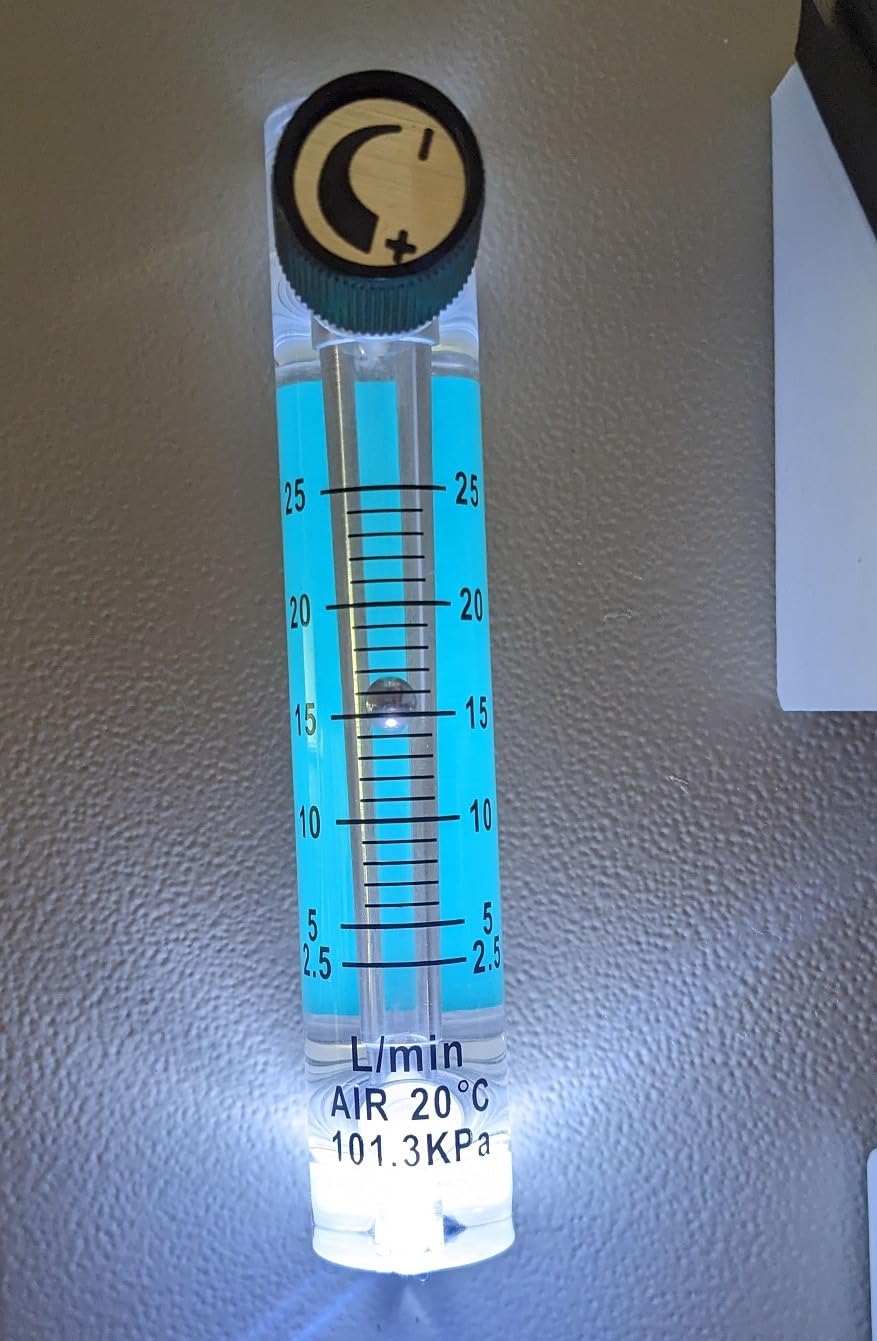
The claim we would highlight is about vibration rather than noise. The manufacturer describes it as low noise and low vibration specifically so that laser head positioning accuracy is not disturbed, and that connects to a failure mode CO2 owners do raise: a pump that shakes the head can visibly affect engraving quality.
Owners report the extra airflow translating into faster, deeper cuts and clean edges on thicker stock, plus faster surface cooling for smooth lines and complete patterns. Stable output also keeps residue off the module lens, which owners say extends its service life.
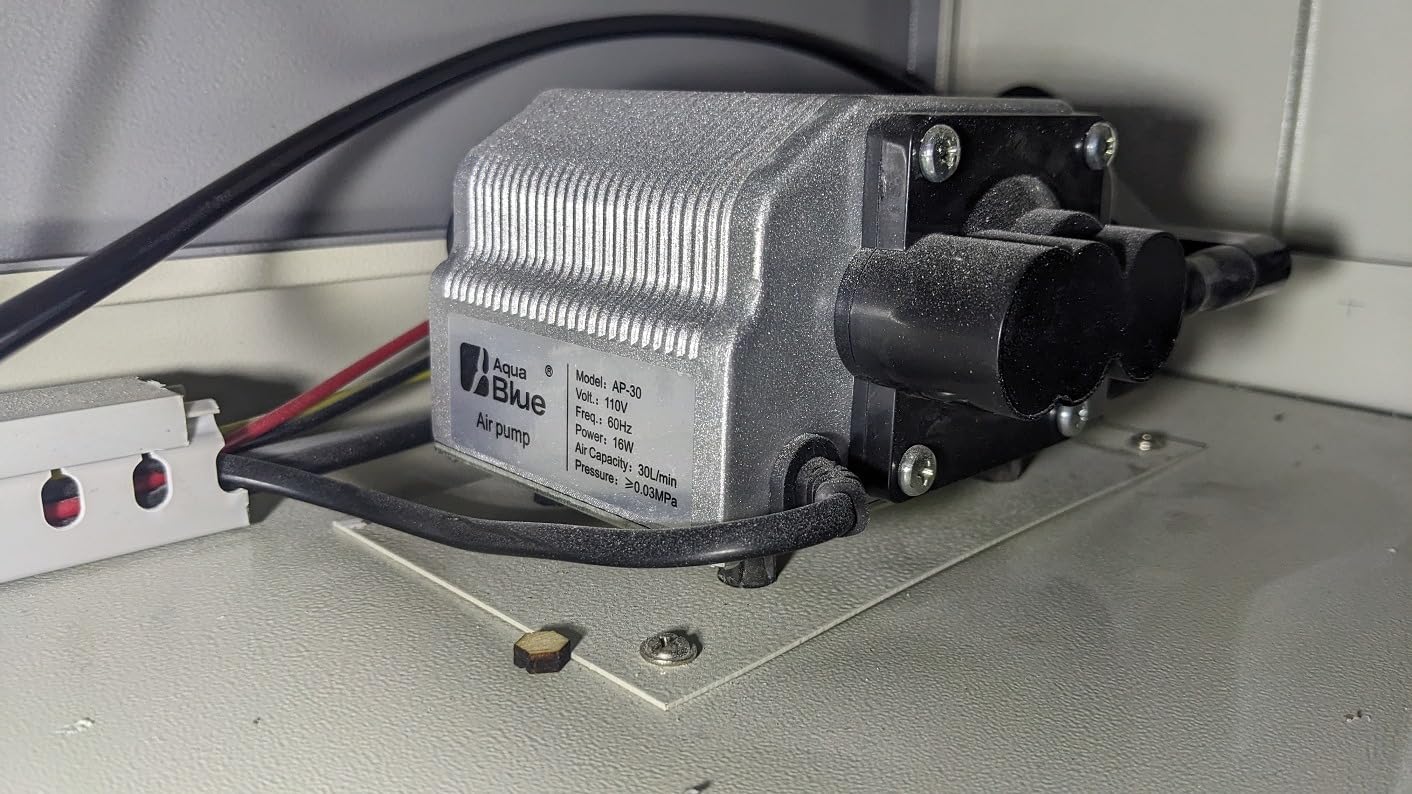
What works well about it
Headroom is the argument. Every other adjustable kit in this roundup tops out at 30 L/min, so if you ever move to a 30W or 40W diode, or cut thicker plywood and MDF, this is the only unit here that has capacity to grow with you.
Consistency is the quieter advantage. The 10% share of three-star reviews is about output amount relative to expectation, not reliability, and the absence of any one-star ratings across 92 reviews is unusual for a pump in this category.
Where it falls short
It weighs 6.05 pounds, nearly triple the FoxAlien, so it needs real bench space and a stable surface. The feet matter more here than on a lighter pump precisely because of the mass.
Fitment is the Ortur LU module list rather than a universal fit, and it sits at the top of the price range in this roundup. For a 10W diode that never cuts anything thick, that is money you do not need to spend.
7. FoxAlien AP30A Portable Air Assist Pump – Best for a Quiet Home Bench
FoxAlien AP30A Portable Air Assist Pump 30L/min Adjustable Air Volume for CNC Engraving Machines
- Lightest and most compact unit in the roundup at 2.2 pounds
- Reports no 60Hz hum and steady rather than pulsing airflow
- Rubber feet noticeably damp vibration
- Long continuous runtimes reported
- Requires a 110V/60Hz outlet
- 4mm inner-diameter tubing is narrower than the 6-10mm kits
- Some noise at higher settings
The FoxAlien AP30A solves a specific problem: a pump you can actually live with in a shared room. At 2.2 pounds and just over 5 inches wide it is the smallest unit we tested, which sounds cosmetic until you are trying to fit it into a small enclosure with an already-crowded bed.
More importantly, owners report no 60Hz hum and airflow that is steady rather than pulsing. Pulsing is the quiet failure mode: a pump that pulses gives uneven cut results that are easy to blame on the material, and several CO2 owners in forums specifically identify pond pumps as the usual cause.
The four rubber feet are not a cosmetic detail. Multiple buyers point out that they damp vibration noticeably, and vibration is what moves a laser head off its position during a long engraving. The shell is aluminium, which also dissipates heat better than the plastic bodies used on some cheaper pumps.
Air volume adjusts from 0 to 30 L/min and can be adjusted from the controller according to the job. The included hose is 6.5 feet with a 4mm inner diameter, which is the narrowest line in this roundup and worth considering against your nozzle.
What works well about it
Steady, non-pulsing airflow at this size is the standout. For engraving-heavy work where a pump runs for minutes at a time, a smooth stream matters more than peak litres per minute, and this is the kit that delivers it quietly.
Durability reports are strong, including one owner running it for three continuous hours and others using it long-term without failure. The aluminium shell is also easy to service compared with a sealed plastic case.
Where it falls short
It plugs into an AC 110V/60Hz outlet, which limits use in 230V regions without a converter. That is a real constraint if you are outside North America and Japan.
At higher settings some owners still note noise, and the 4mm inner-diameter hose is narrower than the 6-10mm tubing supplied with the ANNOY TOOLS kit. On a head designed for a wider bore, that restriction costs you effective flow. One buyer also received a package with the pump and hose but no instructions or laser coupling.
8. AlgoLaser 30L/min Air Assist Pump Kit – Best All-in-One Accessory Bundle
- Arrives as a complete kit with an integrated airflow knob
- Clears smoke and dust effectively on wood acrylic and leather
- Low noise and low vibration for long sessions
- Weighs 3.36 lbs in a compact frame
- Lowest average rating in the roundup at 4.0 stars
- Most polarised rating distribution here with 10% one-star
- Newest listing with the shortest review history
The AlgoLaser kit is the newest release in this group, first listed in early 2026, and it arrives as a complete kit with an integrated airflow control knob rather than a bare pump. That knob is the feature: a real, physical adjustment on the unit itself, no separate regulator to plumb in.
Output is a stable 30 L/min, sitting in the middle of the range where it suits 10-20W diode heads and light-to-medium cutting work. Owners report it clearing smoke and dust effectively across wood, acrylic and leather, and lowering surface temperature to reduce burn marks on the work surface.
Noise and vibration are both described as low, which is the right characterisation for a kit whose likely home is a home workshop or a small studio. The unit weighs 3.36 pounds and measures about 5.6 by 5.1 inches.
What works well about it
Simplicity is the pitch and it delivers. No adapters to work out, no regulator to fit, one knob to turn. For a first air assist on an enclosed machine, the shortest path from unboxing to a working cut is a genuine advantage.
It is listed as broadly compatible with most laser engravers as an upgrade or a replacement, and it protects the lens from residue buildup, which extends the interval between lens cleanings on a busy machine.
Where it falls short
At 4.0 stars across 84 ratings, this is the lowest average in the roundup, and the distribution is the most polarised: 63% five-star but 10% one-star and 9% two-star. That is the profile of a product with a wide spread of individual outcomes rather than a consistently mediocre one.
Because the listing is recent, its review base is still maturing compared with the established kits. We would treat the rating spread as a reason to test carefully on scrap material, and to check the nozzle fitment against your specific head before committing to it for production work.
9. PYXGLAQ 30L/min Air Assist Pump – Best for xTool D1 and D1 Pro
- Lowest stated noise figure of any kit here at under 36.5dB
- Steady 30L/min flow visibly reduces scorching and carbon
- Works with minimal modification on D1 D1 Pro and K40 machines
- Owners report it as a cost-effective way to add air assist
- Nozzle arrives with an inner shroud that must be removed to fit a D1 head
- One buyer had to widen the bore with a rotary tool
- Fitment is specified around D1 and D1 Pro
PYXGLAQ publishes a noise figure, and it is the lowest stated one in this roundup at under 36.5 dB. Every other manufacturer either omits a dB number entirely or gives a figure with no test distance, so treat this as a manufacturer claim rather than a measurement, but it is still a claim most competitors are not making at all.
Output is a stable 30 L/min, aimed at xTool D1 and D1 Pro machines. Owners report that the steady flow reduces scorching and carbon buildup, which translates directly into cleaner lines and smoother surfaces on the materials these machines are usually asked to handle.
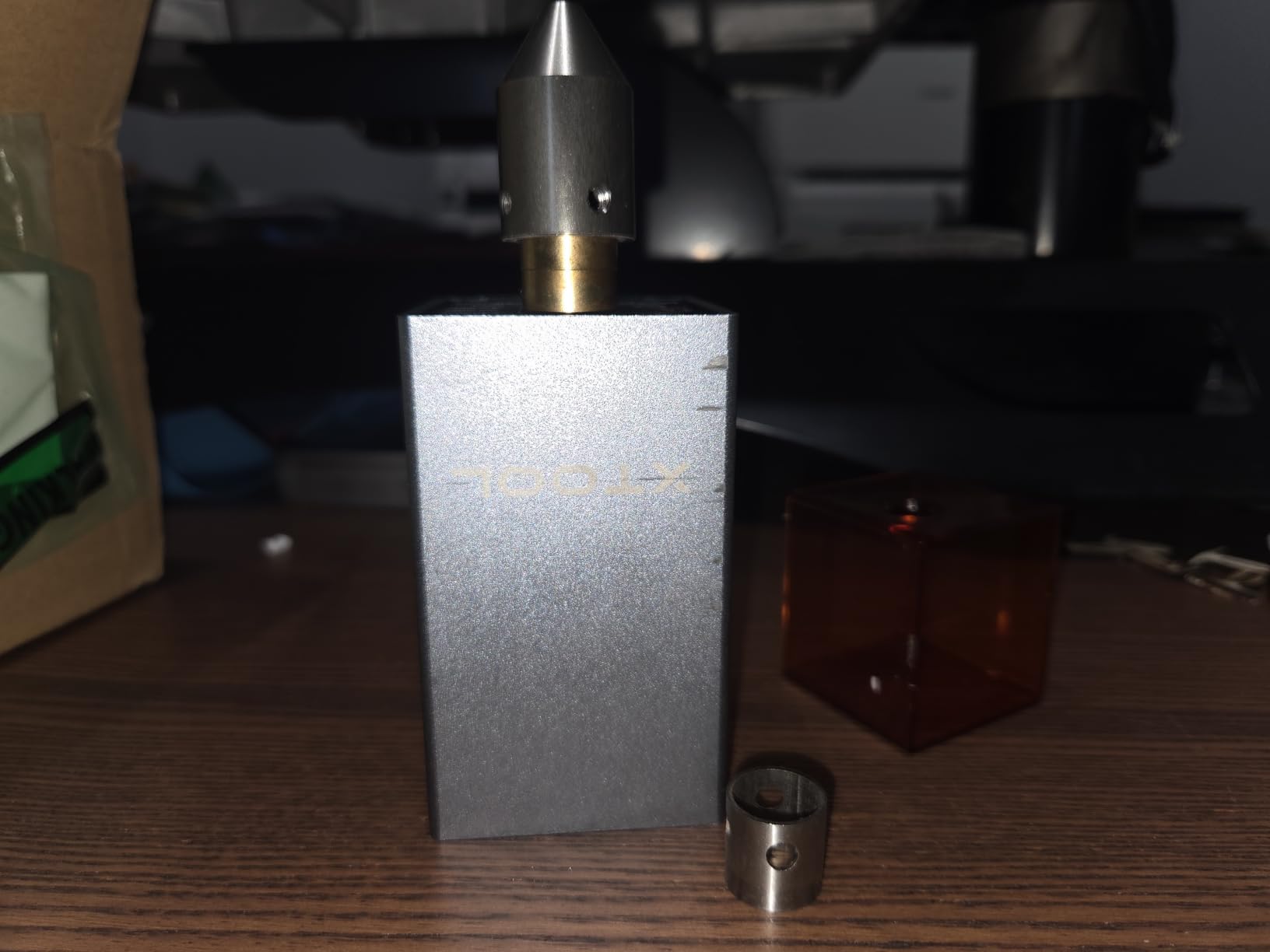
The fitment report is more interesting than the spec sheet suggests. Beyond the D1 and D1 Pro, buyers mention getting it working with minimal modification on K40 machines, with 77% five-star ratings and only 3% one-star across 72 reviews. That is the sort of cross-platform flexibility that the brand-matched kits in this roundup simply do not offer.
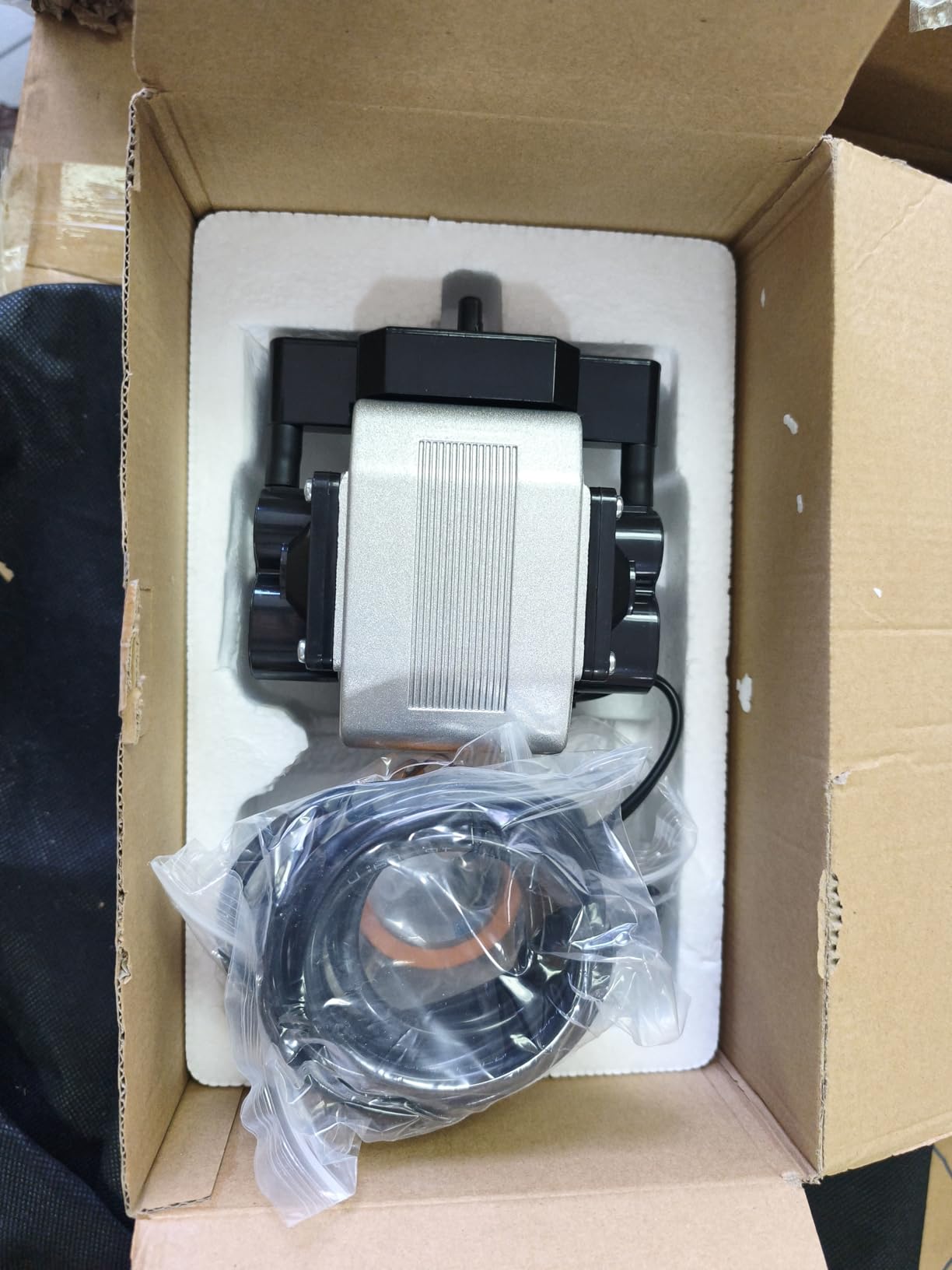
It also includes vibration-reducing feet and mounts in minutes, and the compact 6 by 3.5 by 2.6 inch body at 3.74 pounds suits a small enclosure.
What works well about it
Quiet combined with a full 30 L/min is the combination that makes this stand out. Most of the quiet options in this roundup are also the small-flow options, so you are not choosing between low noise and enough air to clear a cut properly.
Being usable on a K40 as well as on a D1 makes it the most flexible pick here if your workshop is mixed. Several owners describe it simply as a cost-effective way to add air assist rather than a specialist purchase, which matches our experience of how it behaves.
Where it falls short
There is one installation catch that trips people up: the nozzle arrives with an inner shroud that has to be removed to fit over the xTool D1 laser head. One buyer went further and had to widen the bore with a rotary tool to clear the head housing.
So while the machine compatibility is genuinely wider than the listing suggests, the D1 fit is not quite plug-and-play on first attempt. If your D1 head housing is tight, allow yourself an extra ten minutes and check the bore before you start.
10. Creality Falcon 22L/min Air Assist – Best for Compact Bench Setups
Air Assist for Laser Cutter, Laser Air Assist Laser Engraver for Wood and Metal 22L/min Air Output for Laser Air Assist Protect Laser Lens Reduce Surface Temperature
- Runs all day in one owner's shop without issue
- Very compact at roughly a ten square inch footprint
- Silicone feet reduce shake effectively
- Owners have used it beyond Creality on a 40W CO2 machine
- 22L/min is at the low end against 30 and 50L/min units
- Isolated report of a unit not fitting the buyer's machine
The Creality Falcon 22L/min is the pick for anybody whose problem is space rather than flow. It measures about 7.3 by 7.1 by 3.4 inches and one owner describes it as fitting into roughly a ten square inch space, which on a crowded home bench is the difference between a pump you install and a pump you leave in a drawer.
Airflow adjusts from 0 to 22 L/min through a dial, the soft silicone feet reduce shake during operation, and the nozzle design is meant to deliver air directly at the point of contact. That direct delivery is what buyers credit for visibly reducing burn marks.
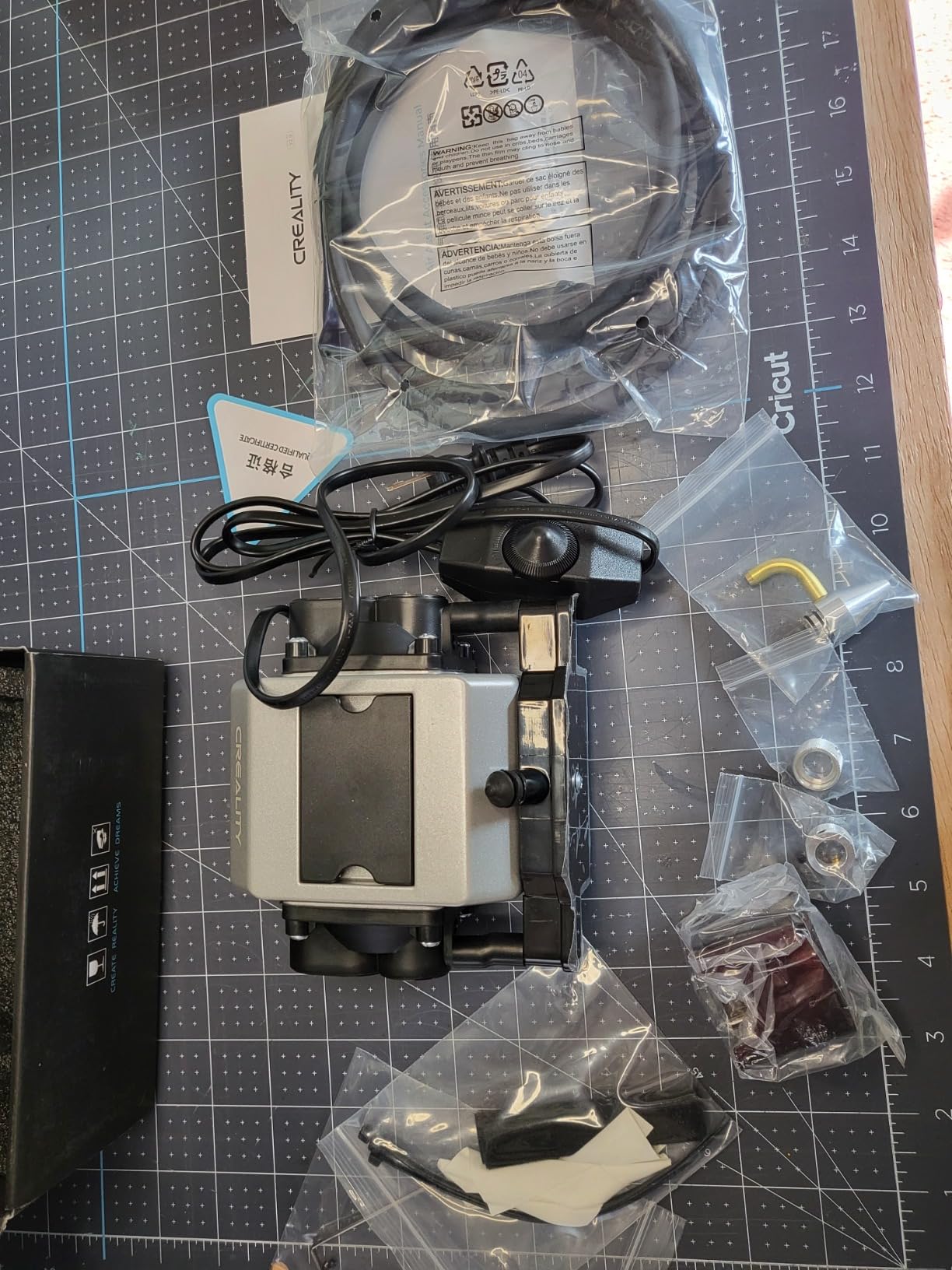
The most interesting data point in the reviews is durability. One owner runs it twelve hours a day in a working shop without issue, which tells you more about long-term reliability than any specification does. Creality also backs it with a service that reviews report responding within 24 hours.
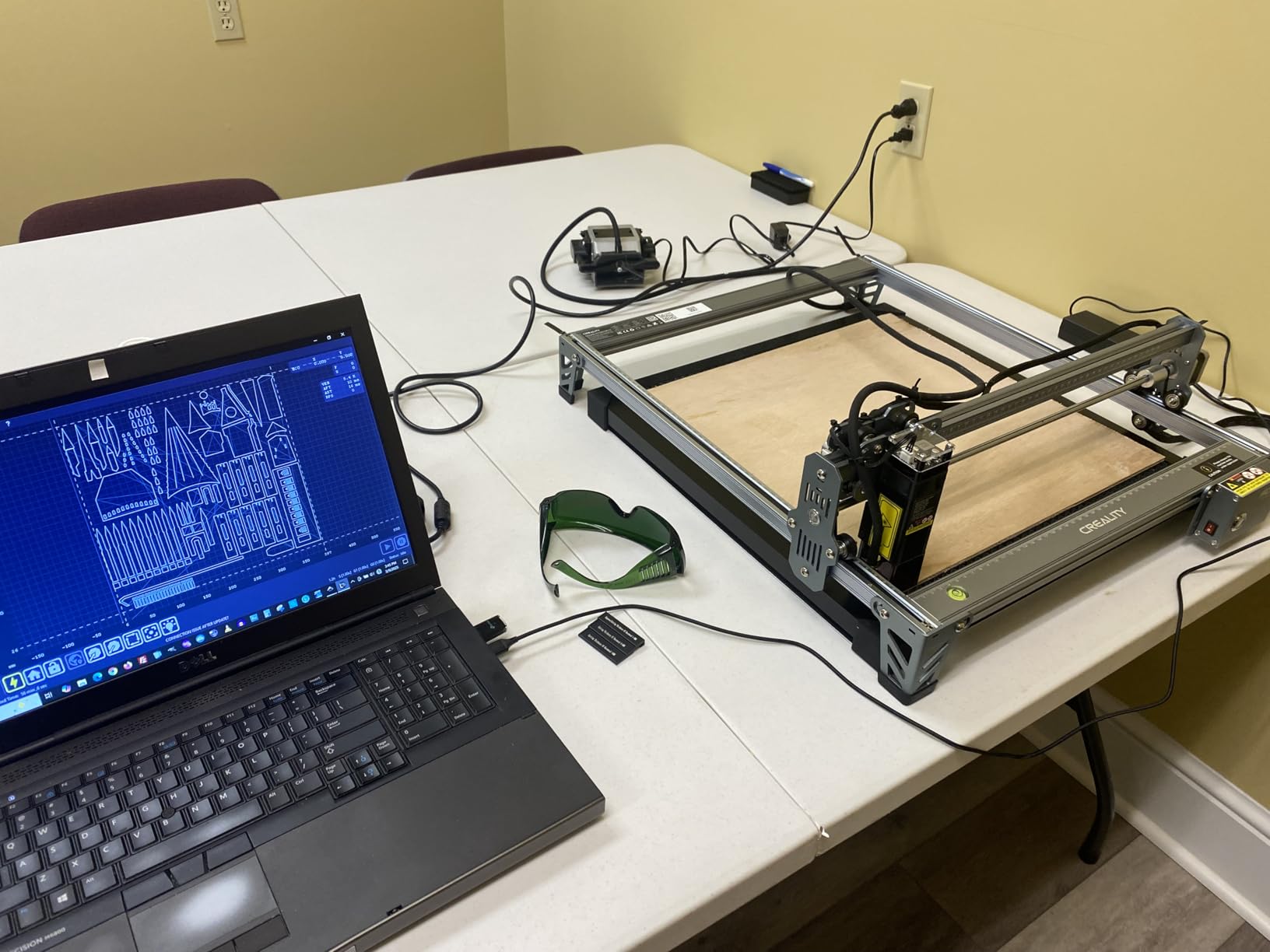
It is listed for Creality machines, but owners report successfully running it on a 40W CO2 laser, which is well above the 22 L/min figure you would normally assume for that class of machine. It is an accessory only, with no laser function included.
What works well about it
Compactness without giving up adjustment. A 22 L/min ceiling is modest, but having a dial that goes down toward zero is what lets the same pump handle delicate engraving and light cutting, and plenty of small machines never need more than that.
The silicone feet do what rubber feet do, which is damp shake, and the build quality is described as good for the price. If you want a single pump that you can leave running all day without thinking about it, this one has the strongest durability reports in the set.
Where it falls short
22 L/min is genuinely the low end here, and it is the constraint that stops this being a higher recommendation. If you are cutting thicker material, you are already at the ceiling of what this pump can give you, and there is no adjustment that fixes a flow limit.
Fitment is also worth checking carefully: one buyer reported the accessory did not fit their machine, and a separate order arrived with missing parts that Creality sent the following day. Both are individual reports, but both are the kind of thing a quick fitment check before you start catches for free.
How to Choose the Right Air Assist Kit for Your Machine?
Start with the machine, not the number on the box. A higher L/min figure is not automatically better, and forum discussion on this point is consistent: a 40W diode on maximum flow can scorch a thin cut while a 10W diode needs only a trickle for engraving. Match your head’s flow, not the biggest figure you can find.
That takes us to the three decisions that actually matter.
Check whether you already have one. Current-generation machines increasingly ship with air assist built in, so read the manual before you order anything. If yours has a factory pump, the case for buying is usually quietness, flow adjustability, or a software-switchable air output, not basic air.
Decide whether you need software control. This is the decision most people get wrong. On a Ruida-controlled machine, LightBurn can toggle air assist per layer and the Cloudray set is built for exactly that. On a GRBL board there is no air-assist pin at all, so no software can switch it, and your only options are manual toggling between jobs or a relay-based mod. Forum owners on GRBL have been solving this with 12V and 24V low and high switching for years.
Prioritise adjustability over peak flow. The most common regret we see reported is buying a fixed-output pump, usually an aquarium-type unit, and then discovering you cannot dial it back for engraving. An adjustable 0-30 L/min pump serves a full workflow; a fixed 30 L/min pump serves half of one.
Hose diameter is the detail people overlook. A narrow internal bore restricts flow no matter what the pump can deliver, so match the tube to the nozzle. Kits that supply 8mm, 10mm and 6mm adapters remove this problem entirely, which is a large part of why the universal kits are the safer buy for an unfamiliar head.
On compressor-fed setups for CO2 machines, add an inline water separator. Threads on this topic confirm that compressor-fed setups without one spray condensation onto the lens, and that is a direct route to a burned focusing lens that no pump spec will prevent.
For workshop builds where you are also handling rotary attachments for tumblers or cylinders, our guide to rotary cutters covers the rotary side, and the same rule applies: air has to reach the cut consistently, which means a stable bed and consistent nozzle height.
How Much Air Do You Actually Need?
Three different airflow numbers circulate for this job, and they are not actually in conflict once you separate machine classes.
For a diode head, 25-30 L/min is the maker spec, which is why so many of the kits in this roundup sit at 30 L/min. For a CO2 tube, particularly 40W and above, makers and builders run far more, and one LightBurn owner describes cutting MDF at around 60 PSI from a shop compressor. That is well beyond anything a diode head is designed for, which is why you should never feed shop air into a diode.
For job type, the split is simple. Engraving wants 1-3 L/min, just enough to keep debris off the lens. Cutting wants materially more, and wood and plywood will consume air faster than acrylic. A note worth keeping: too much pressure on acrylic can push smoke back onto the workpiece, which is a common cause of the burn marks people chase for months.
Most of the burn-mark complaints on wood are material, not hardware. Glue lines in plywood and resin pockets in pine ignite in ways no pump setting prevents. Check nozzle centring on the beam, confirm the hose has no kink, use laser-grade plywood, and make sure your enclosure fan keeps up with the smoke before you conclude the pump is at fault.
Noise, Software Control and the Troubleshooting Order
Noise is the most repeated complaint in every laser forum, by a wide margin. Membrane and diaphragm pumps hum and vibrate for the entire length of a job, and in a home workshop that is genuinely unpleasant. The honest caveat: only one manufacturer in this roundup publishes a dB figure, and it does not state a test distance, so treat all noise numbers as claims rather than measurements.
What you can do about it is straightforward. Put the pump on a foam pad to isolate vibration, move it outside the enclosure if your hose is long enough, and run lower flow for engraving where you do not need full output. Running the pump outside the enclosure also solves the problem of it inhaling polluted air from the machine, which shortens pump life over time.
When air assist is not improving cuts, work through the order rather than jumping to a new pump. First, confirm air is actually reaching the nozzle with no kink or leak. Second, confirm the nozzle is centred on the beam. Third, confirm flow is set for the job rather than left at one setting. Fourth, check the lens is clean. Fifth, consider whether the material is the problem. Sixth, confirm the enclosure extraction is keeping pace.
One last practical point for anyone running a rotary attachment, a mat, or any fixture where the bed sits proud: keep the surface under the head as low as possible and consistent, and make sure the fixture does not block the air path. A blocked air path produces scorch marks that look exactly like a failing pump. We covered the fixture side in our brush cutter comparisons for surface preparation on wood, which is the same material question in a different context.
Frequently Asked Questions
Does air assist help with laser cutting?
Yes. Air assist clears smoke out of the beam path, extinguishes small flames at the cut line, protects the focusing lens from baked-on residue and ejects melted debris from the kerf. Because smoke absorbs and scatters the beam, removing it lets the same wattage cut faster and cleaner, and every speed and thickness figure a manufacturer publishes assumes air assist is running.
Do I need air assist for laser cutting?
Almost certainly, if your machine does not already have it. It is close to essential for cutting, still useful at low flow for engraving, and effectively mandatory for CO2 and fiber machines. Check your manual first, though: several current machines ship with air assist built in, and only buy a kit if yours lacks it or if you want a quieter, stronger or adjustable replacement.
How much air does a laser cutter need?
It depends on the machine and the job. Diode heads are typically specified at 25-30 L/min, and engraving wants roughly 1-3 L/min while cutting needs more. CO2 tubes, particularly 40W and above, run far higher, and builders use a regulated compressor with an inline water separator. Matching your head’s flow spec matters more than buying the largest number available.
Do all laser cutters need ventilation?
Yes, and ventilation is not the same thing as air assist. Air assist moves smoke away from the beam at the cut point; fume extraction removes that smoke from the enclosure and the room. A machine with strong air assist and no extraction still fills the room, and a machine with extraction and no air assist still makes burned cuts and deposits residue on the lens. You need both.
Should I use air assist when engraving?
Yes, but at a much lower flow than you would use for cutting. Around 1-3 L/min is enough to keep debris off the lens. Pushing hard air while engraving can blow smoke back down onto the workpiece and cause scorch marks, and forum consensus is that CO2 users run a very low pressure when engraving purely to keep debris off the lens.
Is air assist loud, and can I make it quieter?
Membrane and diaphragm pumps hum and vibrate for the whole job, and noise is the most common complaint in maker forums. Very few manufacturers publish a dB figure, so treat published numbers as claims. You can cut noise by placing the pump on a foam pad, running a longer hose so the pump sits outside the enclosure, and using lower flow for engraving. Moving the pump out also stops it inhaling polluted air from the machine.
Can I use a shop air compressor for laser air assist?
For a CO2 machine, yes, run it through a regulator and an inline water separator. Use an oil-free twin-cylinder unit so oil never reaches the lens. For a diode head, no: diode heads are designed around low-pressure pumps, and running far above their specified flow is how owners scorch thin material. Condensation without a water separator is a common and avoidable route to a burned focusing lens.
How do I control air assist in LightBurn?
It depends entirely on your controller. On a Ruida board you enable the blower output in the controller settings, then toggle air assist per layer in the Layers tab or the cut settings window. On a GRBL board there is no air-assist pin, so LightBurn cannot switch it at all: you toggle it by hand between jobs, or fit a relay so the pump can be driven on separate 12V and 24V lines.
Conclusion
After working through all ten, the Longer 10-30L/min kit takes the top slot for a simple reason: it has the largest review base in the category, genuinely adjustable flow across the range a diode head needs, and a drop-in fit for the machines it is designed around. For Creality Falcon 10W owners the brand’s own 22 L/min kit is the most-liked product here at 4.7 stars, and for Ruida-controlled CO2 machines the Cloudray set is the only pick that gives you real software control.
Pick by machine tier first and flow second, always buy adjustable, and check whether your machine already has air assist before you order anything. If you are still deciding between neighbouring options, our broader equipment roundups cover the rest of the bench, including sod cutters for outdoor work and rebar cutters for fabrication jobs that sit far outside the laser world.
Whichever you choose, run a scrap cut with air on and air off before you commit to a job. It takes five minutes, and it is the fastest way to see what your machine was leaving on the table.