
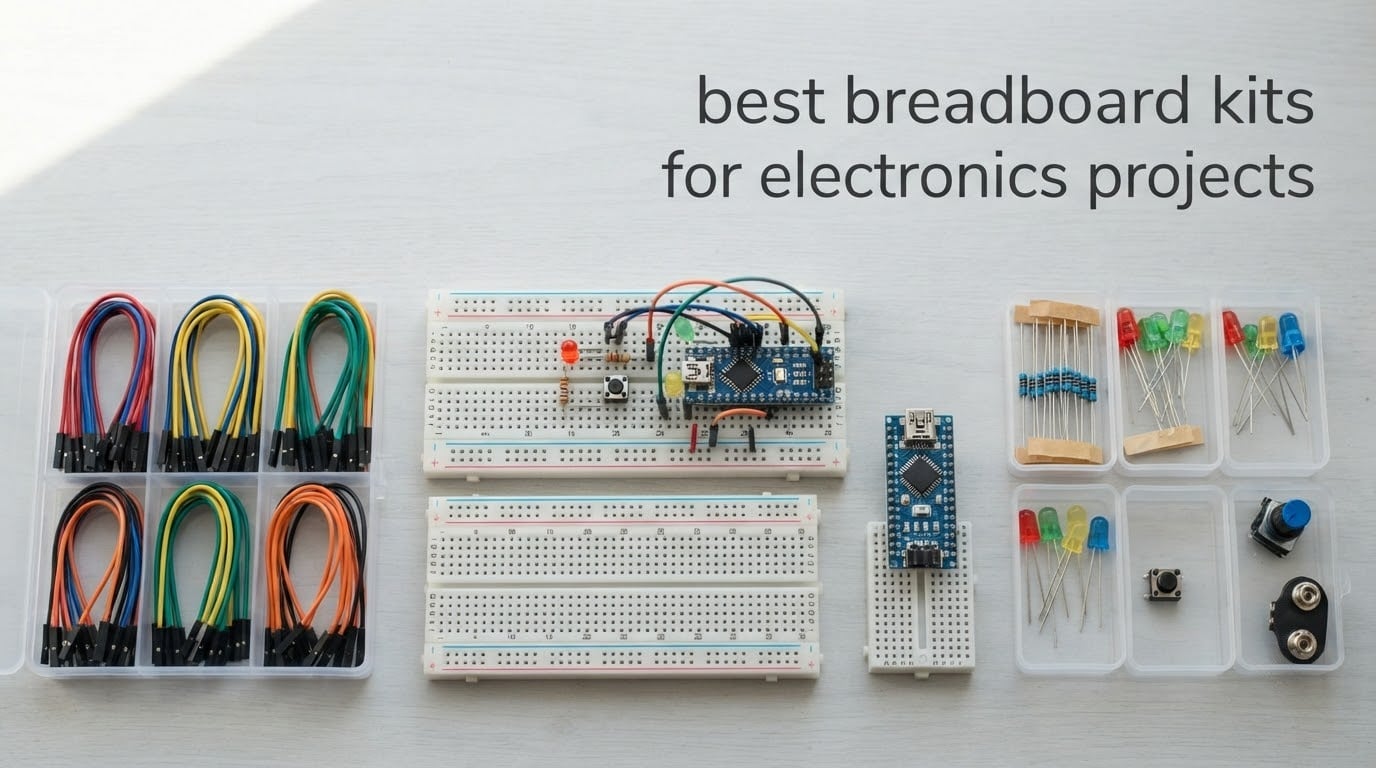
If you want the short version: the ELEGOO three-pack of 830-point solderless breadboards is the strongest all-round choice, the REXQualis Component Fun Kit is the best value bundle, and the ELEGOO 235-Item Fun Kit is the cheapest sensible way into Arduino work. Everything else in this roundup is built around those three, sorted by what you actually want to build.
A breadboard kit is a bundle of a solderless prototyping breadboard plus the support hardware you need to build a circuit on it: jumper wires, usually a DC power supply module, and often an assortment of resistors, capacitors, LEDs, switches and sensors. Inside a solderless breadboard, rows of metal contacts sit in parallel along each power rail and down either side of the center channel, so two leads pushed into the same row are electrically joined without any soldering. The center channel itself is split so that the legs of a DIP IC bridge it rather than short across it.
We compared the 12 kits below across four things: tie-point count, what the contacts actually grip, what arrives in the box beyond the board, and whether the power module can supply what your project draws. Every rating and review count here is copied from the listing, and every specification comes from the manufacturer data. Last updated for 2026.
Quick picks before the detail:
Best all-round board set: ELEGOO 830-Point Three-Pack (B01EV6LJ7G)
Best value bundle: REXQualis Component Fun Kit (B073ZC68QG)
Best budget Arduino kit: ELEGOO 235-Item Fun Kit (B01ERP6WL4)
Best for a classroom of students: BOJACK Eight-Board and Jumper Set (B08Y59P6D1)
Best if you want parts and jumpers in the same box: HUAREW Boards and 120 Jumpers (B09VKYLYN7)
Table of Contents
Top 3 Best Breadboard Kits for Electronics Projects in 2026

ELEGOO 830-Point Three-Pack
- Three 830-point boards
- 630-point terminal area plus two 100-point rails per board
- Self-adhesive backing and side interlock clips
- Rated for 21-26 AWG leads

REXQualis Component Fun Kit
- 400+ labeled components
- 830 tie-point breadboard
- Power supply module with USB cable
- Arduino and Raspberry Pi compatible

ELEGOO 235-Item Fun Kit
- 235 parts for Arduino projects
- 400 tie-point breadboard
- Selectable 3.3V and 5V power module
- Includes 74HC595 and 4N35 and PN2222 and 1N4007
These three cover the widest spread of real buying decisions. The ELEGOO three-pack is the pick if your priority is board area and having spare boards, the REXQualis bundle is the pick if you want components in the same box, and the ELEGOO 235-item kit is the pick if budget matters more than board size.
Every Breadboard Kit Compared at a Glance in 2026
| Product | Specifications | Action |
|---|---|---|
| ELEGOO 830-Point Three-Pack |
|
Check Latest Price |
| REXQualis Component Fun Kit |
|
Check Latest Price |
| ELEGOO 235-Item Fun Kit |
|
Check Latest Price |
 DEYUE 400-Point Six-Pack DEYUE 400-Point Six-Pack |
|
Check Latest Price |
 REXQualis Basic 300-Piece Kit REXQualis Basic 300-Piece Kit |
|
Check Latest Price |
 BOJACK 37-Value 480-Piece Kit BOJACK 37-Value 480-Piece Kit |
|
Check Latest Price |
 BOJACK 8-Board and Jumper Set BOJACK 8-Board and Jumper Set |
|
Check Latest Price |
 HUAREW Power Module Kit HUAREW Power Module Kit |
|
Check Latest Price |
 Miuzei 400-Component Kit Miuzei 400-Component Kit |
|
Check Latest Price |
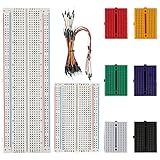 BOJACK 830 and 400 and Mini Set BOJACK 830 and 400 and Mini Set |
|
Check Latest Price |
 HUAREW Boards and 120 Jumpers HUAREW Boards and 120 Jumpers |
|
Check Latest Price |
 minidodoca 326-Item Fun Kit minidodoca 326-Item Fun Kit |
|
Check Latest Price |
One term worth defining before the reviews: a tie point is one hole connected to a metal contact. An 830-point board gives you a 630-point terminal area plus two 100-point power rails, which is why two kits both called 830-point boards can feel very different depending on whether the board flexes and how firmly the contacts grip. If you want to check solder joints and component legs up close, our digital microscope guide for electronics is worth a look later.
1. ELEGOO 830-Point Three-Pack: the Best All-Round Board Set
- Three full-size boards let you run several prototypes at once
- Clear printed letters and numbers plus colored rail guides
- Self-adhesive backs and side clips for joining boards
- Highest reviewed board set in this roundup
- Contact tension varies from hole to hole
- Power rails on some boards do not grip firmly
- Side clips only mate with other ELEGOO 830-point boards
This is the pack we keep coming back to because the board itself is the product. Each panel is ABS plastic with tin-plated phosphor bronze contacts, rated for 21-26 AWG leads, and laid out as a 630-point terminal area plus two 100-point power rails with printed letters, numbers and colored rail guides.
Three boards is the real advantage. You can keep a working circuit intact while starting the next one, hand each lab group its own board, or join them side by side with the included clips when a project outgrows one panel. That flexibility is something single-board kits cannot offer, and it is why this set is the one we recommend as the default choice for the best breadboard kits for electronics projects.
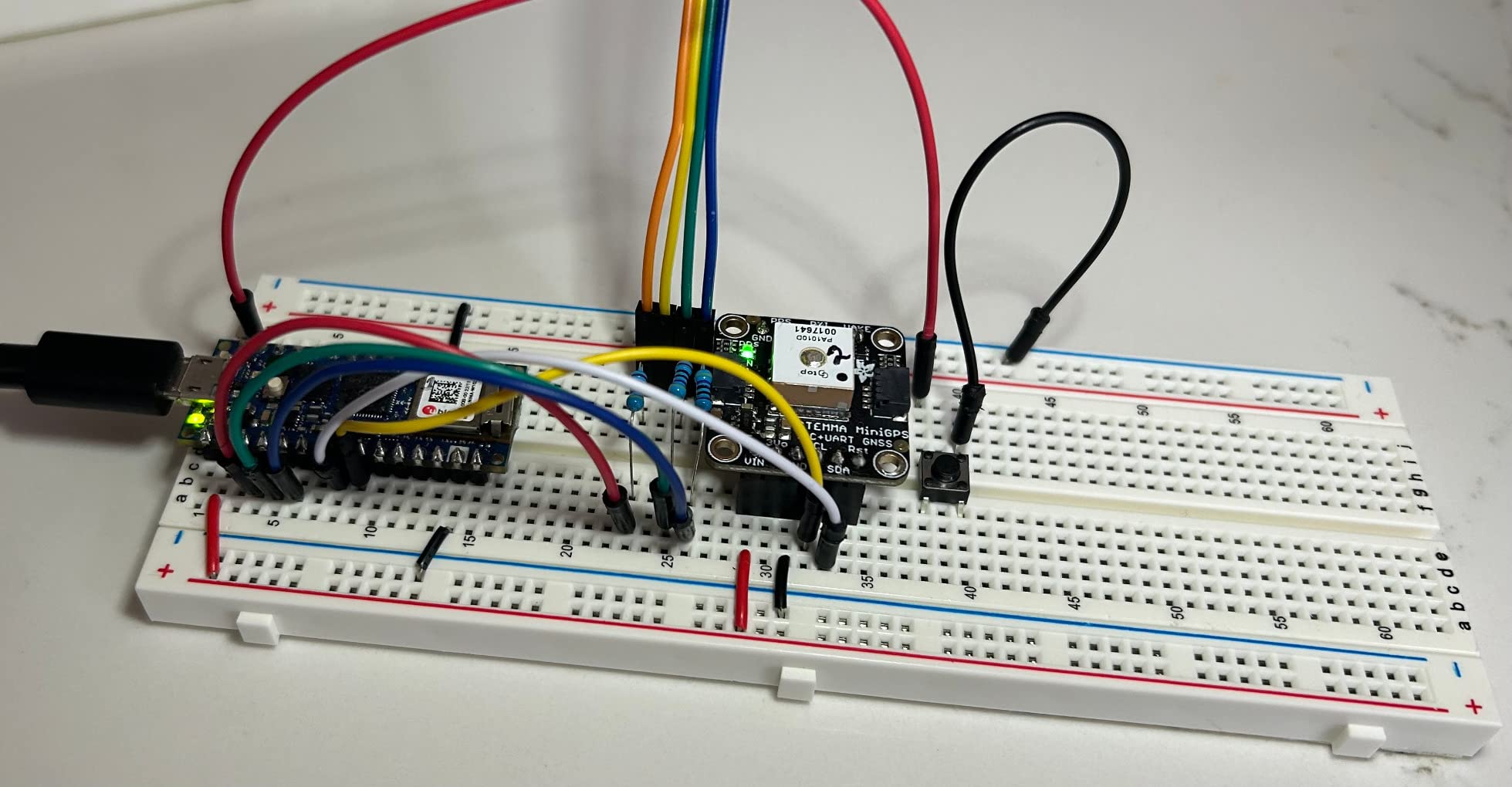
The listing carries more than 2,400 reviews at a 4.4 rating, with 74 percent of ratings at five stars. Buyers consistently single out the readable printed layout and the sheer usefulness of having three boards, and several mention customer service replacing boards with faulty traces.
The honest drawback is contact tension. Reviewers report that tension is inconsistent between panels, with some holes too tight to insert into and others too loose to hold a lead, and that power rails on some boards do not grip reliably enough, which can eat hours of debugging before the board is identified as the cause.
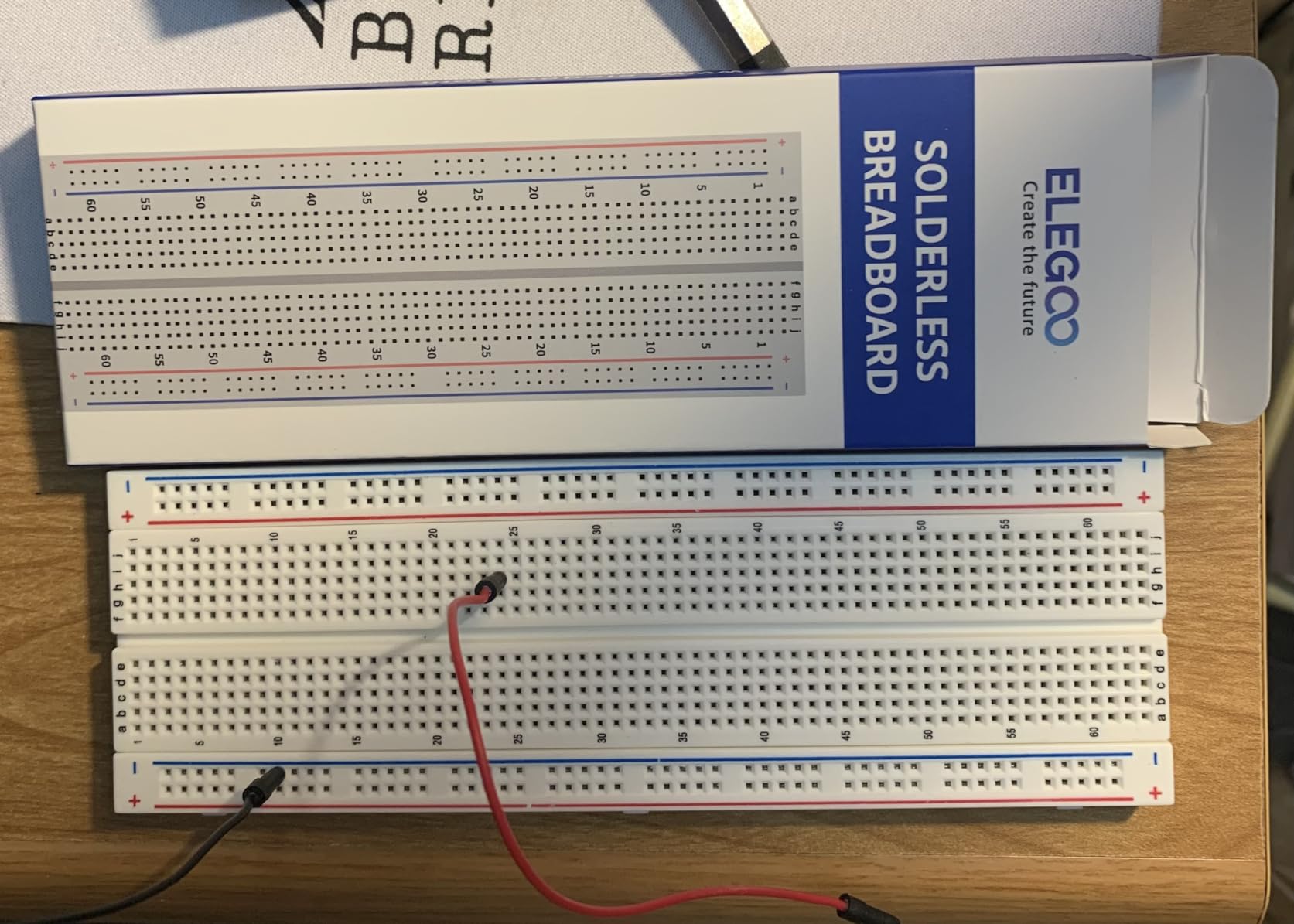
What to check when the boards arrive
Push a few component leads and jumpers into holes in each panel before you start a build, especially the rails. A board whose holes are consistently tight will save you time later even if insertion takes a moment.
Note that the side clips only mate with other ELEGOO 830-point boards, not with third-party full-size breadboards. If you plan to mix brands, plan on the self-adhesive backing instead.
Where this kit falls short
The package is three breadboards and nothing else. Jumper wires, components and controller boards are all sold separately, so budget for those before you start.
Because it is boards-only, it will not get you to a working circuit on its own. Pair it with one of the component kits further down if you are starting from nothing.
2. REXQualis Component Fun Kit: the Best Value Bundle
- Exceptionally high component count for the money
- Components individually labeled in a sturdy box
- Power supply module with USB cable included
- Works with Arduino Raspberry Pi and STM32
- Controller board is not included
- Documentation is a website download not a printed manual
This is the kit we hand to someone who wants to build something on day one rather than assemble a shopping list first. It combines an 830 tie-point solderless breadboard with more than 400 components covering sensors, LEDs, resistors, transistors, diodes and integrated circuits.
Two details matter more than the raw count. The components are individually packaged and labeled in a sturdy box, so you are not sorting a heap of unidentified parts when you sit down to work. And the breadboard power supply module ships with a USB power cable, a component that is surprisingly often missing from kits in this class.
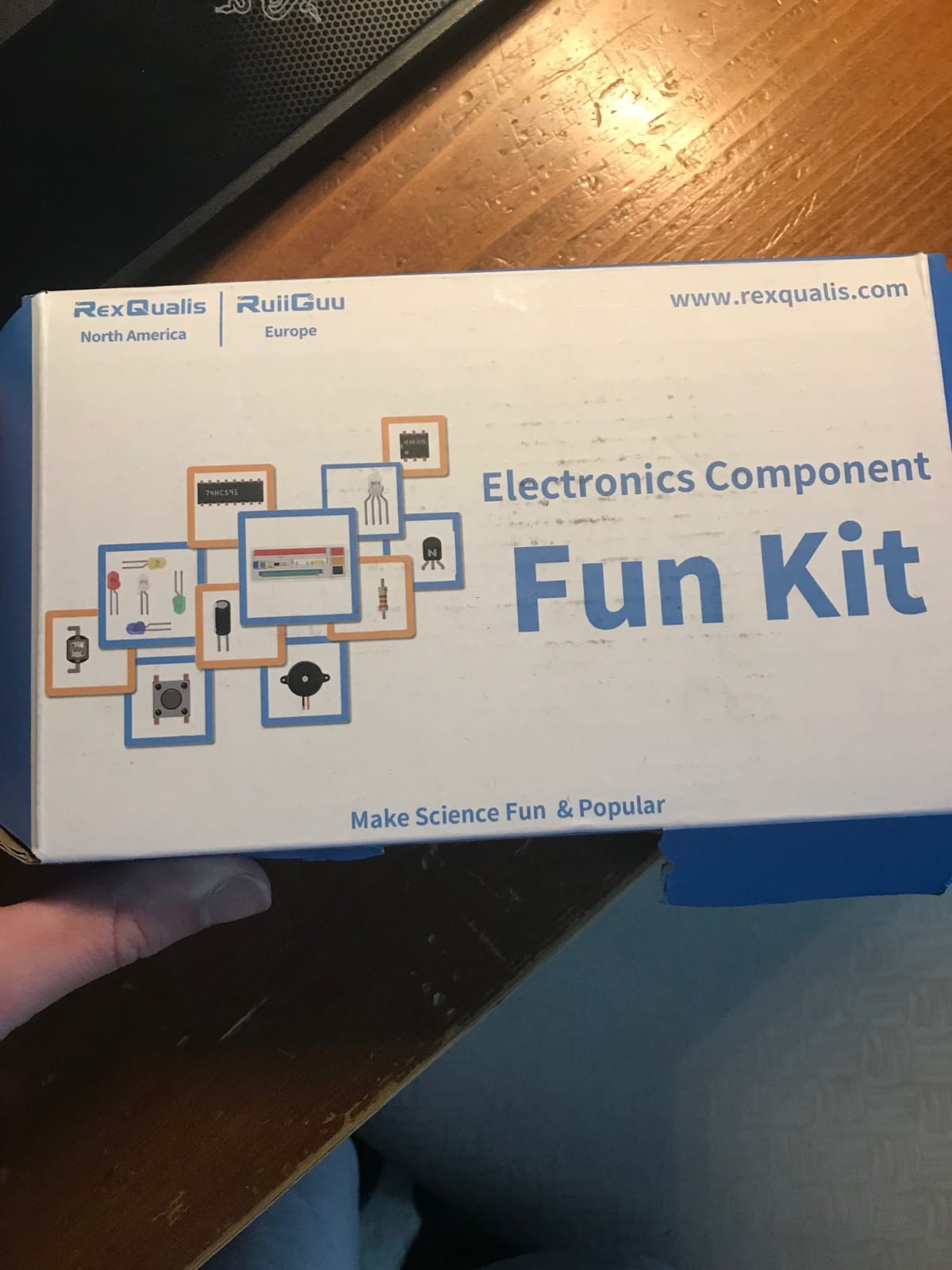
It holds a 4.6 rating across more than 2,300 reviews, the second-highest review count in this roundup. Owners point to the number of labeled parts, the tidy storage box and the included supply module and cable as the things that make it feel complete rather than assembled from leftovers.
The repeated caveat is that no controller board is included, so coded projects need an Arduino, Raspberry Pi or STM32 board bought separately. Supporting documentation is a download from the manufacturer’s site rather than anything in the box, so have your browser ready before you start.
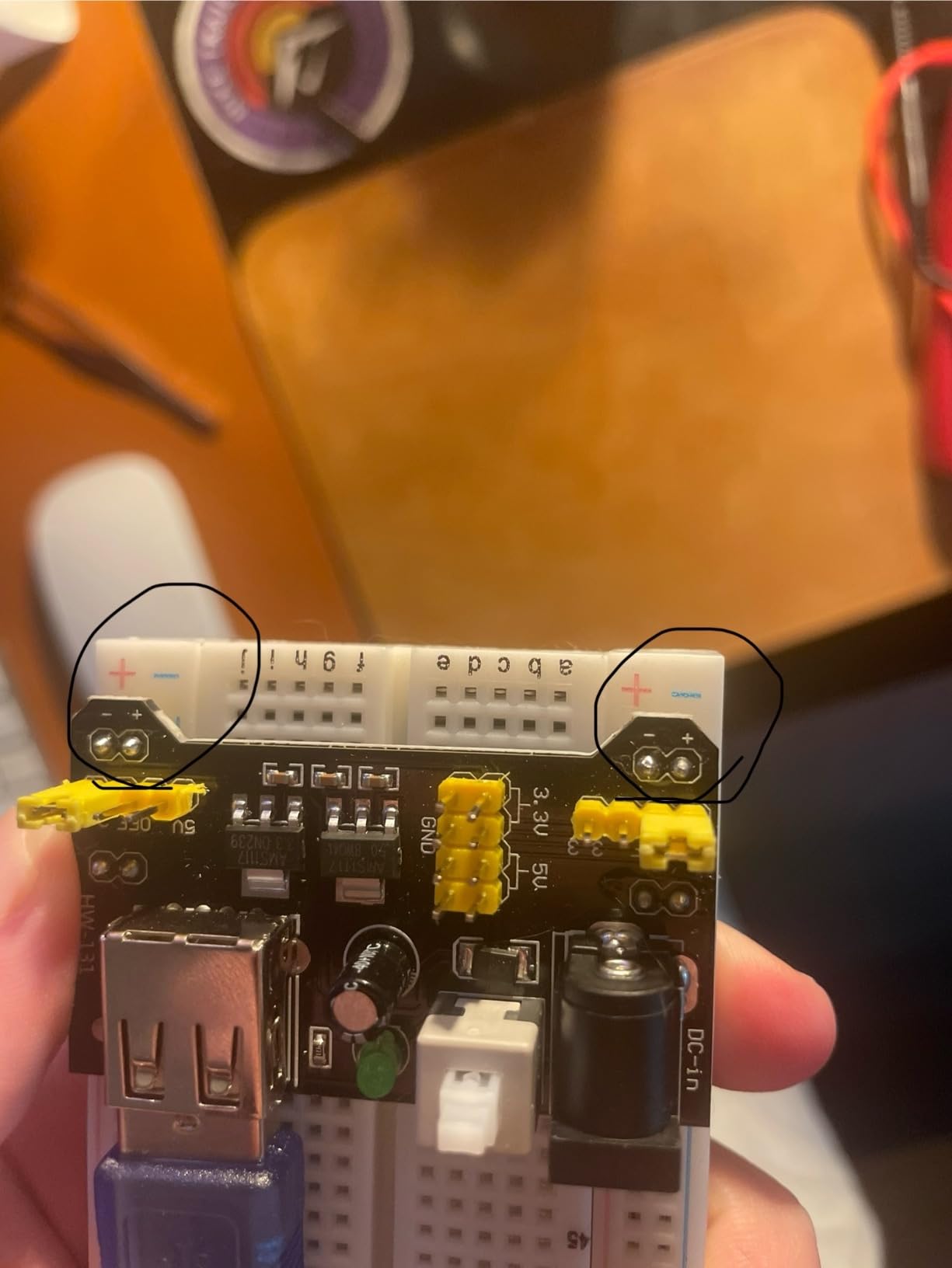
Why the component count actually matters
A broad assortment means you can follow a course or a project list without stopping halfway through to order one missing part. Resistor, capacitor and LED ranges all matter here, since those are the values beginners run out of first.
The labeled packaging also matters more than it sounds. An unlabeled box of 400 parts turns the first hour of a build into an inventory exercise instead of a circuit exercise.
What this bundle will not do for you
It is a parts kit, not a complete electronics system. Without a microcontroller you are limited to analog and logic experiments you can drive from the power module alone.
Because the documentation lives online, it is worth checking that the tutorials are reachable in your region before buying for a classroom where you cannot rely on downloads during a session.
3. ELEGOO 235-Item Fun Kit: the Best Budget Kit for Arduino
ELEGOO Electronic Fun Kit Bundle with Breadboard, 235 Items for Arduino
- Wide assortment of 235 parts for the money
- The 400-point board grips leads firmly
- Resistors are labeled in the packaging
- Works well as a hands-on teaching kit
- The advertised tutorial is a website download and not always present
- Large self-adhesive pad prevents joining the board sideways
- No controller board or programming cable included
This kit does something the cheaper boards-only sets cannot: it teaches core components rather than just supplying a surface to build on. The 235 parts include a 74HC595 shift register, a 4N35 optocoupler, PN2222 transistors and 1N4007 diodes, which is a genuine syllabus for understanding output expansion, signal isolation, load switching and polarity protection.
The breadboard is 400 tie points with a power module offering selectable 3.3 V and 5 V rails, fed by a 6.5-9 V DC input that should not be exceeded at 9 V. Rigid jumpers and female-to-male leads are included, and components plug straight into the board with no soldering.
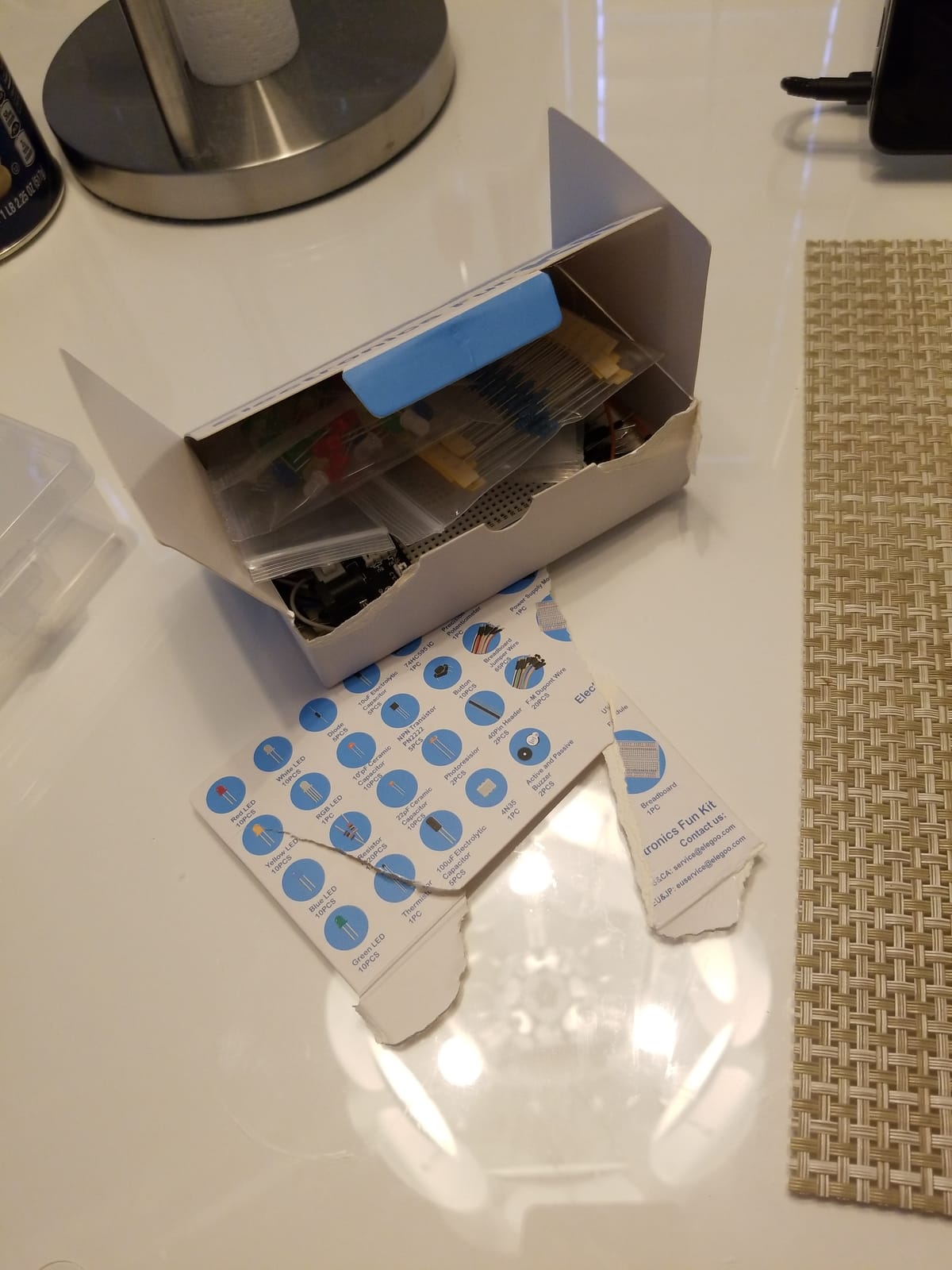
It carries a 4.6 rating across more than 1,600 reviews. Reviewers praise the value and breadth of the parts, the firm grip of the 400-point board, and the fact that the resistors are labeled in the packaging, which many comparable kits skip. Several owners specifically mention using it to introduce a child to electronics.
The most common complaint is documentation: the promised tutorial is a website download and was not always available for this specific kit. The fixed self-adhesive pad on the breadboard is also mentioned, since it stops you joining the board to another one sideways.
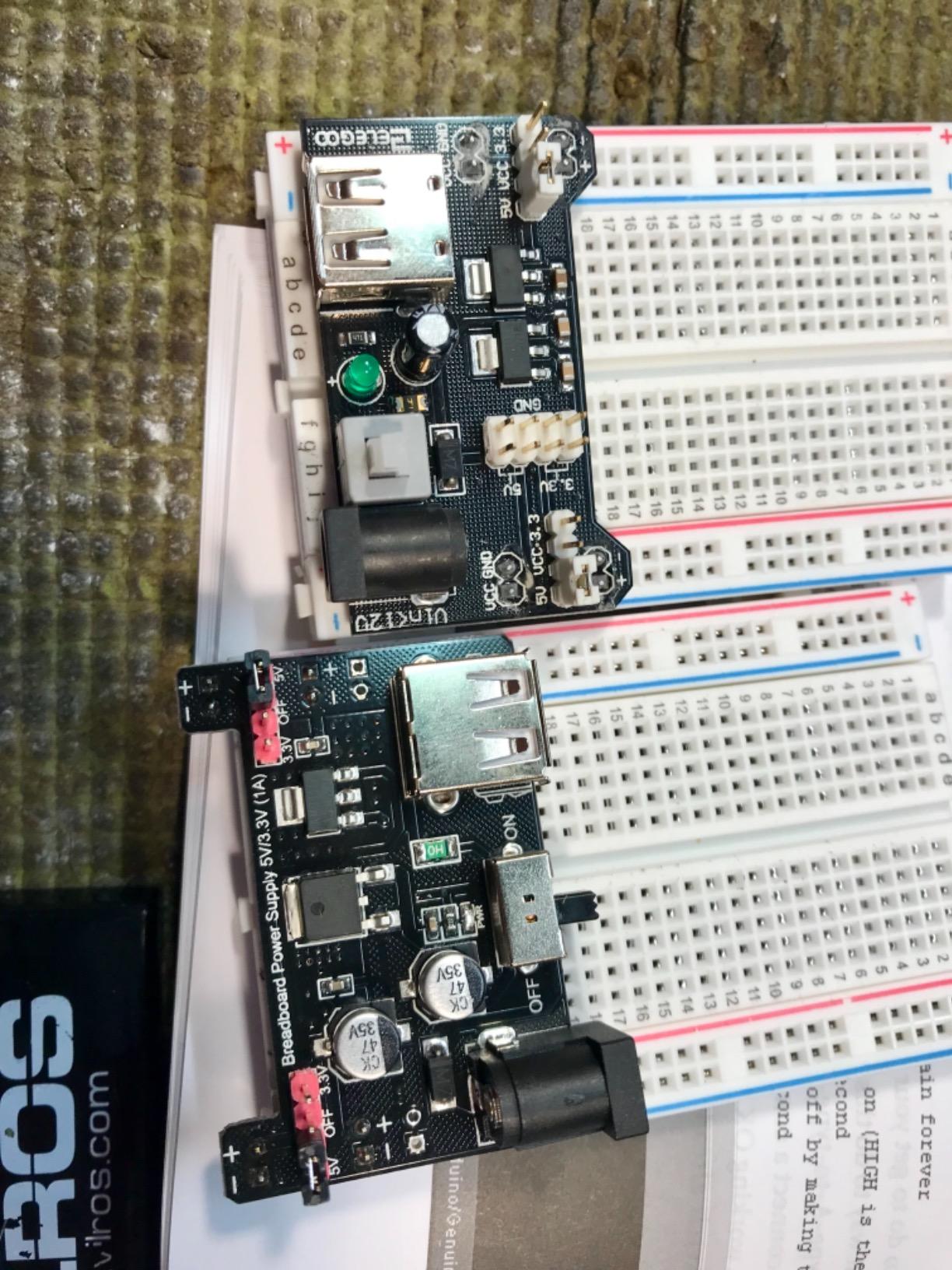
Whether a 400-point board is enough
For a single LED, a 555 timer, a potentiometer input or a traffic-light sequence, 400 tie points is comfortable. Reviewers consistently report the board grips wires and component leads firmly, which is what makes it feel solid in the hand.
You will outgrow it when your project needs a microcontroller with its own pin headers alongside passives, because then you want the 830-point layout or a second board.
What to watch before buying
Confirm the tutorial download is reachable for this exact kit before you commit, especially if you are buying for a learner who will work from written steps.
Remember that a controller board, programming cable and wall adapter are all excluded, so this is a components kit that plugs into hardware you own or will buy separately.
4. DEYUE 400-Point Six-Pack: the Best Kit for Proto Shields
DEYUE breadboard Set Prototype Board – 6 PCS 400 Pin Solderless Board Kit for Raspberry pi and Arduino Project
- Consistent hole alignment reduces intermittent connections
- Six boards for parallel or joined builds
- Boards snap together easily for proto shield work
- Lowest cost multi-board set here
- 400-point boards are smaller than full-size 830-point boards
- Breadboards only with no jumper wires or components
The defining characteristic here is alignment. Owners credit this set with even hole alignment and clean insertion, so circuits behave predictably instead of producing mystery faults, and the listing itself emphasizes properly cut holes with no intermittent connections.
You get six 400 tie-point boards that snap together in groups for wider prototyping areas, which makes the set a natural match for Arduino proto shield work where a shield footprint has to line up with the board grid. They also suit Raspberry Pi prototyping for the same alignment reason.
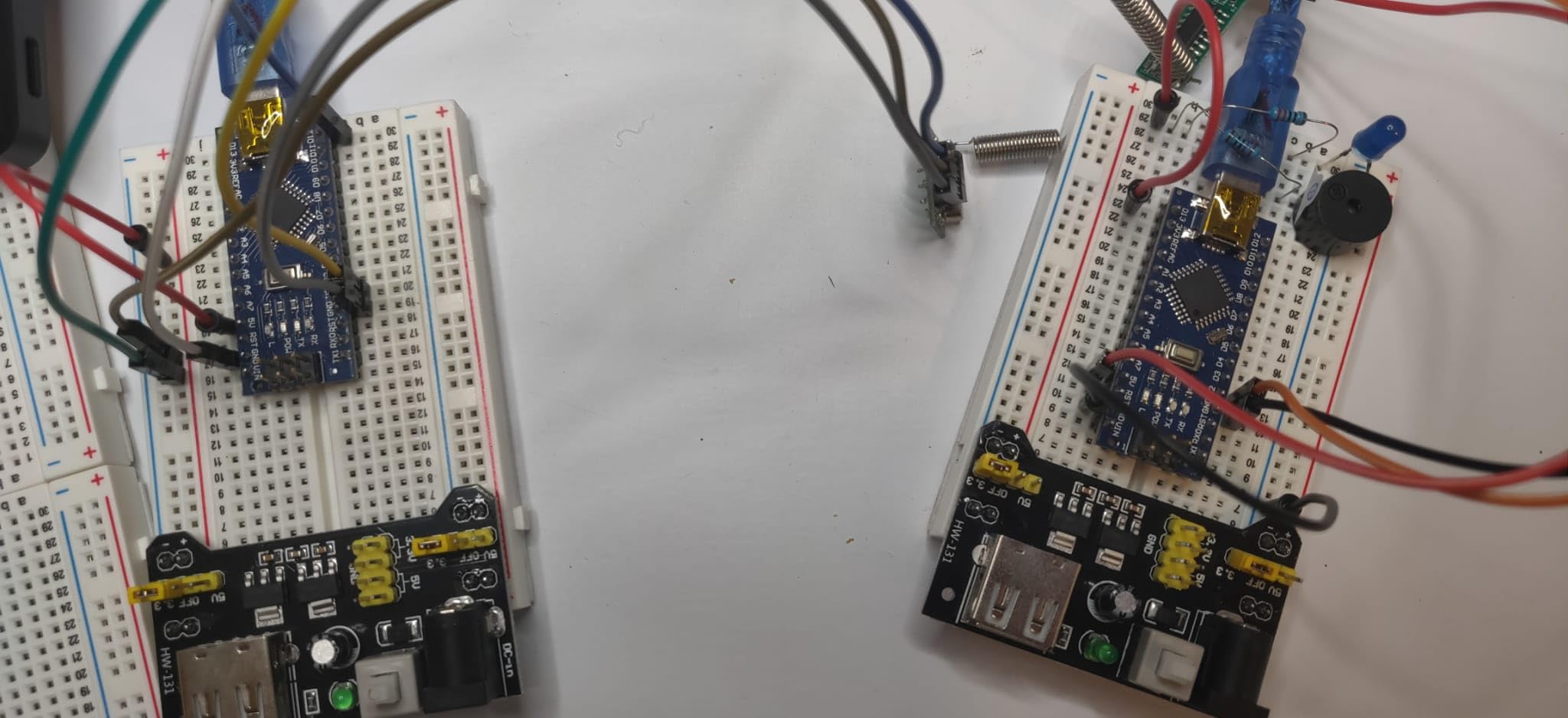
It holds a 4.6 rating across more than 1,100 reviews. Reviewers highlight the snap-together grouping and the ability to keep several circuits running separately as the standout benefits over single-board options.
The trade-off is scope. These are 400-point boards, so they are smaller than full-size 830-point boards for larger builds, and the package contains breadboards only, with no jumper wires or components.
When six small boards beat one big one
Separate boards let you keep a debug circuit intact while you rewire the one you are working on. That is the argument hobbyist forums make most often for multi-board sets, and it applies to proto shield work too.
Alignment is the deciding factor for shield work because a shifted pin row turns a fitting exercise into a rewire job. That is the specific thing this set is good at.
What you have to add yourself
Plan on buying jumpers and components separately, because none are included. That is fine if you already have a parts drawer, and less fine if this is your first bench.
With 400-point boards, plan your layout before you build. Large components and their wiring eat that area faster than most people expect.
5. REXQualis Basic 300-Piece Kit: the Best Starter Set for Arduino Beginners
- More than 300 labeled components including sensors
- Power supply and USB cable in the box
- Neat labeled packaging in a sturdy box
- Works with both Arduino and Raspberry Pi
- No controller board included
- Datasheets are only available as a website download
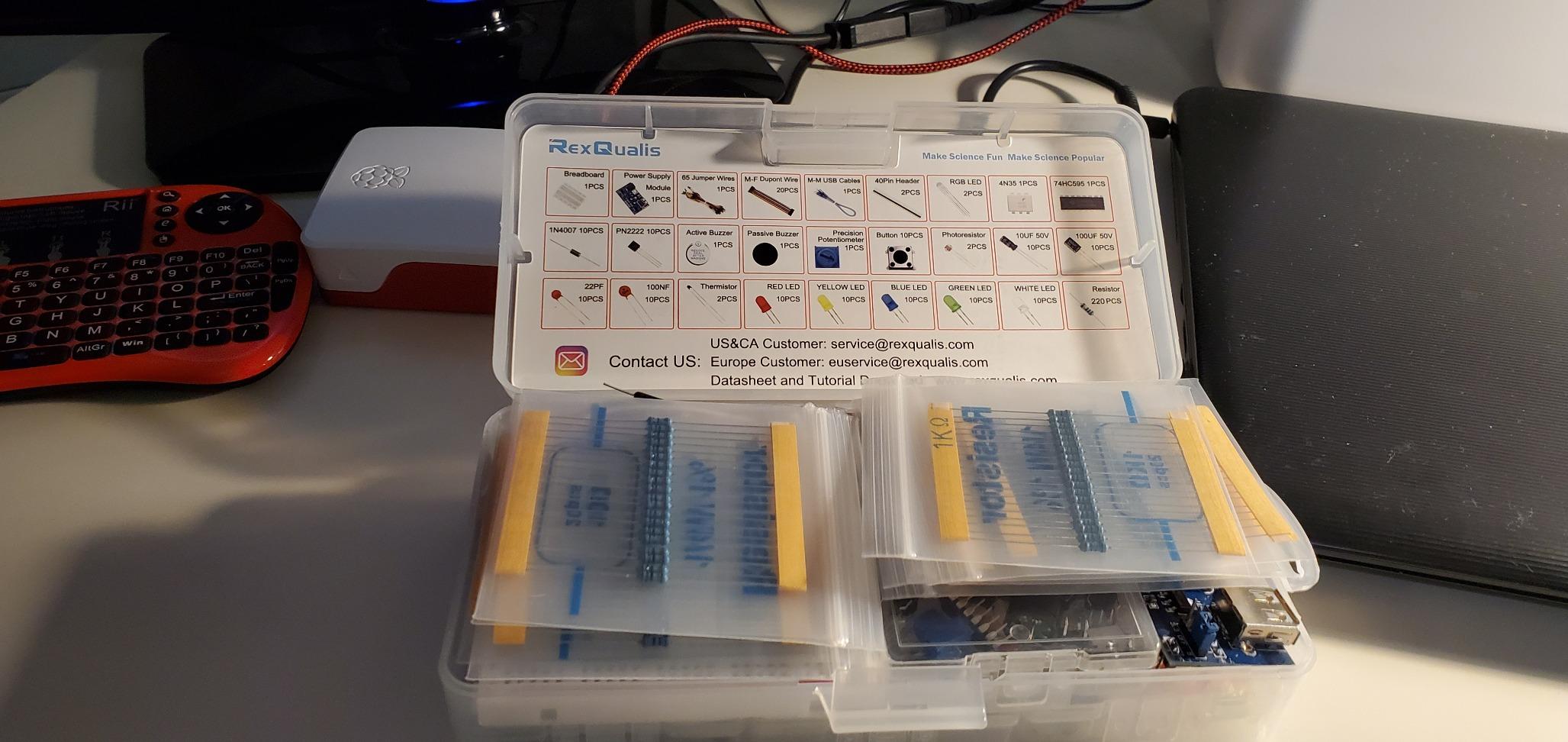
This is the trimmed version of the REXQualis bundle, and the difference is mostly scale. It carries more than 300 sensors and components for entry-level projects, packaged and labeled individually in a sturdy box, alongside a breadboard power supply with a USB power cable.
Because it sits below its sibling in component count, it makes sense when you are starting with structured beginner projects rather than building a working parts library. Buyers treat it as a convenient way to get a broad set of parts for simple Arduino or Raspberry Pi experiments.
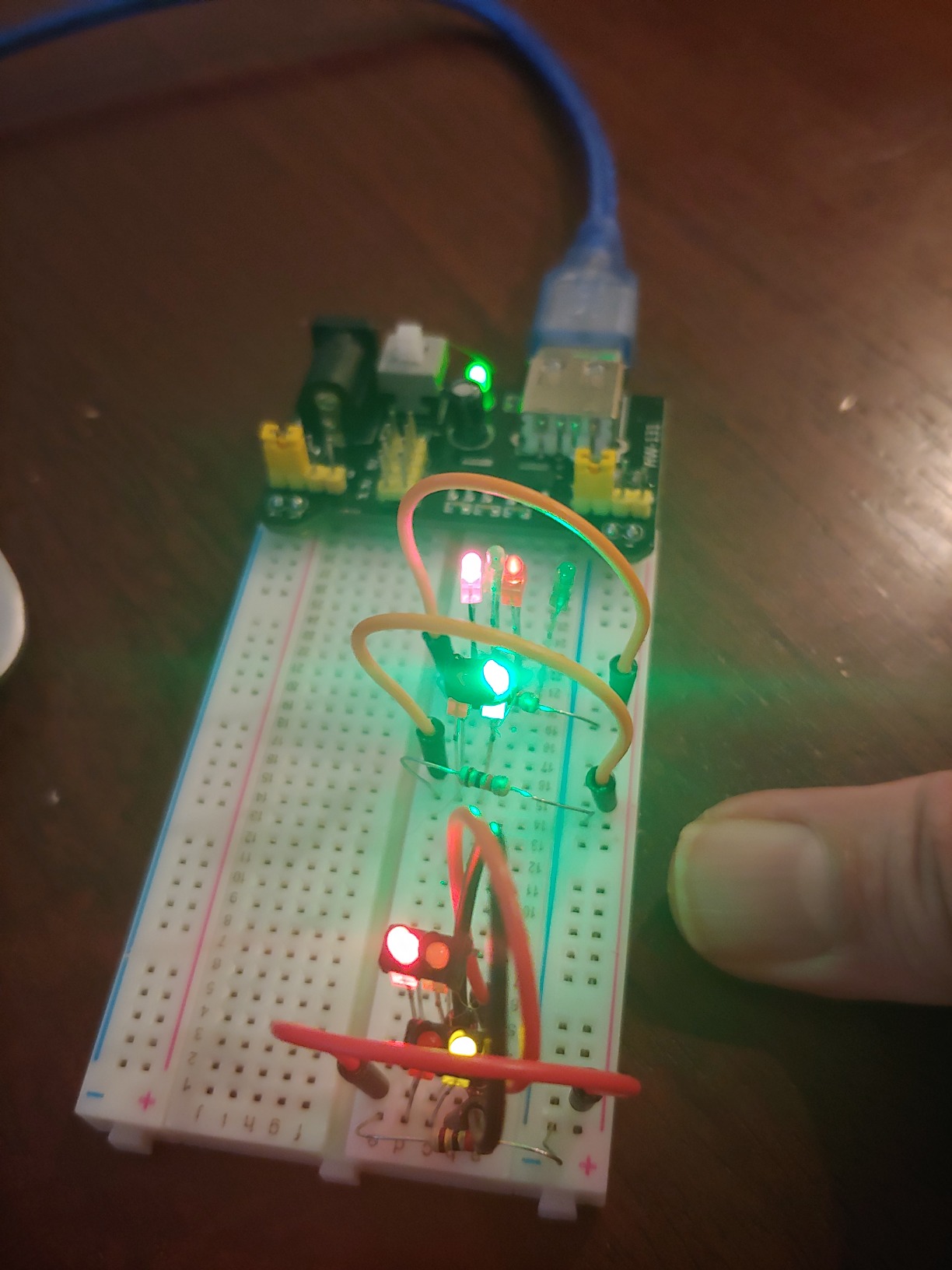
It holds a 4.6 rating across more than 870 reviews. The labeled organization and the included supply module and cable are what owners mention most, since both are the parts that are usually sold separately.
Two limitations repeat: no controller board is included, and the datasheets are only available as a download from the manufacturer’s site. Plan your first session around that by saving the documentation before you unbox the kit.
How this compares to the bigger REXQualis bundle
If your goal is to work through a defined sequence of beginner circuits, this is the more focused purchase. You get the same labeled-storage approach and the same power module, with fewer parts to sort through.
If your goal is to have components on hand for whatever you feel like building, the larger bundle in this roundup covers more value ranges in a single box.
What to plan around
Set aside time to download the datasheets before you start. Having the component reference to hand is what turns a box of parts into a sequence of experiments.
Confirm you already have a microcontroller, or budget for one, because coded projects need a controller and this kit does not include it.
6. BOJACK 37-Value 480-Piece Kit: the Best Kit for Sensor Projects
- 37 values gives broad resistor and capacitor coverage
- Transparent labeled case keeps parts findable
- Power module and USB data cable included
- Components plug in without soldering
- Solderless contacts suit temporary rather than permanent builds
- The power module is basic with one shared supply
- No microcontroller or controller board included
Thirty-seven component values across 480 pieces is the widest range-per-box figure in this roundup, and range is what matters for sensor work. When you are reading a temperature, light or distance sensor, the resistor and capacitor values that make the circuit behave correctly are the ones you are most likely to be missing.
The rest of the kit is standard and solid: an 830 tie-point solderless breadboard, a power supply module, a USB data cable, jumper wires and a precision potentiometer, with components sorted into a transparent labeled box. It works with STM32, Raspberry Pi and Arduino boards.
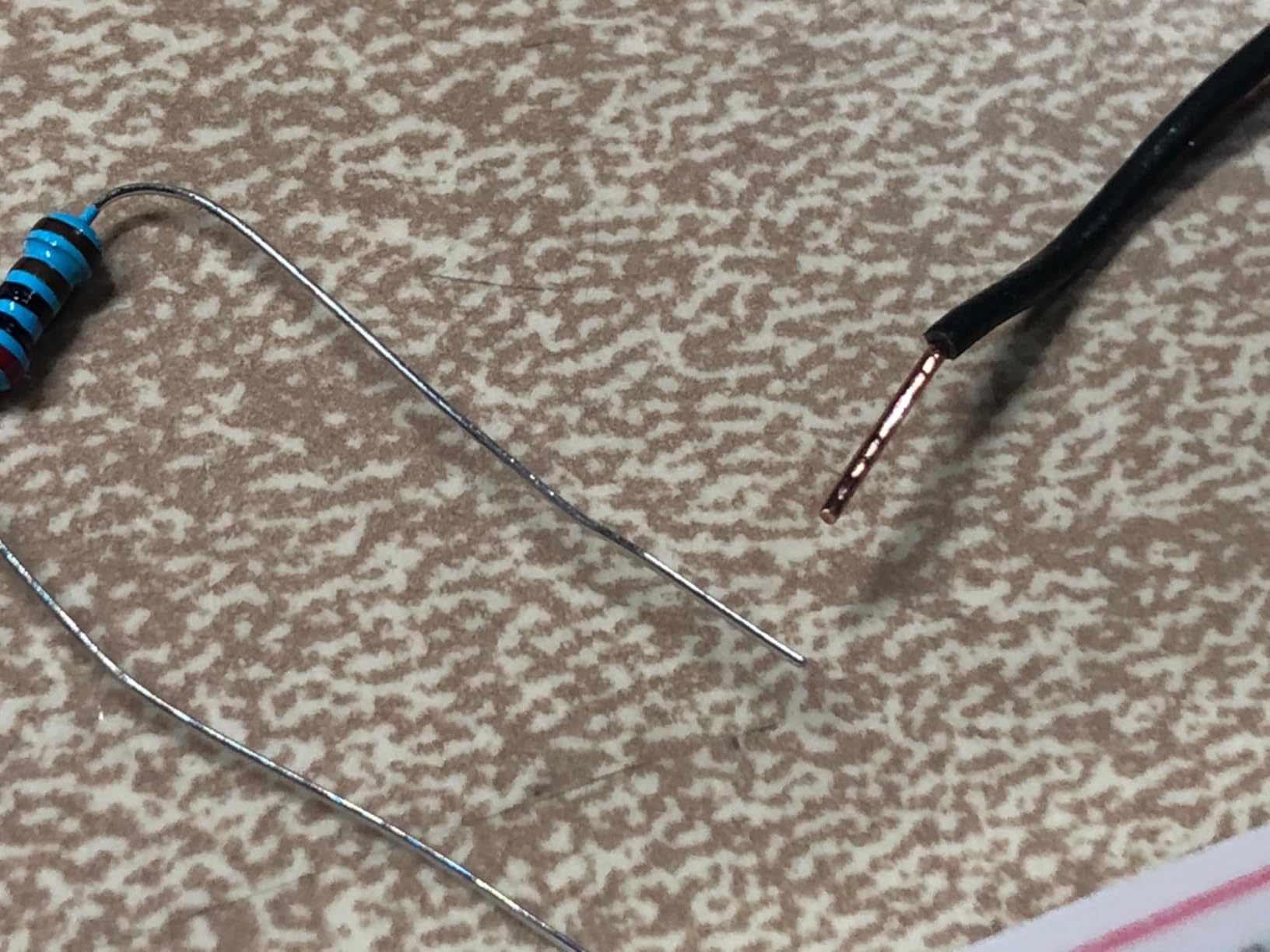
Reviewers emphasize the breadth of 37 values and the clear labeled case that keeps a large inventory of parts organized. The included power module and USB data cable are called out as convenient because they let circuits run without soldering.
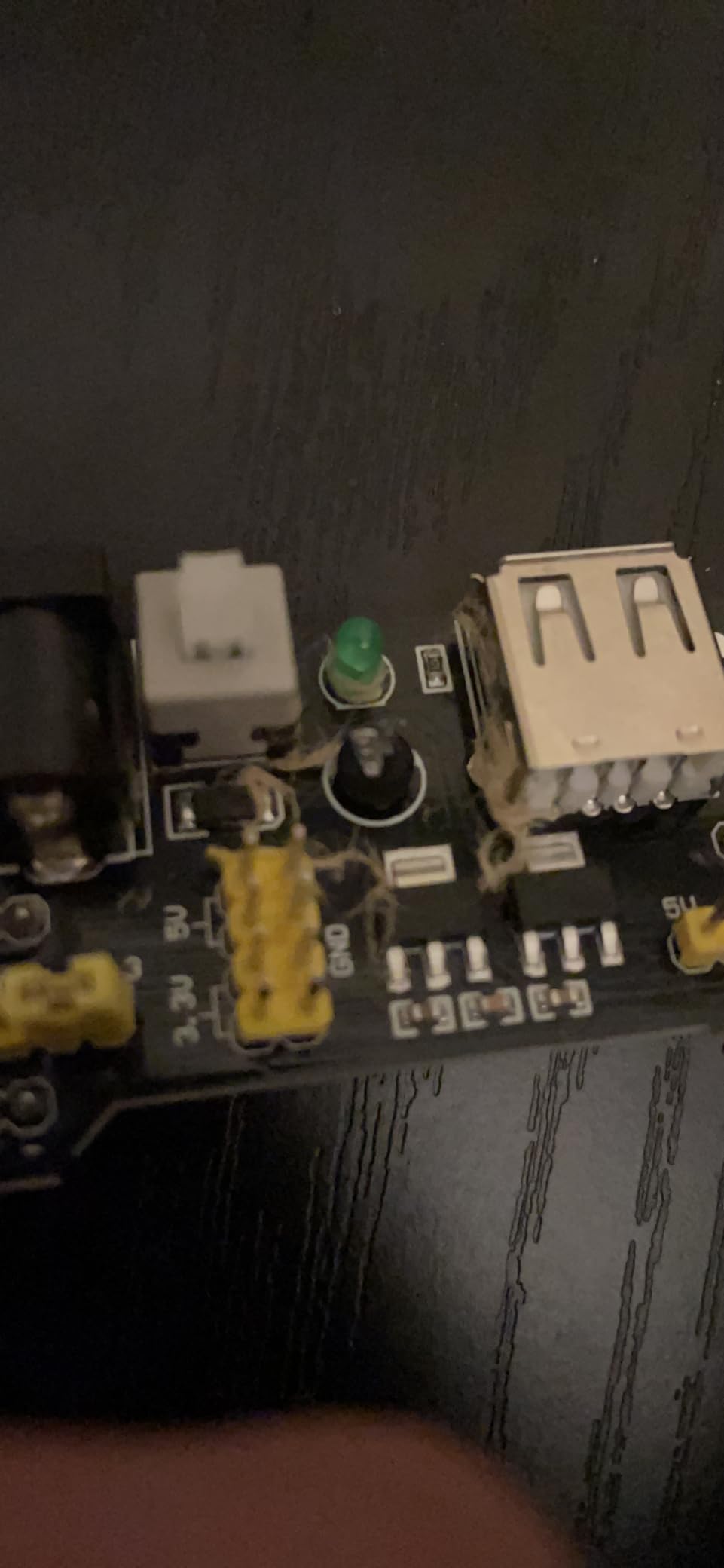
The drawbacks mentioned are the general limits of solderless breadboards for heavier or permanent work, and a fairly basic power module where the 3.3 V and 5 V logic rails share one supply. No microcontroller is included.
Why value range beats piece count
Piece counts are easy to inflate with duplicates of a single common resistor. Thirty-seven distinct values is the more useful number, because each value is one more circuit you can build without ordering parts.
Sensor circuits are exactly the case where this pays off, since sensor modules usually need a specific resistor divider or timing capacitor rather than a generic value.
What the basic power module means for you
With both logic rails on one supply, you cannot run a 3.3 V part and a 5 V part at the same time from this module. Plan builds around one logic level or add a separate rail.
Treat the breadboard as the temporary test surface it is. When a sensor project becomes permanent, move it to perfboard rather than relying on solderless contacts.
7. BOJACK Eight-Board and Jumper Set: the Best Kit for Classrooms
BOJACK 3 Values 130 Pcs Solderless Breadboard 4 Pcs 830 Tie Points & 400 Tie Points & 126 Pcs Flexible Breadboard Jumper Wires
- Eight boards across two sizes cover both large and compact work
- 126 flexible jumpers are a generous count
- Color-coded structure makes board sizes obvious
- Boards splice together to expand the area
- Loose contact on some holes can cause intermittent connections
- Power rails on some pieces do not grip firmly
This is the set we would buy for a group session. You get four 830 tie-point boards and four 400 tie-point boards, plus 126 flexible breadboard jumper wires, and the boards are ABS plastic panels with tin-plated phosphor bronze contact sheets.
Two details make it classroom-friendly. The boards can be spliced together to extend the prototyping area when a demonstration needs more room, and the color-coded structure makes it obvious at a glance which board is which size when a table of students is working from the same instructions.
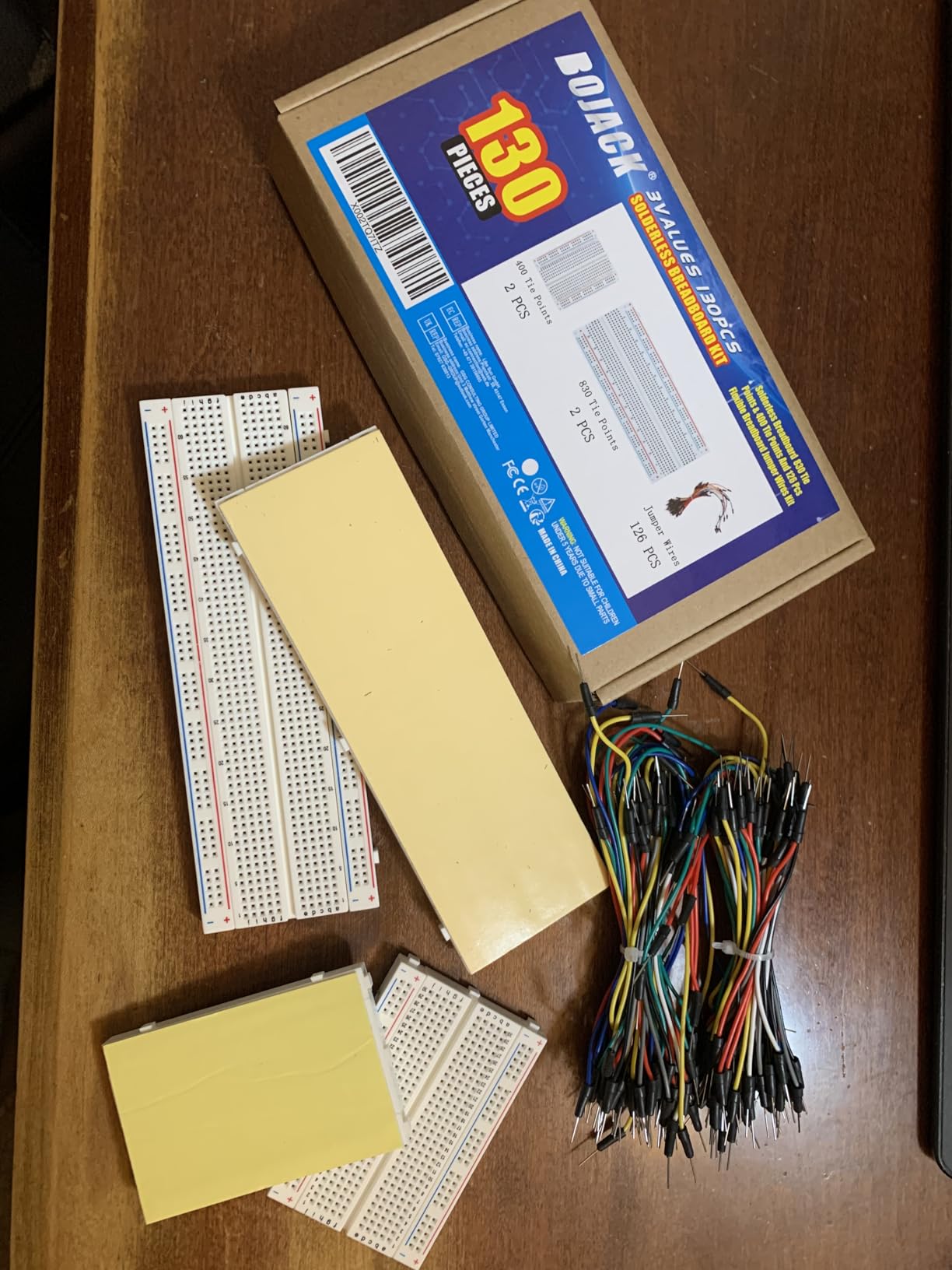
The assortment format is the main draw for buyers: having several 830- and 400-point boards plus a large supply of jumpers on hand supports classroom or multi-project work without anyone waiting for a board to free up.
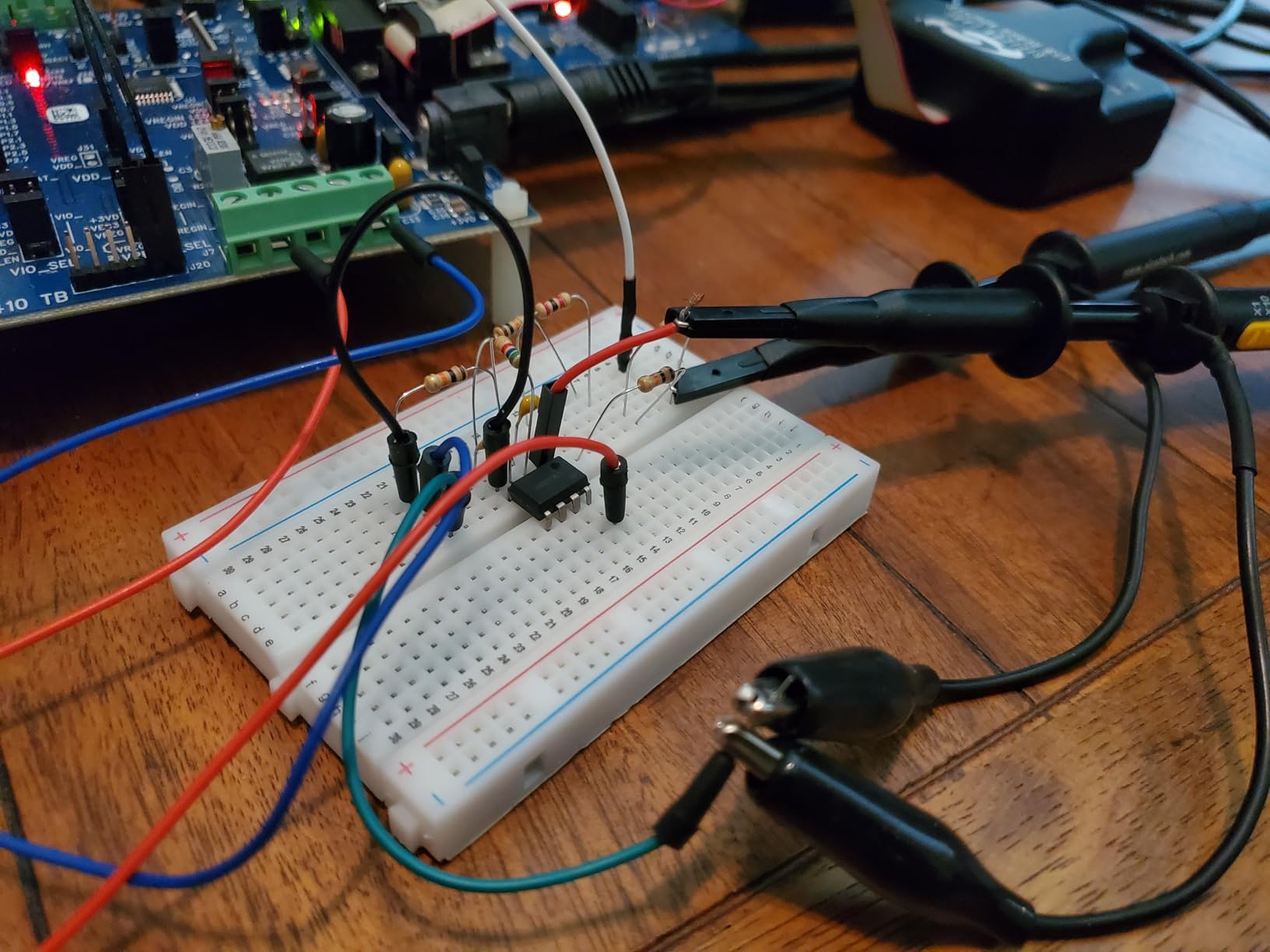
One thing worth knowing about the connectivity, since it confuses newcomers: the top and bottom rows of holes connect horizontally and are split in the middle, while the remaining holes connect vertically. That is standard breadboard behavior, but it is worth pointing out on a classroom board before students start.
How to plan a shared bench with this set
Give each pair one 830-point board for the main build and one 400-point board for subcircuits, so experiments can run in parallel without unplugging anything.
The 126 flexible jumpers cover several students at once, which is what makes the set viable for a group rather than a single builder. Number the boards before class so nothing goes missing.
What to expect from the contacts
Reviewers report the usual solderless behavior: some holes hold leads loosely and power rails can need extra pressure to make a solid connection. Teach students to reseat a jumper rather than assume a circuit fault.
Because the boards are interchangeable, a loose board can be swapped out mid-session instead of ending an exercise.
8. HUAREW Power Supply Kit: the Best Kit for Battery-Powered Builds
HUAREW Breadboard Kit with Power Supply Module, Jumper Wires,Battery Clip,830 & 400 tie-Points Breadboard
- Switchable 3.3V and 5V rails from DC or USB input
- Jumper wires in four lengths for routing around big boards
- Battery clip allows circuits to run away from an outlet
- Combines 830 and 400 tie-point boards
- Output capped below 700 mA which limits larger loads
- Contact stiffness varies so some leads need extra care
The defining feature here is the battery clip. Most kits in this roundup assume a wall adapter or a USB port, and this one lets you run a finished circuit on a 9 V battery away from a desk, which turns a prototype into something you can carry around and show people.
The power supply module accepts 6.5-12 V DC or a USB supply and switches between 3.3 V and 5 V output. The package also includes 830 and 400 tie-point breadboards and jumper wires in four lengths: 12 cm, 16 cm, 20 cm and 25 cm.
Why four jumper lengths matter
Most kits ship with one length, and a board larger than about 400 tie points quickly runs out of short jumpers for crossing from one side to the other. Having 12 cm through 25 cm in the box removes that particular frustration.
Longer jumpers are also what you need when a sensor module or a development board sits at one end of an 830-point board and you have to reach the rails at the other.
What the 700 mA ceiling means for you
Maximum output current is under 700 mA, which covers logic, LEDs, sensors and small signal circuits. It does not cover motors, higher-current LED strips or anything that pulls real power, so plan those projects around a separate supply.
Reviewers also note that contact stiffness varies, so some leads need extra care to seat properly. Give each new board a quick continuity check before you trust it with a build.
9. Miuzei Electronics Component Kit: the Best Breadboard Kit for Gifting
Miuzei Electronics Component Kit with Breadboard Compatible with Arduino
- 400+ components covering sensors LEDs and ICs
- Every part individually labeled in a sturdy box
- USB power cable for the breadboard supply included
- Tutorial and datasheets available for download
- No controller board included so coded projects need a microcontroller
- Documentation is a website download rather than a printed guide
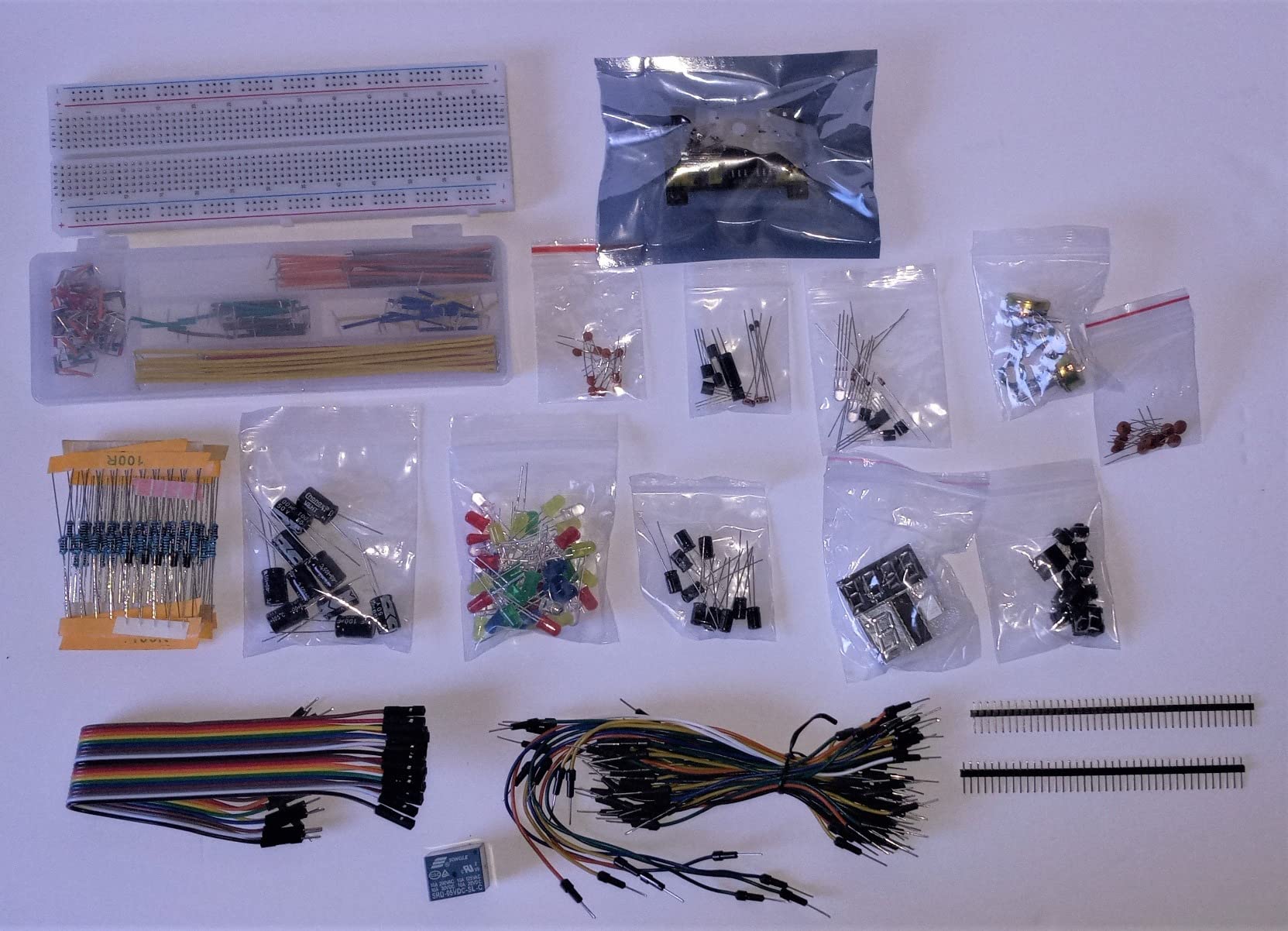
This is the one we would hand to a beginner opening their first electronics box. It contains more than 400 components including sensors, with LEDs, resistors, buttons, capacitors, transistors, diodes and integrated circuits individually packaged and labeled in a sturdy box, and a breadboard power supply with a USB power cable.
Giftability is really about the first five minutes. A labeled box means the recipient can identify parts without an inventory exercise, and the included jumper wires and potentiometer mean they can build something on the first session without a second delivery arriving first.
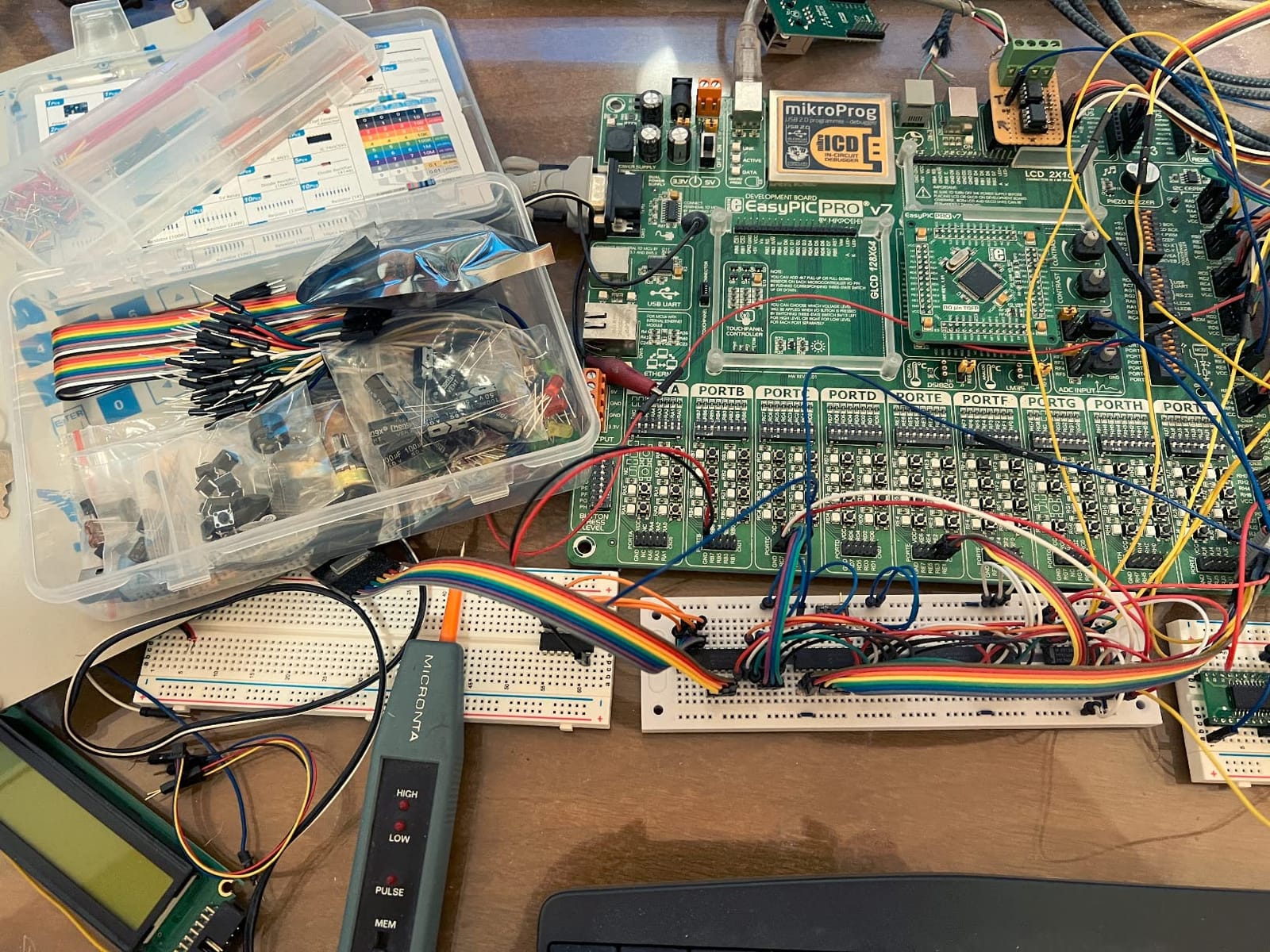
Owners rate it as a solid beginner and hobbyist bundle, pointing to the 400+ labeled components, the sturdy storage box and the included USB power cable as the practical highlights. It is commonly presented as a gift for someone starting out, because the range of parts supports many small experiments.
As with the other kits in this class, the controller board is excluded and reference material is a website download. If you are buying for someone who may not be comfortable finding downloads, pair it with a written project list of your own.
What makes a kit good as a present
Openability and clarity matter more than component count. A kit whose parts are individually labeled and boxed does not need a parent sitting next to the recipient to sort it first.
Include a short project list when you give this as a gift. An LED circuit, a button input and a sensor read are enough to demonstrate the whole range without overwhelming someone on day one.
What the recipient will need next
A microcontroller, if they want to go beyond simple analog and LED circuits. Nothing coded works without one, and the kit does not include it.
Decide in advance whether to print the datasheets and tutorials for them, because the documentation is only available as a download from the manufacturer’s site.
10. BOJACK 830 and 400 and Mini Set: the Best Kit for Modular Subcircuits
BOJACK 1Pcs 803 & 1 Pcs 400 Tie Points Solderless Breadboard, 65 Pcs Jumper Wires, 6PCS 170 Points Mini Breadboard
- Jumper leads fit snugly rather than sitting loose
- Six 170-point mini boards suit small subcircuits
- Mix of 830 and 400 boards covers most prototyping needs
- Grip holds components without extra force
- The 170-point mini boards fill up with a single IC or microcontroller
- Boards only with no components or power supply included
The unusual part of this set is the six 170-point mini boards alongside a full-size 830-point board and a 400-point board, plus 65 flexible jumper wires for 73 pieces in total. Reviewers treat the mini boards as the second highlight after the jumper quality, using them for single-purpose subcircuits built as separate modules.
That modular approach suits demo builds particularly well, since a subcircuit on a mini board can be dropped into a 3D-printed enclosure and then joined to the main board with jumpers when the time comes.
Why snug jumpers matter more than people expect
Reviewers single out the jumper wires as unusually well-fitted for a set at this level, noting that they sit snugly rather than loose, and praise the strong grip of the contacts. A jumper that seats firmly removes a whole category of intermittent faults.
Boards are reusable, so the original build can be taken apart and rewired for the next one. That is the core advantage of solderless prototyping and this set does it well.
Where the mini boards run out
At 170 tie points, a mini board fills up with a single IC or microcontroller. It is a subcircuit surface, not a main build surface, and planning around that keeps you from ending up with a half-used board and a crowded main one.
No components or power supply are included, so budget for those separately if the recipient is starting from nothing.
11. HUAREW Boards and 120 Jumpers: the Best Kit for Jumper-Heavy Wiring
HUAREW Breadboard and Jumper Wires Kit Include 830 Tie Points Breadboard 400 Tie Points Breadboard Jumper Wire
- Wires seat well and behave as expected once built
- 830 and 400 pairing suits wider boards that overhang one breadboard
- 20 AWG stranded jumpers in all three header styles
- Neat pin holes and sturdy metal pins
- Some pins feel tight on insertion
- A few boards have an unusual shape that needs trimming
- Boards and wires only with no components or power supply
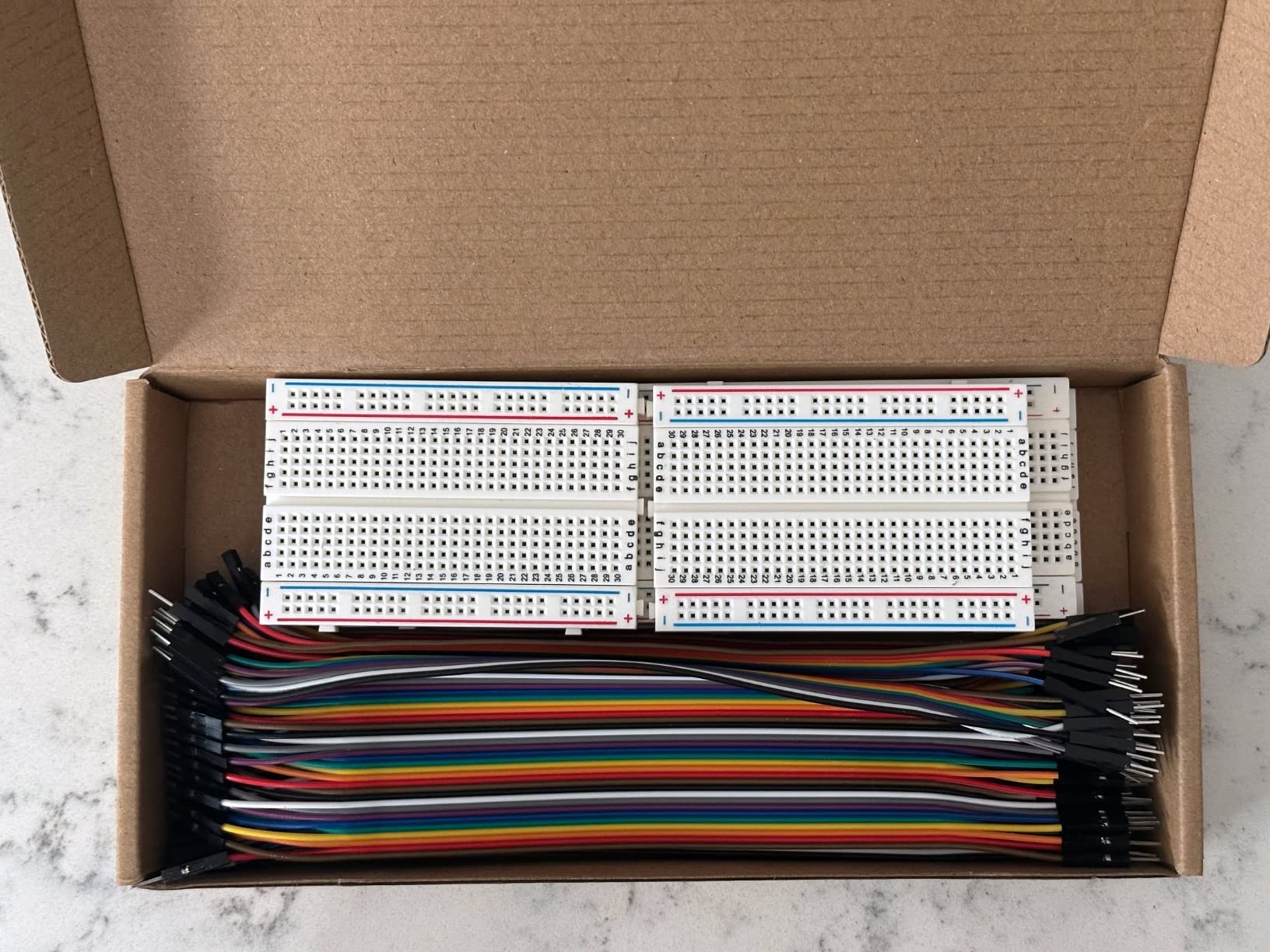
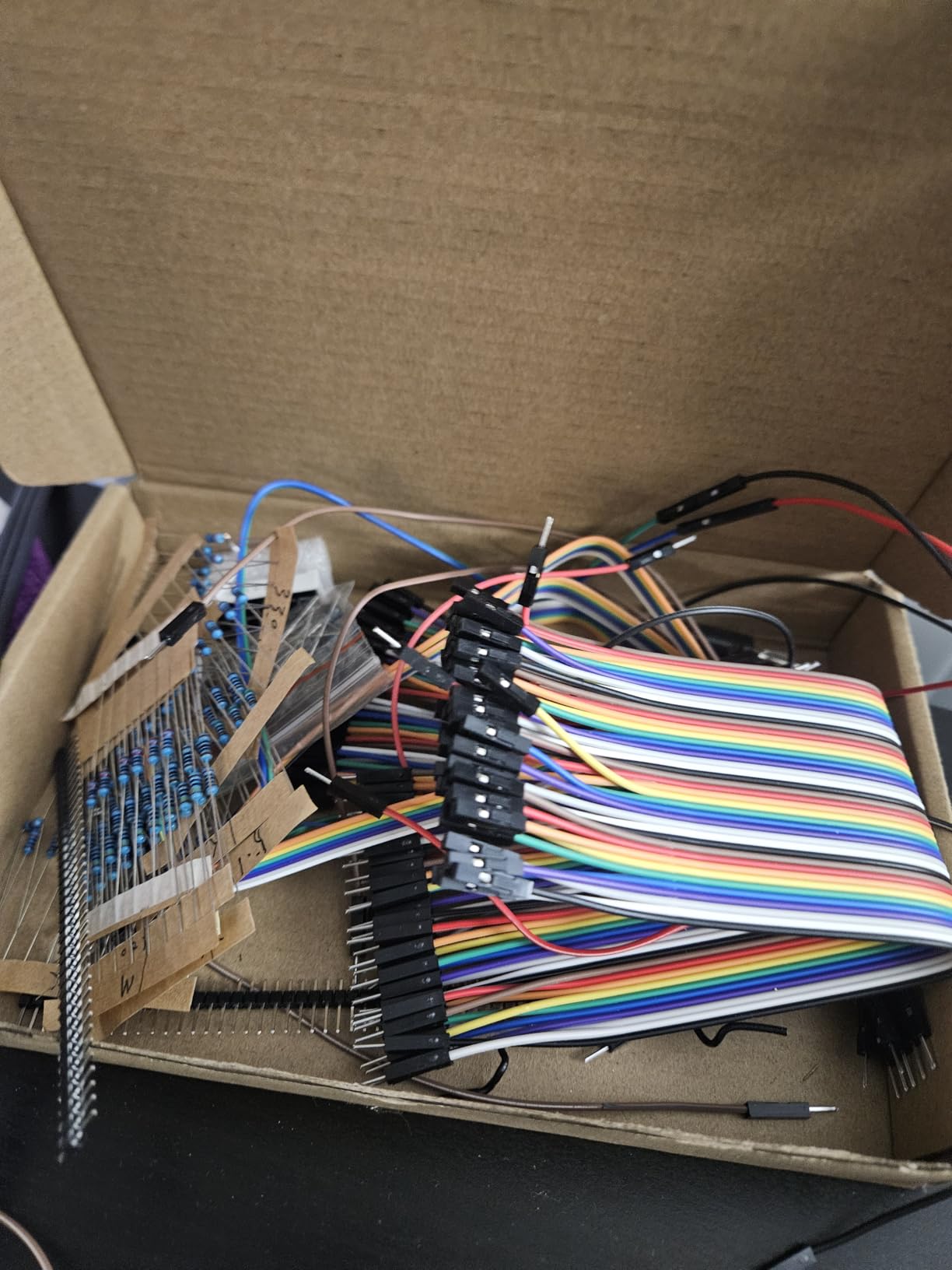
This bundle is built around wiring rather than components: two 830 tie-point and two 400 tie-point solderless breadboards, plus 40 pins each of female-to-female, female-to-male and male-to-male jumper wires, 120 jumpers in total.
The wire spec is the part worth noting. Conductors are 20 AWG stranded, 0.33 mm across, with 10 strands per wire, and the board contacts accept 20-29 AWG wire. The terminated ends use sturdy plastic housings rather than bare bent wire.
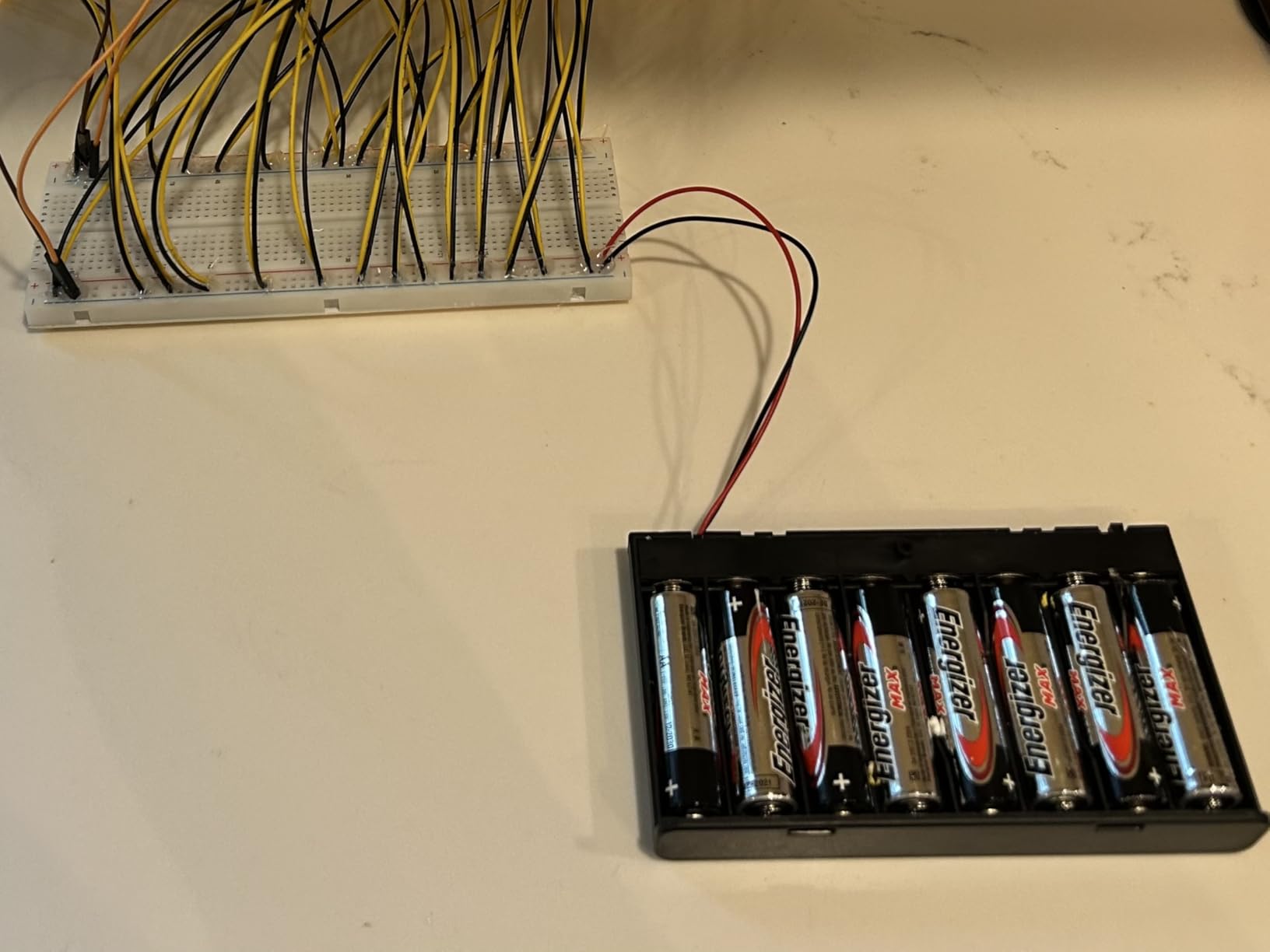
Owners find the pair of 830- and 400-point boards useful precisely because wider development boards such as ESP32 modules overhang a single breadboard, and the two together handle it. Wire quality and pinhole neatness draw praise, and one buyer notes the maker stood behind the product with a replacement offer.
Two issues recur: a handful of pins are tight on insertion, and one reviewer had to trim the skinny ends off boards to get them to sit properly for a wide-module build. A replacement policy like that is worth noting when you buy electronics parts.
Why 20 AWG stranded wire is the right default
Stranded wire at 20 AWG seats reliably in solderless contacts, which is exactly what the contacts are designed to accept alongside 21-29 AWG. It also flexes rather than snapping when you rewire a build.
Having all three header styles in equal quantities is the practical win. Many projects need a male-to-female to reach a module pin, a female-to-female to bridge two rows, and male-to-male to link a header to a board, and running out of one style mid-build is common.
What to check before committing
Check the physical shape of the boards against your dev board footprint, because a few pieces in this class have an unusual profile that does not sit cleanly on the adhesive pad for wide modules.
Nothing but boards and wires is included, so add a component kit and a power module from elsewhere in this roundup if you are building from a bare start.
12. minidodoca 326-Item Fun Kit: the Best Kit for Display and IC Projects
- 326 items covering power supply breadboard ICs and sensors
- Includes a 9V 1A adapter so circuits run without extra purchases
- Power module offers 3.3V and 5V with battery clip option
- Components individually tested and sorted before packing
- The 4-digit 7-segment display is common-anode and needs care
- LEDs need a series resistor on the 3.3V and 5V rails
- No controller board included
This is the most complete power story in the roundup. The standard configuration is 326 items, and it includes a 9 V 1 A power adapter plus a breadboard power supply module with a 5.5 x 2.5 mm input, so you can run a circuit without buying a supply separately. A 519-item version is also offered if you want more.
It also reaches past passives. Included are 4N35, 74HC595 and 74HC138 integrated circuits, a 4-digit common-anode 7-segment display, 12 capacitor values, 10 resistor values, 5 LED values, buttons, a buzzer, a precision potentiometer, a thermistor, an RGB LED and a photoresistor, along with an 830 tie-point breadboard, Dupont wires, alligator clips and banana plugs.
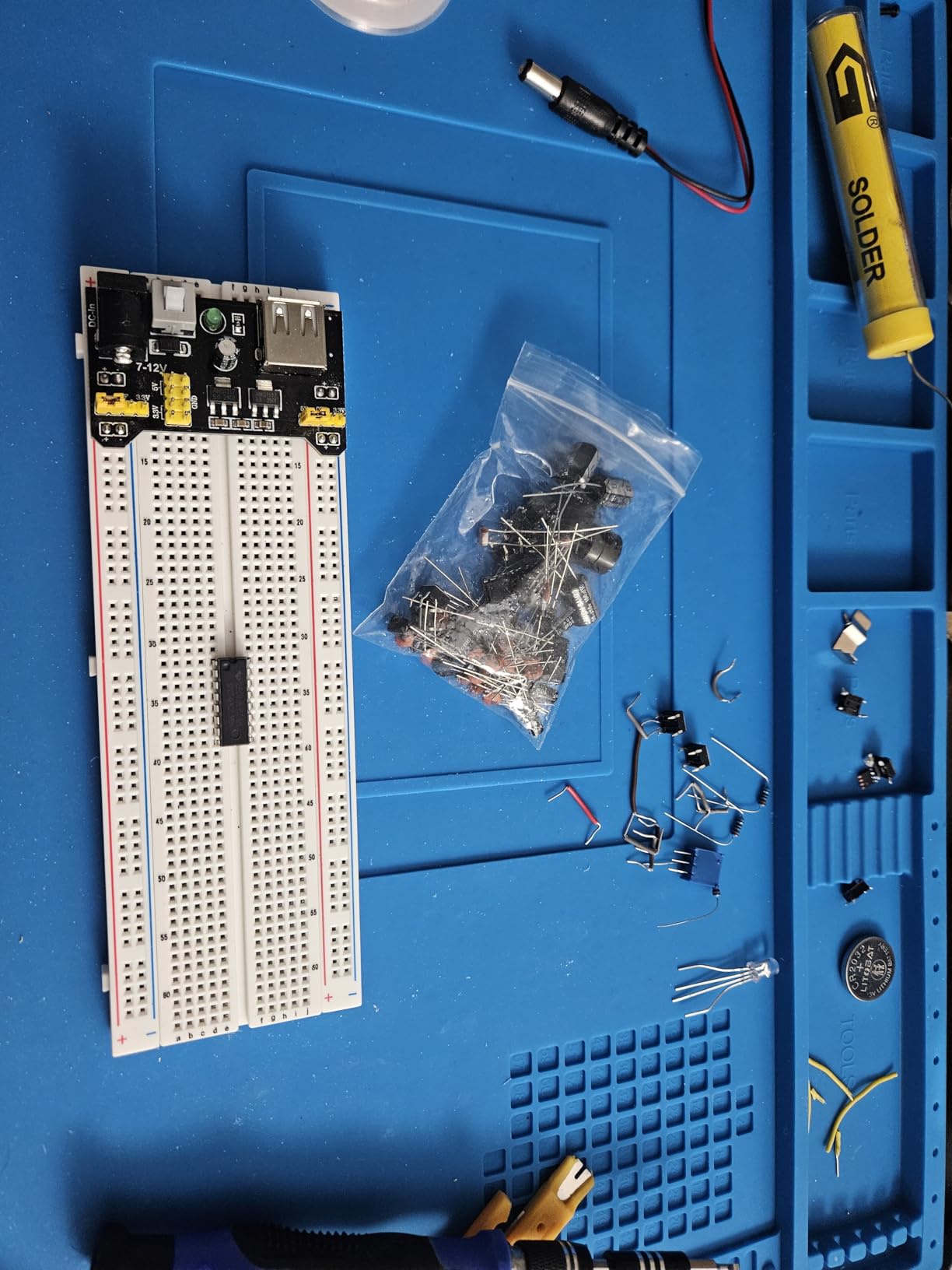
Buyers value the completeness, especially that a 9 V 1 A adapter and a solderless 3.3 V and 5 V supply module are bundled with the 830-point board, the ICs and a wide sensor selection. Components are reported as tested and sorted before packing, which supports first-time use. A 12-month warranty is listed.
The caveats are electrical rather than quality. The 7-segment display is common-anode and must be wired accordingly, and the included LEDs run 2.2-3.4 V, so they need a series buck resistor when powered from the 3.3 V or 5 V outputs.
Getting the display wired correctly the first time
A common-anode display shares a common positive rail across all four digits, which means the segment wiring is the reverse of what people expect from a common-cathode part. Read the pinout before you power it.
Keeping the series resistors on LED outputs is not optional here. The power module rails sit above the LED forward voltage range, so an LED connected directly to 5 V without a resistor will be damaged.
What makes this kit worth the higher item count
Alligator clips and banana plugs let you connect probes, a battery or an out-of-box supply without soldering, which speeds up debugging across a whole session rather than one circuit.
Since this is a bare kit, plan for the controller board separately. It is designed to sit alongside a Raspberry Pi or STM32 board rather than replace one.
How to Choose a Breadboard Kit Without Guessing?
Size the board by tie points, not by marketing. A 400-point board gives a 300-point terminal area plus power rails and suits an LED, a 555 timer, a potentiometer or a small sensor circuit. An 830-point board gives a 630-point terminal area, which is what you want the moment a microcontroller with pin headers shares the board. You will outgrow a 400-point board when the wiring around your dev board starts pushing components into the rails.
Decide whether you need components in the same box. Roughly half the kits here are boards and jumpers only. If you already have a parts drawer, a board-and-jumper set is the better value. If you are starting cold, a component bundle saves a second order and a week of waiting. Our workbench kit roundup covers the supporting tools worth having alongside either choice.
Judge build quality by three things. Contact tension consistency, printed letter and number legibility, and whether rails grip a lead without force. Metal plate backing is worth having on larger boards because it stops the panel flexing when you press on a tight hole, though not every kit in this roundup includes one.
Check the power module limits before you plan. Most modules here switch between 3.3 V and 5 V, and most cap out well below 1 A. Note the ceiling: the HUAREW module in this roundup is specified under 700 mA, which rules out motors and larger LED loads. For anything that draws real current, add a separate bench supply.
Match jumper gauge to the contacts. Contacts that accept 21-26 AWG leads want wire in that range. Boards rated for 20-29 AWG, like the HUAREW set, take 20 AWG stranded jumpers comfortably. Very thin 28 AWG wire is hard to seat and makes intermittent contact more likely, so avoid it for signal wiring.
Know when to move past the breadboard. A breadboard is a scratch surface for proving a design. When a project becomes permanent, move to perfboard for through-hole parts, to a solderless PCB when you want the breadboard footprint to stay modular, or to stripboard when you are comfortable with a continuous ground plane. The contact resistance and oxidation issues that make breadboards unreliable for permanent builds are covered next.
The Honest Downsides of Breadboards and How to Fix Them
Breadboards are a test tool, not a permanent build platform, and hobbyist forums say so plainly: the things you assemble on one are circuits you throw together to try an idea. That framing sets expectations for the four real limitations.
Contact resistance. Every connection is a spring clip on a plated metal contact, so a breadboard connection has more resistance than a soldered joint. That is fine for logic and low-current analog work and a problem for precision measurements and anything sensitive to drop.
Oxidation and grime. Contacts are tin-plated and they dull over time, especially in a humid room or after handling with bare fingers. If a board stops behaving, clean it with isopropyl alcohol and a soft brush, let it dry fully, then reseat the jumpers. Cleaning restores contact far more often than replacing components does.
Jumper sizing mistakes. The most common real fault is a jumper that bridges the center channel or spans across the split in a power rail, silently shorting two nodes. Check the printed letters and numbers rather than assuming the layout is continuous.
Not for high current. Contacts are rated for 21-26 AWG leads and small currents. Motors, high-current LED arrays and anything approaching an amp or more belong on a purpose-built board with screw terminals or soldered joints.
None of that is a reason to skip breadboarding. It remains the fastest way to prove a circuit before spending money on a printed board, and the mistakes it lets you make are cheap ones.
Frequently Asked Questions
Which breadboard is the best quality?
Quality shows up in contact tension, printed labels and rail grip. The ELEGOO three-pack of 830-point boards in this roundup is the most reviewed option and uses tin-plated phosphor bronze contacts rated for 21-26 AWG leads. Look for even tension across holes, a solid non-flexing panel, and rails that hold a lead without force. Check a new board with a continuity check before you trust it with a build.
What is the best breadboard kit to buy?
The best breadboard kit depends on what you are building. For board area and spares, the ELEGOO 830-point three-pack leads. For components in the same box, the REXQualis Component Fun Kit with 400+ labeled parts. For a cheap Arduino start, the ELEGOO 235-Item Fun Kit. For a group of learners, the BOJACK eight-board set with 126 jumpers.
How do I get started with breadboarding?
Five steps cover a first circuit. One, choose a board sized to your project: 400 tie points for a simple LED circuit, 830 for a microcontroller. Two, buy pre-formed jumper wires in mixed lengths plus 21-26 AWG wire. Three, add a power supply module with switchable 3.3 V and 5 V output. Four, build an LED with a series resistor and a current-limiting supply. Five, move on to a sensor read once the first circuit is reliable.
What are the downsides of using a breadboard?
The main downsides are contact resistance from spring clips instead of soldered joints, oxidation that makes contacts unreliable over time, jumper sizing errors that silently short nodes across the center channel or rail splits, and low current limits on the contacts. Breadboards are best treated as a temporary test surface. Move a finished design to perfboard or a solderless PCB once it works.
Can a Raspberry Pi power a breadboard?
A Raspberry Pi can power a breadboard’s 3.3 V rail for low-current logic, LEDs and sensors, but it is not a bench supply. Pi power is intended for the board itself, and a breadboard module plus a 5 V rail should come from a USB or DC supply with a stated current ceiling. Many kits in this roundup include a power supply module with a USB cable for exactly this reason.
How many tie points do I need?
Match tie points to the parts, not to ambition. A 400-point board covers an LED circuit, a 555 timer or a single sensor with room to spare. An 830-point board gives a 630-point terminal area, which is what you want once a microcontroller with pin headers shares the board. You will outgrow a 400-point board when wiring around a dev board starts pushing components into the power rails.
The Best Breadboard Kits for Electronics Projects in 2026
The ELEGOO 830-Point Three-Pack takes our top spot for 2026 because three full-size boards with consistent printed labeling and side-joining clips solve the problem every beginner hits: running out of space and losing a working circuit while building the next one. Buy the REXQualis Component Fun Kit instead if you would rather have 400+ labeled parts in the same box, and the ELEGOO 235-Item Fun Kit if budget is the deciding factor.
Whichever kit you choose, size it to your first three projects rather than your ambition, check the contact tension and rail grip before you start, and treat the breadboard as the test surface it is. Once a circuit works reliably, move it to perfboard or a solderless PCB.