
Most adults who want to start building electronics do not want a plastic box aimed at an eight-year-old. They want a real board, parts they will actually use, and instructions that assume they are paying attention. That is the gap this roundup fills: the best electronics starter kits for adults, ranked after comparing component counts, board quality, tutorial depth and how each one holds up past the first blinking LED.
An electronics starter kit is a bundled box of parts. At minimum it includes a microcontroller board or single-board computer, a solderless breadboard, jumper wires, resistors, LEDs and sensors, and often a project guide or video course. You wire parts into the breadboard, upload code through an editor, and the board reads inputs and drives outputs. Nothing gets permanently attached, so a mistake costs nothing but a component.
We looked at eleven kits covering three genuinely different things: microcontroller kits built around the Arduino Uno R3 and Mega 2560, Raspberry Pi kits that teach Python and Linux, and parts assortments that fill a workbench. If you would rather start with something fully assembled, our guides to the best aquarium starter kits and the best beekeeping starter kits follow the same buy-once logic from a different angle.
Last updated for 2026. Ratings and review counts reflect what buyers reported at the time of writing.
Table of Contents
Top 3 Picks for Best Electronics Starter Kits in 2026

ELEGOO UNO R3 Super Starter Kit
- UNO R3 board
- 22 guided lessons
- pre-soldered LCD1602
- sensors and three motor types

ELEGOO Mega 2560 Ultimate Kit
- 54 digital I/O pins
- 200+ components
- 35 guided projects
- storage case

Freenove Ultimate Kit for Raspberry Pi
- 223 items
- 128 projects
- 962-page tutorial
- five programming languages
All 11 Electronics Starter Kits Side by Side in 2026
Component counts below come from the manufacturers, and the board column tells you what actually runs the show. Kits marked as expansions ship no controller board and need one of the other kits underneath them.
| Product | Specifications | Action |
|---|---|---|
| ELEGOO UNO R3 Super Starter Kit |
|
Check Latest Price |
| ELEGOO Mega 2560 Ultimate Kit |
|
Check Latest Price |
| Freenove Ultimate Kit for Raspberry Pi |
|
Check Latest Price |
 Official Arduino Starter Kit Official Arduino Starter Kit |
|
Check Latest Price |
 ELEGOO 37-in-1 Sensor Module Kit ELEGOO 37-in-1 Sensor Module Kit |
|
Check Latest Price |
 BOJACK 37-Value Component Kit BOJACK 37-Value Component Kit |
|
Check Latest Price |
 LAFVIN Super Starter Kit LAFVIN Super Starter Kit |
|
Check Latest Price |
 SunFounder Elite Explorer Kit SunFounder Elite Explorer Kit |
|
Check Latest Price |
 SunFounder Raphael Kit for Raspberry Pi SunFounder Raphael Kit for Raspberry Pi |
|
Check Latest Price |
 Blink LED Soldering Kit Blink LED Soldering Kit |
|
Check Latest Price |
 SunFounder Raspberry Pi Pico W Kit SunFounder Raspberry Pi Pico W Kit |
|
Check Latest Price |
1. ELEGOO UNO R3 Super Starter Kit: the best electronics starter kit for most adults
ELEGOO UNO R3 Project Super Starter Kit with PDF Tutorial for Beginners
- Wide component variety supports real projects without extra shopping
- Step-by-step PDF lessons suit self-directed learners
- Solderless plug-in modules remove the hardest first barrier
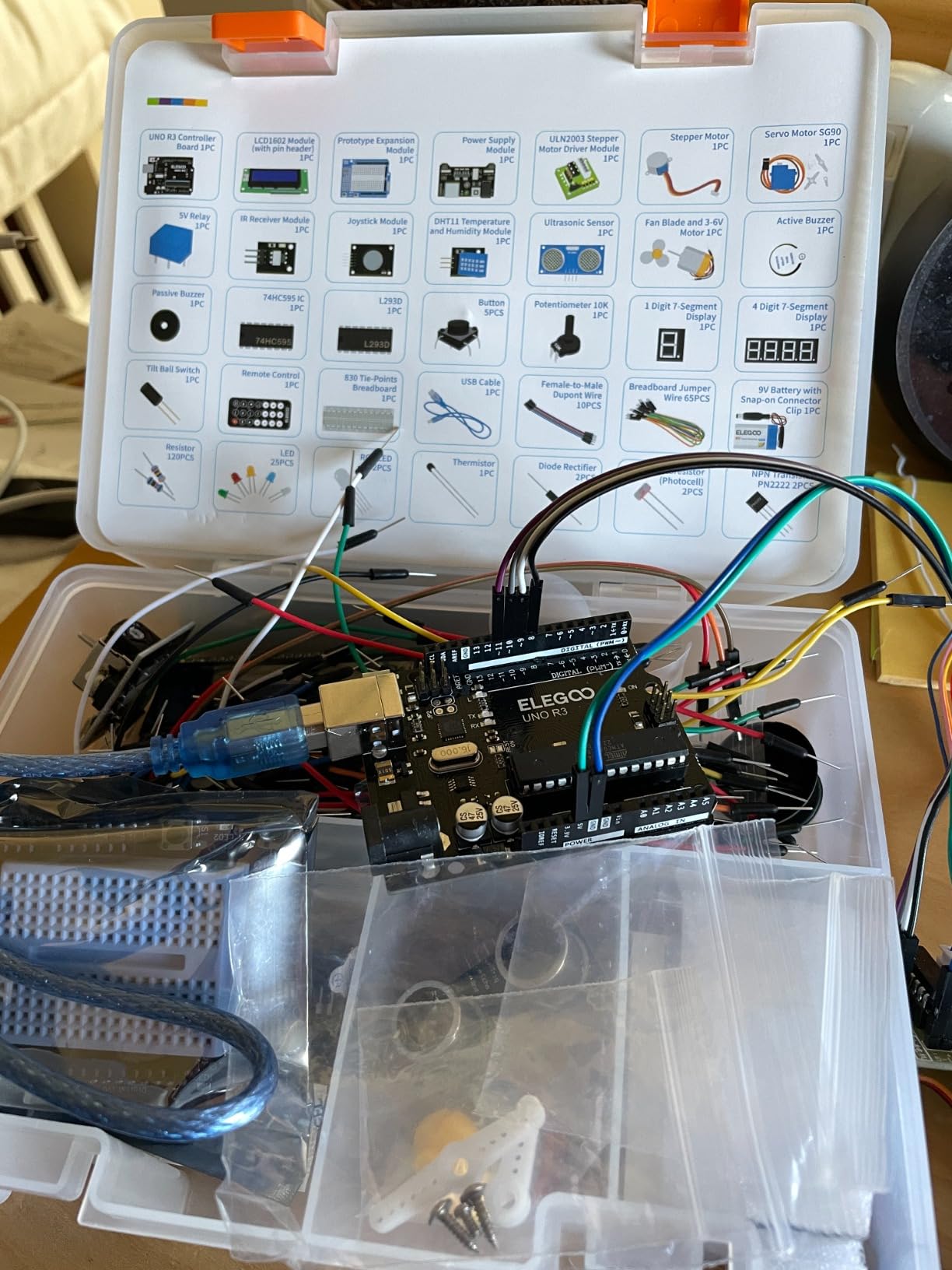
- Illustrated component list makes parts easy to find again
- UNO R3 has limited I/O pins for larger builds
- Tutorial gives thin guidance for macOS setup
- Isolated reports of missing small parts or a faulty breadboard rail
I spent several weeks building through this kit end to end, and the reason it keeps coming up first in r/arduino advice is simple: it hands you a working board and a genuine spread of parts at the same time. The box covers 22 guided lessons running from an LED blink through temperature, distance, servo and stepper motor control, then the LCD and joystick input. Nothing in the first month requires you to buy another part.
Two details matter more than the component count for a beginner. The LCD1602 arrives with its pin header already soldered, so your first display project does not start with a soldering iron. The modules plug straight into the breadboard, which means a miswired circuit comes apart in seconds instead of becoming a permanent mistake.
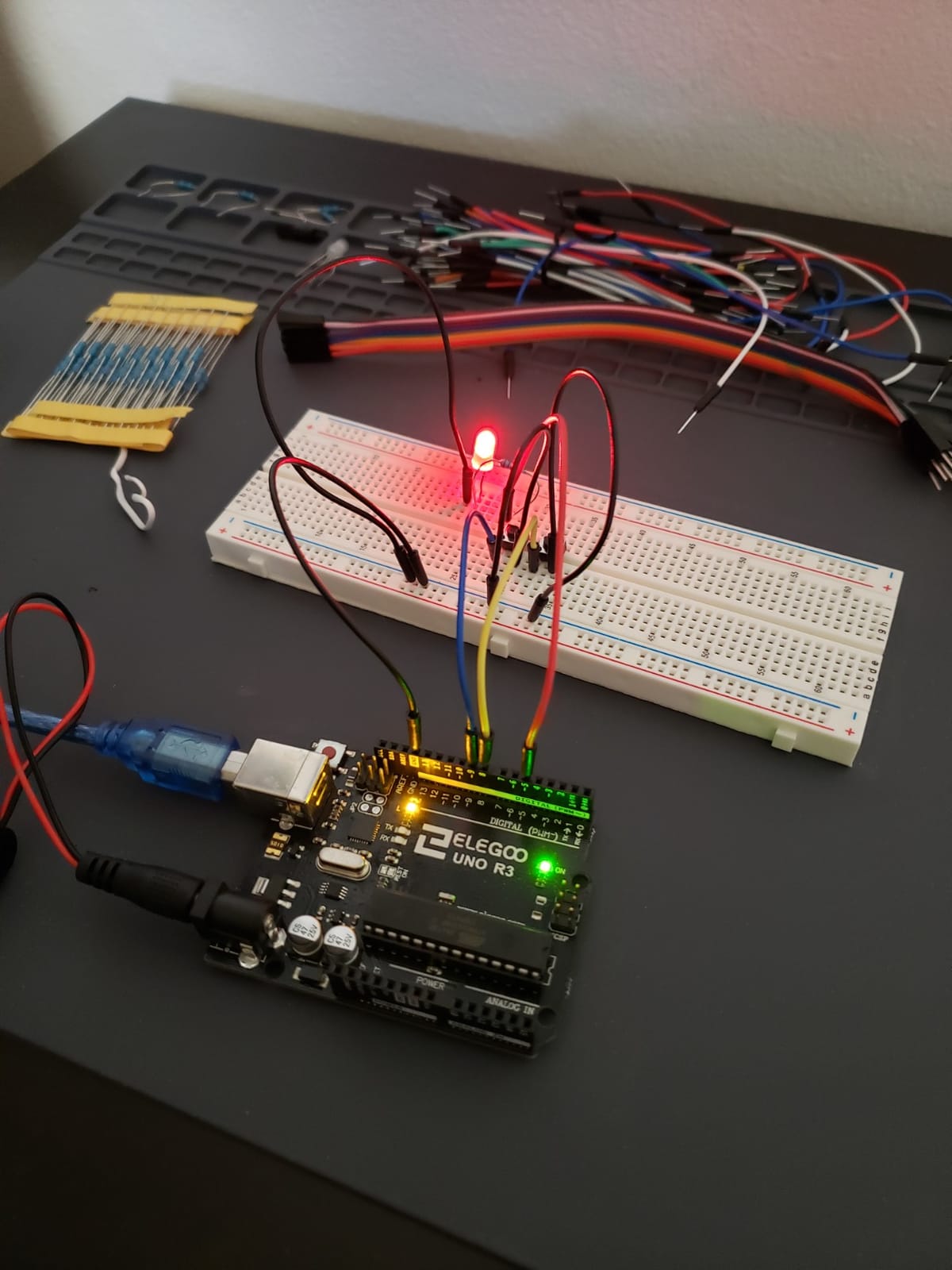
What surprised me was how far the course stretches. The board runs a 16 MHz Atmel processor with 2 KB of SRAM, which is small, and the guide is honest about using shift registers when you run out of pins.
The limits are real. The UNO R3 does not have enough input and output pins for a project with several sensors plus motors plus a display at once, and the documentation assumes a Windows machine when it comes to setup. A few buyers also reported a defective breadboard power rail or missing small parts, so check the box against the illustrated list before you start.
Is this kit enough for a first six months of learning?
For a learner working alone, yes. The lesson set plus the ability to modify thresholds, speeds and sequences means you can extend every project rather than racing to the end of a fixed course. Once you finish the 22 lessons you will have written code for digital and analog inputs, PWM output, serial communication and motor control, which is a solid base.
If you learn better from video than from written pages, this is the wrong shape of kit. The SunFounder Elite Explorer at number eight pairs a genuine Arduino board with 60+ video lessons, and those may hold your attention better.
Who should skip it and pick something else?
Skip it if you already have a board and want sensors rather than a whole course, in which case the 37-in-1 module kit is the cheaper move. Skip it if you want wireless projects on day one, since the UNO R3 has no radio. And skip it if you plan to build something with many concurrent motors, because you will be fighting the pin count within a month.
2. ELEGOO Mega 2560 Ultimate Kit: the most complete Arduino starter kit
- Far more pins and flash memory than an UNO board
- RFID
- RTC
- PIR and water-level sensors included
- Storage case and small-parts box keep 200 parts organised
- 35 lessons with example code you can modify
- Bulky and heavy with a case that takes real desk space
- Some listings give partial counts so inventory varies
- 200+ components can overwhelm without a project roadmap
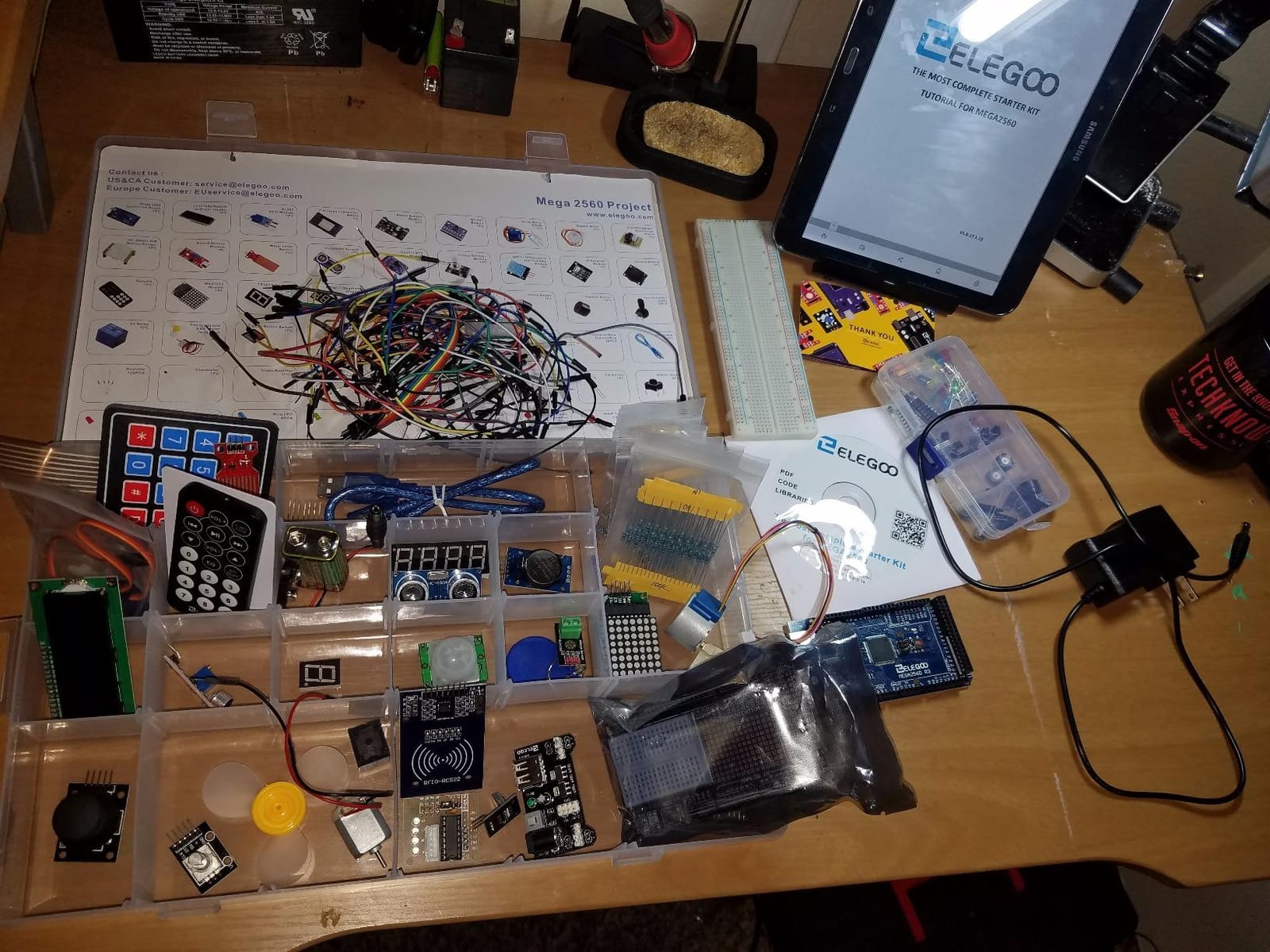
This is the kit for the adult who already knows they will outgrow a small board. The Mega 2560 provides 54 digital input and output pins including 15 PWM outputs, 16 analog inputs, 4 hardware serial ports and 256 KB of flash, and that headroom is the entire reason to buy it. Nothing in the kit leaves you blocked by a pin limit.
The component list goes well past the usual LED-and-breadboard fare. You get an RC522 RFID reader, a real-time clock, a DHT11 temperature and humidity sensor, an HC-SR501 PIR motion sensor, ultrasonic and water-level sensors, a GY-521 accelerometer, a MAX7219 display driver, a keypad, a joystick, a rotary encoder, a relay, an SG90 servo, a stepper motor and a DC motor.
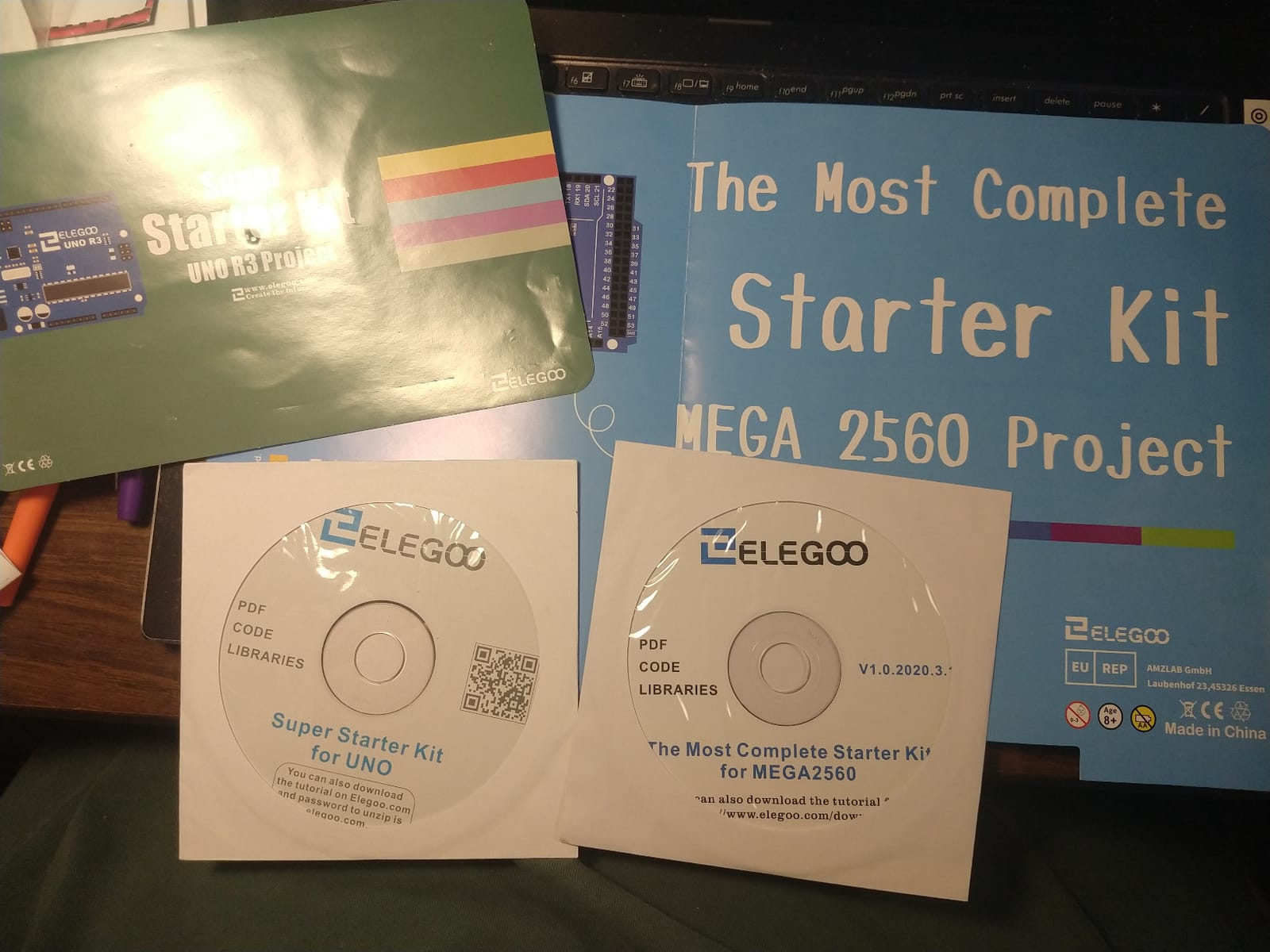
Build quality holds up under that volume. Modules come pre-soldered, the breadboard is solderless, and the storage case solves the most common complaint about big kits.
The trade-offs are physical and mental. At 2.2 pounds in a 13.7 by 8.4 by 1.85 inch package, it eats desk space, and a few buyers noted that some parts are listed as a partial count so the exact inventory varies between boxes. The 100-piece resistor assortment spans 10 ohms to 1 megohm, so keep a multimeter nearby to read values rather than trusting the printed label.
Do you need a Mega 2560 if you are a total beginner?
Not on day one, but you will want one within a year. The Mega is a drop-in upgrade that runs the same Arduino IDE code as the UNO, so nothing you learn transfers to nothing. If you are unsure, start with the UNO kit, learn the basics, and move the same wires to this board when a project needs the pins.
Buy the Mega first if your goal already involves multiple sensors, a motor, a display and a relay running at the same time. That is precisely the setup the UNO cannot do, and no amount of extra components fixes a board with 14 usable pins.
Is 200 components too much for someone with no electronics background?
It can be, and that is the honest downside. Sorting through 200 parts and deciding which four belong on the breadboard is a real barrier, which is why a reviewer described the kit as intimidating at first. Work through the 35 lessons in order rather than exploring the box randomly, and the volume becomes an advantage once you know what each module does.
3. Freenove Ultimate Kit for Raspberry Pi: the best Pi bundle for absolute beginners
Freenove Ultimate Starter Kit for Raspberry Pi 5 4 Zero 2 W (NOT Included)
- Enormous parts inventory backed by unusually thorough documentation
- Projects run from LED blink to real automation with schematics and code
- Five languages let you compare approaches on the same hardware
- Components arrive in a subdivided storage container
- No Raspberry Pi included so add that cost yourself
- Tutorial is download-only and some steps predate current Raspberry Pi OS
- Documentation leans on high-level libraries rather than explaining the code
Adults who already program tend to land here, because the Raspberry Pi runs a full Linux system and the kit teaches you to drive its GPIO pins from Python, C, Java, Scratch or Processing. Freenove supplies 223 items and 128 projects, each with a schematic, a wiring diagram, complete code and an explanation. The bundled tutorial runs to 962 pages.
Five sets of code is unusual in this category. Someone comfortable in Python can start immediately, while Scratch gives a visual entry point and C or Java show what the same pin does in a lower-level language.
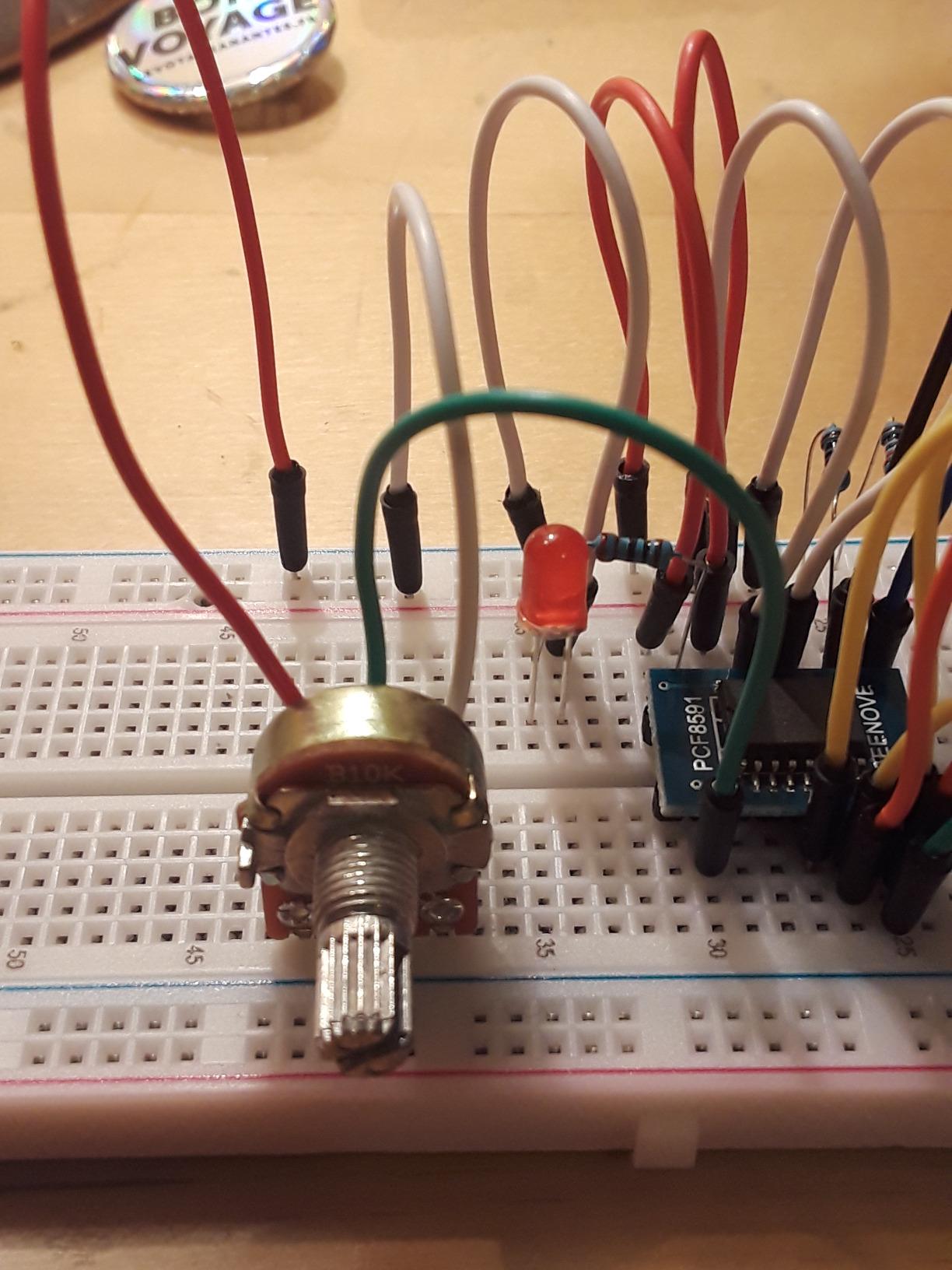
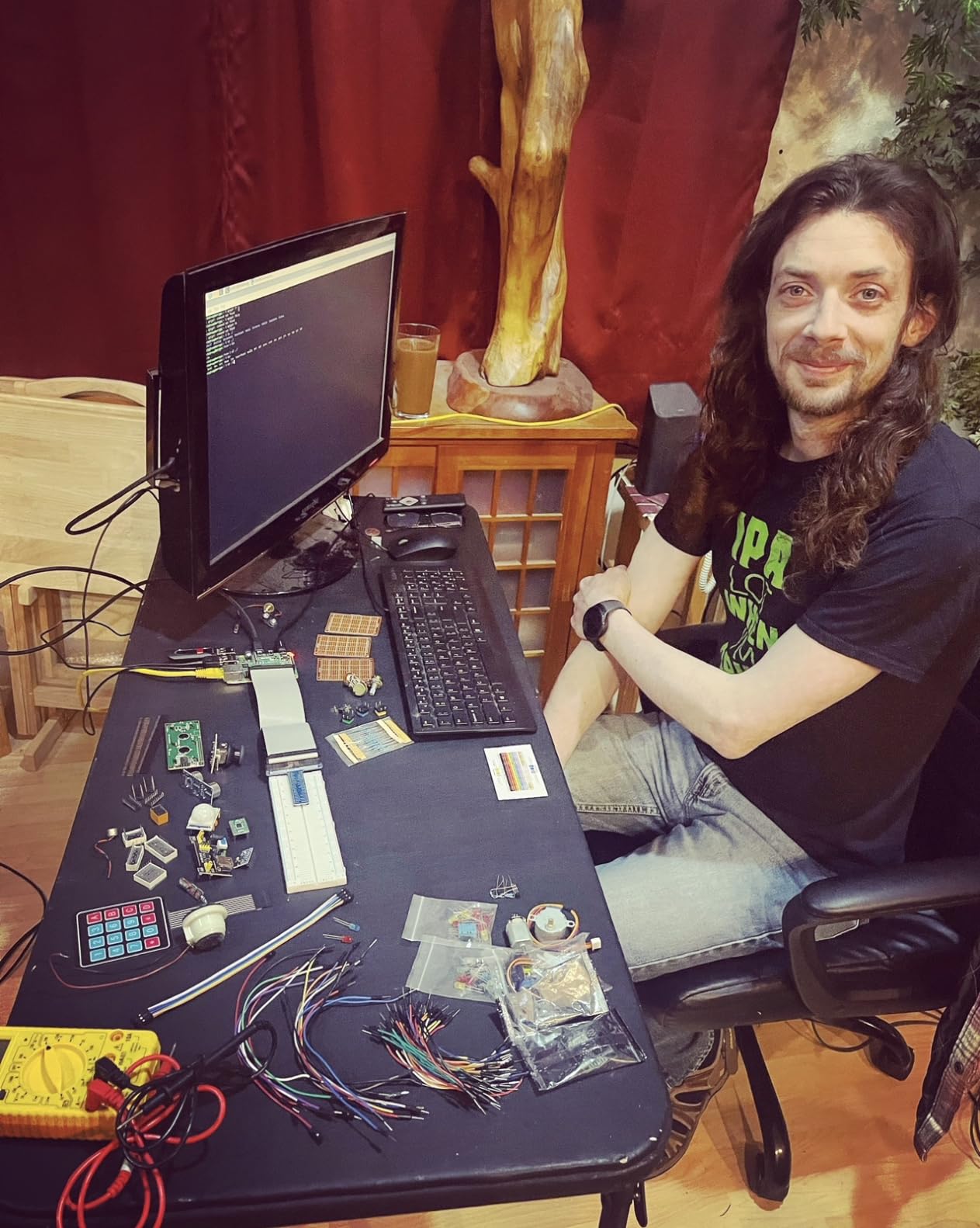
Support is the quiet strength here. Buyers report that Freenove answers quickly and will diagnose wiring errors from photographs, which matters when you are staring at a 40-pin header for the first time. Components arrive pre-arranged in a subdivided container, so the small parts do not disappear into a drawer within a week.
Two practical warnings. The Raspberry Pi itself is not included, so budget for that separately before you start, and download the tutorial first because there is no printed manual and a few instructions predate current Raspberry Pi OS releases. A small number of buyers also reported a faulty GPIO ribbon cable or a dead LED on arrival.
Should an adult learn Raspberry Pi or Arduino first?
Learn Arduino first if you want to control hardware quickly. The Uno boots straight into your sketch with no operating system in the way, so the distance between wiring a part and seeing it respond is about two minutes. That tight loop is what makes the fundamentals stick.
Learn Raspberry Pi first if you already write code in Python or run Linux. You get networking, a filesystem, a browser and a display for free, which makes IoT and data-logging projects easy, but you also absorb a learning curve that has nothing to do with electronics. The Freenove bundle suits that person, provided you already own a Pi or plan to add one.
Will the 962-page tutorial overwhelm a beginner?
No, because you do not read it front to back. Each project stands alone with its own schematic, wiring diagram and code, so you open the section for the build in front of you and ignore the rest. Just be honest that the theory is thinner than the volume suggests, and read further if a library call does not make sense.
4. Official Arduino Starter Kit: the best electronics starter kit for learning theory properly
Official Arduino Starter Kit [K000007] – 12 DIY Projects with Electronic Components & English Projects Book – Original Kit from Italy
- Projects book builds each concept on the last exceptionally well
- Includes pictorial breadboard diagrams and real schematics
- Wooden base gives the board a tidy protected platform
- Pre-written sketches in the Arduino IDE for every project
- Costs noticeably more than third-party kits with many more parts
- Book has small print and limited theory
- Several projects need a 9V battery that is not included
This is the kit people buy when they want to understand circuits rather than just follow a recipe. The English projects book walks through 12 to 15 builds using a DC motor, a servo motor, a tilt sensor and LEDs, and several experienced hobbyists describe the writing as unmatched since the electronics kits of the 1970s. Each build adds one idea to the last instead of resetting.
Two things set it apart. It includes pictorial breadboard diagrams alongside electrical schematics, so you learn to read a real schematic. It also includes a wooden base that holds the Uno and breadboard in a fixed, protected platform.
![Official Arduino Starter Kit [K000007] - 12 DIY Projects with Electronic Components & English Projects Book - Original Kit from Italy customer photo 1](https://www.dognotebook.com/wp-content/uploads/2026/09/B009UKZV0A_customer_1.jpg)
Components are genuine Arduino parts sourced from Italy, and every project has a pre-written sketch available in the Arduino IDE, so you can follow along without typing a line of code on your first pass. Coverage is listed from 0 to 12 years, which tells you this is a gentle on-ramp rather than a course for someone with existing hardware knowledge.
What you give up is volume. At 836 grams in a 6.3 by 9.06 by 1.77 inch box, you get a modest component set for a noticeably higher outlay than third-party kits. The book has small print and thin theory, a few projects expect a 9V battery that is not in the box, and once the 12 to 15 projects are done the parts run out fast.
![Official Arduino Starter Kit [K000007] - 12 DIY Projects with Electronic Components & English Projects Book - Original Kit from Italy customer photo 2](https://www.dognotebook.com/wp-content/uploads/2026/09/B009UKZV0A_customer_2.jpg)
Is the official Arduino kit worth paying more than a clone kit?
Worth it if the book is what you will actually use. The projects build on one another and teach schematic reading, and that is the part most cheap kits skip. Not worth it if your plan is to build many separate projects, because a larger third-party box gives you more sensors and motors for less money.
On build quality the official kit also holds an edge, which matters for a beginner who will handle the board constantly. Genuine parts behave predictably, and the wooden base keeps the breadboard from sliding off the desk mid-project.
Is this kit suitable for an adult who has not touched electronics before?
Yes, and it is arguably the gentlest starting point on this list because the project count is small enough to finish. The risk is that a complete beginner can outgrow it quickly, so treat it as the first box and plan a second purchase after a few months rather than expecting a year of material.
5. ELEGOO 37-in-1 Sensor Module Kit: the best expansion pack, not a first kit
ELEGOO 37-in-1 Sensor Modules Kit with Tutorial Compatible with Arduino
- 37 modules at roughly a dollar each is exceptional value
- Labeled case insert names and locates every part
- Works with UNO
- MEGA
- Nano
- ESP-32 and STM32 boards
- Module quality beats similarly priced no-name kits
- No controller board
- USB cable
- breadboard or jumper wires included
- Tutorial assumes you already know the Arduino IDE
- Example sketches are not named so beginners must hunt for them
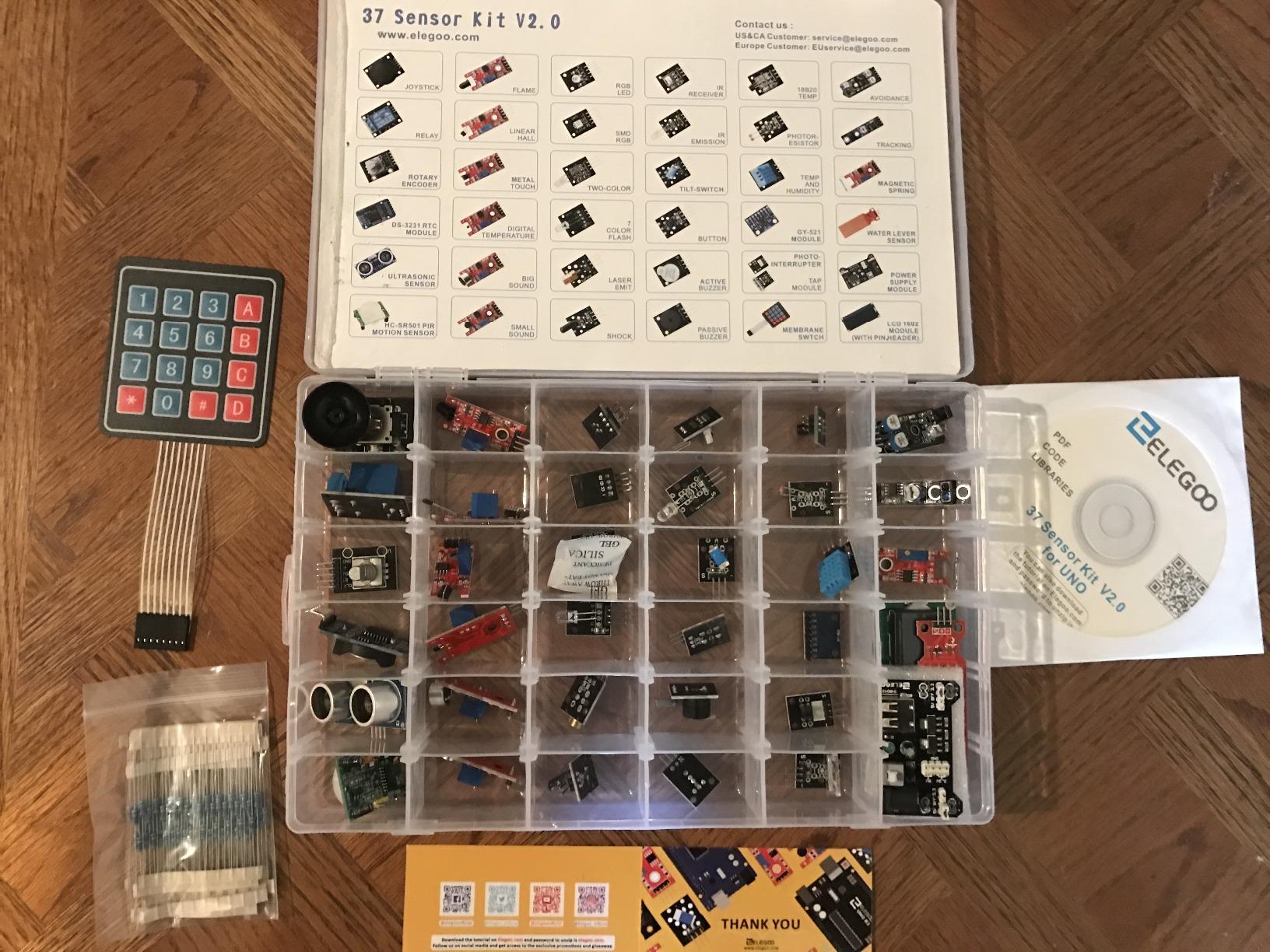
Be clear about what this is: an expansion pack, not a starter kit. There is no board, no USB cable, no breadboard and no jumper wires in the box. What you get is 37 pre-soldered sensor and output modules, and at roughly a dollar per module that is hard to argue with if you already own a controller.
The selection is well chosen. Input modules include GY-521 motion, PIR, ultrasonic, DHT11, DS18B20 temperature, flame, Hall, touch, light, sound, tilt, tracking and obstacle-avoidance sensors. Output and control modules add an LCD1602 display, a DS1307 real-time clock, a joystick, a rotary encoder, a relay, buzzers, RGB LEDs and infrared modules.
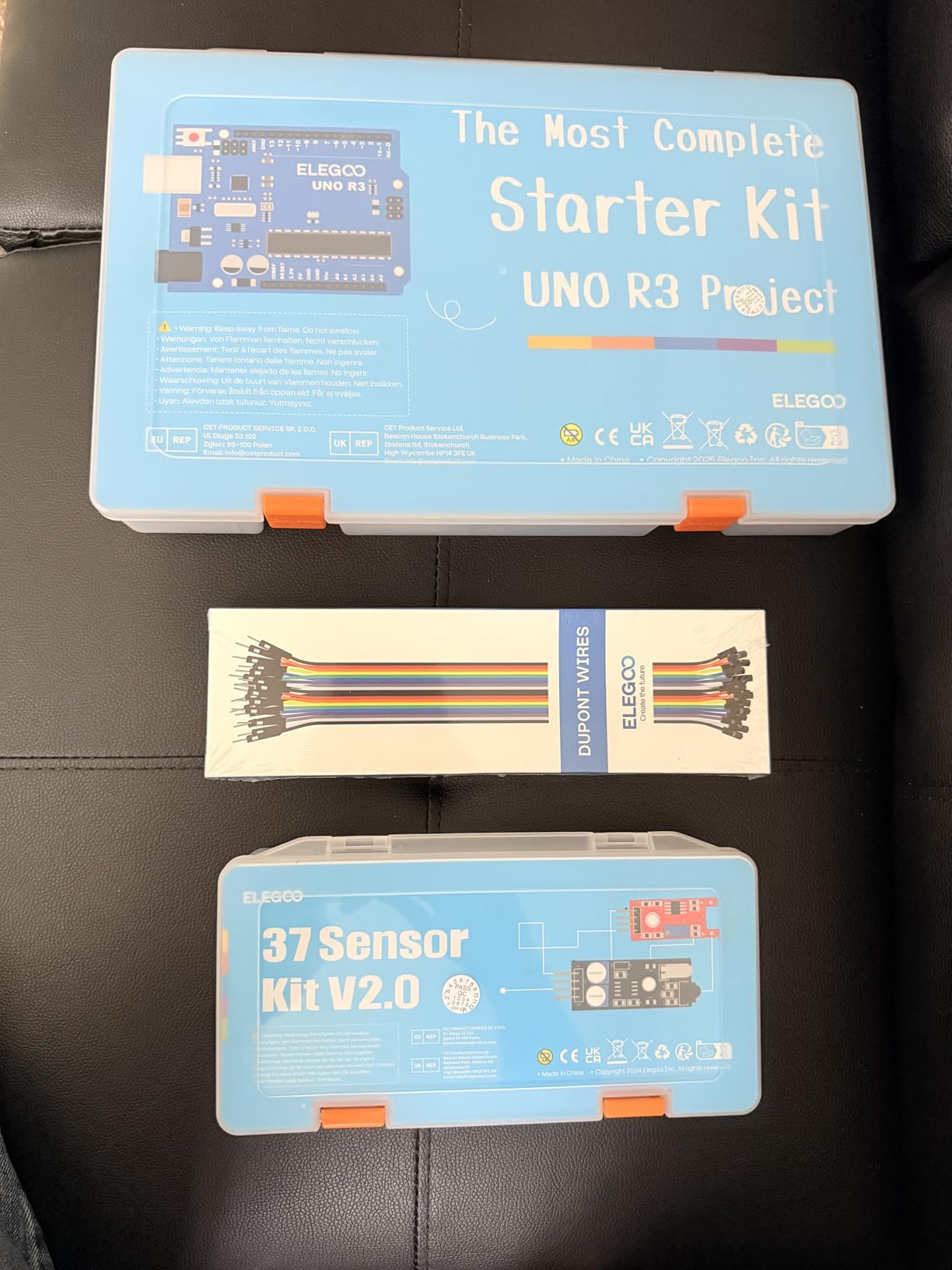
Storage is solved properly. Each module sits in a partitioned plastic case with a lid insert showing the name and location of every part, so a flame sensor does not end up loose in a drawer. The modules are breadboard-friendly, so most experiments need no soldering, and the 10.63 by 7.09 by 1.73 inch case is genuinely portable to a class or club.
The gap is instruction. The lessons assume you already know how to open the Arduino IDE, select a board, upload a sketch and open the serial monitor, and the example sketches are not named in the text, so a beginner ends up searching menus. Use the included power module with 6.5 to 9 V DC only, and expect occasional reports of missing or non-functioning sensors.
Can this kit start someone from zero electronics knowledge?
Not alone. Without a board, a breadboard and jumper wires there is nothing to build with, and the lessons skip the setup step that beginners struggle with most. Pair it with the UNO kit at number one and you end up with a sensor library far beyond what that kit ships with.
If you already own any Arduino-compatible board, this is one of the best ways to extend it cheaply. Thirty-seven modules covers far more project ideas than the ten or so sensors bundled with most starter kits.
Is a sensor module kit better than more passive components?
For project variety, yes. Modules like the PIR, DHT11, ultrasonic and GY-521 each unlock a whole category of build: motion triggers, weather readings, distance measurement and gesture control. A bag of resistors improves your circuits but does not by itself give you a new project.
6. BOJACK 37-Value Component Kit: the best value for filling a workbench
- Hundreds of discrete components for a very low outlay
- Compartment box labels and separates every value
- Power module lets circuits run without another supply
- Breadboard-friendly with no soldering required
- No microcontroller board so it needs an existing Arduino or Pi
- Values are basic passives rather than sensors or displays
- No tutorials
- wiring diagrams or sample code at all
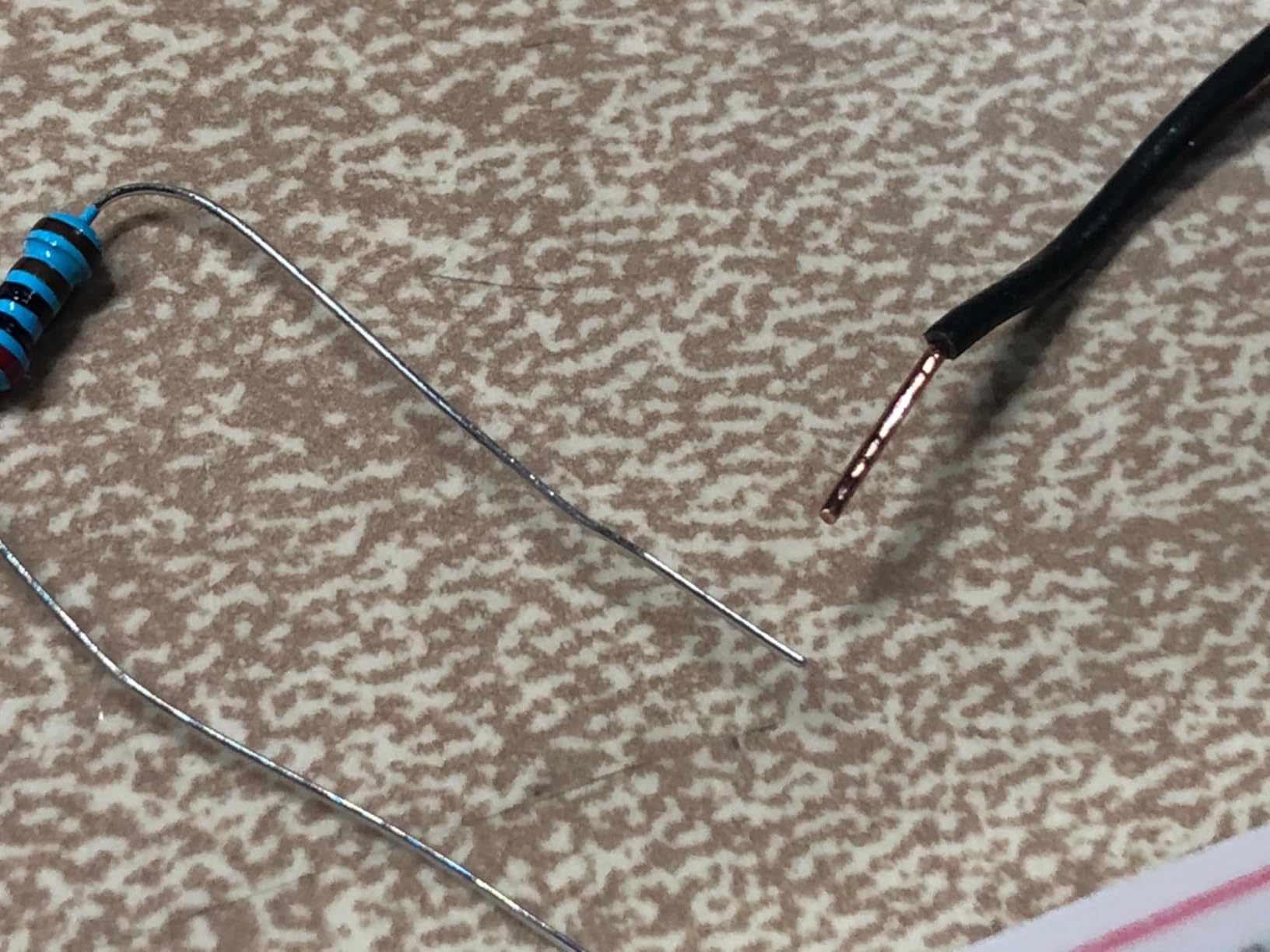
This is the kit experienced makers actually buy, and calling it a starter kit is a category error. It contains more than 400 components across 37 values: resistors, capacitors, diodes, transistors, LEDs and switches, with no microcontroller and no instruction material. It ranks high in prototyping boards and accessories for a reason.
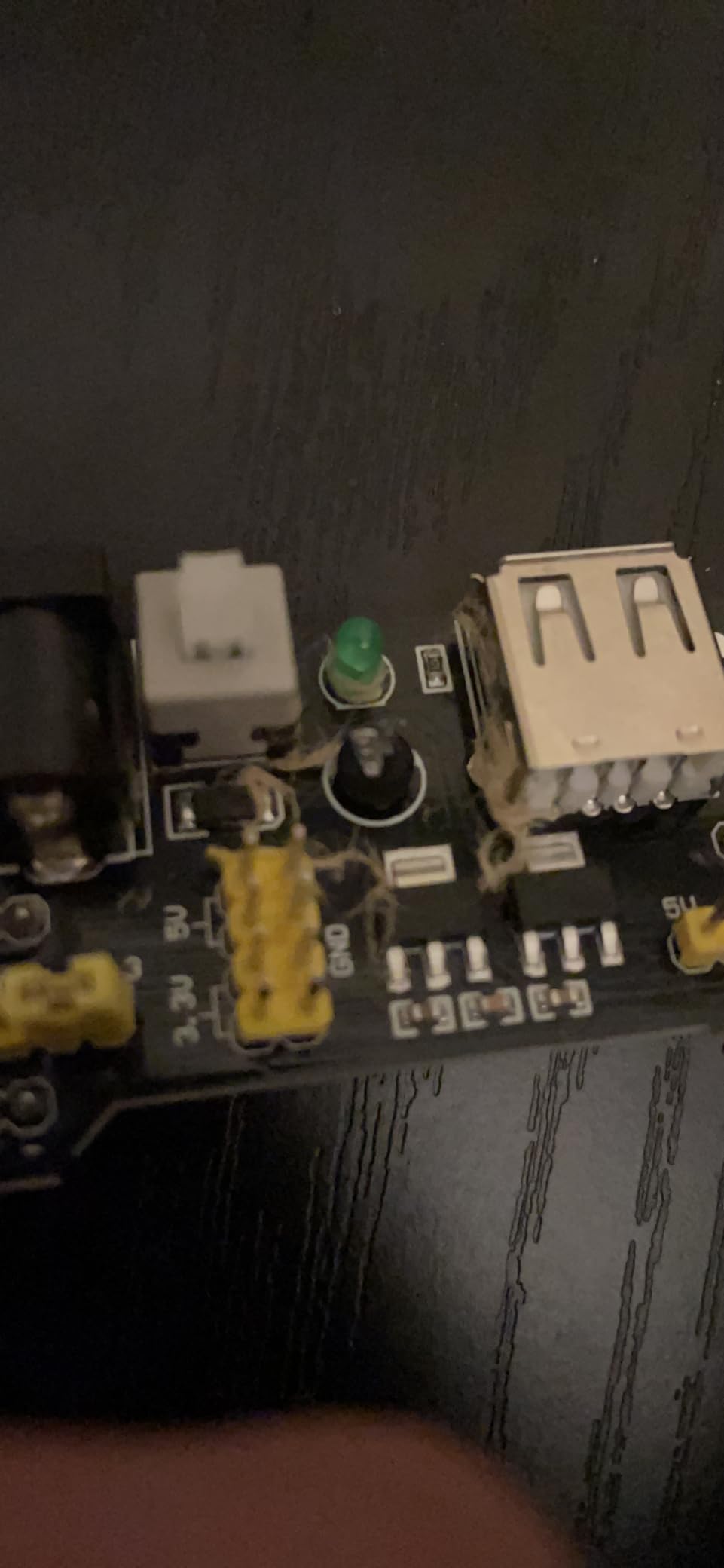
What makes it useful is the packaging and the included hardware. Every component type is classified into a transparent box with clear labels, which answers the small-parts-lost-in-a-drawer problem. You also get an 830 tie-point breadboard, a power supply module, a USB data cable, jumper wire and a precision potentiometer.
The value maths is hard to argue with. Restocking a resistor value you have burned through costs pennies individually, and buying in bulk through a single compartment box is the way experienced hobbyists top up. It is also compatible with STM32, Raspberry Pi and Arduino platforms, so the same box serves several boards.
The limits are structural. The values are basic passives, so there are no sensors, motors or displays in here, and there is no tutorial, wiring diagram or sample code of any kind. A complete beginner who opens this box has no path forward, which is why we treat it as a second purchase rather than a first.
Should a first-time buyer start with a parts assortment kit?
No. Without a microcontroller you cannot run a program, and without a guide you cannot connect the parts into anything that does something. Start with a board kit, then add this when you know which values you keep reaching for.
Returning hobbyists are the exception. If you built circuits years ago and are restocking a bench, a labelled box of passives with a breadboard and a power module is precisely what you need, and nothing else in this roundup covers that need.
How does it compare with the sensor module kit?
They solve different problems. The sensor module kit adds capabilities, because each module unlocks a new category of project, while the parts assortment adds quantity, giving you the resistors and capacitors to build many versions of the circuits you already understand. Modules for new ideas, passives for repetition.
7. LAFVIN Super Starter Kit: the best budget Arduino-compatible kit
LAFVIN Project Super Starter Kit for R3 Mega2560 Mega328 Nano with Tutorial Compatible with Arduino IDE
- Working board
- motors and displays in one box at a low outlay
- 20+ lessons include code
- libraries and datasheets
- Three motor types let you compare control approaches
- Boards interchangeable across R3
- Mega2560 and Mega328
- Fewer components than the ELEGOO kits at a similar outlay
- Unofficial Arduino-compatible board rather than genuine hardware
- Tutorial is shorter and less detailed than the larger PDF courses
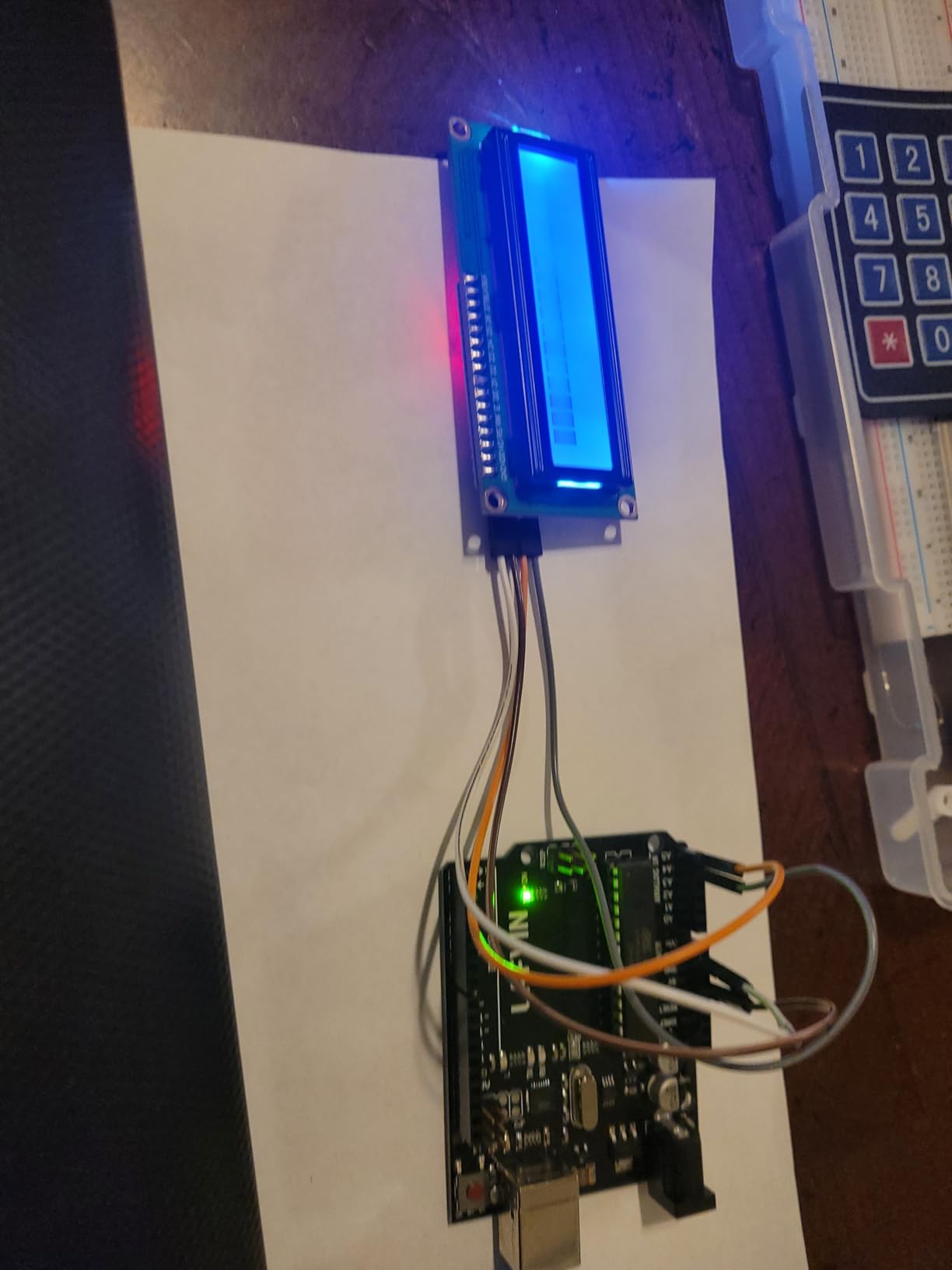
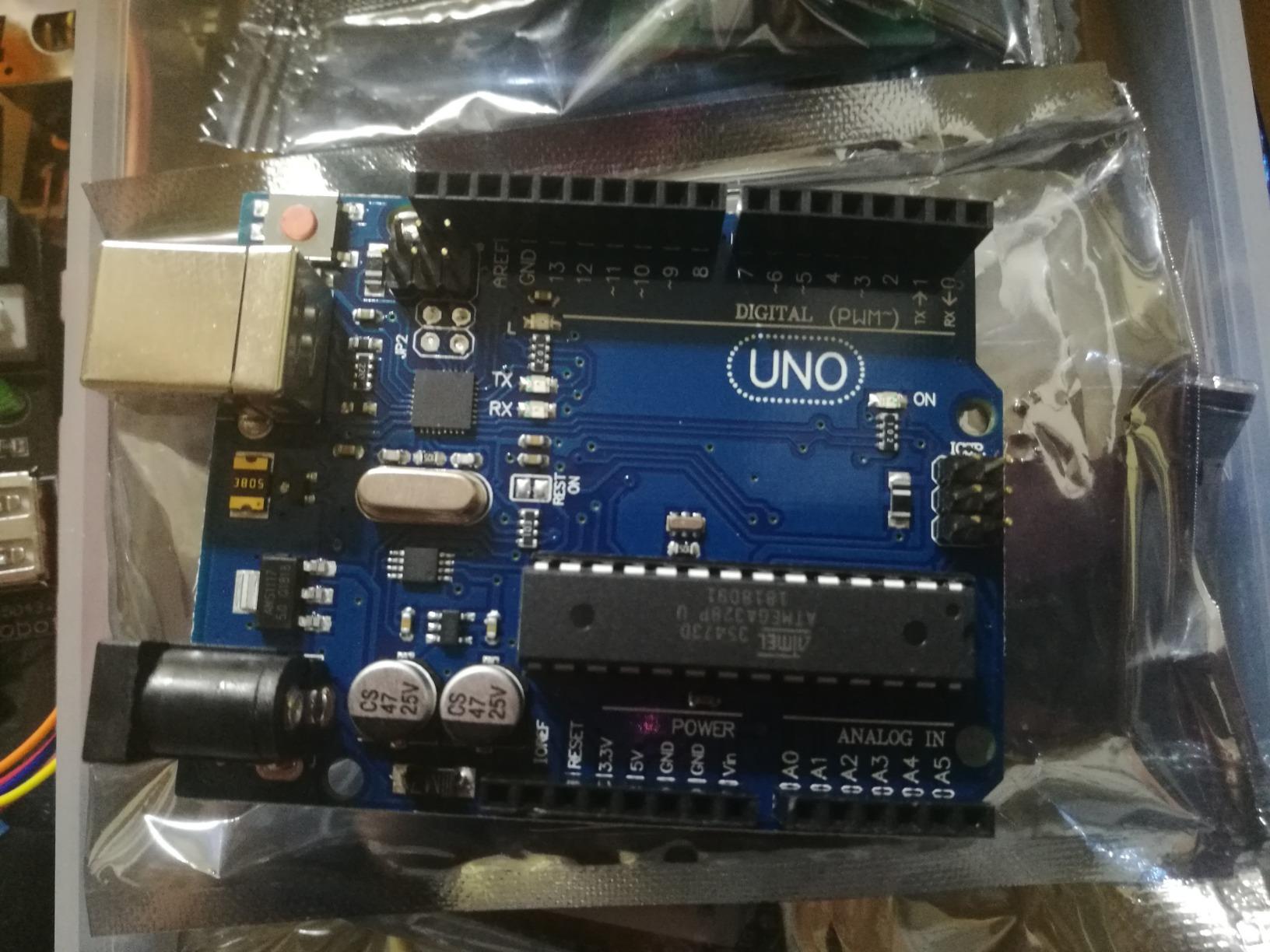
This is the sensible low-cost entry when you want a working board in front of you quickly without chasing accessories. The box includes a controller board with options for R3, Mega2560, Mega328 and Nano, a servo motor, a stepper motor and a DC motor, an LCD1602 module and a 4-bit 7-segment display. Twenty-plus lessons come with code, libraries and datasheets.
Three motor types in one box is the detail I appreciate most. Comparing how you drive a servo, a stepper and a plain DC motor teaches PWM, pulse sequencing and speed control in a way that a single-motor kit never does. The LCD1602 also arrives with its pin header pre-soldered, which removes a common first-project blocker.
It runs on Windows, macOS and Linux, which matters if you use anything other than Windows. The board is an Arduino-compatible clone rather than official Arduino hardware, so the practical differences for a beginner are the printed logo and the price, not the behaviour of the chip.
You accept a smaller parts count than the ELEGOO kits for a similar or lower outlay, and a shorter manual with less detail. At 1.4 pounds the kit is also light and compact, which is a real advantage if your workspace is a kitchen table rather than a desk.
Is a compatible clone board as good as a genuine Arduino?
For learning, yes. The clone runs the same Arduino IDE, uses the same pin layout and drives the same modules, and nothing in the tutorials distinguishes the two. Where the difference shows up is documentation lookup and long-term support, so if you want the official name on your board, look at the genuine Arduino options on this list.
Pin headers and component quality are where cheaper boards show wear, and a few reviewers report rougher finishes. That has not stopped anyone building a working project with one.
What can you realistically build in the first month?
A traffic light with the three-colour LED pattern, a temperature reading on the LCD, a servo sweeping through an arc, a buzzer alarm triggered by a tilt switch, and a small motor speed control using PWM. Those five cover most of what the 20-plus lessons teach, and none of them requires extra parts.
8. SunFounder Elite Explorer Kit: the best electronics starter kit for wireless IoT projects
- Genuine Uno R4 WiFi with a 32-bit processor and built-in radios
- 60+ video lessons taught alongside the kit reduce beginner friction
- 300+ parts support 50 projects across basic
- fun and IoT
- IoT projects connect to the Arduino IoT Cloud
- Highest outlay in this group with the R4 board a large share
- Uno R4 pin count still needs planning as projects grow
- Tutorials are online only so lessons are unavailable offline
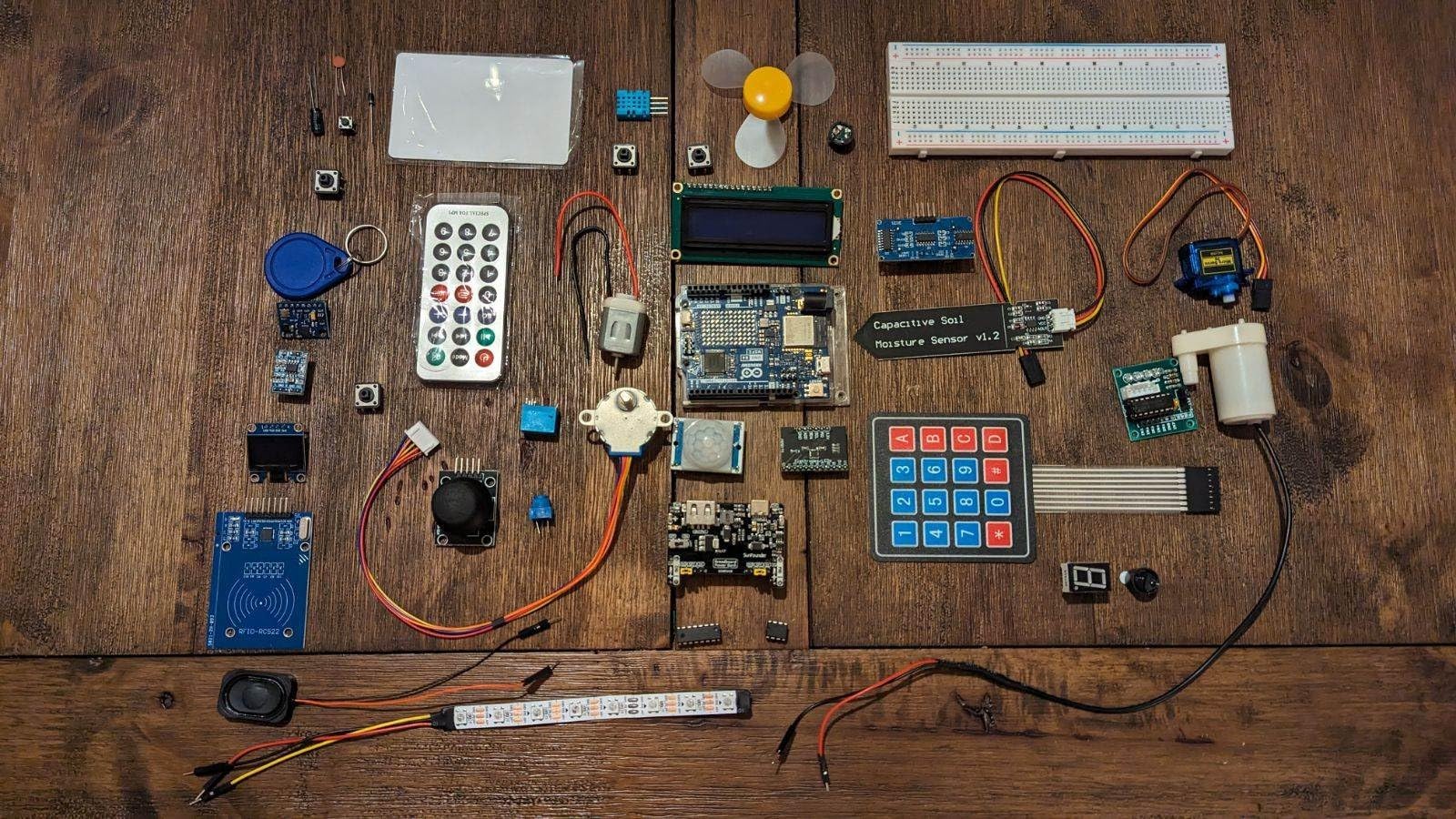
This is the kit to buy if connected devices are the goal. It ships the genuine Arduino Uno R4 WiFi, a 32-bit board with more memory, built-in Wi-Fi and Bluetooth, so you skip the ESP32 add-on step entirely. The box carries 300+ components and sensors, and the course covers 50 projects split into 30 basic, 13 fun and 8 IoT.
Sixty-plus free video lessons sit alongside the written tutorials, and that is why this kit converts sceptics. The IoT projects push data to the Arduino IoT Cloud, giving you a working path to a phone or dashboard rather than a dead-end serial log.
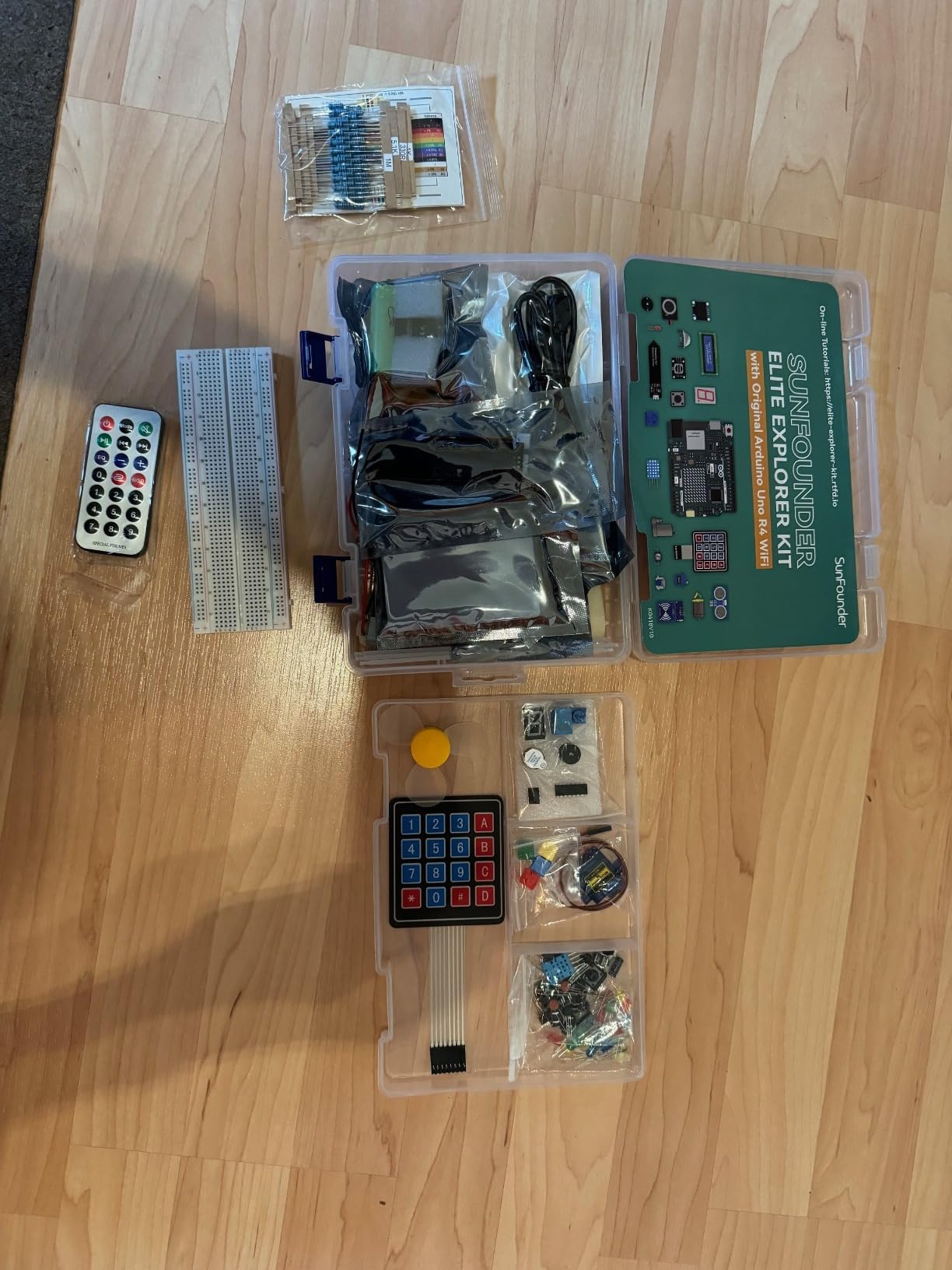
Board quality is the quiet reason it costs more. Genuine Arduino hardware, RoHS compliant parts, a one-year guarantee and compatibility with Uno R3 and Nano boards all make it a defensible choice for a classroom. It also works with third-party app connections if you outgrow the cloud examples.
The reservations are specific. It carries the highest outlay in this group, much of it in the R4 board, and the Uno R4 still has a limited pin count once your projects grow. Buyers also note the 5V and 3.3V logic differences from older Uno boards, which trips up people porting old tutorials, and there is no offline copy of the lessons.
Do you need a separate ESP32 to do IoT on a starter kit?
With this kit, no. Wi-Fi and Bluetooth are built into the Uno R4 WiFi, so you connect a sensor, push the reading to a cloud endpoint and read it elsewhere without buying a second board. With an UNO R3 or Mega kit you would need an ESP32 or similar module for the same result.
The trade is cost and pin count. Paying for the R4 board up front is cheaper than buying an UNO kit plus an ESP32 later, but the R4 does not offer more pins to spend.
Are video lessons enough to learn electronics theory?
Enough to learn by building, not enough to learn theory. The video course walks through 50 working projects, which is a solid practical foundation, but voltage, current and resistance are taught in a sentence rather than a chapter. Pair it with a written reference if you want the underlying model, not just the recipe.
9. SunFounder Raphael Kit for Raspberry Pi: the best Pi kit for experienced coders
- Camera
- speaker and display modules go well beyond basic passives
- 161 projects and 70+ video lessons give a long learning path
- Python
- C
- Java
- Node.js and Scratch on the same hardware
- Community forum and support help when builds misbehave
- Raspberry Pi not included
- adding a substantial extra cost
- Tutorials are online only
- Large component count can intimidate before a roadmap is chosen
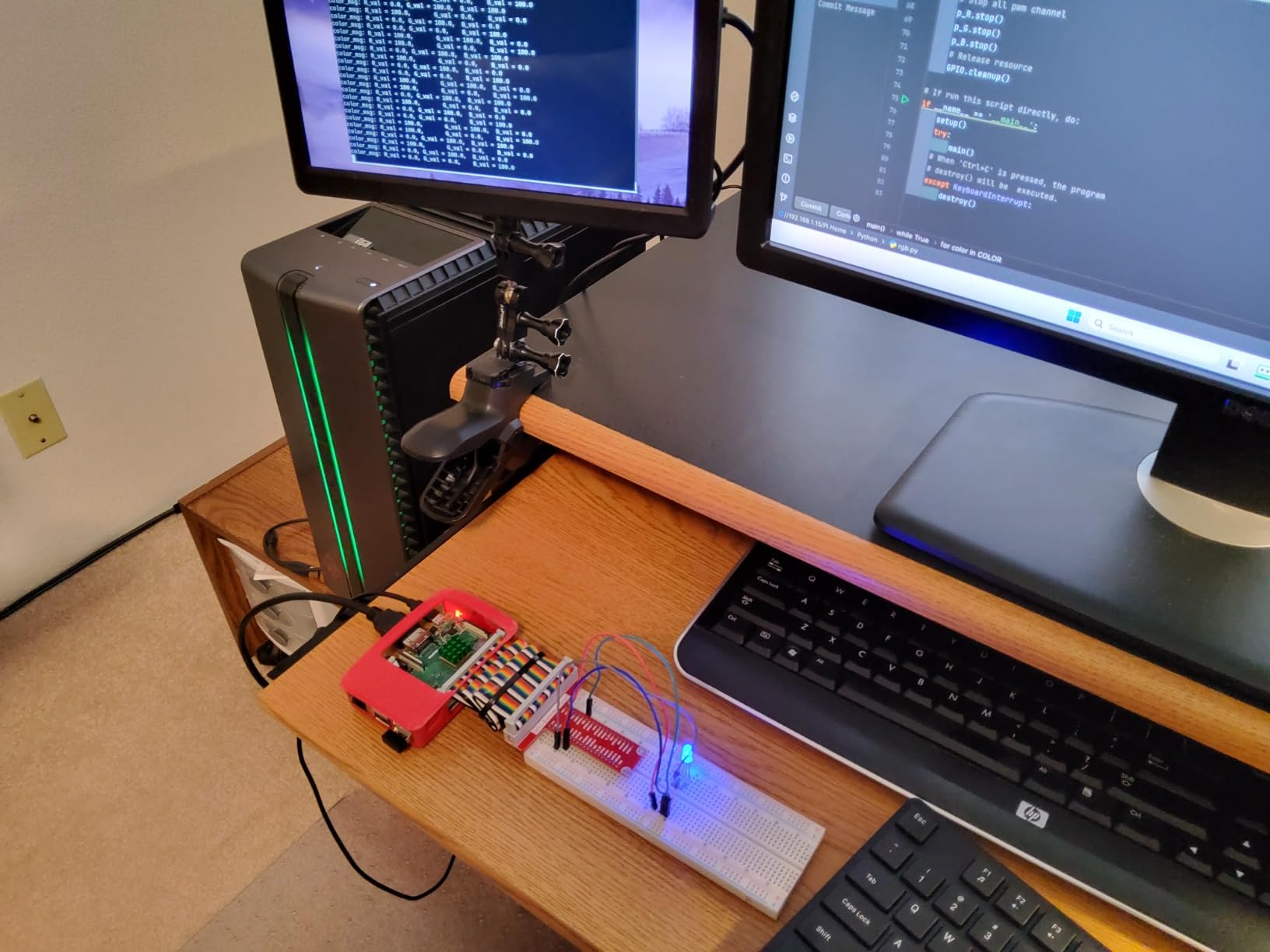
Where the Freenove bundle teaches you a Pi, this one assumes you already write code and moves faster. It supports five languages, and the addition of Node.js is what separates it from most Pi kits. Someone coming from JavaScript can drive GPIO pins without translating themselves into Python first, which removes a genuine source of early frustration.
The hardware is unusually complete: 337+ components including a camera, a speaker, sensors, actuators, LEDs and LCDs. A camera and speaker are the two items most kits omit, and they make a Pi project feel like a finished thing rather than a blinking row of LEDs.
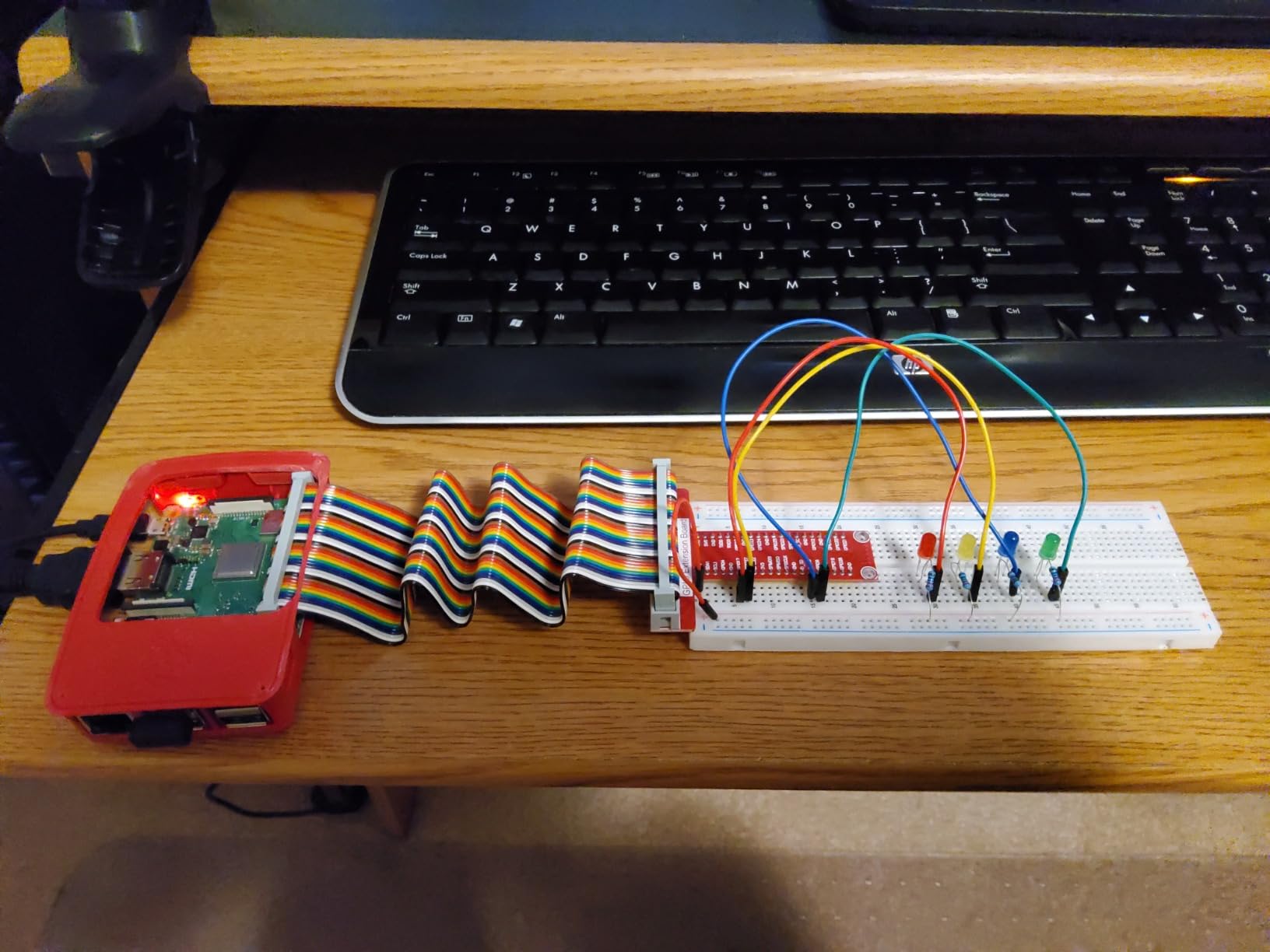
It pairs with any Pi from the Zero up through the Pi 5 and Pi 400, operating on Raspberry Pi OS, and the parts are RoHS compliant with a one-year guarantee. The community forum and technical support are actively used by owners, which matters for GPIO wiring mistakes on a 40-pin header.
The Raspberry Pi is not included, and on a board this capable that is a significant addition to the real total. Tutorials are online only, so you need a reliable connection, and 337+ components can feel like a wall before you pick a first project. Plan one project before you open the box.
Is a Raspberry Pi kit suitable for someone who does not know Linux?
It is workable but adds a second subject. You are learning a GPIO interface and a command line at the same time, and the occasional OS configuration step will stall you for reasons that have nothing to do with circuits. If that sounds like a distraction, an Arduino kit keeps you inside one tool and one language.
If you already use a Raspberry Pi, or you want a Linux board that doubles as a desktop, this is a strong fit. The five language options mean the kit can follow you into more advanced projects rather than boxing you into one ecosystem.
Which Raspberry Pi should you pair with this kit?
Any board with a 40-pin GPIO header works, from a Zero 2 W up to a Pi 5. A Pi with more memory suits the projects involving image processing from the camera module, while a Zero works fine for sensor reading and output control. The kit itself is board-agnostic, so this is a comfort decision rather than a compatibility one.
10. Blink LED Soldering Kit: the best first project for learning to solder
- Complete board finished in 20 minutes to an hour
- Instructions use clear photos and diagrams
- Lead-free board and all components included
- Open Source Hardware certified and made in the USA
- Very small scope with one board
- three buttons and three LEDs
- Teaches the soldering motion without explaining the electronics
- Occasional units arrive with a broken switch pin
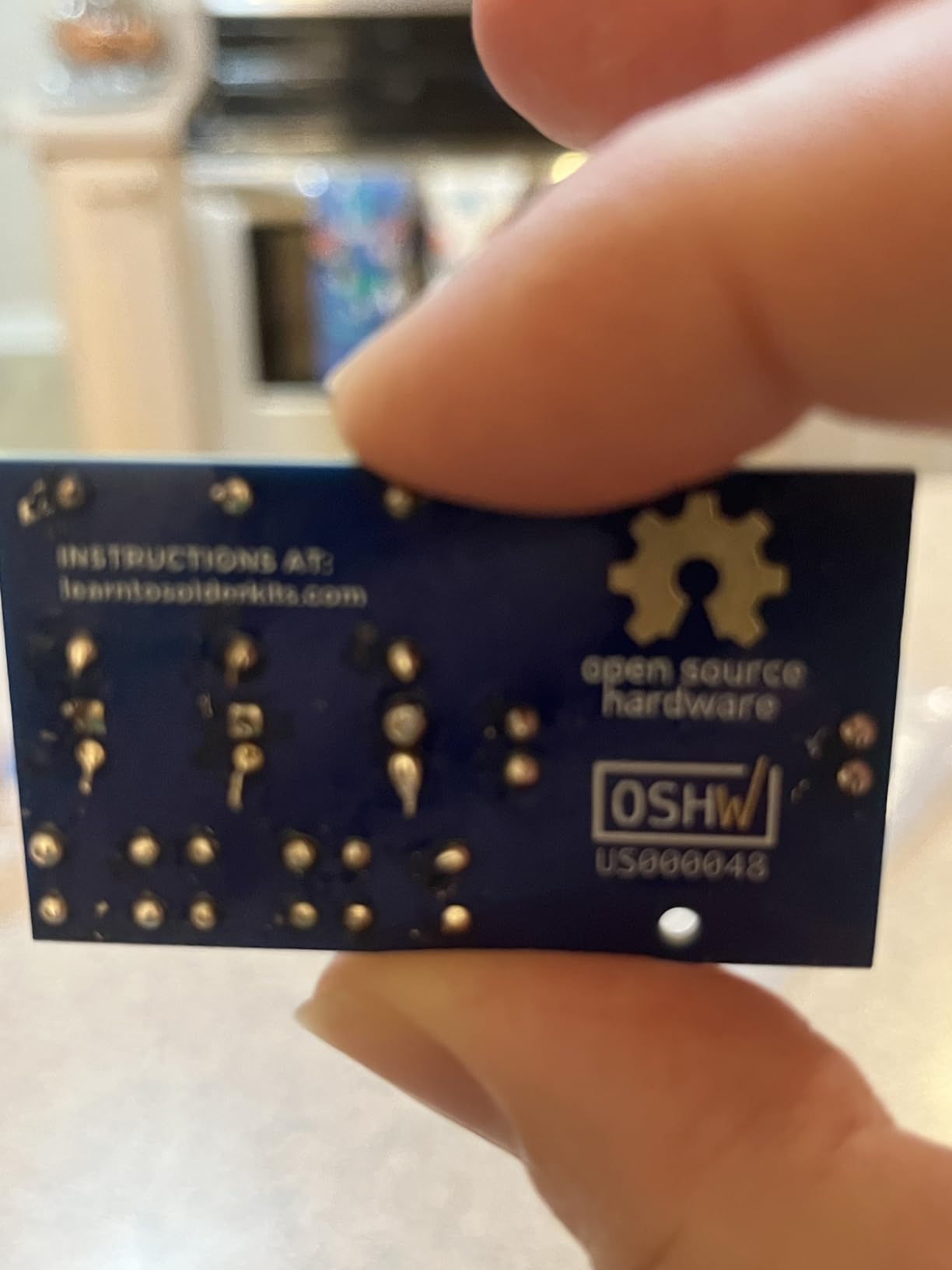
Everything else on this list is solderless, which means none of them teach you to solder. This one does, on a printed circuit board with three LEDs and three push button switches, a battery, three resistors and step-by-step instructions with photos and diagrams. A working board at the end takes 20 minutes to an hour.
That makes it a genuinely useful first purchase, and plenty of adults describe it as their first solder joint ever. The board is lead-free and resilient, the open-source hardware design is certified, and the battery runs for months, so there is a real sense of finishing something. Parents report completing it with children under supervision.
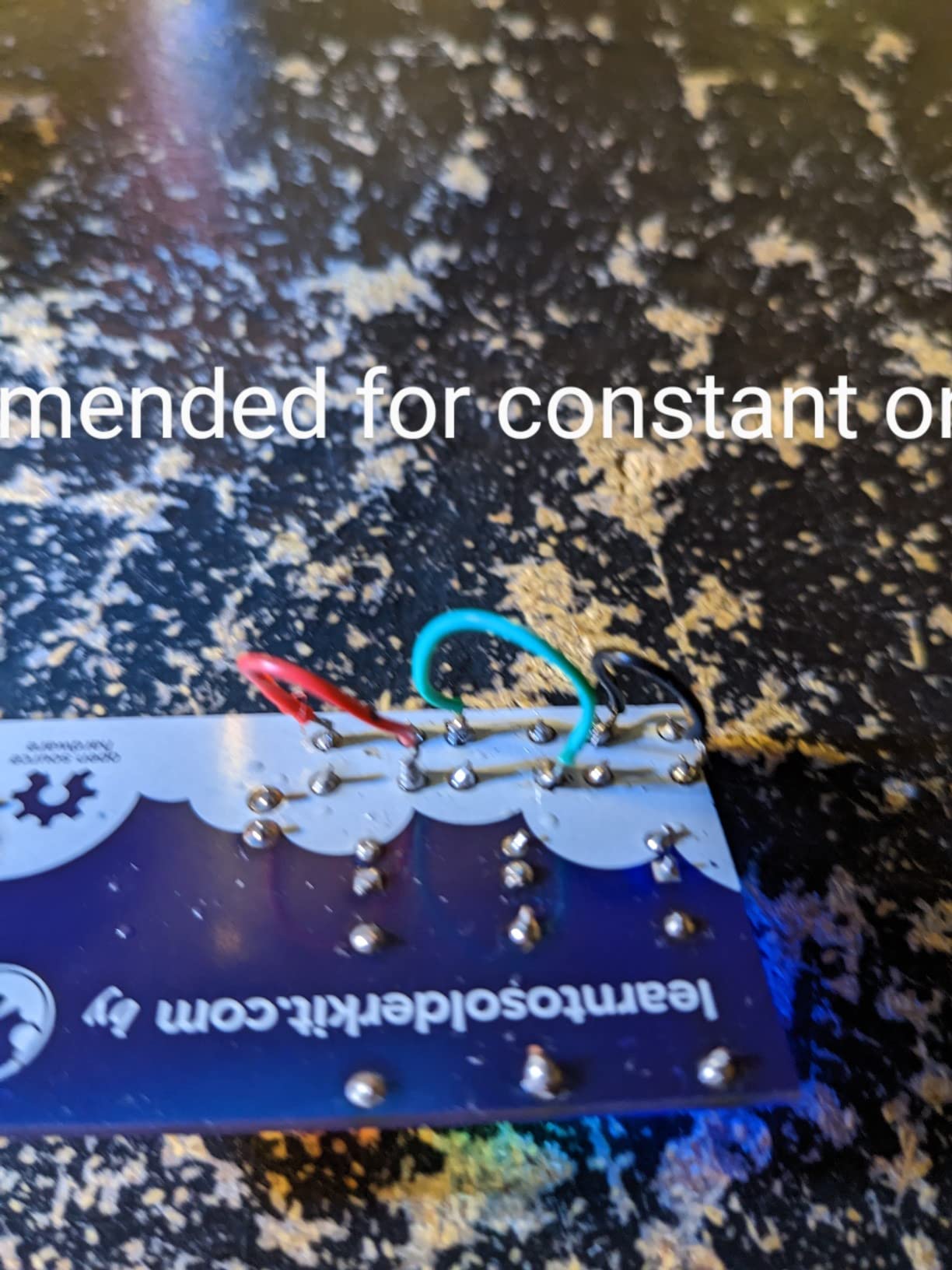
The limitation is honest and worth stating plainly. The instructions show you how to assemble the board without explaining what a resistor does, why polarity matters, or how you would apply the skill afterwards. It is 4.7 by 3.1 by 0.1 inches with a single board, and once assembled there is very little left to explore.
A small number of buyers reported a broken switch pin on arrival, so check the components against the instructions before starting. Treat it as a two-hour skill primer and then move to a microcontroller kit for the actual learning.
Should a beginner solder before buying an Arduino kit?
Often yes, and the reasoning is simple. A dry joint on a throwaway board teaches you heat, flux and timing without the anxiety of a component you cannot replace. Adults who find the first projects confusing often say the mechanics of soldering were the real barrier, and this kit removes it cheaply.
The reverse order works too, since most microcontroller kits are entirely solderless. The only reason to do this first is if you suspect hand-eye coordination and patience for hot tools, rather than concepts, is your limiting factor.
What can you build with this kit once it is assembled?
Three LEDs that light when you press the matching button, powered by the included battery, and that is the scope. There are no sensors, no microcontroller and no motors, so this is a soldering exercise rather than an electronics course. Pair it with a microcontroller kit in the same week if you want both skills.
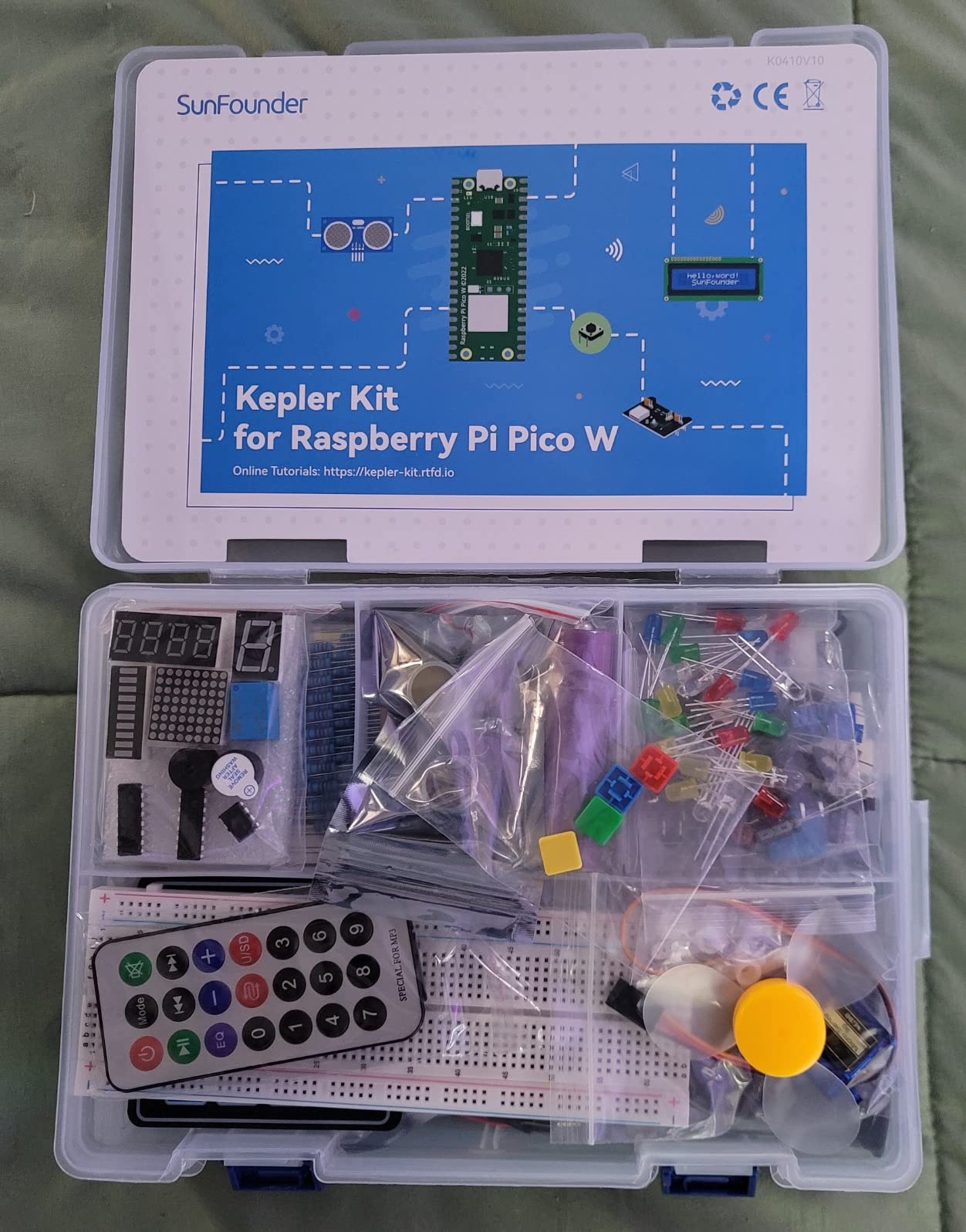
11. SunFounder Raspberry Pi Pico W Kit: the best value wireless microcontroller kit
SunFounder Raspberry Pi Pico W Ultimate Starter Kit with Online Tutorials, RoHS Compliant, 450+ Items, 117 Projects, MicroPython, C/C++ (Compatible with Arduino IDE)
- Highest rated kit in the group with parts owners call high quality
- TowerPro SG90 servos rather than generic ones
- Pre-soldered headers make the course easier to follow
- Sealed individual component packaging and 27 clear video lessons
- 18650 battery is 800 mAh with no step-up converter for 5V output
- No printed manual so everything requires internet access
- Isolated quality control failures including a dead-on-arrival board
This carries the highest rating of the eleven kits, and the reason is build quality rather than sheer quantity. It includes the Raspberry Pi Pico W, a microcontroller board with Wi-Fi and Bluetooth built in, plus 450+ items, 117 projects and 27 video lessons. The Pico W is a microcontroller, so it runs MicroPython and C/C++ rather than a full operating system.
MicroPython changes the experience for adults who are not C++ confident. The Pico can be programmed over a USB connection without a separate board, and the kit also works with Piper Make and the Arduino IDE, so you are not locked into one editor. Wi-Fi on the board means your first project can already push data off the device.
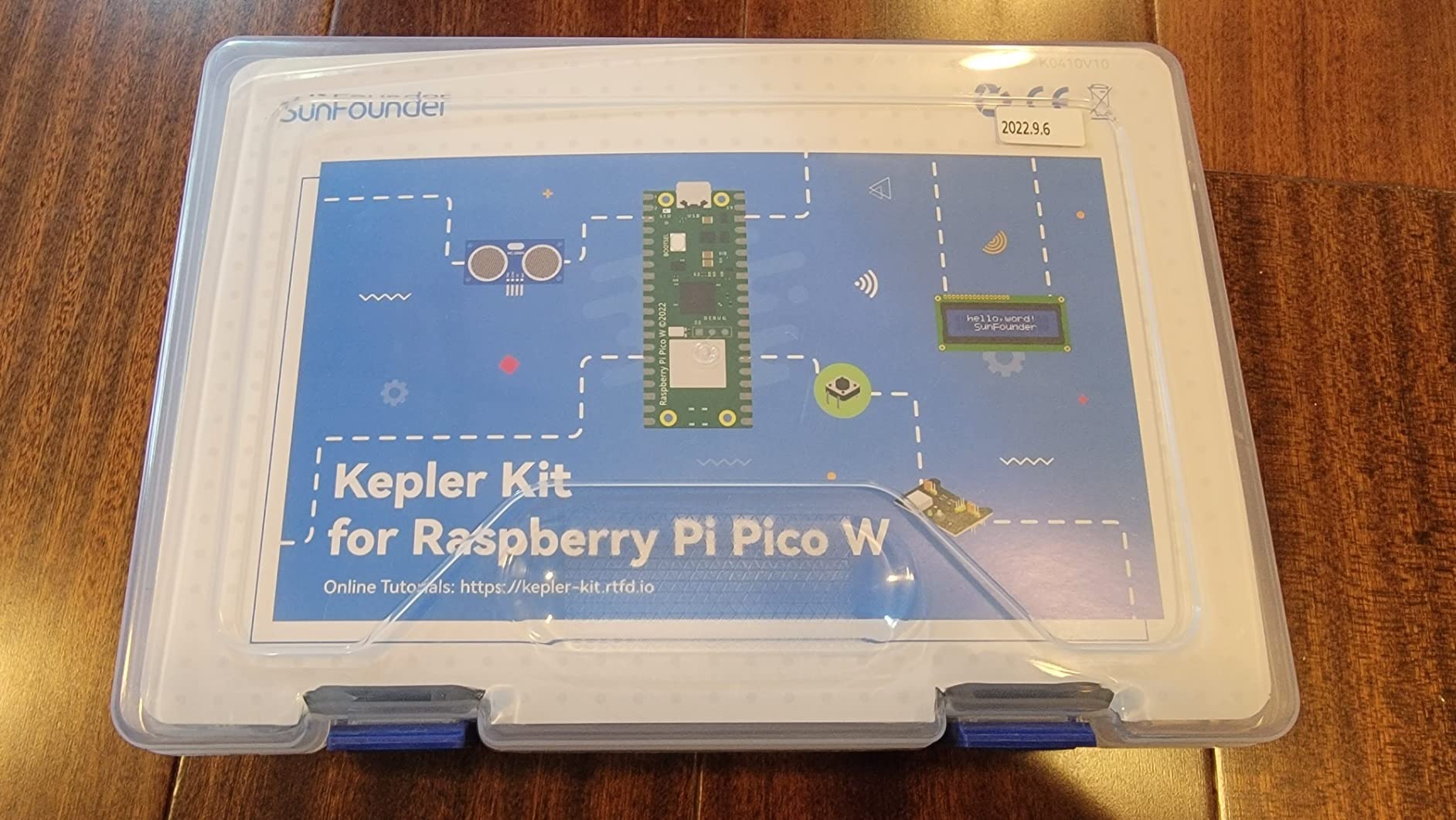
The component quality is where the rating shows. Owners call out TowerPro branded SG90 servos rather than the generic ones in comparable kits, pre-soldered pins on the Pico W and the LCD, and components that arrive individually sealed and protected. That matters when a project fails and you are not sure whether the part or your wiring is at fault.
Two hardware caveats to know. The included 18650 battery is 800 mAh and the charger module has no step-up converter, so it cannot deliver 5V to the Pico and its peripherals. You will also want a debug probe or a second Pico for some projects, and there is no printed manual, so everything depends on an internet connection. A few buyers reported dead-on-arrival boards or undersized parts.
Is a Pico W good for a first electronics project?
Yes, provided you are comfortable installing a toolchain and flashing firmware, and the wireless part genuinely earns its place. Learners move from LED and sensor work to Wi-Fi data logging, and a Bluetooth or Wi-Fi connection is something an Uno cannot do without a second board.
It is less forgiving than an Arduino Uno if you have never installed development tools, because the board itself is not a computer with a desktop. If your instinct is to open a program and press upload, start with the UNO kit and add a Pico later.
How does it compare with the SunFounder Elite Explorer?
Both are wireless and both have video lessons, but they sit in different worlds. The Elite Explorer uses a genuine Arduino Uno R4 WiFi and C++ with the Arduino IoT Cloud, which is the friendlier on-ramp. The Pico W kit is cheaper, carries more items and a higher rating, and rewards you with MicroPython and a lighter toolchain.
How to Choose an Electronics Starter Kit for Adults?
Start by deciding what kind of kit you are buying, because the three categories on this list solve genuinely different problems. A microcontroller kit ships a board and a course, and it is the right default for most adults. A single-board computer kit teaches you Linux and GPIO access alongside circuits, which suits people who already code. A parts assortment or module kit is a second purchase that fills a workbench or adds sensors to hardware you already own.
Choosing by component count alone is the most common mistake. A returning hobbyist quoted in the electronics.stackexchange discussion was explicit that they were buying passive assortments to restock a bench rather than looking for a beginner kit, and the same logic applies to a kit listing. Big numbers do not mean a clear path.
For the board itself, an Arduino Uno R3 is the standard first choice because it has enough pins for most early projects and an enormous amount of free documentation. Move to a Mega 2560 when you need more pins and more flash memory than the Uno offers, and look at an ESP32 or Pico W when wireless is the point. The Arduino IDE is not mandatory; MicroPython suits Python users, and block-based editors remove the coding barrier entirely for a first weekend.
Plan on buying a few things separately, which no kit in this roundup fully covers. A multimeter is the first one, because without it you are debugging blind and cannot read a resistor value or confirm a voltage. A spare solderless breadboard, a set of extra jumper wires, a chip extractor for fine pins, a USB cable if your board did not include one, and a small component storage case all pay for themselves. Many of our best reptile starter kit and best marine aquarium starter kit readers are already used to buying one complete box, so budget for the extras here.
Finally, a safety note. All the boards here run 5V logic, and one kit explicitly warns against feeding its breadboard power module more than 9V, so read the voltage limits before connecting anything. Never measure resistance in a powered circuit. Keep mains-voltage projects off your beginner bench entirely, and if a kit requires soldering, use lead-free boards and ventilation, as the CircuitMess learning guide recommends.
Frequently Asked Questions
What is the best beginner electronics kit for adults?
The ELEGOO UNO R3 Project Super Starter Kit is the most complete beginner electronics kit for adults, because it pairs a working UNO R3 board with 22 guided lessons and a genuine spread of parts including sensors, a servo motor, a stepper motor and a pre-soldered LCD1602 display. It is fully solderless, so mistakes cost nothing but a component.
What are some good electronic hobby kits for adults?
Good electronic hobby kits for adults fall into three groups. Microcontroller kits such as the ELEGOO UNO R3 or the ELEGOO Mega 2560 Ultimate Kit ship a board and a guided course. Raspberry Pi kits such as the Freenove Ultimate Kit teach Python and GPIO access. Parts assortments such as the BOJACK 37-Value Kit and module kits such as the ELEGOO 37-in-1 expand hardware you already own.
Which Arduino should I buy as a beginner?
An Arduino Uno R3 is the standard first board for most adults because it has enough input and output pins for early projects and a huge amount of free documentation. Upgrade to a Mega 2560 when you need more than 14 usable pins, more flash memory or several sensors and motors running at once. Choose a board with built-in Wi-Fi, such as an Uno R4 WiFi or a Pico W, when your projects need to be wireless.
Do I need to solder with an electronics starter kit?
No. Every microcontroller kit in this roundup is fully solderless, using a breadboard and plug-in modules, and the LCD1602 modules arrive with their pin headers already soldered. Soldering only becomes necessary for permanent builds. If you want to practise the skill first, the Blink LED Soldering Kit is a complete lead-free board that takes 20 minutes to an hour.
Is an Arduino starter kit worth it for an adult beginner?
Yes. An Arduino starter kit is the most common route into hands-on electronics because the board runs a microcontroller rather than an operating system, so the gap between wiring a part and seeing it respond is about two minutes. That tight feedback loop is what makes voltage, current, resistance and sensor input stick, and the skills transfer to IoT, robotics, home automation and hardware careers.
What is the most complete Arduino starter kit?
The ELEGOO Mega 2560 R3 Project Ultimate Starter Kit is the most complete Arduino kit here, with 200+ components, 35 guided projects, an RC522 RFID reader, a real-time clock, PIR, ultrasonic and water-level sensors, and a Mega 2560 board offering 54 digital I/O pins, 16 analog inputs, 4 hardware serial ports and 256 KB of flash. It also includes a storage case and small-parts box.
Conclusion
The best electronics starter kits for adults in 2026 come down to two questions. If you want the shortest path from opening the box to a working circuit, choose the ELEGOO UNO R3 Super Starter Kit: it is fully solderless, the lessons are clear, and the parts support real projects rather than demos. If you already know you will build bigger things, start with the ELEGOO Mega 2560 Ultimate Kit and save yourself the pin-count ceiling.
Go further afield only when you are certain. Raspberry Pi bundles suit people who already code, module and parts kits belong on top of hardware you own, and the Blink LED Soldering Kit is a short skill primer rather than a course. Whatever you pick, add a multimeter to the order, and start with the first project on the list rather than the tenth.