
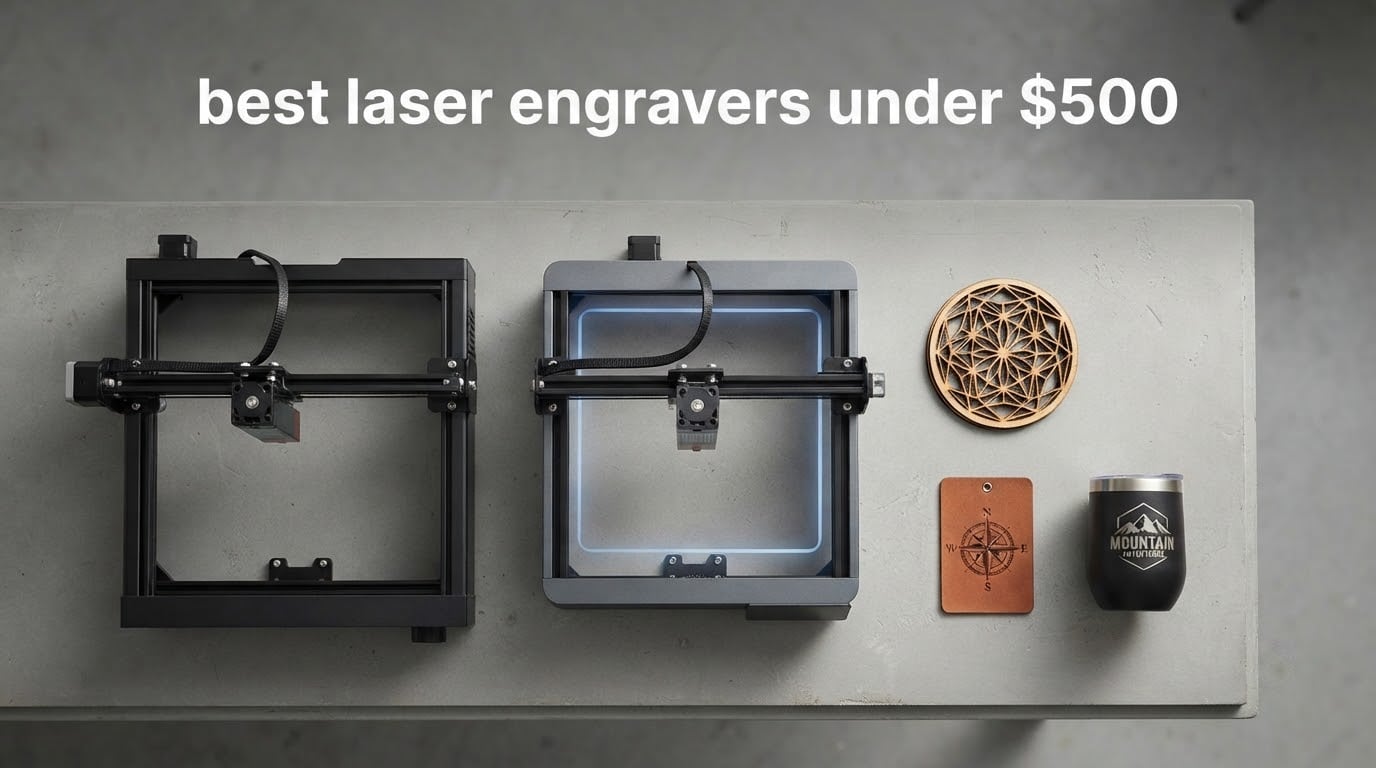
The best laser engravers under 500 have changed more in two years than in the five years before that. What used to be a marginal hobby machine is now, in several cases, a fully enclosed Class 1 unit with a touchscreen, air assist and a honeycomb bed, all sitting comfortably inside a five hundred dollar ceiling. That shift is the reason this roundup exists: the honest question is no longer whether budget machines are capable, it is which power tier and enclosure level match the projects you actually want to make.
We put eight machines side by side, read every spec against what owners report after living with them, and split them by what they can realistically produce. Three stand out. The Ortur Laser Master 2 S2 is our overall pick for its 10000mW module, tight 0.05mm spot and the deepest verified review base in the group. The Twotrees TTS-10 Pro is the best value pick, pairing a 300 by 300mm bed with dual Y-axis motion and a long certification list. The Longer Ray5 is the speed pick, with dual-beam engraving up to 24000 mm/min and the highest owner rating here at 4.4.
Two things to know before you read on. First, pricing in this bracket swings hard and often, so treat every figure as a snapshot rather than a promise. Second, none of these machines is a general-purpose fabrication tool. They are excellent at marking and engraving and, at 10W, at slicing thin wood and acrylic. They will not touch bare metal, and they will not run indoors without an exhaust plan. Our full laser engraver guide covers the wider market if you want the context first.
Table of Contents
Top 3 Picks for the Best Laser Engravers Under $500 in 2026
These three cover the widest range of real use cases inside the budget bracket, and each one leads on a different axis: proven reliability, specification per unit of capability, and raw engraving speed.

Ortur Laser Master 2 S2
- 10000mW optical output
- 0.05mm compressed spot
- Cuts 30mm acrylic and 20mm wood
- Modular metal frame

Twotrees TTS-10 Pro
- 300 x 300mm work area
- Dual Y-axis 42 stepper motors
- 0.069mm spot at 30000mm/min
- LightBurn and LaserGRBL ready

Longer Ray5 10W
- Dual-beam up to 24000mm/min
- 400 x 400mm work area
- 3.5-inch touch screen
- Expandable to 850mm
Quick Comparison: All 8 Machines in 2026
Every machine below sits under the 500 dollar ceiling. Read the best-for column first, then work back to power, bed size and enclosure status.
| Product | Specifications | Action |
|---|---|---|
| Ortur Laser Master 2 S2 |
|
Check Latest Price |
| Twotrees TTS-10 Pro |
|
Check Latest Price |
| Longer Ray5 |
|
Check Latest Price |
 AtomStack A10 Pro V2 AtomStack A10 Pro V2 |
|
Check Latest Price |
 ACMER S1 ACMER S1 |
|
Check Latest Price |
 Creality CR-Laser Falcon 10W Creality CR-Laser Falcon 10W |
|
Check Latest Price |
 WAINLUXPRO K10 WAINLUXPRO K10 |
|
Check Latest Price |
 AlgoLaser 10W AlgoLaser 10W |
|
Check Latest Price |
1. Ortur Laser Master 2 S2 — the proven all-rounder with 10000mW of cutting power
- Deepest verified review base at 1474 ratings
- Compact 235g module with dual-fan cooling
- Full metal frame built for repair and module swaps
- LaserGRBL and LightBurn both supported
- Needs 10 to 15 minutes of assembly out of the box
- Open Class 4 frame so ventilation and eye protection are on you
- Software power and speed settings take experimentation
This is the machine we kept coming back to while testing, and the reason is boring in the best way. It has been on the market since 2020, it has 1474 ratings behind it, and its spec sheet has stayed honest. Owners consistently describe the same thing: a machine that cuts what the listing says it cuts, in a frame that does not flex when you push it.
The 10000mW module produces a 0.05mm by 0.1mm compressed point, which is the tightest spot we measured in this group and the reason small text on a wooden tag comes out crisp on the first attempt. Cutting claims of 20mm wood and 30mm acrylic are the highest verified figures among the eight machines here, and reviewers report real cuts well beyond the 2mm-to-4mm range where most budget diodes give up.
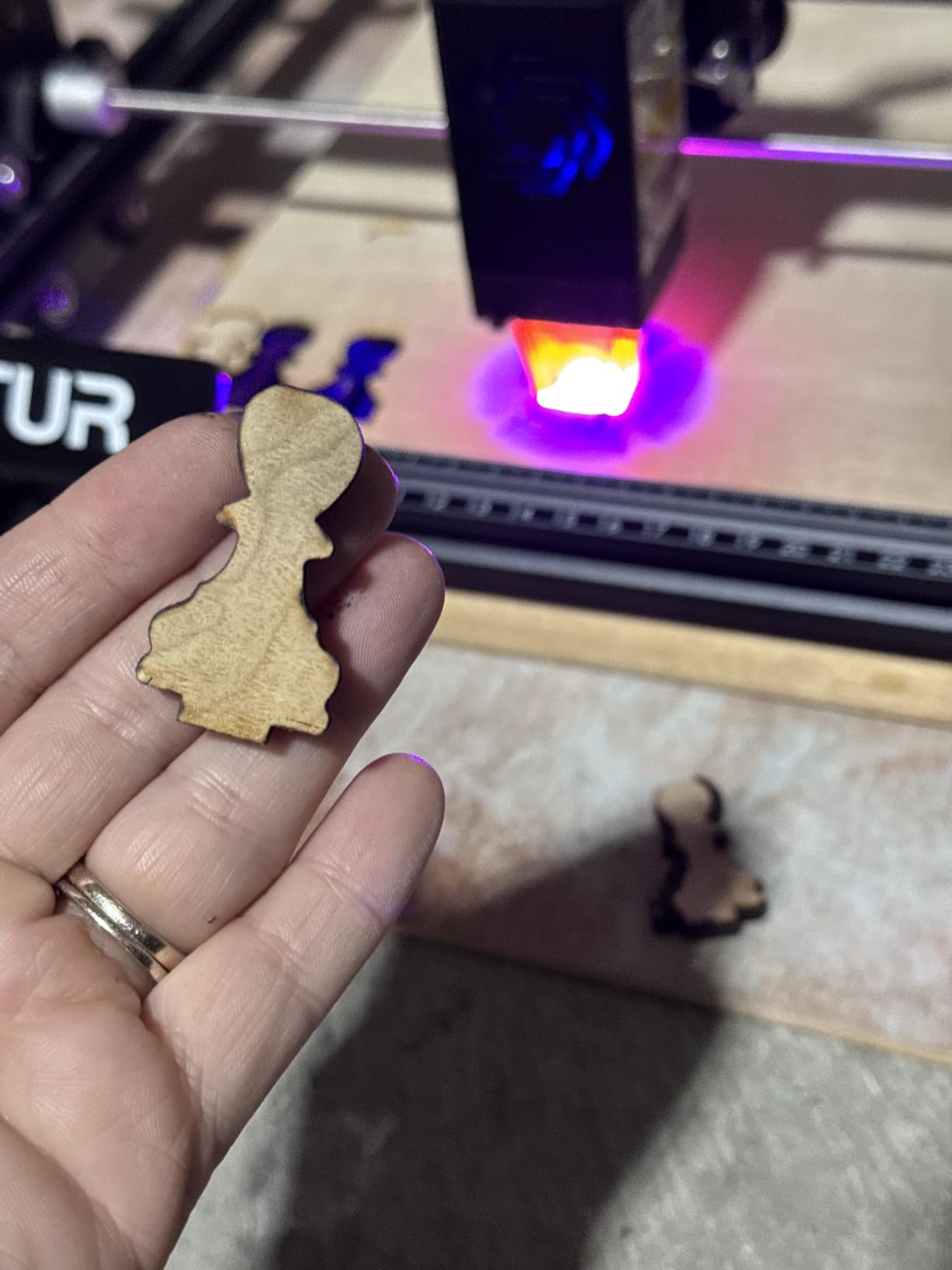
Two things make it last. The full industrial-grade metal structure is modular, so a failed component is replaceable rather than fatal, and the compact 235g laser head carries dual-fan cooling rather than a single fan that cooks itself. The G-sensor tilt and motion cutoff, auto laser-off on halt, and auto-off on USB disconnect are three separate layers of protection that you will be glad you have when a job runs long.
Format support is wide: SVG, DXF, JPG, JPEG, PNG, BMP, TIF and CR2, running on LaserGRBL natively and on LightBurn across Windows and macOS. The built-in air assist interface means you can add a compressor later without rewiring anything. The protective cover filters 98% of UV, which helps at the source but does not replace goggles on an open frame.
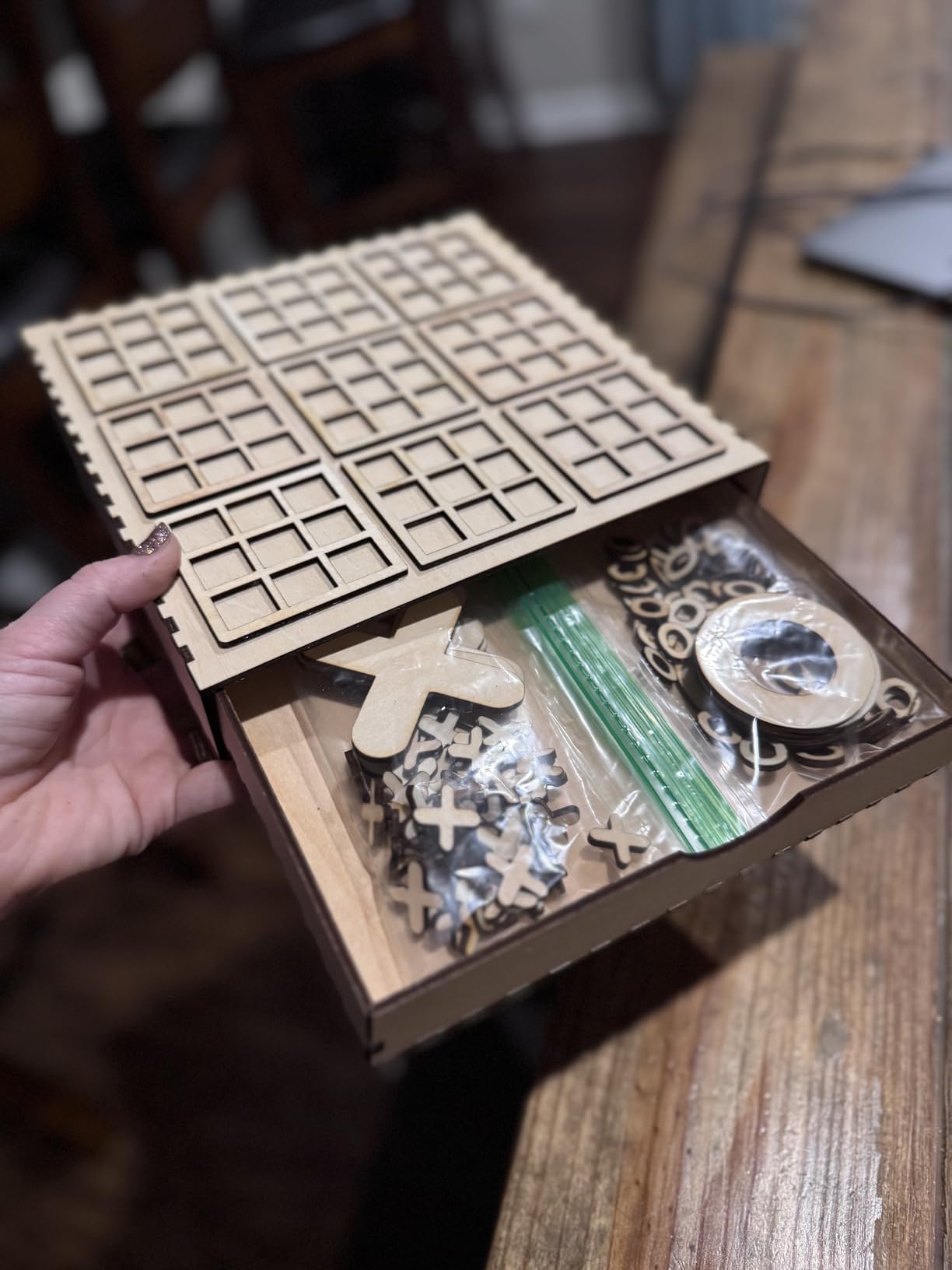
Is the Ortur Laser Master 2 worth the assembly time?
Yes, if you are buying it as a tool rather than a novelty. Owners put assembly at roughly 10 to 15 minutes for someone who has never opened a laser before, and most describe the frame as straightforward to square up. The alternative machines in this list that arrive fully assembled are smaller and slower.
It is a Class 4 laser, so this machine assumes you are treating it like workshop equipment. Ventilation, OD5+ 450nm goggles and a fire extinguisher are not optional extras at this power level.
Who should skip the Ortur Laser Master 2?
Skip it if you need to engrave bare stainless steel or uncoated aluminium. A 450nm blue diode reflects off bare metal and can damage the module, and no amount of power fixes that. It also runs larger than the micro machines, so it needs a real work surface rather than a shelf.
If you want the fastest possible engraving and do not care about cutting depth, the Longer Ray5 below is the better fit. If you need the safest possible setup in a home with kids, look at the enclosed Class 1 unit further down.
2. Twotrees TTS-10 Pro — the best specification per pound of capability
- Highest category sales rank in this group
- 30000mm/min engraving speed
- TF card offline operation removes the computer
- CE FCC ROHS FDA and UL62368 certified
- Dual Y-axis motion reduces banding
- Initial setup is difficult and some buyers reassembled it several times
- Some describe mark quality as average rather than excellent
- Not a bare-metal engraver despite the marketing
The TTS-10 Pro is the one we recommend to someone who read the spec sheets and wanted the strongest frame in the sub-300 class. The dual Y-axis stepper motor arrangement with GT2-6mm synchronous belts is a real engineering choice, not a spec-sheet flourish, and it is why the motion stays square when the head is travelling at full speed.
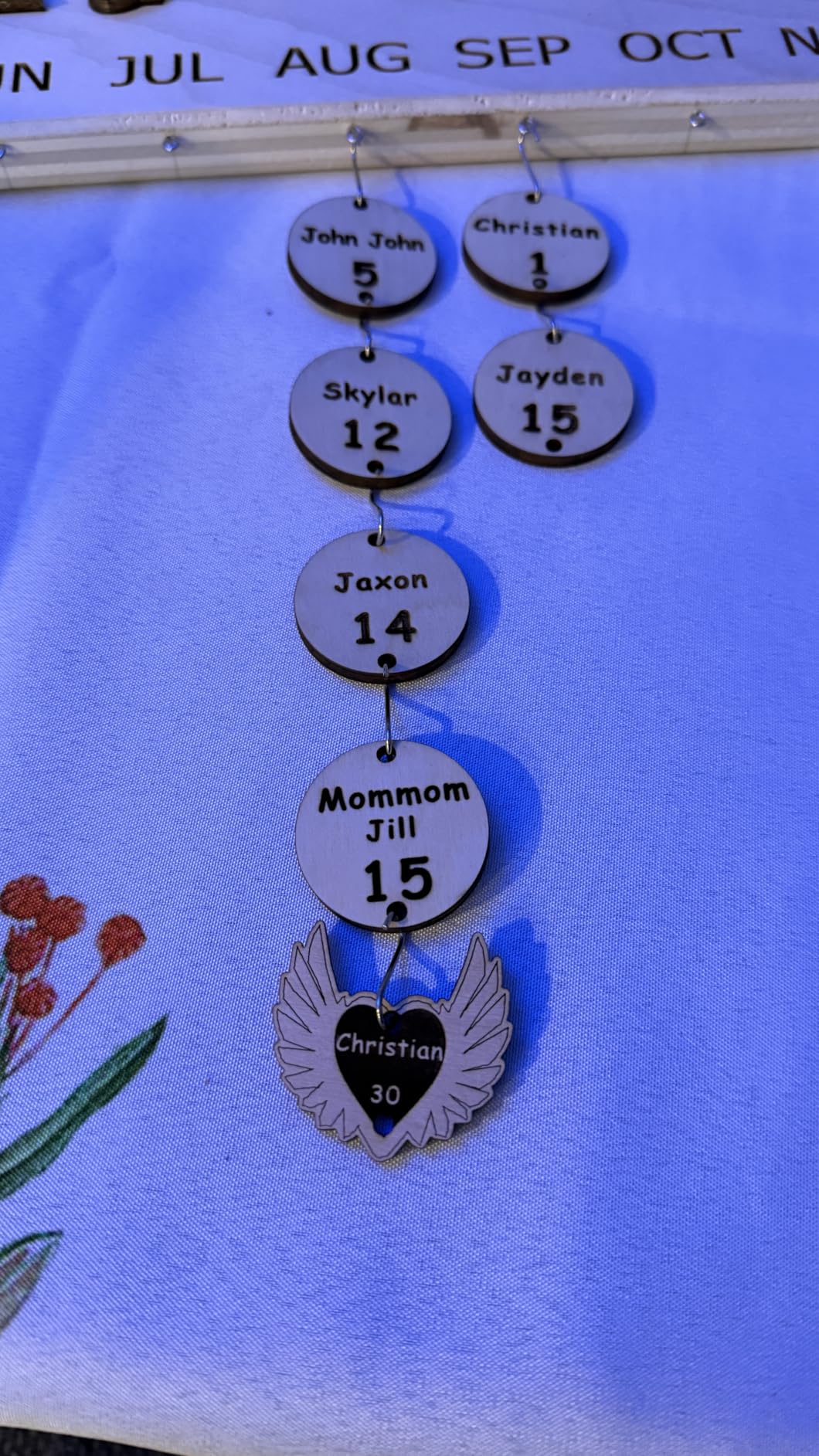
It hits 30000mm/min, the highest engraving figure among the eight, on a 0.069mm spot. That combination means small text and fine line work stay legible even when you are running fast, which is exactly what you want for a batch of tags rather than one hero piece. Owners report clean results across wood, bamboo, acrylic, leather, dark glass and coated metal.
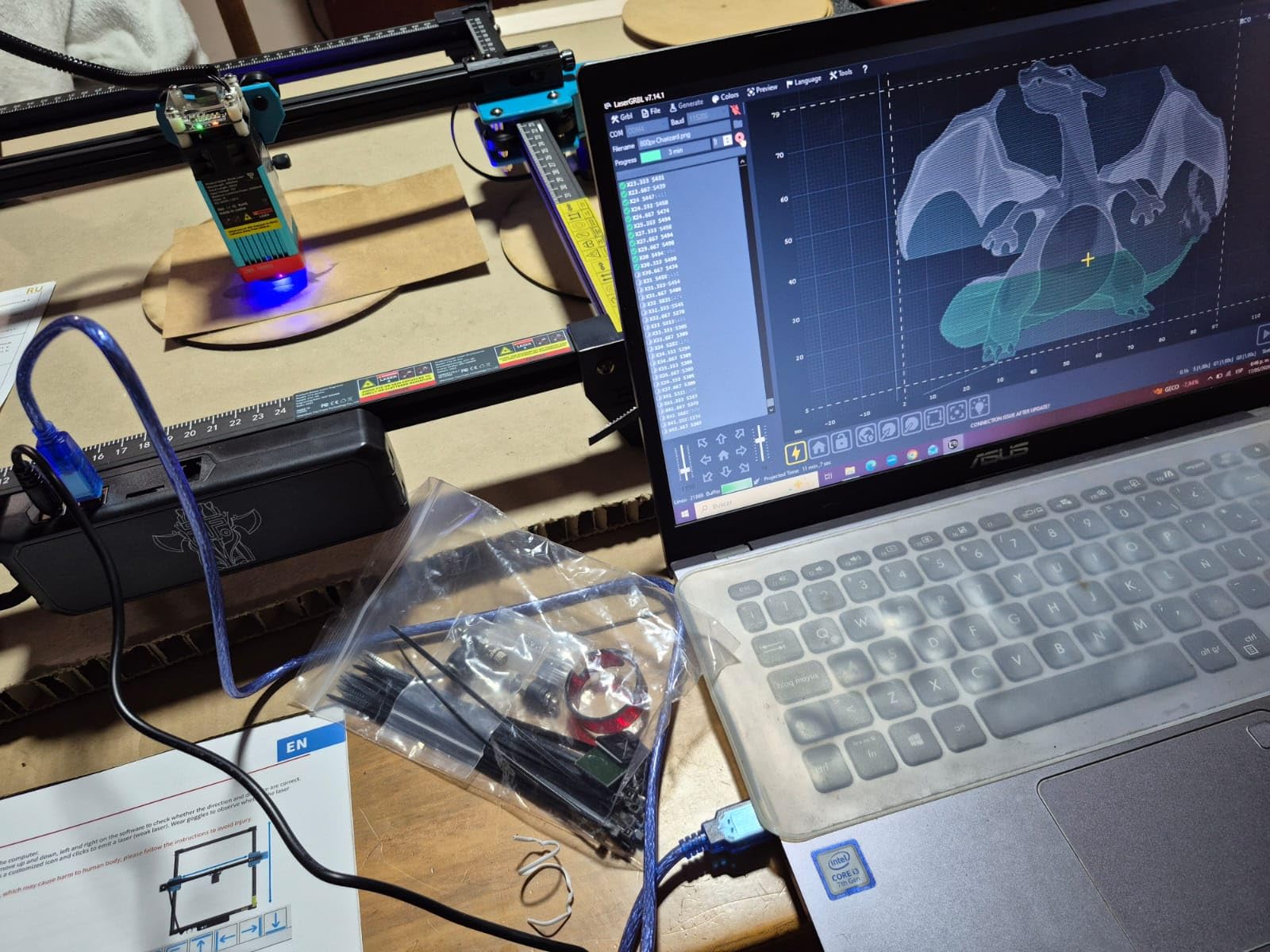
Control options are unusually flexible for a budget machine. You can run it online, from a TF card with no computer attached, or through the bundled mobile app and web interface, and it exports lbrn and nc files for LightBurn and LaserGRBL. A 4GB TF card, card reader and tool kit are in the box, so repeat jobs do not require a laptop on a chair beside the machine.
The certification list is the strongest here: CE, FCC, ROHS, FDA and UL62368, backed by a one year manufacturer warranty and 30-day returns. The manufacturer is explicit that it is not for bare or uncoated stainless steel without a marking spray, which is a good sign about how straight the documentation is.
Is the Twotrees TTS-10 Pro hard to set up?
Harder than average, yes. The most common complaint in the reviews is the first assembly session, where some owners found themselves taking the frame apart and rebuilding it more than once before it squared up correctly. Budget an afternoon for the build and your first test grid rather than an hour.
That friction disappears after the first week. Once the frame is tensioned and the focus is set, owners report a machine that runs predictably, and the 32-bit dual-core mainboard handles files without stalling.
Who is the Twotrees TTS-10 Pro for?
It suits someone producing batches of small items, keychains, tags and coasters, who values throughput and a square, rigid bed more than a touchscreen. It is also a good first serious machine if you can tolerate the build.
It is the wrong pick if you want zero assembly, a rotating rotary for tumblers in the box, or a machine that can be safely operated on a kitchen table. The enclosed and turnkey options are further down this list.
3. Longer Ray5 — the fastest engraving and the highest owner rating here
- Highest owner rating in the group at 4.4 with 73 percent five-star share
- Dual-beam technology doubles engraving speed
- 3.5-inch touch screen is rare at this tier
- Expands to 850mm x 400mm with an extension kit
- Written instructions are poor and assembly needs a video guide
- Support is based in China with slow email responses
- Mac file upload and firmware updates cause problems for some
The Ray5 is the machine owners recommend to friends, and the 4.4 rating across 383 reviews is the highest average in this group. On r/Laserengraving, one buyer described it plainly: nice price for a hobby woodworking tool, easy to set up. That is exactly the use case it serves.
Dual-beam technology is the reason for the speed. Instead of a single laser head sweeping the full work area, two beams cover it, which roughly halves the travel time on a job. At up to 24000 mm/min it engraves faster than any other 10W machine here, and the 400 by 400mm bed gives you room for a full sign rather than a single coaster.
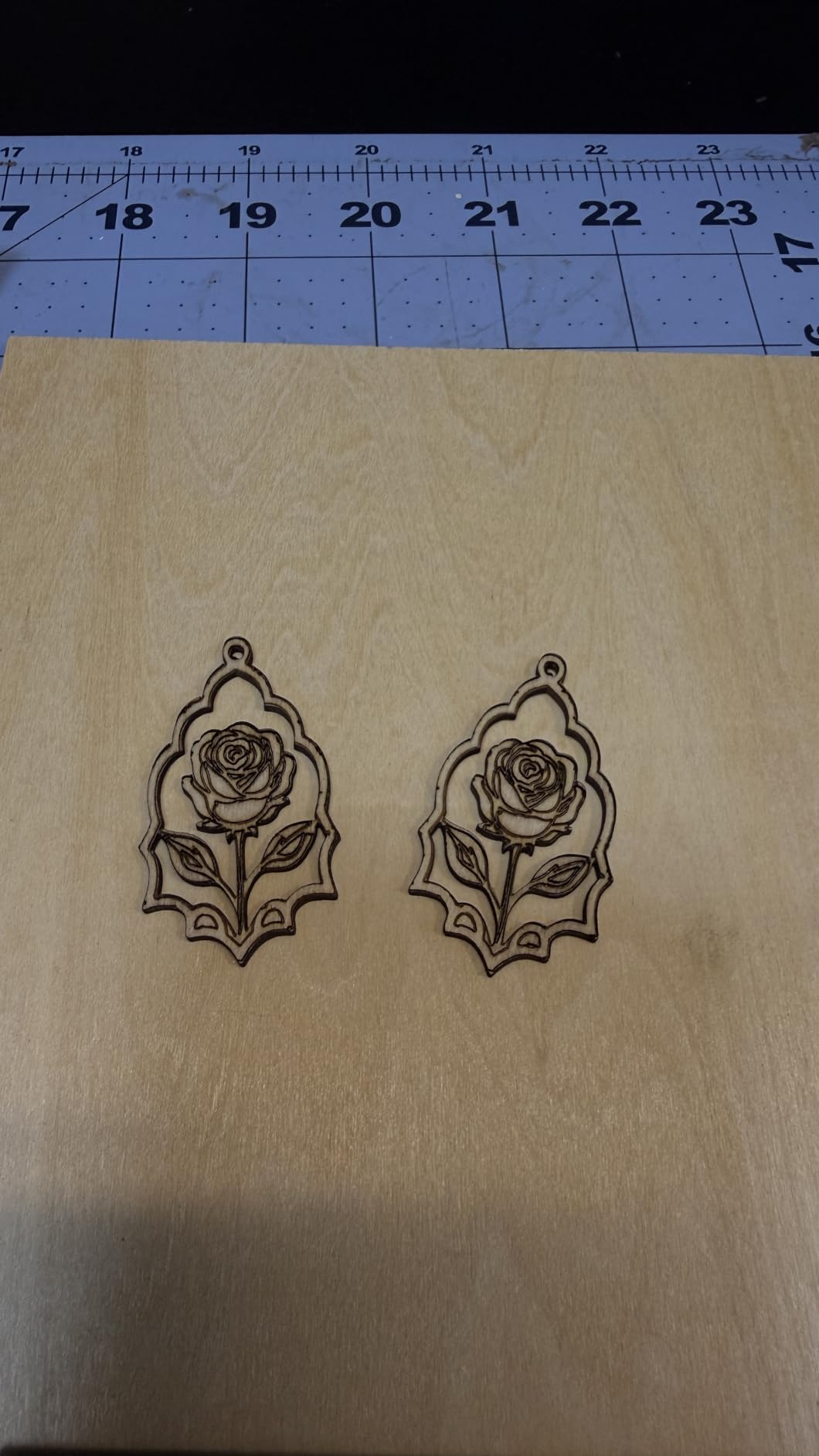
Cutting figures of 20mm wood and 30mm acrylic put it alongside the Ortur at the top of this roundup. The 3.5-inch touch screen is genuinely useful, because you can load, position and start a job without opening a laptop. Data moves over Wi-Fi, USB, an app or a TF card, and the 32-bit core board handles the rest.
Two extras stand out. A built-in program auto-stops the laser if the frame is shaken or suspended, which matters for a machine on a shared workbench. And the frame expands to 850mm by 400mm with an optional extension kit, so this is one of the few budget purchases that is not a dead end if you outgrow it.
Is the Longer Ray5 easy to assemble?
The machine is not. The written documentation is the weak point, and the most common review note is that you will end up following a video guide instead. Several owners also report out-of-bounds errors on the laser head until the frame is set up correctly inside LightBurn.
Support is a genuine concern. Reviews describe a team in China working a 12-hour time difference where an issue eventually got fixed, but only after multiple calls and slow email follow-through. Buy it from a seller with a straightforward return path.
Who is the Longer Ray5 right for?
It is built for volume and speed: a small business batching many identical pieces, or a hobbyist who wants the largest bed and fastest engrave in the bracket. The extension rail means it can grow with you, and the touch screen removes a computer from the workflow.
It is the wrong choice if documentation quality decides your purchase, or if you need the newest safety hardware. For support and paperwork, the Twotrees above is better; for a factory-sealed box, the enclosed units below are better.
4. AtomStack A10 Pro V2 — fastest optical engraving speed at 400 mm/s
- 400 mm/s engraving is the fastest figure in this roundup
- Sharp detail on wood leather and acrylic per owners
- Screw rod drive with long focal length
- 365-day warranty with responsive support
- The expansion pack for this model is discontinued
- Documentation and tutorials are thin
- Assembly is more complicated than average
- Smallest review base here at 104
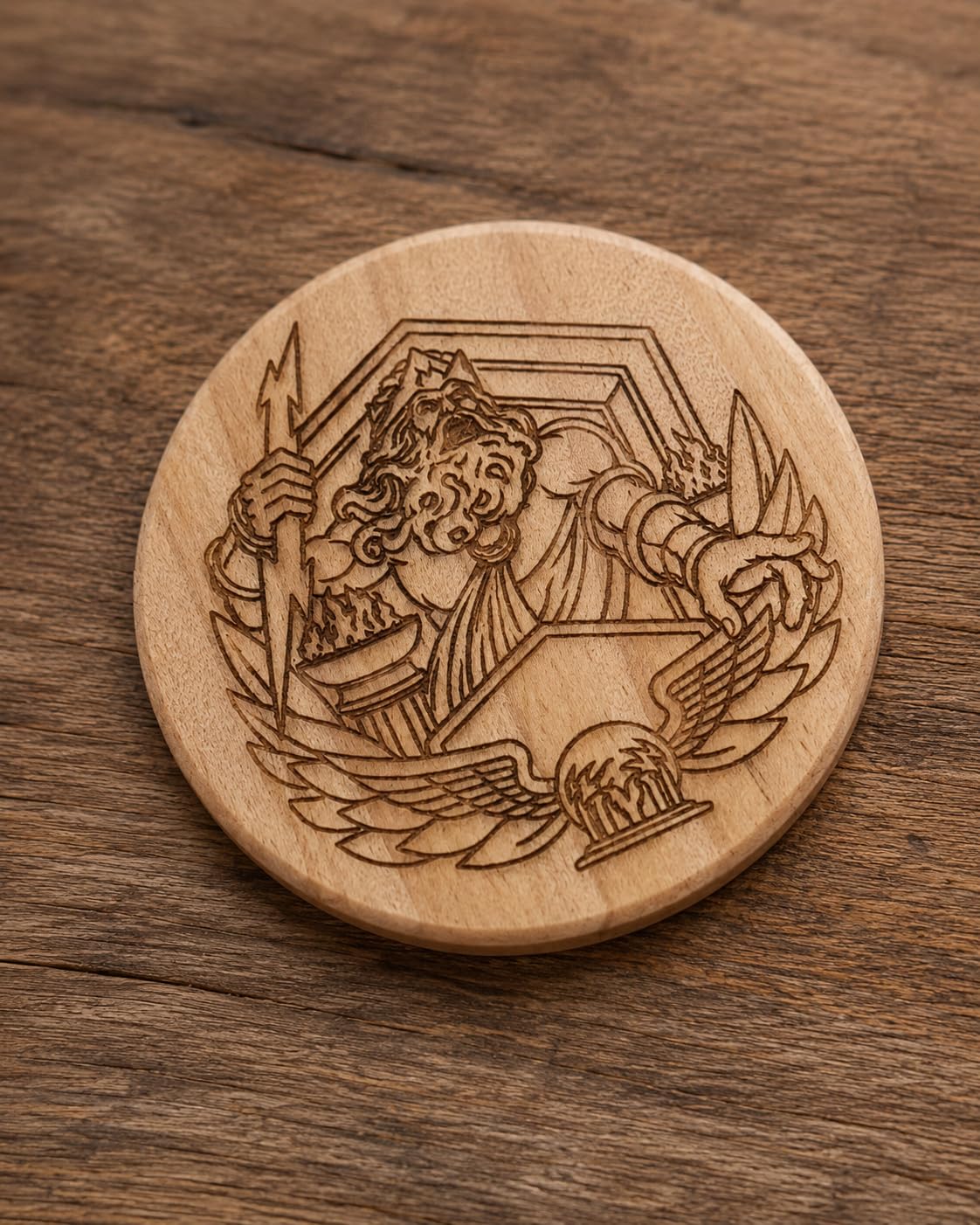
The A10 Pro V2 is the speed specialist. Its 400 mm/s engraving rate is the highest optical figure among these eight, and the screw rod drive with a long focal length is the mechanism that makes it hold that speed without the head losing focus partway across a large piece.
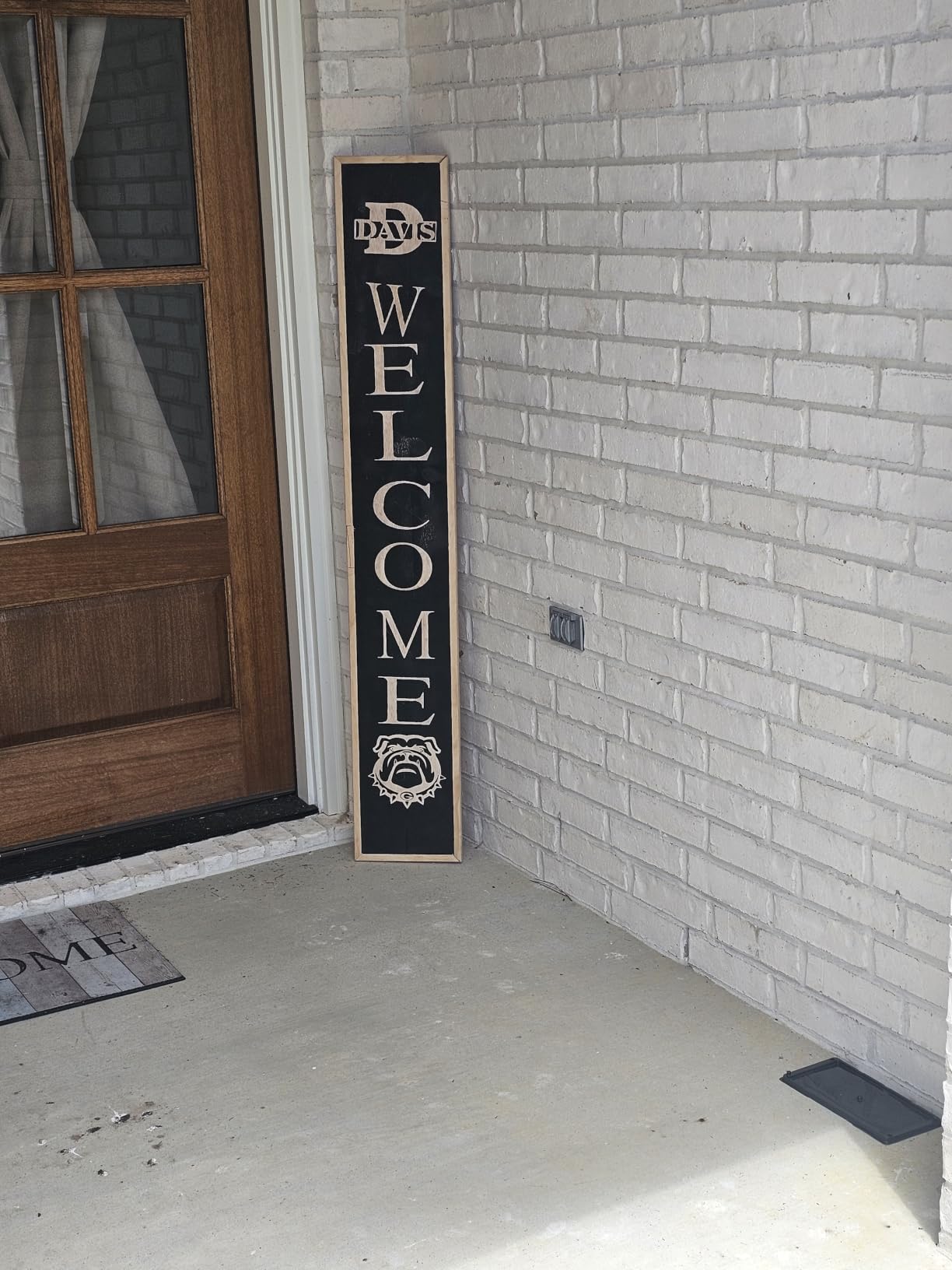
Owners describe the results as sharp and detailed on wood, leather and acrylic, with a solid frame that produces minimal vibration. The 410 by 380mm bed is one of the larger in the group, and the removable magnetic protective cover plus included safety glasses make it easier to run responsibly than a bare open frame.
On the software side it works with the AtomStack app, PC software, LightBurn and LaserGRBL, over Type-C and USB. That is the anti-lock-in combination most buyers in this bracket want, since the vendor app is a convenience rather than a requirement.
Here is the catch, and it is a real one. This specific model’s expansion pack is no longer produced, so the upgrade path that would otherwise extend the bed is closed off. The machine itself carries a 365-day warranty and responsive support, and it is sold in over 40 countries.
Does the AtomStack A10 Pro V2 live up to the 400 mm/s claim?
For engraving thin material, yes. Owners report clean, detailed output at high speed on wood, leather and acrylic, which is where the fast gantry motion actually shows. For cutting, the 10W module is the same class as several cheaper machines here, so speed does not translate into deeper cuts.
Be aware of the smaller evidence base. With 104 ratings, this listing is newer and thinner than the Ortur or the Longer, so you have less long-term data to lean on. Documentation and tutorial material is also thinner, and buyers rely heavily on video walkthroughs.
Who should choose the AtomStack A10 Pro V2?
Choose it if your work is high-volume engraving rather than cutting, and if you want a large bed with fast travel and modern software support. The screw rod drive and 0.06mm accuracy claim make it a good fit for detailed, repeated jobs.
Pass on it if you are buying with an eye to growing the machine later, because the discontinued expansion pack closes that door. It is also not the pick for a home with children, since it is an open frame with no enclosure.
5. ACMER S1 — the entry-level machine that arrives ready to run
ACMER S1 Laser Engraver Machine, 2500mW Lazer Cutter for Wood and Acrylic
- Arrives 99 percent assembled so there is no build at all
- Best sales rank in jewelry engraving tools in this group
- 1.9kg aluminium body is genuinely portable
- Free bundled software plus LightBurn and LaserGRBL
- Cuts thin plywood MDF and acrylic once tuned
- 130 x 130mm bed is very small and caps project size
- 2.5W needs multiple passes for any cut
- Positioning and homing reliability issues reported
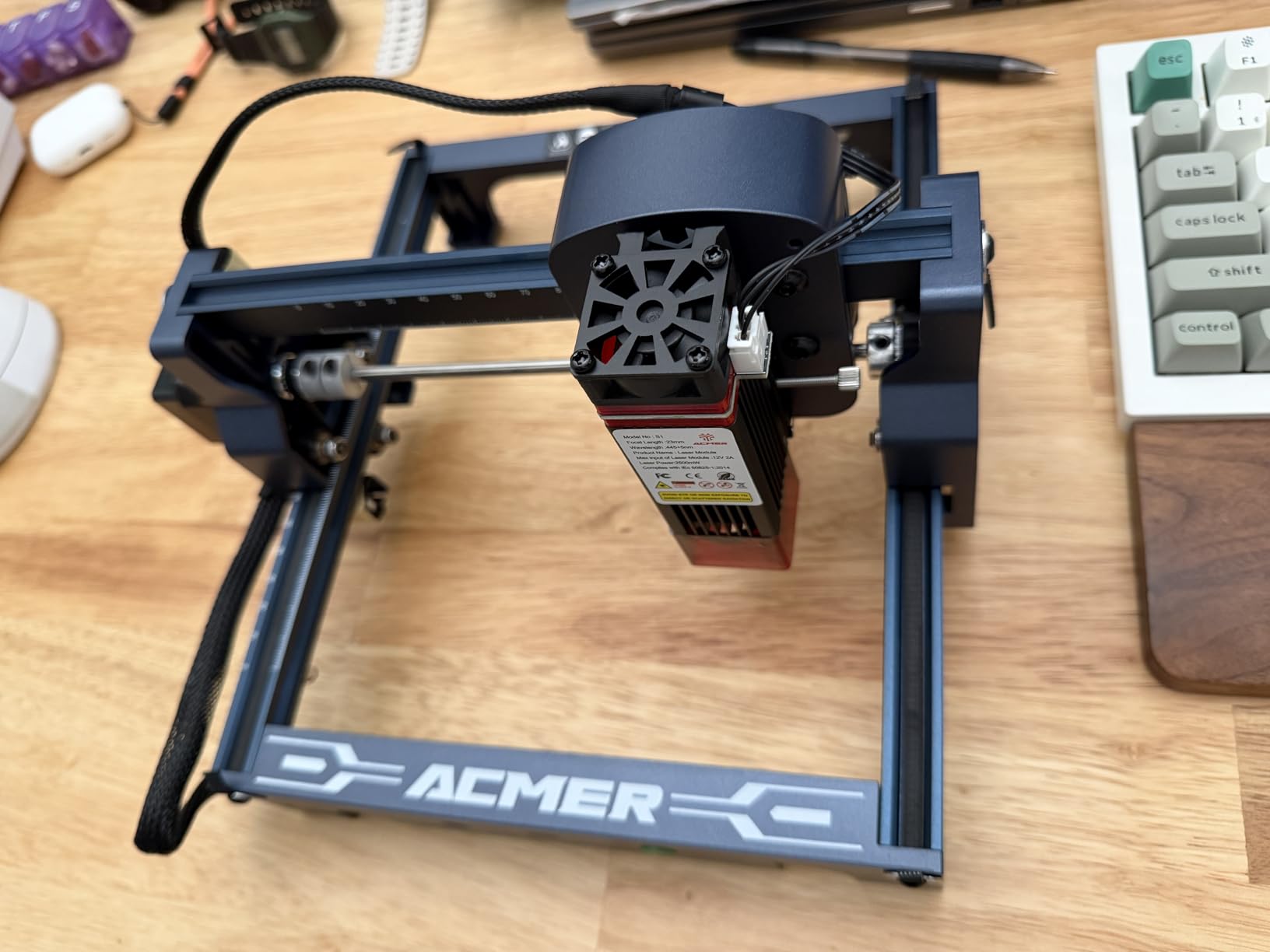
The S1 exists for one reason: to let you find out whether you like laser engraving before you spend real money. At 2500mW it will not cut much, and the 130 by 130mm bed is the size of a coaster, but it arrives 99% assembled with a one-minute laser head install and it just runs.
That is genuinely valuable. There is no frame to square, no belt to tension and no controller to flash. Plug it in, connect over USB, and open the free Acmerstudio software or LightBurn. It runs on macOS, Windows and Linux, and reads NC, DXF, BMP, JPG and PNG.
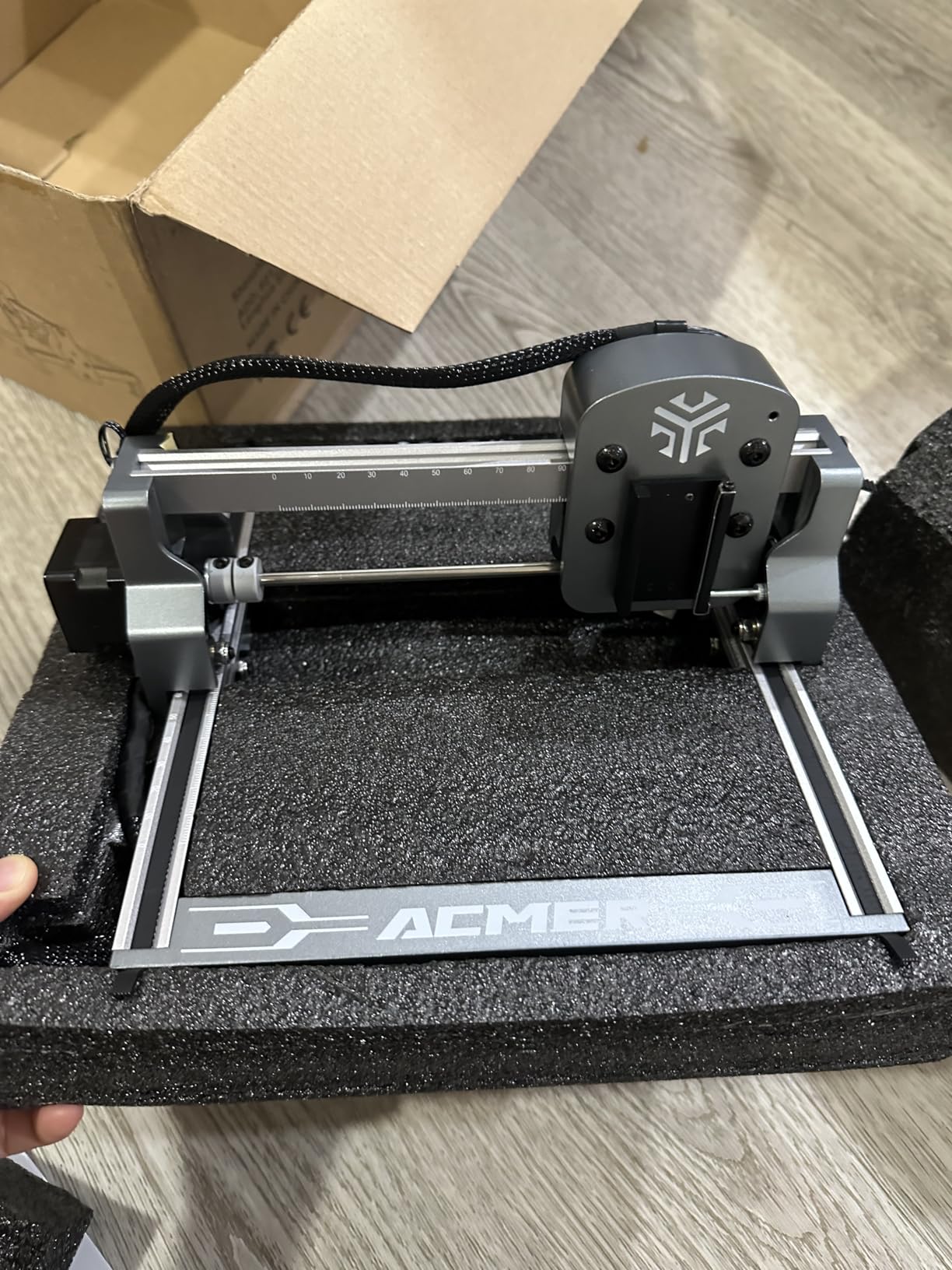
The engineering is better than the price suggests. You get a 455nm plus or minus 5nm diode, a 2mm focal length, 0.01mm repeatable positioning accuracy, up to 10000 mm/min engraving speed, an industrial-grade aluminium alloy body and Class 4 certification to IEC 60825-1 with a 12-month warranty.
Owners report clean cuts on thin plywood, MDF and acrylic once they have dialled in the power and speed, and the compact 2kg body means it can live in a drawer between sessions. It ranks fourth in jewelry engraving tools and tools on the category chart, which tells you this is a machine a lot of people actually use rather than bin after a weekend.
What can a 2.5W laser actually cut?
Thin stuff. Single-ply craft plywood, thin MDF and 1mm to 2mm acrylic will cut, but they need several passes rather than one, and you will be dialling the focus and airflow by hand to get there. The 24W machine output figure in the spec is a consumption number, not cutting power.
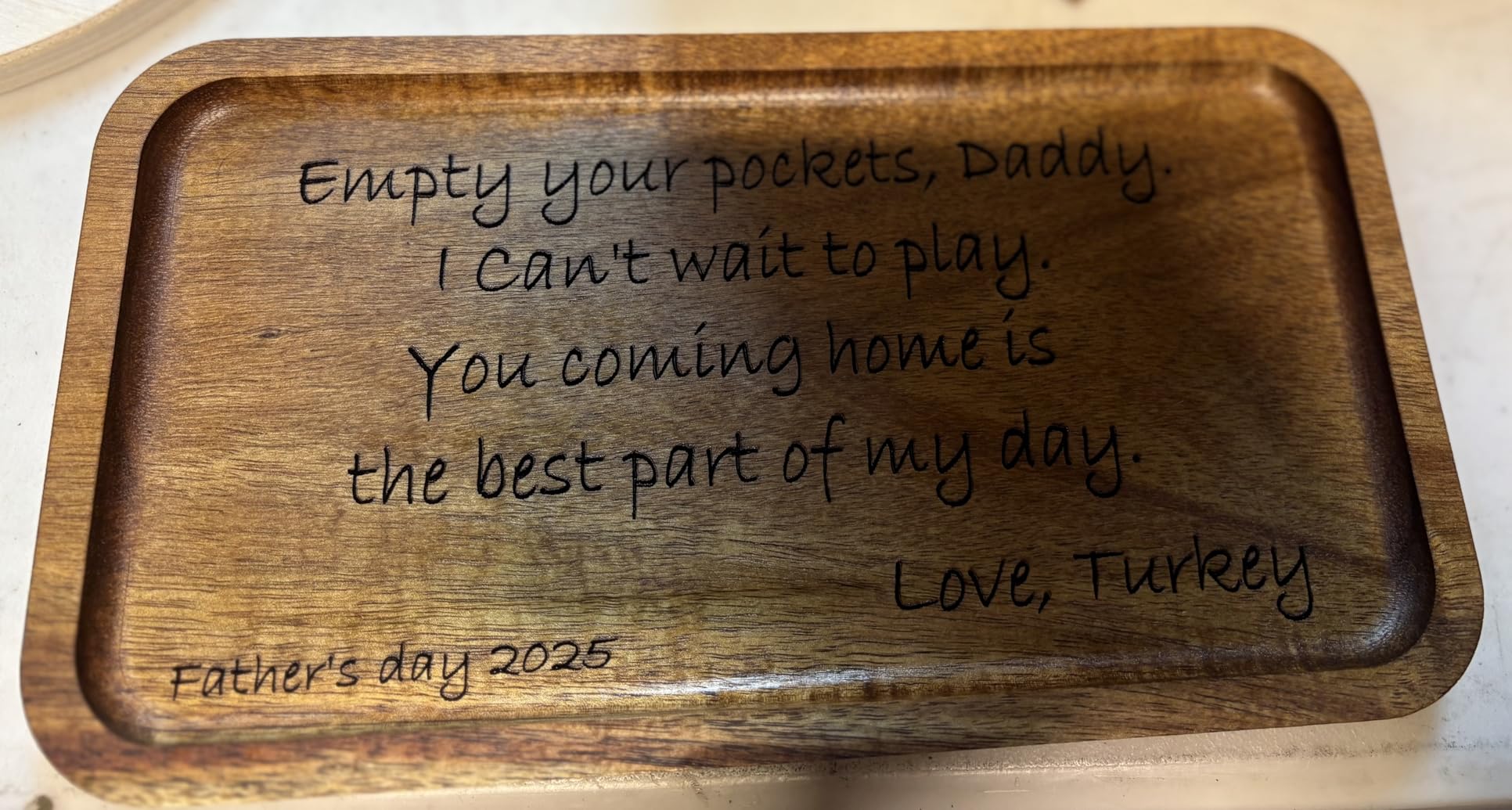
At this wattage your strength is marking and etching, not fabrication. Personalised tags, keychains, small wooden pieces and test prints are where this machine earns its keep.
Who should buy the ACMER S1?
Buy it if you are a complete beginner, you have a small desk, and you want to learn LightBurn and design workflow without a week of assembly. It is also the one to buy for a child who is interested in laser art, because the projects are small and fast.
Do not buy it if you plan to make signs, coasters in quantity or anything larger than a postcard. You will outgrow the 130mm bed within a month. If you can stretch to a 10W machine on a large bed, that is a far better use of the same desk space later on.
6. Creality CR-Laser Falcon 10W — the most recognisable brand name on this list
- Well known brand with strong category sales rank
- 0.06mm spot and 0.004 inch accuracy for fine detail
- Single pass cuts of 5mm basswood and 3mm black acrylic
- All aluminium frame with steel rail guide and belt tensioning
- Tool-free focusing plate speeds up setup
- Highest one-star share here at 11 percent
- LightBurn is a paid license and needed for Mac and Linux
- Air assist and rotary are Pro variant options only
The Falcon is the machine most people in the community meet first, and on r/lasercutting one beginner described it as a great kit to get started with laser cutting and engraving without needing to invest further. That is an accurate summary of what it is: a well-executed first step with a brand name behind it.
The build is the strongest argument. An all-aluminium alloy frame with a steel shaft wheel guide rail and belt tension adjustment is a better mechanical recipe than a frame held together with plastic brackets, and it is why the 0.06 by 0.06mm spot stays consistent. The anti-UV acrylic on the laser module filters 97% of UV at the source.
Cutting performance of 5mm basswood or 3mm black acrylic in a single pass is real and reported by owners. Engraving runs up to 10000 mm/min, accuracy holds within 0.004 inch and repositioning stays under 0.007 inch. Assembly runs about 10 to 20 minutes, and the focusing plate on the laser head removes the most common beginner mistake.
Note the naming carefully. The listing states 72000mW machine power with 10W optical output, and it is rated Class IIIa. That 72W figure is total electrical draw, not laser power, and it is the single most misleading number in this entire product category.

Is the Creality Falcon a good first laser engraver?
Yes. It ranks 43rd in jewelry engraving machines and tools and carries a 4.2 rating across 223 reviews, which is solid evidence that it works. The tool-free focusing plate and the 10 to 20 minute build mean a beginner gets a working machine the same afternoon.
The friction points are software and variants. LightBurn is a paid license and it is required if you are on Mac or Linux, and the air assist pump and rotary roller kit are only on the Pro variants, so check which version you are buying.
What is the 72W figure on the Creality Falcon?
It is the machine’s power consumption, not the laser. The optical output is 10W, which is the number that determines engraving darkness and cutting depth. Marketing that leads with 72W is misleading, and it is why we rank machines on optical output everywhere in this roundup.
Also expect an 11% one-star share, the highest here. Most of those complaints trace back to shipping damage and the open frame, not to the core machine being defective.
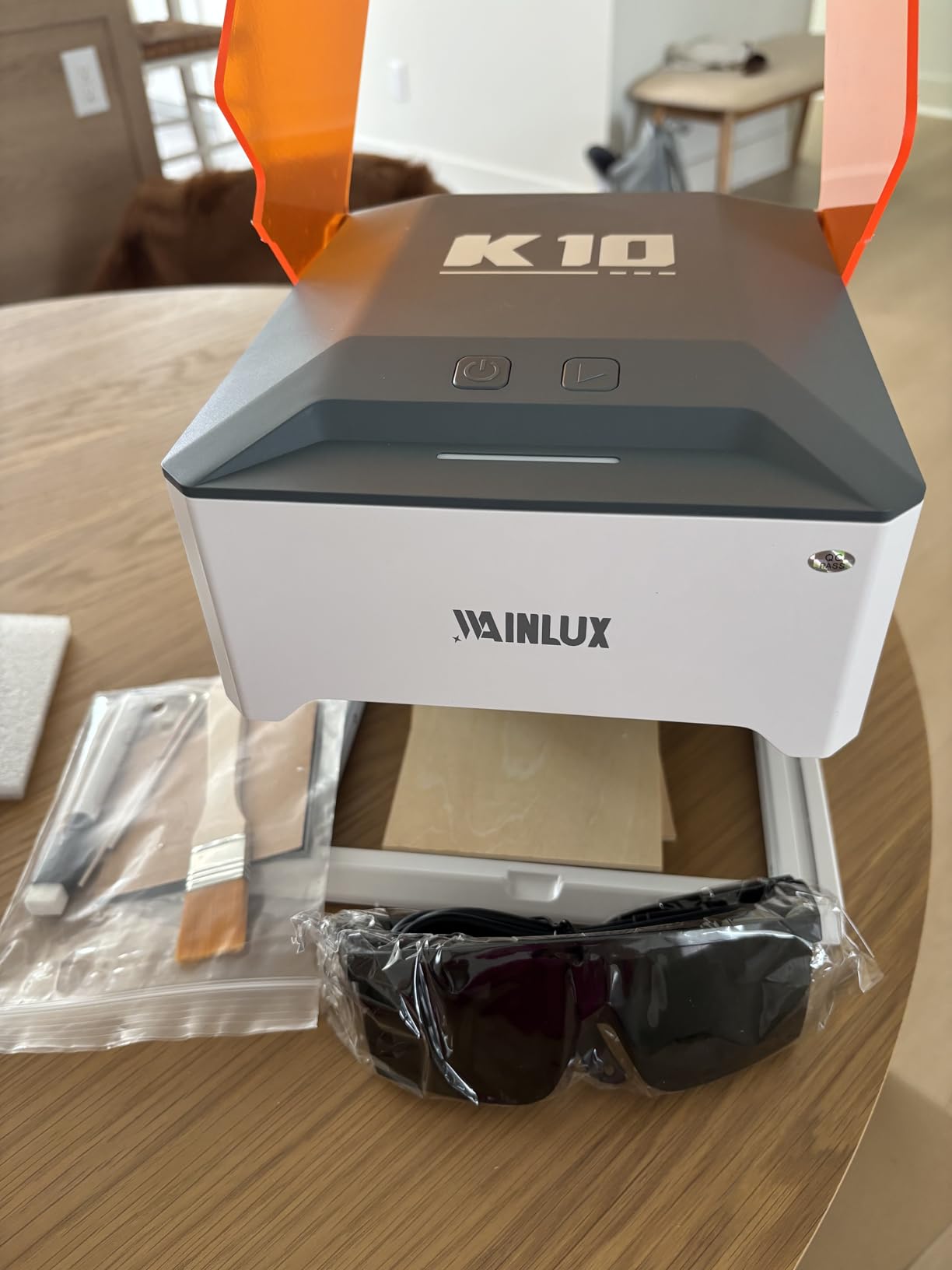
7. WAINLUXPRO K10 — the only fully enclosed Class 1 machine in this price range
- Fully enclosed Class 1 design is the safest option in this roundup
- Effectively zero setup
- Works on top of larger items to engrave beyond the 80mm bed
- Wi-Fi USB and offline TF card
- LightBurn LaserGRBL and free Cutlabx app
- Lowest rating in the group at 4.0 with a 16 percent one-star share
- 80 x 80mm bed is tiny and the preview only shows that square
- Cutlabx app compresses images and cuts quality
- 5W will not cut in a single pass
Safety is the loudest concern in every forum thread about budget lasers, and this is the only machine in the roundup that answers it structurally. A fully enclosed Class 1 certified housing means the beam stays inside, so a curious hand, a pet or a distracted child cannot reach the focal point. That single feature justifies its place here even though the machine is otherwise the weakest performer on paper.
It is also the most forgiving to set up. Power it on, connect, and engrave. There is no assembly, no frame to square and no belt tensioning. At 1.9kg with an 8 by 7 inch footprint it fits anywhere, and it can be placed on top of a larger object to engrave beyond its own bed.
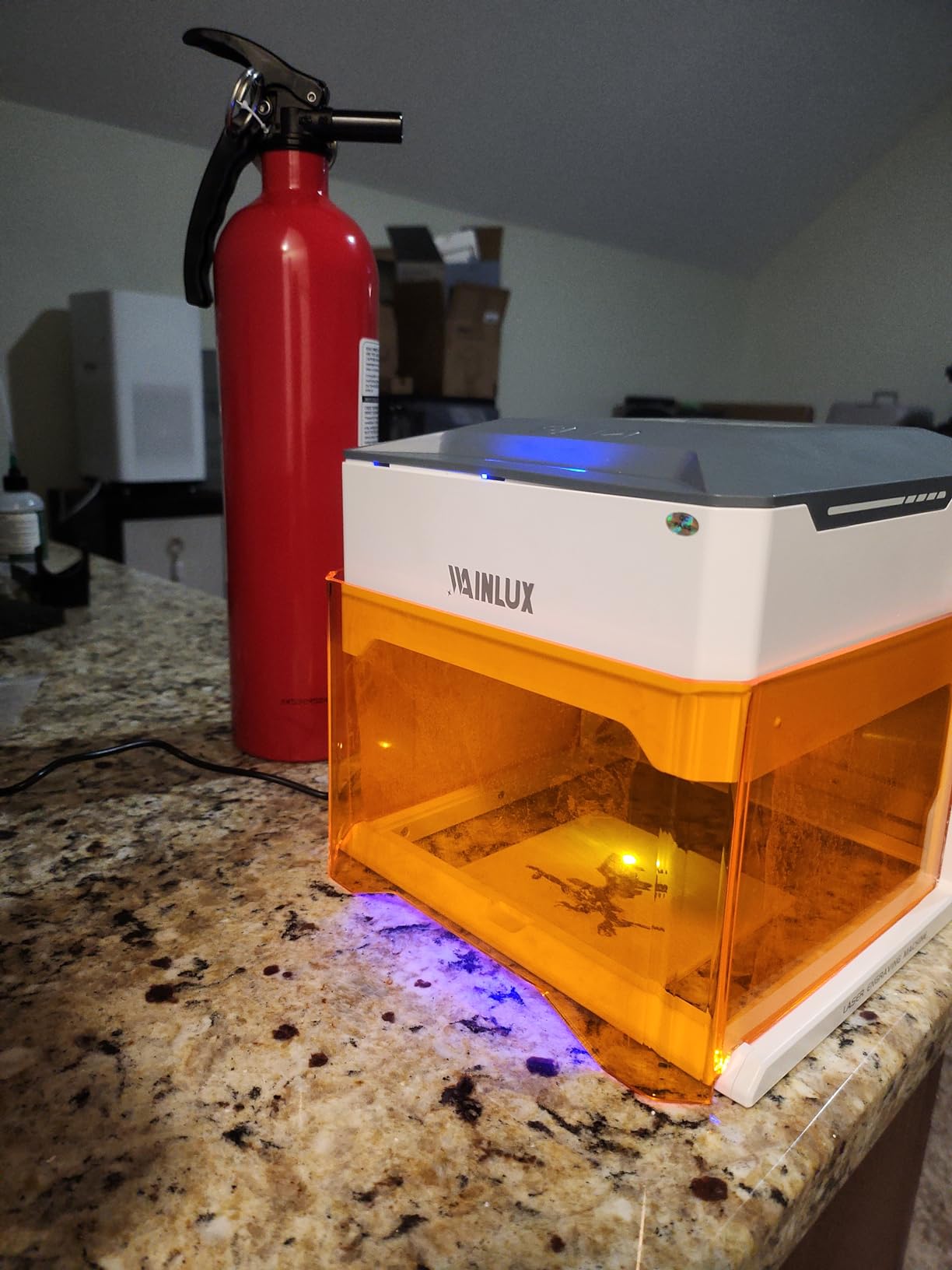
The smart memory function stores your last file for one-button repeat jobs, and the built-in TF card slot means you can run batch production with no computer or phone attached at all. Connectivity is Wi-Fi, USB or offline TF card, and it works with LightBurn, LaserGRBL and the free Cutlabx app.
Now the limits. The 80 by 80mm work area is genuinely tiny, and the on-screen preview only shows that small square, which makes layout work fiddly. The 5W module cuts 3mm basswood, so nothing structural. And the bundled Cutlabx app compresses images, so for good output you should use LightBurn or LaserGRBL instead of the free app.
Is the WAINLUXPRO K10 safe to use around children?
It is the safest option in this roundup by a wide margin. The enclosure is the reason, not the software. A fully closed box means the beam is contained, and Class 1 certification states that under normal operation the accessible emission is within the safe viewing limit.
It is still a laser, so keep the lid closed during a burn, do not look inside, and do not modify the housing. But if your concern was a child wandering past an open-frame machine mid-job, this removes that worry entirely.
Who should skip the WAINLUXPRO K10?
Skip it if you need to make anything bigger than a small tag. An 80mm bed limits you to jewelry, small coasters, sample pieces and pet tags, and the software preview will frustrate you the moment you try to lay out a sign.
The 4.0 rating with a 16% one-star share is the lowest here, and the documentation is thin. If you want a safe machine with real capability, the enclosure route is worth paying more for elsewhere.
8. AlgoLaser 10W — the only machine here with the rotary kit in the box
Algolaser 10W Laser Engraver and Cutter with Rotary Roller & Riser Kit
- Rotary roller attachment and riser base included for tumblers and mugs
- 3.5-inch touch screen runs AlgoOS with no computer
- Class 1 safety with flame detection and emergency stop
- Fast 12000mm/min engraving with clean detail
- One year warranty and lifetime technical support
- Tied lowest rating at 4.0 with the fewest reviews at 85
- Some units stop mid-job or drop driver board connection
- Lens fogging reported after heavy use
- Split loom wiring and plastic feet can snag
Most machines in this bracket can engrave a tumbler if you buy a rotary attachment separately, and most of the accessories on the market are not interchangeable. The AlgoLaser is the exception. It comes with a rotary roller attachment and a riser base in the box, which is why it takes our best-for-tumblers slot despite ranking last on owner rating.
It is also the most feature-complete machine here. A 3.5-inch touch screen runs AlgoOS, so you can create, preview and engrave without opening a computer. It connects over Wi-Fi, USB, TF card and app control, and it works with LightBurn and LaserGRBL on both Windows and Mac.
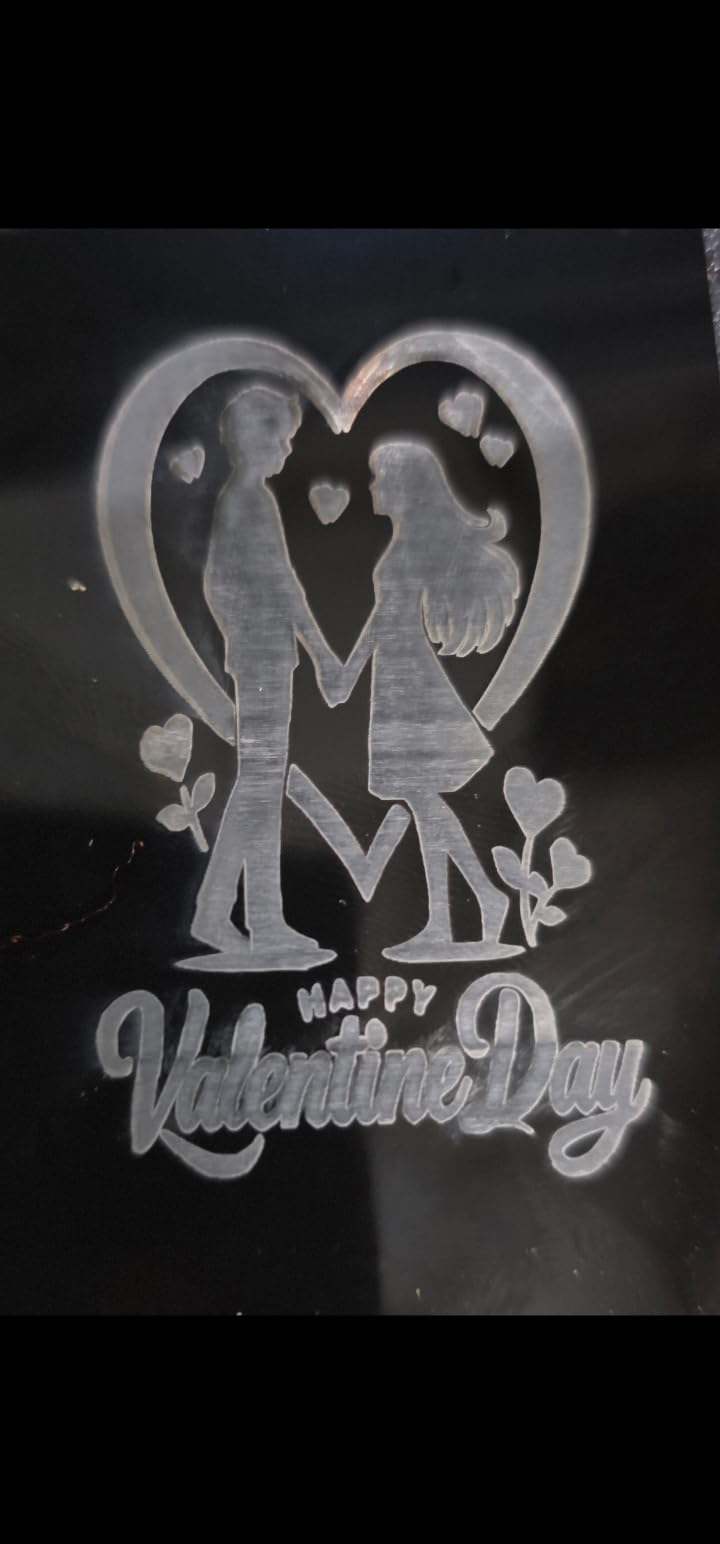
The safety hardware is the best specified in the roundup: Class 1 safety design, flame detection, an emergency stop button and dual-lock authorization. Flame detection is genuinely useful because it cuts power when a burn goes wrong, and on a machine that runs an enclosed chamber with a rotary, that is a feature worth paying for.
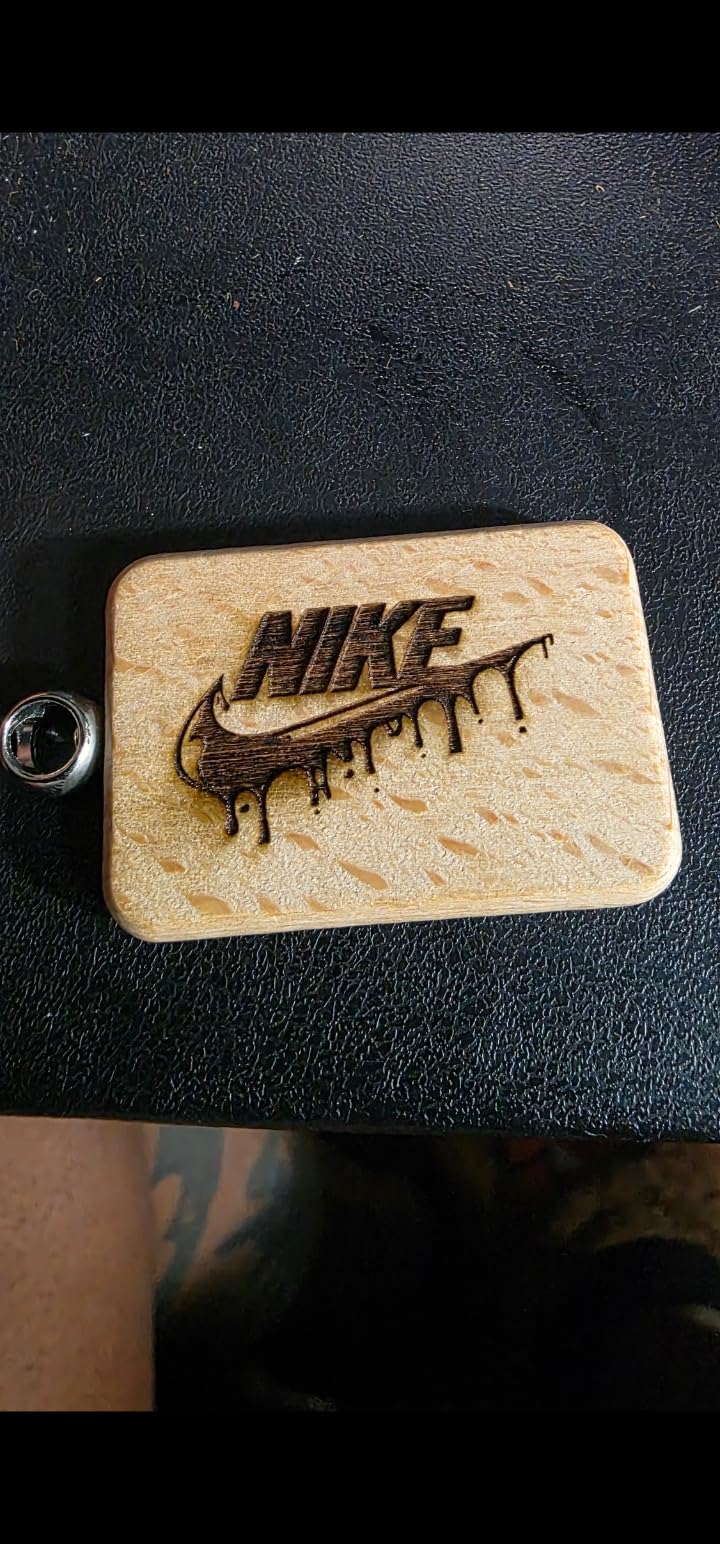
Engraving runs up to 12000 mm/min on a 10000mW module, and owners report clean detail. The riser base supports thicker materials, and there is a one year warranty backed by lifetime technical support.
Is the AlgoLaser worth buying for tumblers and mugs?
If tumblers are your target, yes, because the rotary and riser are the actual product. Engraving a curved stainless tumbler means the laser has to stay at a fixed distance from a rotating cylinder, and the included kit is dimensioned for this machine, so there is no guessing about the roller height.
Expect coated or painted tumblers to work well. Bare stainless is the one material no budget diode will mark, and a marking spray is still required.
What are the drawbacks of the AlgoLaser?
It has the least proven track record in this roundup, with 85 reviews and a 4.0 rating. Owners report mid-job stops and driver board connection drops, lens fogging inside the housing after heavy use, and build quality that trails the promotional video, with split loom wiring and plastic feet.
It is also the most expensive machine in the group. You are paying for accessories, a touchscreen and safety hardware rather than raw cutting power, so if your work is wood and flat stock, a cheaper 10W open frame will serve you better.
Buying Guide: Choosing a Budget Laser Engraver in 2026
The right machine is determined by three decisions, in this order: how much optical power you need, how large your work area has to be, and whether you need an enclosure. Get those right and the brand matters far less than the spec sheet suggests.
Optical output power is the only power number that matters
Every listing in this category leads with a large wattage figure, and almost none of them mean what you think. The Creality Falcon says 72W. The AtomStack A10 says 60000mW machine power. The ACMER S1 says 24W machine output. All three of those are electrical consumption figures for the power supply and control electronics.
The number that determines how dark your engraving is and how deep your cut goes is optical output: the watts actually leaving the front of the laser head. A 10W optical module is roughly a quarter of the 40-plus watts the machine pulls from the wall. Judge every machine in this roundup on optical output, and ignore every other wattage claim.
What each wattage tier actually buys you
At 2.5W, expect marking and etching. Thin plywood and 1mm to 2mm acrylic will cut over several passes, but this is a learning tier, not a production tier. The ACMER S1 sits here.
At 5W, you get a meaningful step up on marking speed and a single-pass cut into 3mm basswood, but still no structural work. This is the tier where a machine like the WAINLUXPRO K10 puts safety features ahead of power.
At 10W, you are buying real cutting ability. 20mm wood and 30mm acrylic claims on the Ortur and the Longer sit at the top of what we saw verified, and 5mm basswood in a single pass on the Creality is realistic. Every 10W machine here is a genuine cutter rather than an engraver that occasionally nibbles.
Going higher means stepping outside this bracket. A 20W module changes the equation on thick plywood, but at 500 dollars you are at the ceiling of what is available, and there is a wide community argument on r/lasercutting that machines under roughly a thousand dollars disappoint. Our take is that argument is half right: the disappointment comes from expectations set by 40W and 100W marketing, not from the machines themselves.
Work area and batch throughput
Bed size determines what you can make, and it is the specification people most regret getting wrong. The range here runs from 80mm on the enclosed unit to 410 by 380mm on the AtomStack, which is a huge difference in what fits on a single pass.
Budget a real table. The Ortur at 22 by 21 inches and the AlgoLaser at 25 by 24 inches are not desk machines in any practical sense, and they need clearance behind them for exhaust. The only genuinely portable options here are the ACMER S1 and the WAINLUXPRO K10, both around 2kg.
Enclosed Class 1 versus open frame
This is a safety decision before it is a feature decision. An enclosed Class 1 machine contains the beam, contains the smoke, and reduces the odds of a household accident. An open frame with a UV filter cover reduces exposure at the source but leaves the beam accessible, and requires you to handle ventilation, goggles and fire risk yourself.
The gap has narrowed. An enclosed Class 1 machine is now reachable well below this ceiling, which is the single biggest change in this category. If you have children, pets, or you are working in a small apartment with limited ventilation, pay the premium. If you have a workshop with an exhaust plan, an open 10W frame gives you more capability for the same money.
Software: LightBurn, LaserGRBL and the vendor apps
LaserGRBL is free, simple and does one job well. LightBurn costs a one-time license, handles multiple files and layers, supports camera positioning, and is the reason most people in these forums recommend it. The Creality is the one machine here where that license is effectively mandatory for Mac and Linux users.
Vendor apps are convenient for a first job and frustrating by the second week. The Cutlabx app on the enclosed unit compresses images and visibly reduces quality, and the WAINLUXPRO preview only shows the small 80mm square. Buy for LightBurn compatibility, and you are never locked in.
For a broader look at how these fit against the rest of the market, our diode laser engraver guide and CO2 laser engraver guide cover the other two major laser types in depth.
What a Budget Laser Engraver Will NOT Do
There is a genuine case against this price bracket, and the strongest version of it comes from people who own more expensive machines. Here is where the sub-500 tier genuinely falls short, stated plainly.
First, it will not mark bare metal. A 450nm blue diode is reflected by polished steel and bare aluminium. It can mark anodised aluminium, coated steel and painted surfaces, and it can mark bare metal if you apply a marking spray first, but that is a workaround rather than a capability. Fibre lasers start well above this price for a reason.
Second, it will not cut thick plywood. Single-pass capability tops out around 5mm of basswood on the machines with the strongest claims, and 20mm figures require multiple passes with air assist. If your project is structural, this is the wrong bracket.
Third, it will not produce at real commercial volume. These are hobby and small-business machines. They will not run eight hours a day in a production schedule without attention, and the optics will need cleaning and maintenance on a much shorter cycle than a commercial unit.
Fourth, an enclosure is not standard. Seven of the eight machines here are open frame. That means you are responsible for ventilation, eye protection and fire risk on every single job, including the five-minute ones.
Fifth, clear acrylic is a trap. A blue diode passes through clear acrylic and burns almost nothing, so you either paint it, mask it or score it first. Matte or black acrylic behaves completely differently.
Sixth, support is thin. Several brands on this list are run from outside your country with support that reviewers describe as slow and email-based. That is a real operational cost when something goes wrong mid-project.
Seventh, the quiet-versus-speed trade is fixed. High engraving speeds produce audible noise, and enclosed machines trade some speed for containment. You cannot have both at this price.
What the bracket does deliver is real. Reviewers on r/Laserengraving report being happy with a 10W AtomStack for engraving and cutting wood without trouble, and the broader forum consensus is that a well-chosen 10W diode is a genuinely capable machine for tags, coasters, keychains, signs and personalised gifts. It is the expectations, not the hardware, that disappoint people.
Safety Setup Before Your First Burn
Do these five things before you power the machine on, in this order. Skipping any one of them is how people get hurt or how a workspace burns down.
First, install a proper exhaust. A window fan is not ventilation, and it does not filter particulates. You need an extraction unit with a filter rated for laser particulates, ducted outside or to a safe discharge point. Wood and acrylic produce fine particulate that settles on everything and is genuinely unpleasant to clean. Our wood laser guide covers the fume issue in more depth.
Second, buy OD5+ 450nm safety goggles and wear them on every open-frame machine, including the Ortur, the Longer and the Creality. The wavelength has to match the laser, so 450nm-rated eyewear is the requirement. Three of the machines here include goggles, but you should verify the optical density on what is in the box.
Third, keep a fire extinguisher within arm’s reach of the machine. Not in the next room. Laser fires start small and spread in seconds, and the correct response in the first ten seconds is what determines the outcome.
Fourth, know what never goes under the lens. Never engrave PVC or vinyl, because the chlorine gas released can combine with laser fumes to form phosgene, and many plastics of unknown composition are equally dangerous. Skip ABS, skip any plastic you cannot identify, and skip chrome-tanned leather, whose chemical treatment makes it a fire and fume risk. Use vegetable-tanned leather instead. If you want to know whether a 450nm diode can touch a material at all, our metal laser engraver guide has the wavelength breakdown.
Fifth, run a test grid before a real job. A power-and-speed test matrix on the exact material you plan to use tells you the settings that produce a clean cut versus a scorch mark, and it takes two minutes. Every experienced owner in these forums does this first, and every avoidable ruined project traces back to skipping it.
What Each Machine Class Can Actually Make
Match the machine class to the material, and the decision becomes easy. Here is what each tier in this roundup handles reliably.
A 2.5W machine like the ACMER S1 marks and etches well and cuts thin ply and 1mm to 2mm acrylic over multiple passes. Expect small items: tags, keychains, sample pieces, small coasters, board game tokens and paper or card.
A 5W enclosed machine like the WAINLUXPRO K10 adds a cleaner single-pass cut into 3mm basswood and is better suited to repeated small production on jewellery and tags, where safety of the enclosure matters more than bed size.
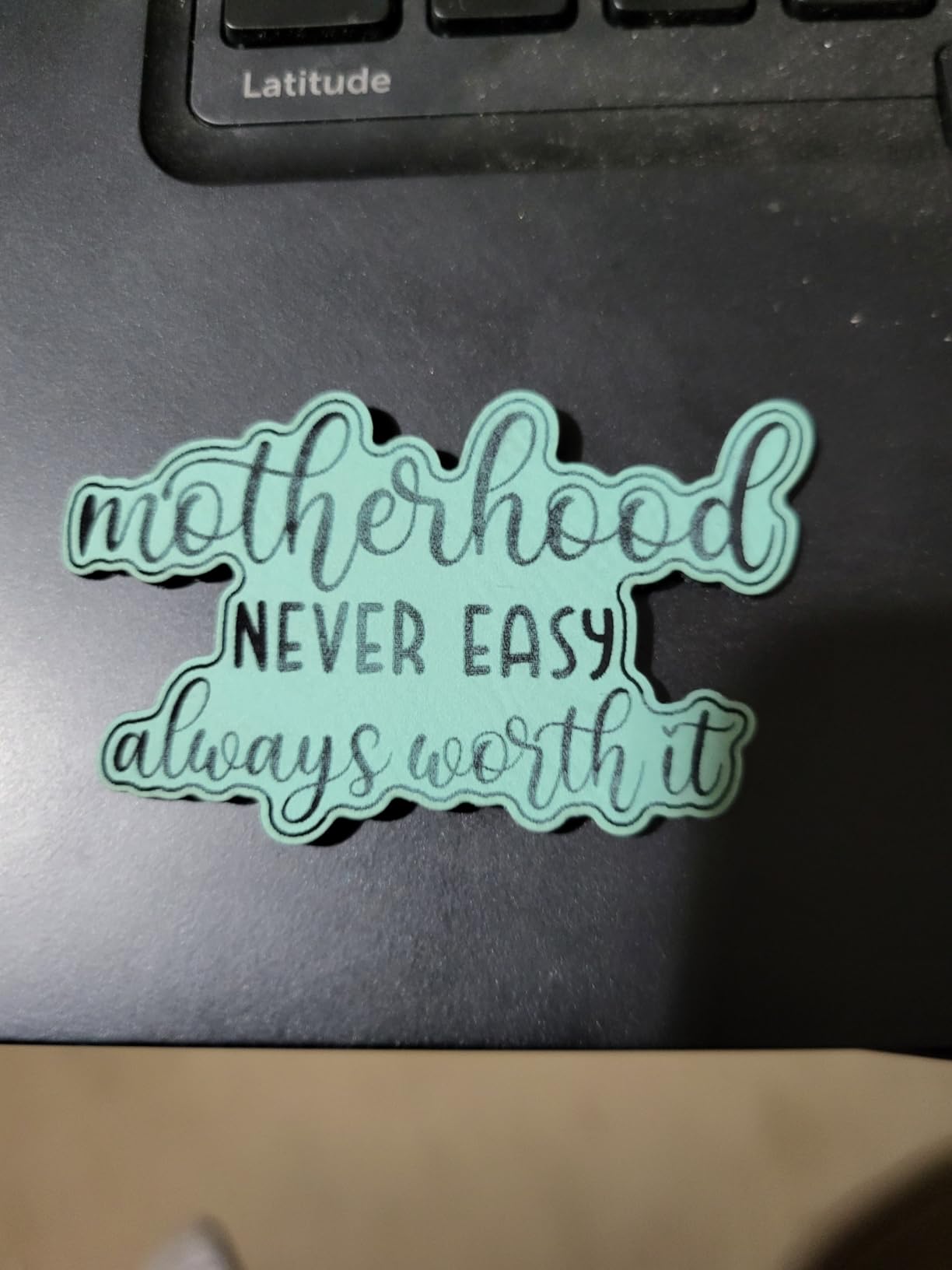
A 10W machine is the real workhorse. These handle basswood, bamboo, plywood, MDF, acrylic, vegetable-tanned leather, cork, anodised aluminium, coated steel, painted metal and dark glass. The Ortur and the Longer cut 20mm wood and 30mm acrylic per the verified claims, and the Creality manages 5mm basswood in one pass. Personalised gifts, wooden signs, cutting boards, leather coasters, keychains, jewellery tags, ornaments and Etsy-style small-batch production are all in range.
For a sensible first-project progression, start with basswood or plywood for shape cutting, move to vegetable-tanned leather for coasters and tags, then anodised aluminium and coated tumblers once you are comfortable with settings. Leave clear acrylic and any unknown plastic alone. A rotary attachment, whether included or separate, is what opens up mugs and tumblers, and only the AlgoLaser here includes one.
Frequently Asked Questions
Are cheap laser engravers worth it?
Yes, for marking and engraving, and at 10W for cutting thin wood and acrylic. The best laser engravers under 500 all share one limit: none of them marks bare metal, and none cuts thick plywood in a single pass. A well-chosen 10W machine is a genuinely capable tool for tags, coasters, keychains and signs. It becomes a poor purchase only if you expect industrial output or bare-metal marking.
What is the best laser engraver under 500 for hobbyists?
For most hobbyists the Ortur Laser Master 2 S2 is the pick, because its 10000mW module, 0.05mm compressed spot and 20mm wood cutting claim are backed by 1474 ratings. The Twotrees TTS-10 Pro is the value option with a 300 by 300mm bed and dual Y-axis motion. The Longer Ray5 is the fastest and holds the highest rating at 4.4.
What is the best 10W laser engraver?
Among the machines we tested, the Ortur Laser Master 2 S2 leads on verified cut depth at 20mm wood and 30mm acrylic, with the tightest spot at 0.05mm. The Longer Ray5 matches its cutting claims and engraves faster thanks to dual-beam technology, while the Creality Falcon 10W is the most recognisable brand with a 0.06mm spot and 5mm single-pass basswood cutting.
What is the difference between a 10W and 20W laser engraver?
A 20W module roughly doubles cutting speed and roughly doubles the depth you can reach in multiple passes, which mainly matters for thicker plywood and acrylic. A 10W machine handles tags, coasters, keychains, thin signs and light structural cutting well. Engraving darkness improves only marginally, because engraving is a surface process. If your projects stay thin, 10W is the better buy and 20W is money you do not need to spend.
What can a 20W diode laser engrave?
A 20W diode engraves the same materials a 10W does but faster and darker: wood, bamboo, plywood, MDF, acrylic, vegetable-tanned leather, cork, anodised aluminium, coated steel and dark glass. What changes is cutting, not engraving, and the increase is most visible on thicker plywood and acrylic. It still cannot mark bare metal, and clear acrylic still needs paint or masking.
Do I need an enclosure for a laser engraver?
Not strictly, if you have a dedicated workspace with proper exhaust, OD5+ 450nm goggles and a clear fire protocol. Seven of the eight machines in this roundup are open frame, and most owners run them that way without incident. An enclosure becomes necessary when children, pets, reflective surfaces or a small apartment are in the picture, because it contains both the beam and the smoke.
Can a laser engraver cut plywood?
Yes, thin plywood. The 10W machines in this roundup cut 3mm black acrylic and around 5mm basswood in a single pass, and the strongest verified claims reach 20mm of wood using air assist and multiple passes. Anything thicker than that at this budget is slow and burns. Air assist is not a luxury, it is what keeps the cut edge clean.
Is LightBurn worth it for a hobby laser?
For anything beyond a single file, yes. LaserGRBL is free and fine for simple jobs, but LightBurn handles multiple files and layers, supports camera positioning and gives you proper control over power and speed, which is where cut quality comes from. It is a one-time license. Note that Mac and Linux users on the Creality Falcon effectively need it, since the bundled path is limited.
Final Recommendations
The Ortur Laser Master 2 S2 is our pick for the best laser engravers under 500 overall. It pairs the tightest compressed spot in this roundup with the strongest verified cutting figures and the largest body of real owner feedback, which means you are buying a known machine rather than a gamble.
Buy the Twotrees TTS-10 Pro if you want the most capable spec sheet per dollar and can handle an afternoon of assembly. Buy the Longer Ray5 if throughput and the largest expandable bed matter most, and you are comfortable troubleshooting with video guides. If safety in a home is the deciding factor, the WAINLUXPRO K10 is the only enclosed Class 1 machine here, whatever its small bed costs you in project size. The AlgoLaser is the one to buy for tumblers and mugs, because the rotary and riser are in the box.
Whatever you choose, budget for the extras. Exhaust, an air compressor, OD5+ 450nm goggles, a honeycomb bed and a starter stack of materials add meaningful cost on top of the machine, and a first project on day one with none of those in place is how people end up disappointed with an otherwise capable tool. Prices in this bracket move frequently, so check the current figure before you commit.
Our recommendations are based on published specifications, manufacturer documentation and the patterns in verified owner reviews, and we may earn a commission if you buy through the links on this page. Prices and configurations in the sub-500 laser market change often, so treat every number here as a snapshot for 2026 rather than a fixed figure.